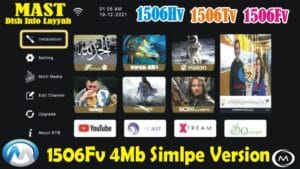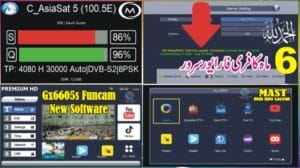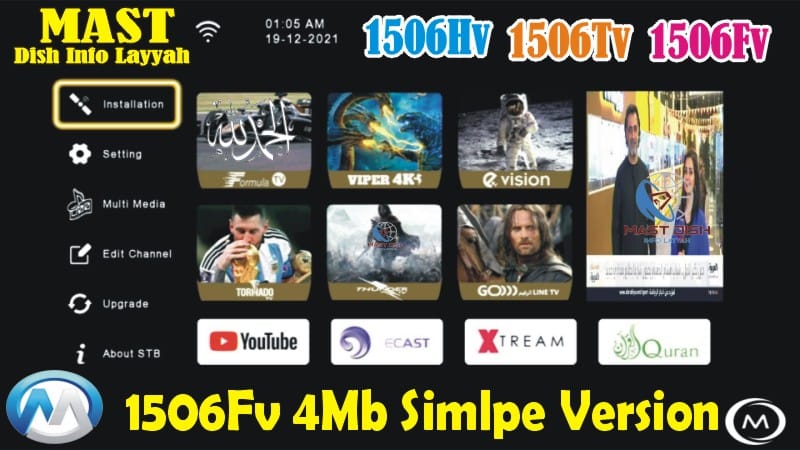
1506FV New Software 2026 – Auto Update BISS Key
The 1506FV New Software 2026 is a powerful and stable update designed for 4MB Simple Version satellite receivers. This software supports three major models and comes with advanced features such as Auto Update BISS Key, Nashare, and Nashare V2.
🛰️ Compatible Receiver Models
- 1506HV – 4MB Simple Version
- 1506FV – 4MB Simple Version
- 1506TV – 4MB Simple Version
🎮 Supported Remote Controls
- Mini Remote
- Forever Remote
🔥 What’s New in 1506FV Software 2026?
- ✅ Beautiful Theme & Modern Graphics
- 📶 Dual Strip Signal Indicator for Better Reception
- 📺 YouTube Working Perfectly
- 🌐 IPTV & Multiple Applications Added
- 🔌 USB Cable Internet Support
- 🔑 Auto Update BISS Key Feature
- 🔗 Nashare Server Support
- 🔗 Nashare V2 Server Support
- 🎮 Mini & Forever Remote Support
- 🛠 Hidden Menu (Press 1506 in Multimedia)
- 🆔 Customer ID Quick Check (Press 1502 in System Information)
- 🔑 Direct BISS Key Add with 0 Button
🆔 Software Customer ID
13 52 FF 32 06 00
⚙️ Installation Method
- DQcam Users: Install via USB Flash
- DScam Users: Install via Loader Tool or Programmer
⚠️ Important Note
Please confirm that your receiver is a 4MB Simple Version before installing this software. Installing on unsupported models may damage your receiver.
This software is ideal for users looking for a stable system with Auto BISS update, smooth IPTV performance, and reliable server options like Nashare & Nashare V2.
🔥 What’s New in This 1506Hv New Software?
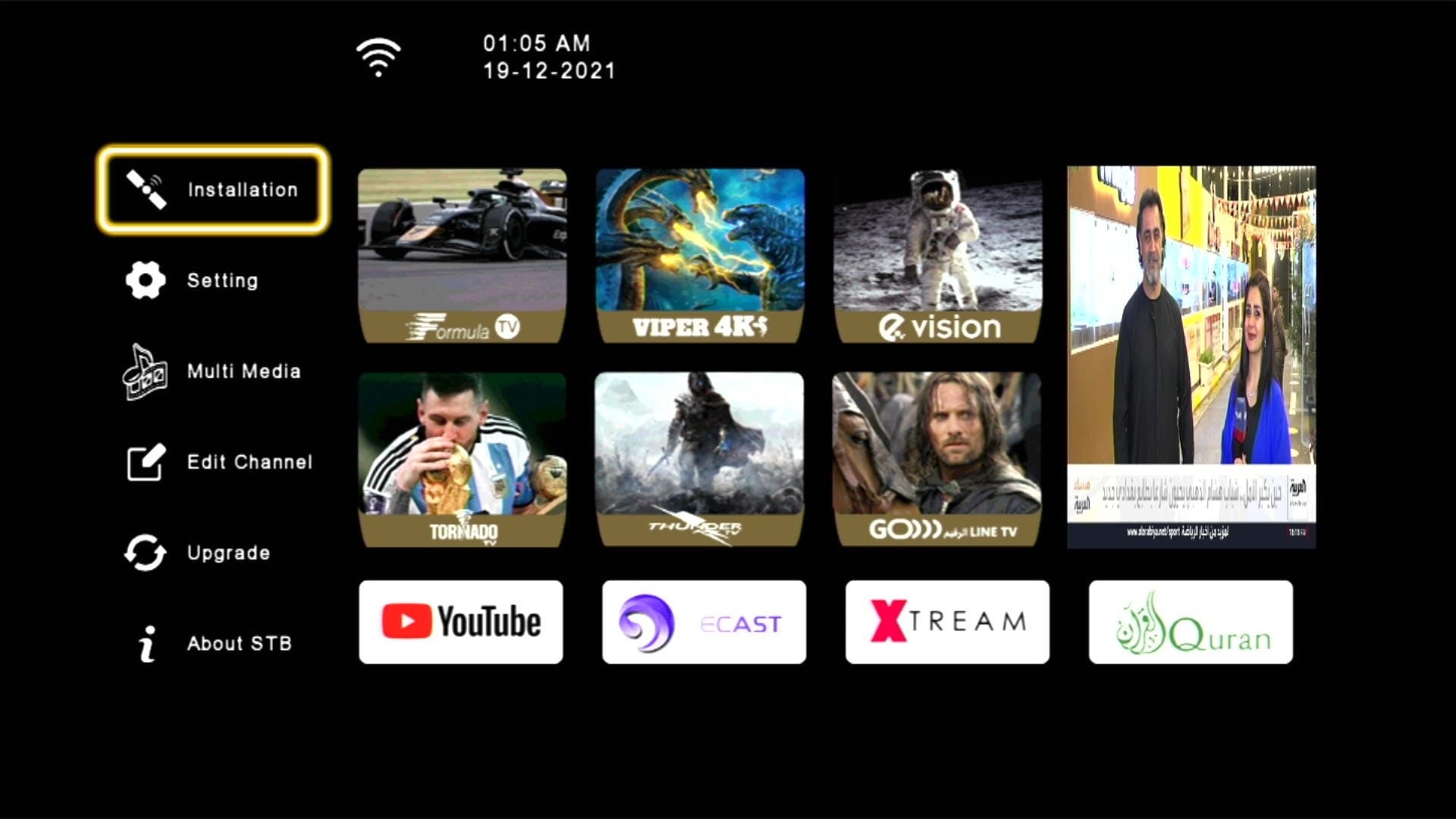
✅ Beautiful Theme & Modern UI
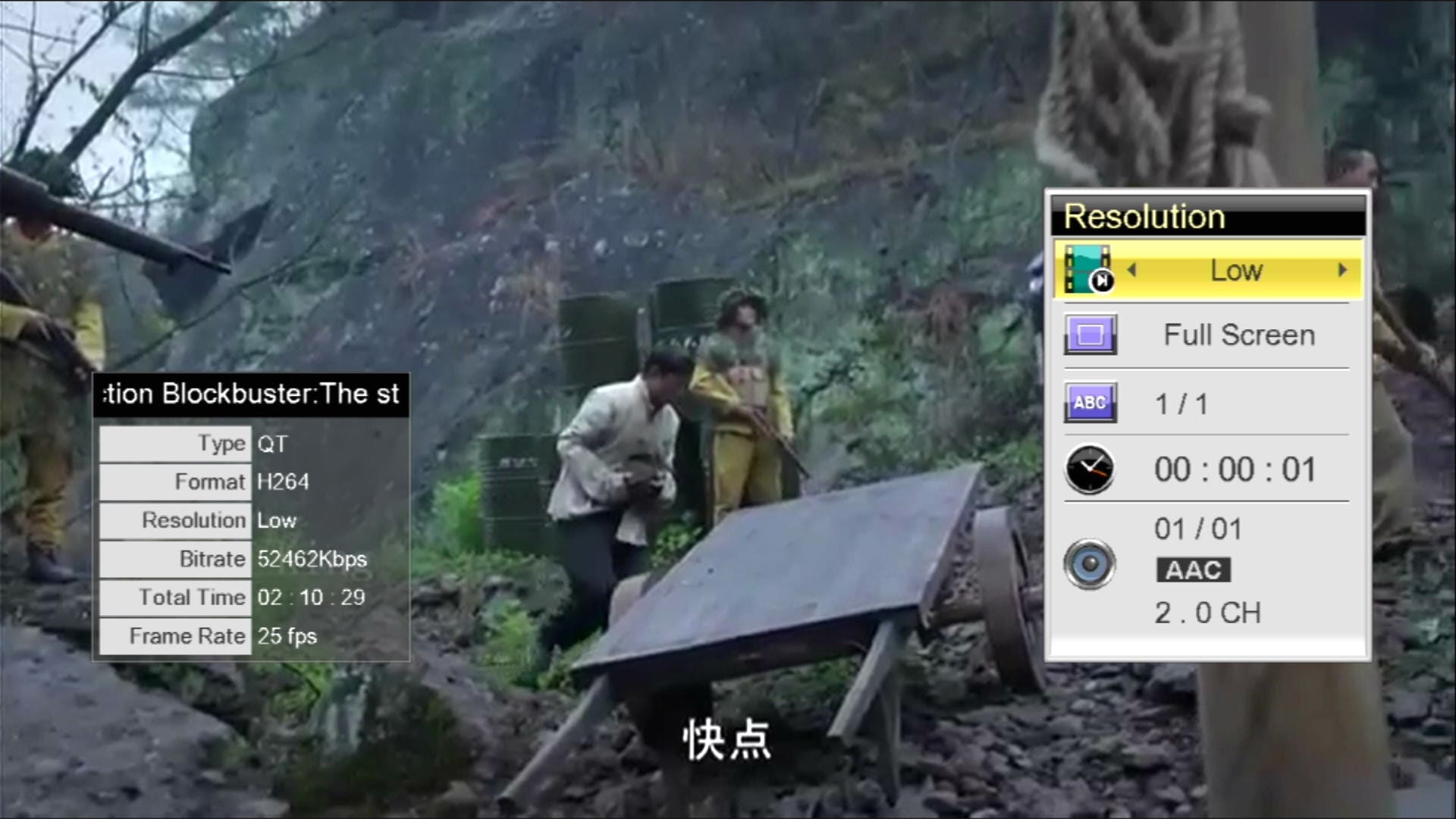
📺 YouTube Fully Working
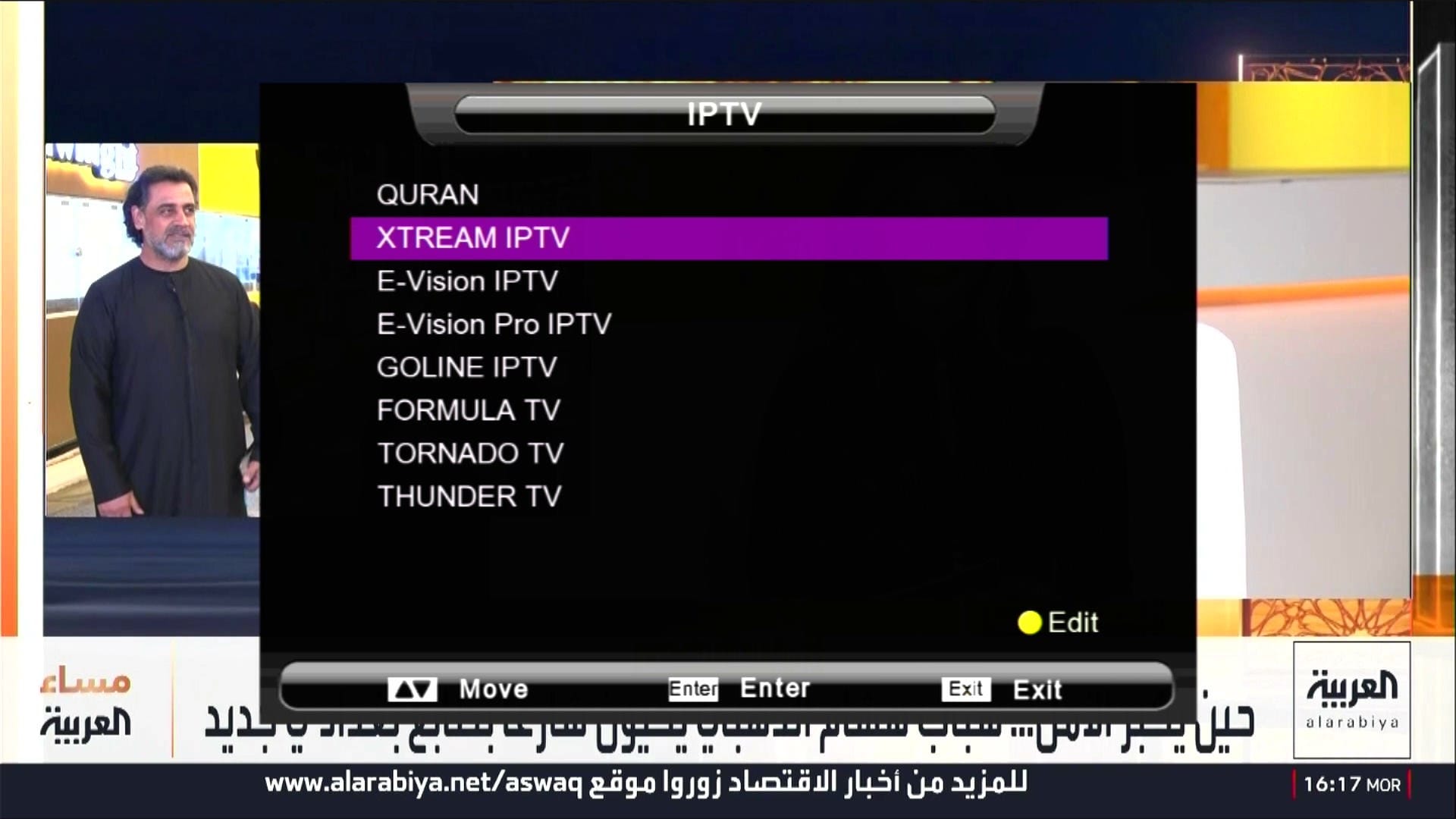
🌐 IPTV & Multiple Apps
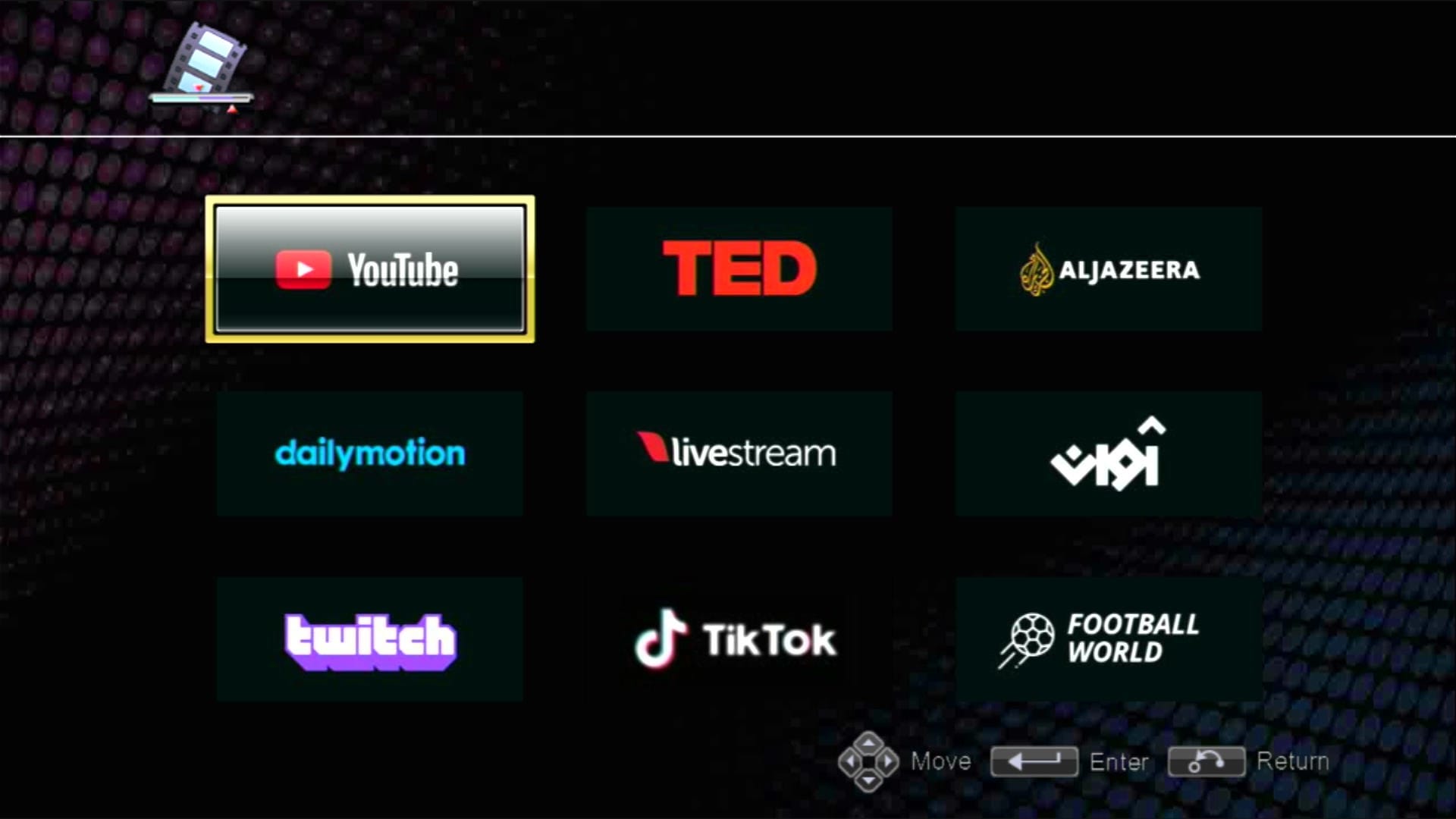
🌐 IPTV & Multiple Apps
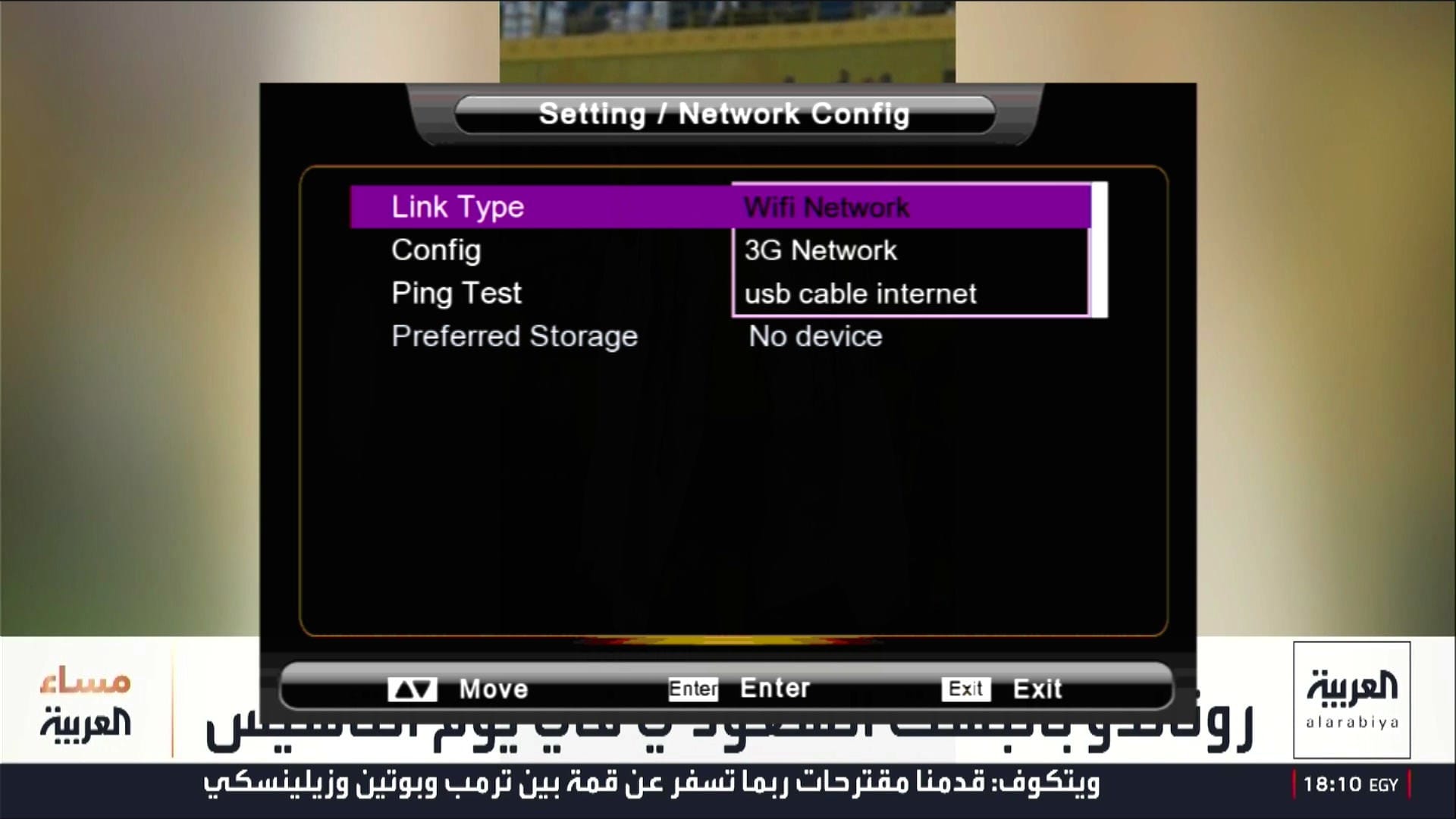
🎮 Networking Options
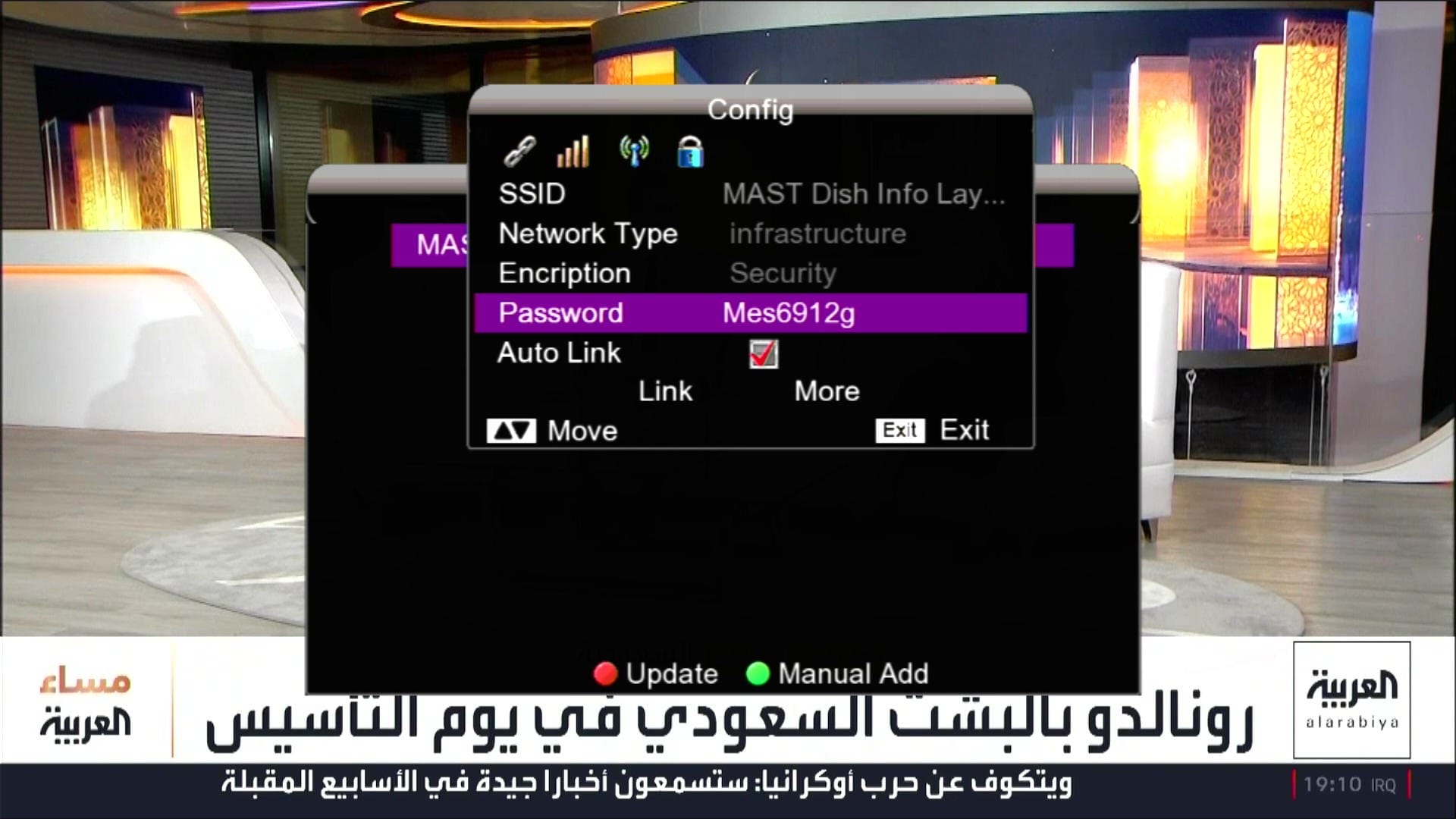
📡 Wi-Fi Catcher MT-7601 Working
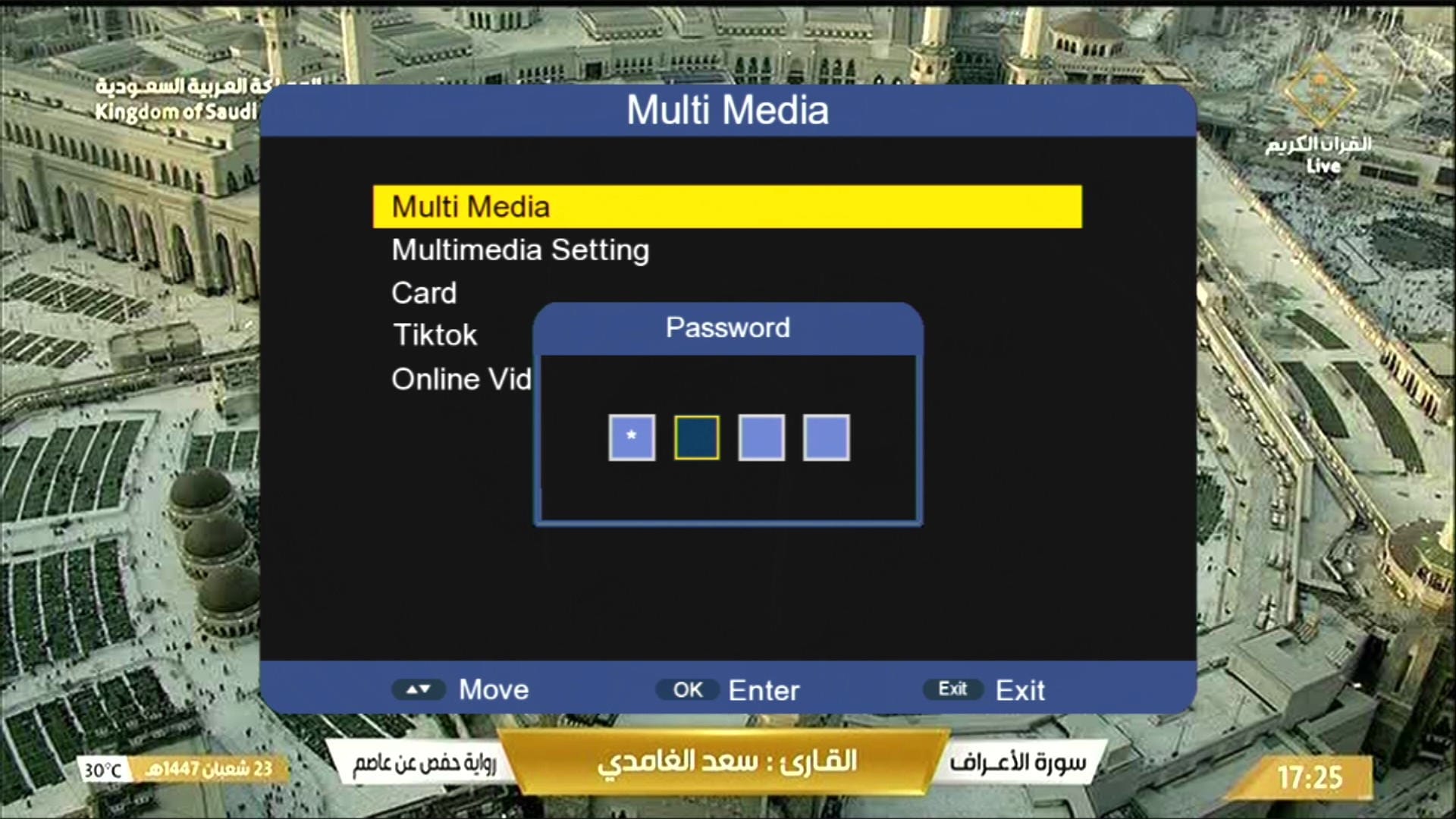
🔐 Press 1506 for Hidden Menu
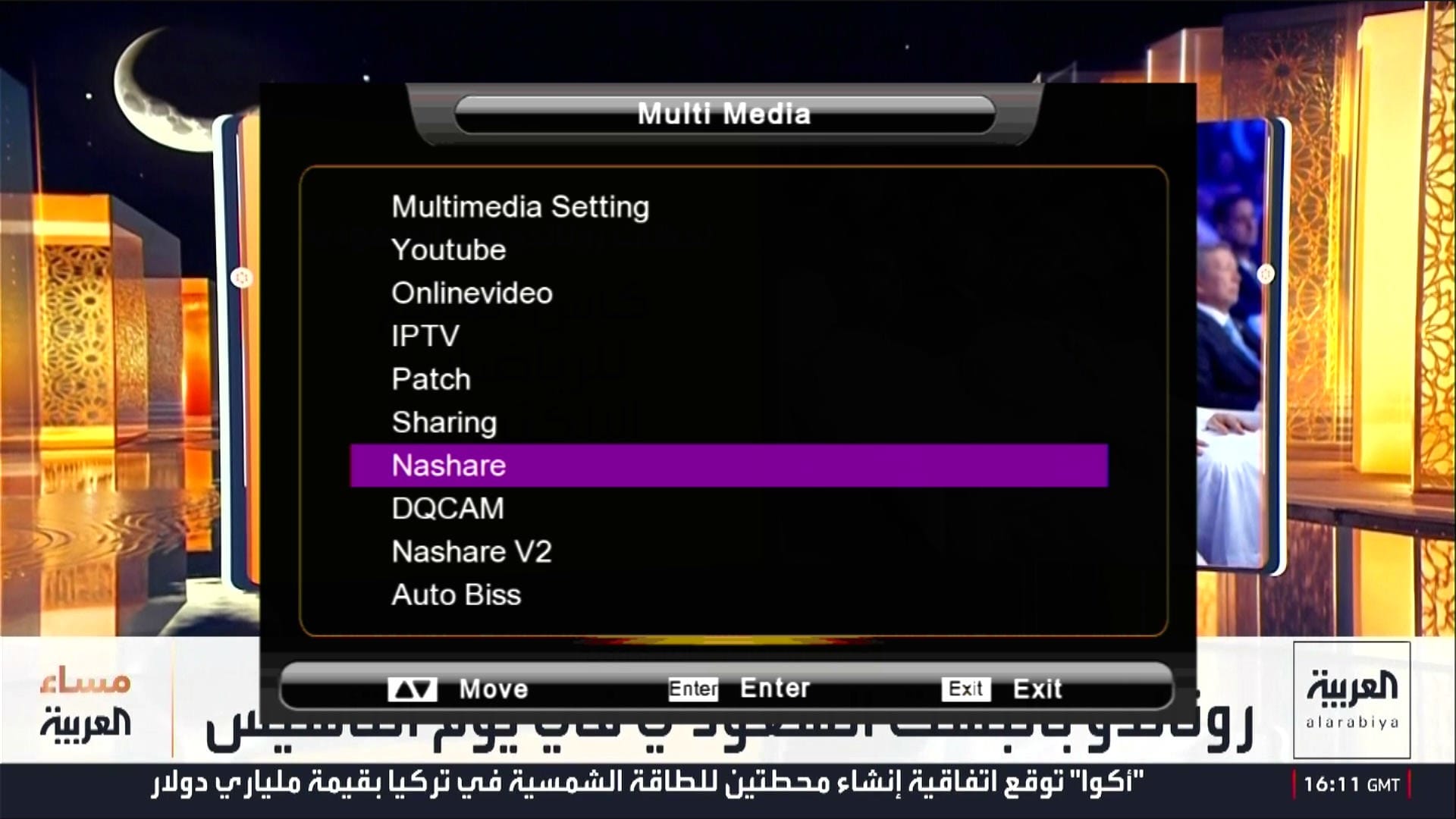
🎬 Multimedia Section
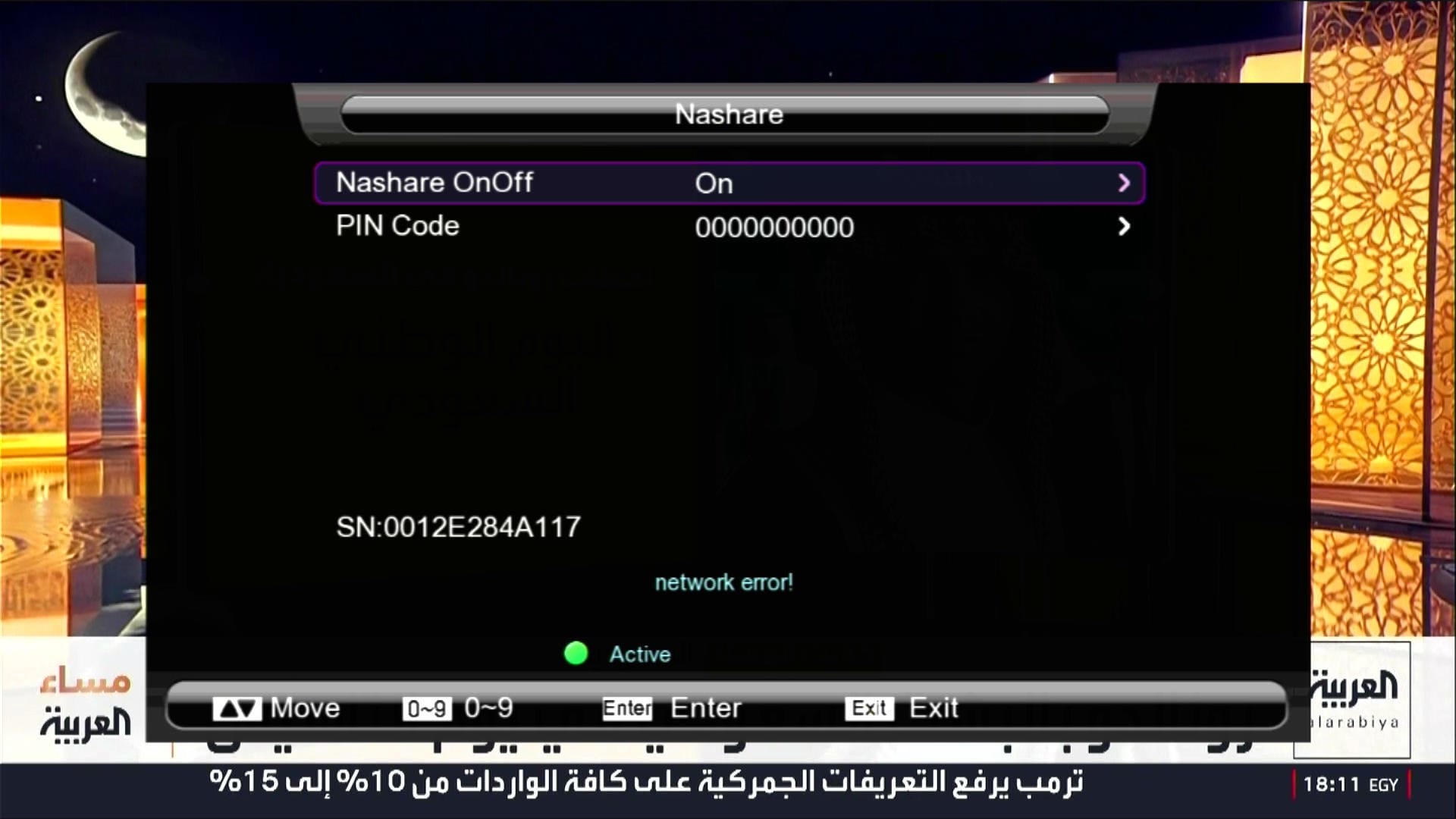
🎮 NASHARE Option
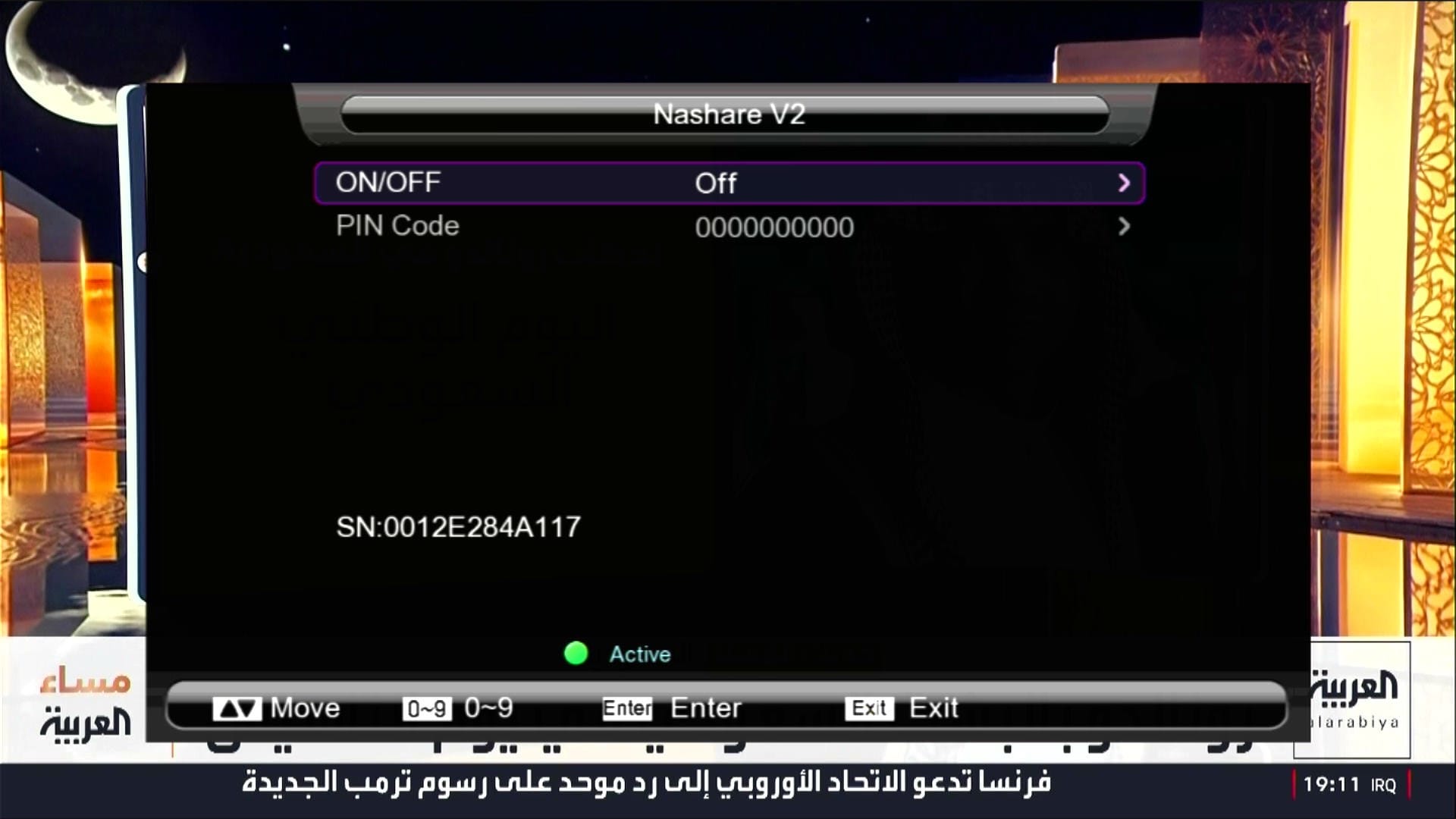
🎮 NASHARE V2 Option
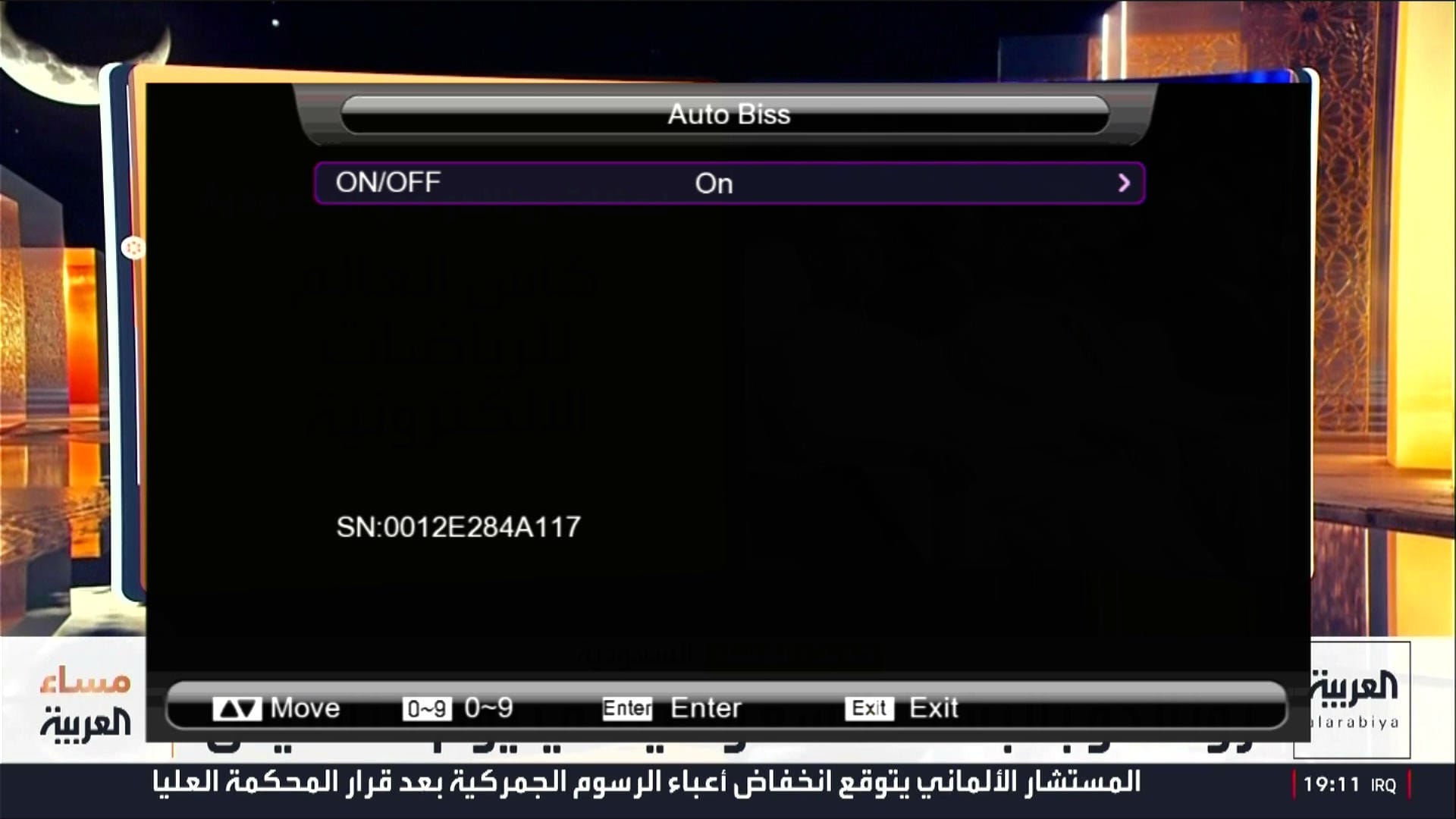
🎮 Auto Update BISS key
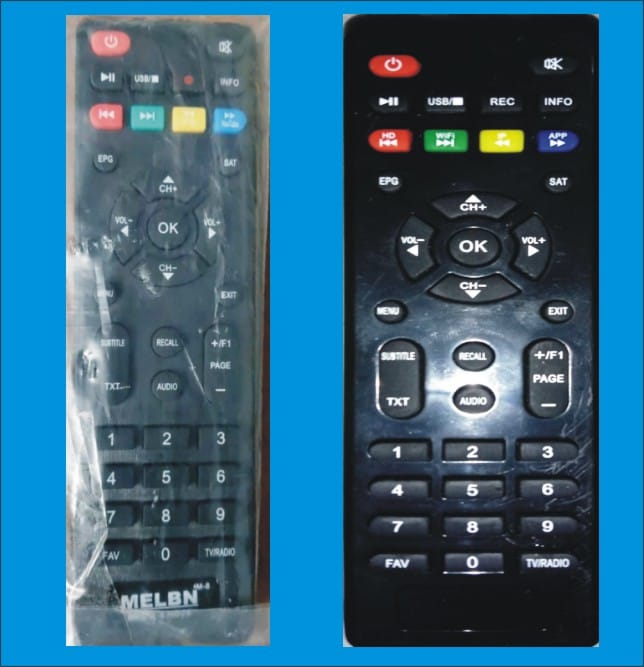
✅ Star-X Mini Remote Supported
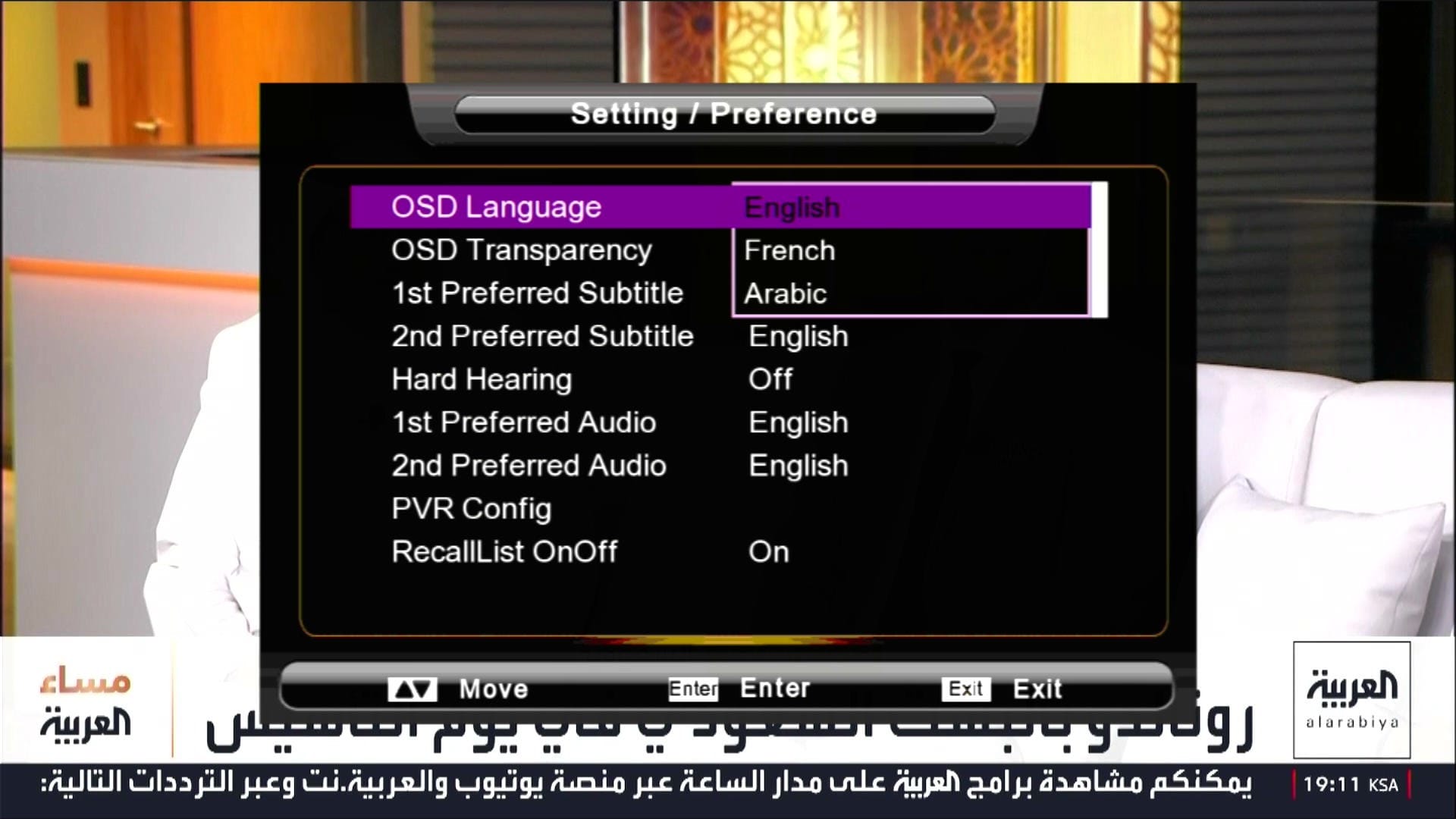
🖼 Multiple Languages Added
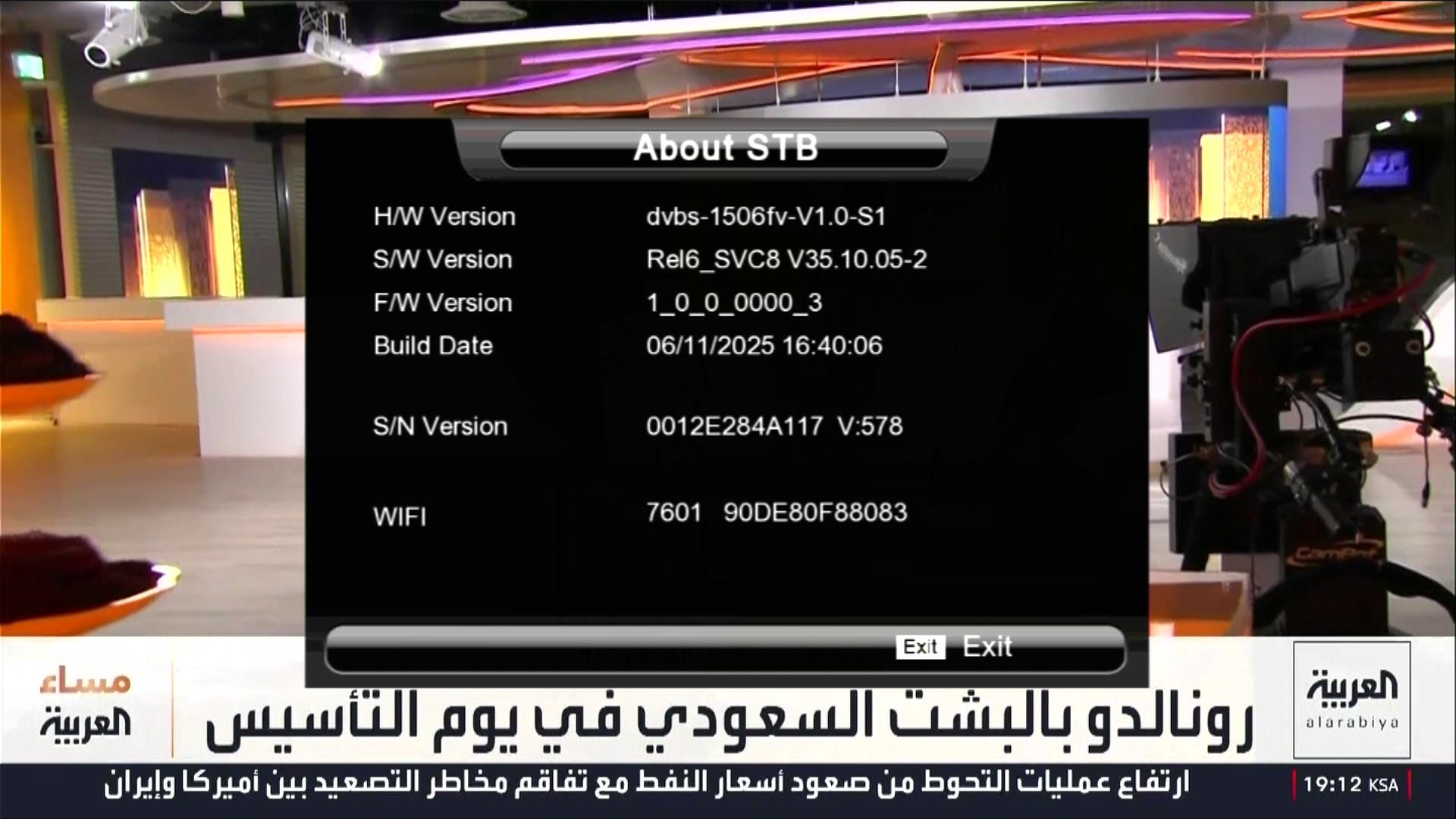
🛠 System Information
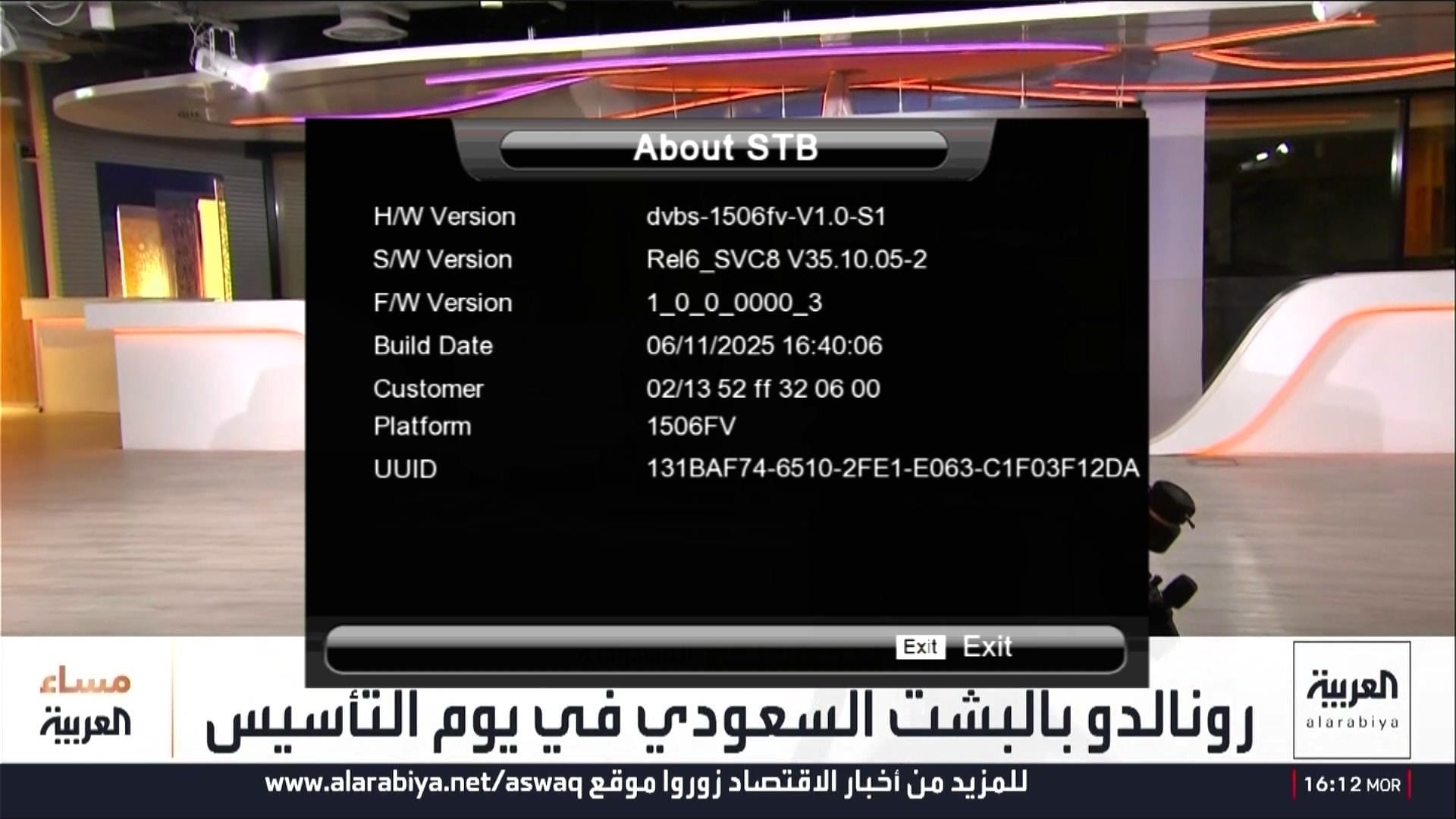
ℹ Customer ID → Press 1502
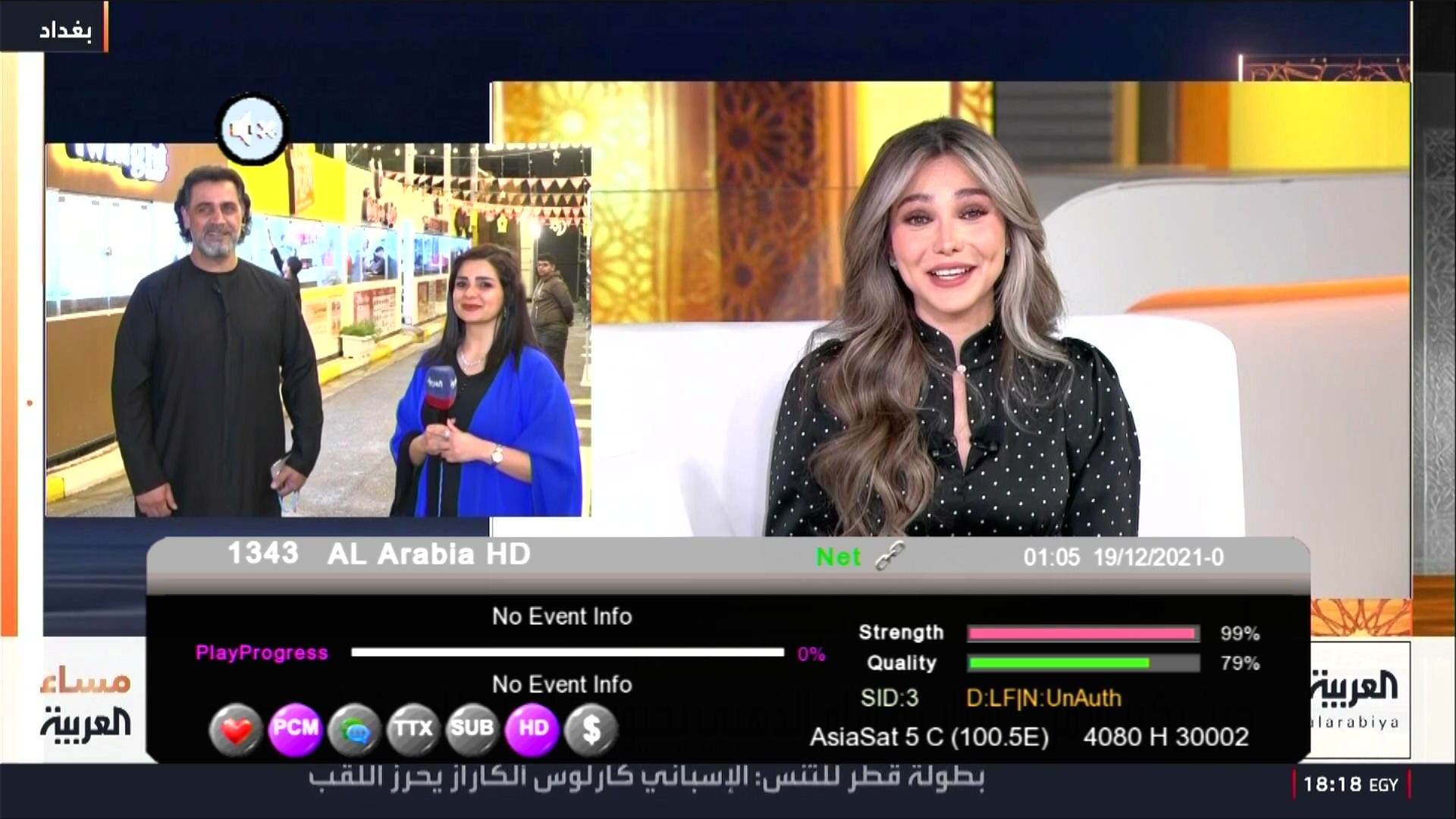
📶 Dual Signal Bars

⏰ Beautiful Dialog Box
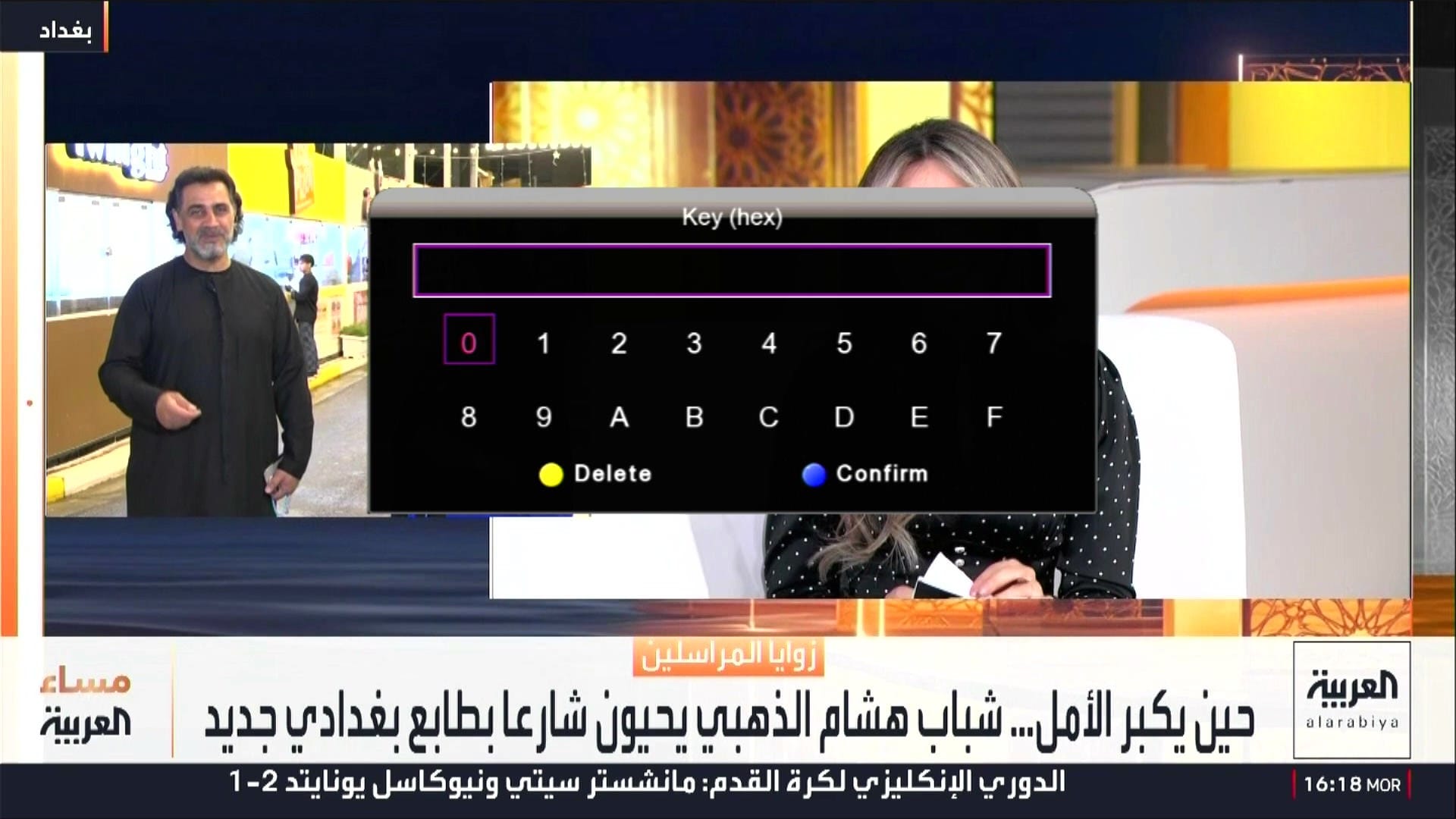
🔘 Direct BISS Key (0 Button)
🔐 Customer ID Change – All Receivers
If you want to change your receiver Customer ID, choose one of the methods below.
📘 For Manual Customer ID Change Method
▶ Watch Manual Method Video🎥 For Online Tool Working Video
▶ Watch Online Tool Video🌐 For Direct Online Customer ID Changer Tool
🚀 Use Online Customer ID Changer Tool📌 Offset Codes
1507G 8MB – 5AFF6 / 3FFF6
1506G / 1506F / 1506T / 1506TV / 1506HV / 1506FV – 01A000
1506LV – 3FFF0
Ali3510C – 1F00E
GX6605S (203.00) – 1F020
⚠️ It is highly recommended to backup your current settings and channels before upgrading. Follow these steps:
- 📡 Go to the Receiver Menu > System Settings.
- 💾 Select Backup or Export Settings.
- 📂 Choose USB Drive as the backup location.
- ✅ Save the backup file safely; you can restore it if anything goes wrong during upgrade.
🎥 1506Fv New Software 2026 – Video Review

Note: Videos are embedded via YouTube LYTE for improved performance.
💻 Upgrade Instructions (RS232 / USB)
- 🔌 Connect your 1506HV receiver with RS232 cable or USB.
- 💻 Open Loader on your PC.
- 📂 Select 1506Hv & 1506Tv New Software 2026 file according to your receiver version.
- ⚡ Start the upgrade & wait until 100% completes.
- ❌ Do not disconnect during the process.
- ✅ After completion, receiver will reboot with new software.
🎥 RS232 Upgrade Video

Note: Videos are embedded via YouTube LYTE for improved performance.
1st Upgrade With Middle File
After Middle File Upgrade Software Latest
📥 1506Fv New Software 2026
Click the button below to download the latest 1506Fv New Software 2026 for free.
📁 File Details
⚙️ Processor:
🛠️ SW Version:
💾 File Size:
⬇️ Downloads:
👤 Uploader:
⚠️ Report: