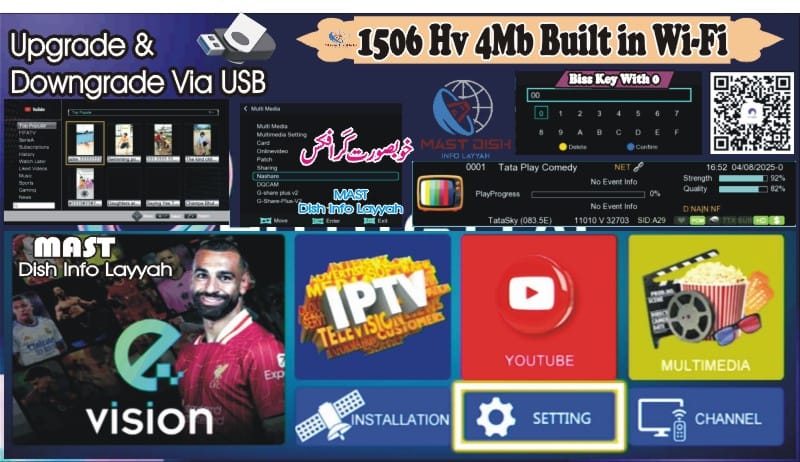
1506HV 4MB Built-in WiFi Receiver – Latest Software 2025
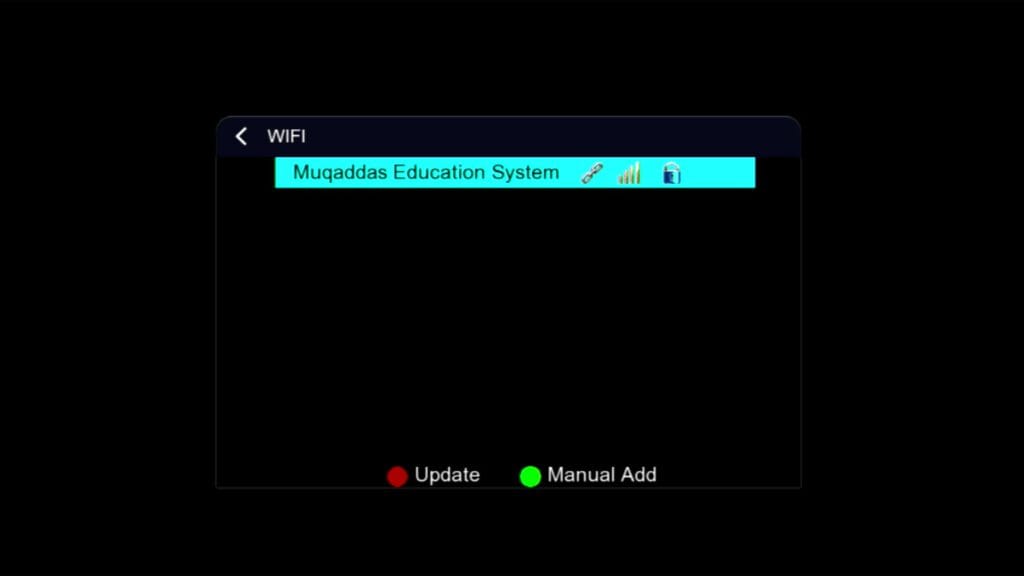
If you have a 1506HV 4MB Built-in WiFi receiver, this post is for you. This receiver comes with built-in WiFi support, making internet connectivity much easier. Here, you can download the latest software and learn about its features and how to flash it properly.
📥 Download Latest Software
- Receiver Model: 1506HV 4MB Built-in WiFi
- File Size: Approximately 4MB
- File Format: .bin (Binary Firmware File)
- Status: Tested & 100% Working
👉 Click Here to Download Software
🔧 Key Features:
- Built-in WiFi Support – No need for external dongles
- Auto Network Search Function
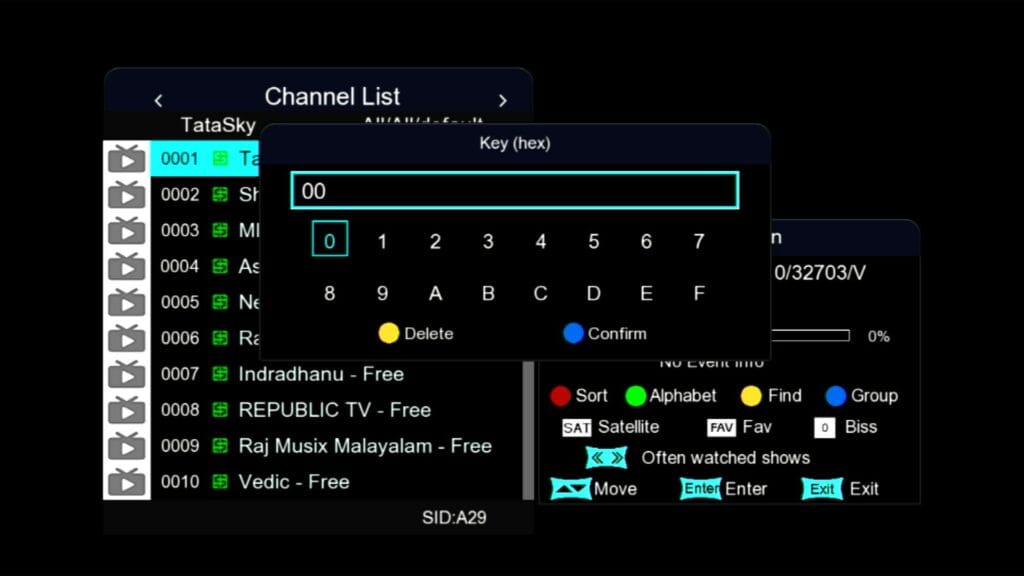
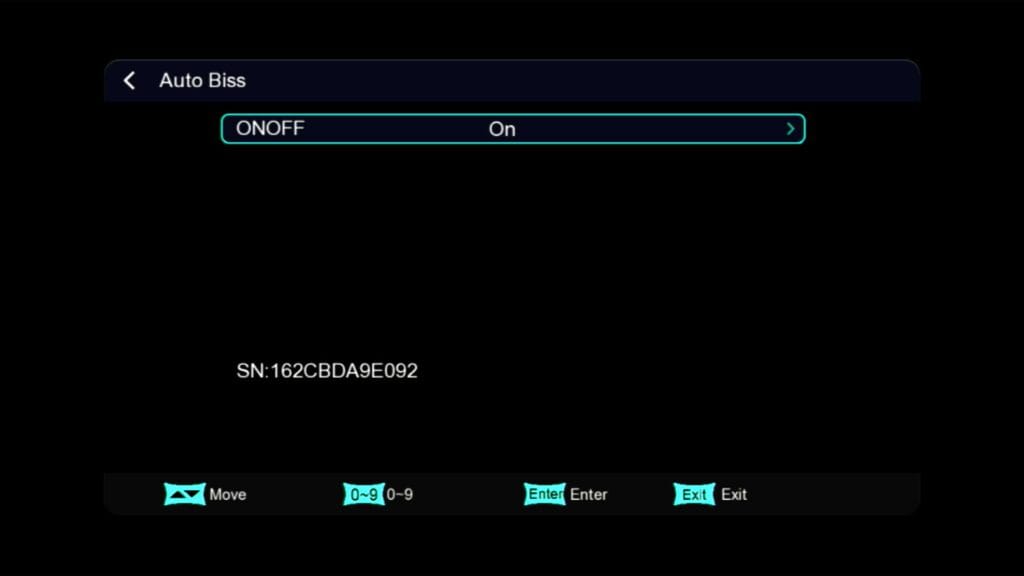
- Supports PowerVU, BISS Key, CCCAM
- Improved Booting and Fast Channel Switching
- Stable Server Connectivity
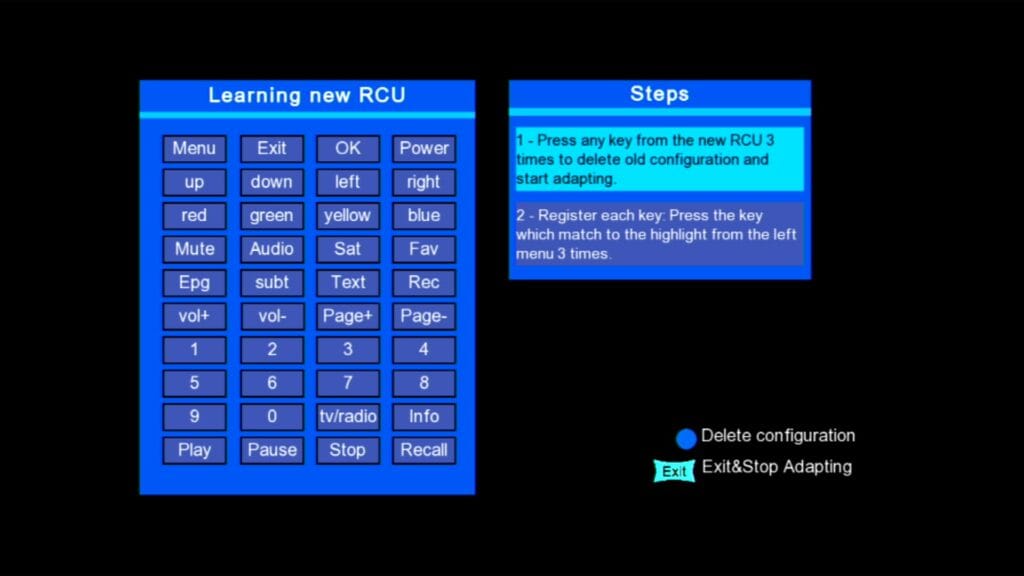
- New and Clean User Interface (UI)
⚙️ How to Flash the Software (Step-by-Step Guide)
- Download the .bin firmware file from the link above.
- Format your USB drive to FAT32.
- Copy the downloaded file to your USB root directory.
- Insert the USB into the receiver.
- Go to: Menu → Tools → Upgrade by USB
- Select the firmware file and press Start.
- Wait until the flashing process completes and the receiver restarts automatically.
⚠️ Important Warning:
Make sure the power supply is stable during flashing. Flashing the wrong file or power failure during the process may cause your device to become dead.
📷 Device Image:

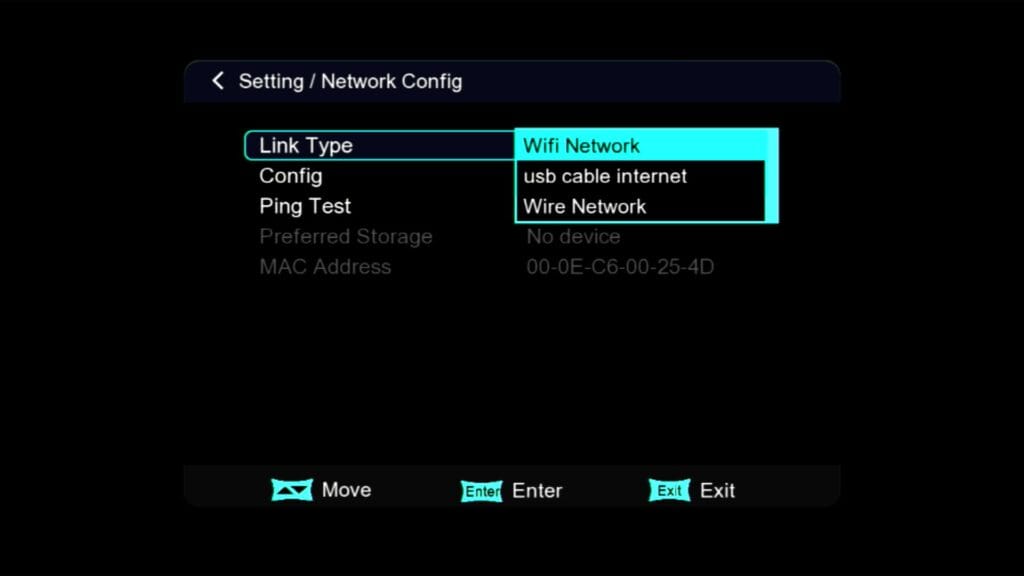


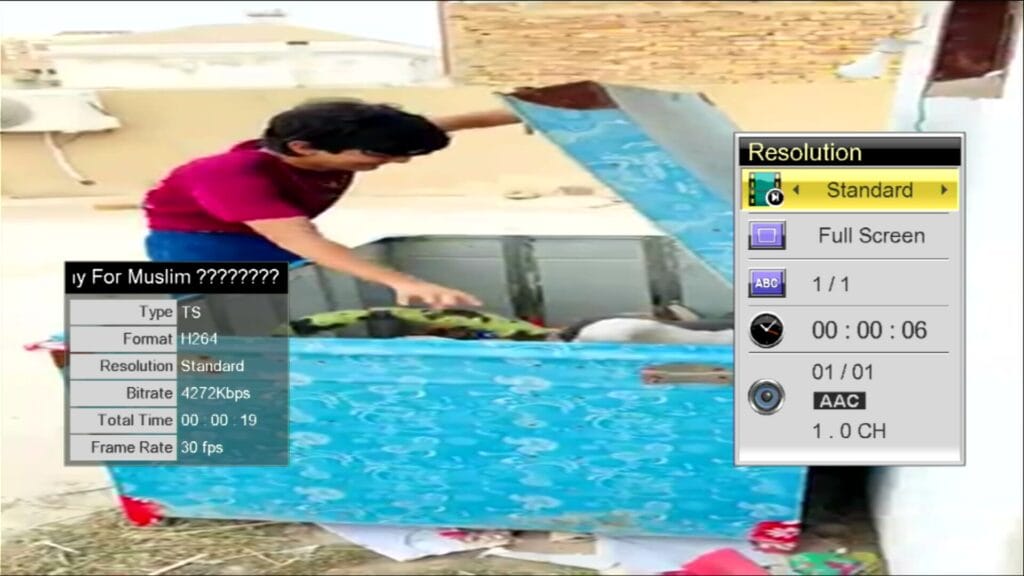
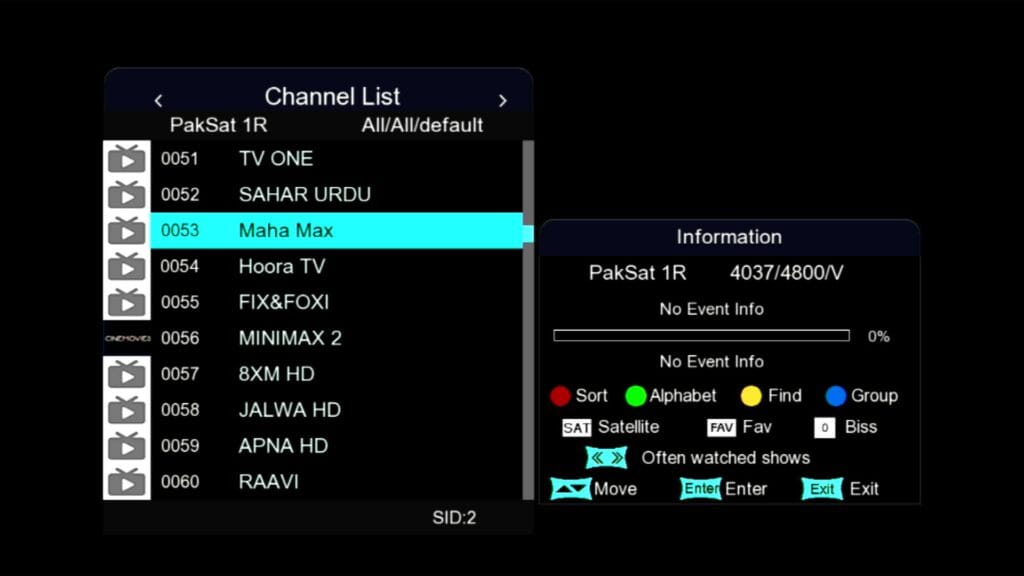
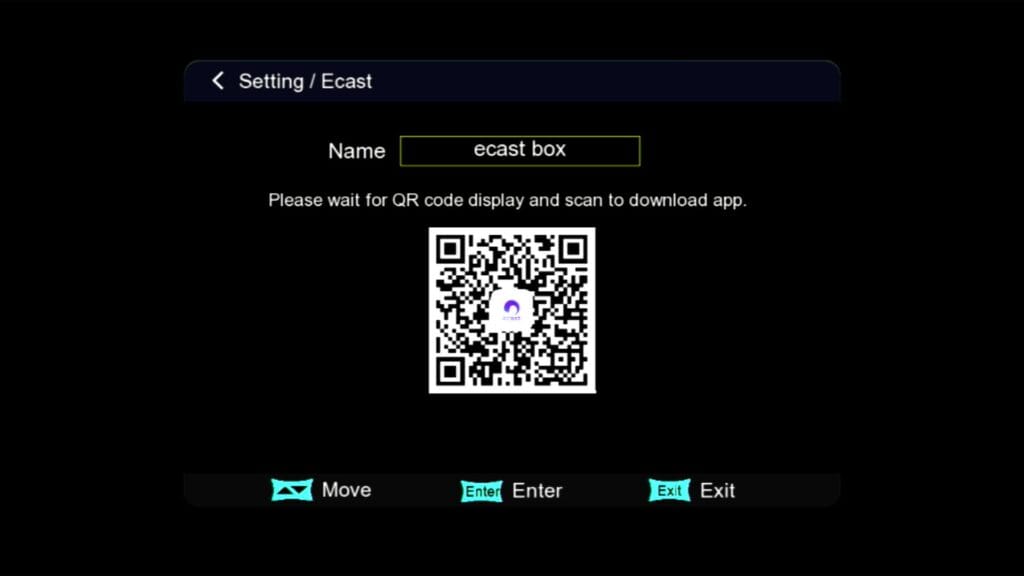
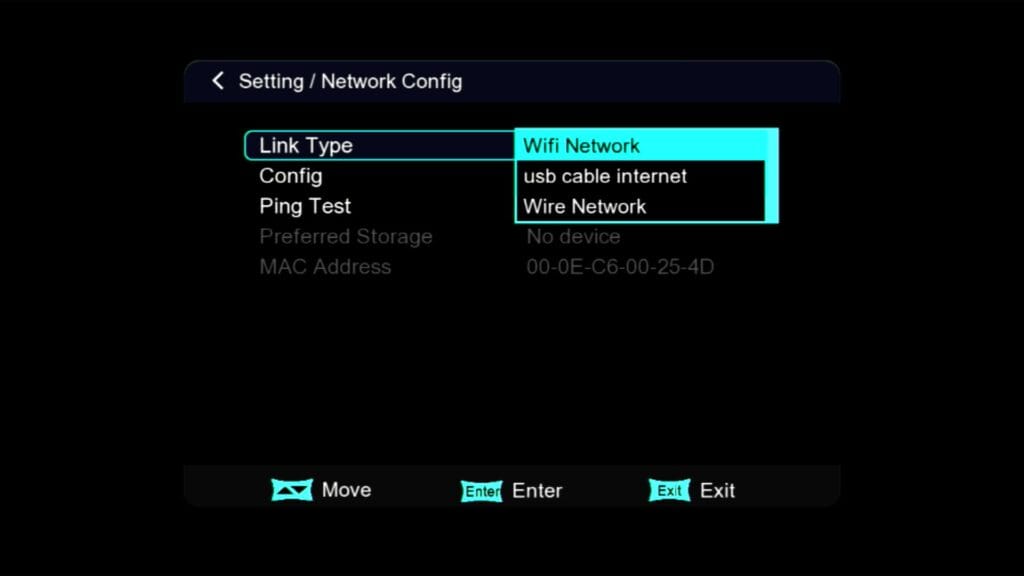
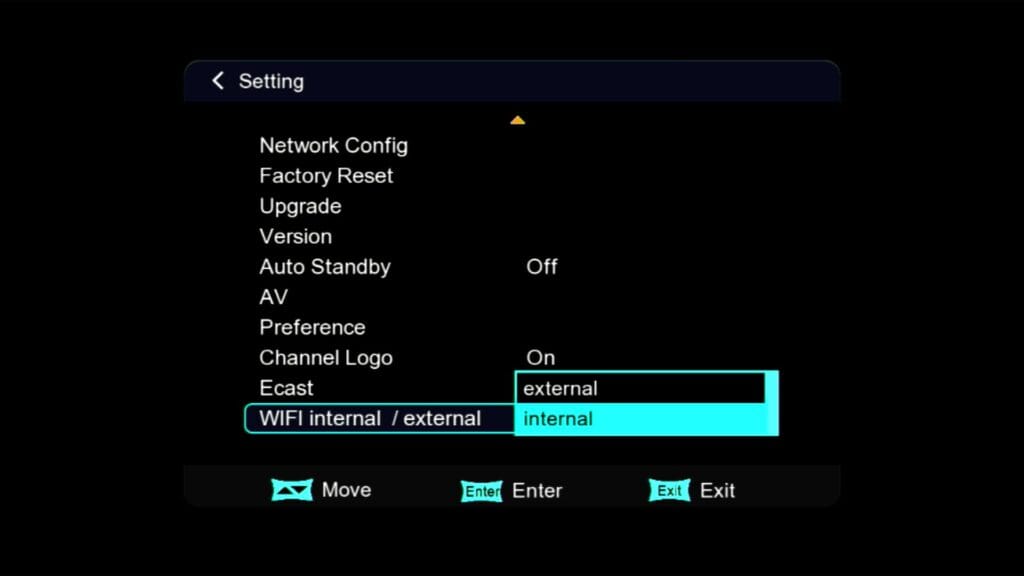
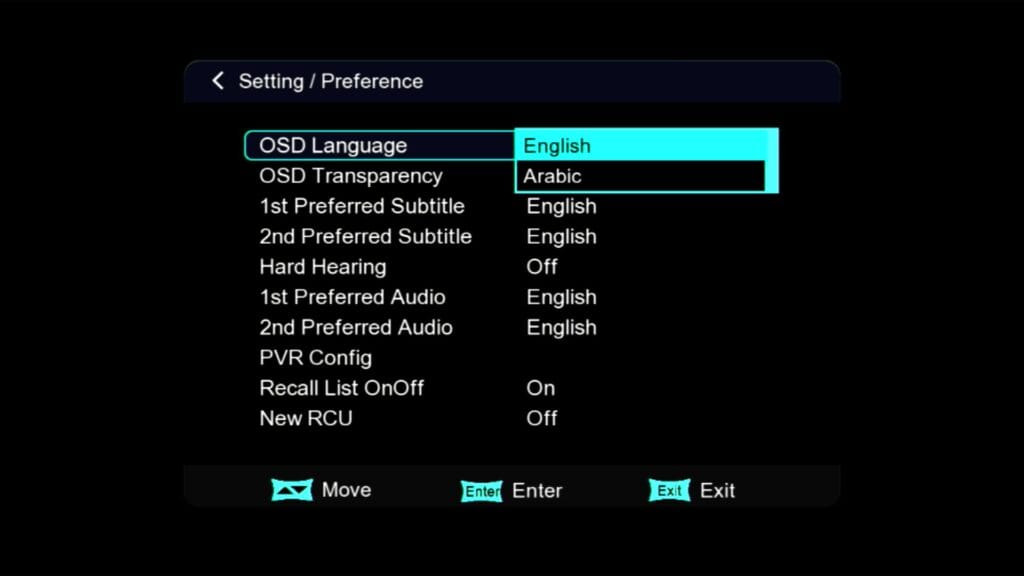
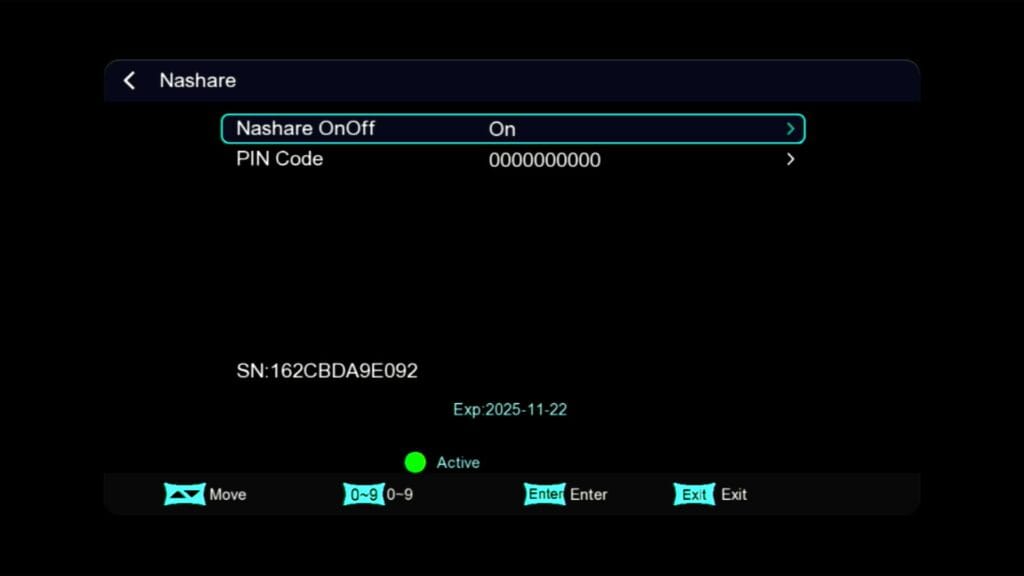
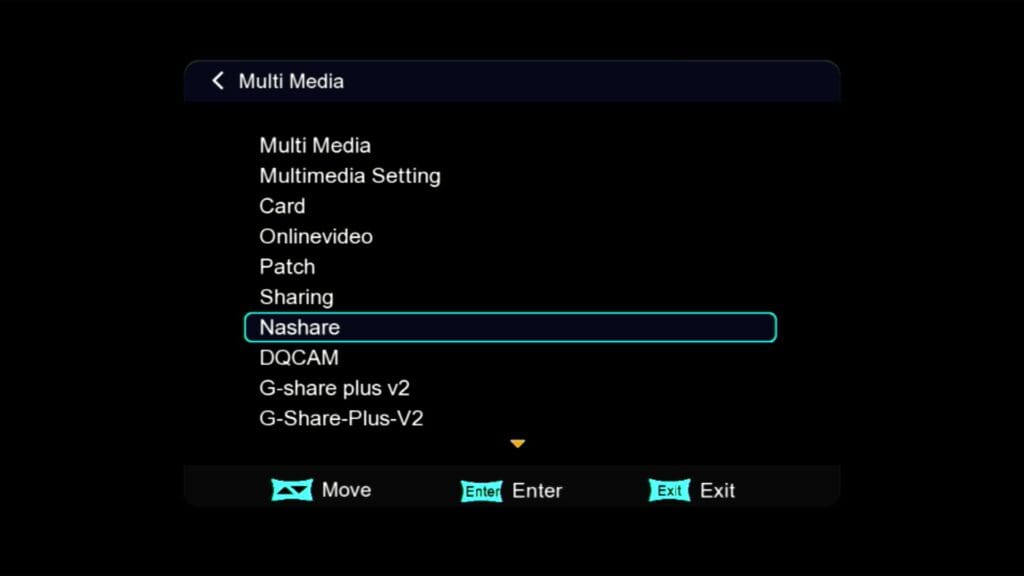
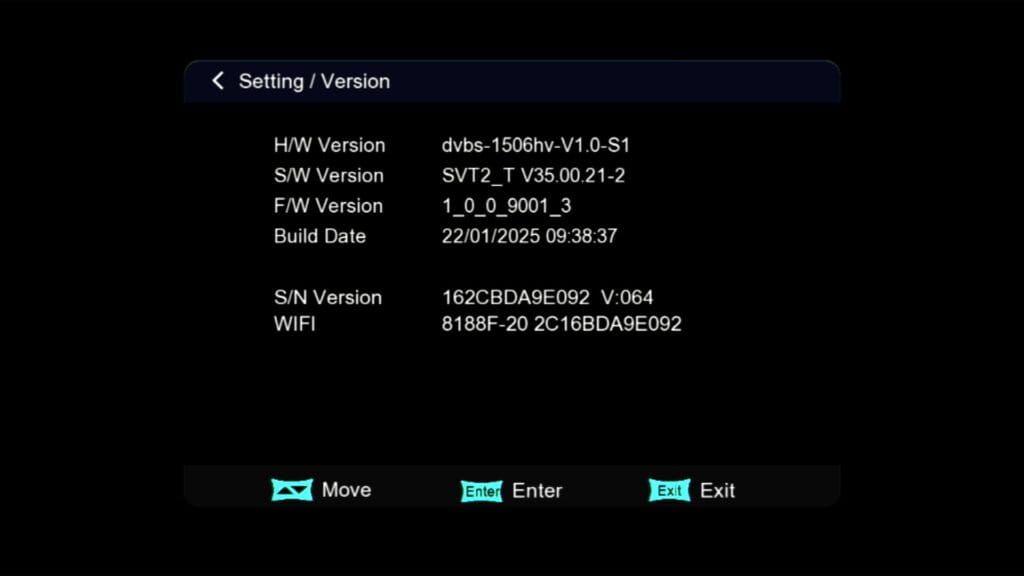
For More Detail See This Video
1506HV 4MB Built-in WiFi Receiver Latest Software 2025 | Flashing Guide + Features #1506hv #1506

Note: Videos are embedded via YouTube LYTE for improved performance.
🔗 Related Downloads:
Author: Mulazim Hussain
Website: mastdishinfolayyah.com