
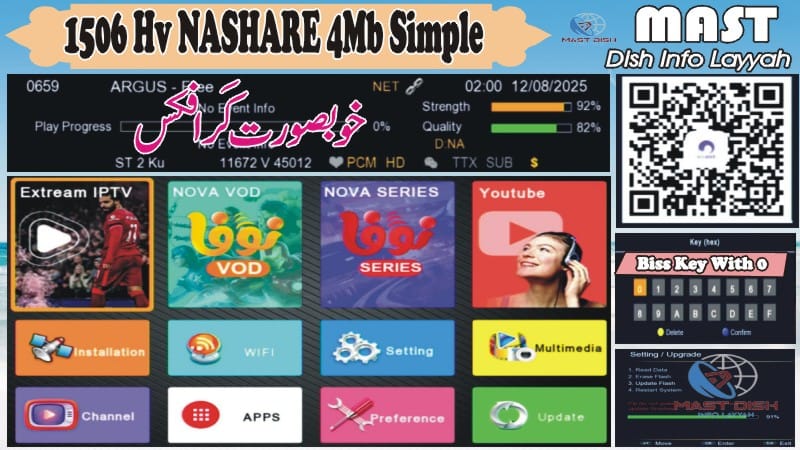
📡 1506HV 4MB Receiver Latest Software 2025 – Free Download
1506HV 4MB Receiver Latest Software 2025 aapke liye bilkul free download ke liye available hai.
Yeh software No WiFi Model ke liye specially optimized hai, jisme aapko beautiful theme, smooth performance, multi remote support, E-Cast, CCCam, MGCam aur IPTV options milte hain.
🌟 1506HV 4MB Receiver Latest Software 2025 Features List
🎨 Beautiful Theme & Graphics – Modern UI & smooth performance
🖼 Attractive Main Menu Icon Display – Easy navigation
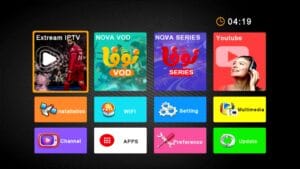
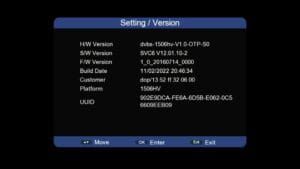
🆔 Customer ID (Press 1502) – Quick info check
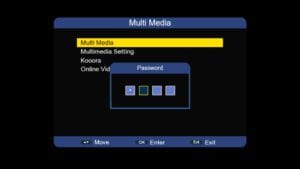
🔒 Hidden Menu (Press 1506 in Multi Media) – Advanced settings
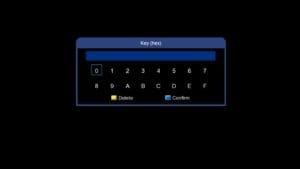
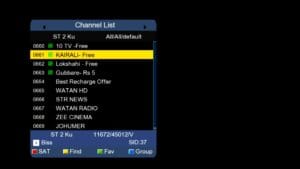
🔑 Biss Key Add Direct With 0 Button
📺 E-Cast Option – Stream mobile content to TV

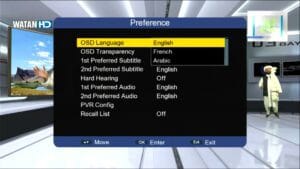
🔊 Audio Option – Improved sound control
🎮 Supports Remote 1506 & NK – Multi remote support
🔌 USB Cable Network – Internet via USB cable
📡 Wi-Fi Option (RT-5370) – Wireless connectivity
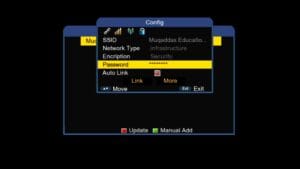
💳 CCCam Option – Card sharing feature
🎥 MGCam Option – Additional cam support
📡 Multiple IPTV Options – Live streaming channels
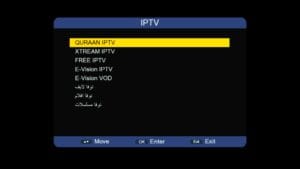
💾 Upgrade Software with USB – Easy firmware install
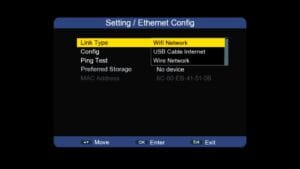
🔓 Unlock Software Feature – Access premium settings
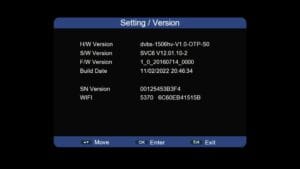
🛠 1506HV 4MB Receiver Latest Software 2025 Upgrade Ka Tareeqa
USB drive ko FAT32 me format karein.
Download kiya hua software file USB me copy karein.
USB ko receiver me insert karein.
Receiver ka menu open karein → Tools option me jaayein.
“Upgrade by USB” select karein.
File select karein aur “Start” button press karein.
Upgrade complete hone ke baad receiver automatic restart hoga.
💡 Tip: Upgrade ke baad ek baar Factory Reset zaroor karein taake software smooth chale.
❓ FAQ – 1506HV 4MB Receiver Latest Software 2025
Q1: Kya yeh software sirf No WiFi model ke liye hai?
✅ Haan, yeh specifically 1506HV 4MB No WiFi version ke liye design kiya gaya hai.
Q2: Kya upgrade karte waqt old channels delete ho jayenge?
✅ Haan, upgrade ke baad channel list reset ho sakti hai. Backup lena behtar hai.
Q3: Kya is software me IPTV options free milenge?
✅ Haan, IPTV options available hain lekin free ya paid server ka setup aapko manually karna hoga.
Q4: Kya iska use karne se receiver kharab ho sakta hai?
✅ Agar aap correct file aur method follow karenge to koi problem nahi hogi.
🎥 Watch Video Tutorial

Note: Videos are embedded via YouTube LYTE for improved performance.
⚠ Disclaimer
Ye software post sirf educational purpose ke liye hai. Hum kisi bhi illegal content, paid service ke unauthorized use ya copyright violation ko support nahi karte.



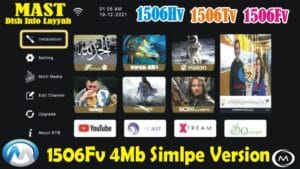








Good Work Keep it Up