
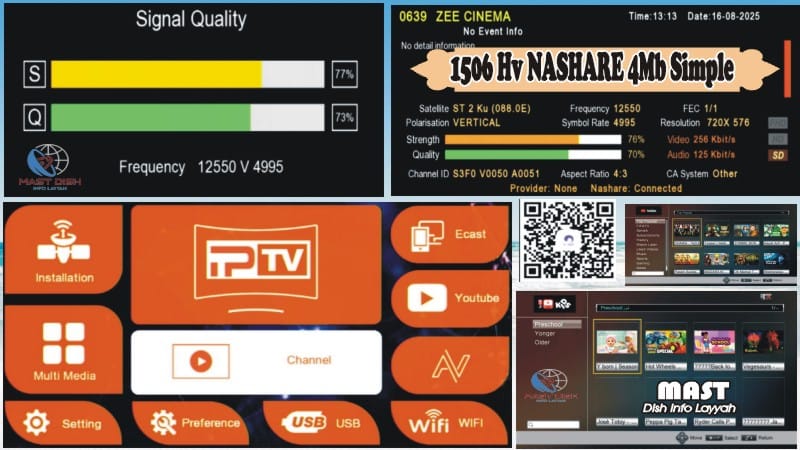
🔥 1506HV 4MB Simple Version Software – Full Features Explained
Upgrade your 1506HV receiver with this simple, fast, and modern firmware! Perfect for streaming, live TV, and card sharing.
Key Features of 1506HV 4MB Software:
🌟 1506HV 4MB Simple Version – Lightweight & fast
📶 Double Zoom Signal – Clear reception in two strips

📺 YouTube Working Fine – Stream easily

👶 YouTube Kids Working Fine
🎵 TikTok Working Fine – Short videos on your TV

🔄 Auto Update Biss Key – Always up-to-date
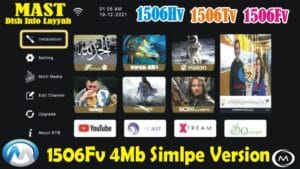
🎨 Modern Theme & Graphics – Smooth UI experience
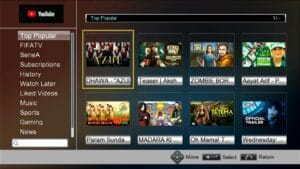
🖼 Attractive Main Menu Icons – Easy navigation
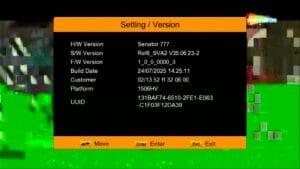
🆔 Customer ID (Press 1502) – Quick info check
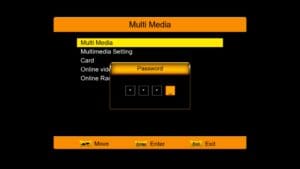
🔒 Hidden Menu (Press 1506 in Multi Media) – Advanced settings
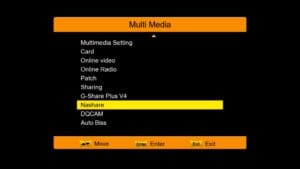
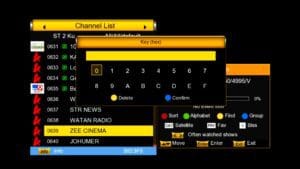
🔑 Biss Key Add Direct With 0 Button – Quick key addition
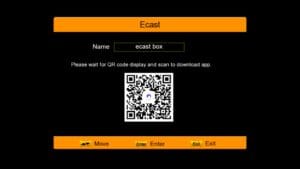
📺 E-Cast Option – Stream mobile content to TV
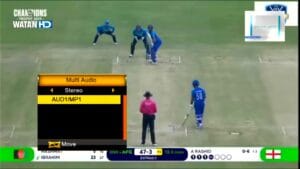
🔊 Improved Audio Control
🎮 Supports Remote 1506 & NK – Multi-remote support

🔌 USB Cable Network – Internet via USB cable
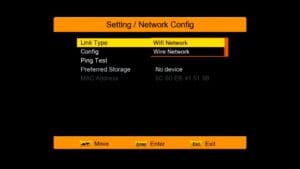
📡 Wi-Fi Option (RT-5370 & MT-7601) – Wireless connectivity
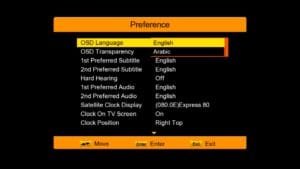
💳 CCCam Option – Card sharing feature
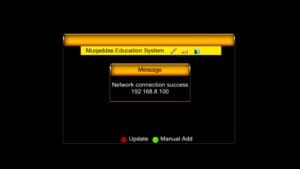
🎥 MGCam Option – Additional cam support
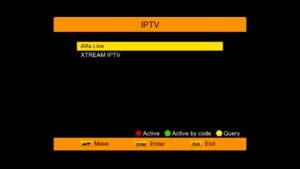
📡 Multiple IPTV Options – Live streaming channels
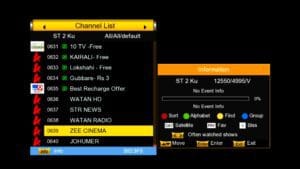
💾 Upgrade Software with USB – Easy firmware install
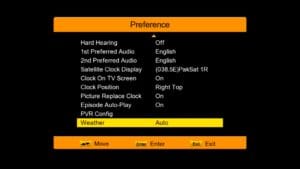
🔓 Unlock Software Feature – Access premium settings
📥 How to Upgrade 1506HV Receiver Software:
Download the latest 1506HV 4MB firmware from the link below.
Save a backup of your current settings (see instructions below).
Copy the firmware file to a USB drive (formatted as FAT32).
Plug the USB into your receiver.
Go to Menu → System → USB Upgrade.
Select the firmware file and confirm upgrade.
Wait until the upgrade completes; do not power off during the process.
Receiver will reboot automatically with new software.
💾 How to Save Backup:
Go to Menu → System → Backup / Restore.
Select Backup Settings to save your current receiver settings to USB.
Store the backup file safely in case you need to restore previous settings after upgrade.
❓ FAQ – 1506HV Software Upgrade
Q1: Can I upgrade without losing my channels?
A1: Yes, if you save a backup before upgrading, you can restore all your channels after update.
Q2: What if the upgrade fails?
A2: Make sure the USB is FAT32 formatted and firmware is correct. Always keep a backup to restore.
Q3: Will YouTube and TikTok work after upgrade?
A3: Yes, the 4MB simple version fully supports YouTube, YouTube Kids, and TikTok streaming.
Q4: Can I use multiple remotes?
A4: Yes, this software supports 1506 & NK remotes.
Q5: Is Wi-Fi supported?
A5: Yes, RT-5370 & MT-7601 Wi-Fi adapters are fully compatible.
Watch Video Tutorial:

Note: Videos are embedded via YouTube LYTE for improved performance.
Don’t Forget:
Like 👍, Share 📢, and Subscribe 🔔 for more 1506HV tools & updates!
Download 1506HV 4MB Software:
Click below to download the latest 1506HV 4MB firmware and enjoy all premium features:











of course like your website but you have to check the spelling on several of your posts A number of them are rife with spelling issues and I in finding it very troublesome to inform the reality on the other hand I will certainly come back again
Okay broo
I Check Again
Plz send Any Sacreen Shot