
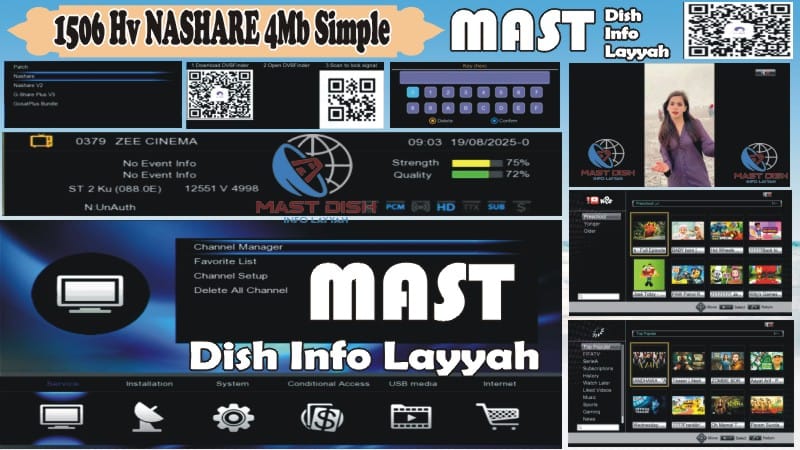
🌟 1506HV 4MB Simple Version Software – Lightweight, fast, and fully loaded with amazing features for your receiver.
✨ Features:
Nashare Option Added
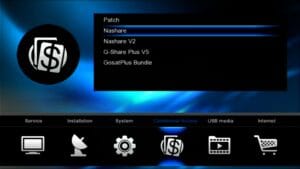
Nashare V2 Option Added

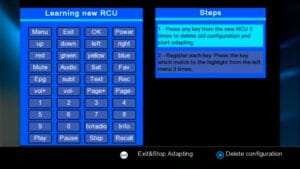
New RCU Option
YouTube Working Fine
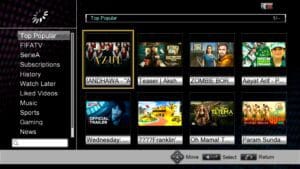
YouTube Kids Working Fine

TikTok Working Fine

All Apps Working Fine
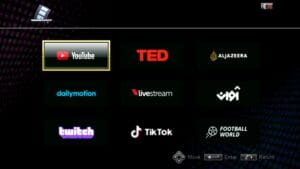
White & Black Theme
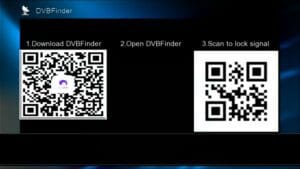
DVB Finder Option Added
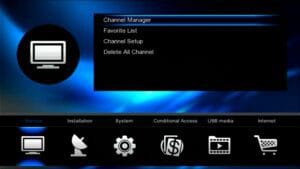
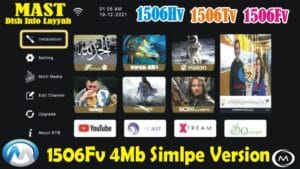
Attractive Main Menu Icons – Easy navigation
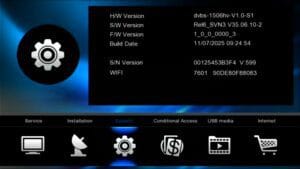
Customer ID (Press 1502) – Quick info check
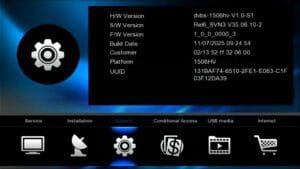
Hidden Menu (Press 1506 in Multi Media) – Advanced settings

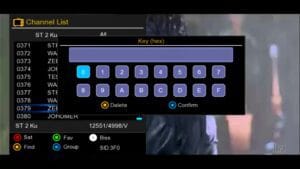
Biss Key Add Direct With 0 Button – Quick key addition
E-Cast Option – Stream mobile content to TV

Improved Audio Control

Supports Remote 1506 & NK – Multi-remote support
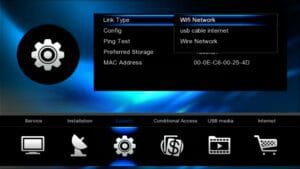
USB Cable Network – Internet via USB cable
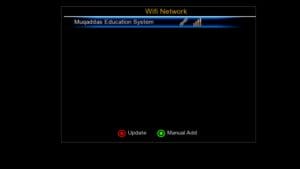
Wi-Fi Option (RT-5370 & MT-7601) – Wireless connectivity
CCCam Option – Card sharing feature
MGCam Option – Additional cam support
Multiple IPTV Options – Live streaming channels
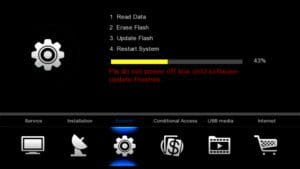
Upgrade Software with USB – Easy firmware install
Unlock Software Feature – Access premium settings
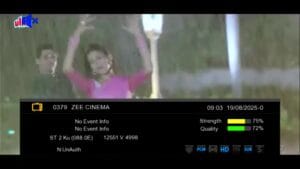
💾 How to Install Software:
Copy the software file to a USB drive.
Connect the USB to your 1506HV receiver.
Go to Settings → Upgrade → USB.
Select the software file and confirm to install.
Wait for the installation to complete and restart your receiver.
🔒 How to Save Backup:
Go to Settings → Backup/Restore.
Select Backup and choose a USB drive.
Save your current settings & firmware for future use.
📺 Watch Video Tutorial:

Note: Videos are embedded via YouTube LYTE for improved performance.
FAQ
Q1: Is this software safe for my 1506HV receiver?
✅ Yes, it is fully compatible and safe for all 1506HV models.
Q2: Can I use multiple remotes with this software?
✅ Yes, it supports 1506 & NK remote options.
Q3: Does it support Wi-Fi & USB network?
✅ Yes, both USB cable network & Wi-Fi (RT-5370 & MT-7601) are supported.
Q4: Can I upgrade using USB?
✅ Absolutely, upgrade software easily via USB drive.
⬇ Download Software:
Download 1506HV 4MB Simple Version Software










Great Job Broooo