
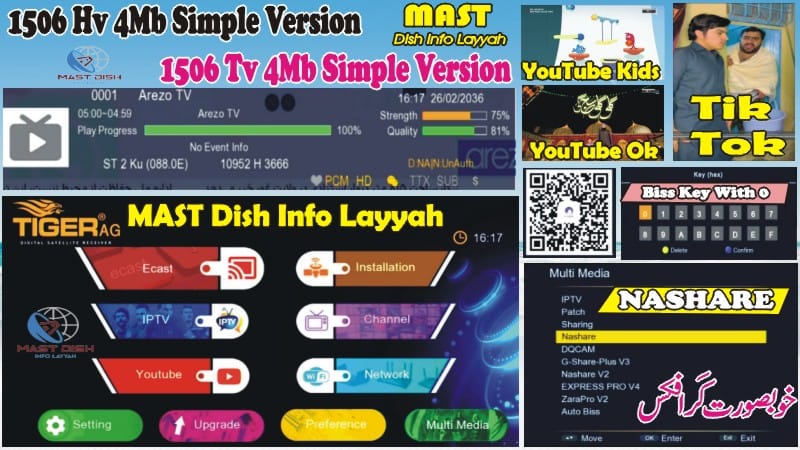
1506HV New Software September 2025 – RS232 Upgrade & Loader Guide
Upgrade your 1506HV receiver safely with the latest 1506HV New Software September 2025. This new update includes amazing features like YouTube + YouTube Kids, TikTok, IPTV apps, Nashare, and much more. Below are all the features, RS232 upgrade guide, video tutorial, and loader instructions.
✅ Features of 1506HV New Software September 2025
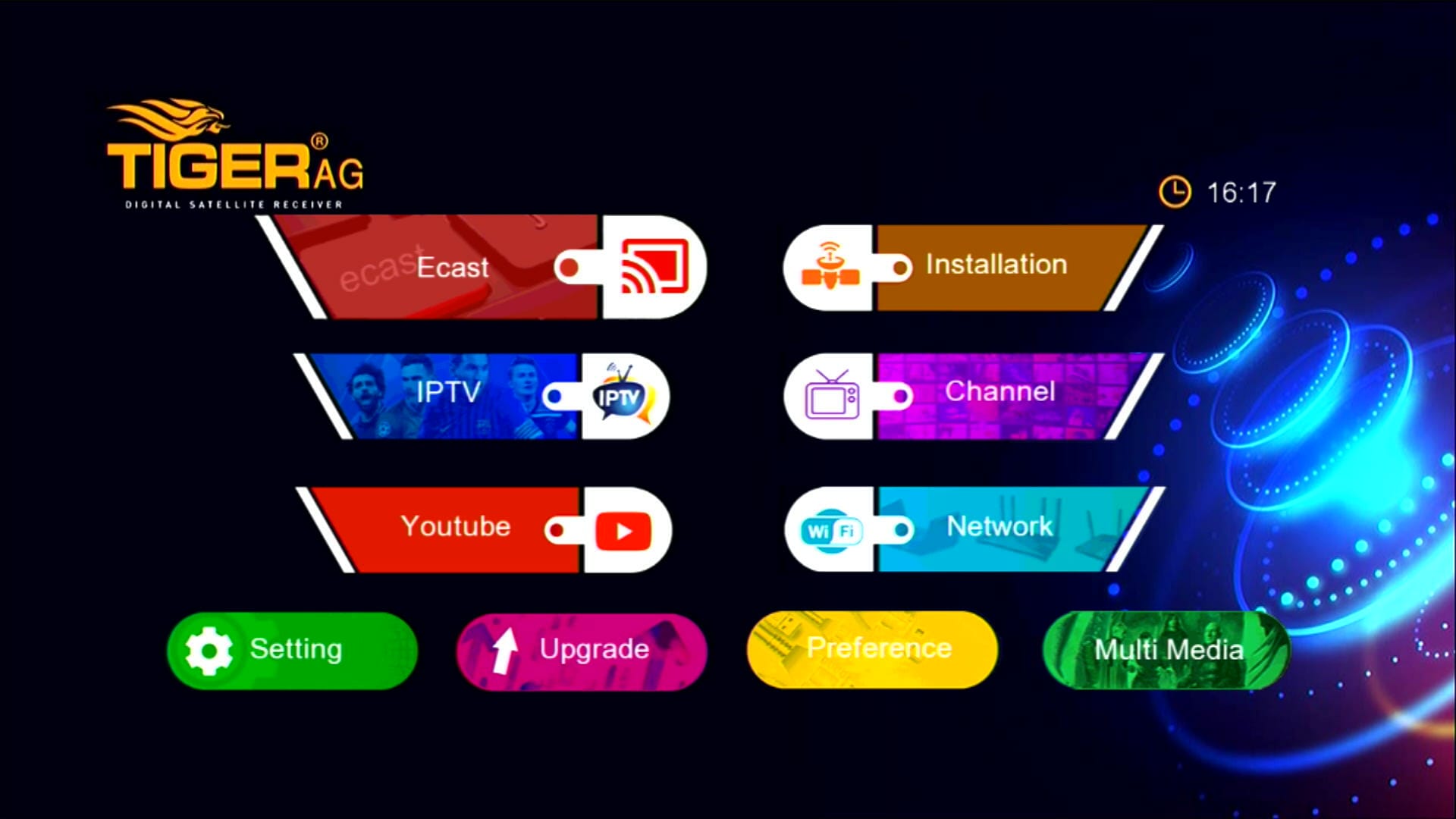
1. Stylish Main Menu Icons
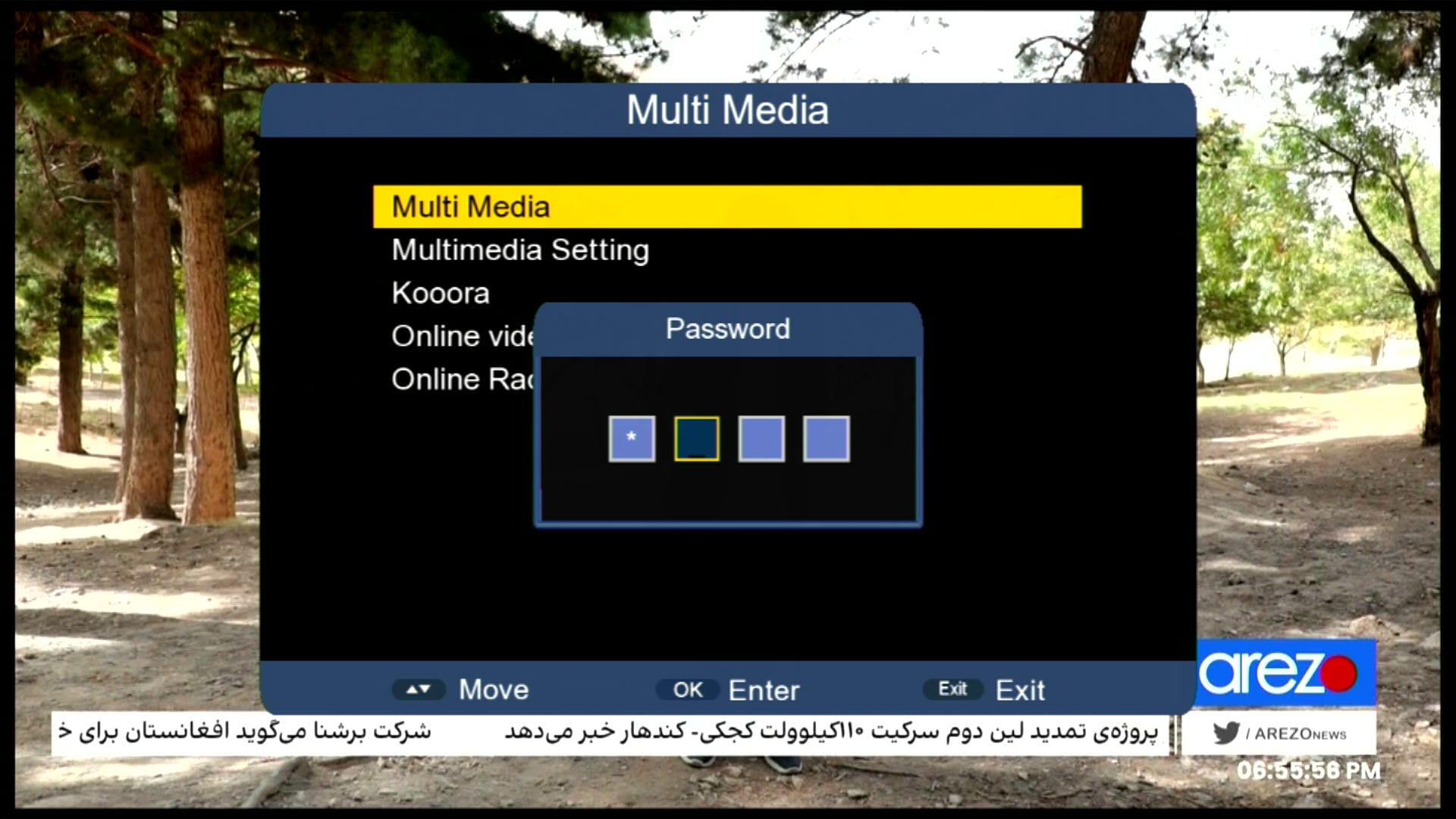
2. Hidden Menu (Press 1506 in Multimedia)
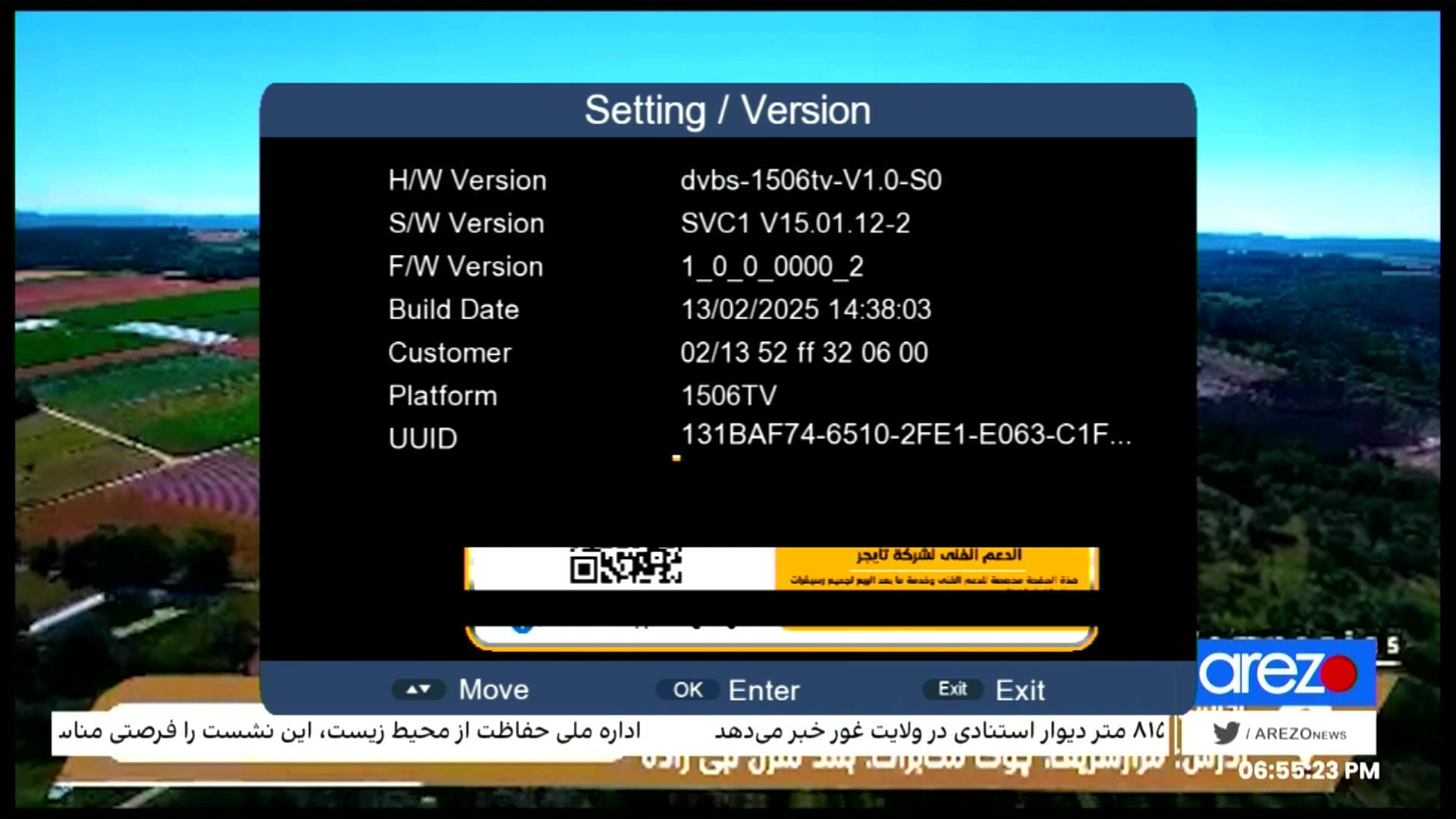
3. Customer ID (Press 1502)
4. YouTube & YouTube Kids 100% Working

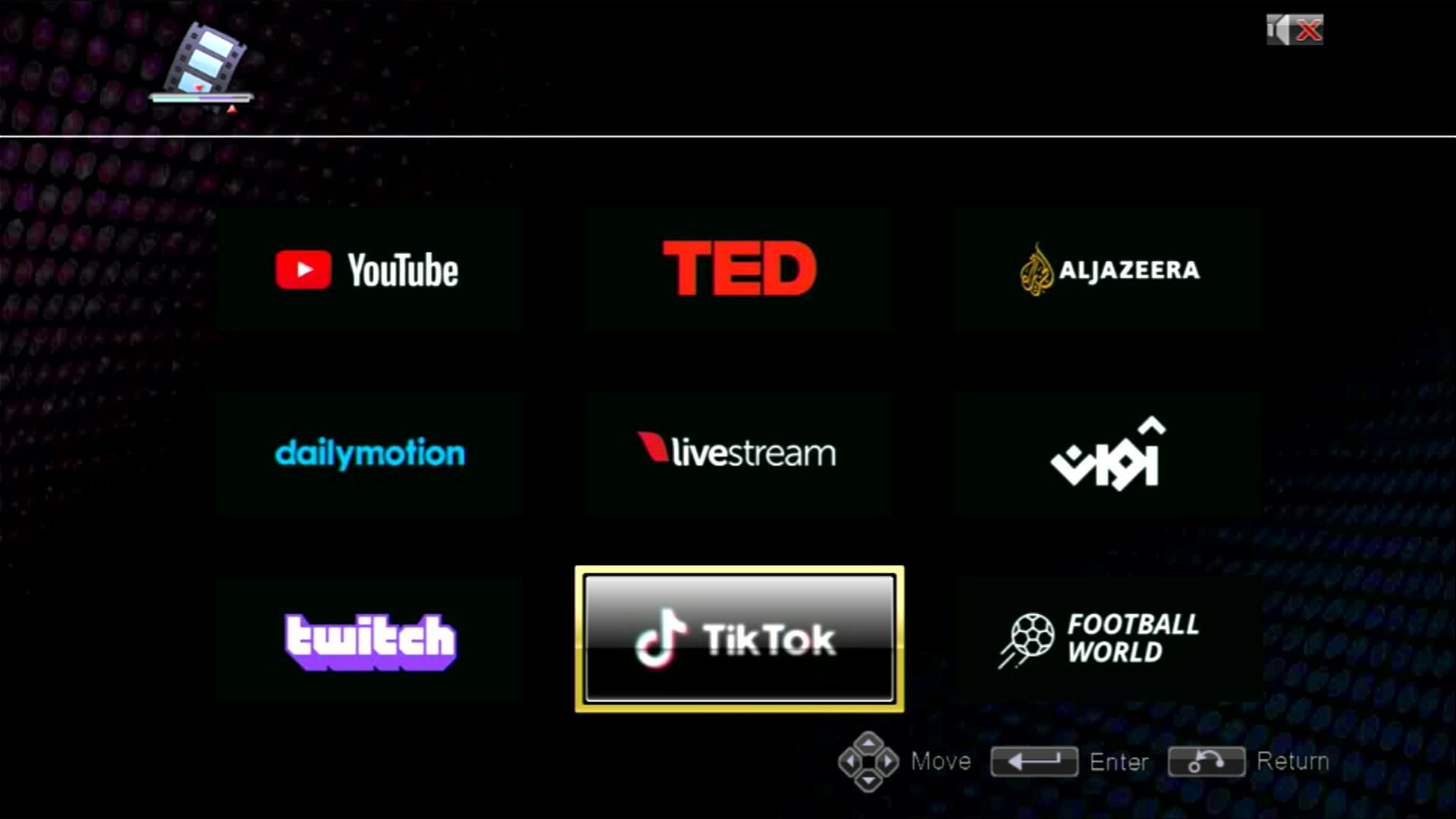
5. TikTok Working Fine
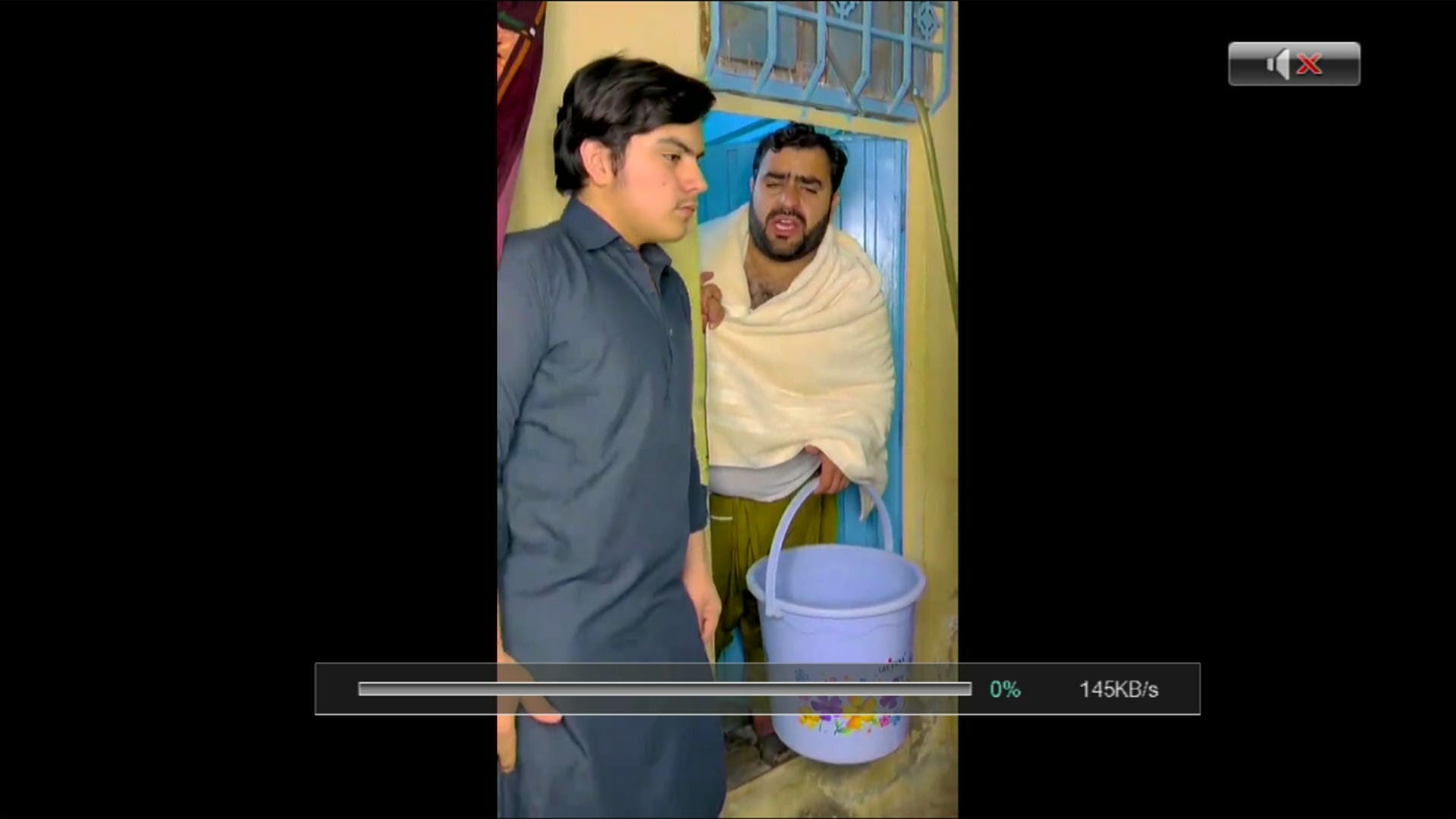
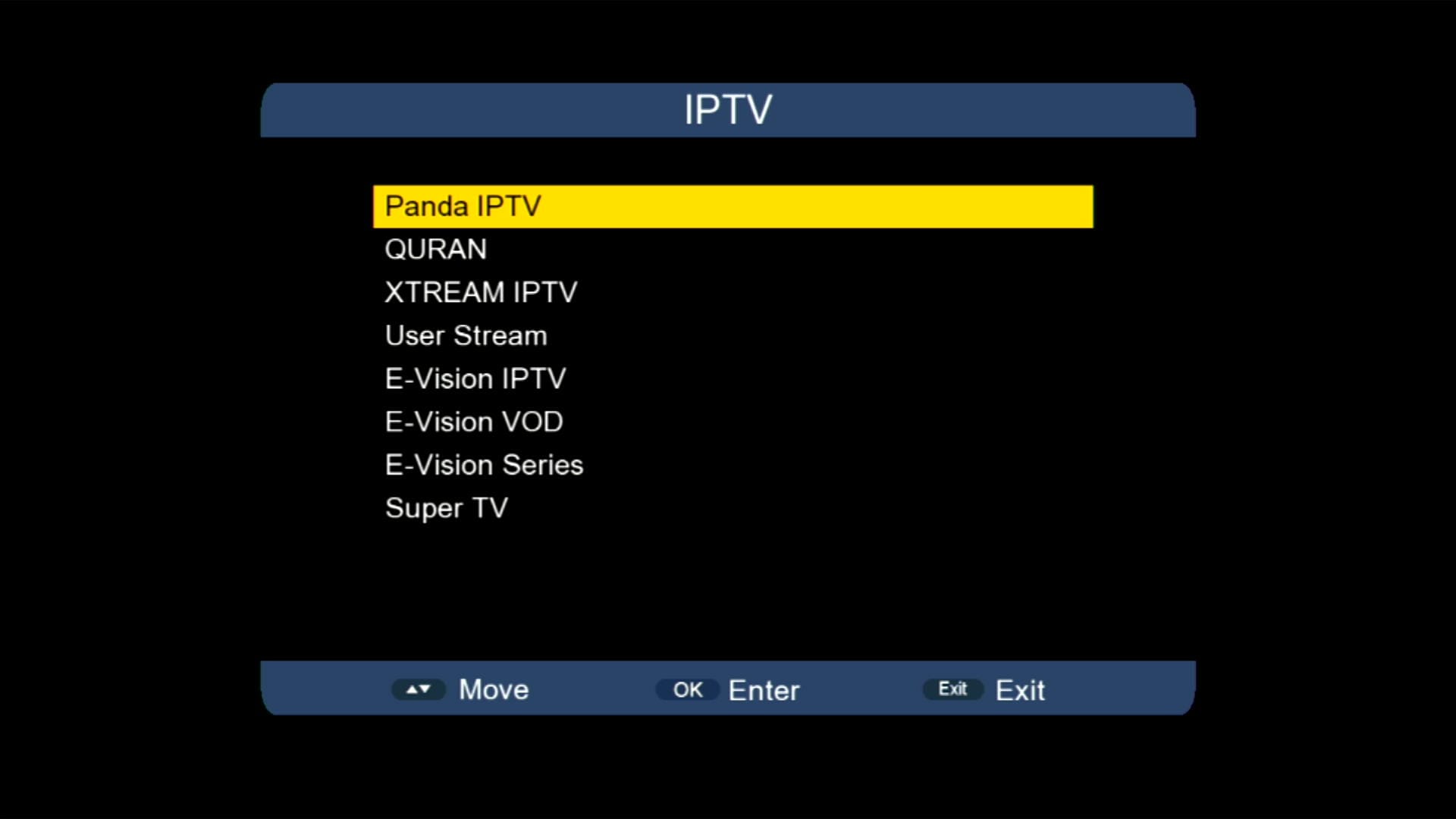
6. Many IPTV Apps Added
7. Multiple Apps Support
8. WiFi MT7601 Supported
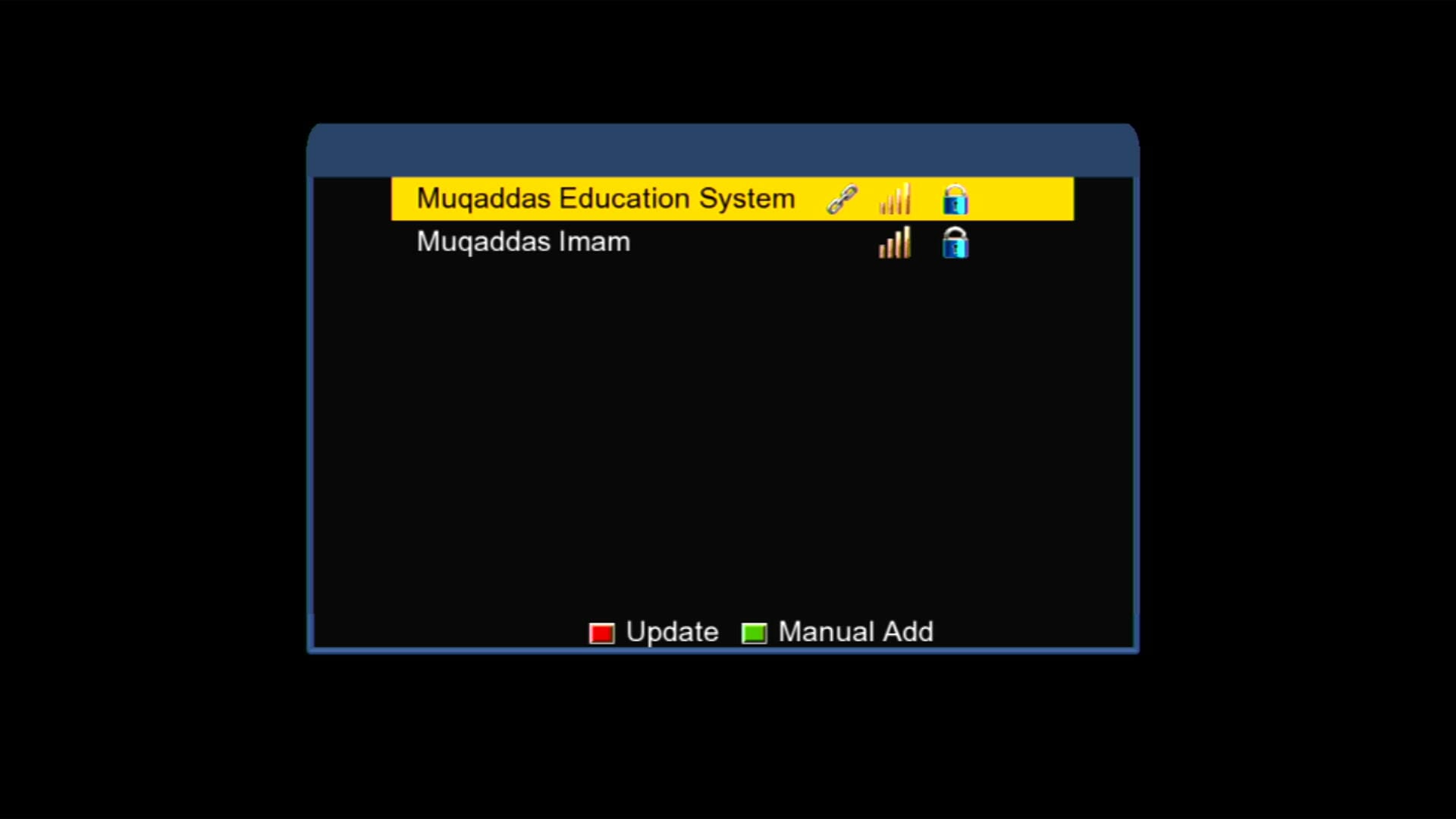
9. USB Cable Internet Option
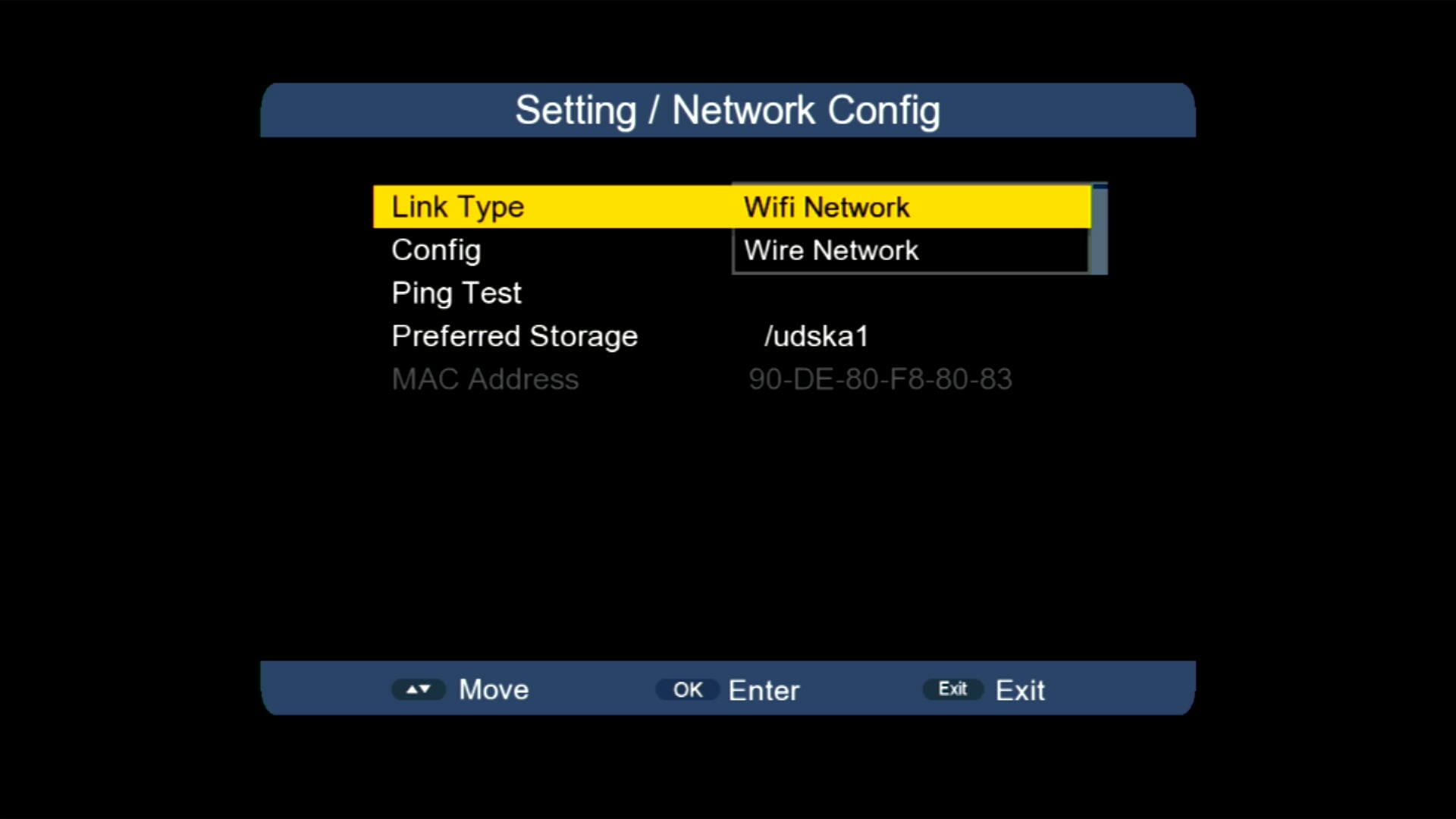
10. E-Cast (Mobile to TV Casting)
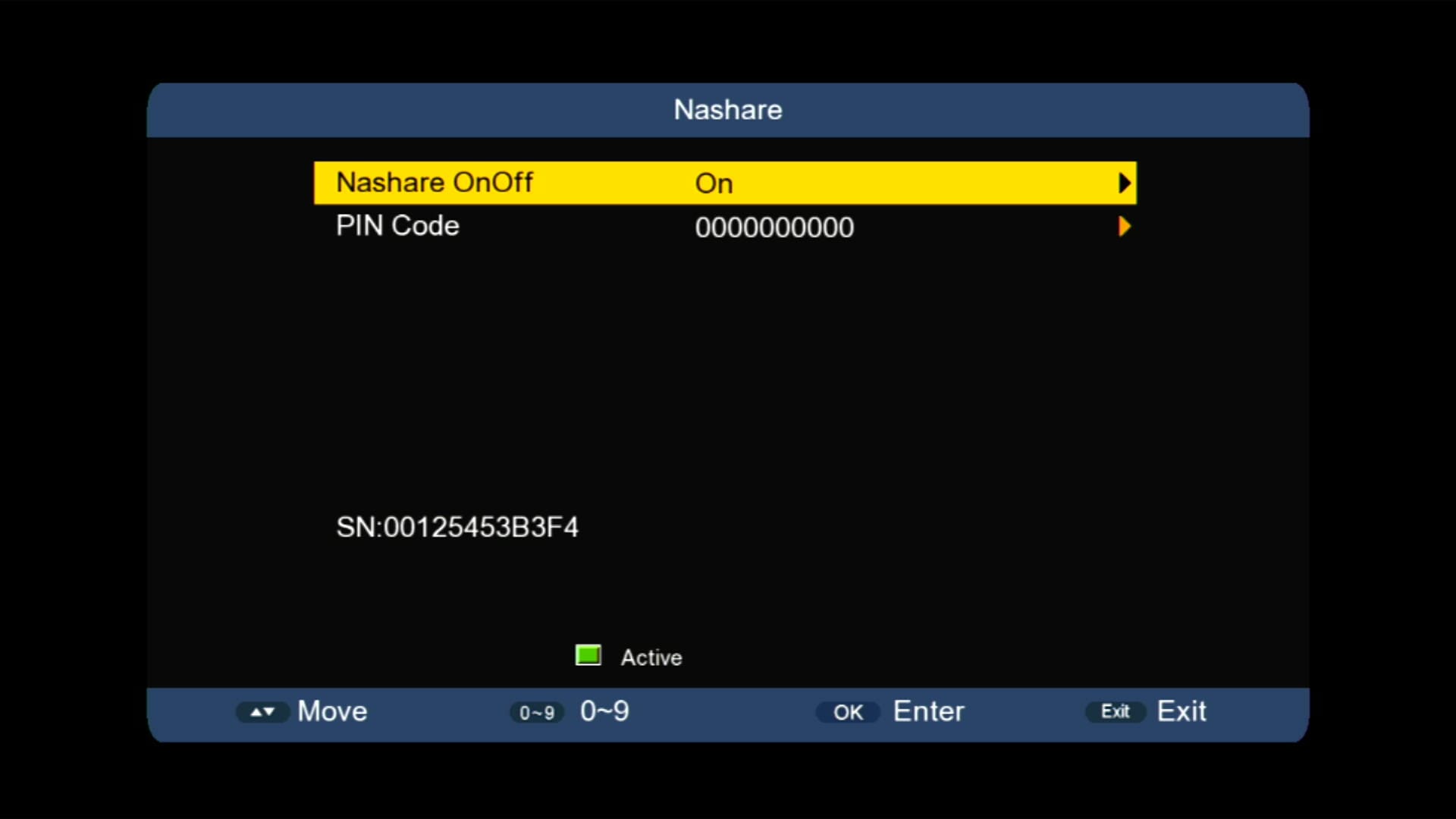
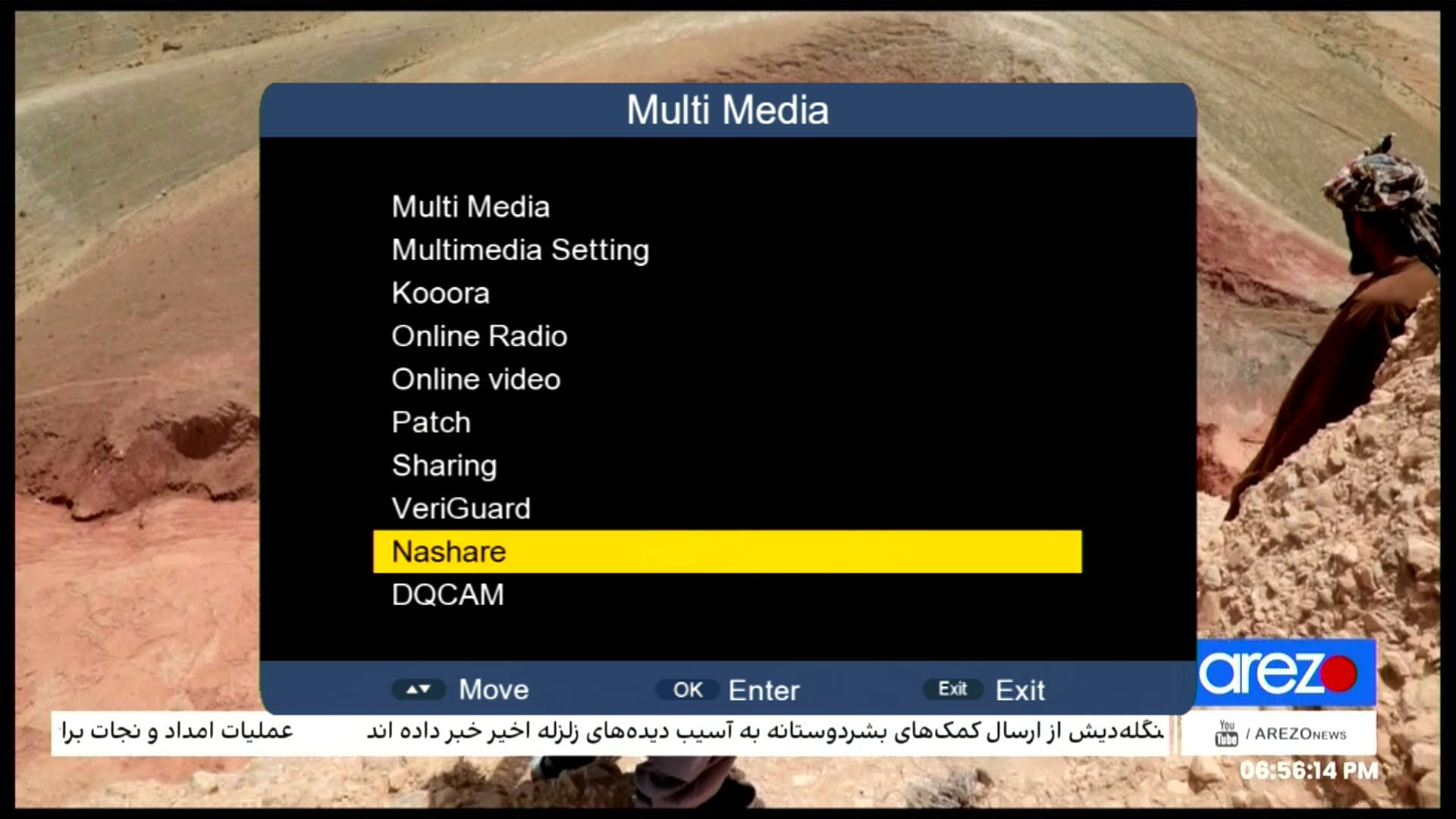
11. Nashare Added
12. Remote 1506 & NK Supported
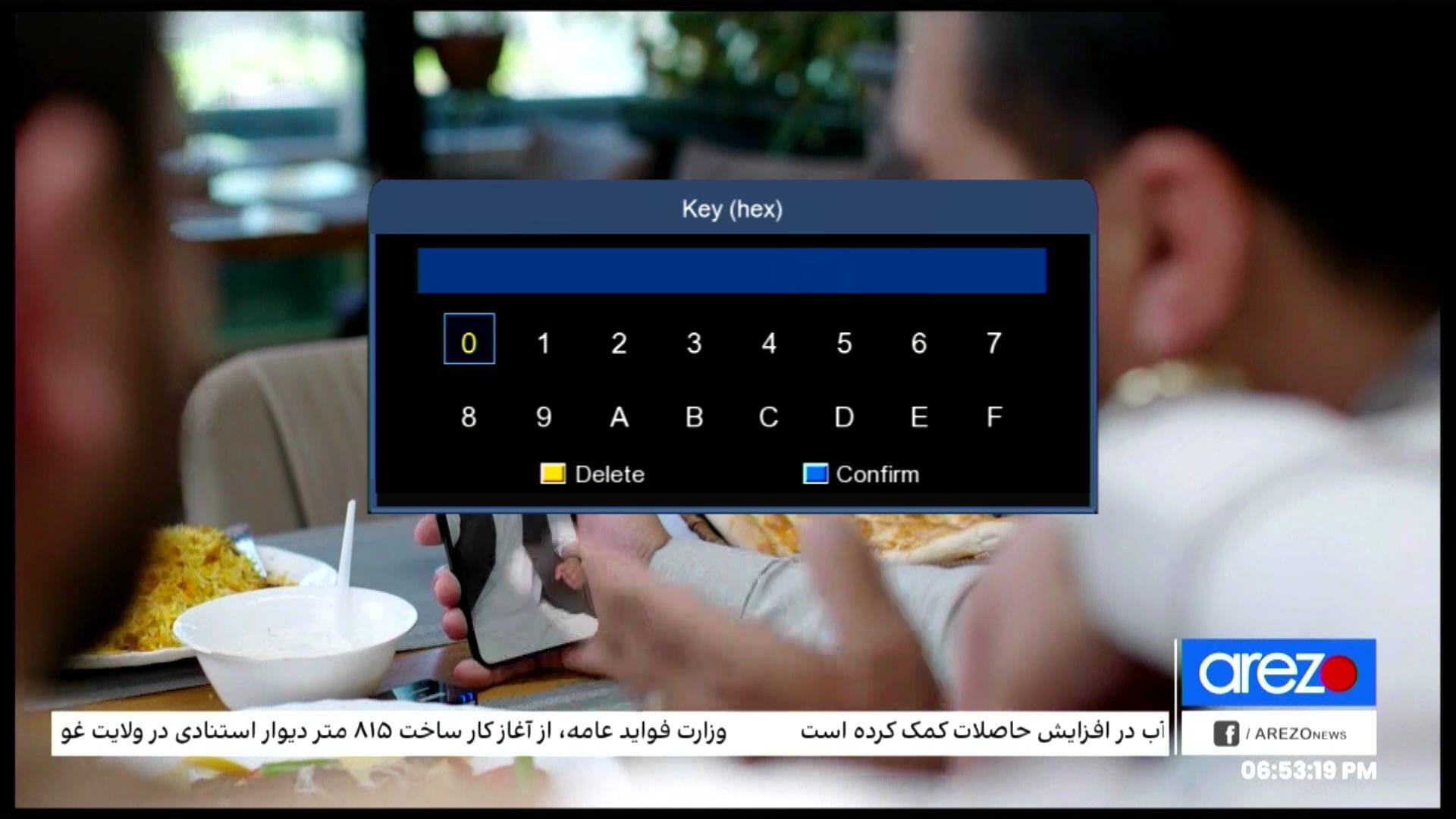
13. Biss Key Add with 0 Button
📹 YouTube Video – Software Features
1506HV New Software September 2025 | TikTok + YouTube Kids + IPTV Working 100% | RS232 Guide

Note: Videos are embedded via YouTube LYTE for improved performance.
💻 RS232 Upgrade Guide
Follow these steps to upgrade your 1506HV receiver using RS232:
- Connect your receiver to the PC using an RS232 cable.
- Open the loader software on your PC.
- Select the 1506HV New Software September 2025 firmware file.
- Ensure receiver is in upgrade mode.
- Click “Start Upgrade” and wait until the process completes.
- Do not disconnect the cable until upgrade finishes.
💾 Backup & Loader
Always create a backup before upgrading your firmware. Use the official loader tool for a smooth update process.
Download Loader📹 YouTube Video – Loader Tutorial
How to Upgrade 1506g Receiver With RS232 Redlight Problem Fix #rs232 #redlightproblem #loader

Note: Videos are embedded via YouTube LYTE for improved performance.
🔗 Other 1506HV Software Versions
❓ FAQ
Q1: Is this software free to download?
Yes, 1506HV New Software September 2025 is completely free for all 1506HV users.
Q2: Can I update without losing settings?
Always take a backup before upgrading to avoid losing settings.
Q3: Which WiFi dongles are supported?
MT7601 WiFi dongles are fully supported.
Q4: Does YouTube Kids and TikTok work?
Yes, both are fully functional and optimized for smooth playback.










Software Downloads Nashare V2 +24 SPORT