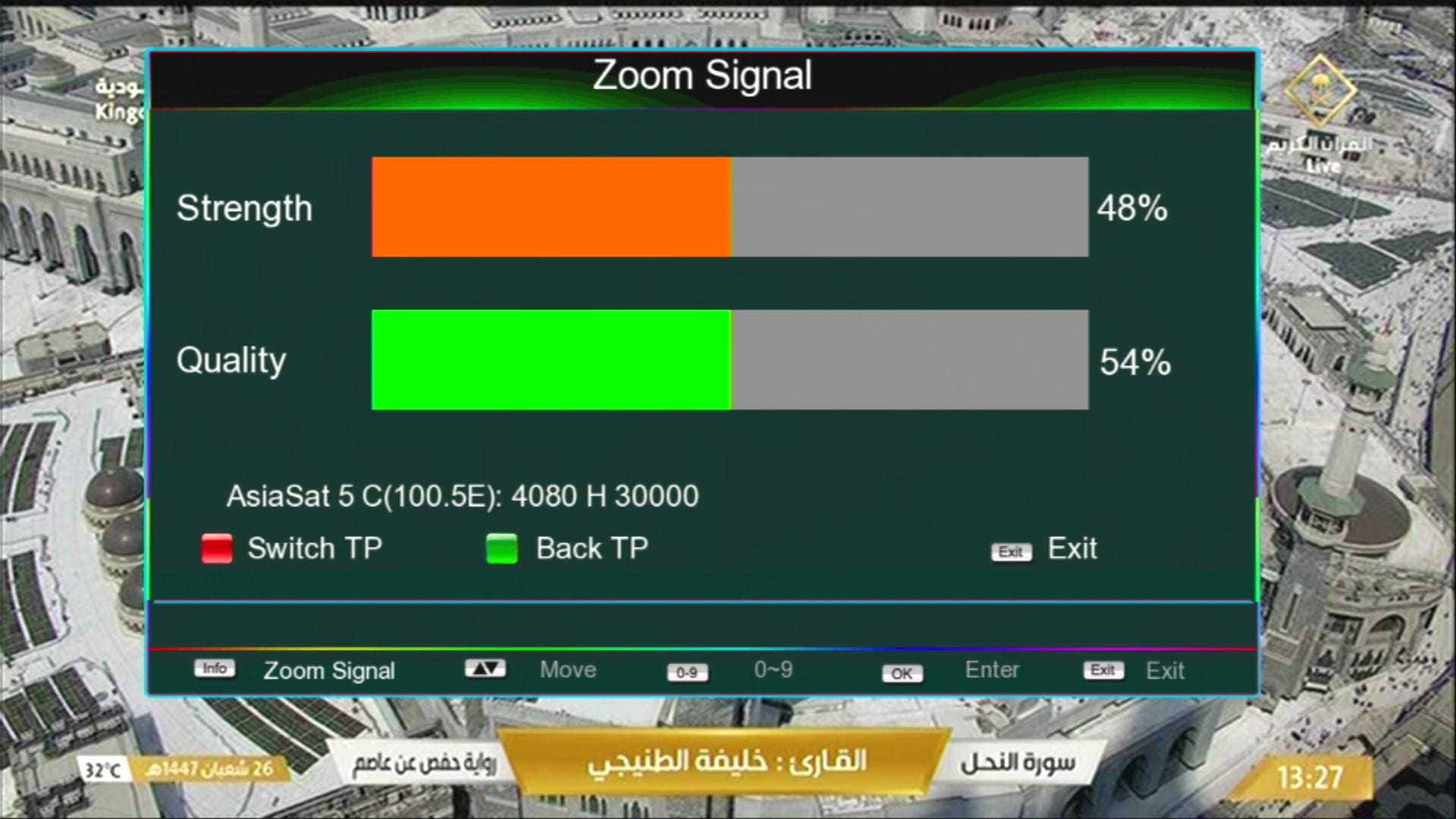
1507G ZOOM Signal New Software 2026 – DK V1.01 & Nashare IPTV Update (8MB)
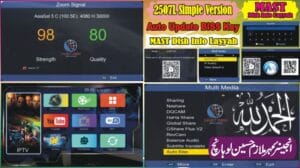
1507G ZOOM Signal New Software 2026 has been officially released with powerful new features including Nashare, IPTV options, E-Cast mobile casting, DQCAM support, and a modern graphics interface. This software is specially optimized for 8MB flash receivers.
If you are using a 1507G or 1506G 8MB receiver, this 2026 update provides improved performance, better sharing options, and enhanced user experience.
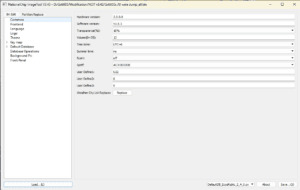
🔧 1507G 8MB Customer ID Change Online Tool
If you want to change the Customer ID of your 1507G 8MB receiver, you can now easily use our online Customer ID replacement tool.
This tool allows you to upload your BIN firmware file and replace the Customer ID directly without manual hex editing.
- 📲 Supported Model: 1507G 8MB
- 🔢 Offset Code: 5AFF6
- 🔢 Offset Code: 3FFF6
🚀 Open Customer ID Change Online Tool
⚠️ Important: Always create a backup of your original firmware before editing. Using an incorrect offset or wrong file may permanently damage your receiver.
🔥 What’s New in This Software?
🌟 Main Features
- 🖼️ Beautiful Graphics Design
- 📶 Mini Signal Indicator
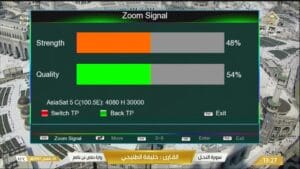
- 🔍 Zoom Signal Feature
- 🧭 Channel Logo Changing Option
📡 Network & Sharing Features
- 🌐 E-Cast Option Added (Mobile Casting)
- 📲 Nashare Option Added
- 📡 DQCAM Option Added
- 📺 Multiple IPTV Options Added
- 🔌 USB Cable Network Support
- 🛰️ 3G Networking Option Added
- 🌐 LAN Networking Support
- 📶 Wi-Fi Supported (RT5370 & MT7601 Chipsets)
🔑 Keys & Security System
- 🔑 Direct BISS Key with 0 Button
- 0️⃣ Add BISS Key Instantly Using “0” Button
- 🔐 Server Keys Option
- 🔥 Hot Keys Function Added
⚙️ Hidden Menus & Access Codes
- 🧩 Customer ID → Press 1502 in Version Menu
- ⚙️ Hidden Menu 1 → Press 1506 in Multimedia
- ⚙️ Hidden Menu 2 → Press 1512 in Preferences
🧭 Receiver Information
- 🎮 Remote Type → 1506 or NK
- 💾 Flash Size → 8MB
- 🧠 Software Version → SunPlus DK-V1.01
- 🆔 Customer ID → 15 07 8A 00 00 BB
- 📺 Supported Models → 1507G / 1506G (8MB)
📦 File Details
- File Type: BIN Firmware
- Release Year: 2026
- Category: Satellite Receiver / Dish Information
📌 Conclusion
The 1507G ZOOM Signal DK V1.01 New Software 2026 is a powerful upgrade featuring modern graphics, Zoom Signal functionality, Nashare integration, IPTV support, and advanced networking capabilities. This version is stable, optimized, and recommended for all compatible 8MB receivers.
Stay connected for more latest satellite receiver software updates, tools, and dish information.
Download 1506LV 8MB New Software 2025 with amazing features like NASHARE, IPTV, E-Cast, Direct BISS Key Add, Hot Keys, Remote 1506 Support and more. This software offers modern design, stable performance, smooth streaming, and full compatibility with GX6605S, 1506F, 1506T, and other receivers. Easily use Wi-Fi (RT5370 & MT7601), wired and 3G networks, and enjoy advanced IPTV options. Perfect for MAST Dish Info users who want the latest 8MB receiver updates.
🔥 What’s New in 1506G 8MB Software 2025?
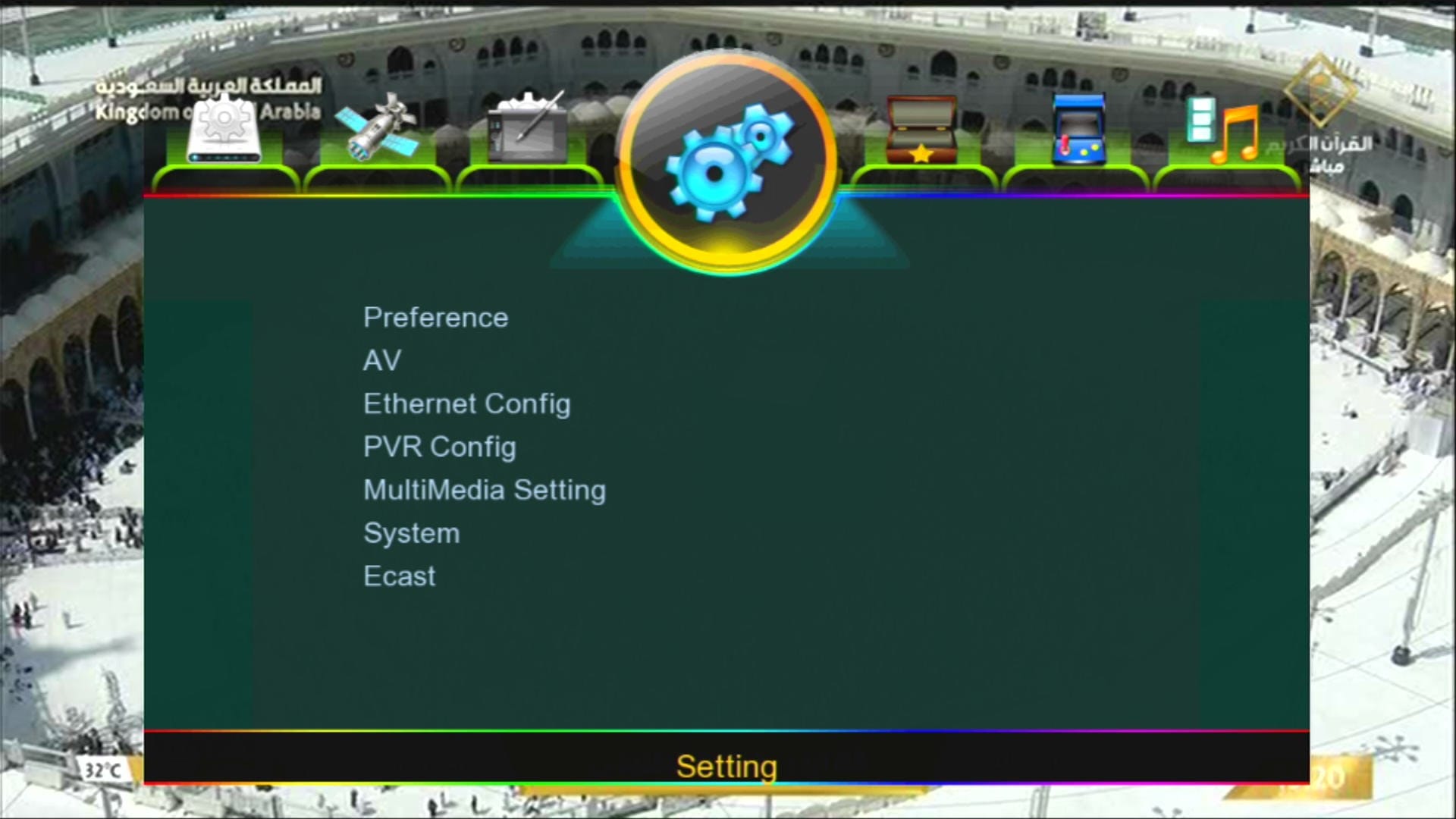
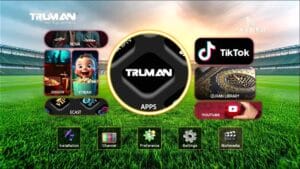
✅ Beautiful Interface & Display
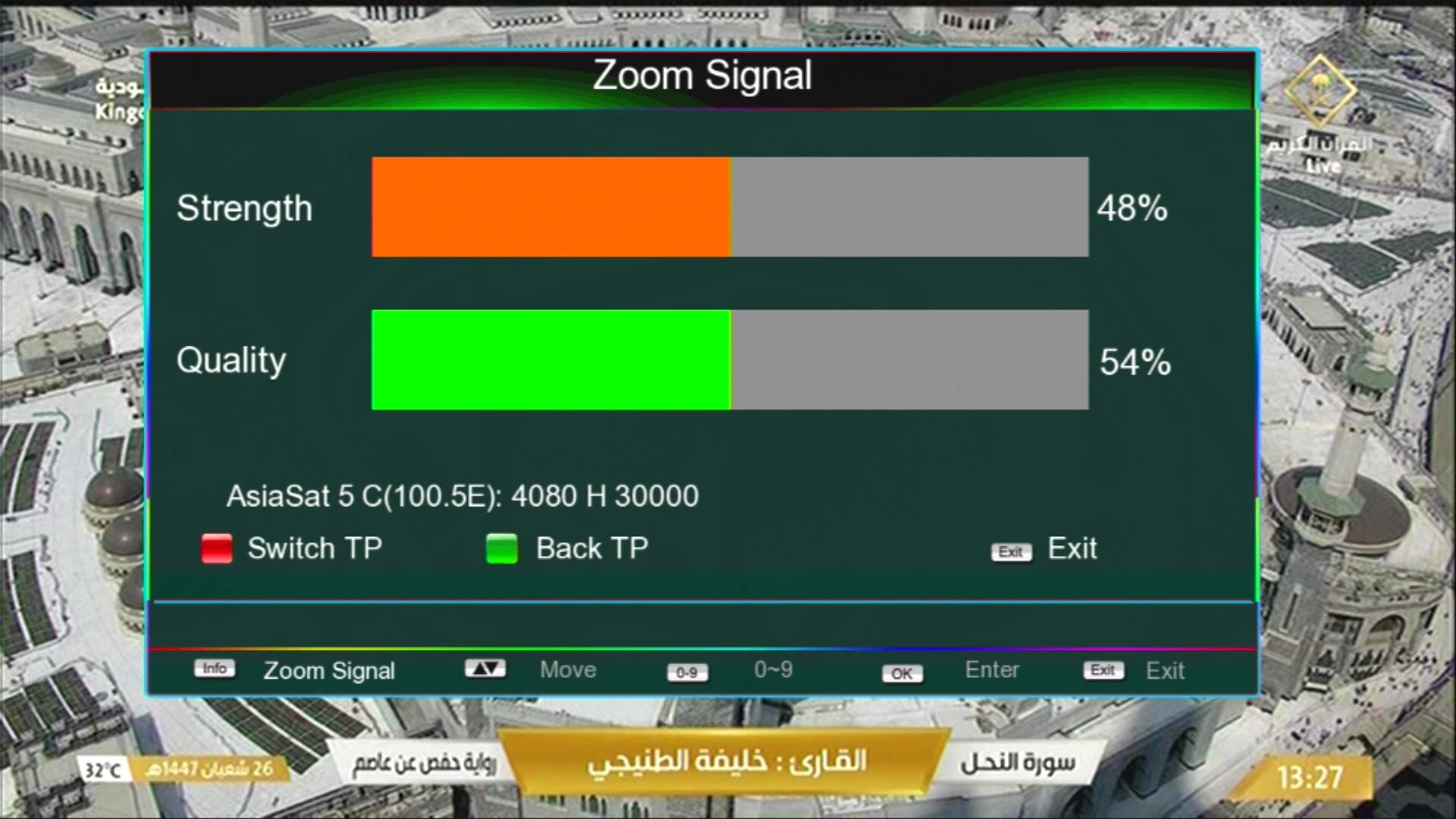
Zoom Signal
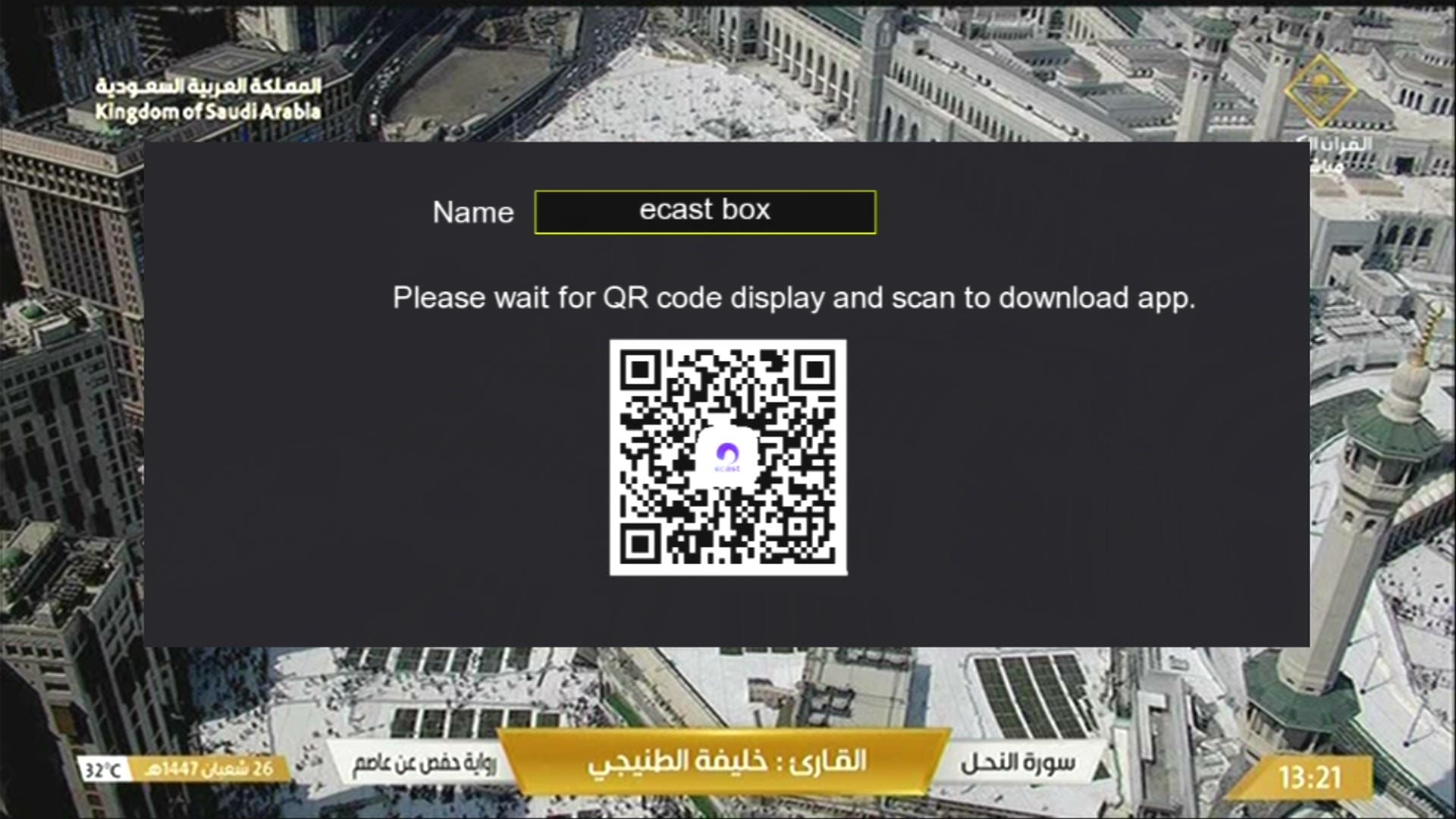
📡 E-Cast Option Added
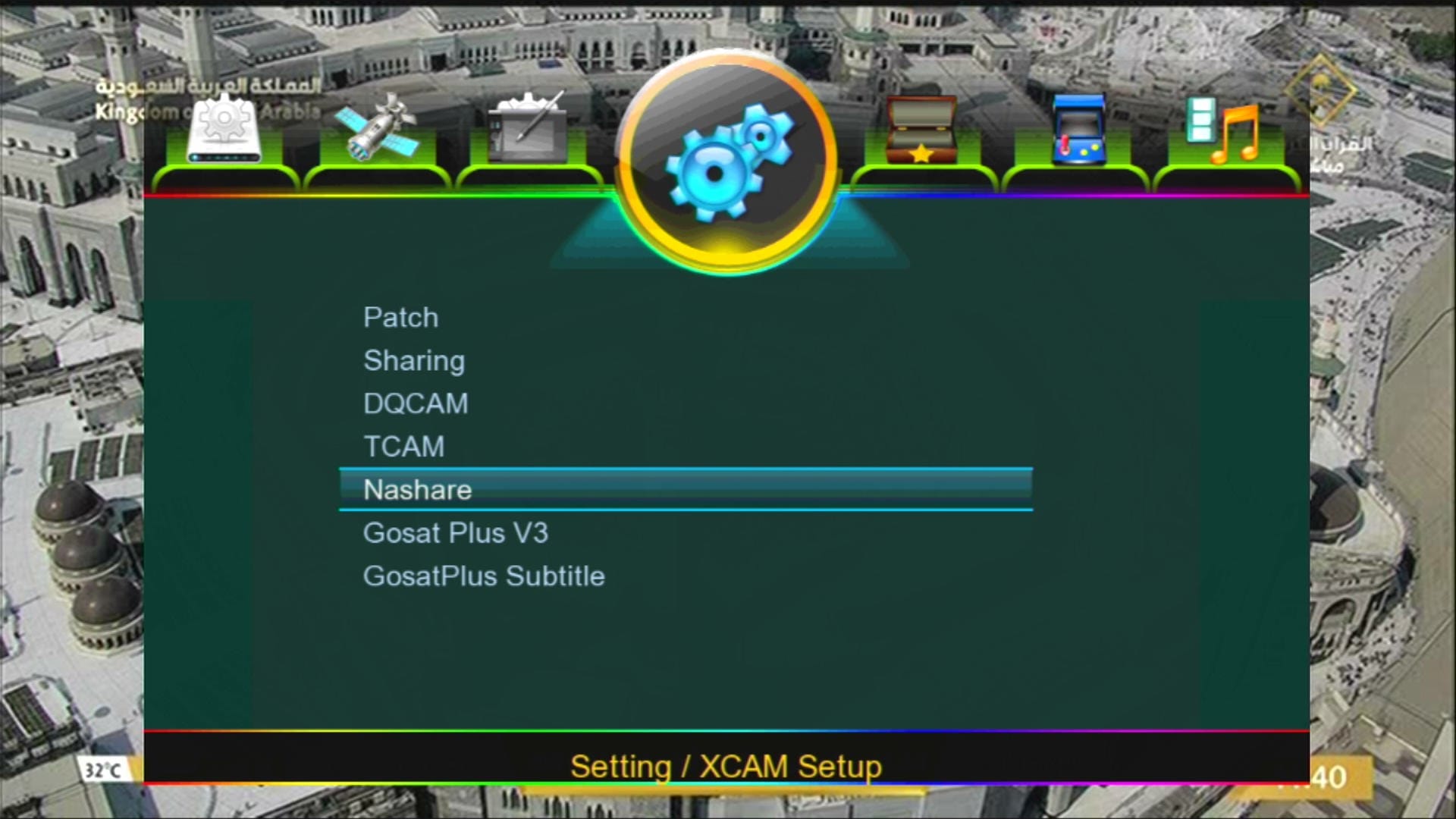
✅ Nashare Option Added
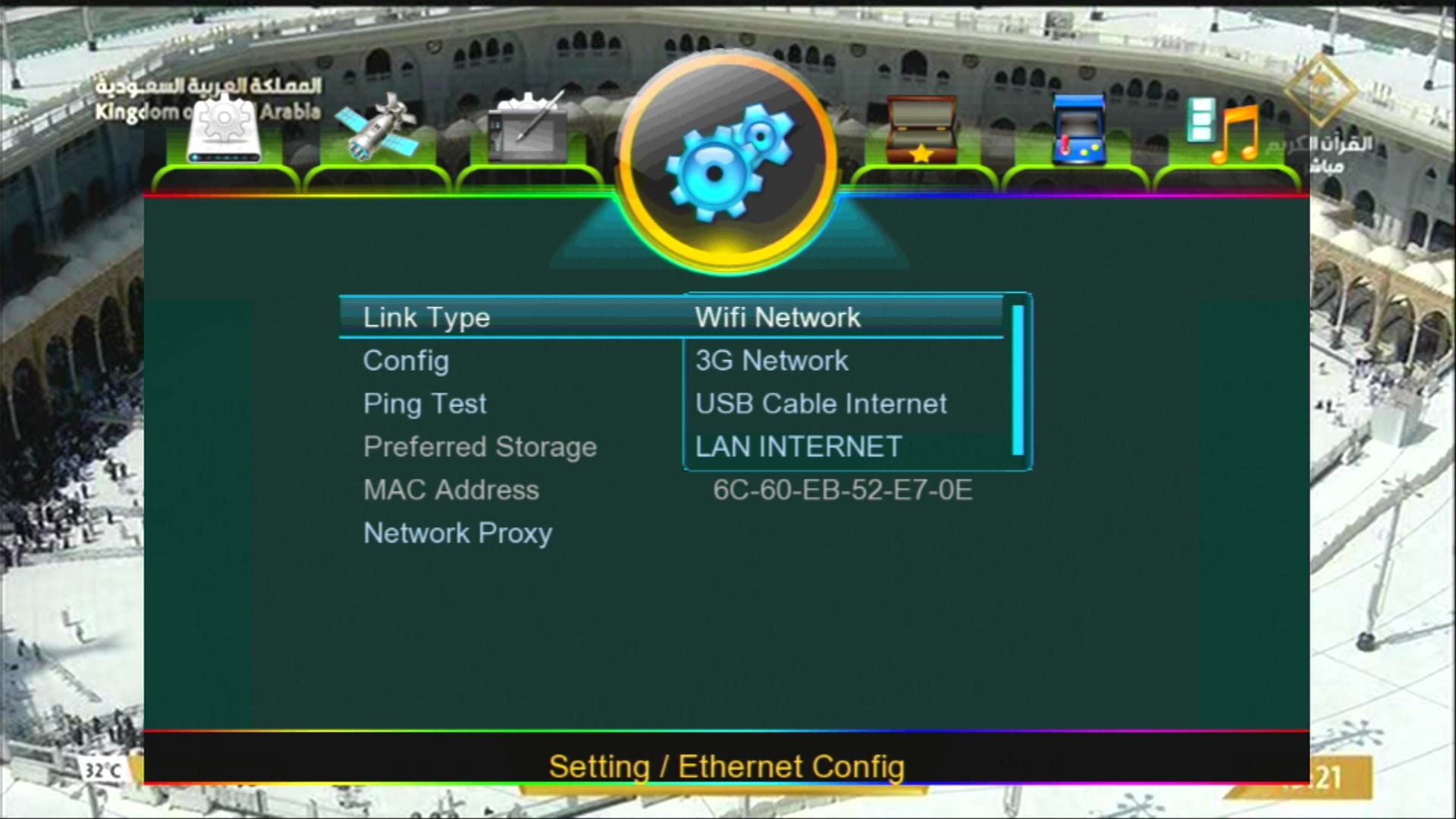
🌐 Networking Features: USB, Wired, Wi-Fi, 3G Supported
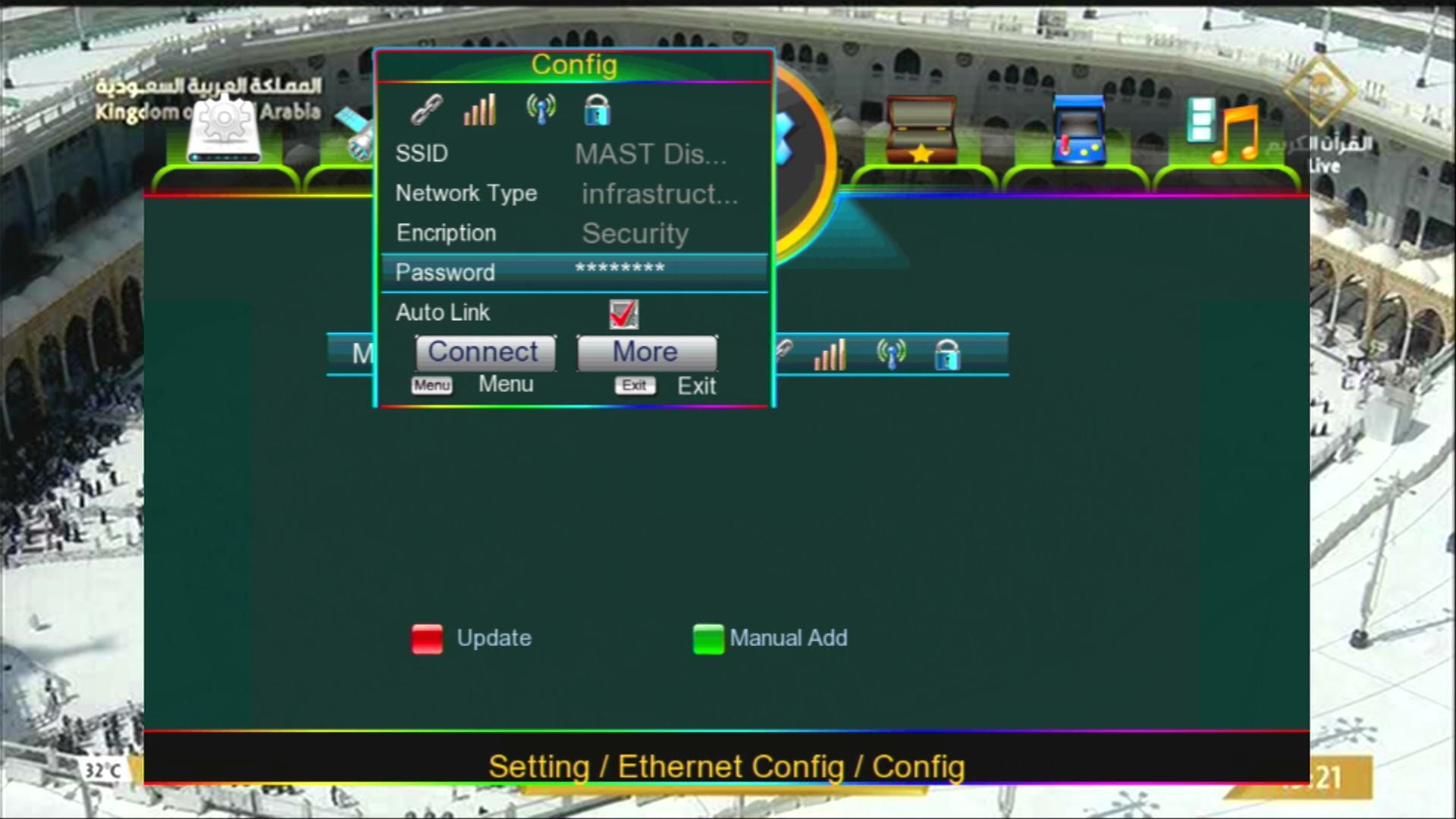
📶 Wi-Fi Supported (RT5370 & MT7601 Chipsets)
✅ Multimedia Option
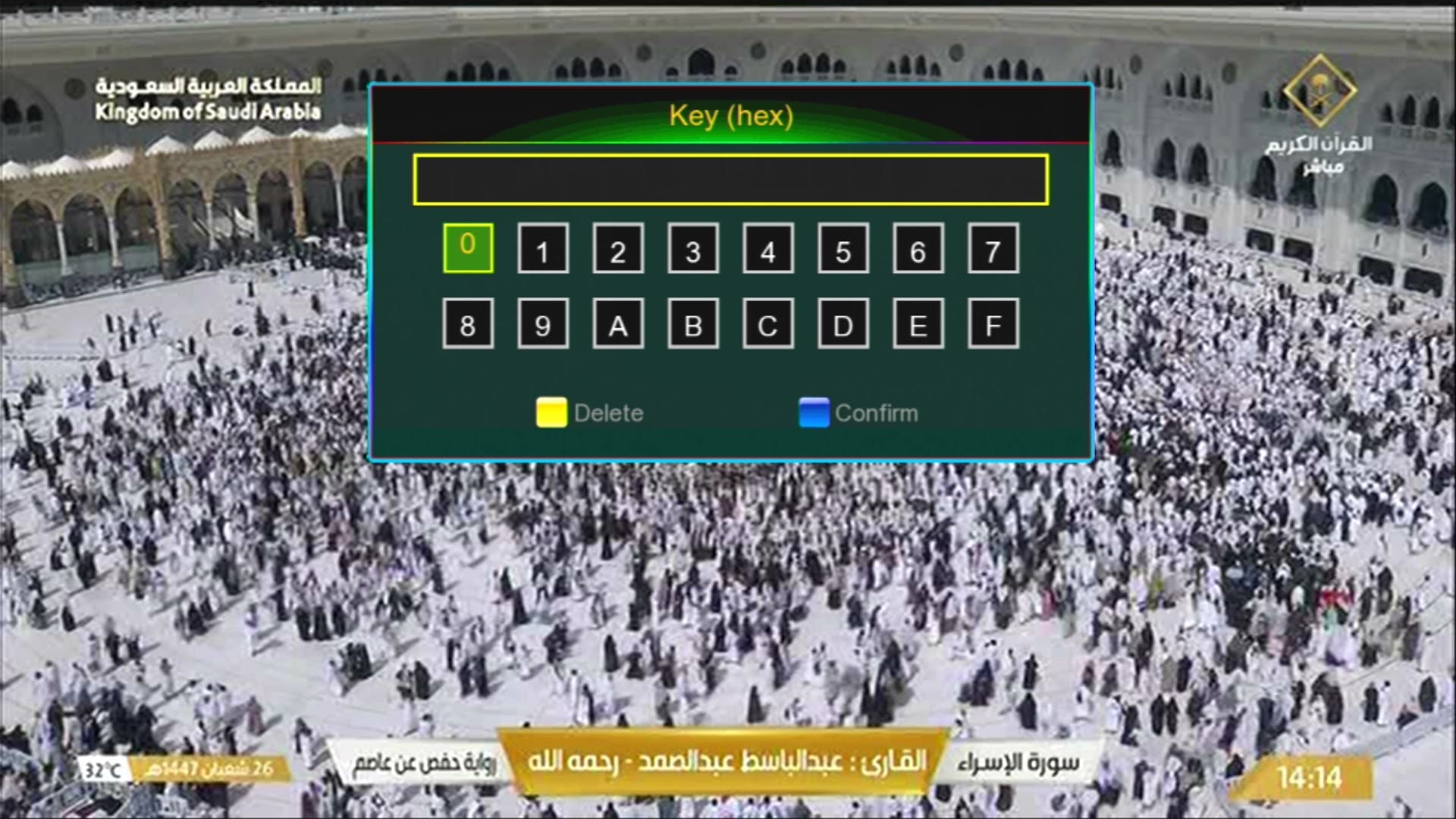
🔢 Direct BISS Key Add with “0” Button
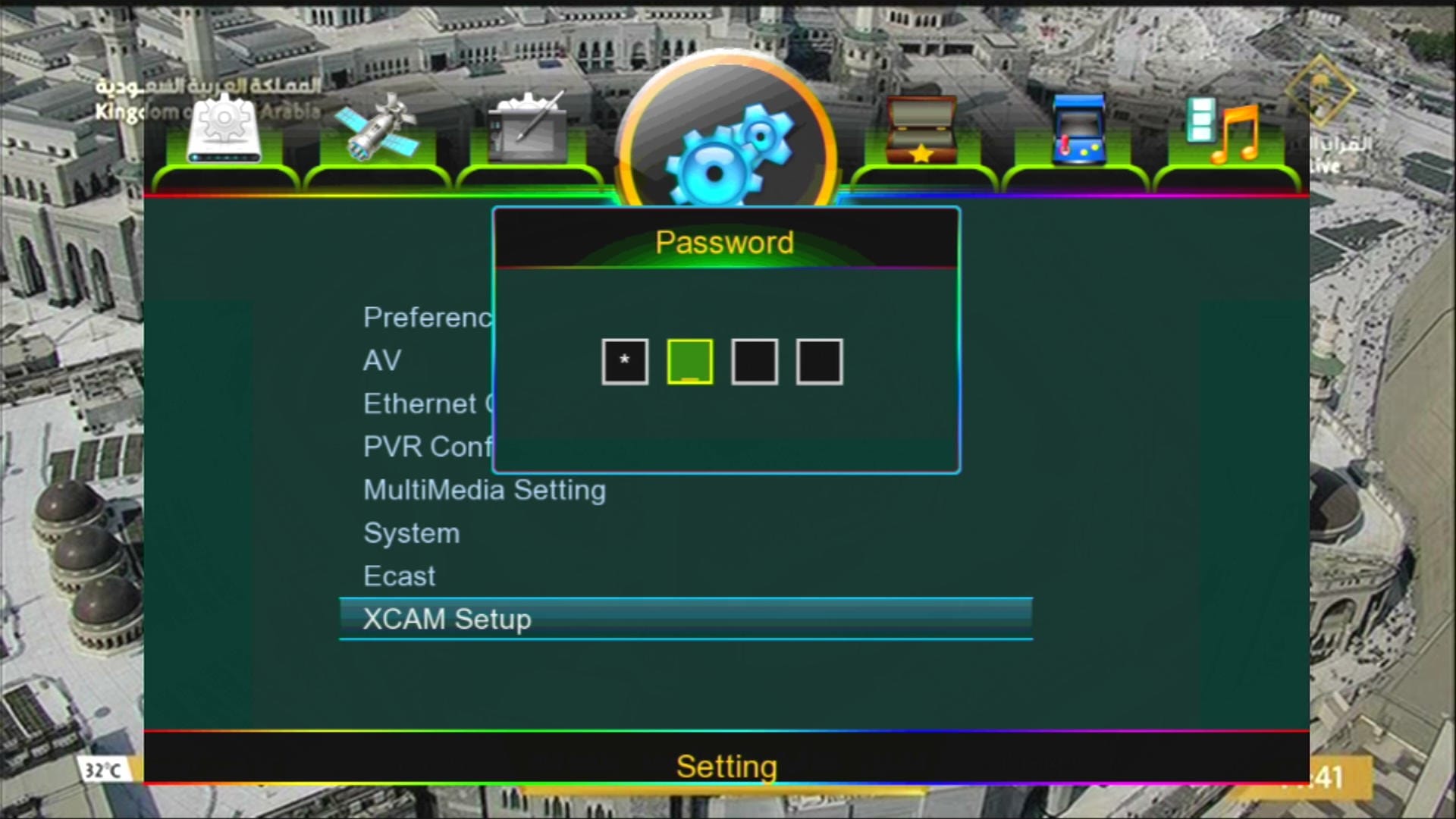
✅ Hidden Menus: 1502 / 1506 / 1512
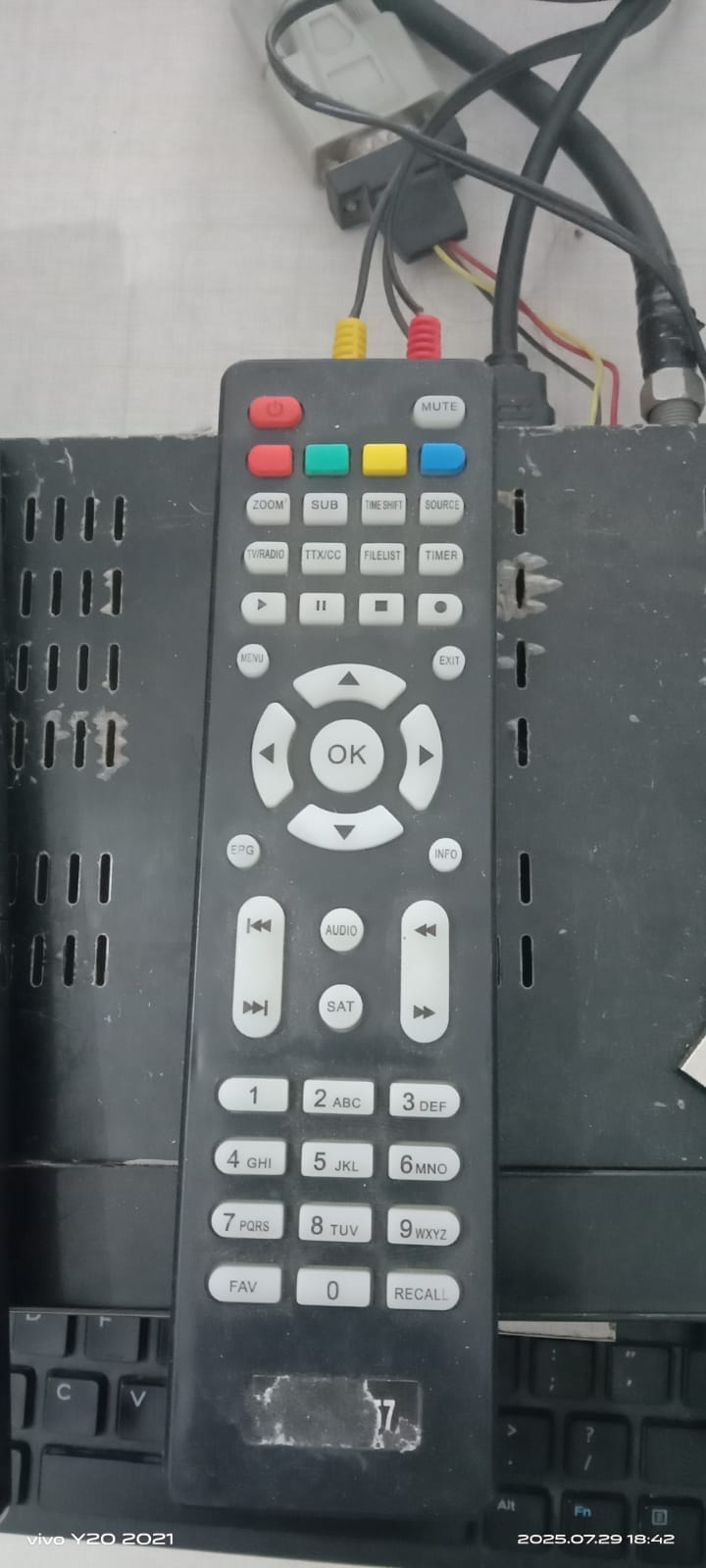
✅ Remote Type → 1506 or NK
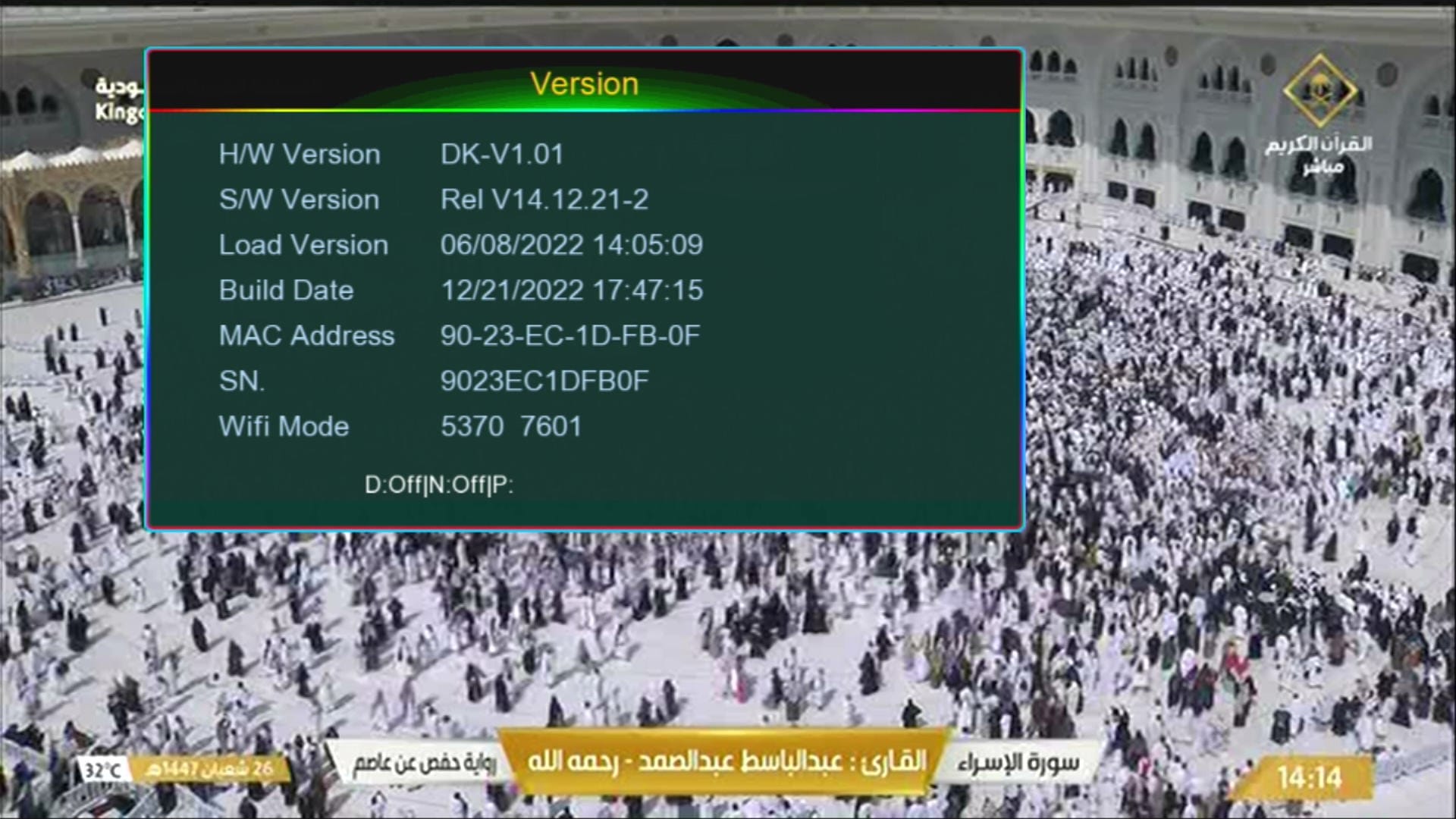
✅ Software Version → SunPlus DK-V1.01
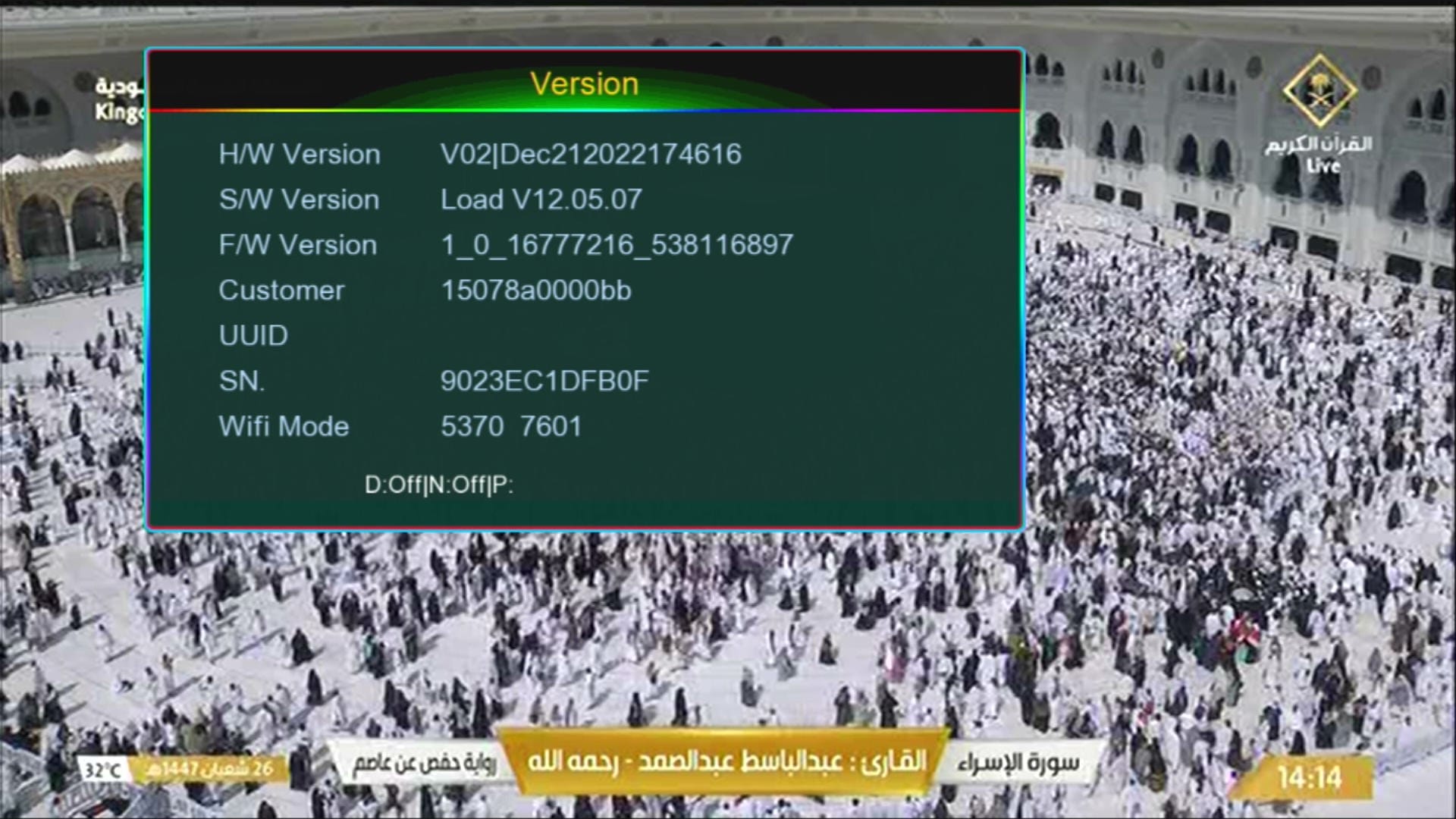
ℹ️ For Customer ID Press →1502
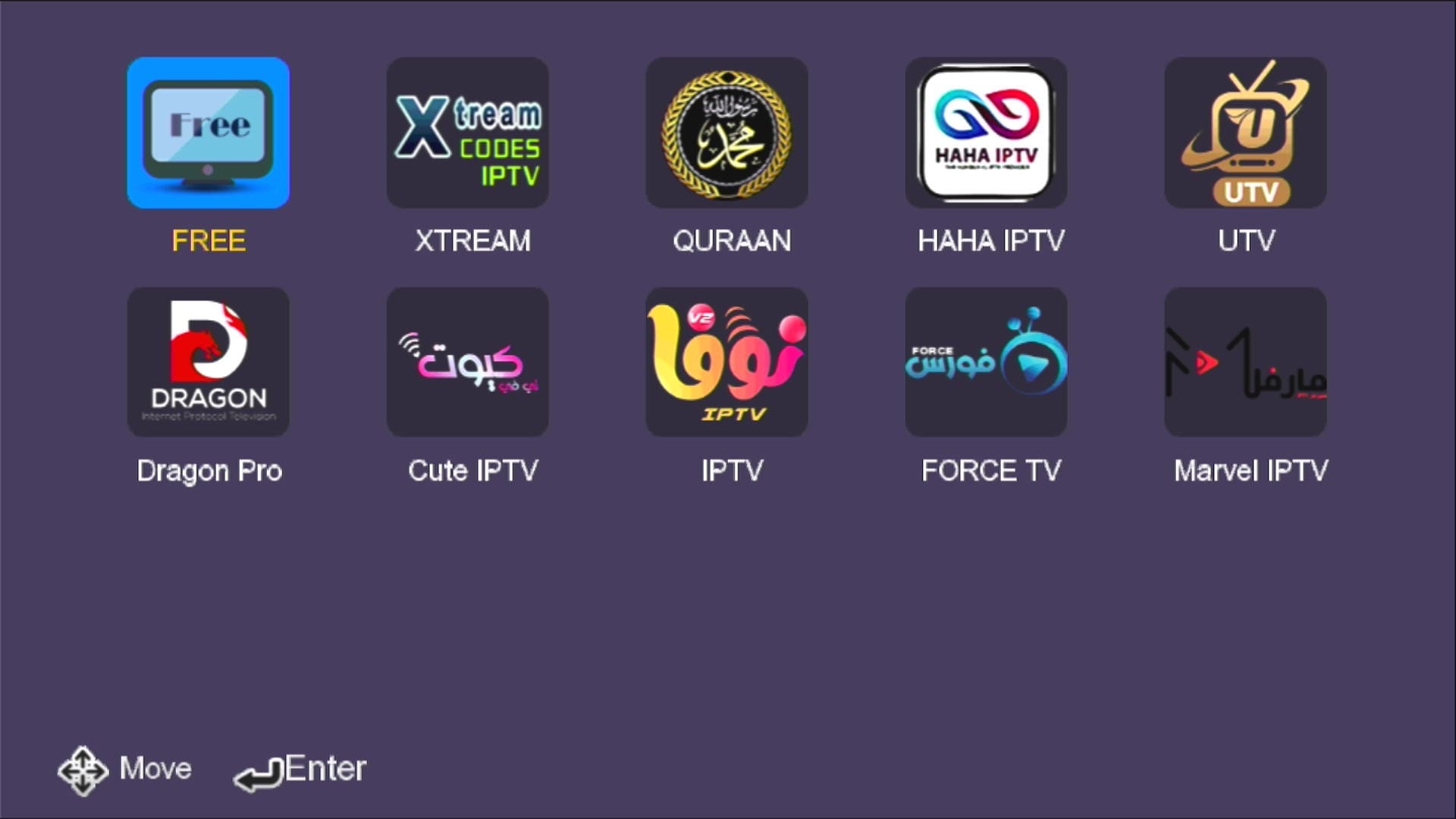
📺 IPTV & Streaming Options Added
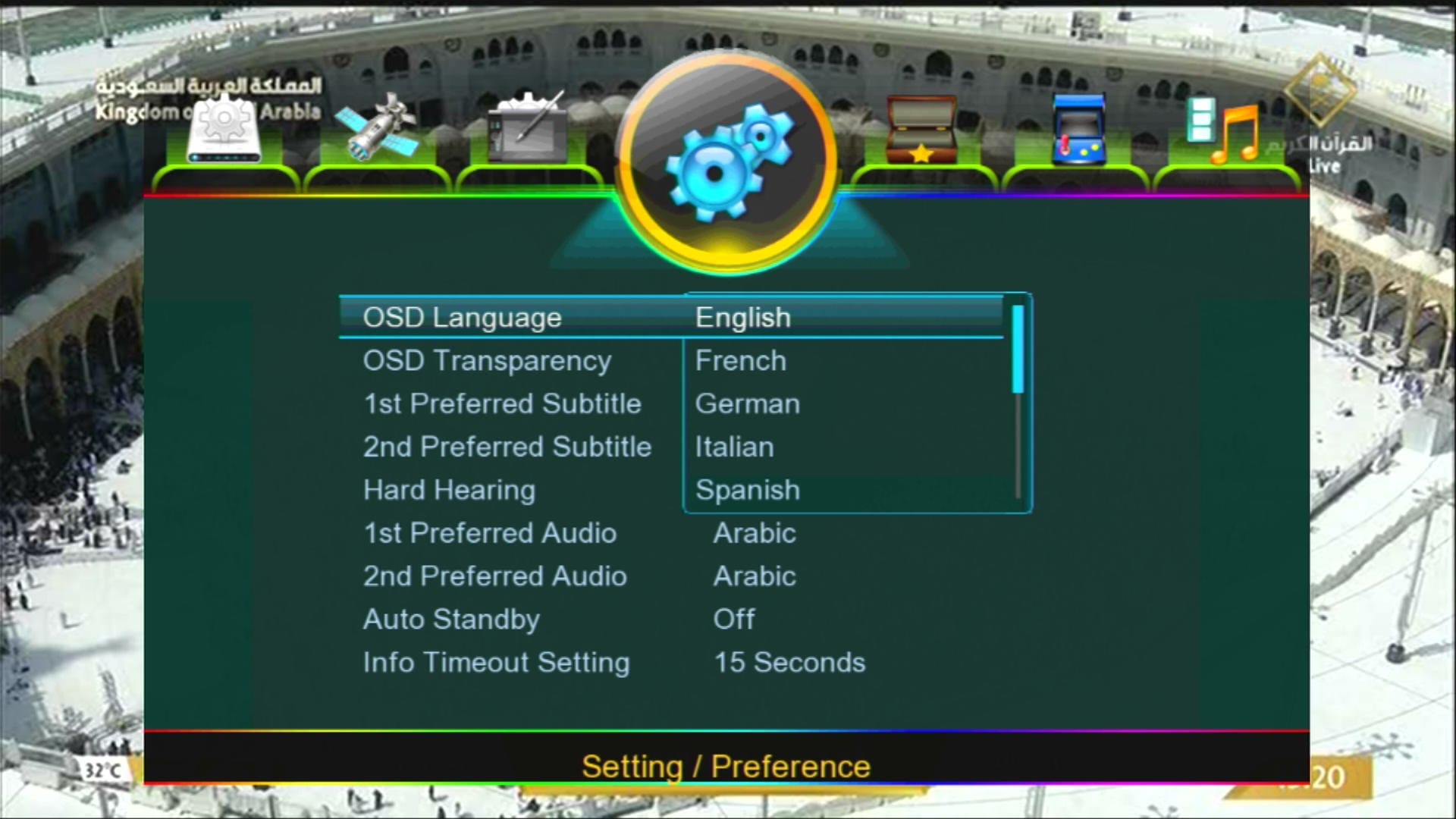
🌍 Multiple Language Support
🎥 SunPlus DK-V1.01 1507G & 1506G 8MB Software 2025 – Video Review

Note: Videos are embedded via YouTube LYTE for improved performance.
📚 Related Receiver Software
🛠️ SunPlus DK-V1.01 1507G 8MB RS232 Upgrade / Recovery Guide
Agar aapka SunPlus DK-V1.01 1507G 8MB Receiver hang ho gaya hai, “ASH” show karta hai, ya galat firmware flash hone se dead ho gaya hai — to RS232 Loader se recovery karna sabse safe aur tested tareeqa hai. Neeche simple step-by-step guide di gayi hai:
- 🔌 RS232 cable ko PC aur receiver ke RS232 port se connect karein.
- 💻 PC par SunPlus Loader Tool open karein aur correct COM port select karein.
- 📂 Loader me apna SunPlus DK-V1.01 1507G 8MB .bin firmware select karein.
- ⚡ Receiver ko power OFF rakhein aur Loader me “Start” par click karein.
- 🔄 Jab Loader instruct kare tab receiver ON karein — transfer start ho jayega.
- ⏳ Transfer complete hone tak wait karein (power na band karein).
- ✅ 100% complete hone ke baad receiver reboot karega aur naya software load ho jayega.
📹 RS232 Upgrade Video (Step-by-Step)

Note: Videos are embedded via YouTube LYTE for improved performance.
SunPlus DK-V1.01 1507G 8MB Loader & Driver Download
⚠️ Safe Download Notice
Loader aur driver files verified hain, lekin Google safety policy ke mutabiq direct download links ab YouTube video description me diye gaye hain — malware-free aur safe download ke liye.
📥 All verified loader files are available in the YouTube description. 👉 Watch Loader Download Video
RT809F Programmer se 1507G Firmware Flash
Agar SunPlus DK-V1.01 1507G 8MB receiver bilkul dead ho aur RS232 detect na kare, to RT809F Programmer se direct NAND flash karna best solution hai. Video guide neeche di gayi hai:

Note: Videos are embedded via YouTube LYTE for improved performance.
1st Upgared Middle File
After Middle File Upgrade Latest Software
📥 Download SunPlus DK-V1.01 1507G 8MB Software
Click the button below to download the latest SunPlus DK-V1.01 1507G 8MB Software 2025 for free.
📁 File Details
⚙️ Processor:
🛠️ SW Version:
💾 File Size:
⬇️ Downloads:
👤 Uploader:
⚠️ Report: