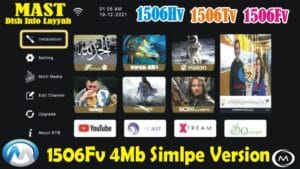
🚀 2507L Receiver All Software | Middle, Downgrade, Upgrade & Recovery Guide (8MB)
Welcome to the ultimate guide for 2507L Receiver software. In this post, you will find a complete collection of software for 2507L receivers including Middle Software, Normal Software, Upgrade, Downgrade, and Recovery tools designed for 8MB receivers. This guide is perfect for both beginners and professional satellite technicians.
📌 What is Middle Software?
Middle Software is a special bridge software used when your receiver already has software installed and you want to install a new or old software (downgrade). Installing software directly often fails or shows errors. Middle Software prepares your receiver for safe installation of any software.
⚙️ Types of Software in this Collection
- Middle Software: Required before downgrade or upgrade.
- Normal/Main Software: Standard software for daily use.
- Upgrade Software: For updating to latest version.
- Downgrade Software: For installing older versions safely.
- Recovery / Fast Software: To recover dead or logo-stuck receivers.
- Simple Versions: Lightweight software for basic functionality.
- Premium Versions: Full-featured software with all options.
📡 Why You Need This Playlist
This playlist is essential because many 2507L receivers cannot install software directly due to system restrictions. Using the correct software in the right order ensures:
- Safe upgrade or downgrade
- Recovery from dead or logo-stuck receivers
- Prevention of software installation errors
- All software types available in one place
⚠️ Important Notice
- This software collection is only for 2507L receivers with 8MB flash memory.
- Do not use any of these methods on 4MB receivers.
🎯 Benefits of this Guide
- Step-by-step guidance for installing all types of software
- Complete solutions for Middle, Recovery, Upgrade, and Downgrade
- Optimized for 2026 software updates
- High-quality tutorial for satellite technicians and beginners
📢 Subscribe & Stay Updated
Make sure to subscribe to the channel for regular updates on 2507L software, recovery tools, and tutorials. Share this guide to help others in the satellite receiver community!
Tags: 2507L, 2507L Middle Software, 2507L 8MB, Receiver Software, Receiver Recovery, Receiver Downgrade, Receiver Upgrade, Satellite Receiver, 2507L Recovery, Dish Receiver, 2507L Fast Software, 2507L Bin File, Receiver Software Install, Satellite Receiver Guide, 2026 Software
📌 2507L Receiver Features Gallery
Click on any image to zoom in full-screen and navigate using arrows. All features of 2507L receiver software are displayed below.

✅ Modern & Stylish Menu Design
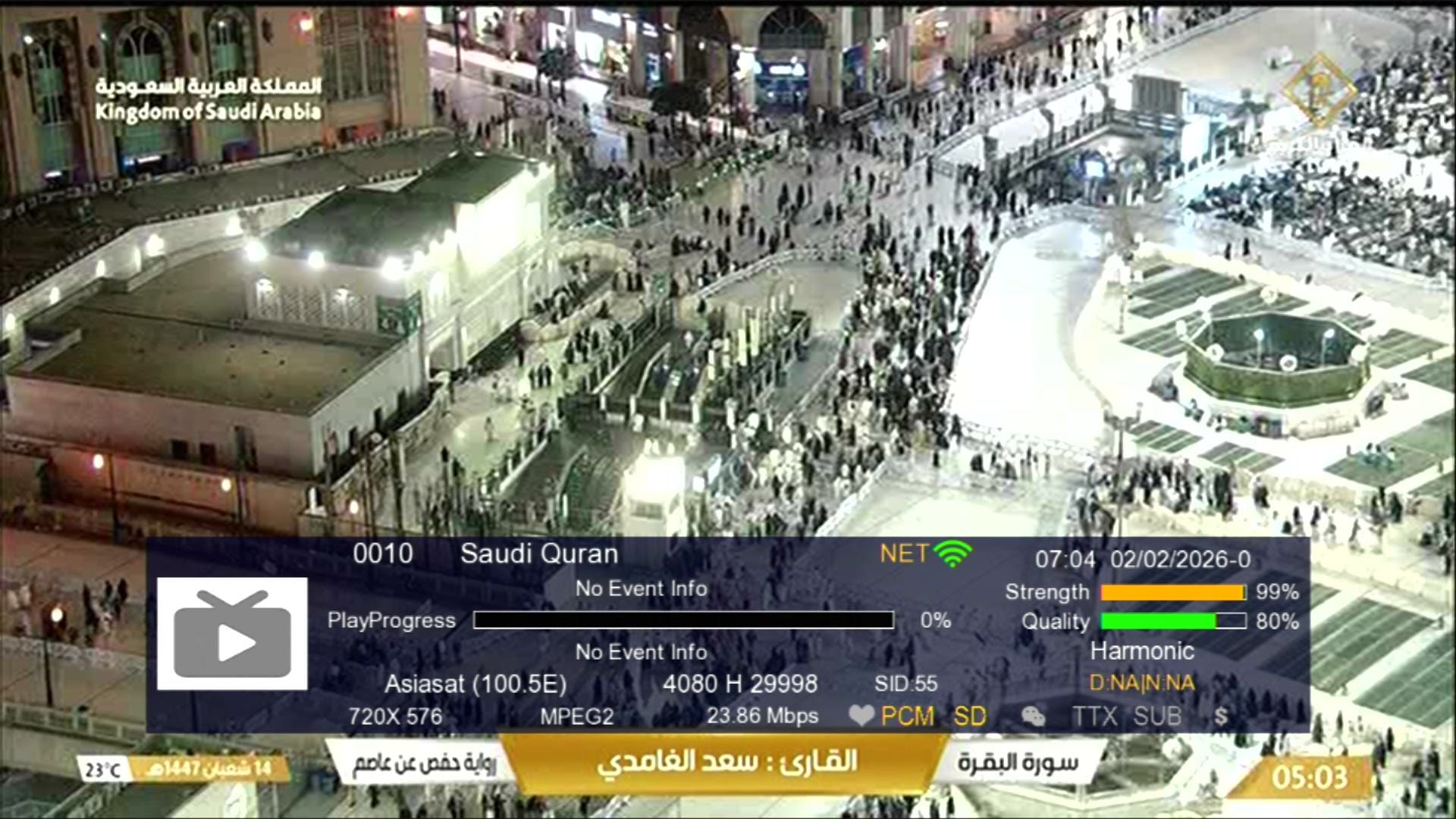
✅ Signal Indicator
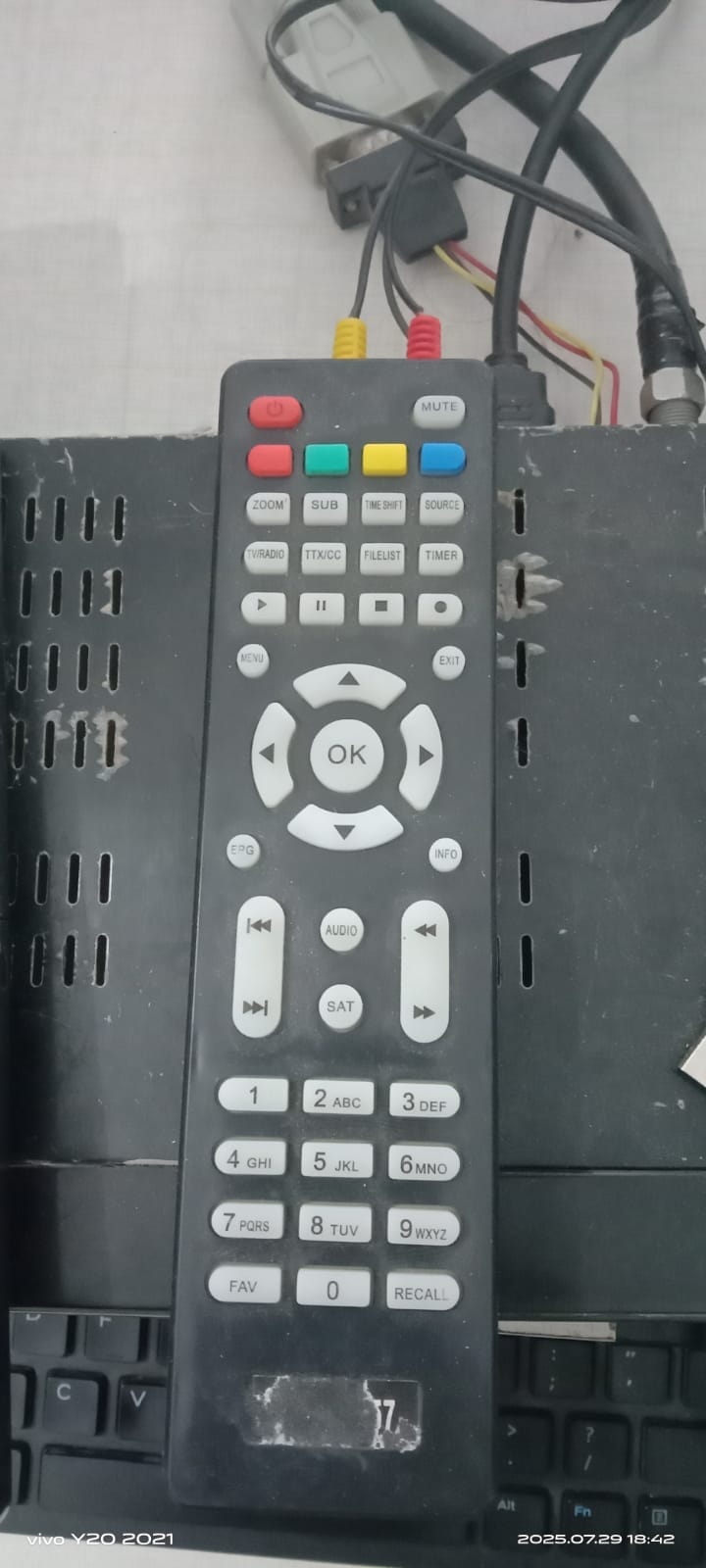
✅ 1506 or NK Remote Supported
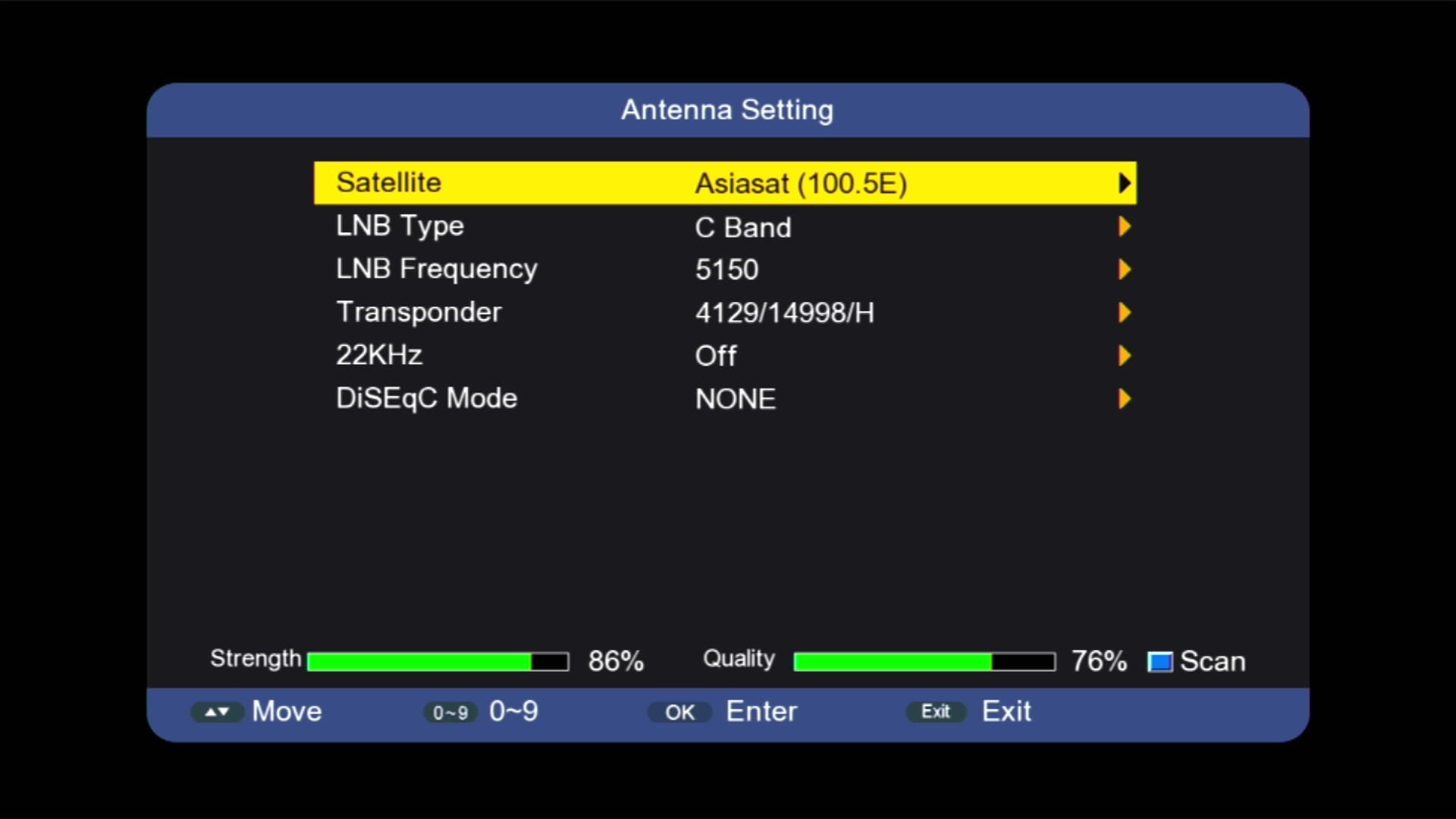
✅ Satellites List
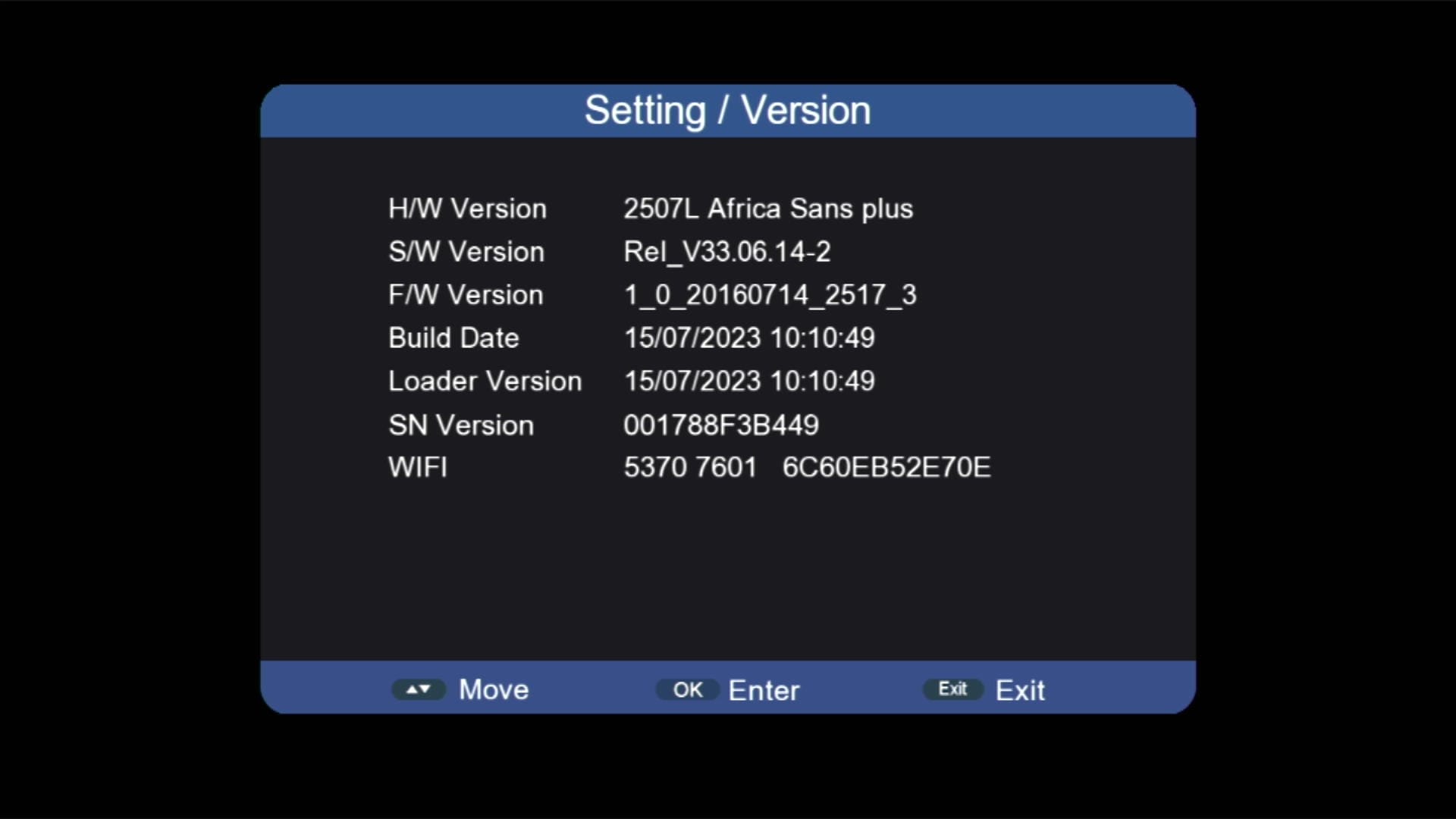
✅ Updated System Information

✅ Beautiful Channel Dialogue Box
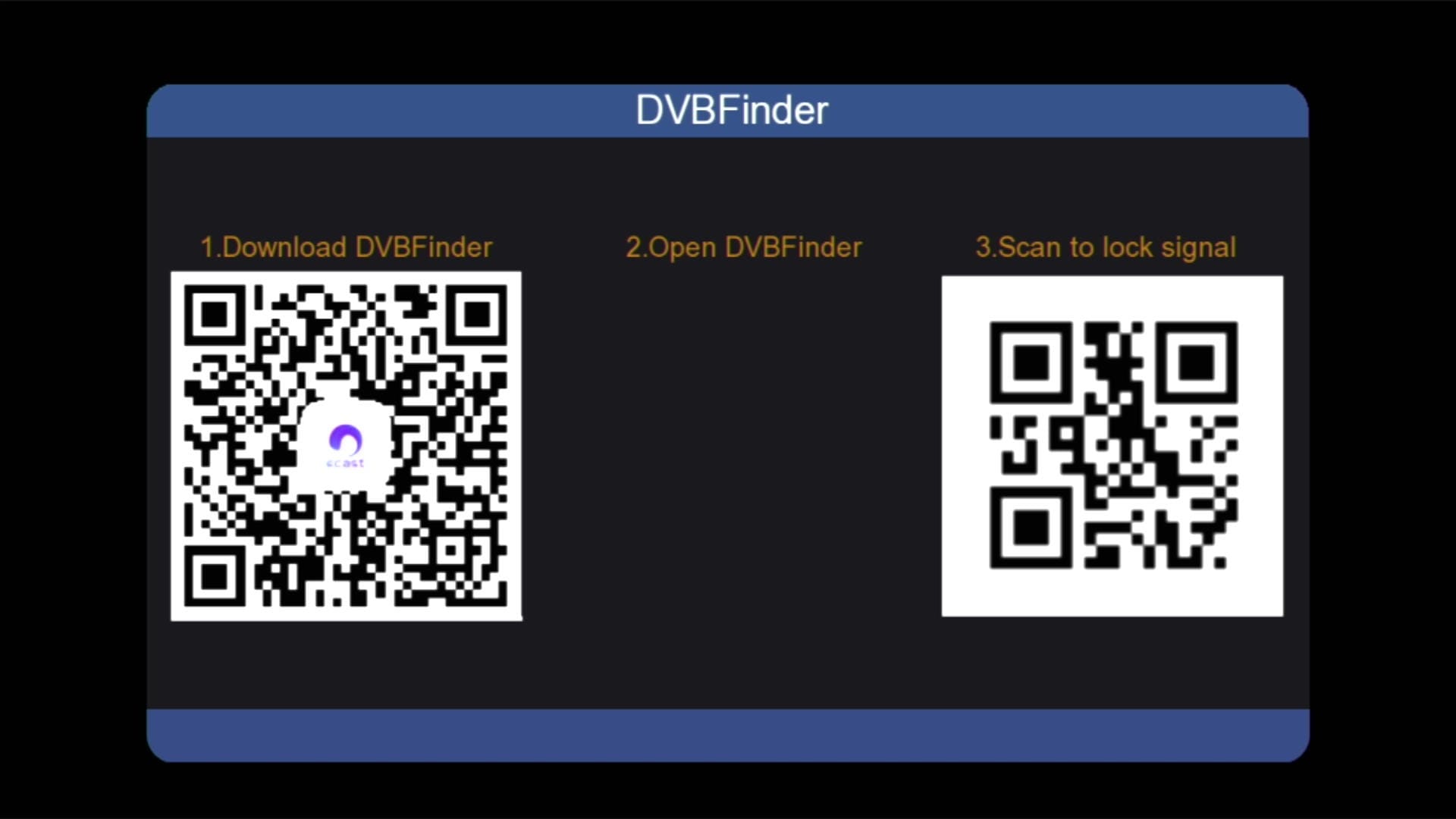
✅ DVB Finder Option
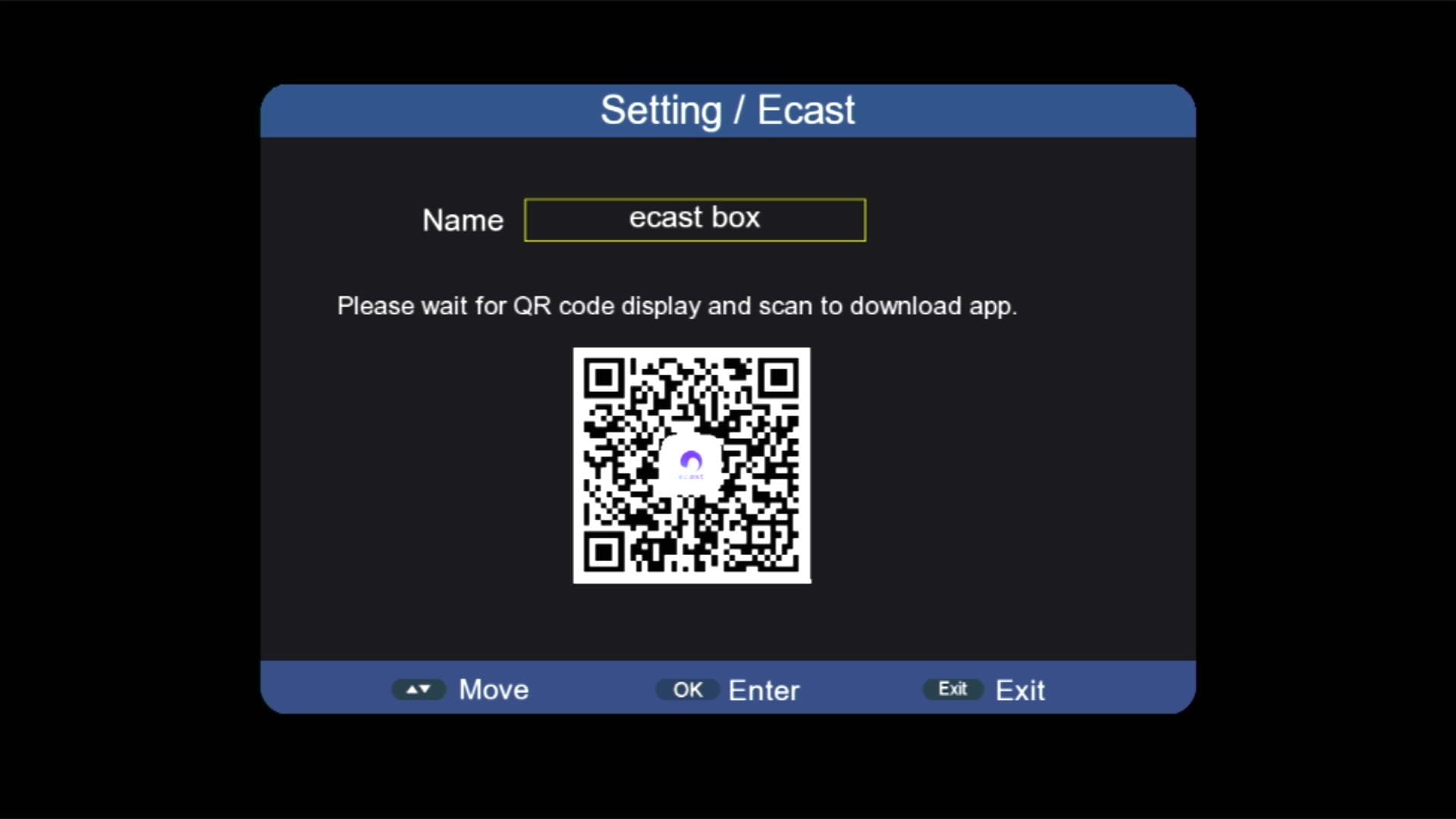
✅ E-Cast Option
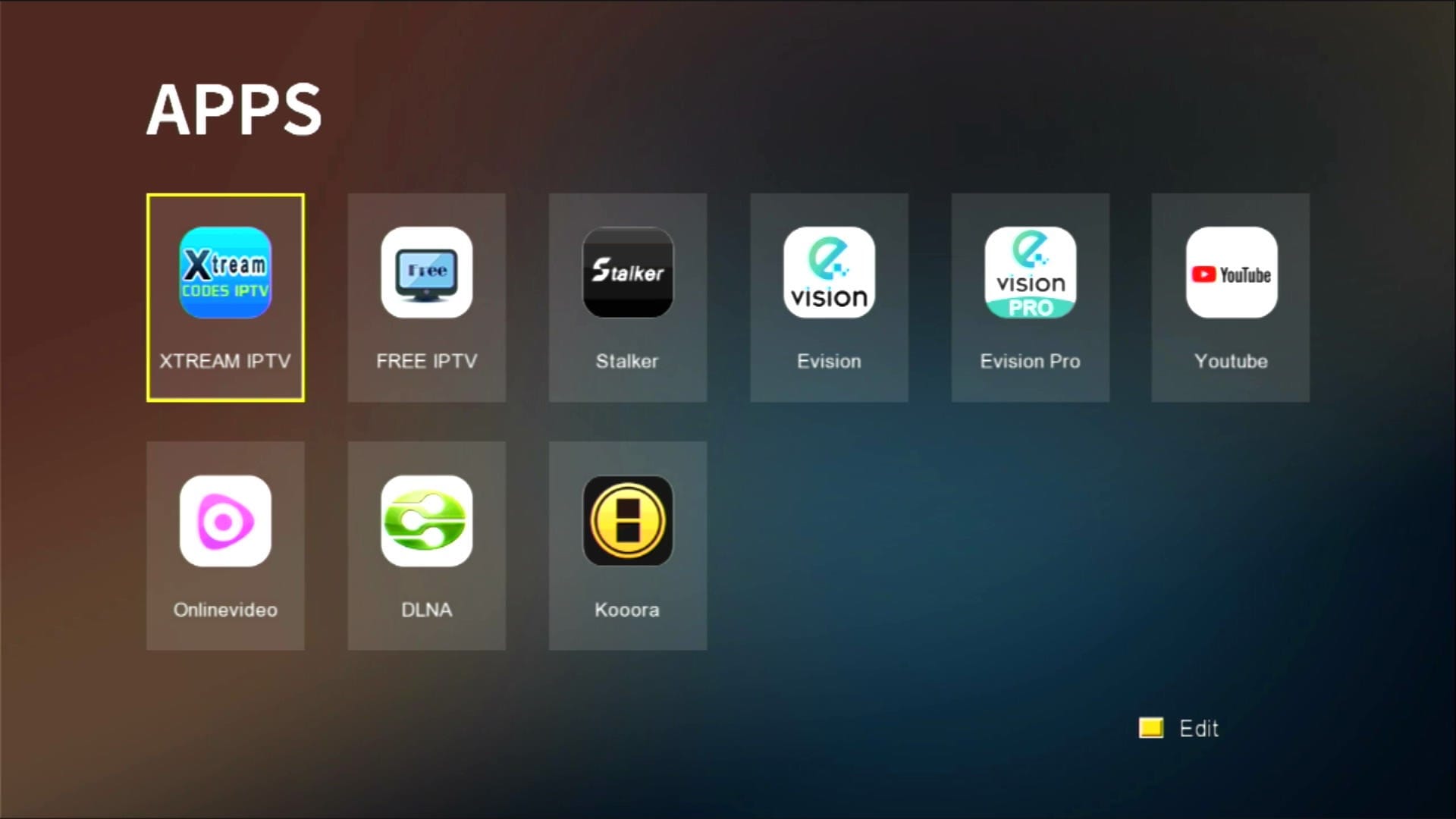
✅ Many Apps Added
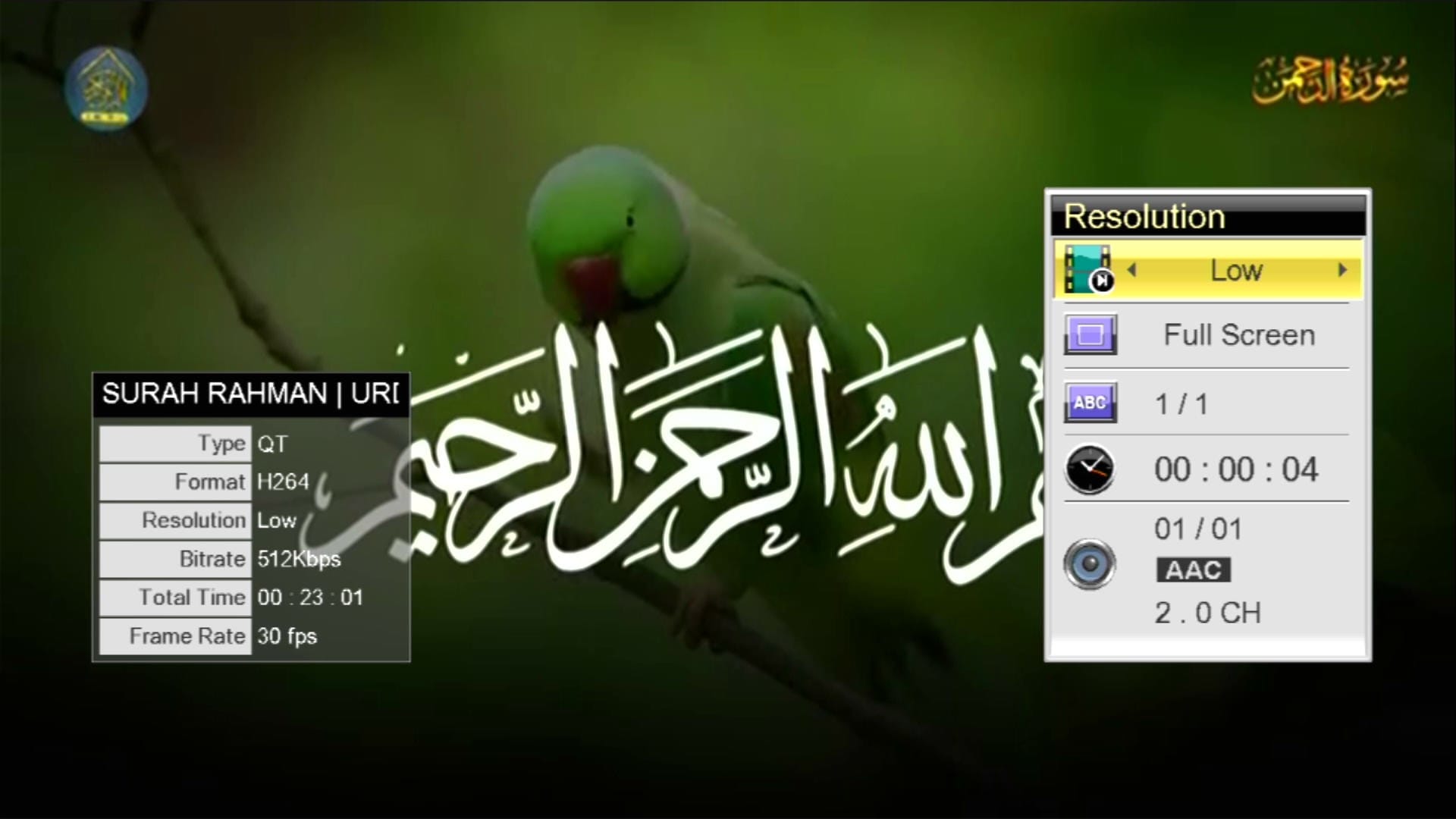
✅ YouTube Working
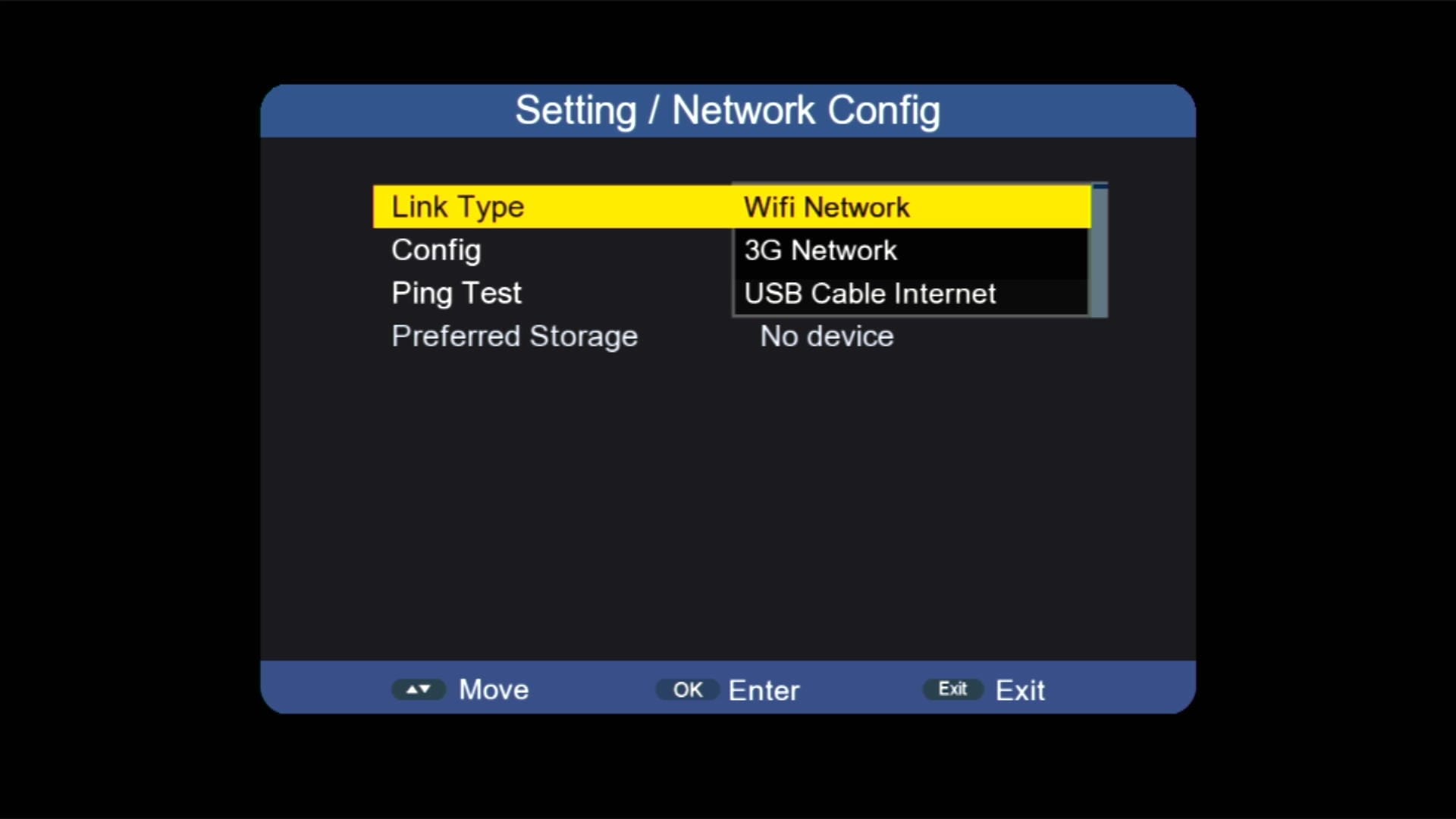
✅ Ethernet Options
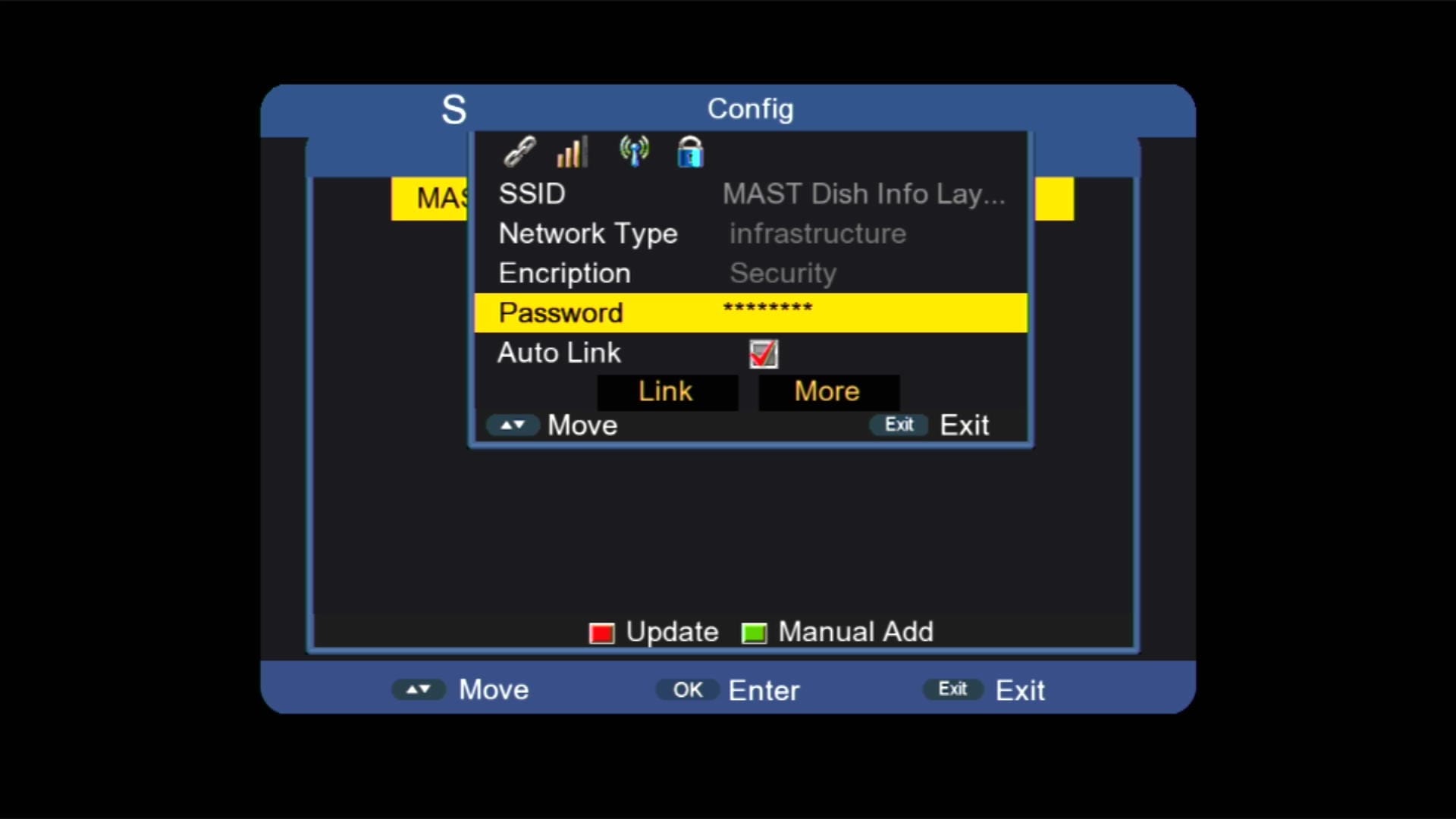
✅ Wi-Fi Catcher RT-5370 & MT-7601
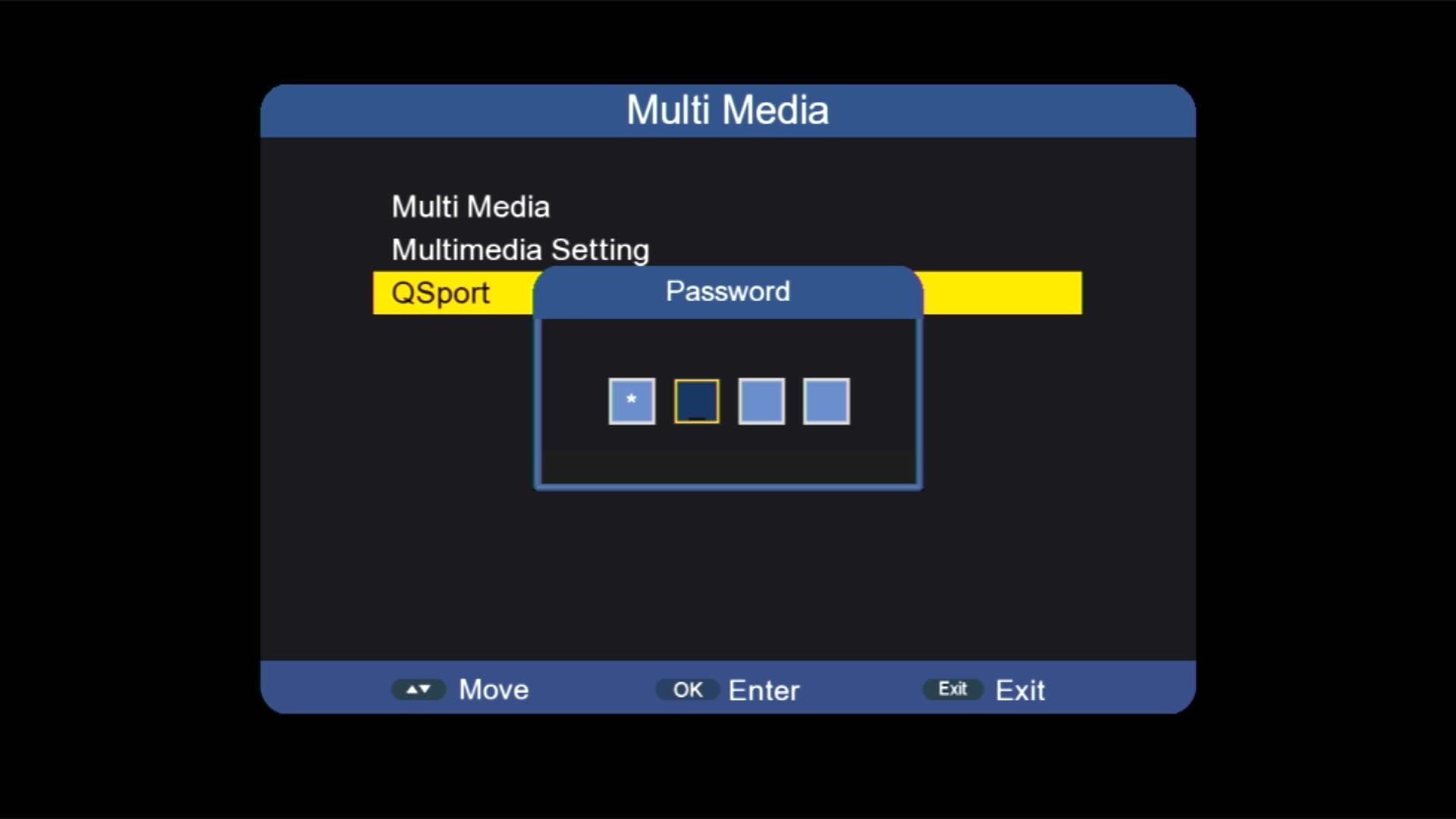
✅ Press 2507 for Patch Menu

✅ QSports Option Added
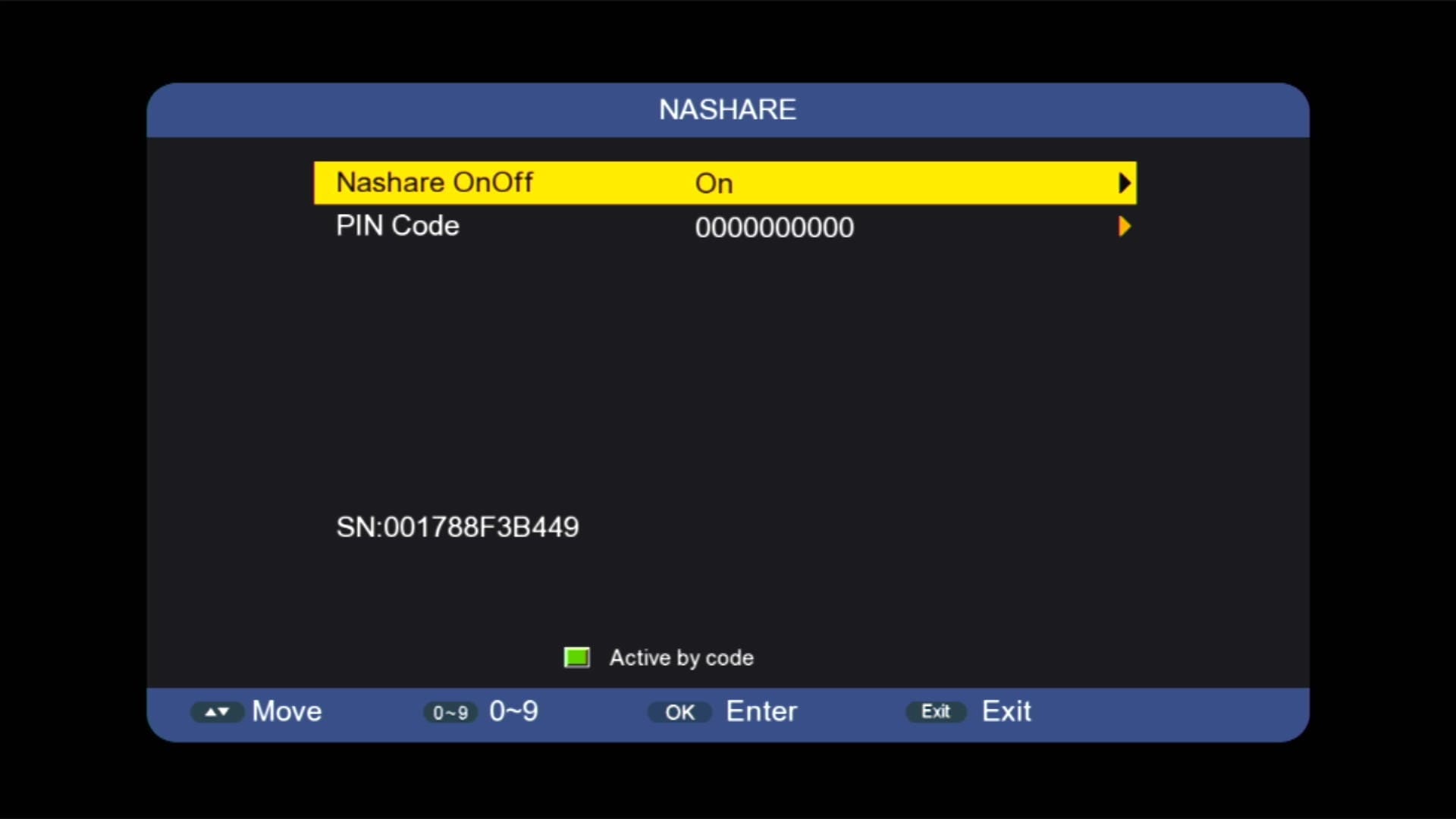
✅ NASHARE Option Added
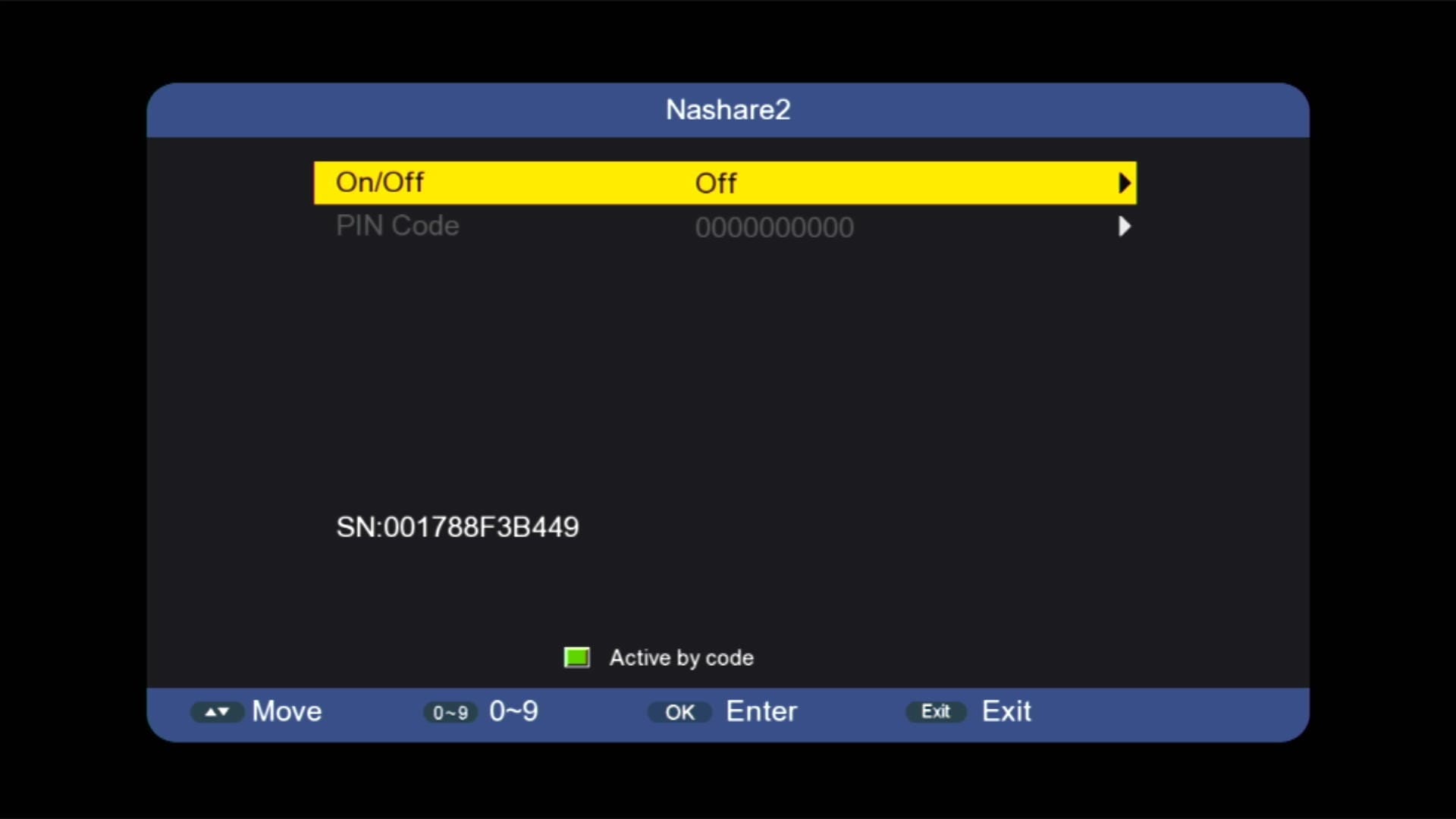
✅ NASHARE2 Option Added
✅ Multimedia
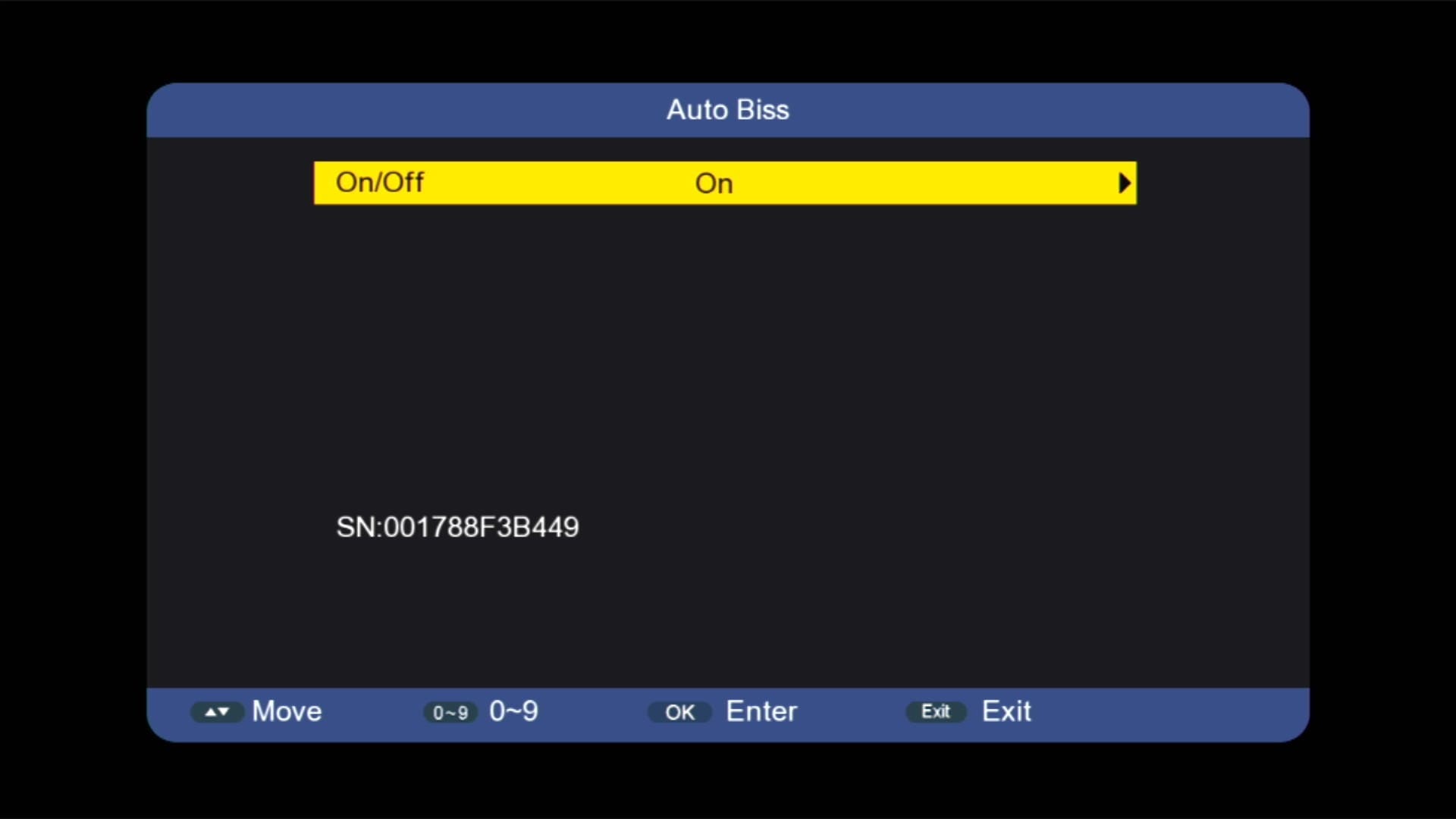
✅ Auto Update BISS Key
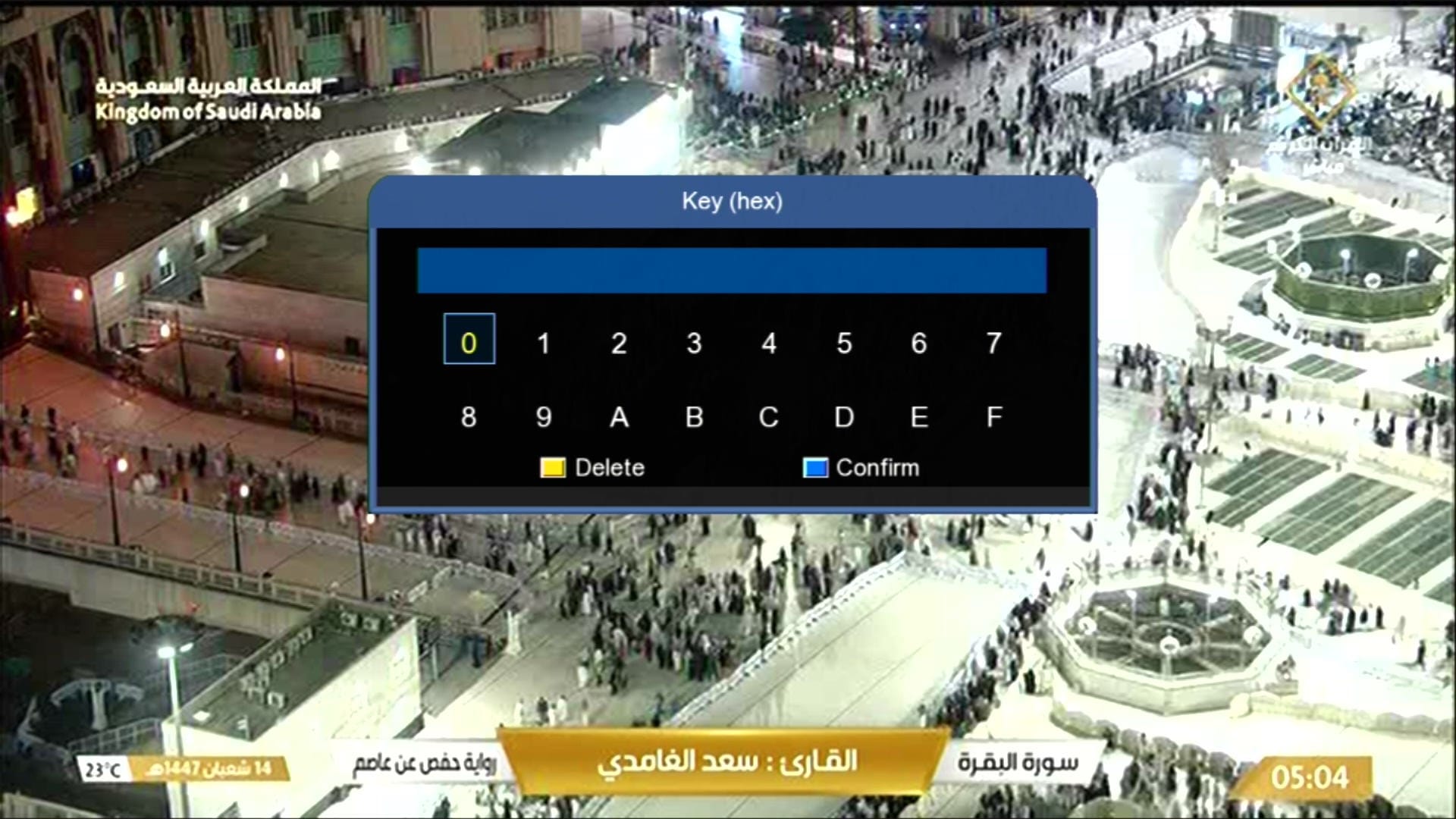
✅ Add BISS Key With 0 Button
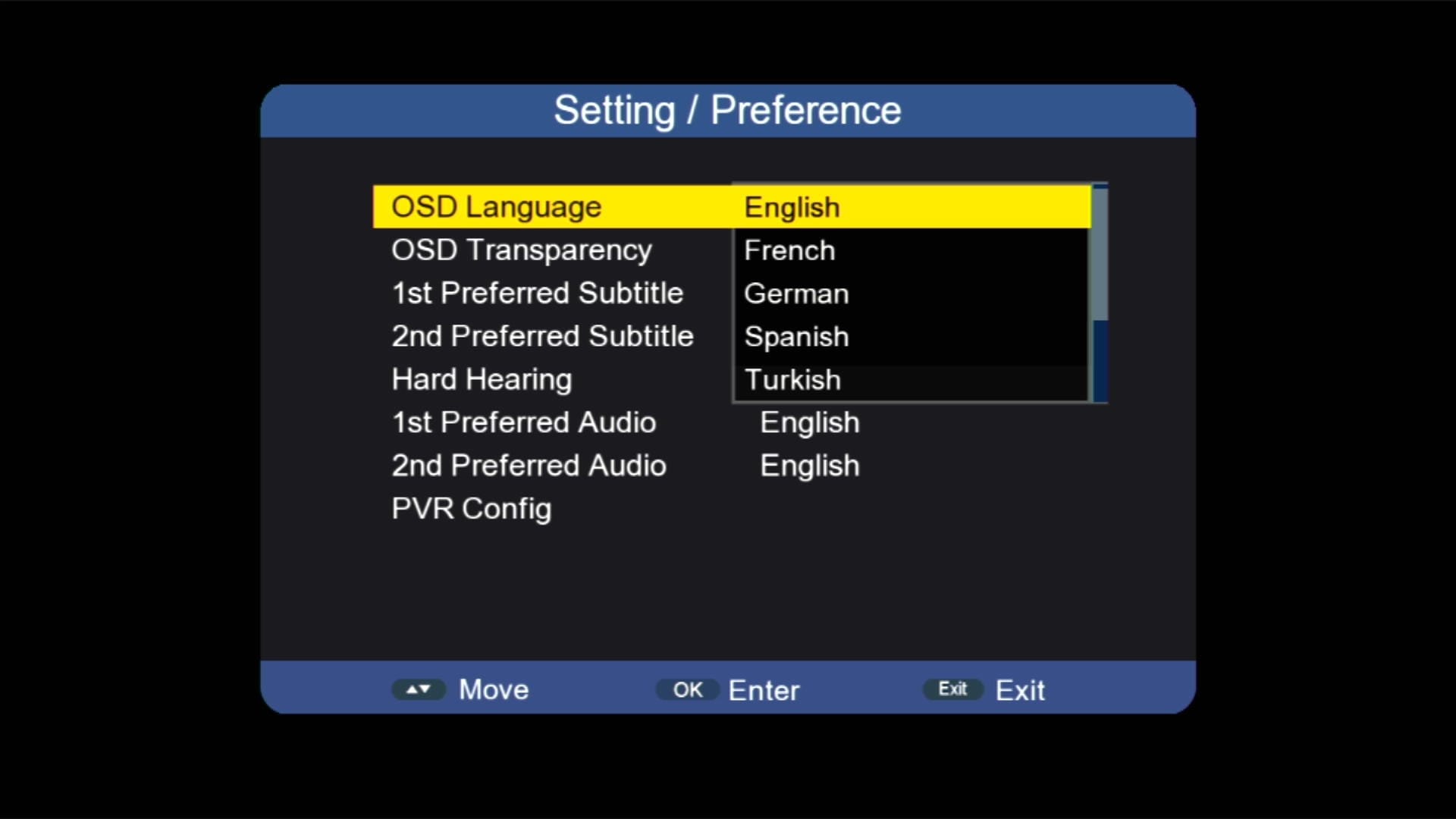
✅ Multi Languages Added
🎬 Video Playlist
Watch the complete 2507L Receiver software playlist on YouTube:

Note: Videos are embedded via YouTube LYTE for improved performance.
📥 2507L New Software 2026
Click the button below to download the latest 2507L New Software 2025 for free.
📁 File Details
⚙️ Processor:
🛠️ SW Version:
💾 File Size:
⬇️ Downloads:
👤 Uploader:
⚠️ Report: