
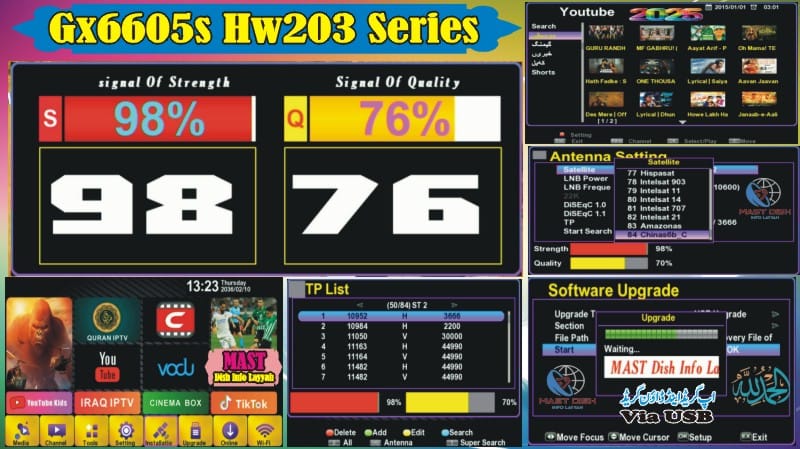
🆕 GX6605S HW203 Latest Software 2025
Upgrade your GX6605S HW203 receiver with the latest 2025 software! Enjoy 84 new satellites, beautiful Zoom signals in two strips, Wi-Fi support, F1F2 remote, and many more exciting features.
✨ What’s New in This Software?
New & Latest Software 2025 ☑️
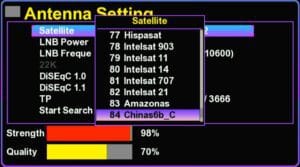
84 Satellites Added ☑️
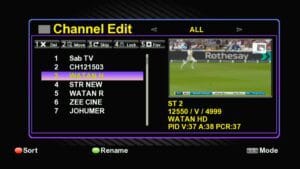
Tata Play 83e Working Fine ☑️
Upgrade & Downgrade Via USB ☑️
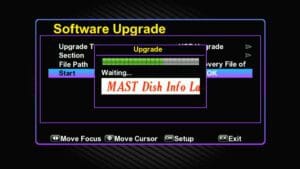
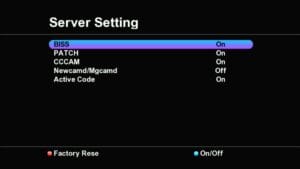
Unlock Software ☑️
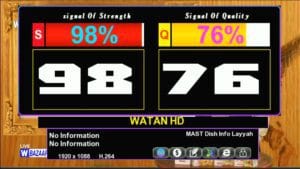
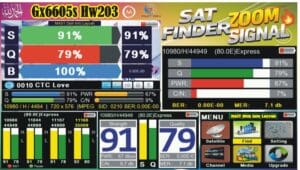
Lovely Zoom Signal ☑️
F1F2 Remote Added ☑️

Wi-Fi Option MT-7601 & RT-5370 ☑️
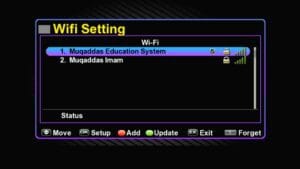
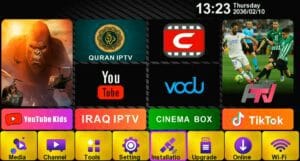
- TikTok & YouTube Working Fine ☑️
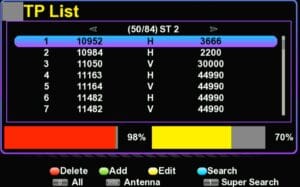
Many IPTV Options ☑️
Audio Options Added ☑️

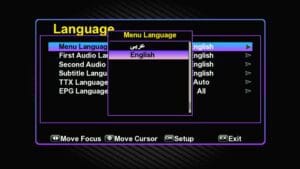
Multiple Languages Support ☑️
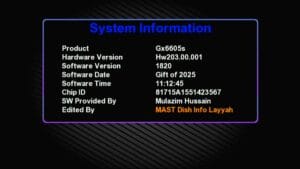
System Information Added ☑️
💾 Backup / Save Your Current Firmware
Always backup your current firmware before upgrading:
Insert a USB stick into your receiver.
Go to Menu → System → Backup → Save to USB.
Wait until backup completes.
Keep this file safe in case you need to restore later.
⚡ How to Upgrade GX6605S HW203
Download the latest
.binsoftware file.Copy it to a USB stick.
Insert the USB into your GX6605S HW203 receiver.
Navigate to Menu → System → Upgrade → Select USB → Choose File → Start Upgrade.
Wait until the upgrade completes and the receiver restarts automatically.
💡 Tips for Smooth Upgrade
Always backup your current firmware before upgrading.
Use a USB stick formatted to FAT32.
Ensure the receiver has stable power during upgrade.
If upgrade fails, restore using the backup file.
After upgrade, check satellites and IPTV options for proper setup.
❓ FAQ (Frequently Asked Questions)
Q1: Can I downgrade to previous firmware?
A: Yes, always keep your backup file saved to restore if needed.
Q2: Will I lose my channels after upgrade?
A: No, upgrade only updates the software. Your channel list remains intact if backup is used properly.
Q3: Which USB format is required?
A: FAT32 format is recommended for smooth upgrade.
Q4: Can I use Wi-Fi with this software?
A: Yes, MT-7601 & RT-5370 Wi-Fi adapters are supported.
Q5: Does TikTok & YouTube work?
A: Yes, both apps work fine with this latest software.
🎥 Watch Video Tutorial
To help you upgrade easily, watch the full installation and software review video here:

Note: Videos are embedded via YouTube LYTE for improved performance.
⬇️ Download Latest GX6605S HW203 Software 2025










Your writing is not only informative but also incredibly inspiring. You have a knack for sparking curiosity and encouraging critical thinking. Thank you for being such a positive influence!