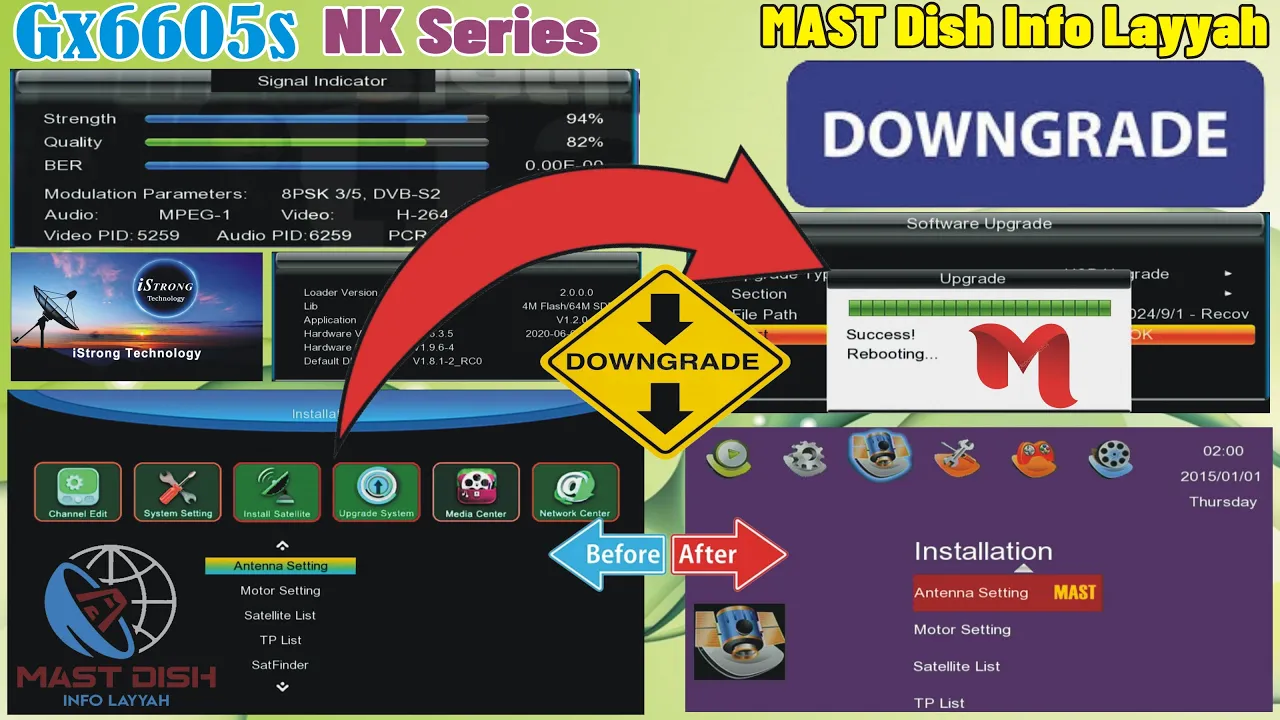
Gx6605s NK Downgrade Software istrong #downgradesoftwaregx6605shw203 #recoverysoftwaregx6605shw203
@MAST_Dish_Info_Layyah #MASTDishinfoLayyah
How to Downgrade of Gx6605s NK series Software?
To downgrade the software of Gx6605s NK series, follow these steps: Download the previous version of the software from a reliable source. Connect your Gx6605s NK series device to your computer using the appropriate cable. Open the software upgrade tool on your computer. Select the option to downgrade the software. Locate the downloaded previous version of the software and select it. Start the downgrade process and wait for it to complete. Once the downgrade is finished, disconnect your device from the computer. Restart your Gx6605s NK series device to apply the downgraded software. Please note that downgrading the software may have certain risks and it is recommended to proceed with caution and backup your data before starting the process.
Boot LOGO of This Software.
The boot logo of this software is a visually striking image that greets users during the system startup process. It serves as a representation of the software brand and creates a memorable first impression. The chosen boot logo, displayed in the provided image, exhibits a captivating blend of colors and graphics, capturing attention with its vibrant and dynamic composition. Its high resolution ensures clarity and sharpness, enhancing the overall visual experience. This carefully crafted boot logo showcases the software’s commitment to aesthetics and professionalism, setting the tone for a sophisticated user interface. 
Icon of MAIN Menu of This Software
The MAIN Menu icon serves as the focal point within this software, embodying its core functionality and offering users a centralized access point to navigate various features and options. With its sleek design and intuitive placement, the MAIN Menu icon ensures ease of use and enhances user experience. By selecting this icon, users can effortlessly explore the software’s extensive range of capabilities, such as accessing settings, managing preferences, and initiating key tasks. It symbolizes the software’s commitment to efficiency and convenience, as it consolidates essential functionalities into a single, easily accessible location. The prominence of the MAIN Menu icon underscores its significance in facilitating seamless navigation and empowering users to maximize their interaction with the software.

Signal Information Strips

Now Downgrading Start of This Software We regret to inform you that your request to downgrade the start of this software cannot be accommodated at this time. Our team has thoroughly evaluated your request and determined that it is not feasible based on the current system architecture and technical limitations. We understand the importance of providing a seamless user experience and are constantly working towards improving our software. We appreciate your understanding and value your feedback. Should you have any further inquiries or require assistance with any other aspect of our software, please do not hesitate to contact our support team. Thank you for your understanding and continued support.

Now Recover This Software

Version of This Recover Software

For Watching This Video Click Here

Note: Videos are embedded via YouTube LYTE for improved performance.
For Downgrade Gx6605s Hw203 Software
📥 Download GX6605S HW203 Software
Click the button below to download the latest GX6605S HW203 Software 2025 for free.
📁 File Details
⚙️ Processor:
🛠️ SW Version:
💾 File Size:
⬇️ Downloads:
👤 Uploader:
⚠️ Report: