Gx6605s Recovery Software Download Blue Cam Server #downgrade #firstfile #recoverysoftware #gx6605s
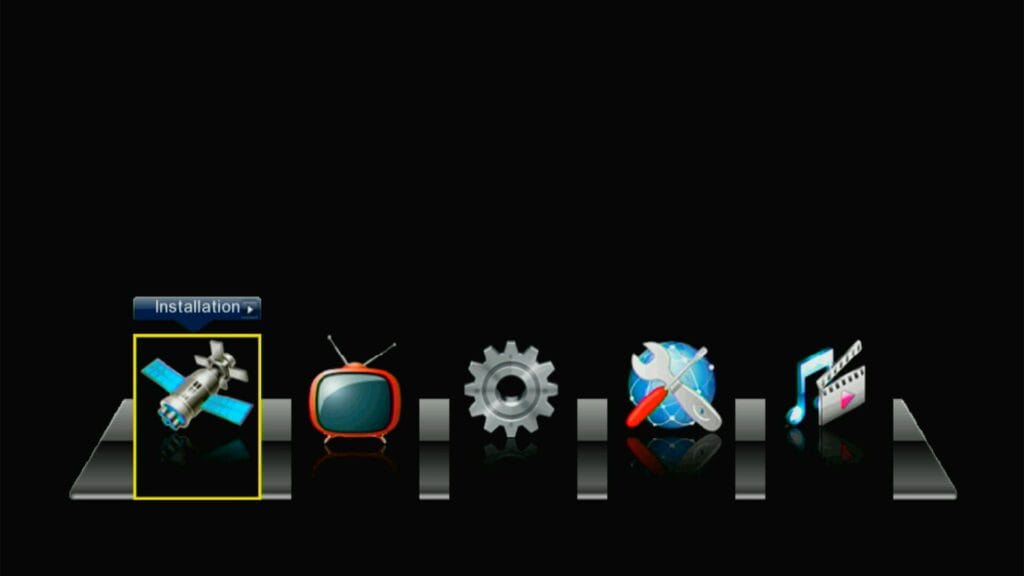
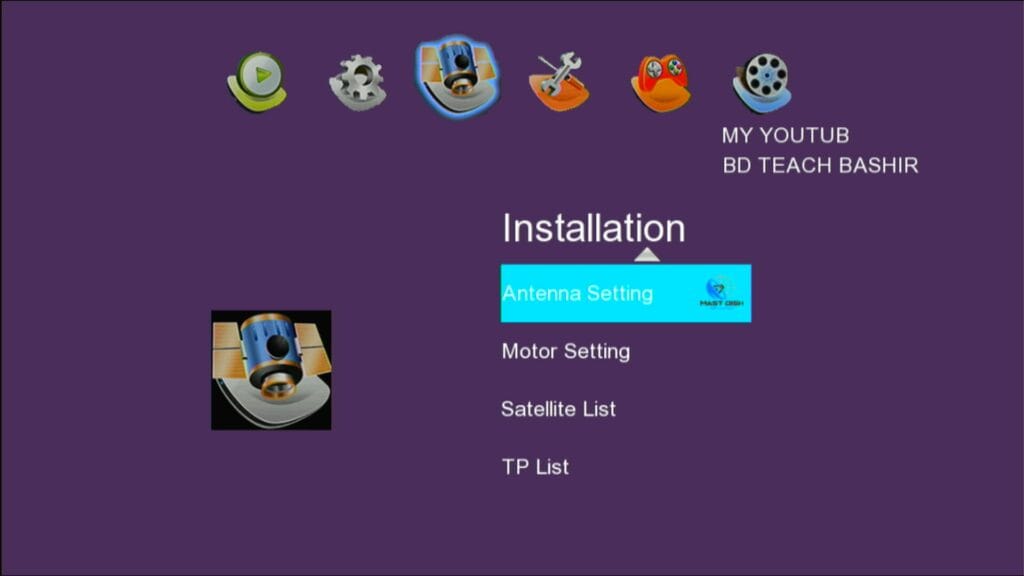
Main Menu Of this Software
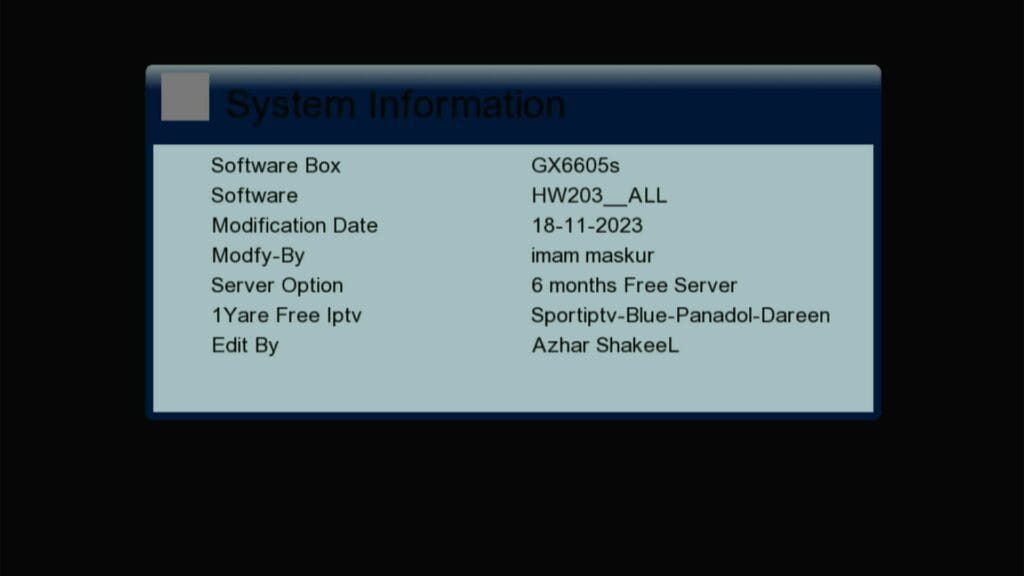
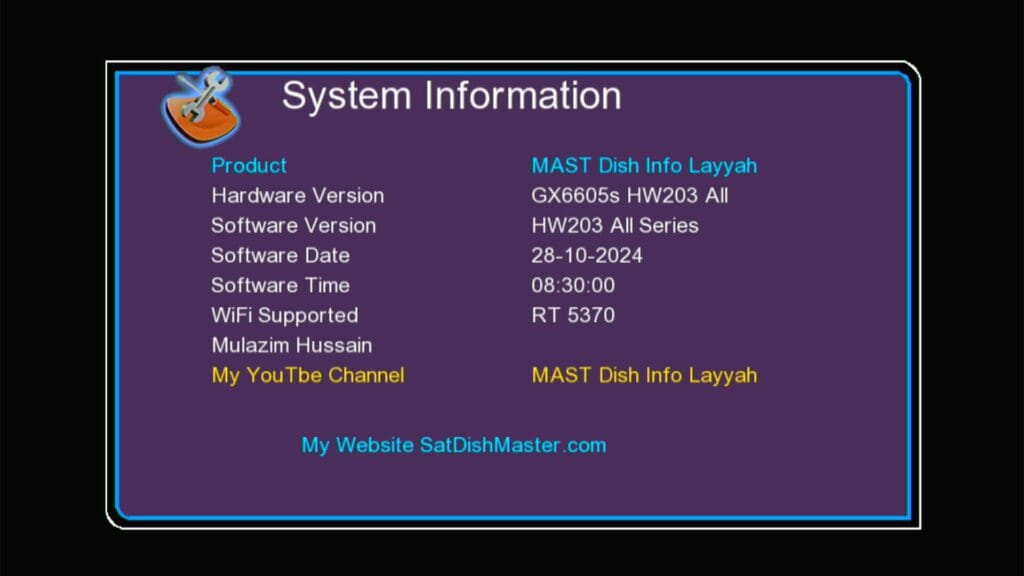
System Information of This Software
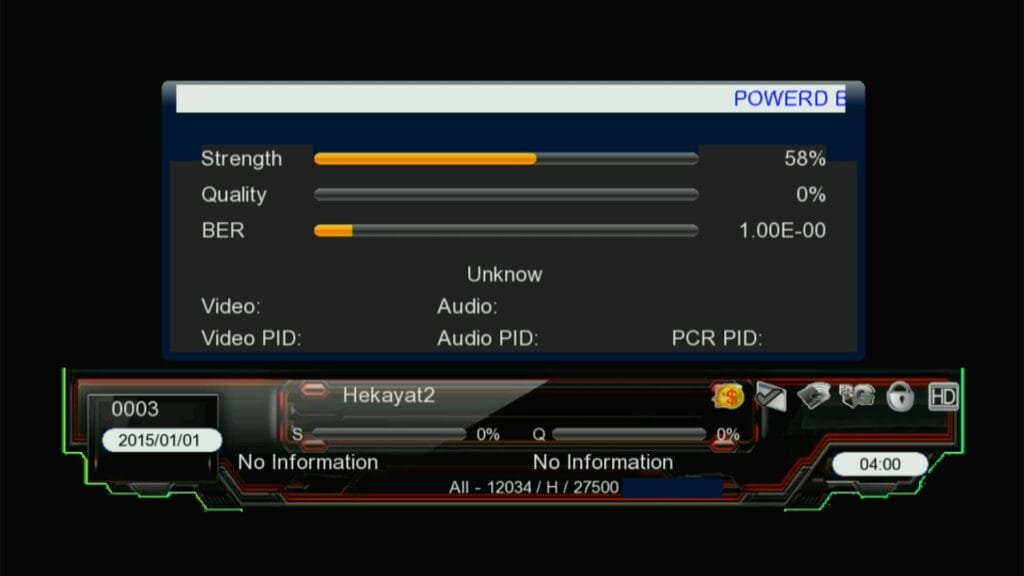
Info Baar of This Software First of All Save Backup or Dump File
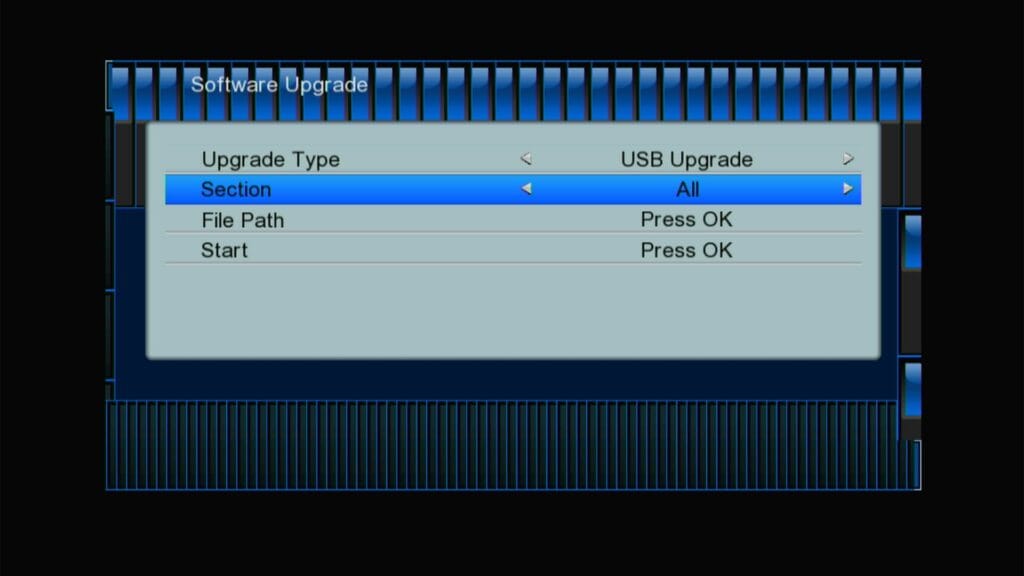
Insert USB in to the Receiver Then Select USB Upgrade Option at Top After This Select All Option
Now Select Path & Apply 1st File
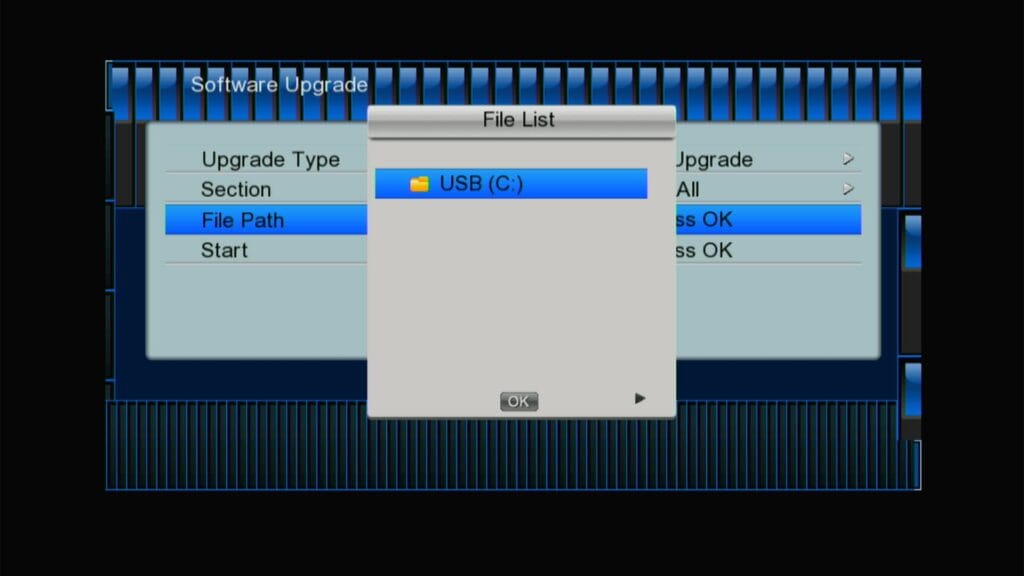
After This Select Ok Option Now Press Ok Button at F1F2 Remote
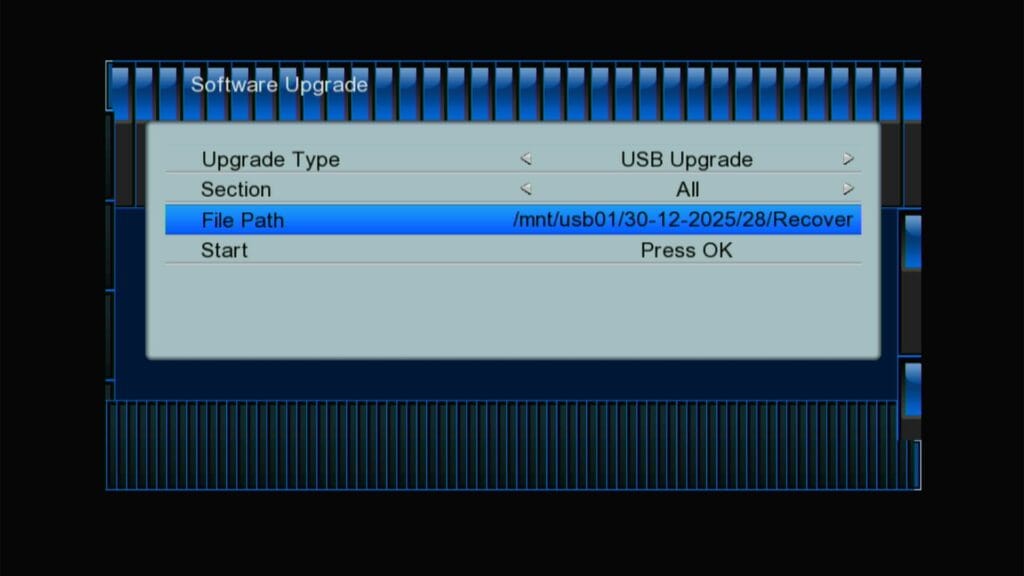
Downgrading Start
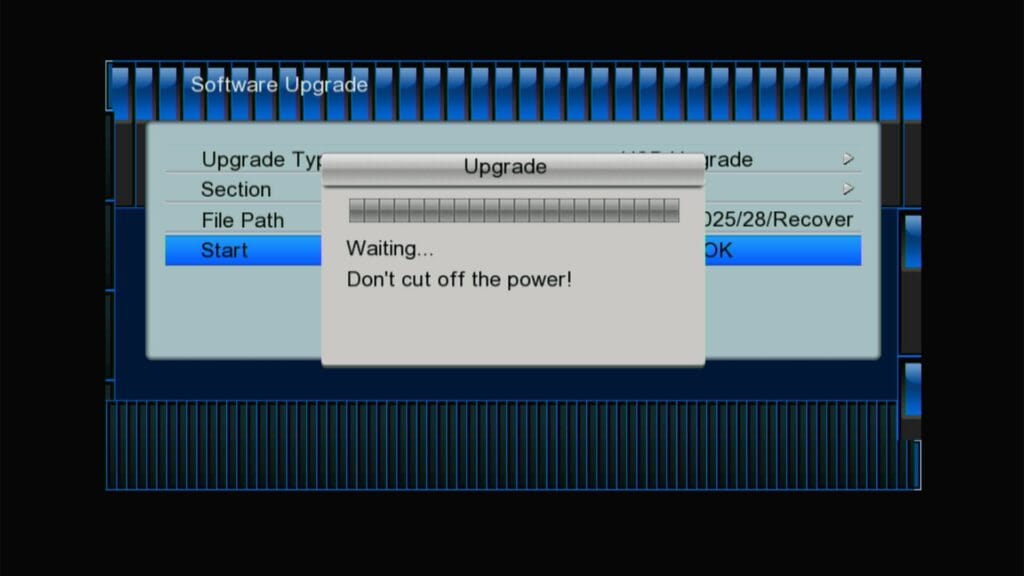
Downgrading Start
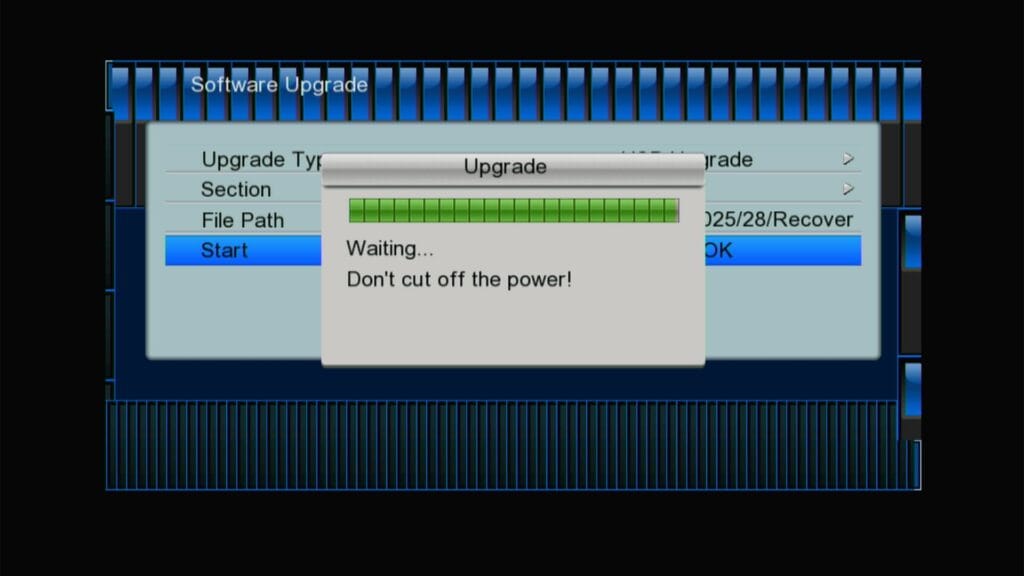
After This 2nd File Automatic Burn
NOTE: Donot Rename Auto Burn File
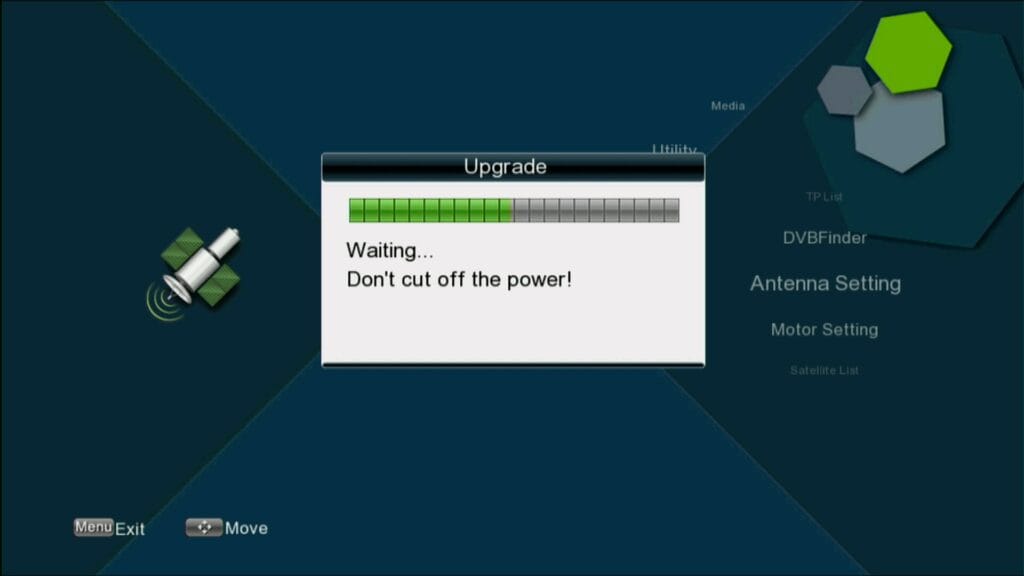
Congratulation Your Receiver at Recovery Software
System Information of Recovery Software
Main Menu of This Recovery Software
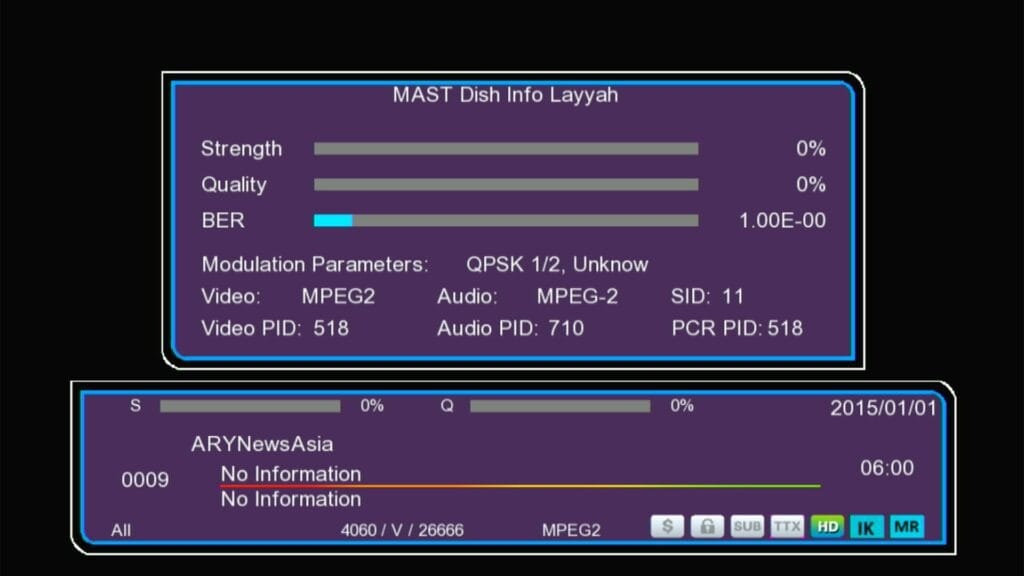
For Watching video of This Software Click Here Below
Gx6605s Recovery Software Download Blue Cam #downgrade #firstfile #recoverysoftware #gx6605s

Note: Videos are embedded via YouTube LYTE for improved performance.
After This 2nd File Automatic Burn
NOTE: Donot Rename Auto Burn File
File No.01 With F1F2 Remote