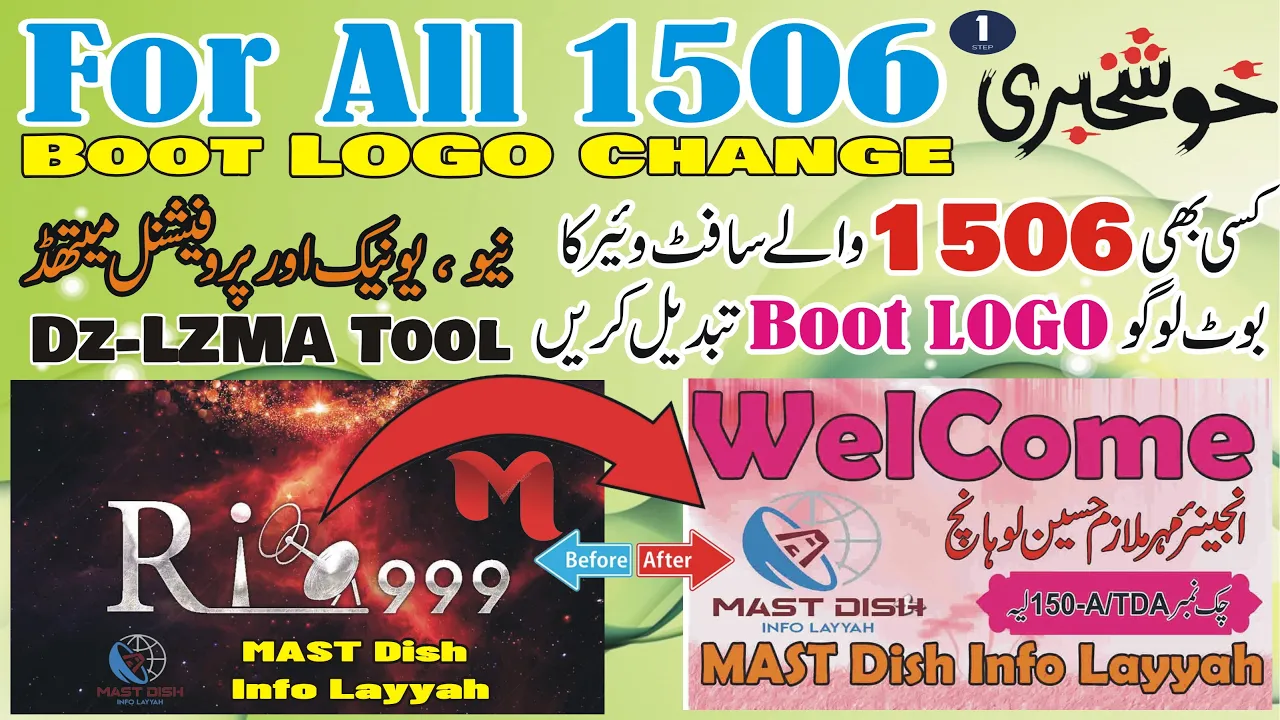
How to Change Boot Logo of 1506 Receivers Software With Professional & Unique Method #bootlogo #1506
Please Follow All These Steps
First Step Open the Tool Dz-LZMA
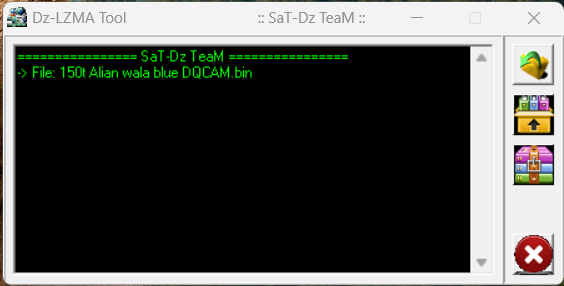
Now Upload the Bin File
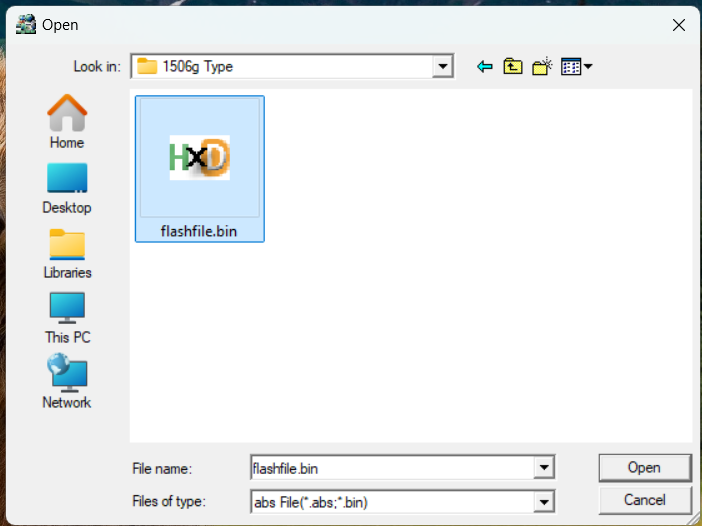
After This Unzip this file Press Button
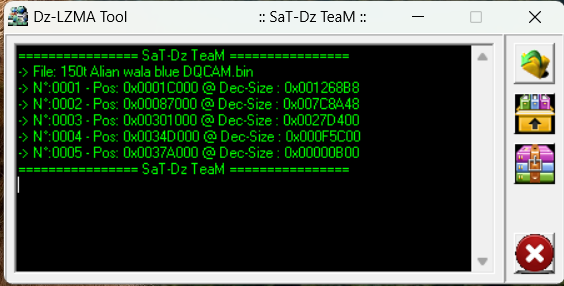
Now Close this Tool
Unzipped First File Open in Any Version of HEX Workshop
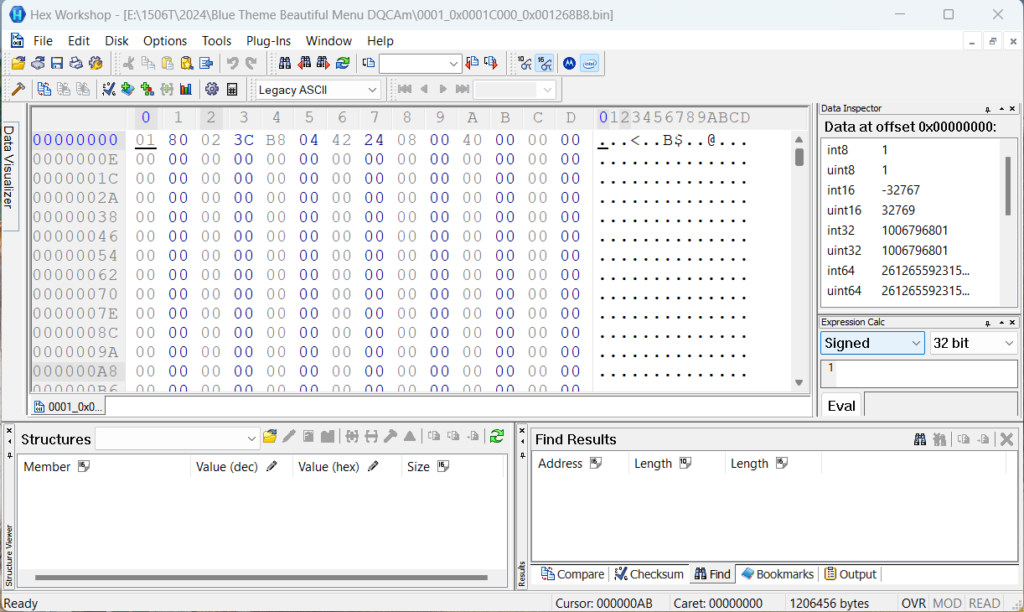
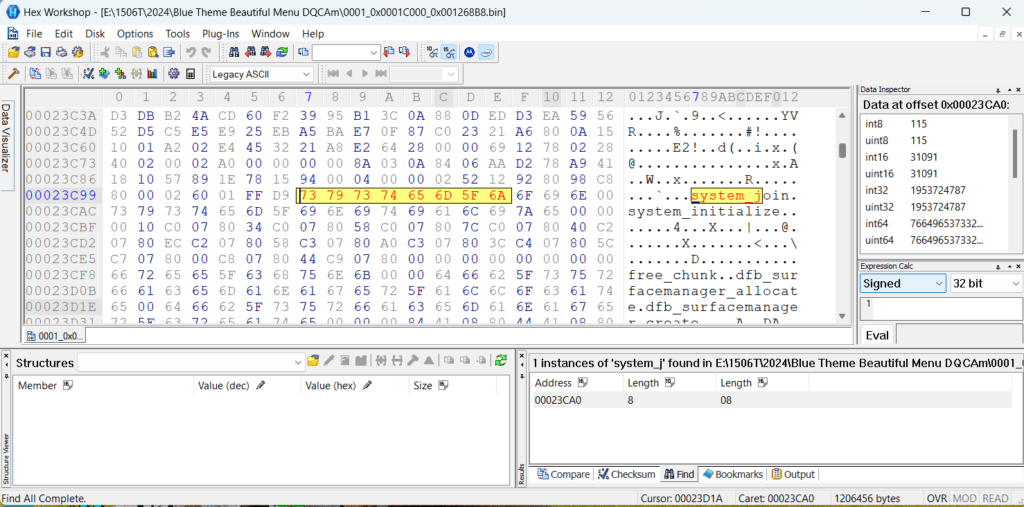
Now click the Find Option in Edit Menu & Search System_j
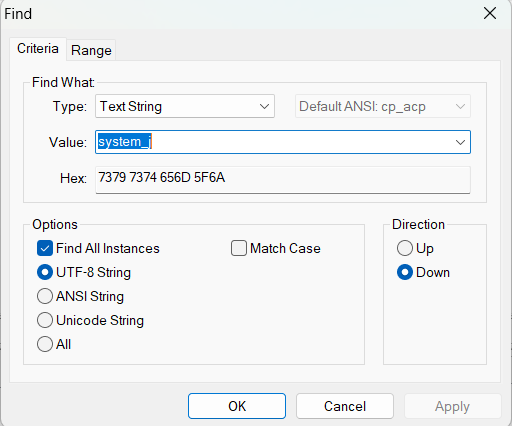
After This write the off set Values at Page (According to this page 00023C99
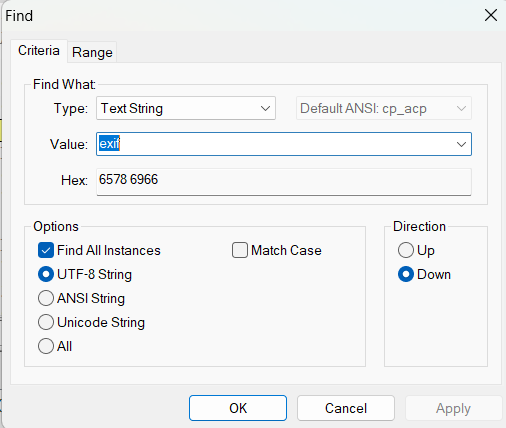
Now Again click at edit menu and go to the option of FIND search exif
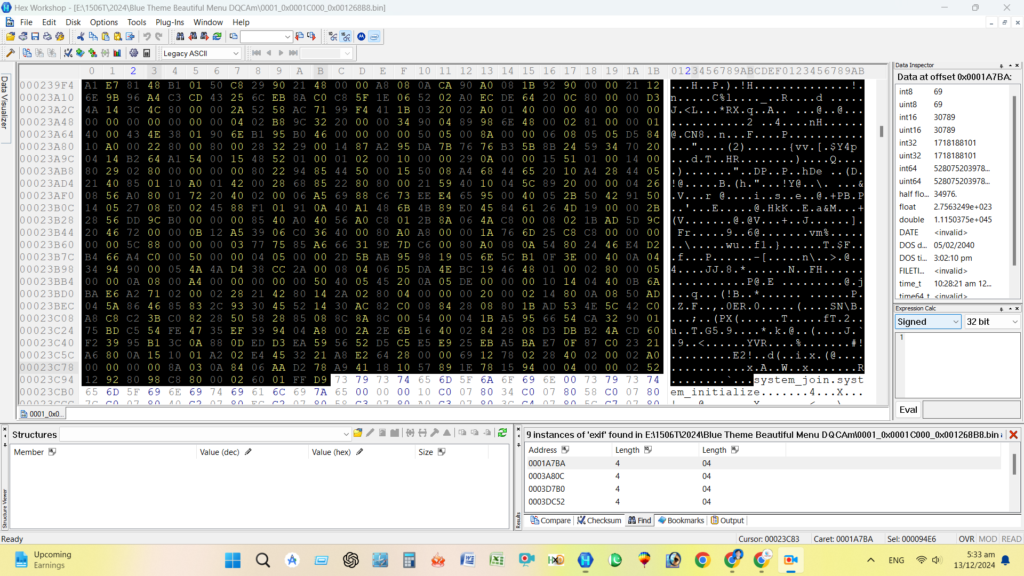
Now Go to the Edit Menu and select Block Option
Now Open a New Page in HEX Workshop
Copy These Select Block Area and Past in to a new tab
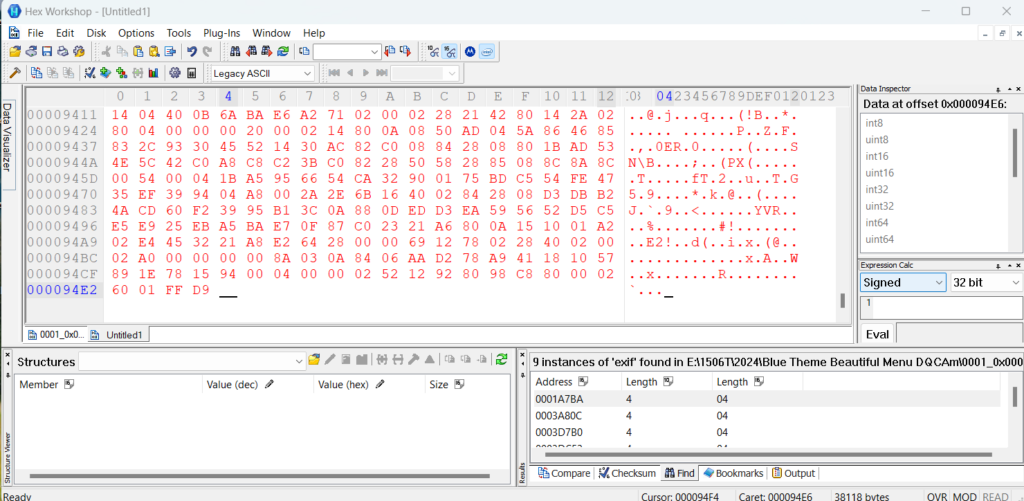
Now this page save as with any name with extension ( .jpg)
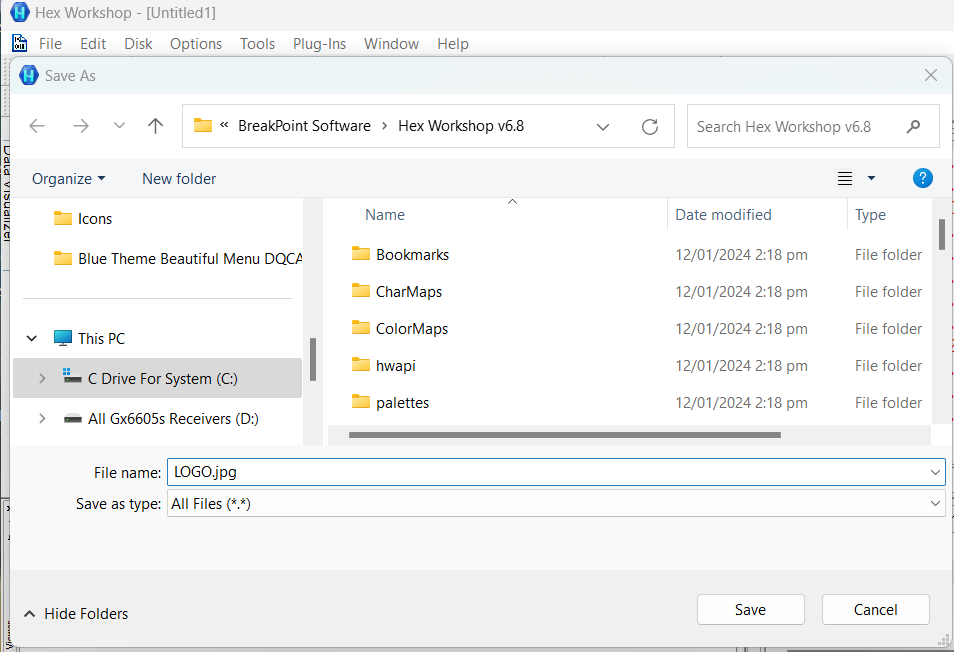
Congregation You Done All Work Nicely

For More Detail watch this video
How to Change Boot Logo of 1506 Receivers Software With Professional & Unique Method #bootlogo #1506

Note: Videos are embedded via YouTube LYTE for improved performance.
For Software Click Here Below
DZ_LZMA
For Hex Workshop