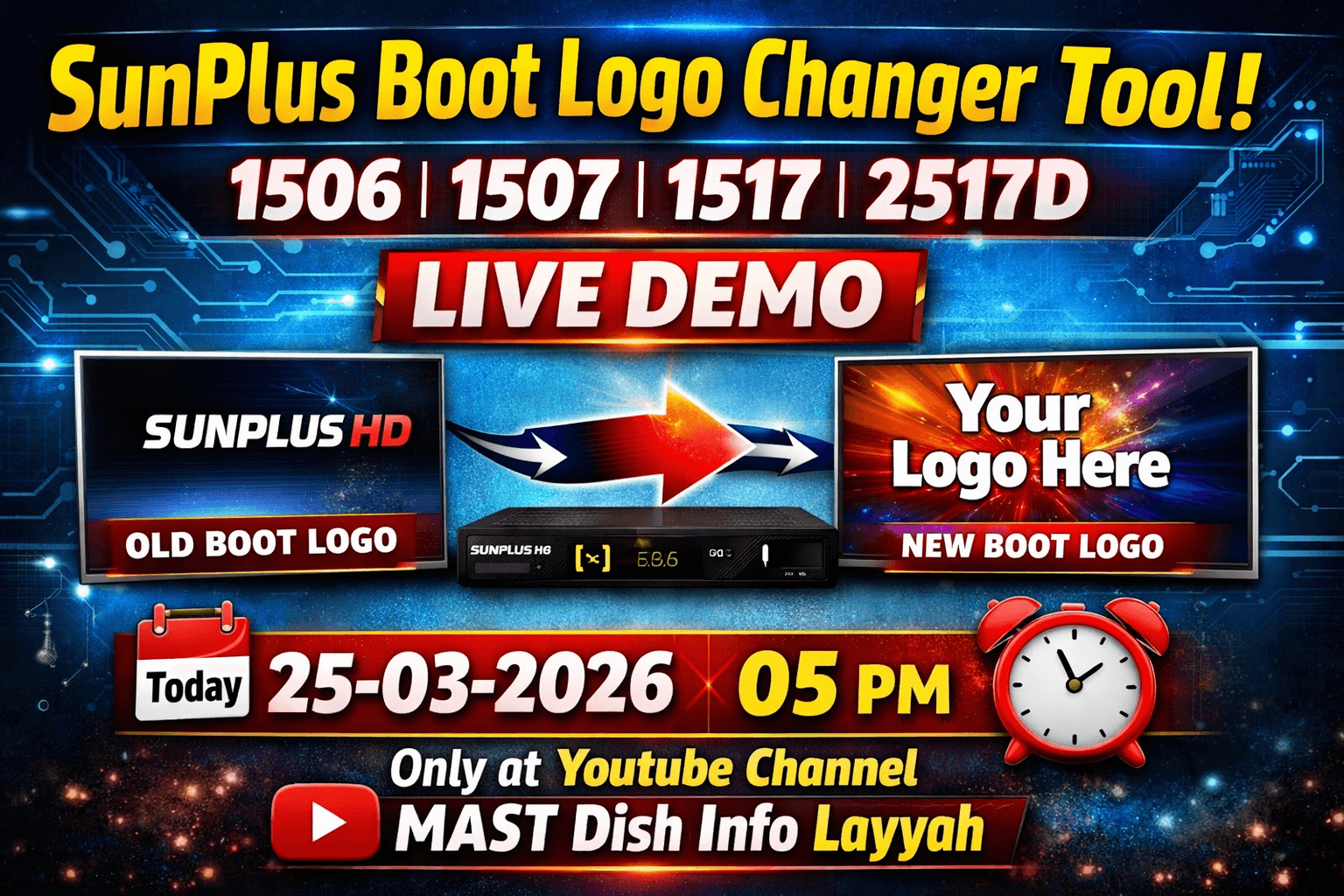
SunPlus Boot Logo Changer Tool – Change Boot Logo in 1506, 1507, 1517 & 2517 Receivers
If you want to customize your satellite receiver software, changing the boot logo is one of the most popular modifications. With the SunPlus Boot Logo Changer Tool, you can easily replace the startup logo in your receiver firmware.
In this tutorial we will explain how to change the boot logo in SunPlus 1506, 1507, 1517 and 2517 receivers step by step.
Supported SunPlus Receiver Models
- SunPlus 1506T
- SunPlus 1506F
- SunPlus 1506G
- SunPlus 1506HV
- SunPlus 1506TV
- SunPlus 1506FV
- SunPlus 1506LV
- SunPlus 1507G
- SunPlus 1507L
- SunPlus 2517D
What is Boot Logo?
The boot logo is the image that appears on the TV screen when your receiver starts. Many technicians and satellite users change this logo to add their own brand name or shop logo.
SunPlus Boot Logo Changer Tool Features
- Extract boot logo from firmware
- Replace boot logo easily
- Supports multiple SunPlus chipsets
- Simple and fast firmware editing
- Technician friendly tool
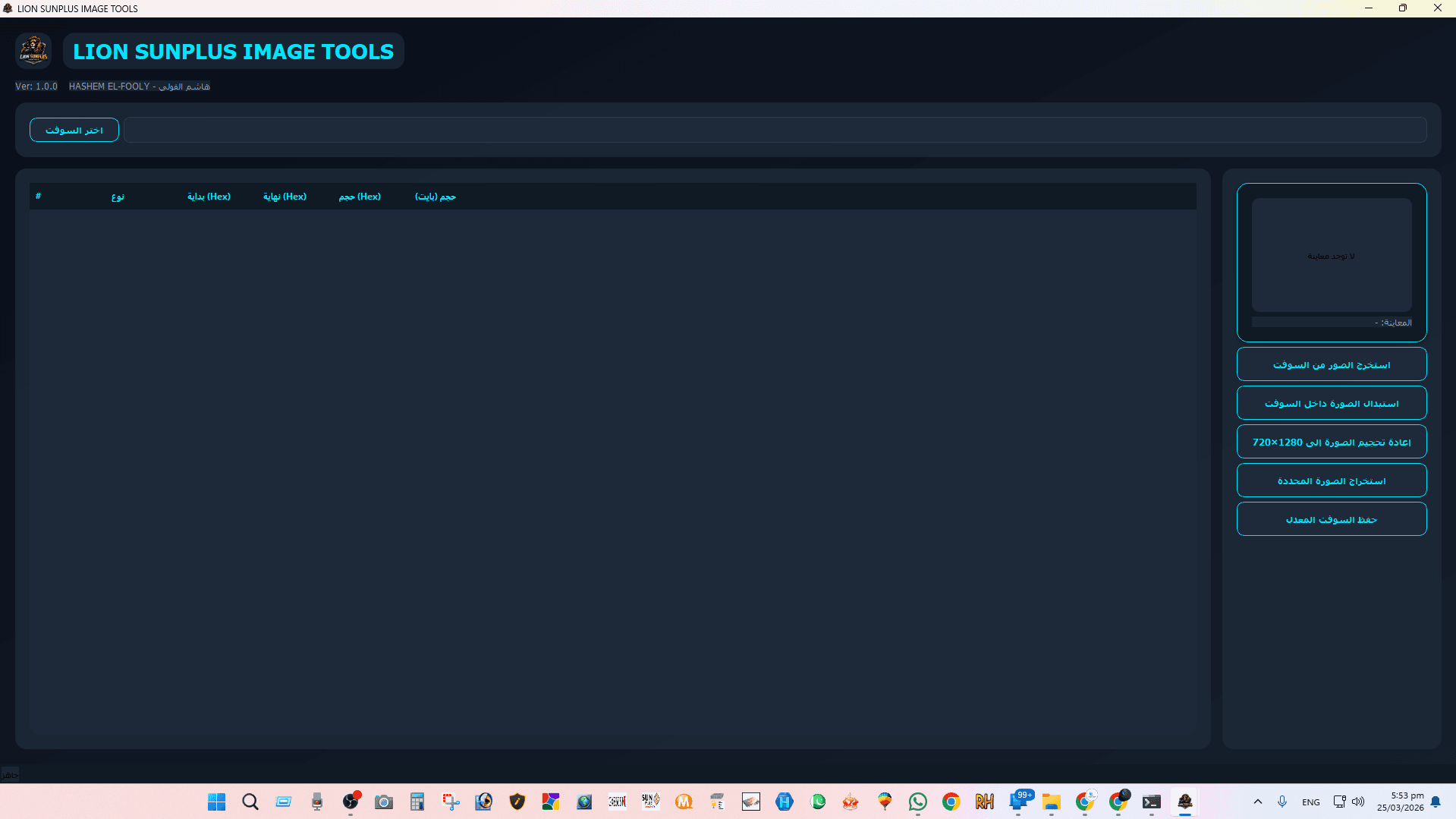
Step 1 – Open Boot Logo Changer Tool
First open the SunPlus Boot Logo Changer Tool on your computer and select the receiver firmware file.
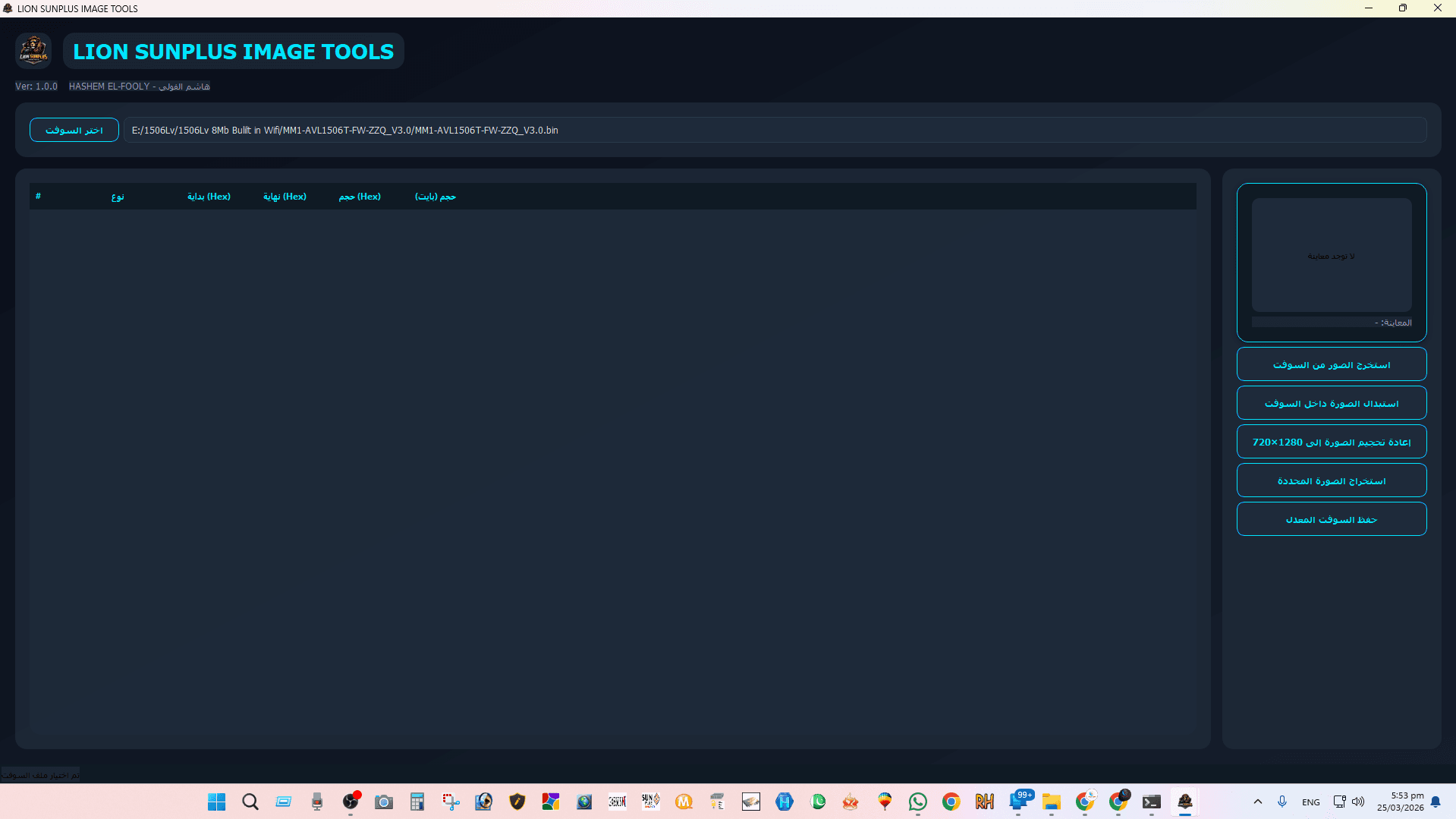
Step 2 – Load Receiver Software
Click on the Open Firmware option and select your receiver software file (.bin).
Step 3 – Extract Boot Logo
After loading the firmware, extract the current boot logo image from the receiver software.
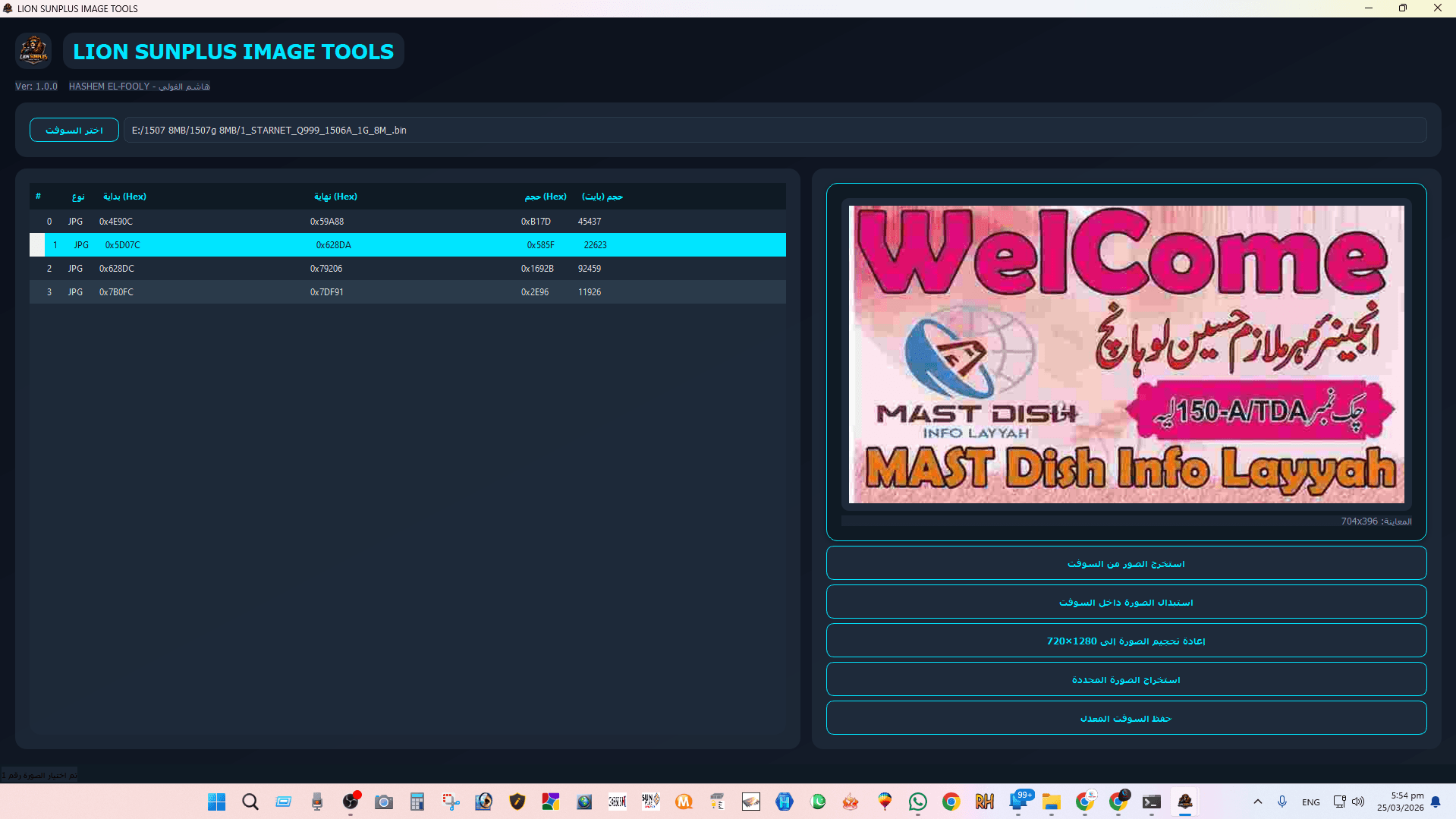
Step 4 – Replace Boot Logo
Now select your new logo image and replace the existing boot logo inside the firmware file.

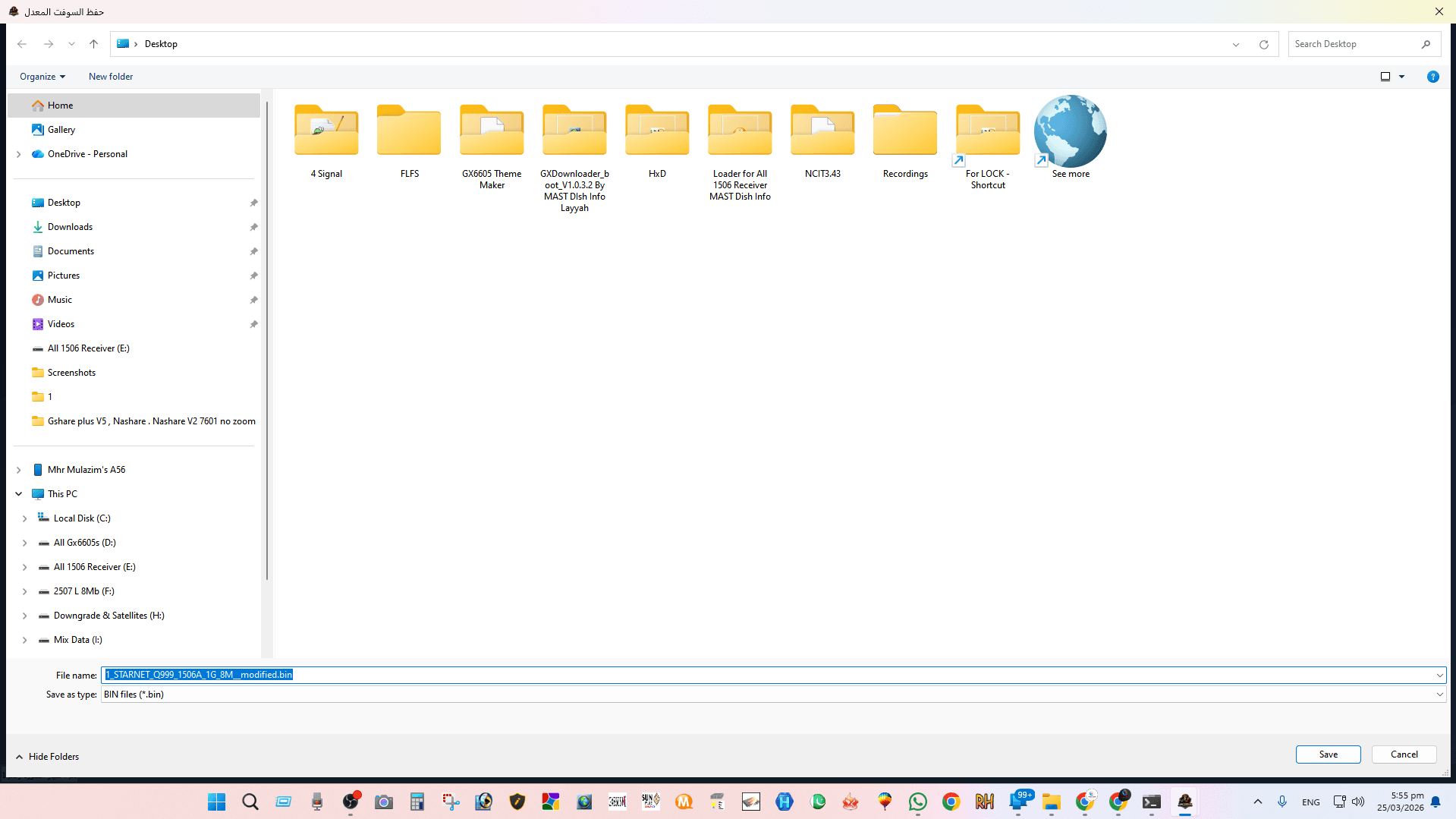
Step 5 – Save Modified Firmware
Finally save the modified firmware file. Now your receiver software will contain the new boot logo.
Watch Full Tutorial Video
You can watch the complete tutorial in the video below.
Conclusion
The SunPlus Boot Logo Changer Tool is very useful for satellite technicians and receiver software editors. With this tool you can easily customize the startup logo in SunPlus receivers including 1506, 1507, 1517 and 2517 models.
For more satellite receiver software tools, firmware updates and tutorials visit our website MAST Dish Info Layyah.
Download This TOOL