
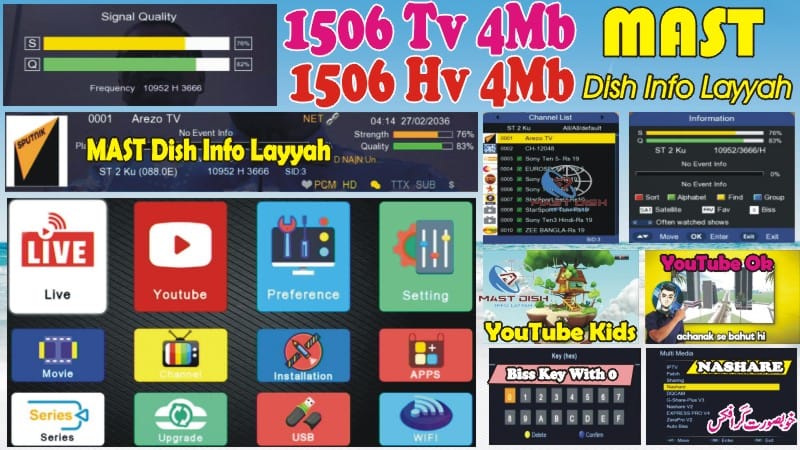
1506HV New Software September 2025 | YouTube, IPTV, Double Zoom Signal, Nashare
Upgrade your 1506HV Receiver with the latest 1506HV New Software 2025. This update brings smooth performance, stylish menus, and amazing features to make your receiver faster and more user-friendly.
🌟 Features:
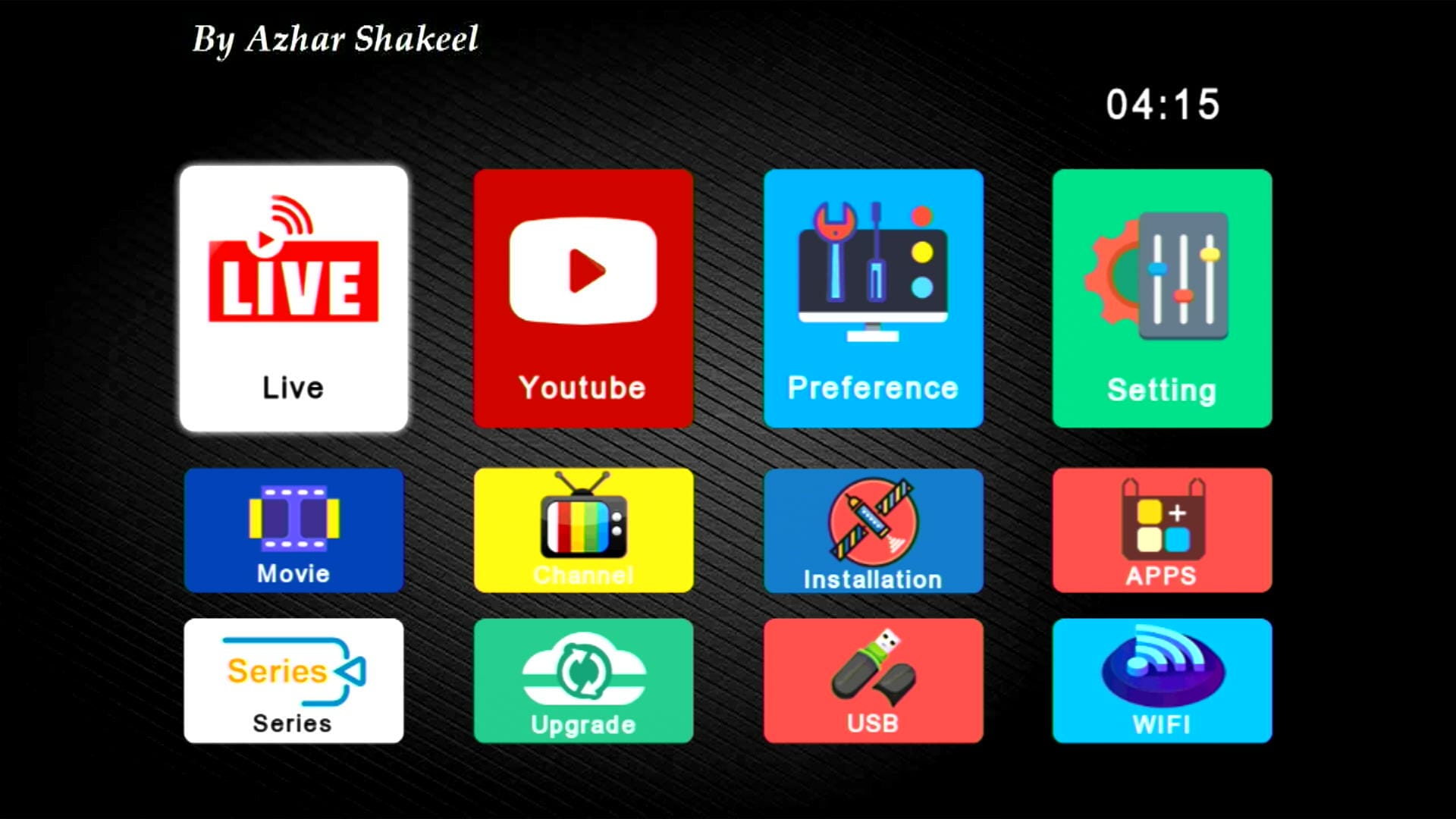
- ✅ Stylish Main Menu Icons with Channel Logos

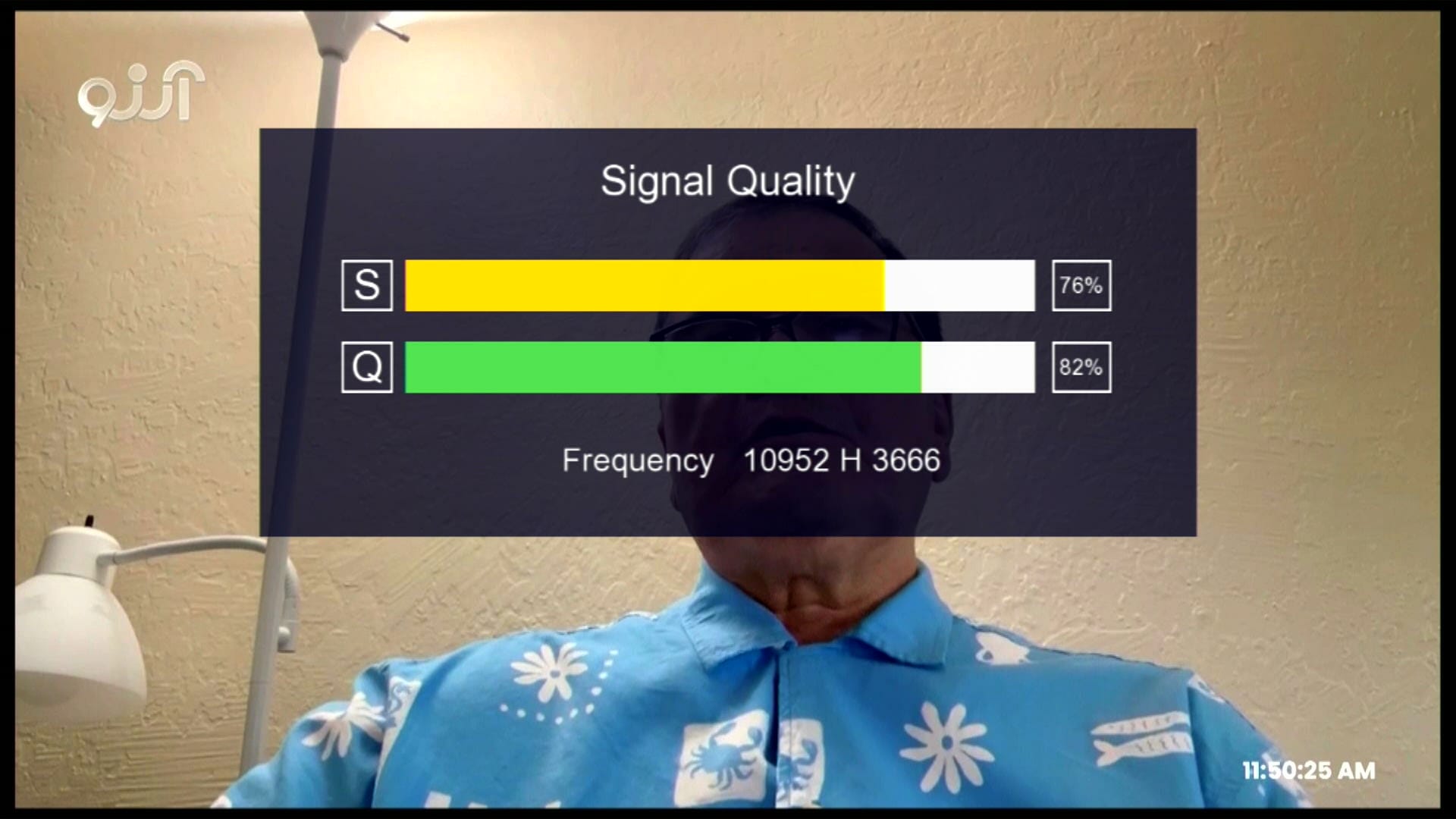
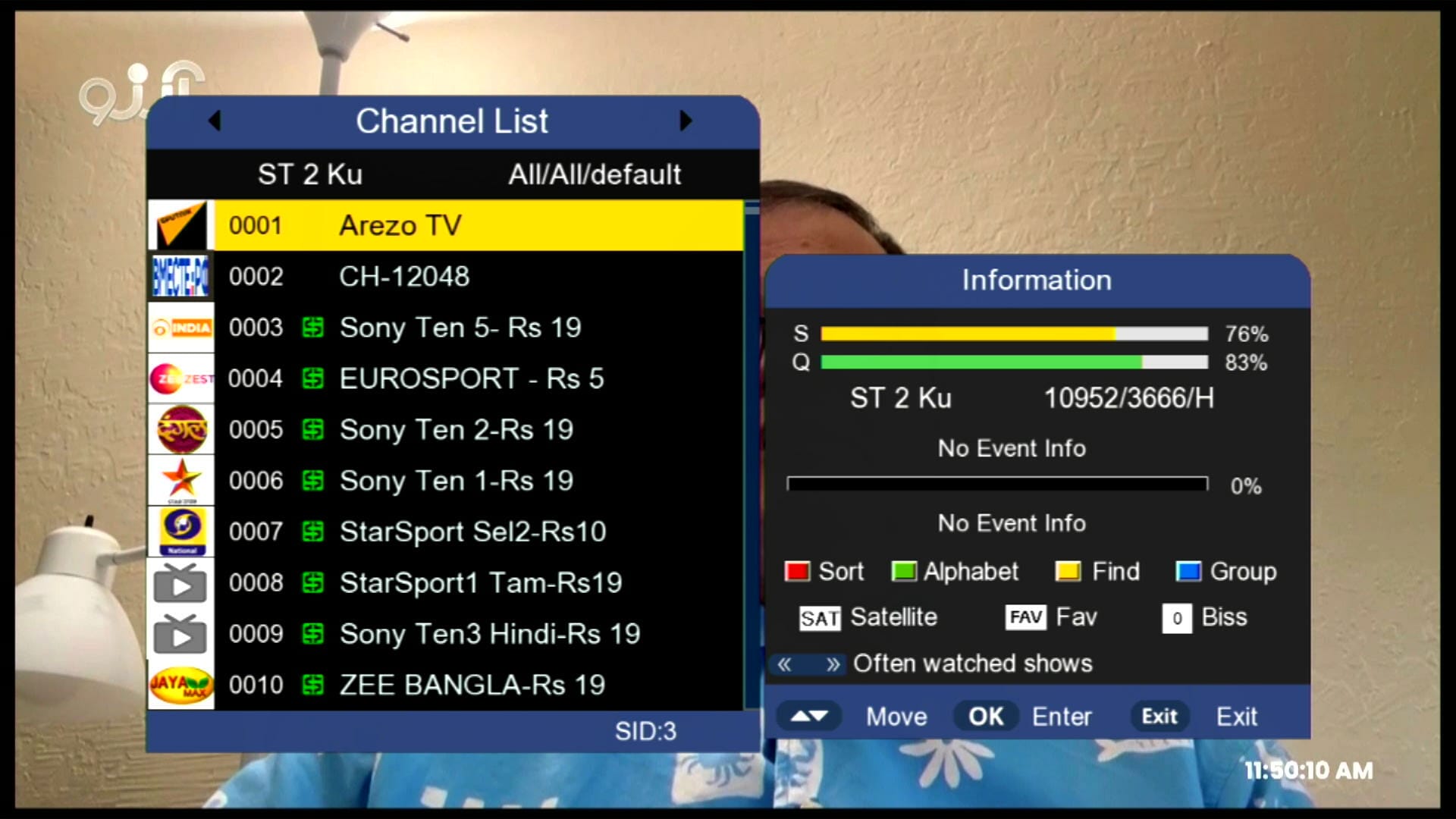
- ✅ Double Zoom Signal Indicator in Two Strips
- ✅ YouTube + YouTube Kids 100% Working
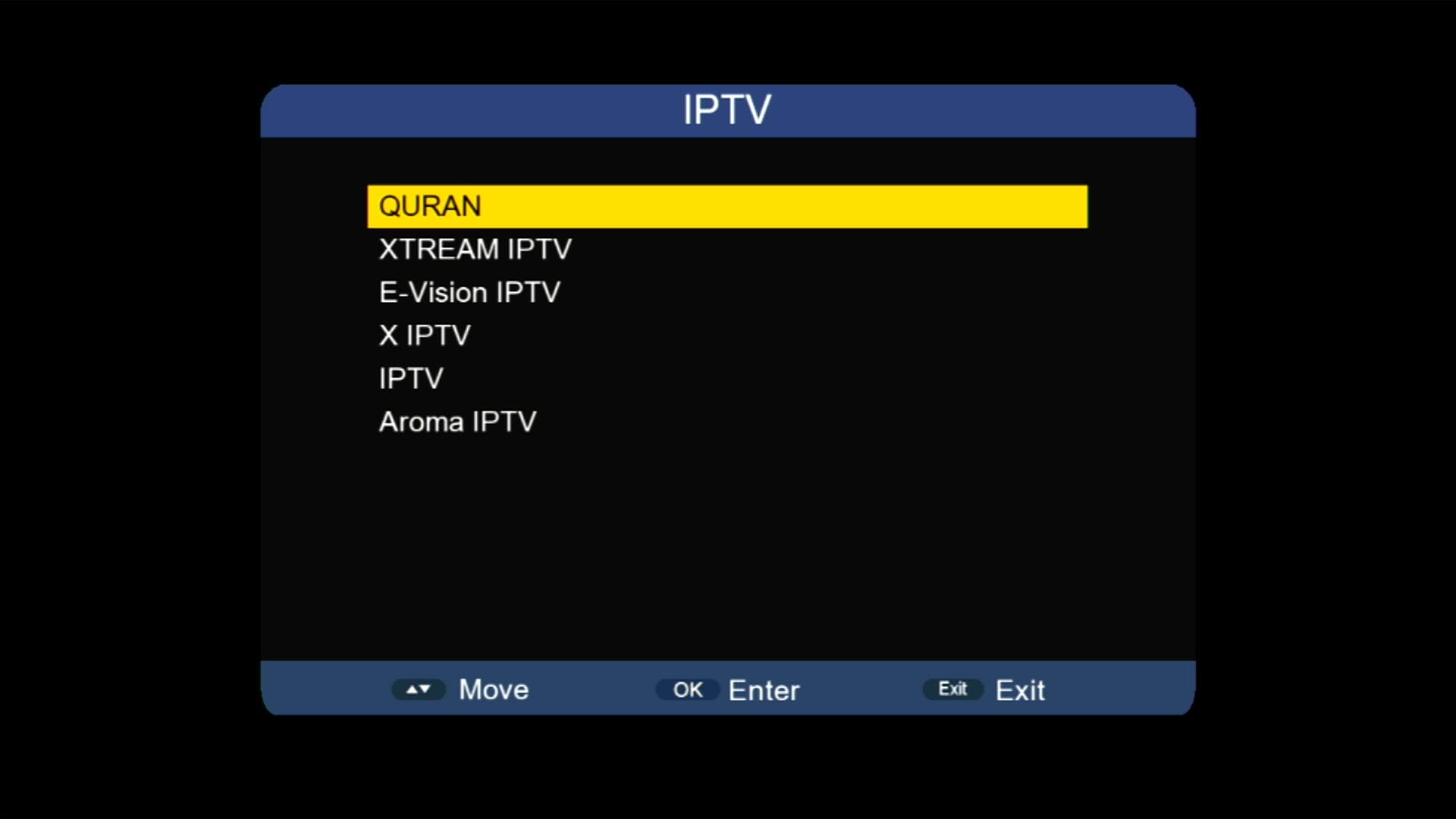
- ✅ IPTV & Multiple Apps Added
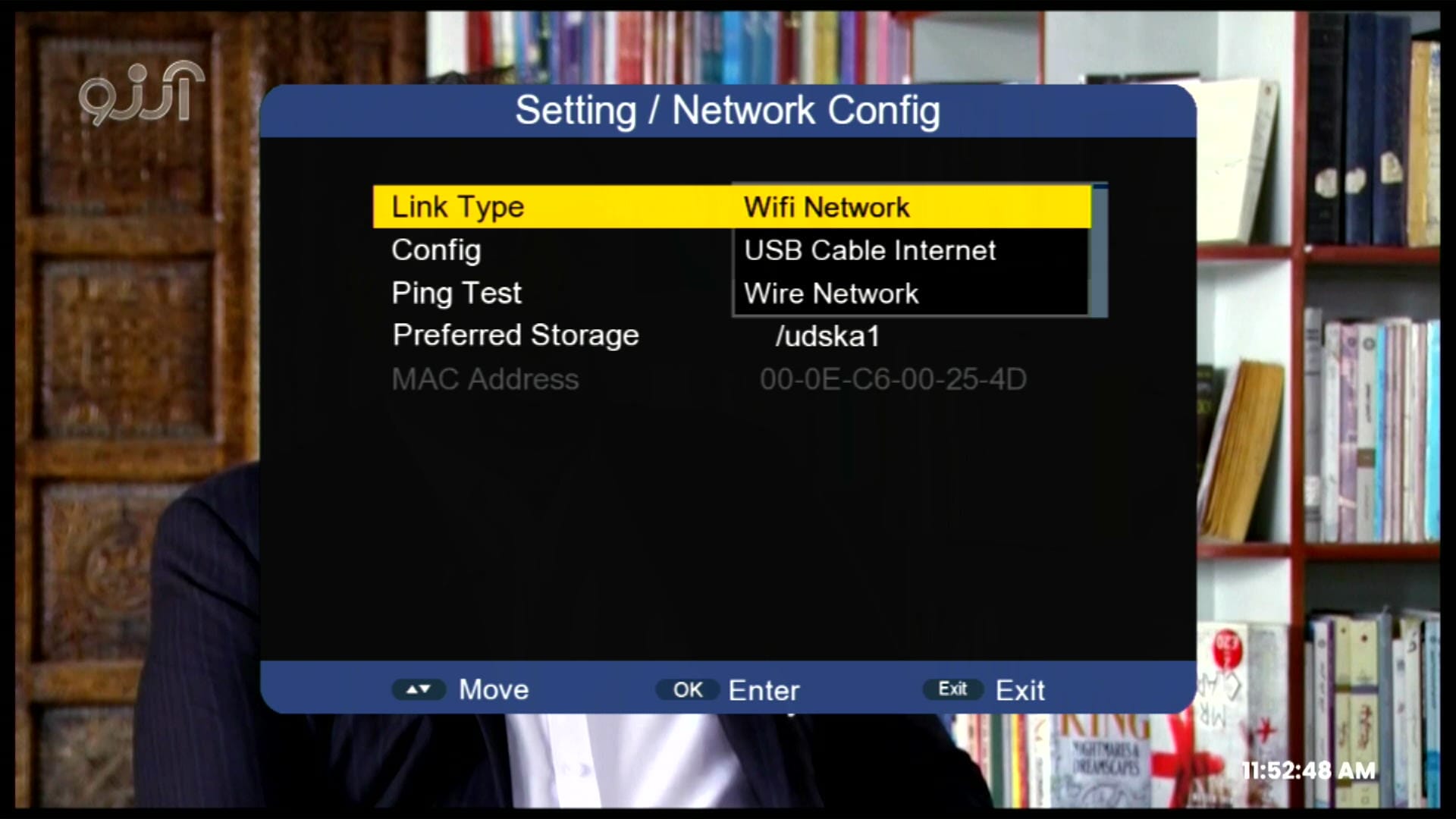
- ✅ USB Cable Internet + Wired Network Support
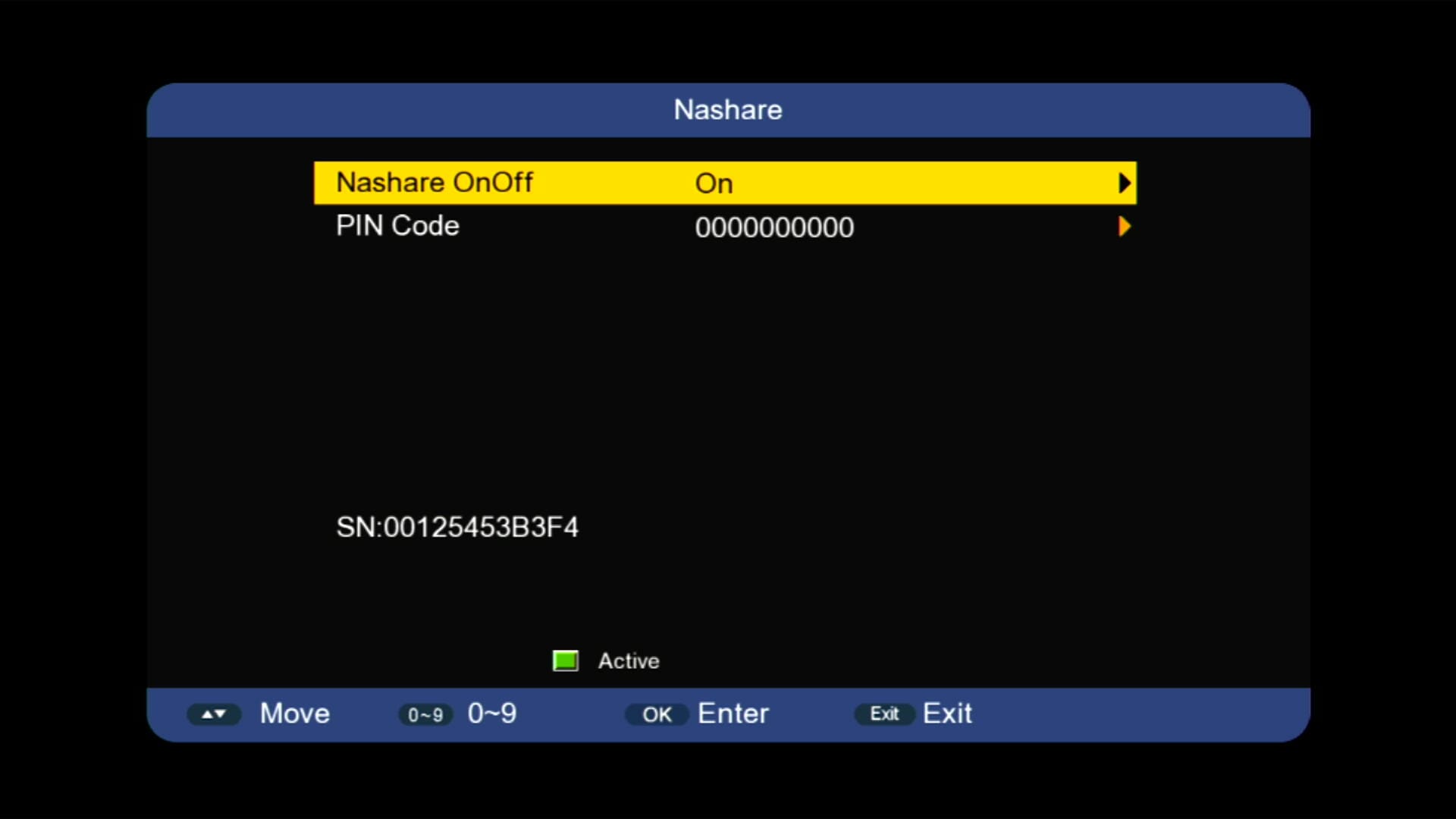
- ✅ Nashare Option Added for Connectivity
- ✅ Remote Support (1506 & NK)
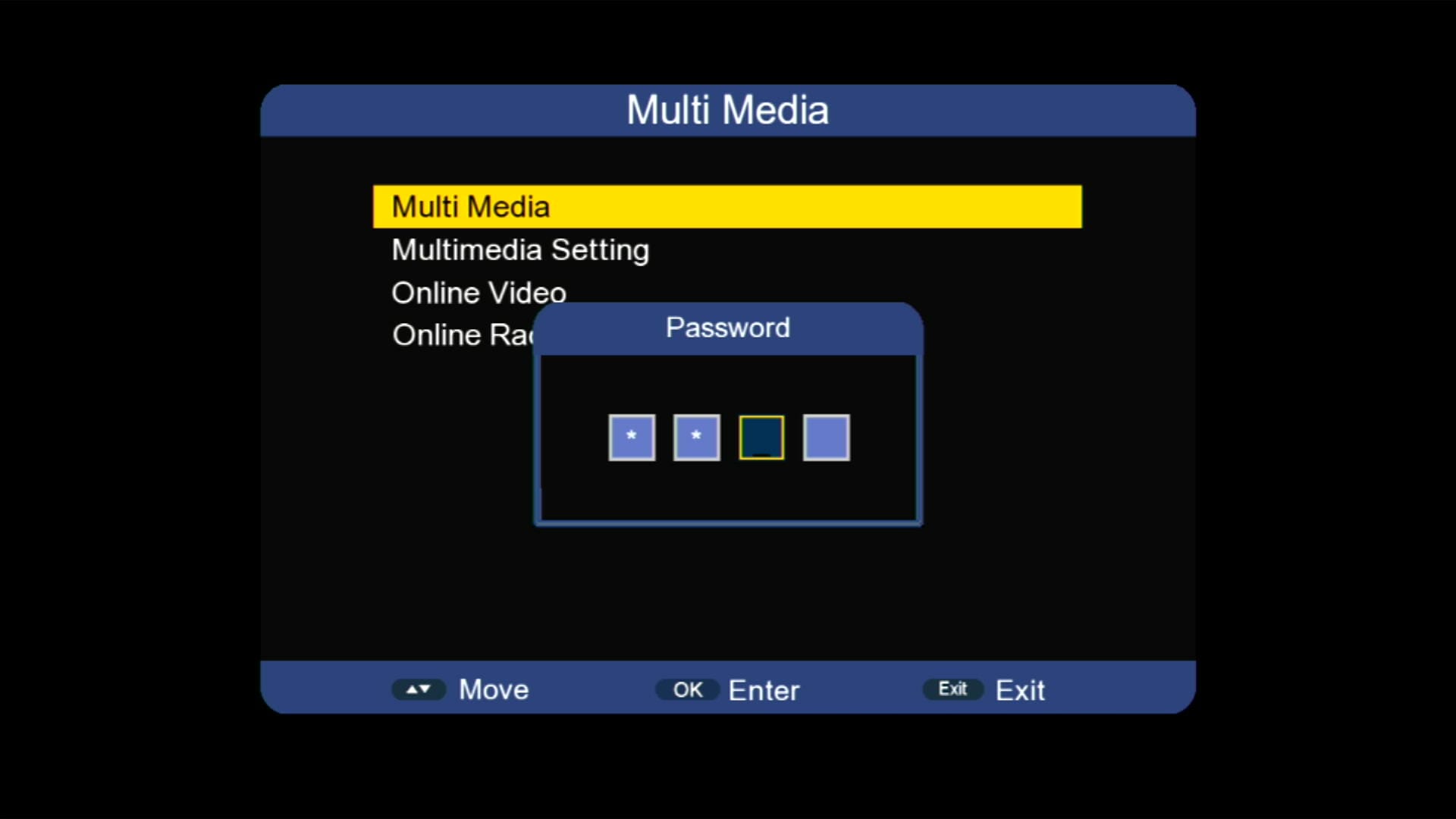
- ✅ Hidden Menu (Press 1506 in Multimedia)
- ✅ BISS Key Add Direct with 0 Button
- ✅ System Information
- ✅ Customer ID Display
- ✅ Channel Logos Display
- ✅ Signal Indicator

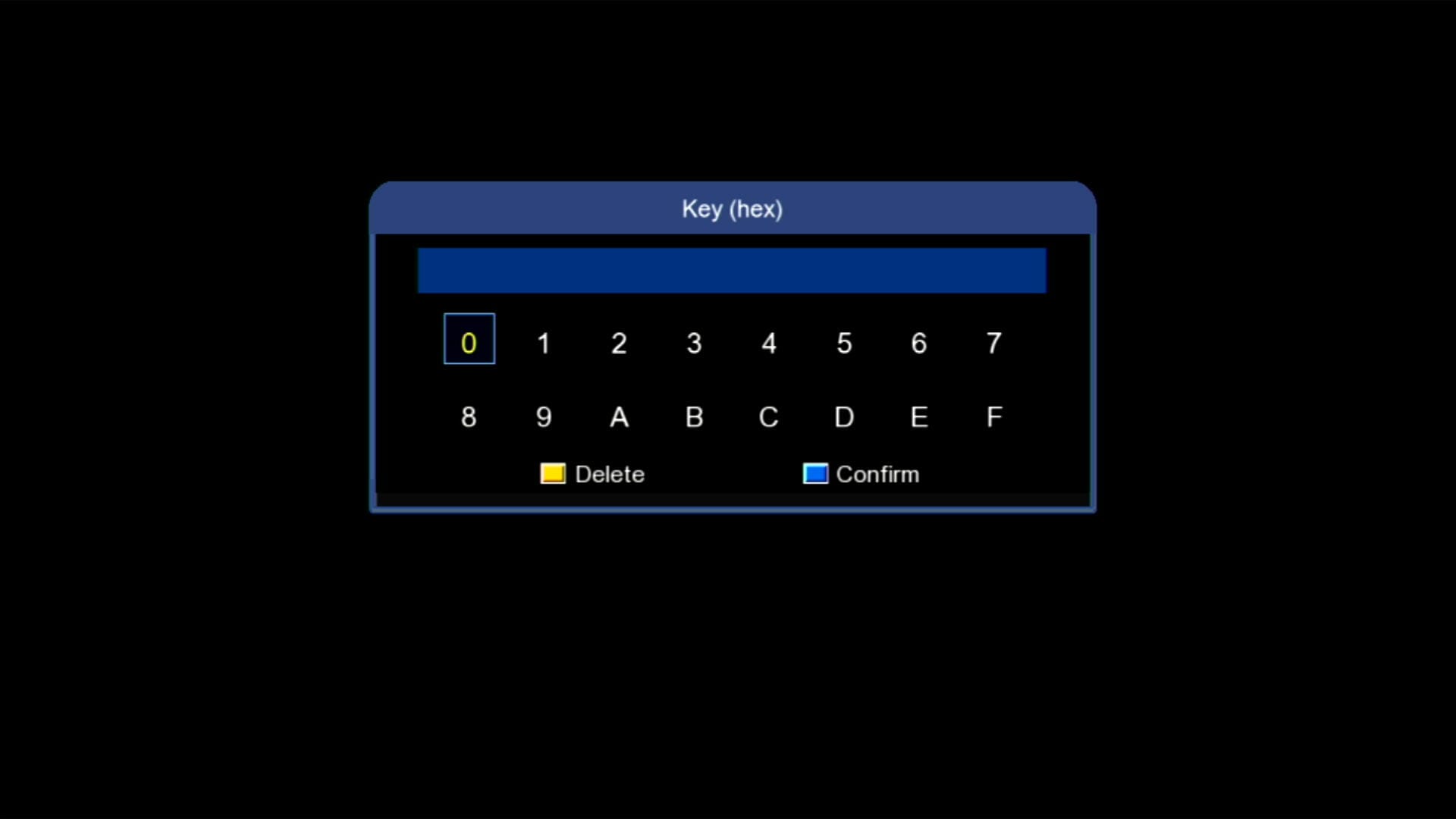
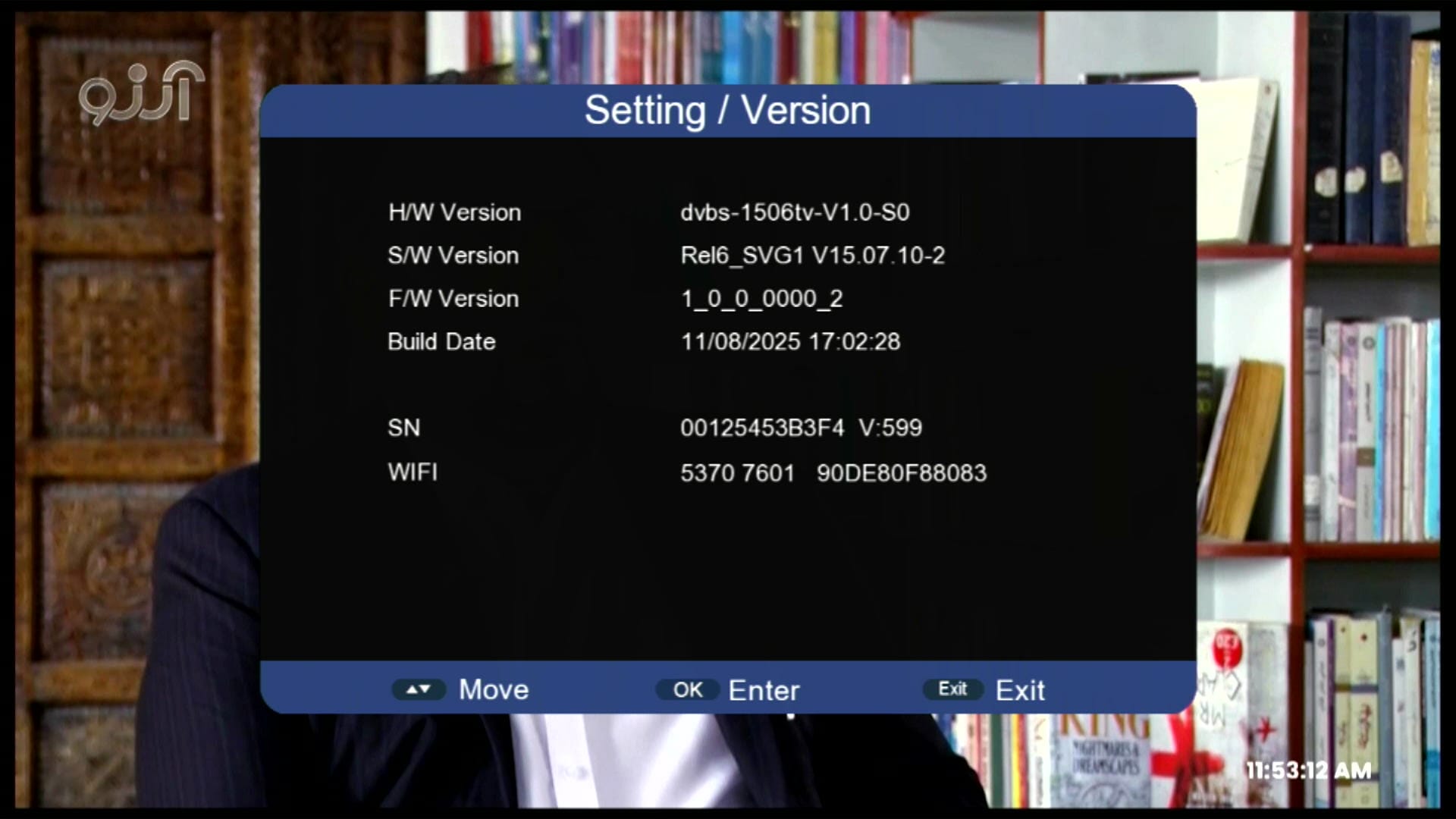
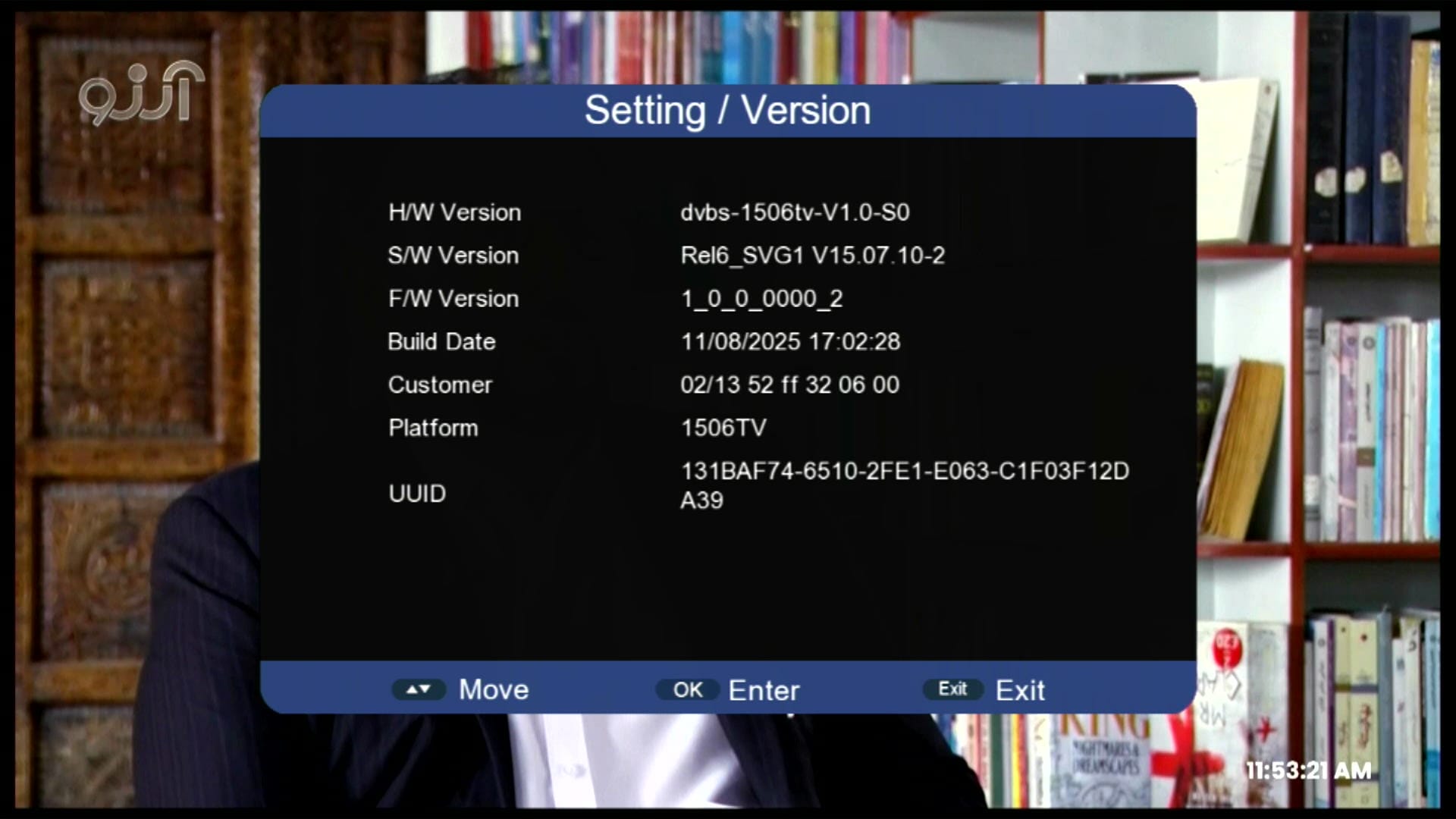
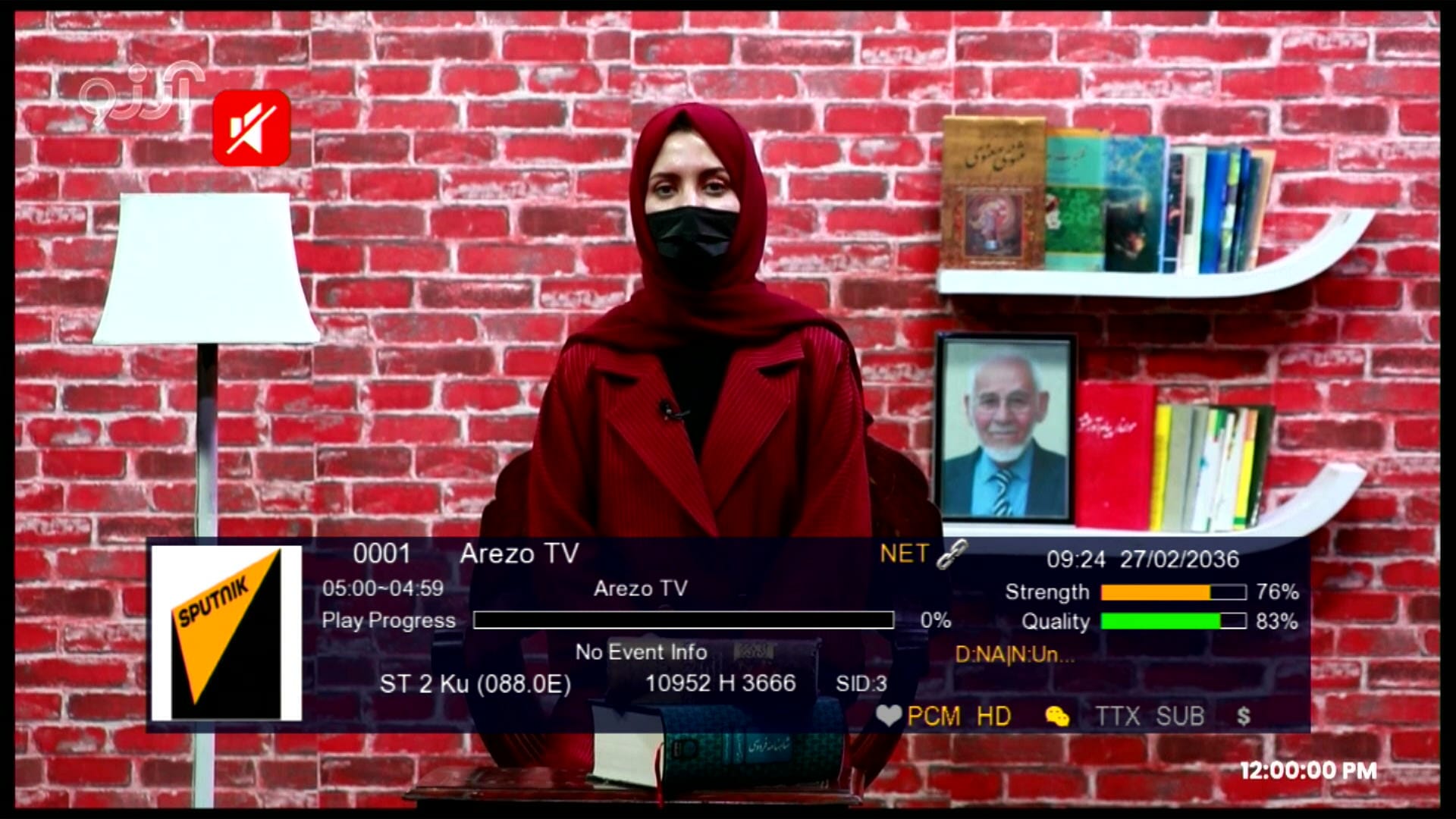
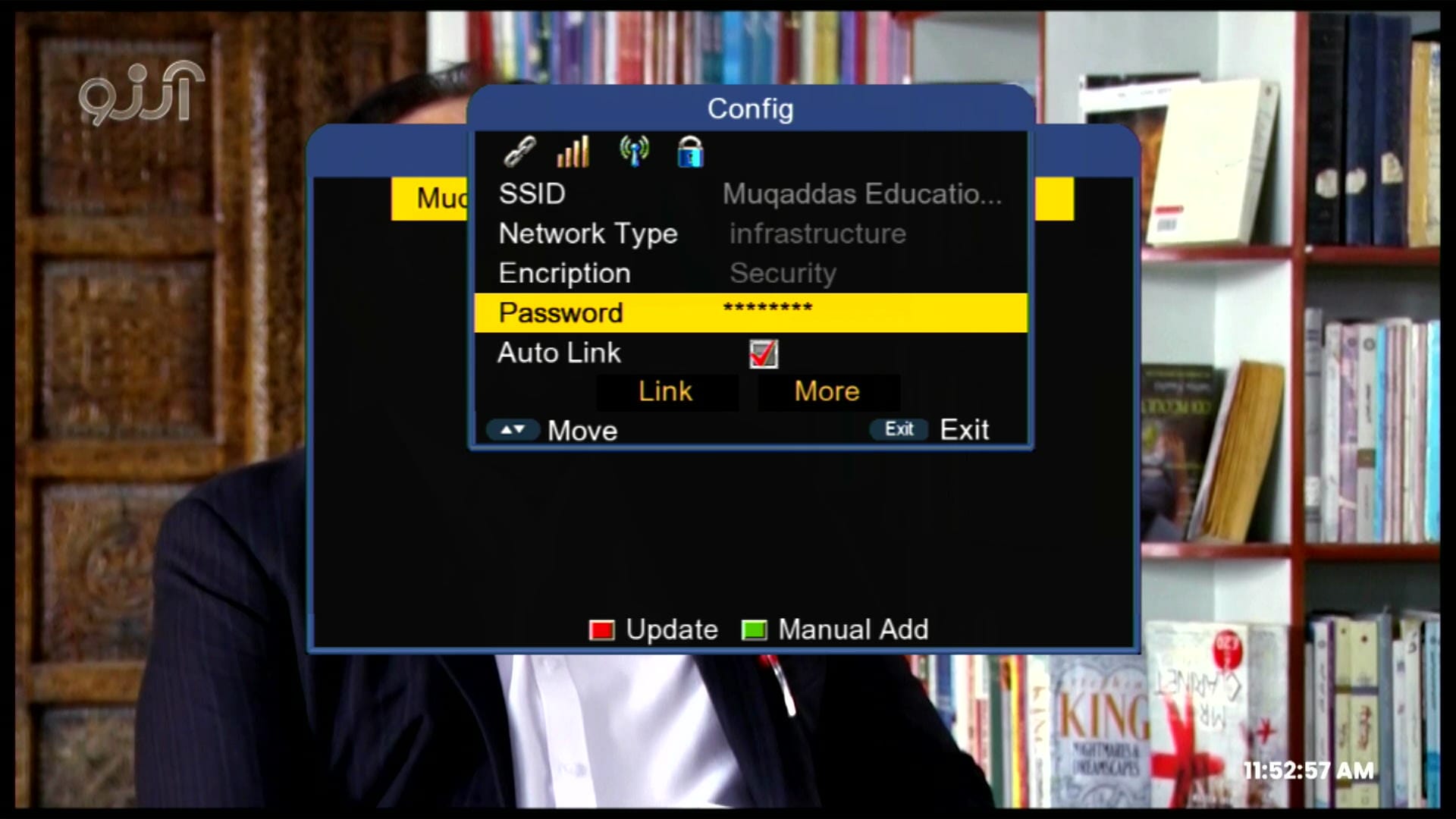
🎥 Software Demo Video:
1506HV New Software September 2025 | YouTube, IPTV, Double Zoom Signal, Nashare

Note: Videos are embedded via YouTube LYTE for improved performance.
💻 RS232 Upgrade Guide:
Follow these steps to safely upgrade your 1506HV receiver via RS232:
- Connect your 1506HV receiver to PC using RS232 cable
- Open the Loader software on your computer
- Select the 1506HV New Software 2025 file
- Click Start Upgrade and wait until it reaches 100%
- Do not disconnect or turn off the receiver during the upgrade
🎥 RS232 Upgrade Video:
How to Upgrade 1506g Receiver With RS232 Redlight Problem Fix #rs232 #redlightproblem #loader

Note: Videos are embedded via YouTube LYTE for improved performance.
📥 Download Links – Software & Loader:
- ➡️ Loader Tool: Download Here
- ➡️ 1506HV Simple Version: Download Here
- ➡️ 1506HV Built-in WiFi Version: Download Here
- ➡️ 1506HV New Software 2025: Download Here
🛠️ Free Online Tools for All Receivers:
- ➡️ GX6605S Boot Logo Changer: Click Here
- ➡️ GX6605S HW203 Version Changer: Click Here
- ➡️ GX6605S Remote Changer: Click Here
- ➡️ GX6605S Boot.bin + HW Version Tool: Click Here
- ➡️ 1506 Receiver Boot Logo Changer: Click Here
- ➡️ 1506 Customer ID Replacement Tool: Click Here
- ➡️ GX6605S 8MB to 4MB Converter: Click Here
- ➡️ GX6605S ROOT.bin Extractor: Click Here
❓ FAQ – Frequently Asked Questions:
Q1: Is YouTube Kids working on this software?
A1: Yes, both YouTube and YouTube Kids are fully working.
Q2: Can I use WiFi with this software?
A2: Yes, it supports both USB WiFi adapters (MT7601 & RT-5370) and built-in WiFi version.
Q3: Does it support Nashare?
A3: Yes, Nashare is added and fully functional.
Q4: Can I upgrade using RS232?
A4: Yes, just follow the RS232 upgrade instructions above for safe updating.
Q5: Can I add BISS keys?
A5: Yes, BISS keys can be added directly using the 0 button.
❤️ Follow & Connect:
- 🌐 Website: mastdishinfolayyah.com
- 📸 Instagram: @MAST_Dish_Info_Layyah_Official / @MAST_Dish_Info_Layyah / @Sat_Dish_Master / @Muqaddas_Education_System
- 🟢 WhatsApp Group: Join Here
- 𝕏 Twitter: @Mhr_Mulazim_H_L
- 💌 Facebook Group: Join Here
- 🎥 YouTube: Subscribe Here











it didn’t work with me I don’t know why