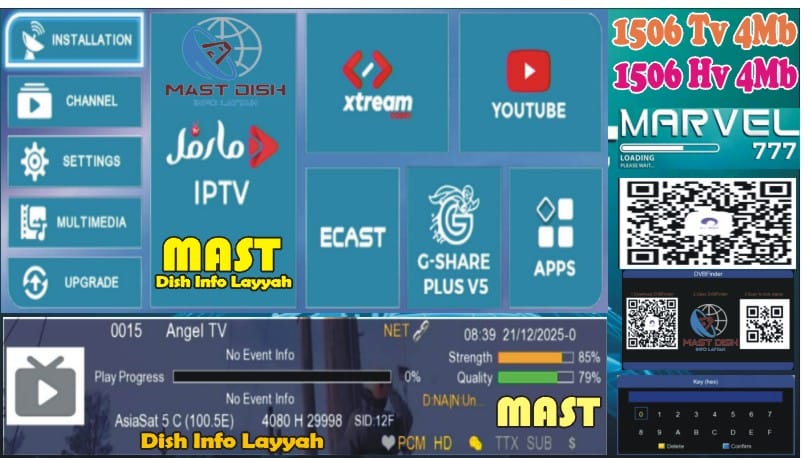
🔥 What’s New in This 1506Hv New Software?
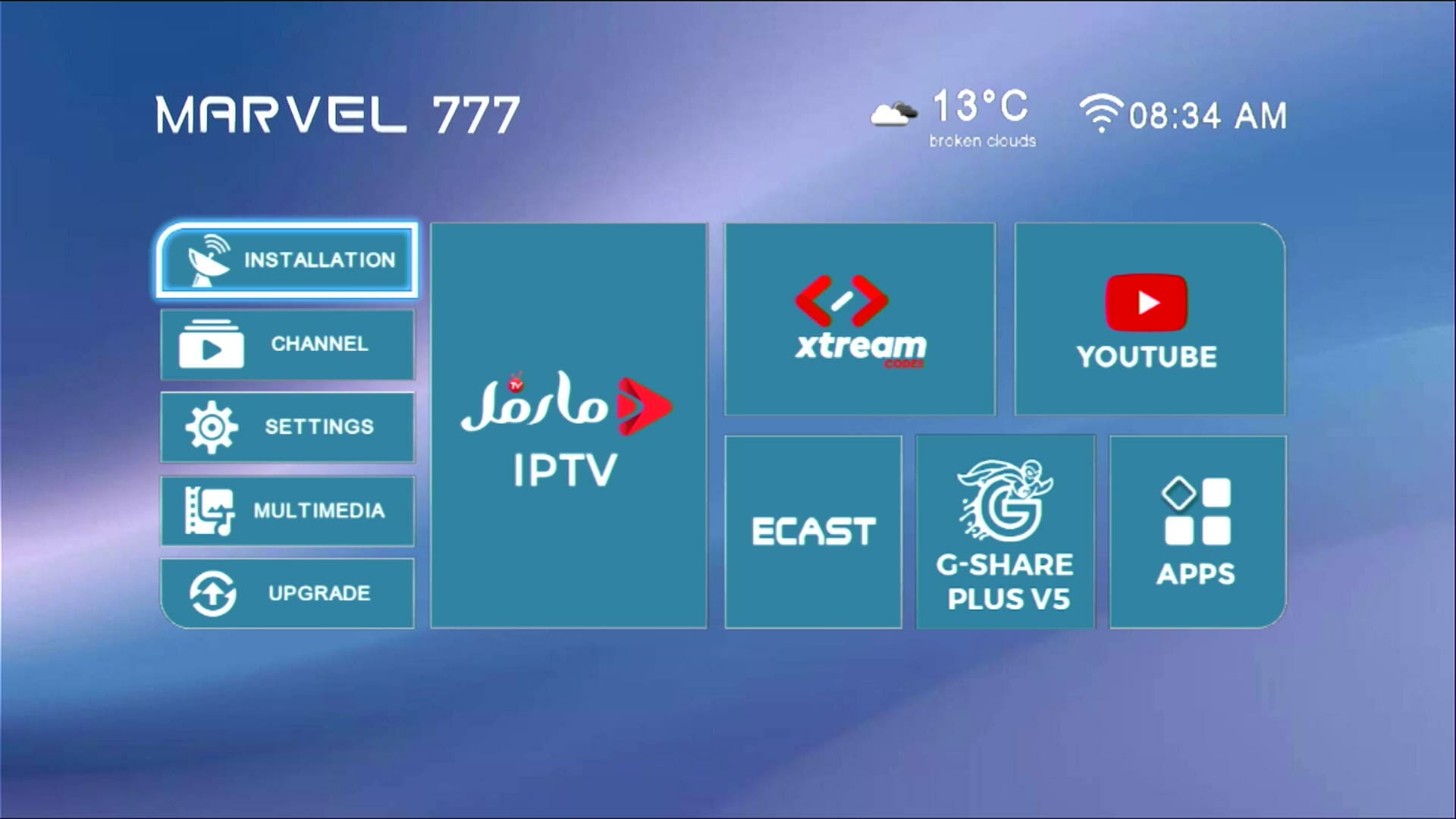
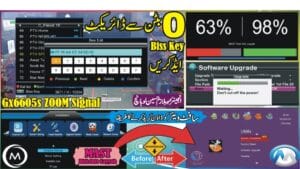
Modern & Stylish Menu Design
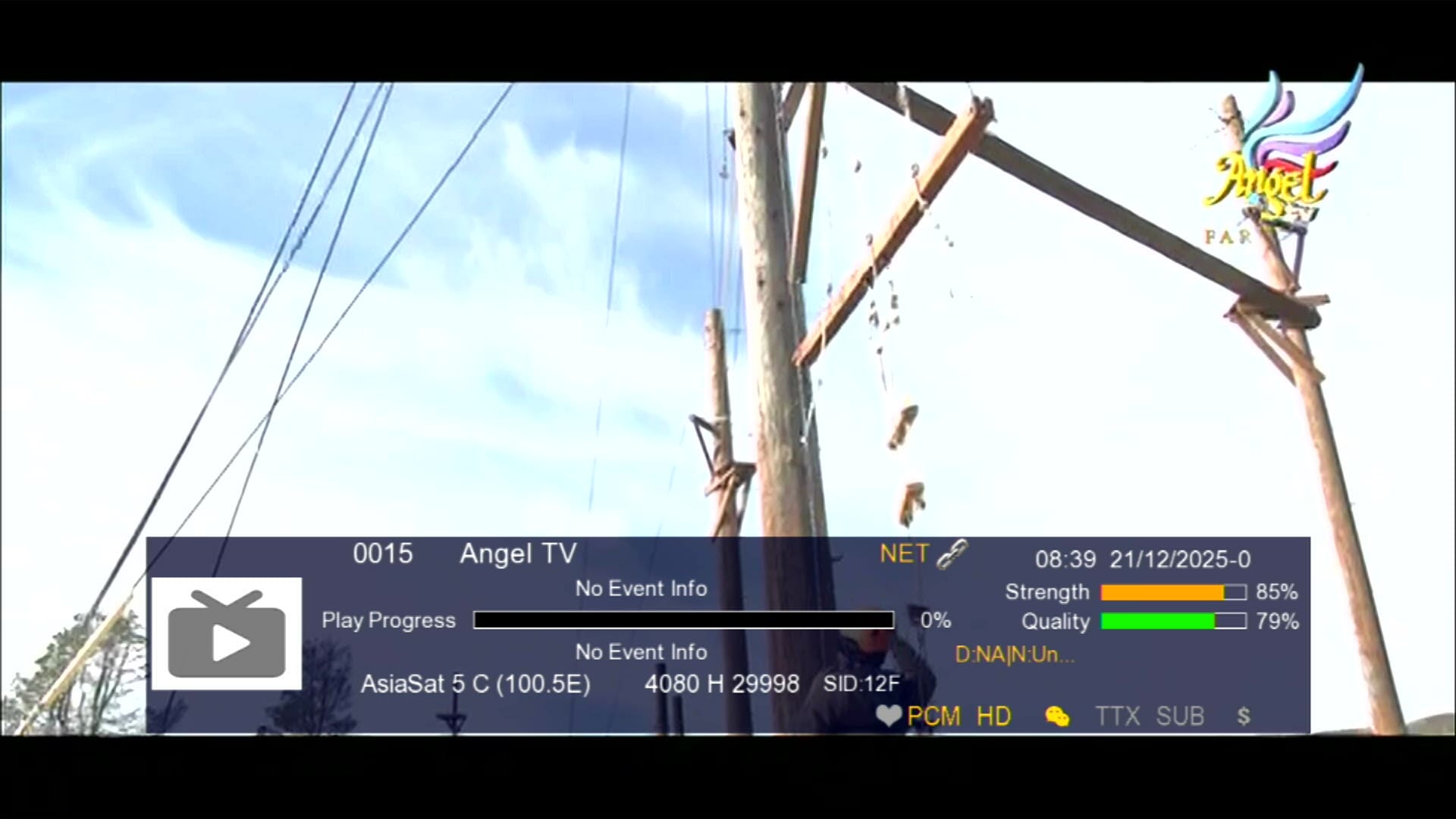
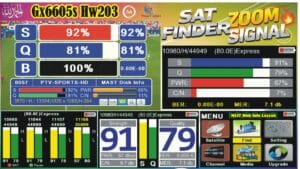
Signal Indicator with Three Zoom Strips
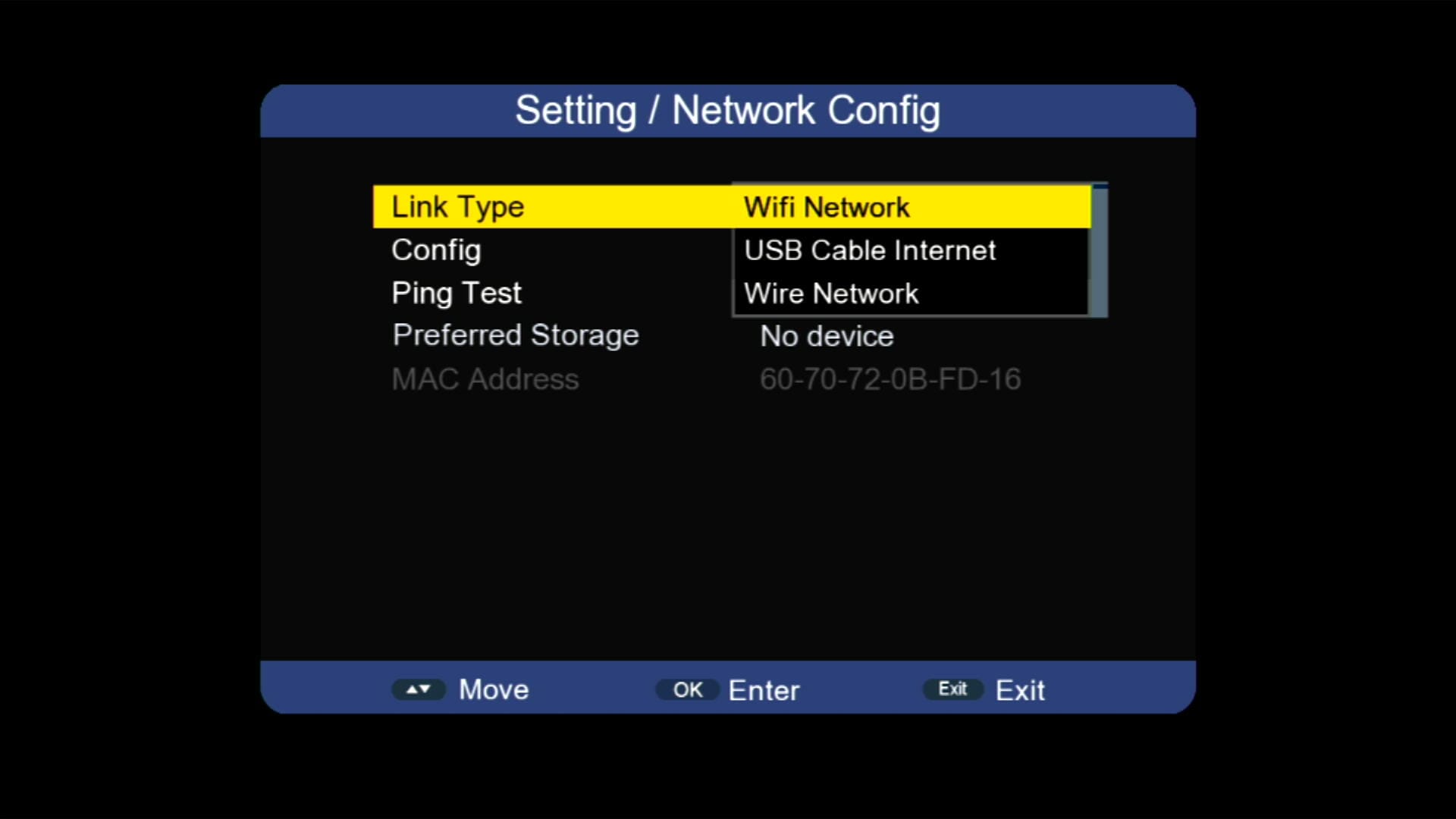
Updated System Information
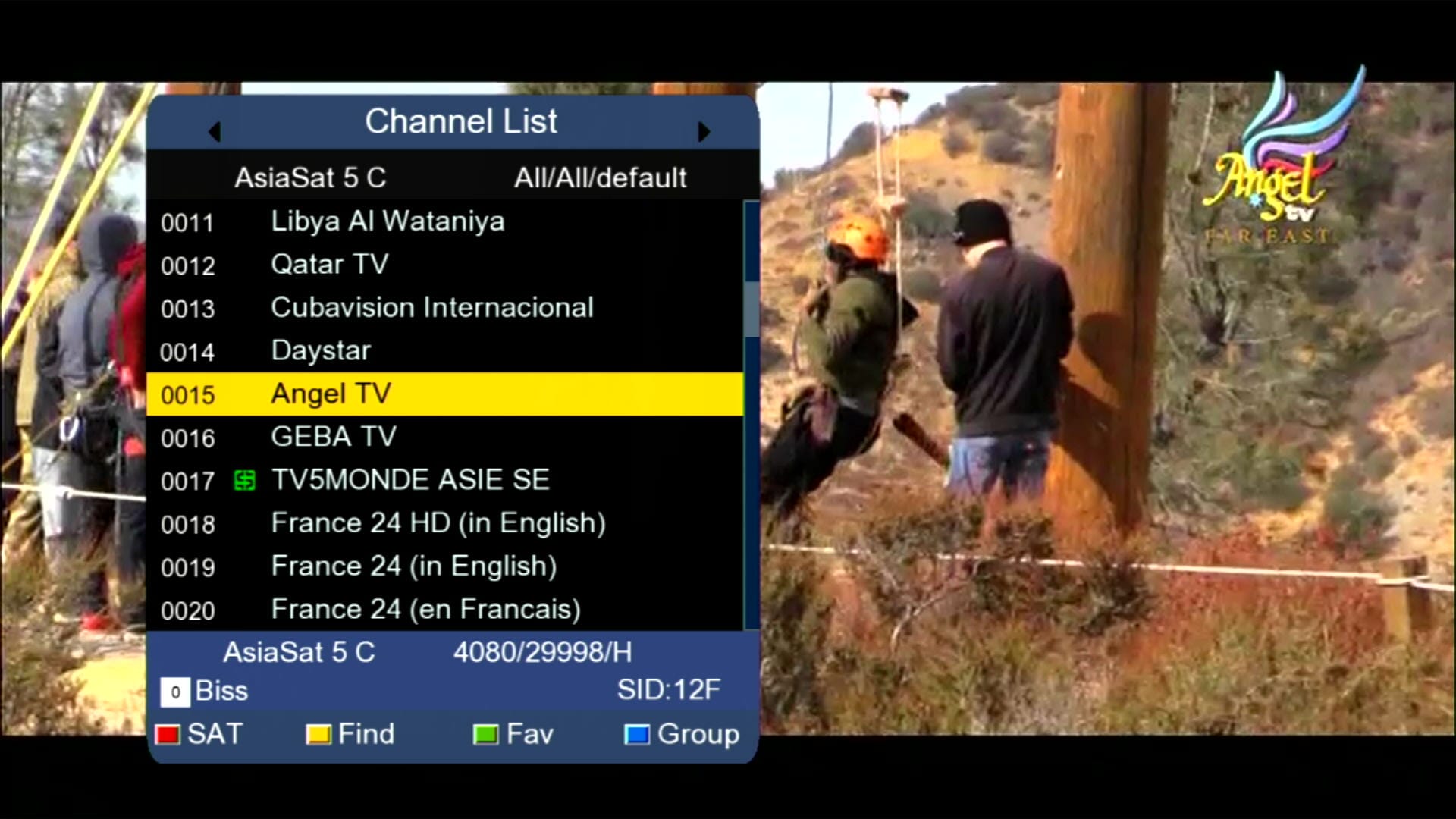
Beautiful Channel Dialogue Box
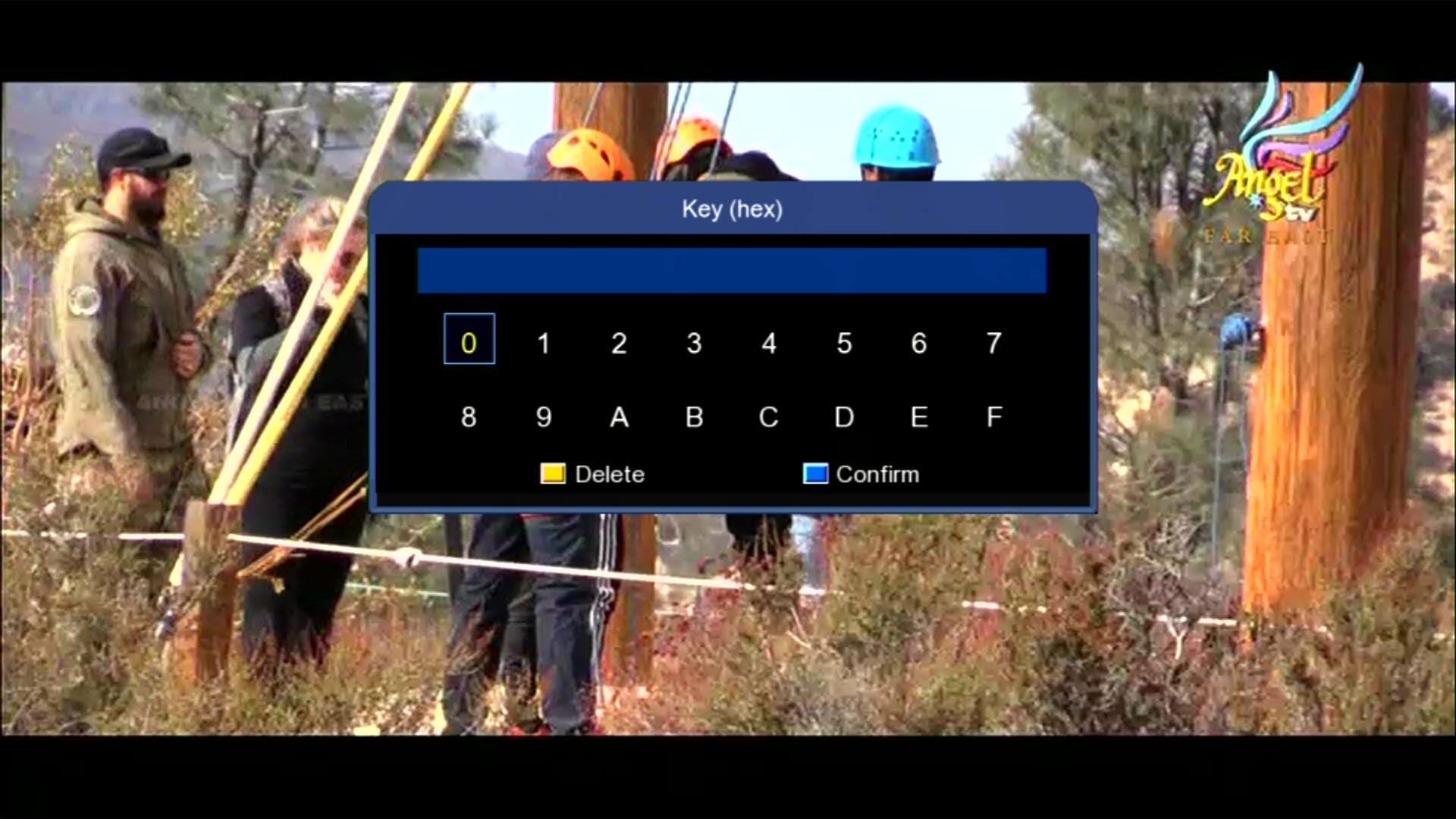
BISS Key Add Direct with 0 Button
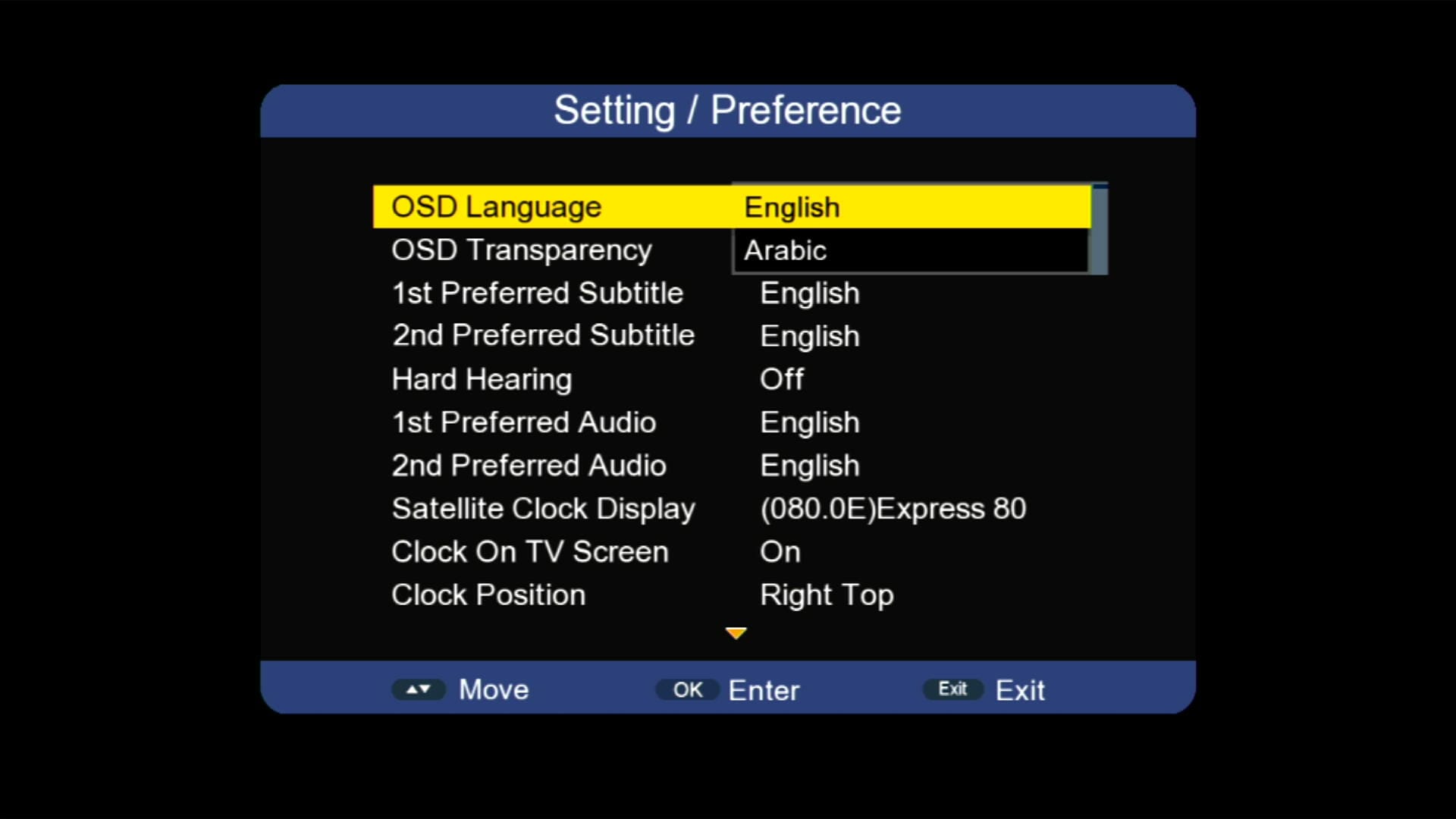
Multi Languages Added
YouTube & YouTube Kids 100% Working
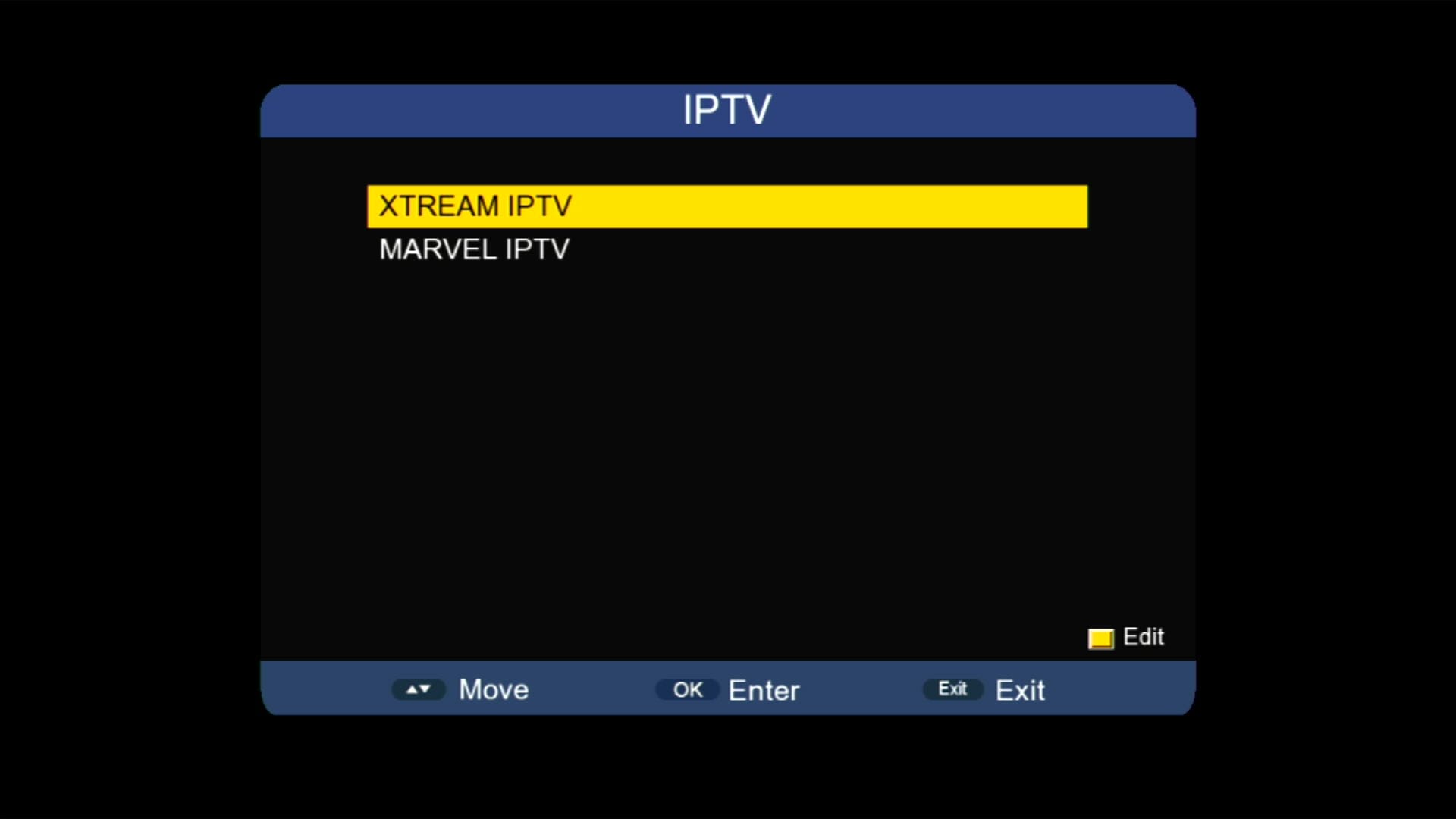
IPTV & Multiple Apps Added
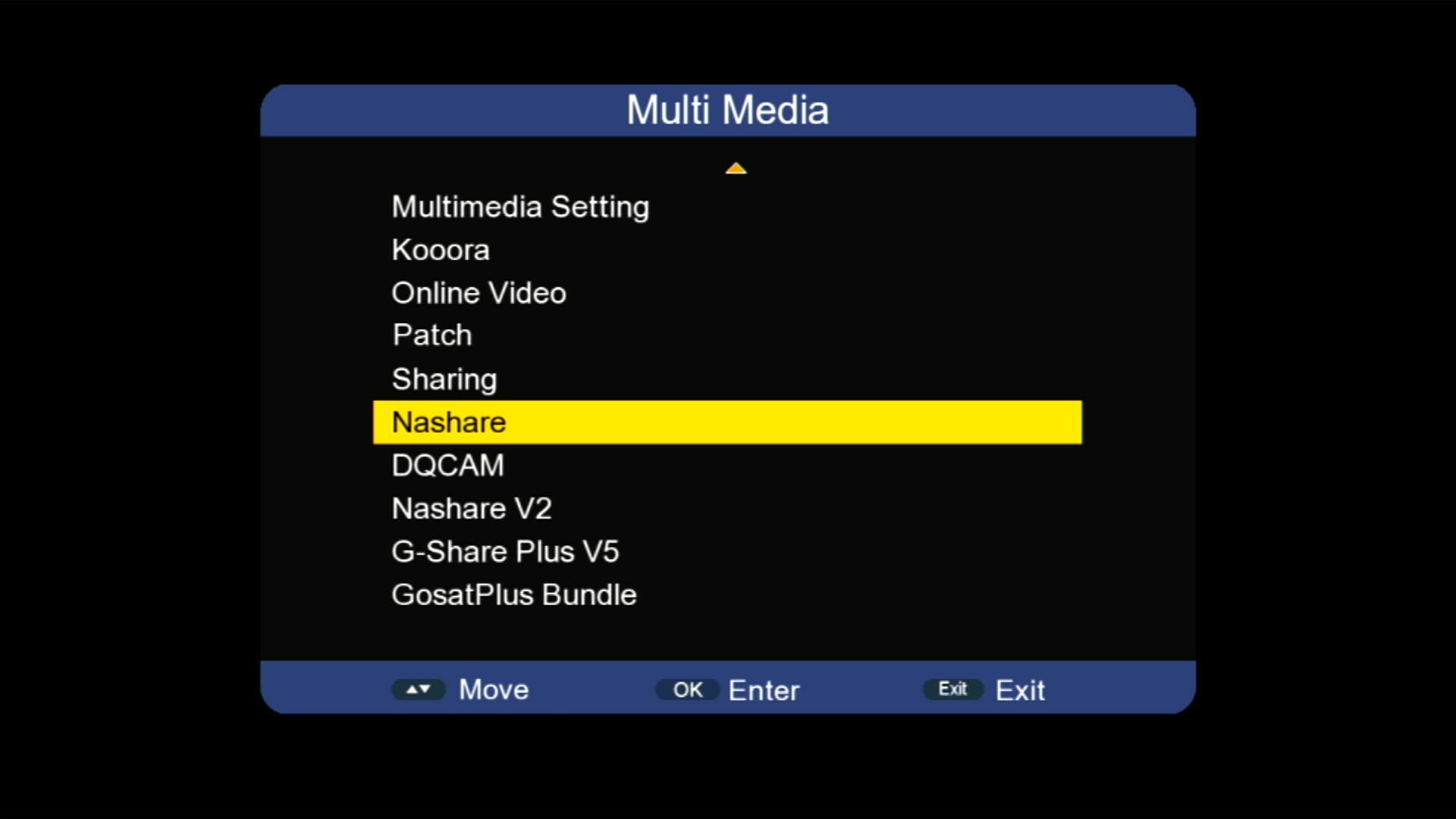
Nashare & Nashare V2 Option
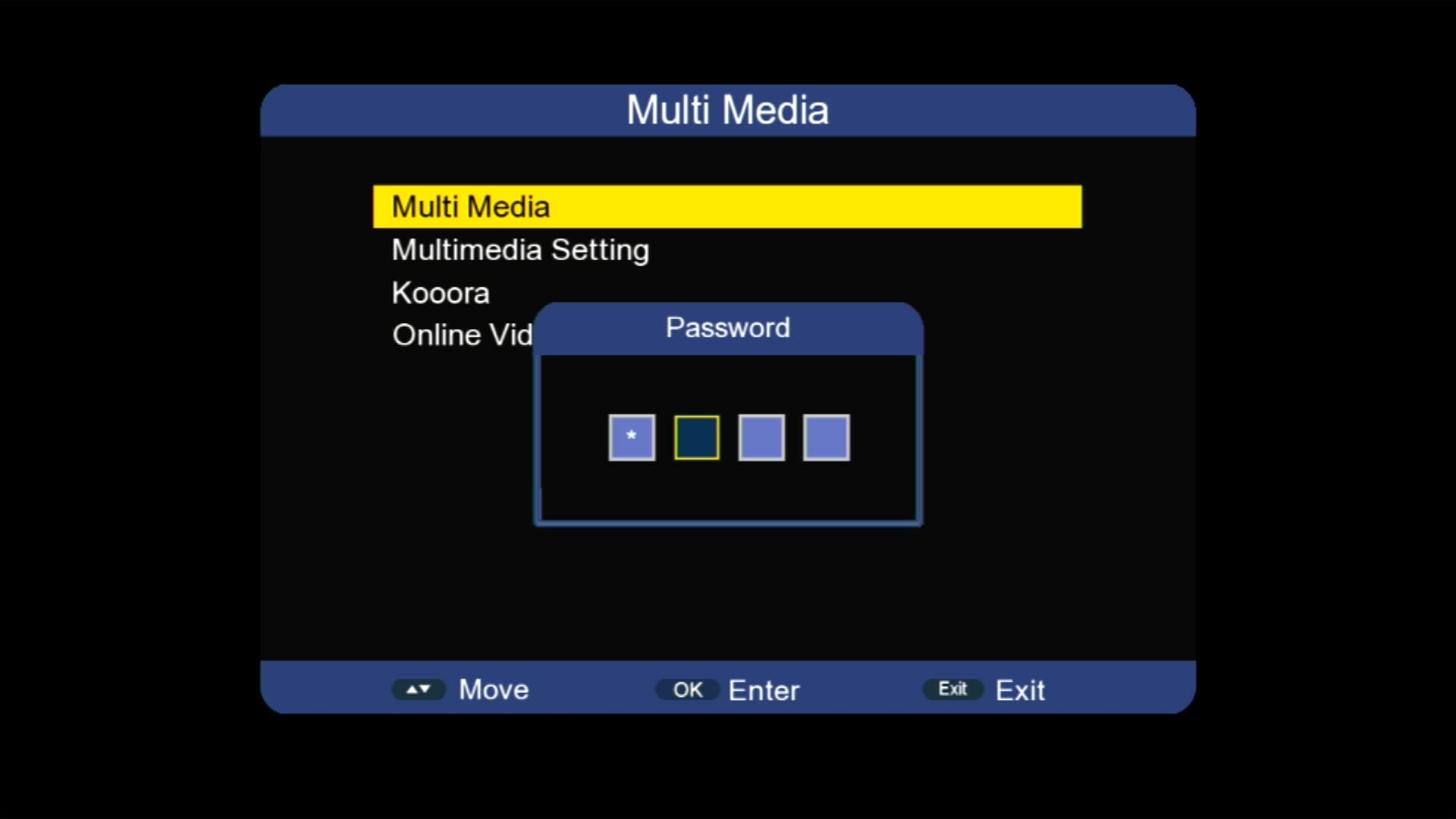
Hidden Menu (Press 1506)
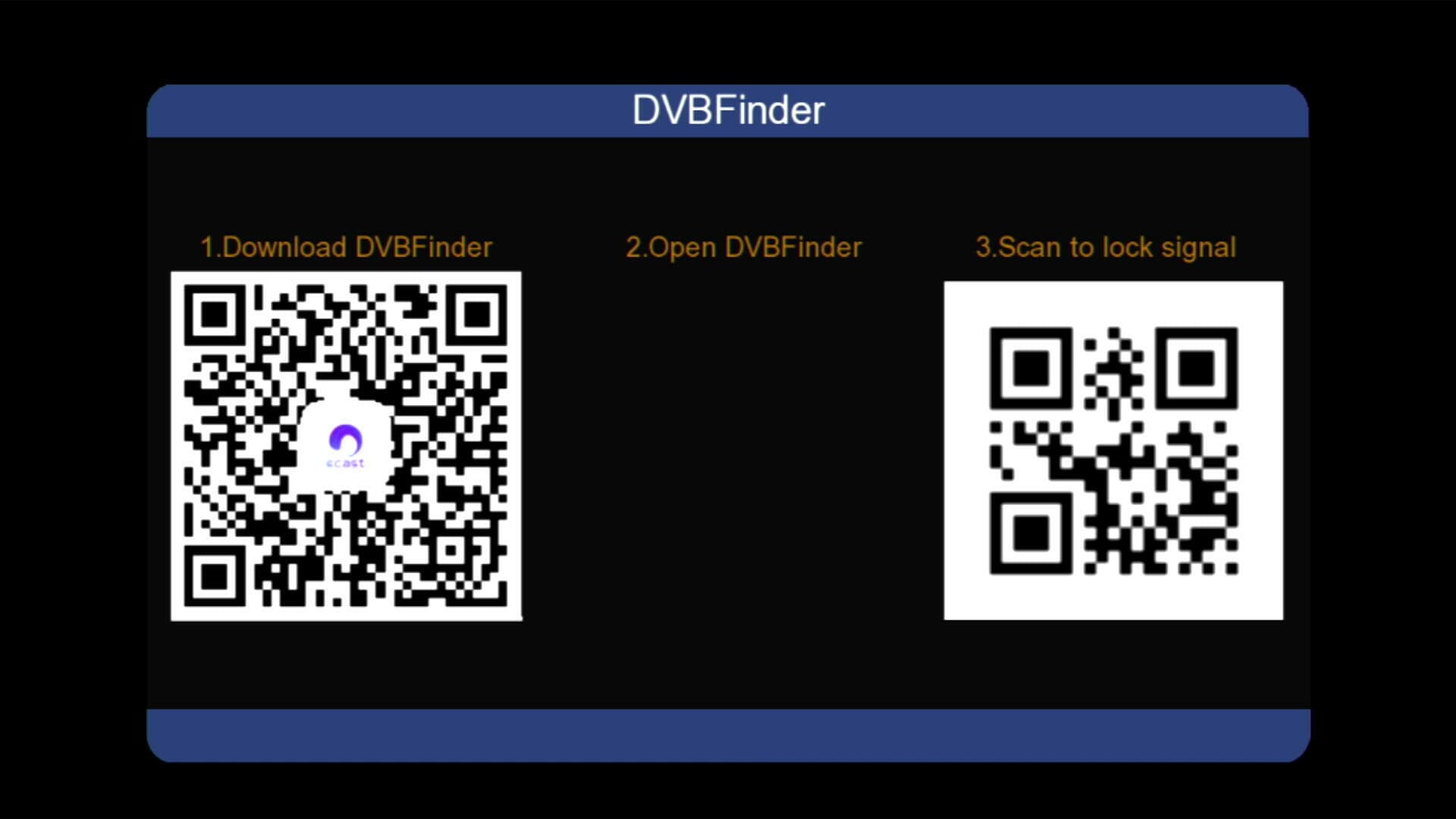
DVB Finder Option
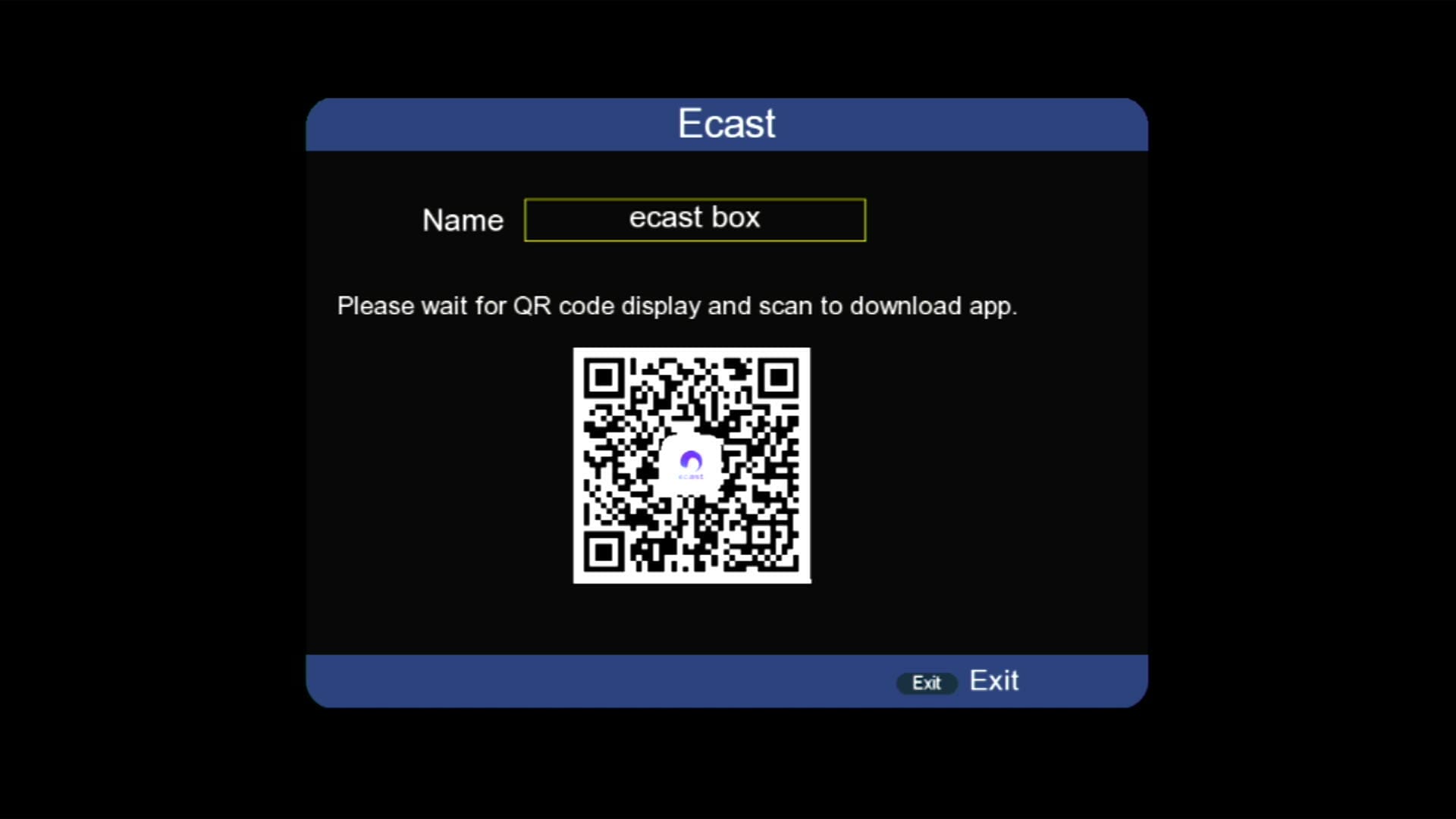
E-Cast Feature
×
❮
❯
![]()
⚠️ It is highly recommended to backup your current settings and channels before upgrading. Follow these steps:
- 📡 Go to the Receiver Menu > System Settings.
- 💾 Select Backup or Export Settings.
- 📂 Choose USB Drive as the backup location.
- ✅ Save the backup file safely; you can restore it if anything goes wrong during upgrade.
🎥 1506HV New Software 2025 – Video Review
✨ Marvel 777 New Software | 1506HV 4MB Simple Version | YouTube 📺, IPTV 🌐, Nashare V2 🔗, E-Cast 🎥

Note: Videos are embedded via YouTube LYTE for improved performance.
💻 Upgrade Instructions (RS232 / USB)
- 🔌 Connect your 1506HV receiver with RS232 cable or USB.
- 💻 Open Loader on your PC.
- 📂 Select 1506HV New Software 2025 file according to your receiver version.
- ⚡ Start the upgrade & wait until 100% completes.
- ❌ Do not disconnect during the process.
- ✅ After completion, receiver will reboot with new software.
🎥 RS232 Upgrade Video
How to Upgrade 1506g Receiver With RS232 Redlight Problem Fix #rs232 #redlightproblem #loader

Note: Videos are embedded via YouTube LYTE for improved performance.
📥 1506Hv New Software 2025
Click the button below to download the latest 1506Hv New Software 2025 for free.
⭐ Verified Firmware by MAST Dish Info Layyah ⭐
📁 File Details
⚙️ Processor:
🛠️ SW Version:
💾 File Size:
⬇️ Downloads:
👤 Uploader:
⚠️ Report:
✅ Safe & Tested Software Download



Thanks