
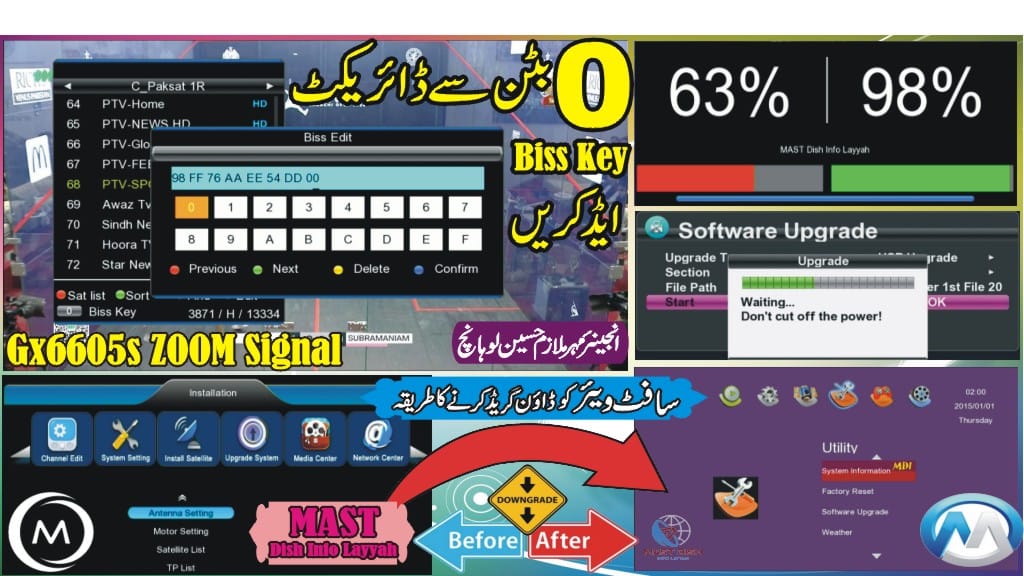
PTV Sports HD BISS Key Today 2026 – How to Add BISS Key in GX6605S F1 F2 Receiver
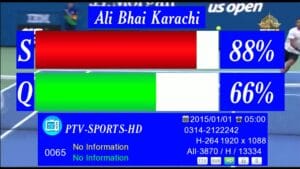
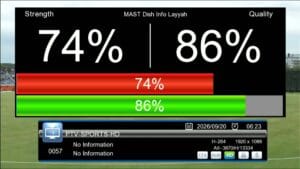
PTV Sports HD often switches to BISS encryption during major live sports events. If your channel is scrambled, this guide will help you add the latest PTV Sports HD BISS Key in GX6605S F1 F2 / Green Go receivers using the Direct BISS Key Option (0 Button).
Latest PTV Sports HD BISS Key
BISS Key: 98 FF 76 AA EE 54 DD 00
PTV Sports HD Channel Information
- Satellite: Paksat MM1 38.2°E
- Frequency: 3870
- Polarization: H
- Symbol Rate: 13333
- SID: 0004
Supported Receivers
- GX6605S Receiver
- F1 F2 Receiver
- Green Go Receiver
- Other compatible GX6605S models
How to Add PTV Sports HD BISS Key in GX6605S Receiver
- Turn on your receiver and go to the PTV Sports HD channel.
- Press the 0 button on your remote to open the Direct BISS Key Option.
- Enter the latest BISS key carefully.
- Save the key and exit the menu.
- Wait a few seconds for the channel to open.
What You Will Learn in This Guide
- How to add PTV Sports HD BISS Key
- How to use the Direct BISS Key Option (0 Button)
- How to open PTV Sports HD on GX6605S receiver
- PTV Sports HD frequency setup
- Live sports event reception guide
Important Note
BISS keys and encryption settings may change during major sports broadcasts. Always verify the latest key and channel parameters before updating your receiver.
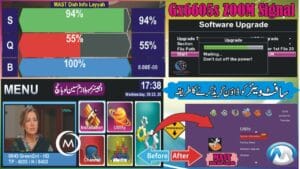
🔥 What’s New in This Sat Finder Software?
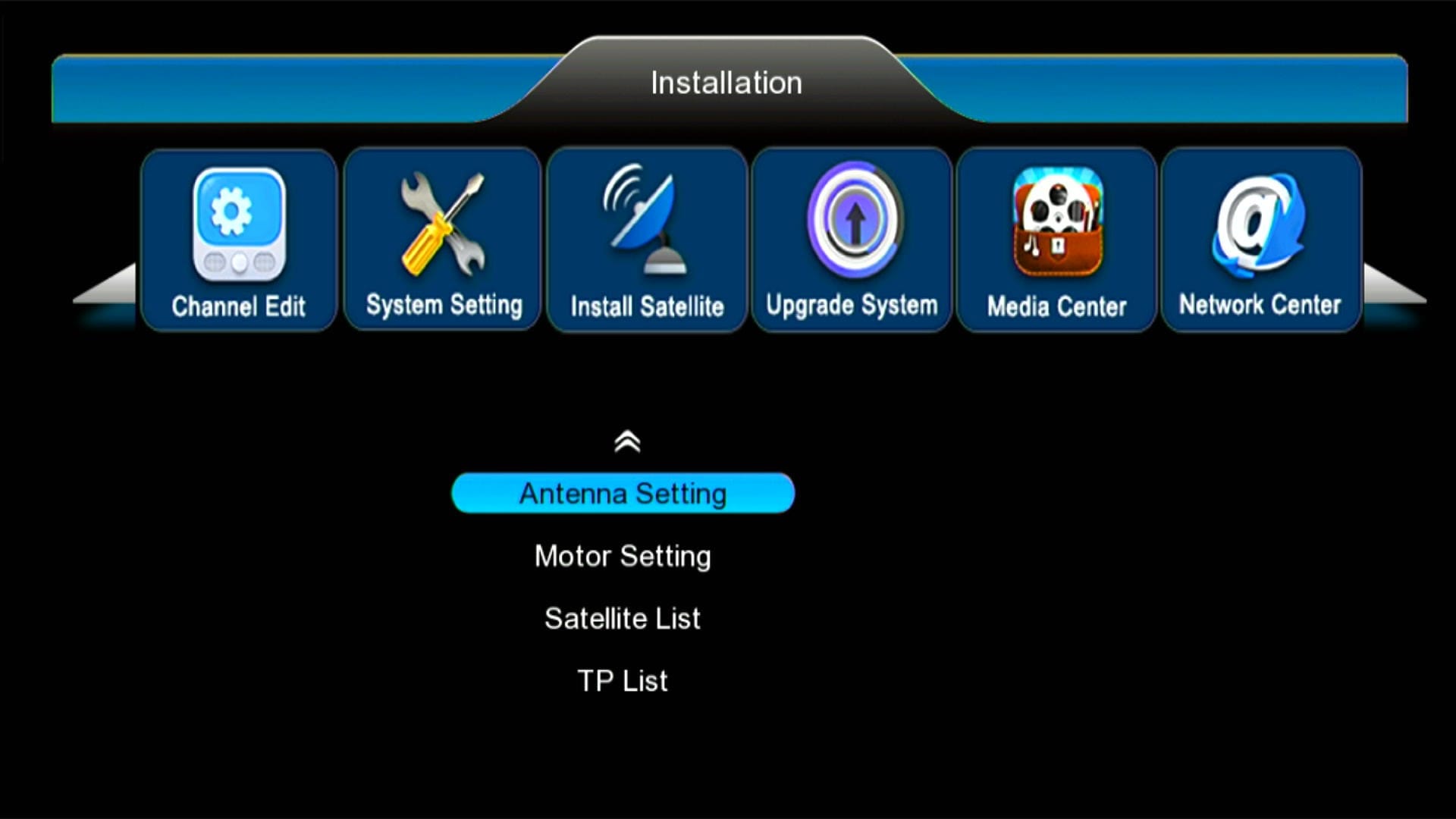
✅ Modern & Stylish Menu Design
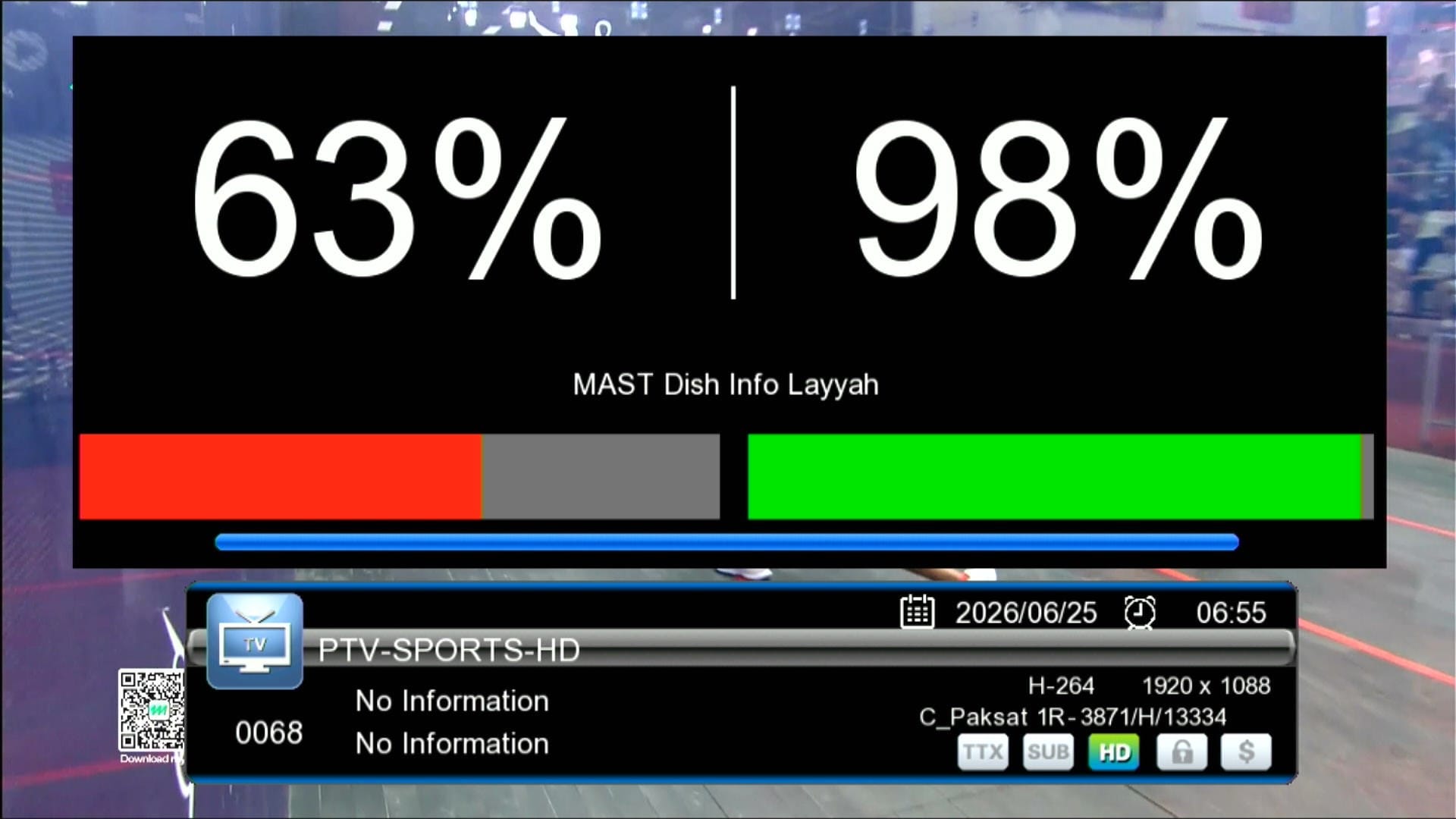
✅ Signal Indicator
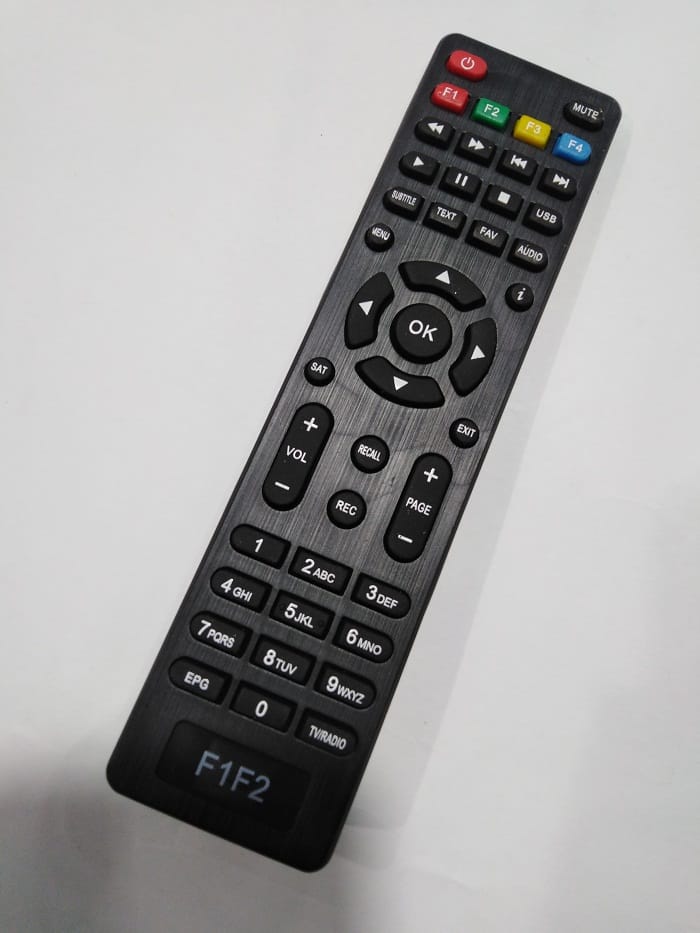
✅ F1F2 Remote Supported
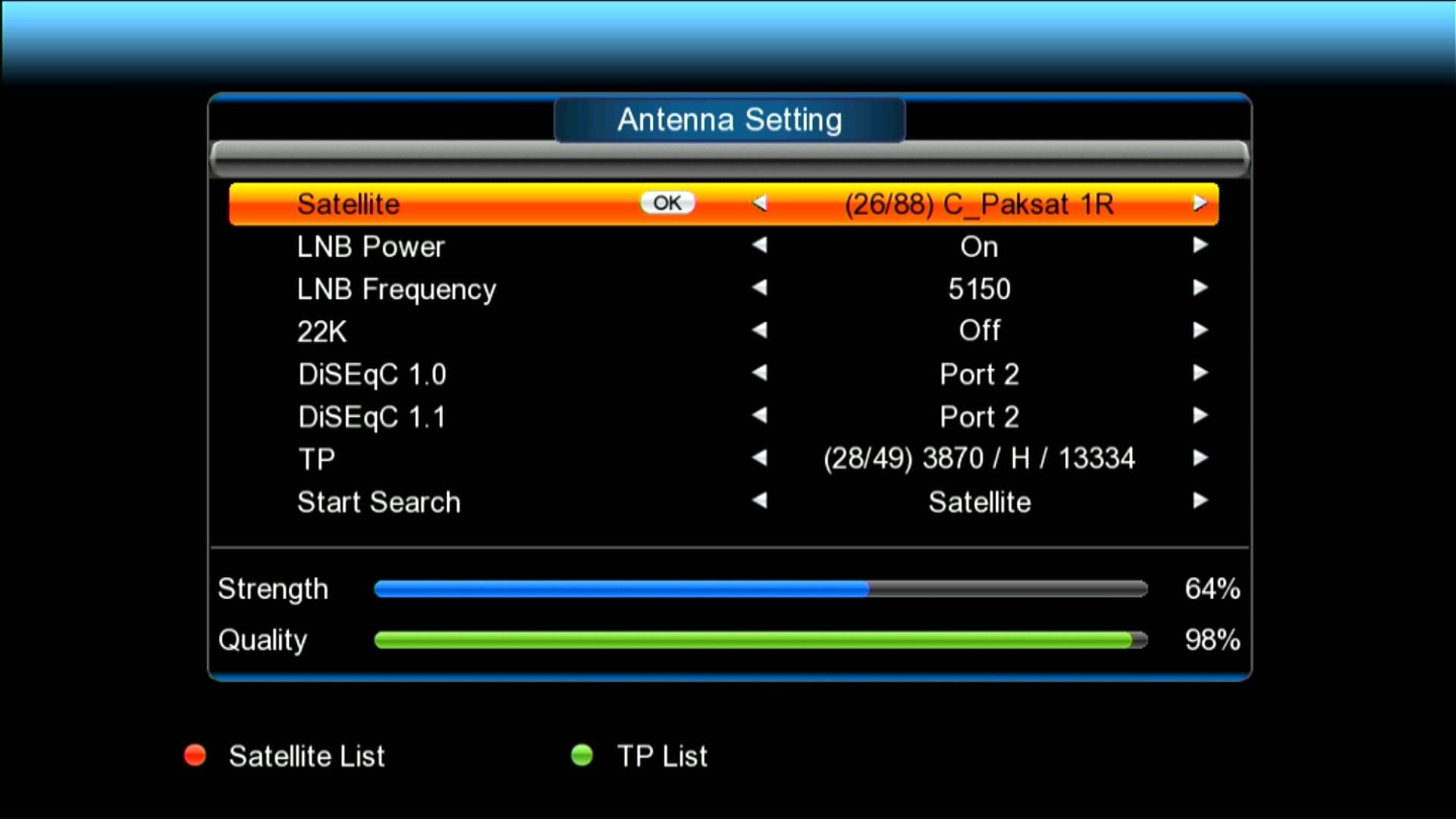
✅ 88 Satellites Added
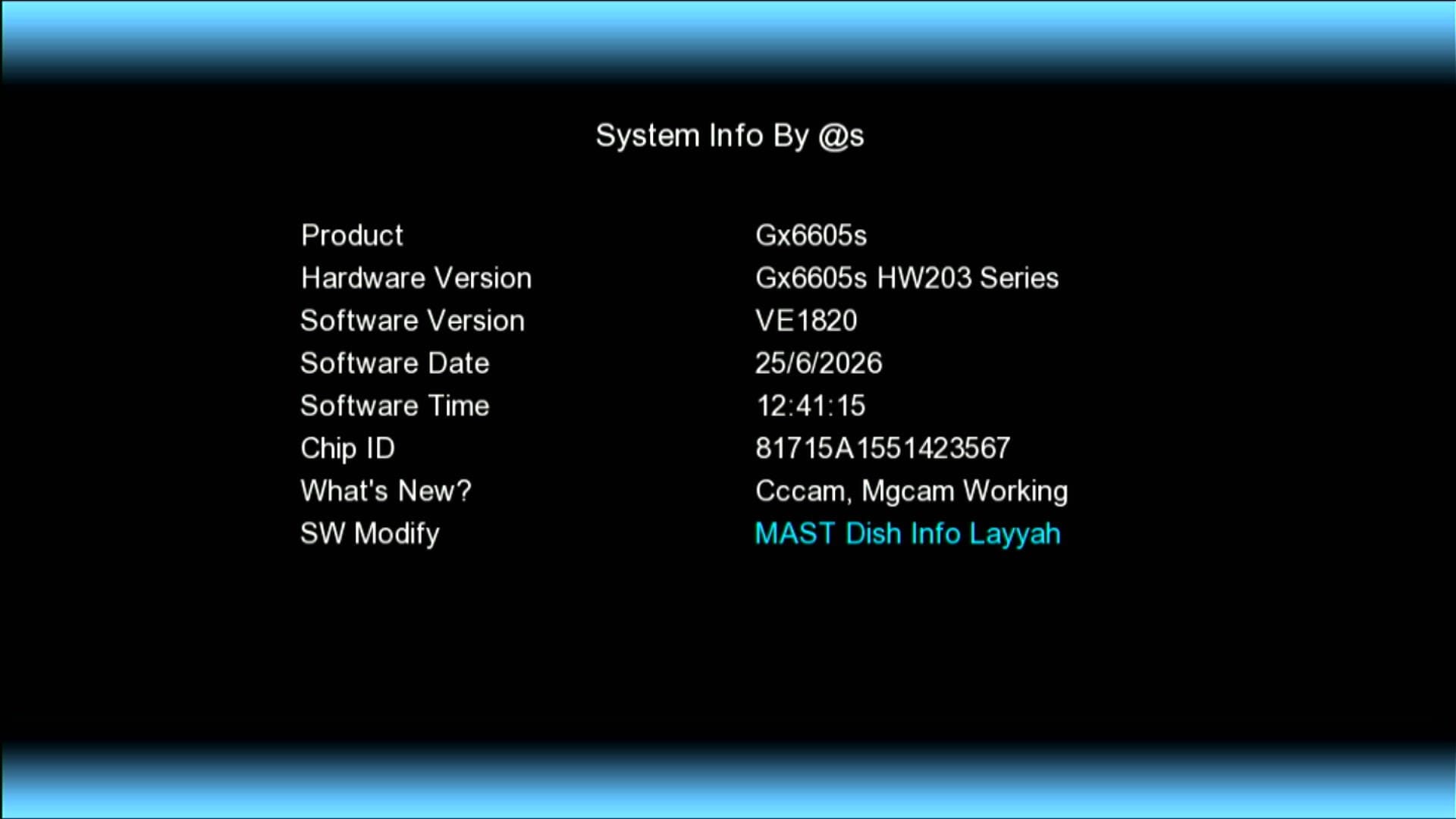
✅ Updated System Information
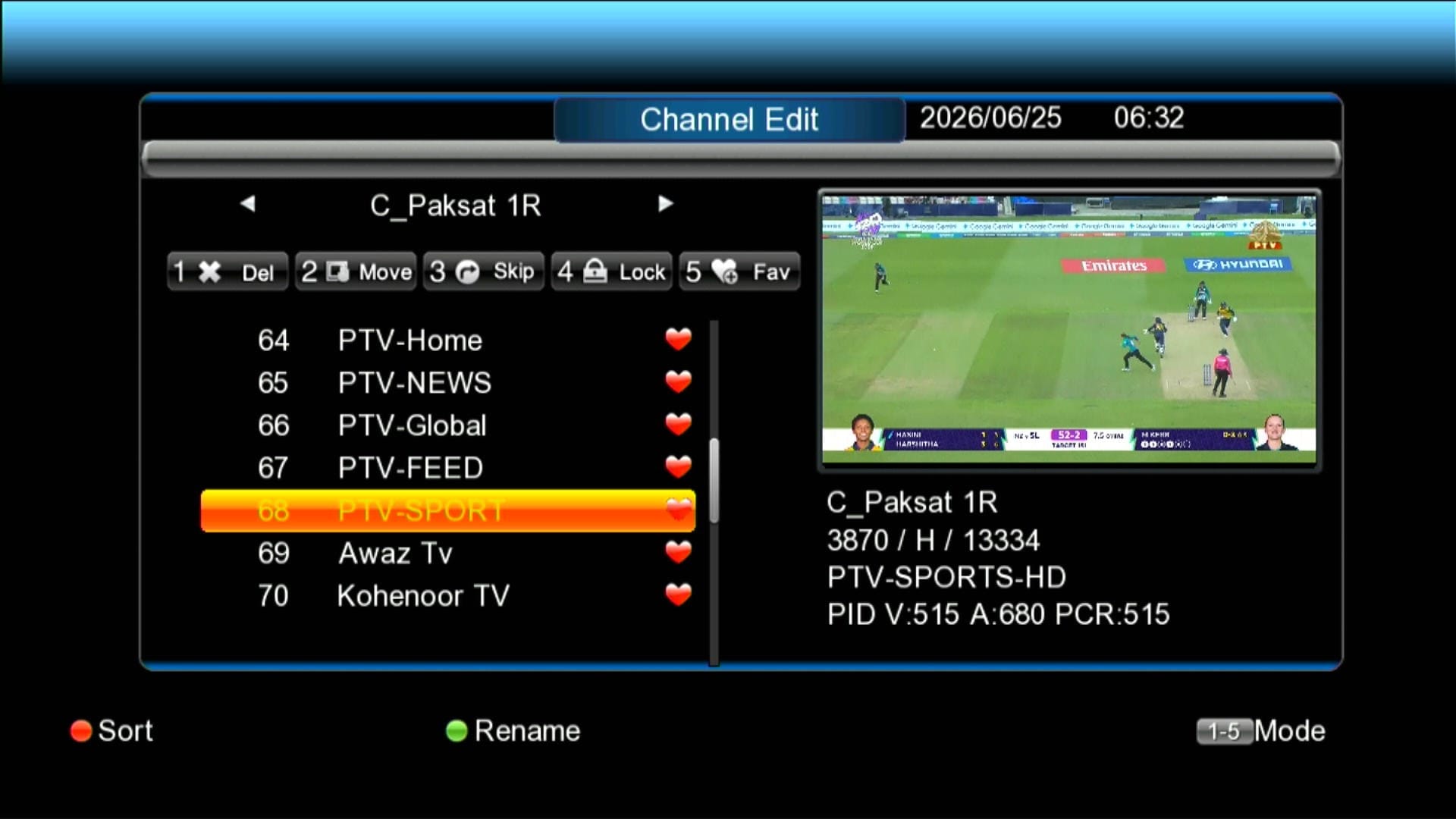
✅ Beautiful Channel Dialogue Box
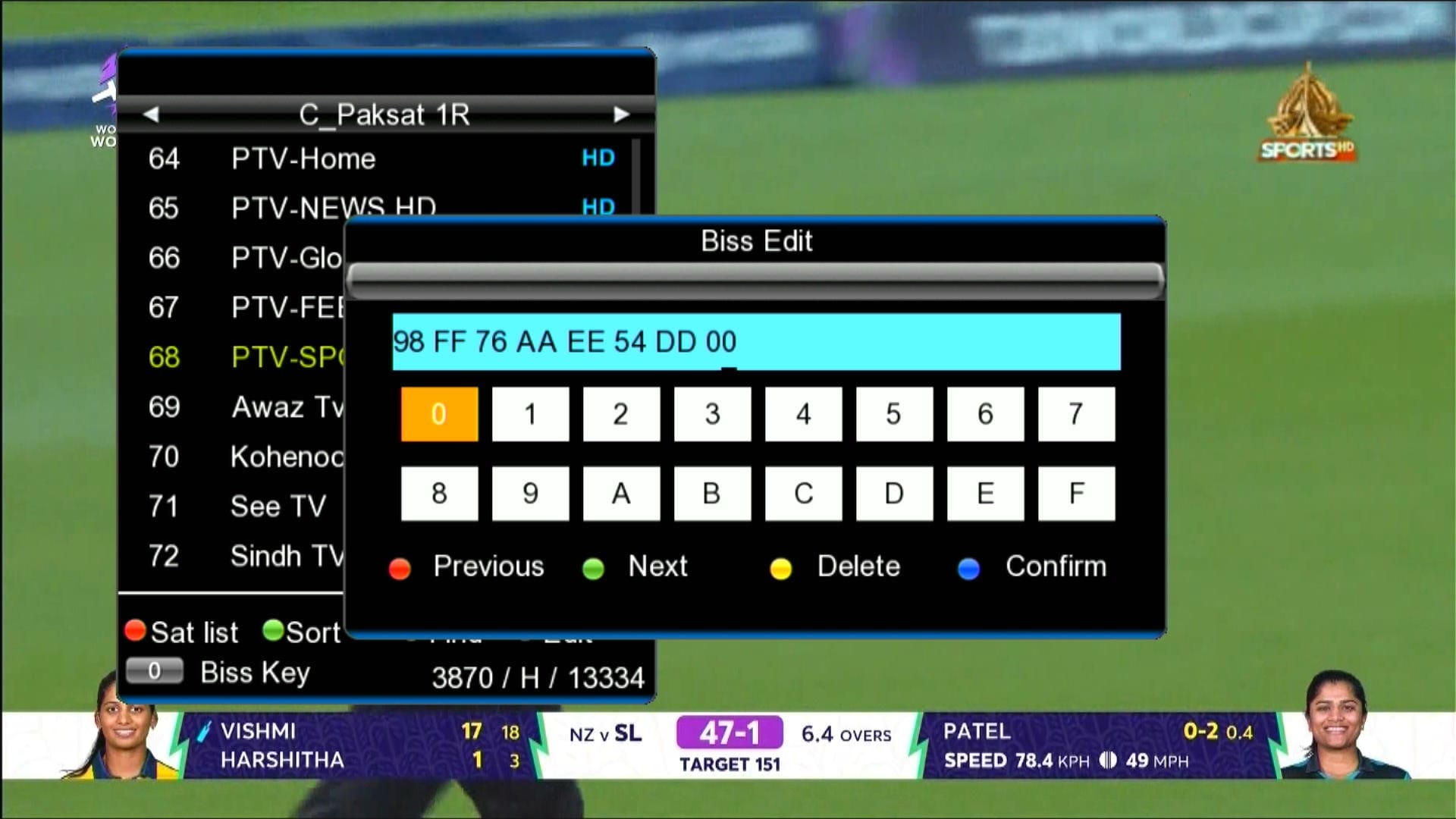
✅ BISS Key With 0 Button
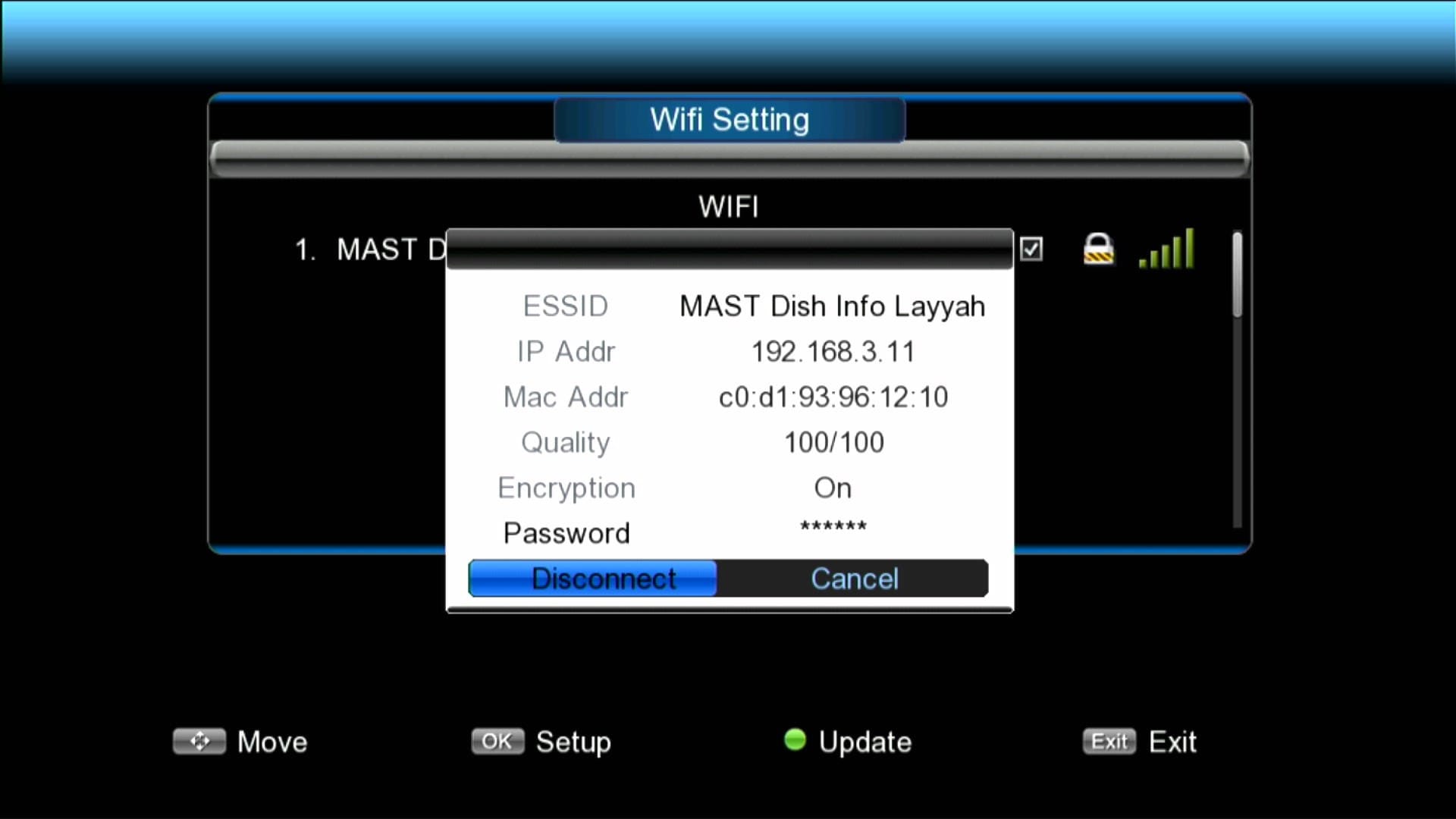
✅ Wi-Fi Catcher RT-5370 & MT-7601 Working
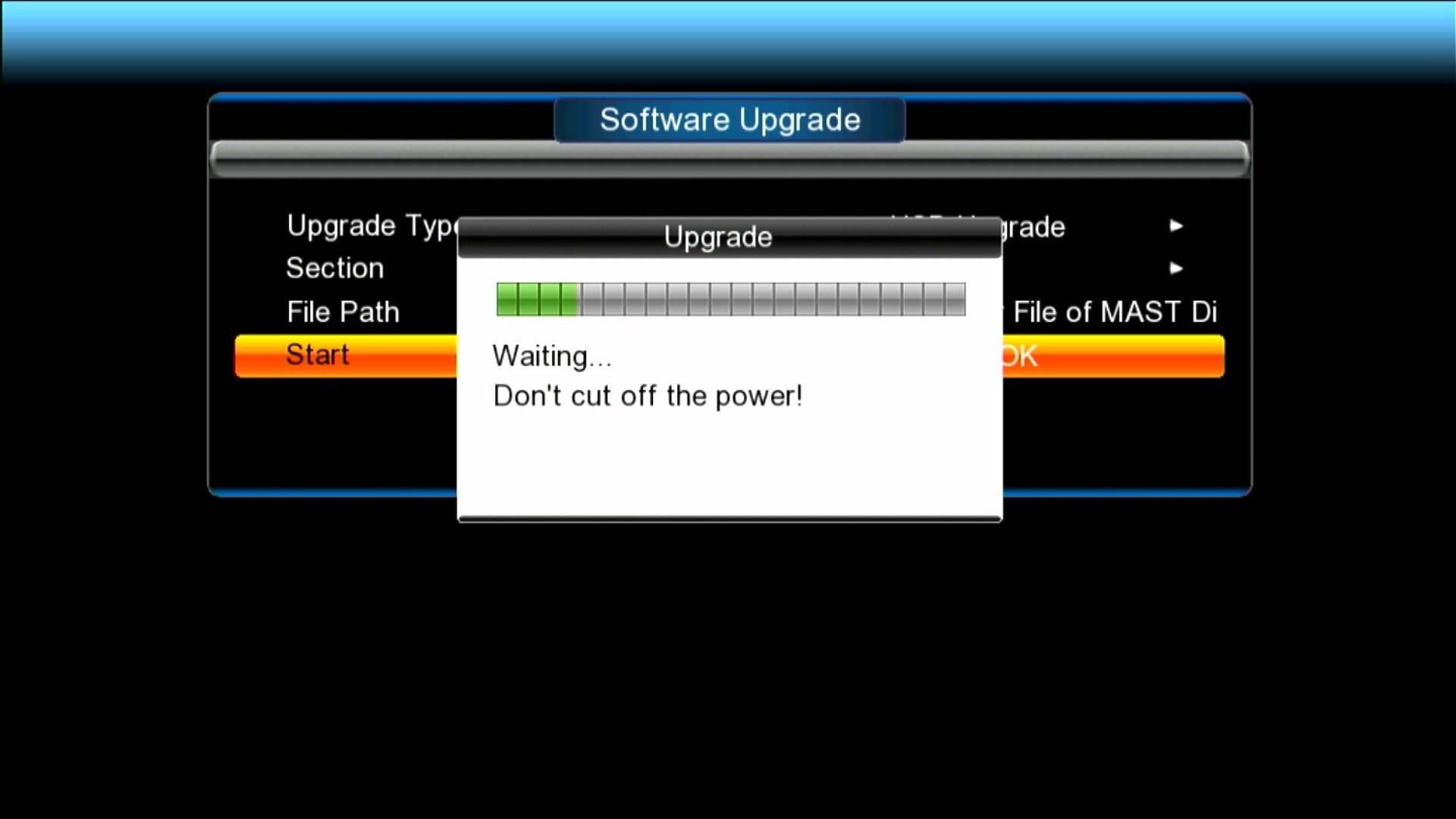
✅ Recovery File is Available
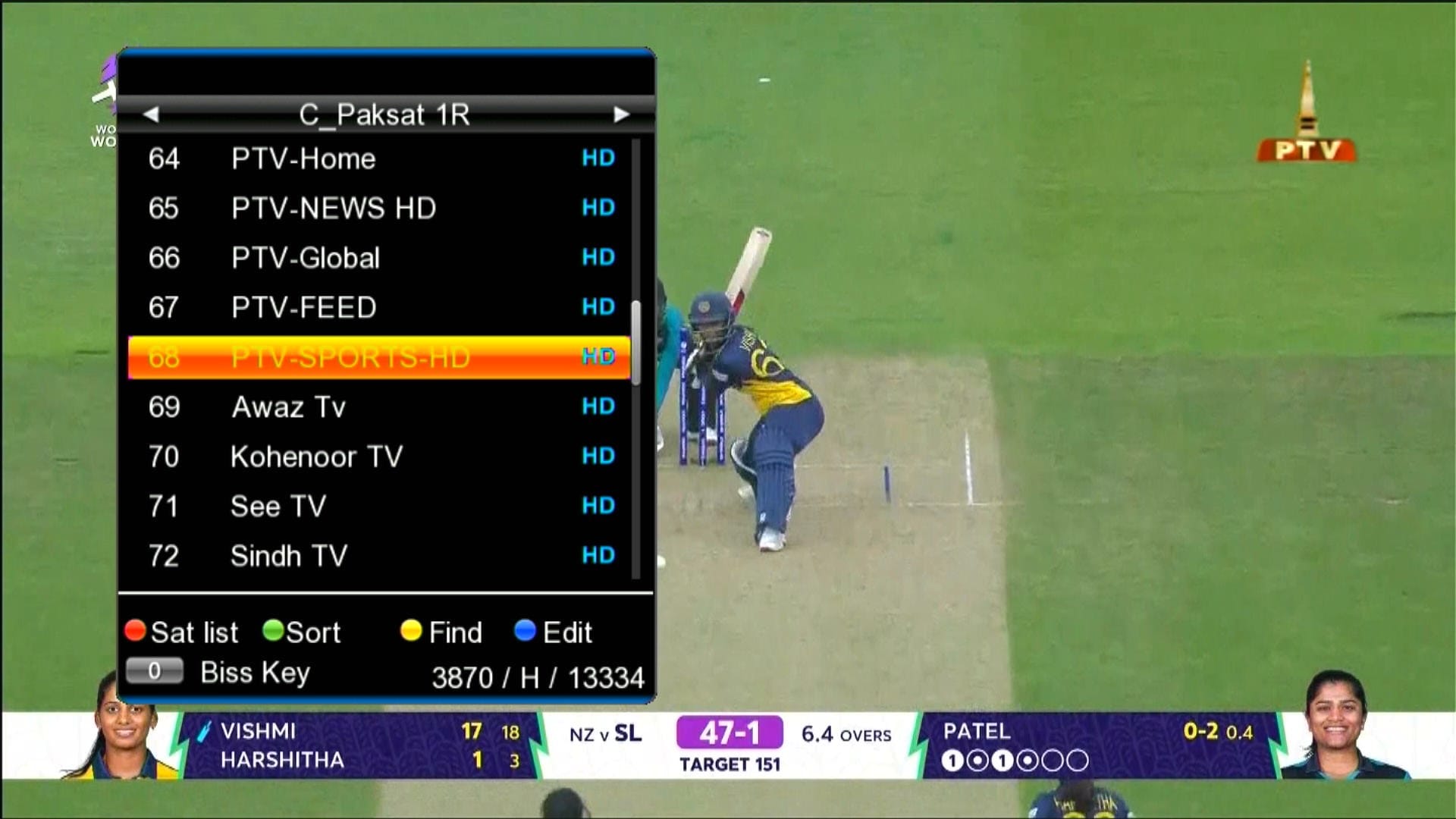
✅ Dialogue Box
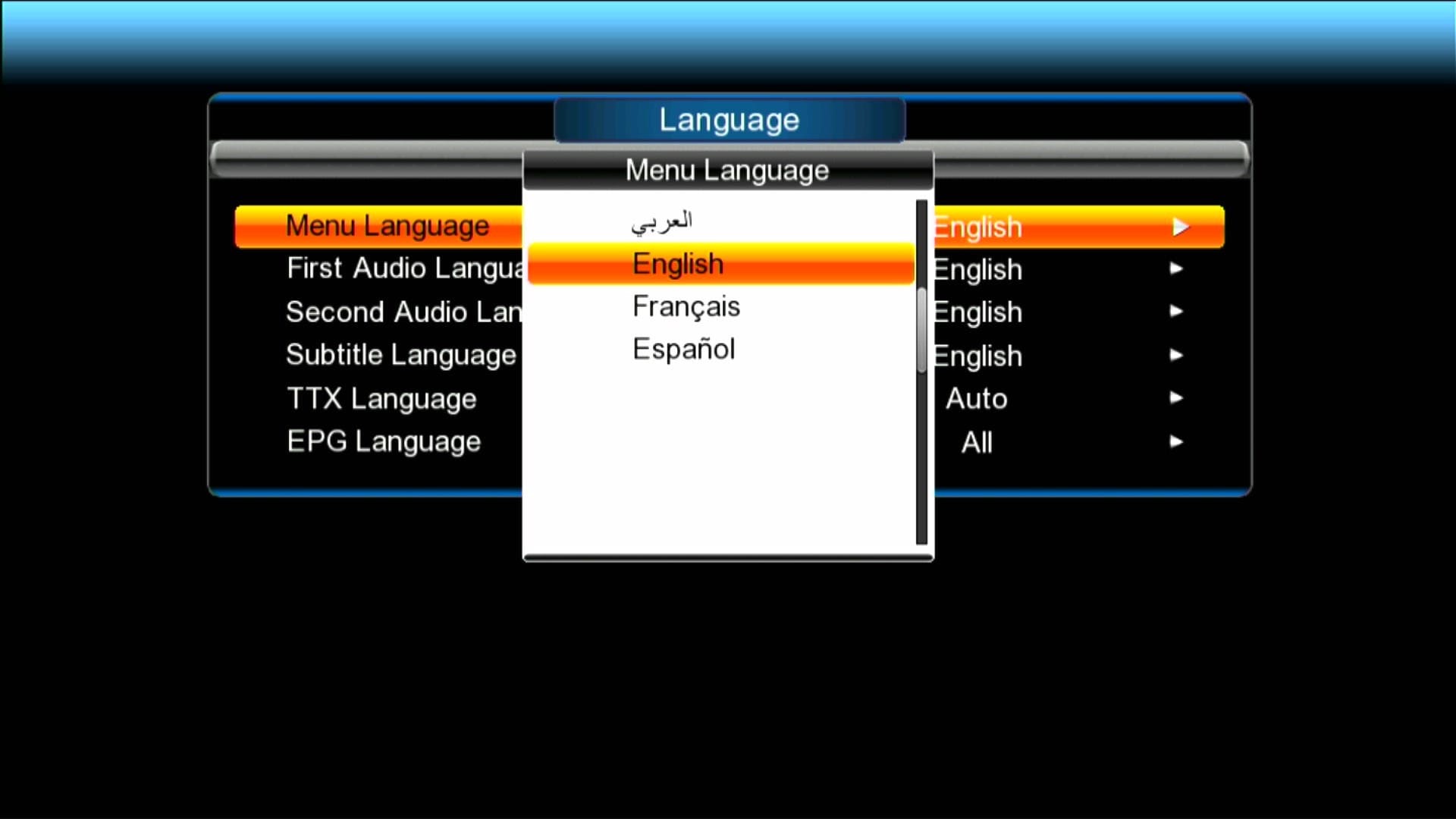
✅ Multi Languages Added
🎥 GX6605S New Software 2026 – Video Review

Note: Videos are embedded via YouTube LYTE for improved performance.
🛠️ RS232 se Upgrade / Recovery Ka Tareeqa
Agar aapka receiver hang ho gaya ho ya galat firmware flash ho gaya ho to RS232 loader se recovery sabse safe tareeqa hai. Neeche simple steps diye gaye hain — isko follow karein:
- 🔌 RS232 cable ko PC se aur receiver ke RS232 port se connect karein.
- 💻 PC par GX Downloader / Loader tool ko run karein.
- 📂 Loader me Correct .bin firmware file select karein (apne model ke hisaab se).
- ⚡ Receiver ko power OFF karein, phir loader me “Start” ya “Connect” par click karein.
- 🔄 Ab receiver ko power ON karein jab loader instruct kare — transfer start ho jayega.
- ⏳ Transfer complete hone tak wait karein. Process ke dauran kabhi power na cut karein.
- ✅ Jab 100% ho jaye to loader message dega; receiver automatically reboot karega aur naya software load ho jayega.
📹 RS232 Upgrade Video (Step-by-Step)

Note: Videos are embedded via YouTube LYTE for improved performance.
Download GX6605S Loader Tools & Driver
⚠️ Important Download Notice
Direct Loader Files previously shared were reported as suspicious. To keep the site safe and Google-compliant, download links are now in the YouTube Video Description.
📥 Please open the related YouTube video and check the description section to download all loader files safely. 👉 Watch Video Here
Upgrade with RT809F Programmer
GX6605S software can also be upgraded using the RT809 programmer. Watch the tutorial below:

Note: Videos are embedded via YouTube LYTE for improved performance.
Video Tutorial: Upgrade via RS232
Serial Down Option
Note: Videos are embedded via YouTube LYTE for improved performance.
USB Down Option

Note: Videos are embedded via YouTube LYTE for improved performance.
Red Light Problem Fix

Note: Videos are embedded via YouTube LYTE for improved performance.
Download Latest Firmware According to Your GX6605S Model
📥 GX6605S New Software 2026
Click the button below to download the latest GX6605S SatFinder New Software 2025 for free.
📁 File Details
⚙️ Processor:
🛠️ SW Version:
💾 File Size:
⬇️ Downloads:
👤 Uploader:
⚠️ Report:
For Downgrade or Recovery Software





GX 6605s for softcam key file banao har aik ko asani hogi bajai software change karain thanx
okay Bhai
Mere hw 203.00.015 receiver hamesha wrong file ya file does not match show karta hai jab bi upgrade karna jaun. First file sa bi try kiya Kuch nahi hota. Uss ma 4033 software version 17 July 2019 wala hai abi
pics send krin