GX6605S New Software 2026
The latest GX6605S New Software 2026 comes with several useful features for compatible GX6605S satellite receivers. This software supports PTV Sports, Direct BISS Key through the 0 Button, Digital Zoom Signal Display, 84 satellites, Xtream IPTV, WiFi support, and USB upgrade and downgrade.
GX6605S New Software Features
- ✔️ PTV Sports Working Fine
- ✔️ BISS Key Working OK
- ✔️ Direct BISS Key (0 Button) Option Available
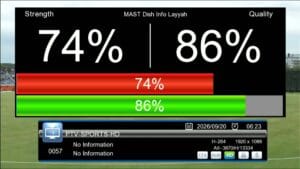
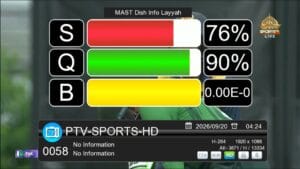
- ✔️ Digital Zoom Signal Display
- ✔️ Xtream IPTV Supported
- ✔️ 84 Satellites Added
- ✔️ WiFi RT5370 & MT7601 Supported
- ✔️ F1/F2 Remote Supported
- ✔️ USB Upgrade Supported
- ✔️ USB Downgrade Supported
- ✔️ Audio Options Added
- ✔️ Multiple Languages Supported
- ✔️ System Information Available
PTV Sports & Direct BISS Key
This GX6605S software supports PTV Sports and BISS Key functions. The Direct BISS Key (0 Button) option is also available, allowing users to access the BISS Key function directly from the receiver.
Digital Zoom Signal Display
The software includes a Digital Zoom Signal Display that provides a larger signal display for easier monitoring while setting or adjusting a satellite dish.
84 Satellites Added
This firmware includes 84 satellites in the satellite list, giving users a wider range of satellite options for their receiver setup.
Xtream IPTV and WiFi Support
Xtream IPTV is supported in this software. Compatible WiFi adapters including RT5370 and MT7601 are also supported.
Remote and USB Support
The software supports the F1/F2 remote and provides both USB Upgrade and USB Downgrade options for compatible receivers.
Additional Features
- ✔️ Audio Options Added
- ✔️ Multiple Languages Supported
- ✔️ System Information Available
Features Not Working
- ❌ YouTube Not Working
- ❌ Internet Apps Not Working
- ❌ Weather Option Not Working
Important Note
Install this software at your own risk. Always check your receiver’s exact hardware version before upgrading or downgrading the firmware.
We are not responsible for dead receivers, software failure, or warranty issues caused by incorrect firmware installation.
Conclusion
The GX6605S New Software 2026 offers PTV Sports, Direct BISS Key (0 Button), Digital Zoom Signal Display, 84 satellites, Xtream IPTV, WiFi support, F1/F2 Remote Support, and USB Upgrade/Downgrade options. YouTube, Internet Apps, and Weather are not working in this software version.
For more GX6605S software, firmware updates, and satellite receiver tools, visit MAST Dish Info Layyah.
🔥 What’s New in This Sat Finder Software?
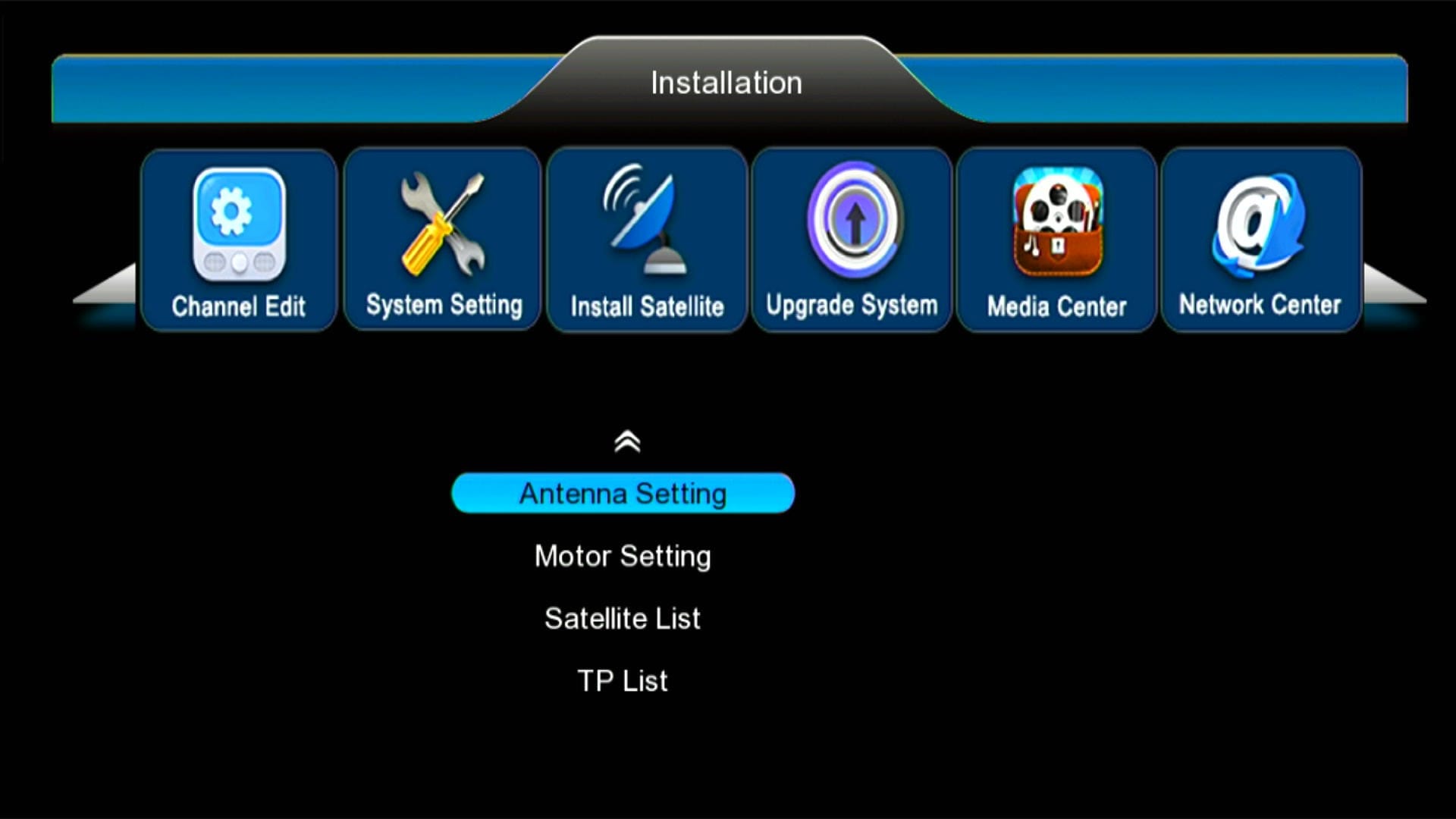
✅ Modern & Stylish Menu Design
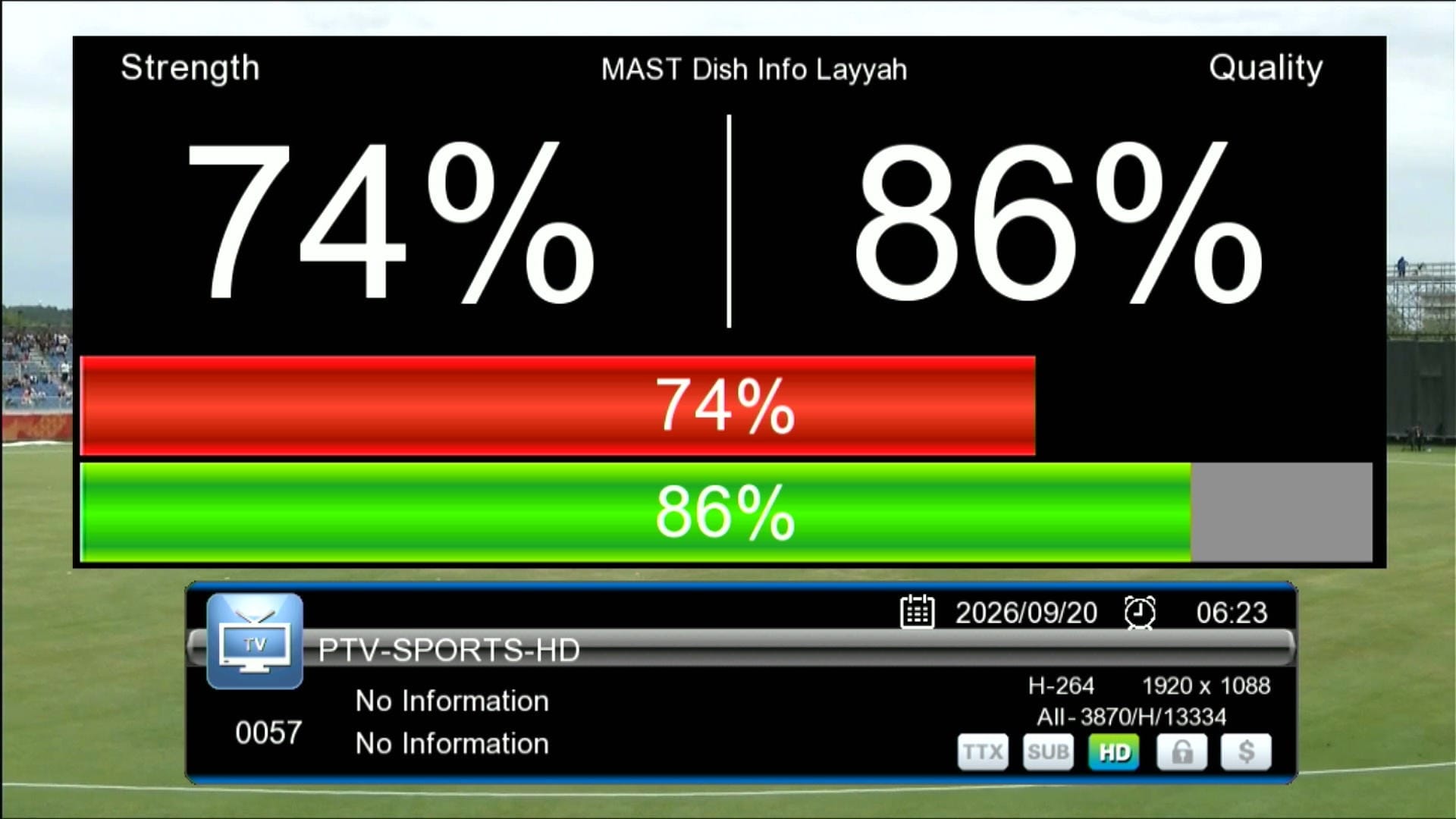
✅ Signal Indicator

✅ F1F2 Remote Supported
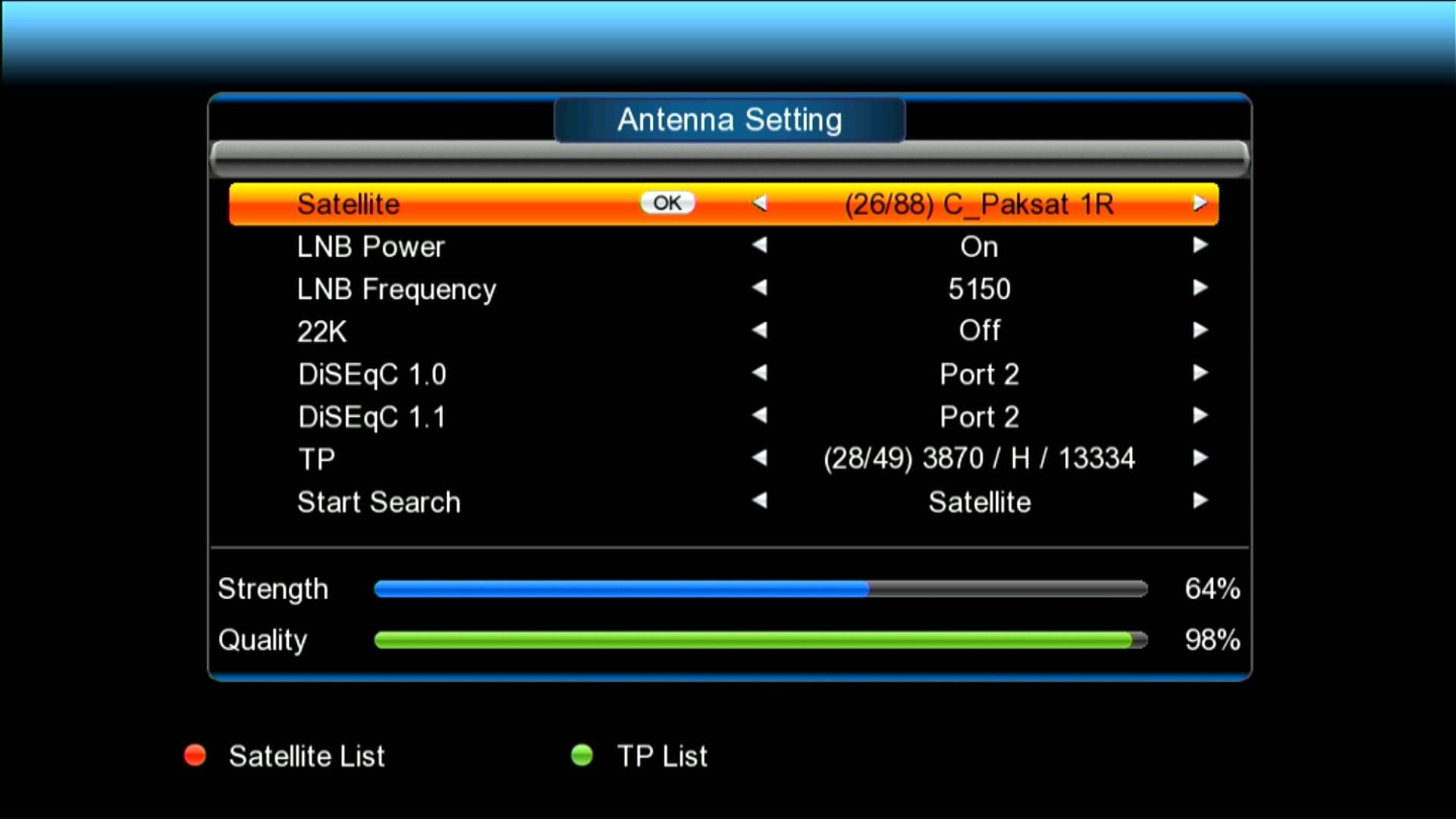
✅ 88 Satellites Added
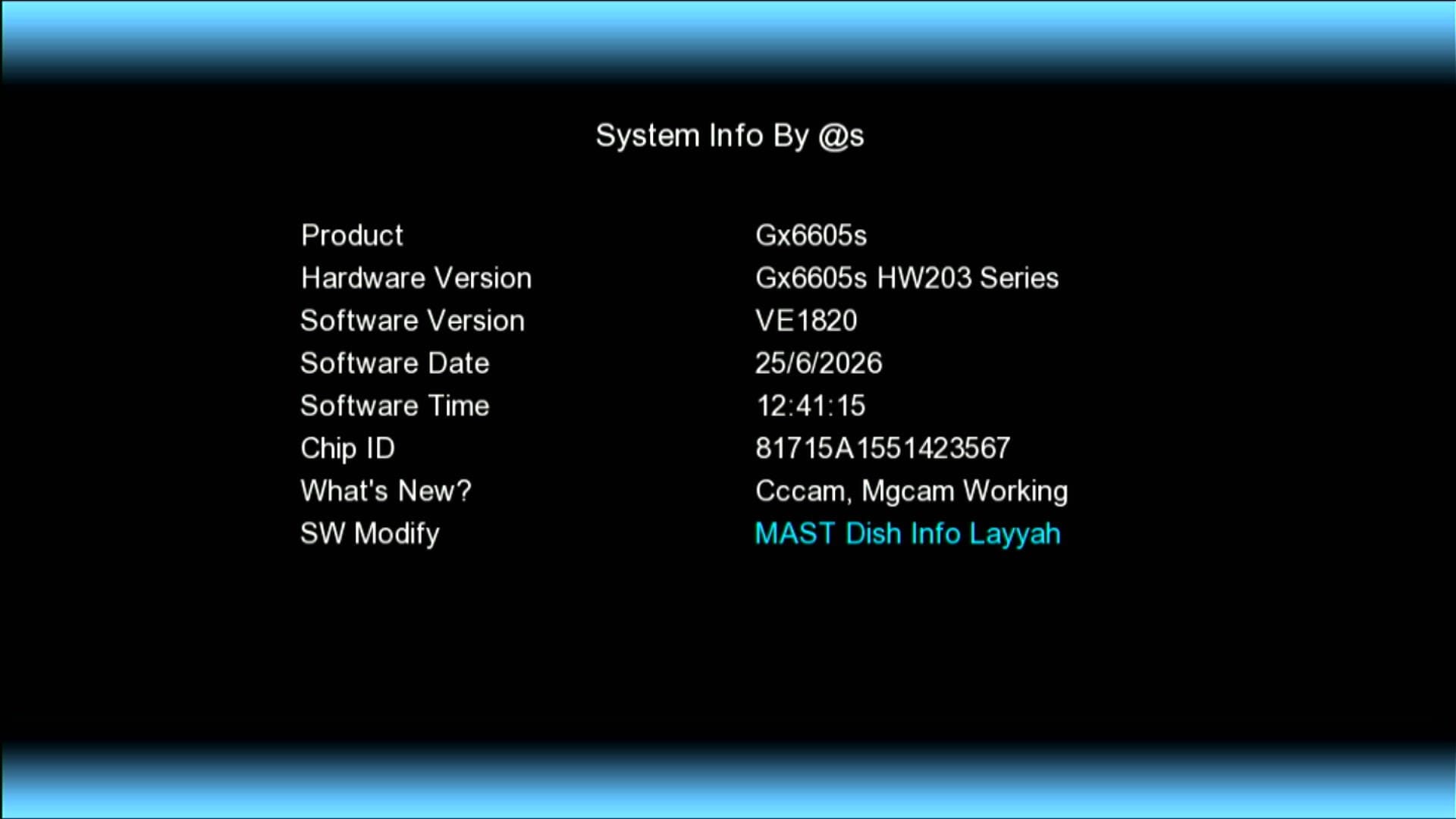
✅ Updated System Information
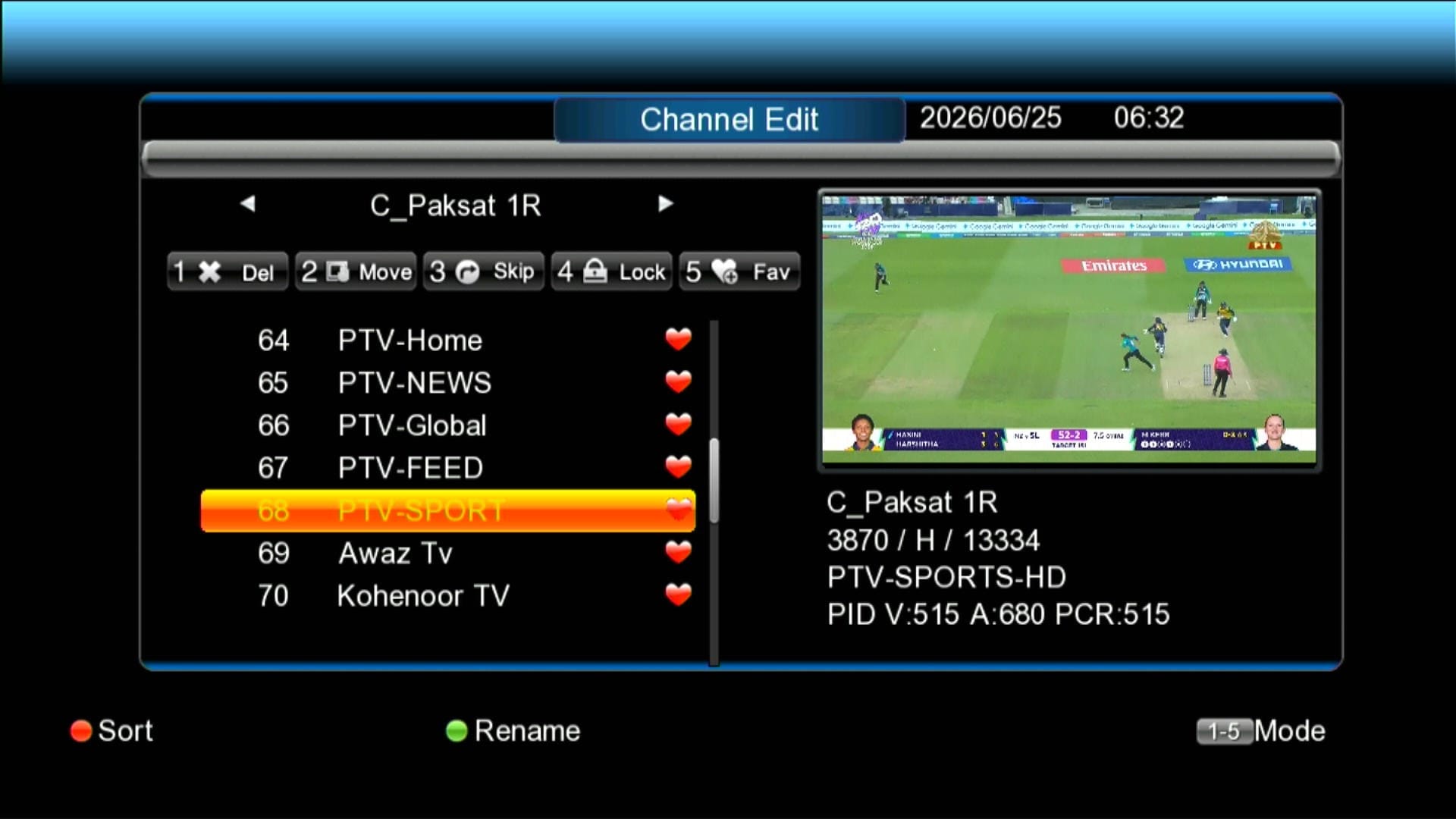
✅ Beautiful Channel Dialogue Box
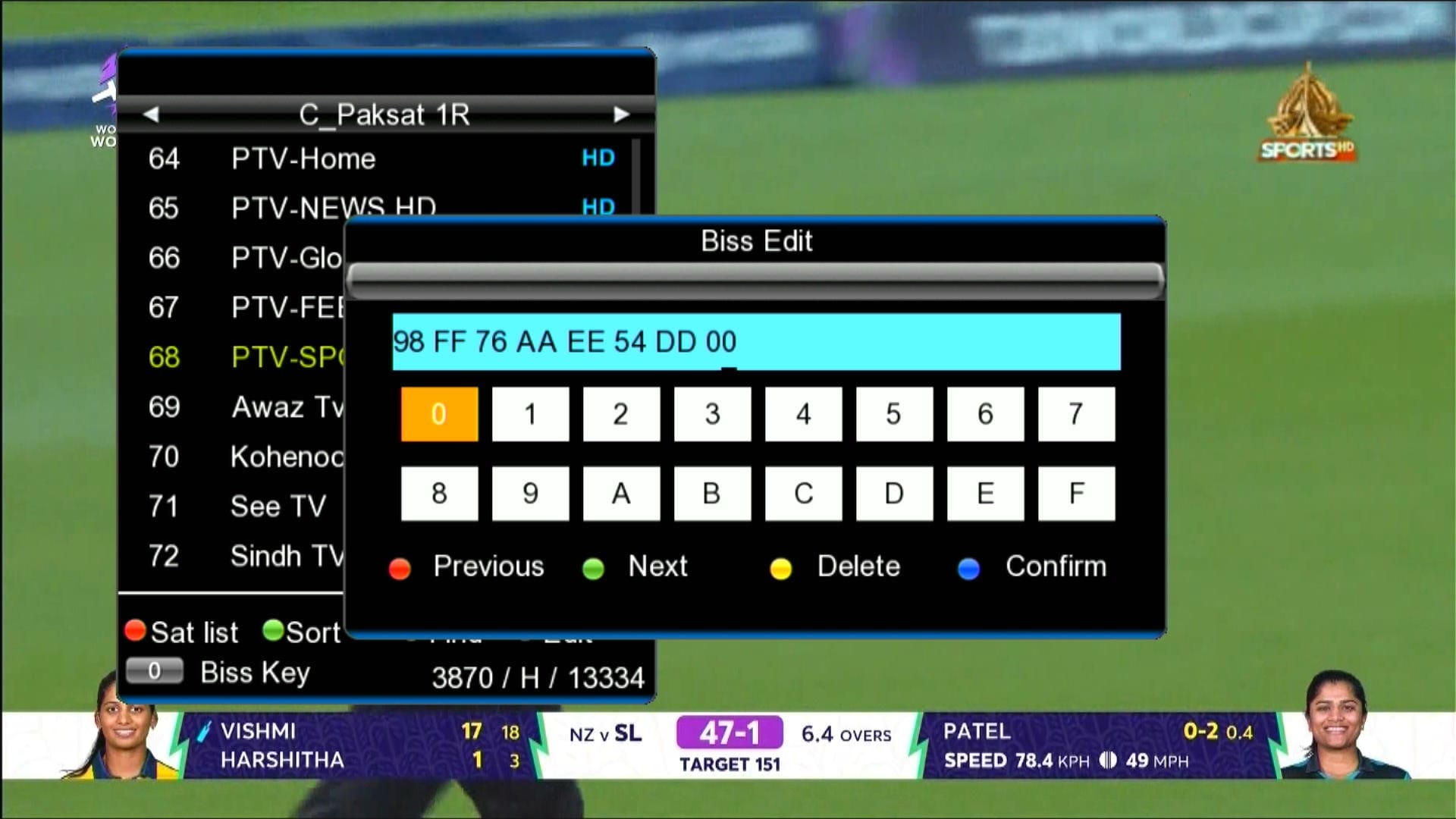
✅ BISS Key With 0 Button
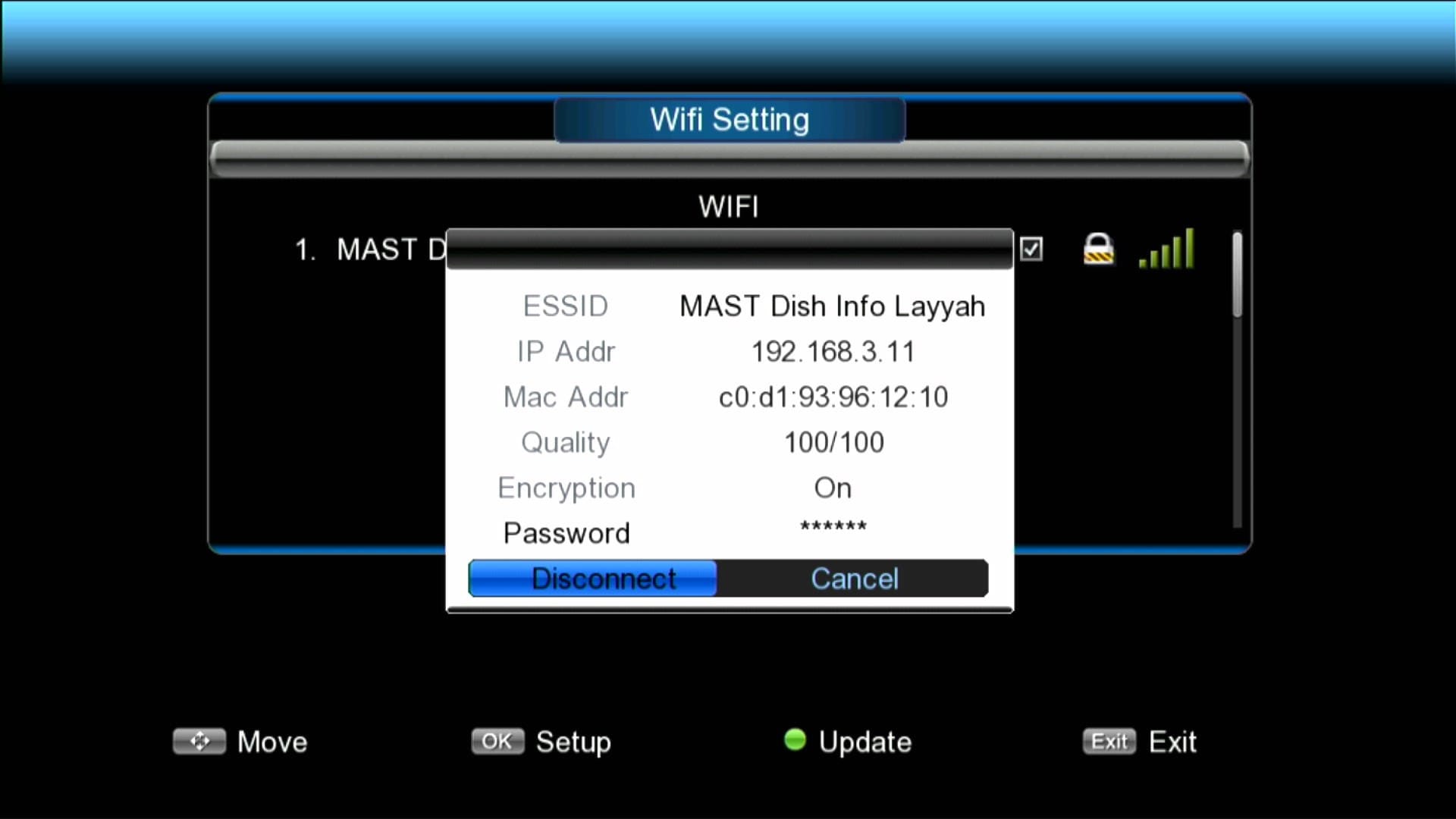
✅ Wi-Fi Catcher RT-5370 & MT-7601 Working
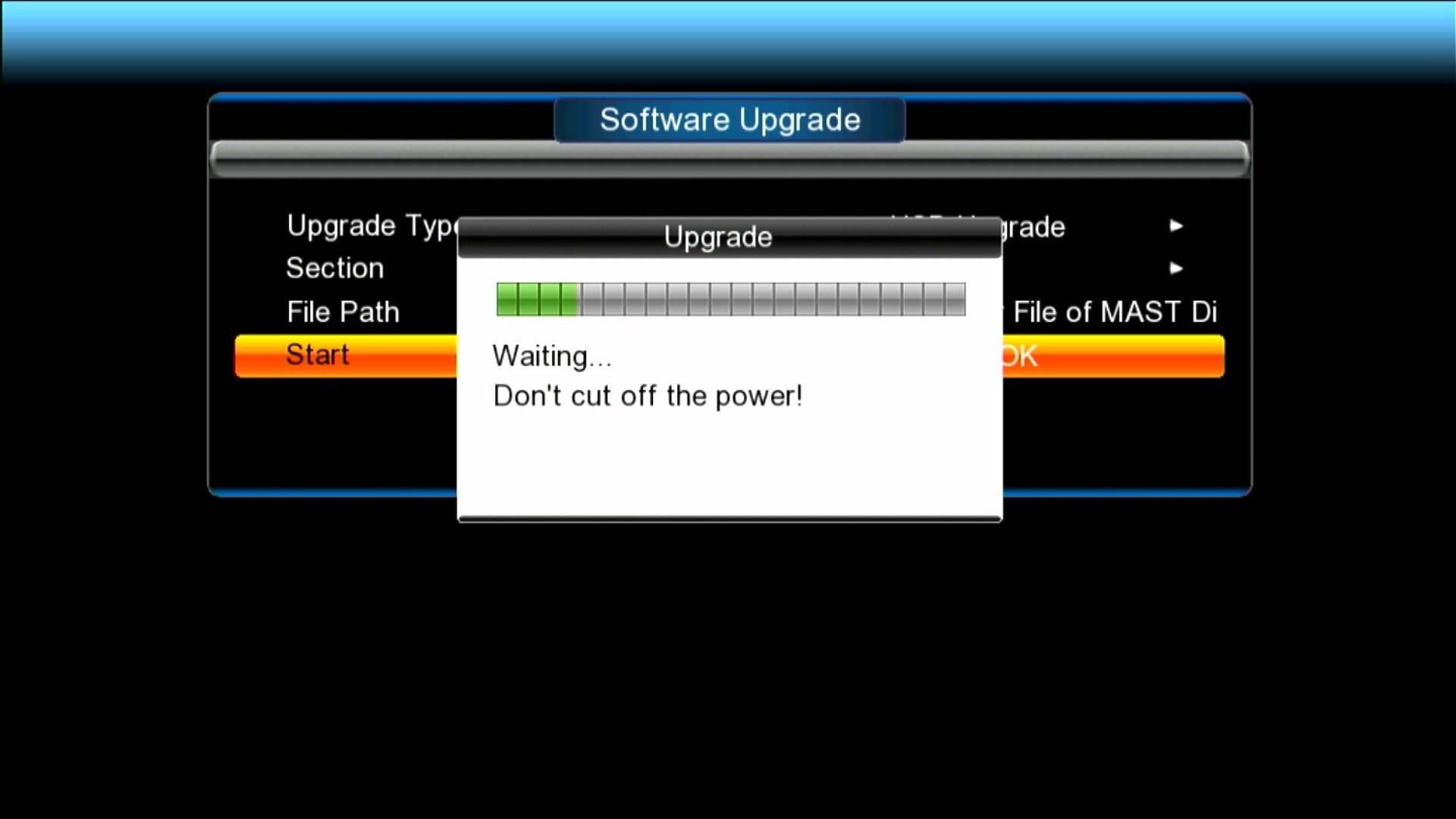
✅ Recovery File is Available
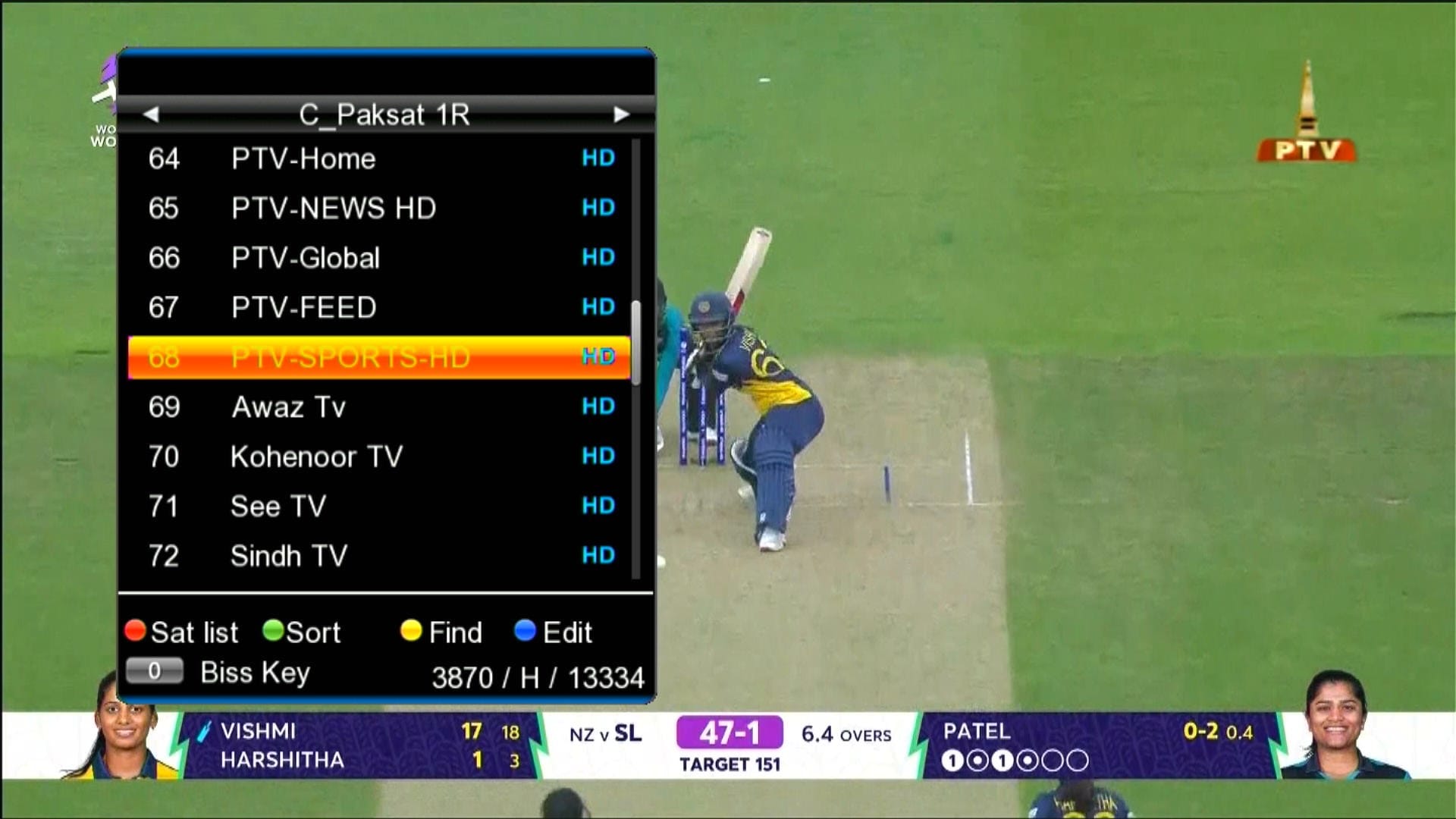
✅ Dialogue Box
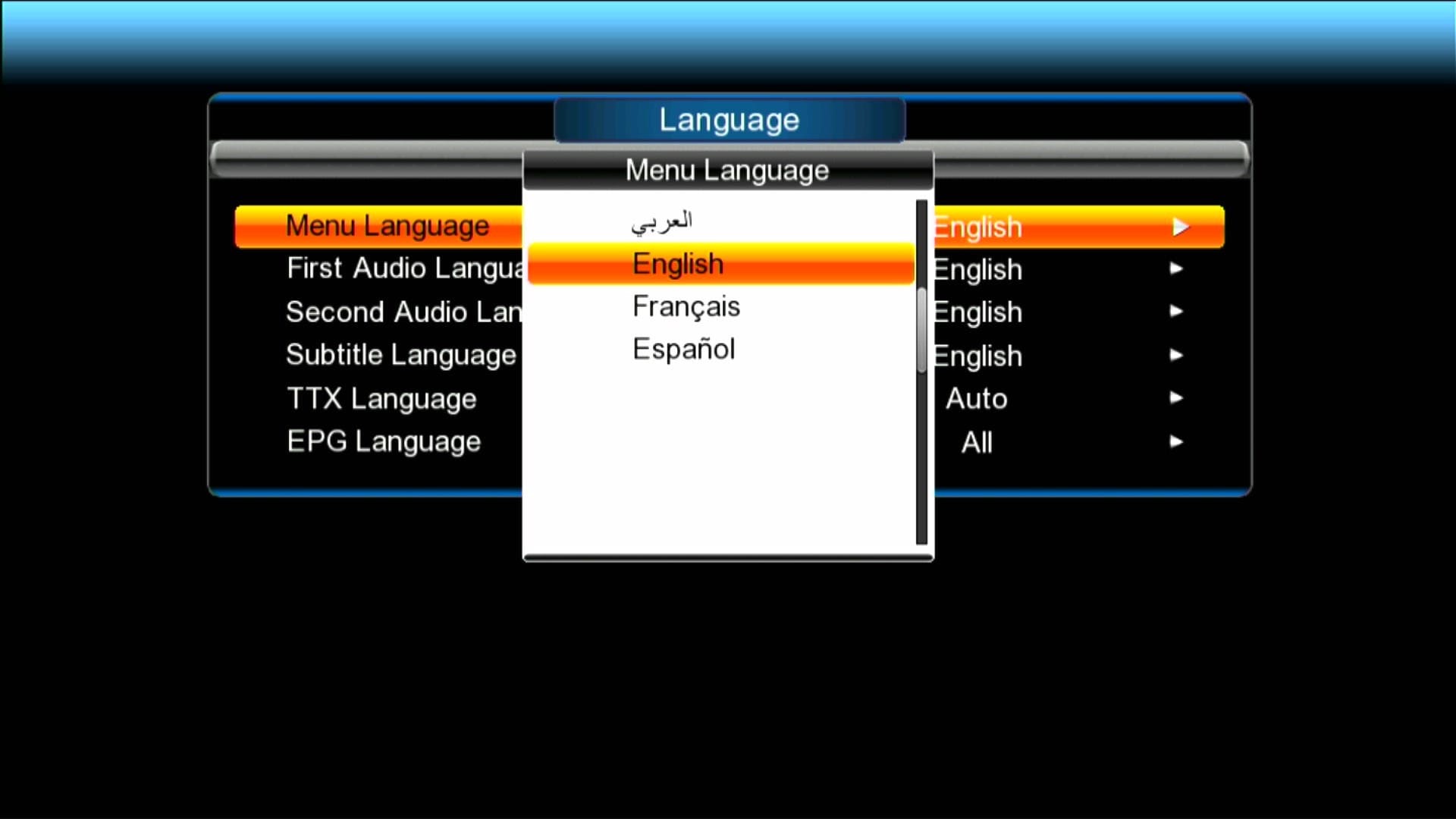
✅ Multi Languages Added
🎥 GX6605S New Software 2026 – Video Review

Note: Videos are embedded via YouTube LYTE for improved performance.
🛠️ RS232 se Upgrade / Recovery Ka Tareeqa
Agar aapka receiver hang ho gaya ho ya galat firmware flash ho gaya ho to RS232 loader se recovery sabse safe tareeqa hai. Neeche simple steps diye gaye hain — isko follow karein:
- 🔌 RS232 cable ko PC se aur receiver ke RS232 port se connect karein.
- 💻 PC par GX Downloader / Loader tool ko run karein.
- 📂 Loader me Correct .bin firmware file select karein (apne model ke hisaab se).
- ⚡ Receiver ko power OFF karein, phir loader me “Start” ya “Connect” par click karein.
- 🔄 Ab receiver ko power ON karein jab loader instruct kare — transfer start ho jayega.
- ⏳ Transfer complete hone tak wait karein. Process ke dauran kabhi power na cut karein.
- ✅ Jab 100% ho jaye to loader message dega; receiver automatically reboot karega aur naya software load ho jayega.
📹 RS232 Upgrade Video (Step-by-Step)

Note: Videos are embedded via YouTube LYTE for improved performance.
Download GX6605S Loader Tools & Driver
⚠️ Important Download Notice
Direct Loader Files previously shared were reported as suspicious. To keep the site safe and Google-compliant, download links are now in the YouTube Video Description.
📥 Please open the related YouTube video and check the description section to download all loader files safely. 👉 Watch Video Here
Upgrade with RT809F Programmer
GX6605S software can also be upgraded using the RT809 programmer. Watch the tutorial below:

Note: Videos are embedded via YouTube LYTE for improved performance.
Video Tutorial: Upgrade via RS232
Serial Down Option
Note: Videos are embedded via YouTube LYTE for improved performance.
USB Down Option

Note: Videos are embedded via YouTube LYTE for improved performance.
Red Light Problem Fix

Note: Videos are embedded via YouTube LYTE for improved performance.
Download Latest Firmware According to Your GX6605S Model
📥 GX6605S New Software 2026
Click the button below to download the latest GX6605S SatFinder New Software 2025 for free.
📁 File Details
⚙️ Processor:
🛠️ SW Version:
💾 File Size:
⬇️ Downloads:
👤 Uploader:
⚠️ Report:
For Downgrade or Recovery Software