Montage CS8001 — RS232 Flash / Upgrade Guide
Step-by-step RS232 method to flash Montage CS8001 (.bin) — recover dead or stuck receivers. Images are shown for each item and each step (tap to enlarge).
🧰 Required Items
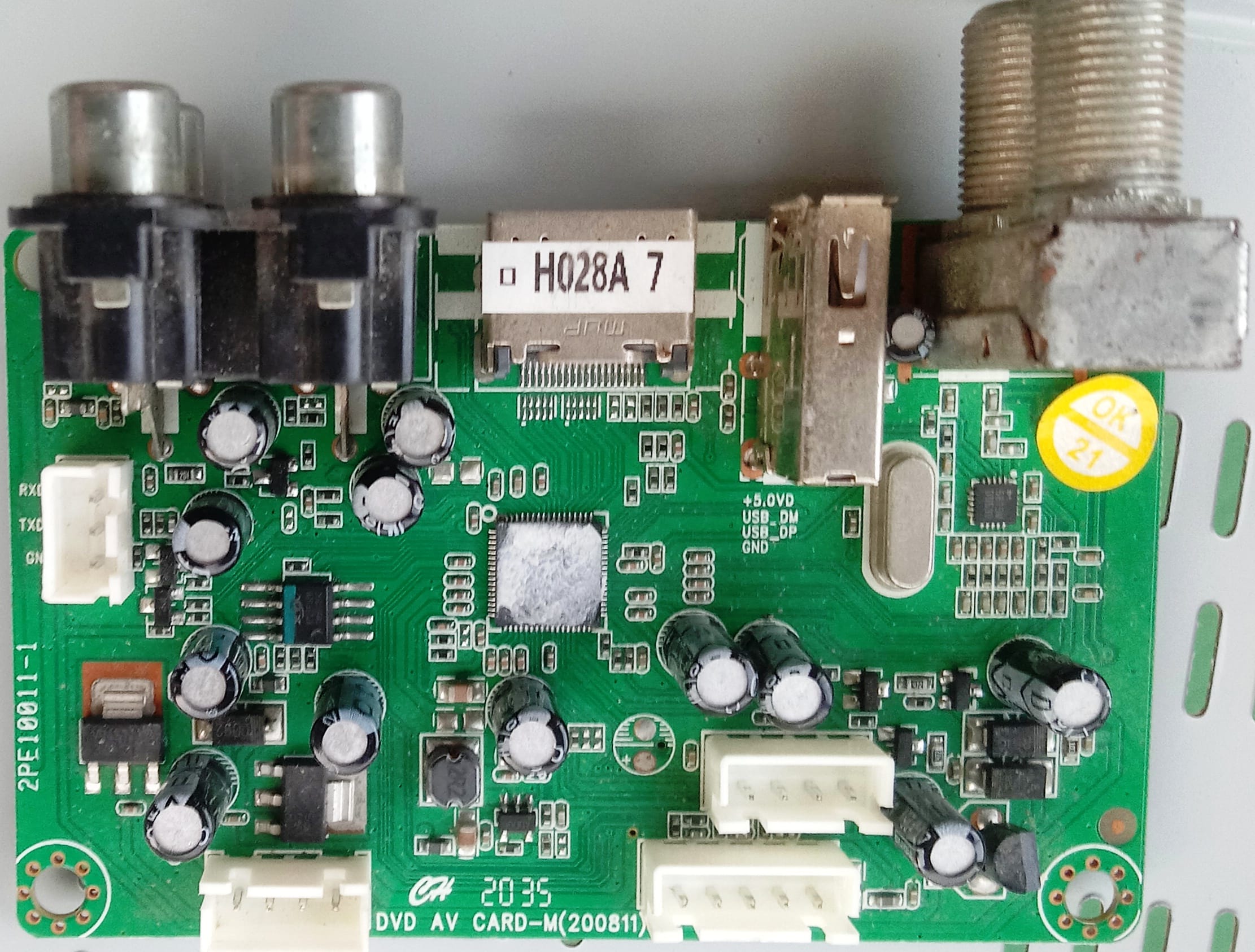
✅ Montage CS8001 Receiver (Power Adapter)
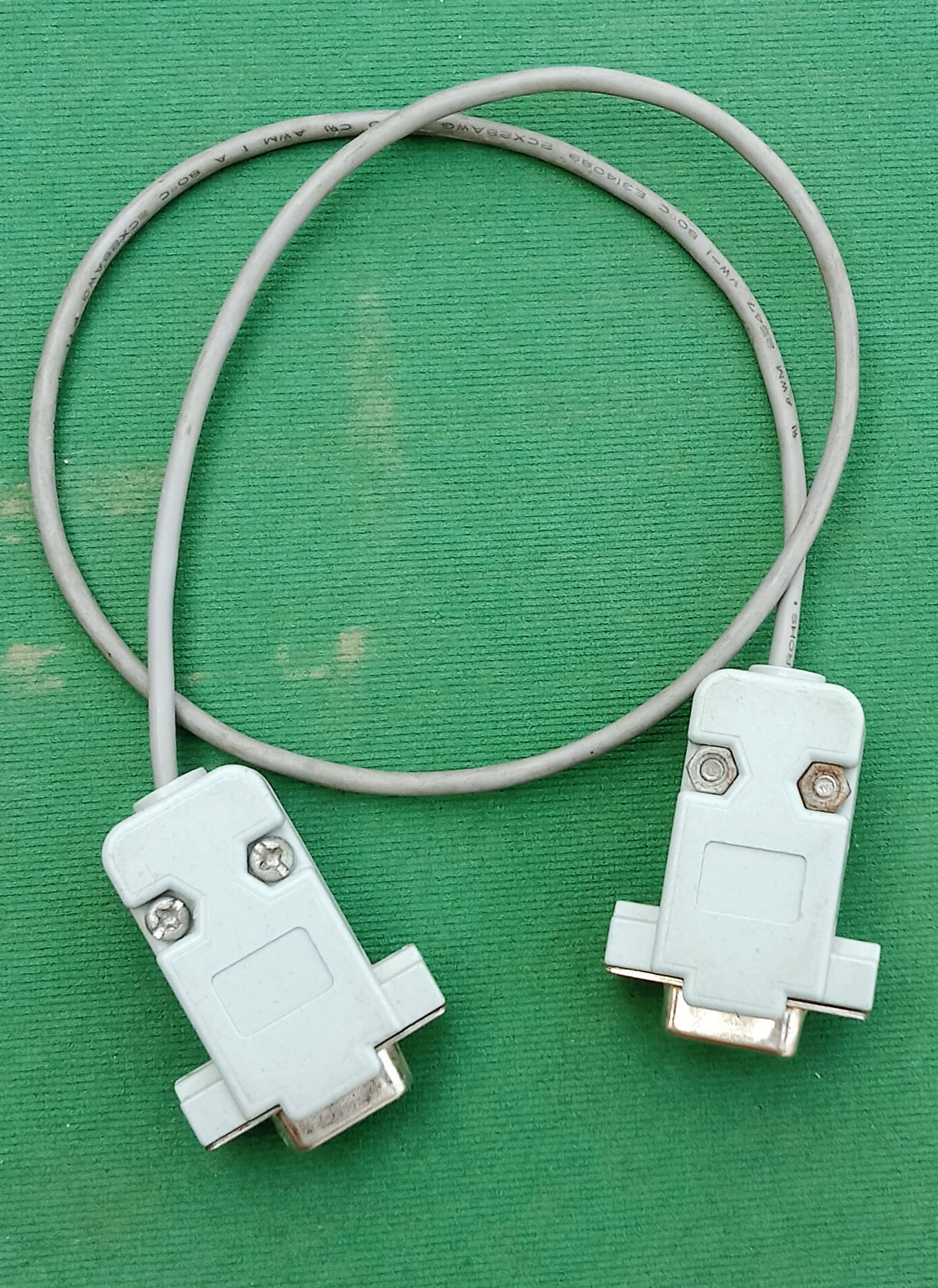
✅ RS232 Serial Cable (Null Modem)

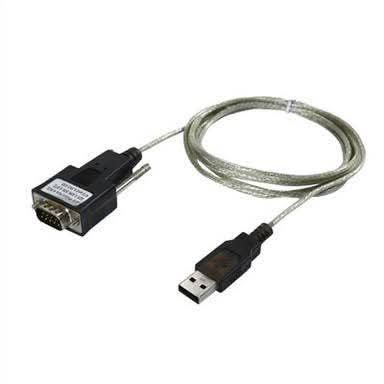
✅ USB to RS232 Converter (if no COM port)

✅ RS232 Connector
✅ PC or Laptop with COM Port / USB-to-COM Converter
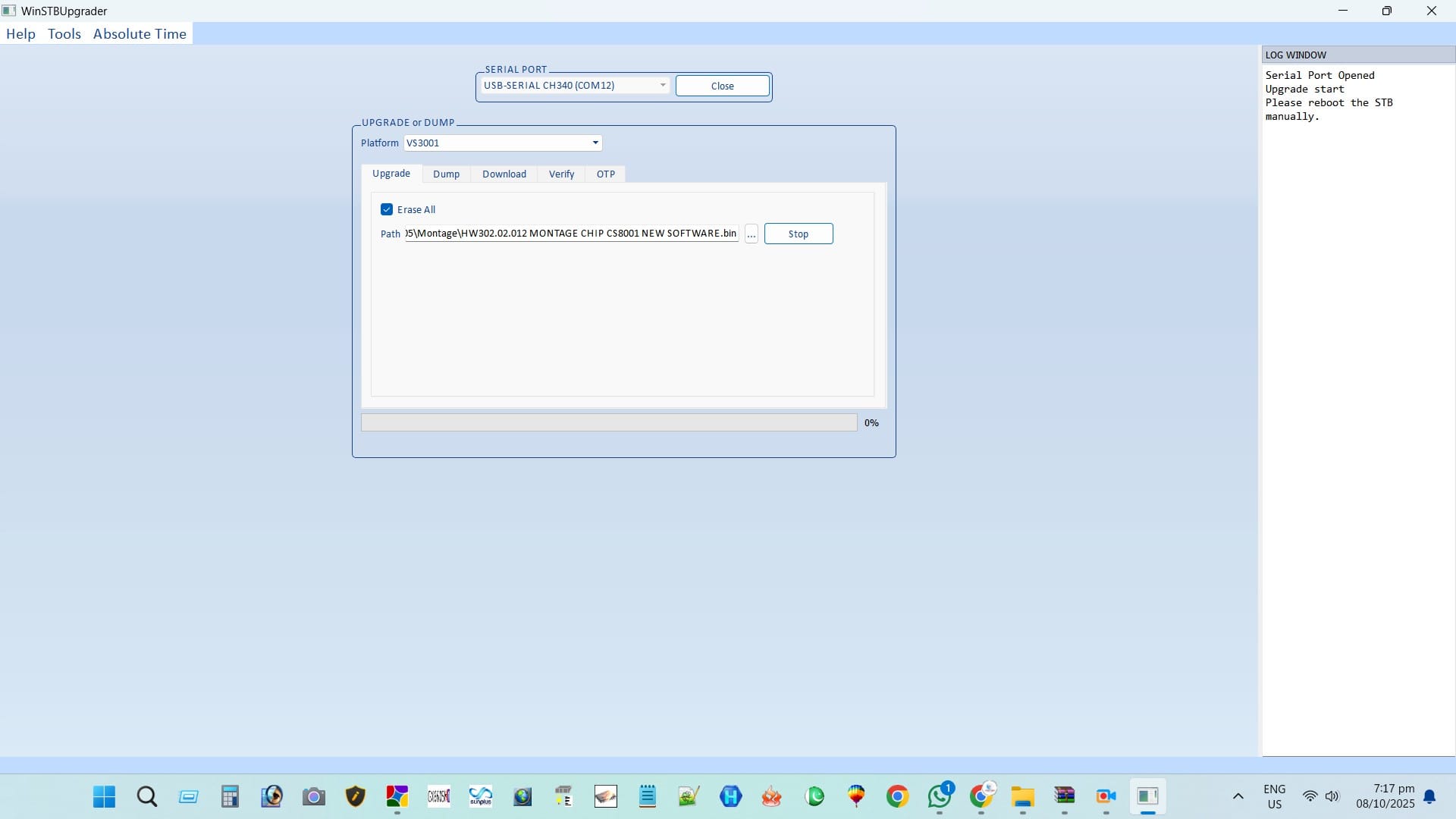
✅ Montage CS8001 Loader (.bin)
🪜 Step-by-Step RS232 Flash Process
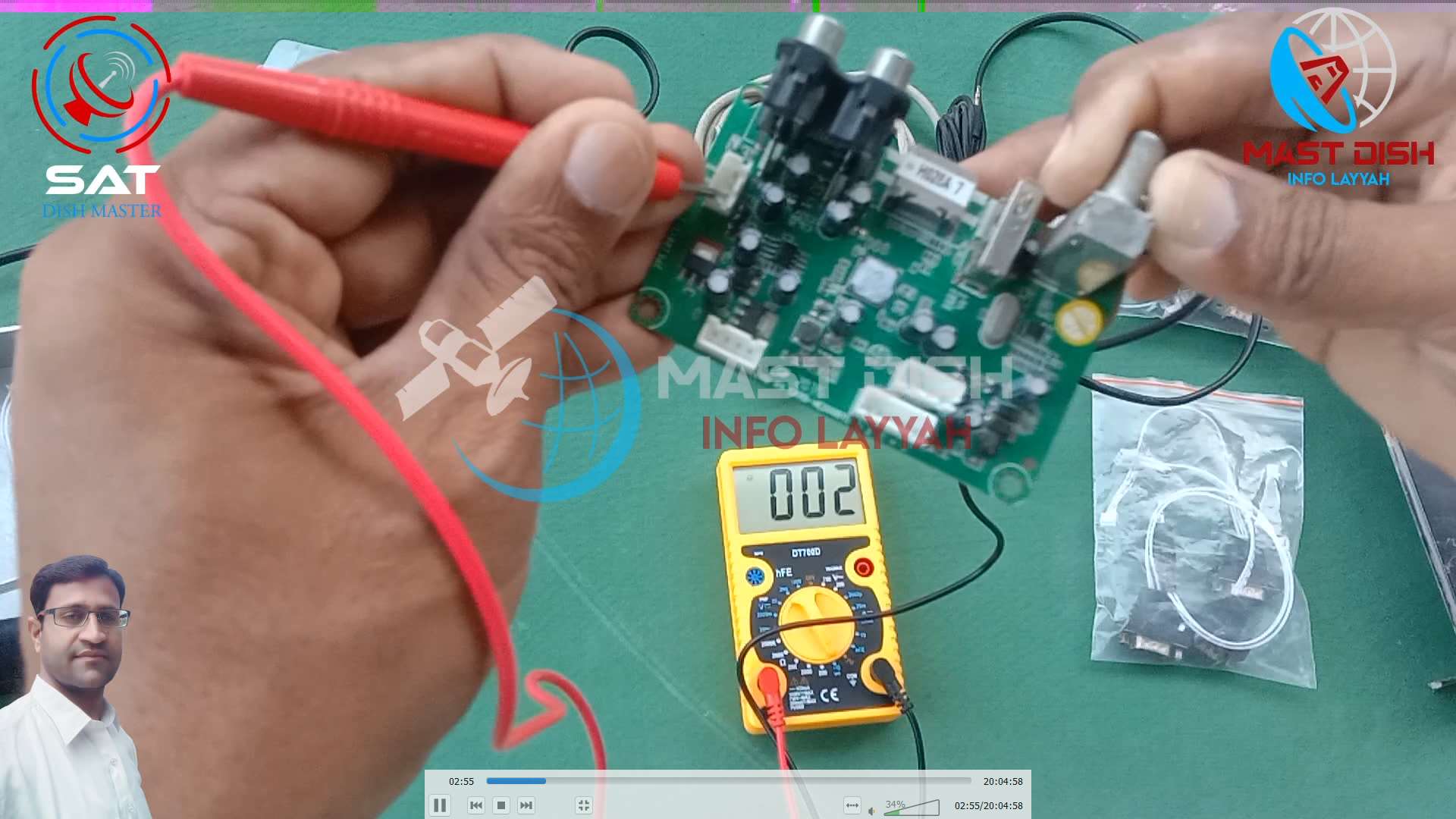
Connect RS232 Cable between PC and Receiver.
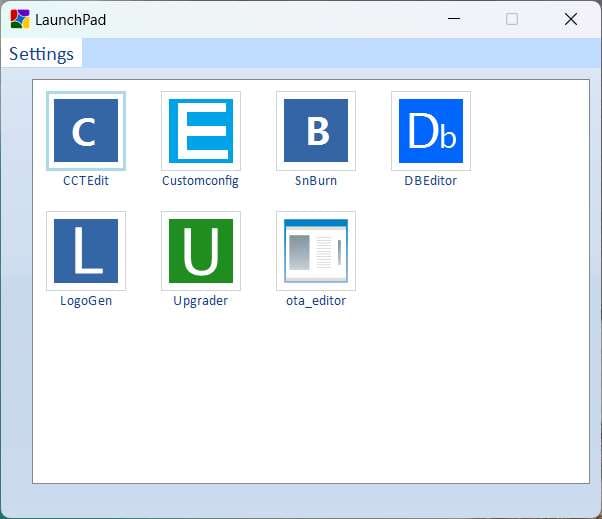
Open the RS232 Loader Software on your PC.
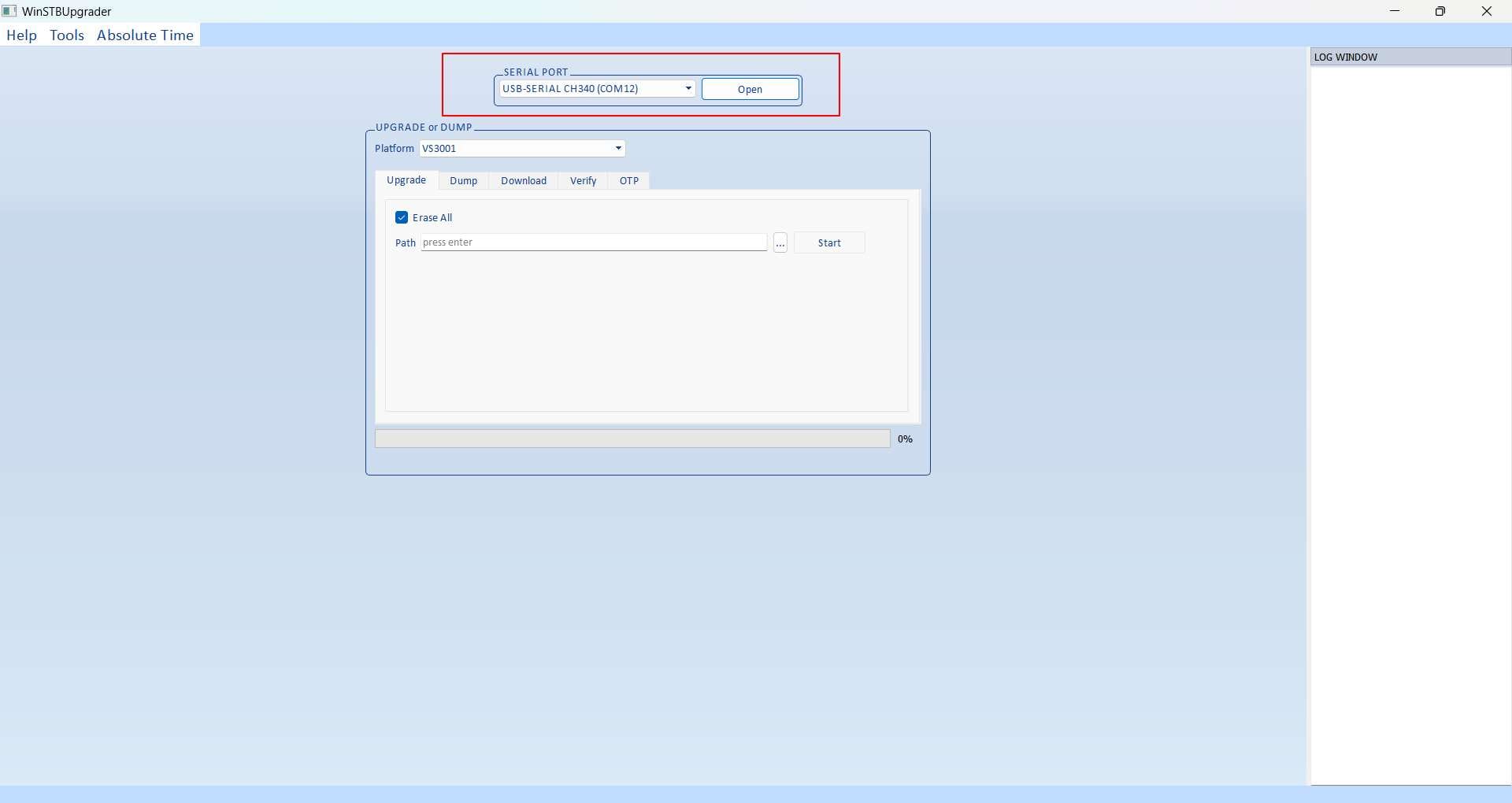
Select the correct COM Port in loader.
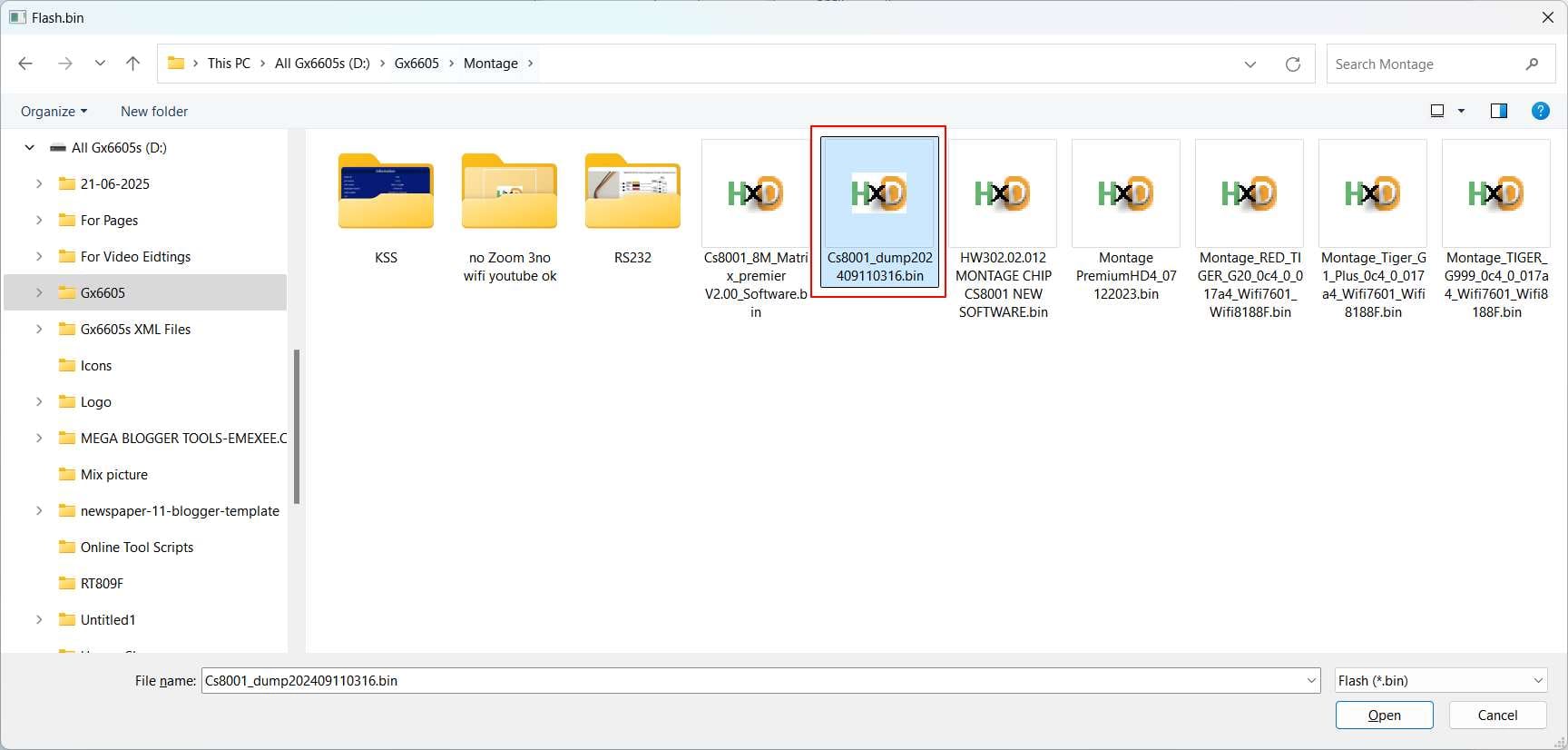
Click Browse and select your Montage CS8001 .bin file.
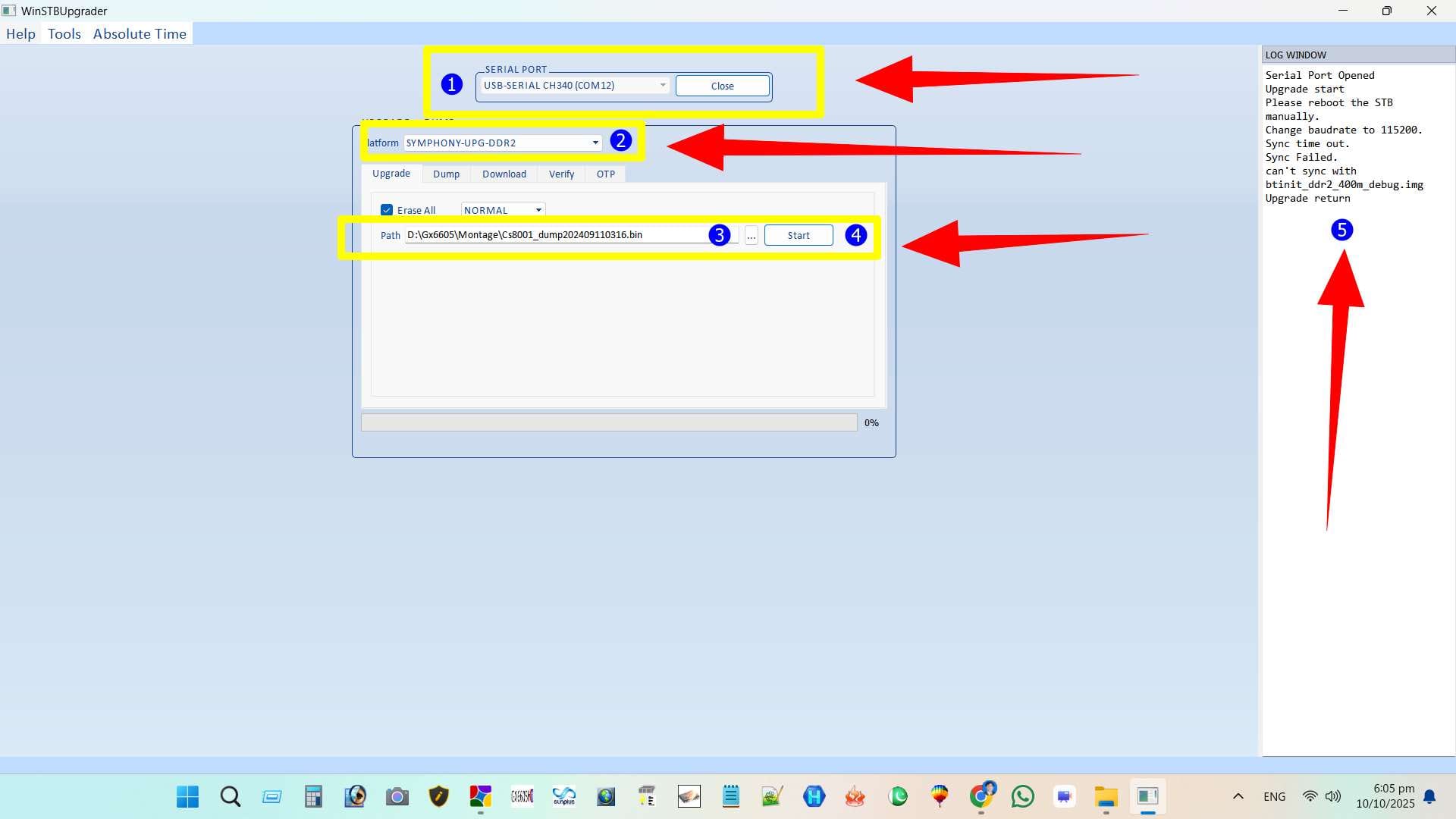
Click Start or Download button in loader.
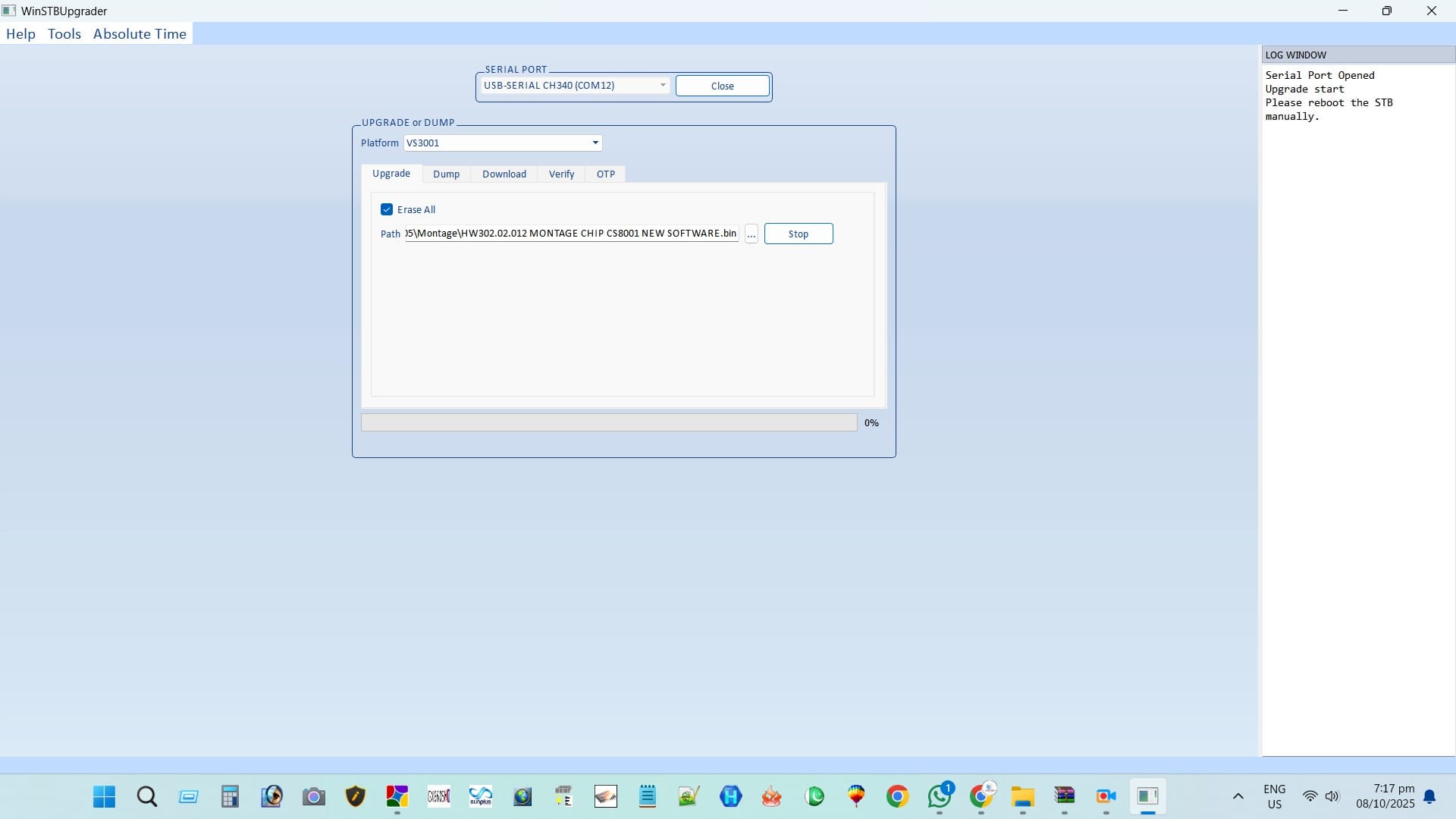
Power ON receiver from switch — upgrade will start automatically.
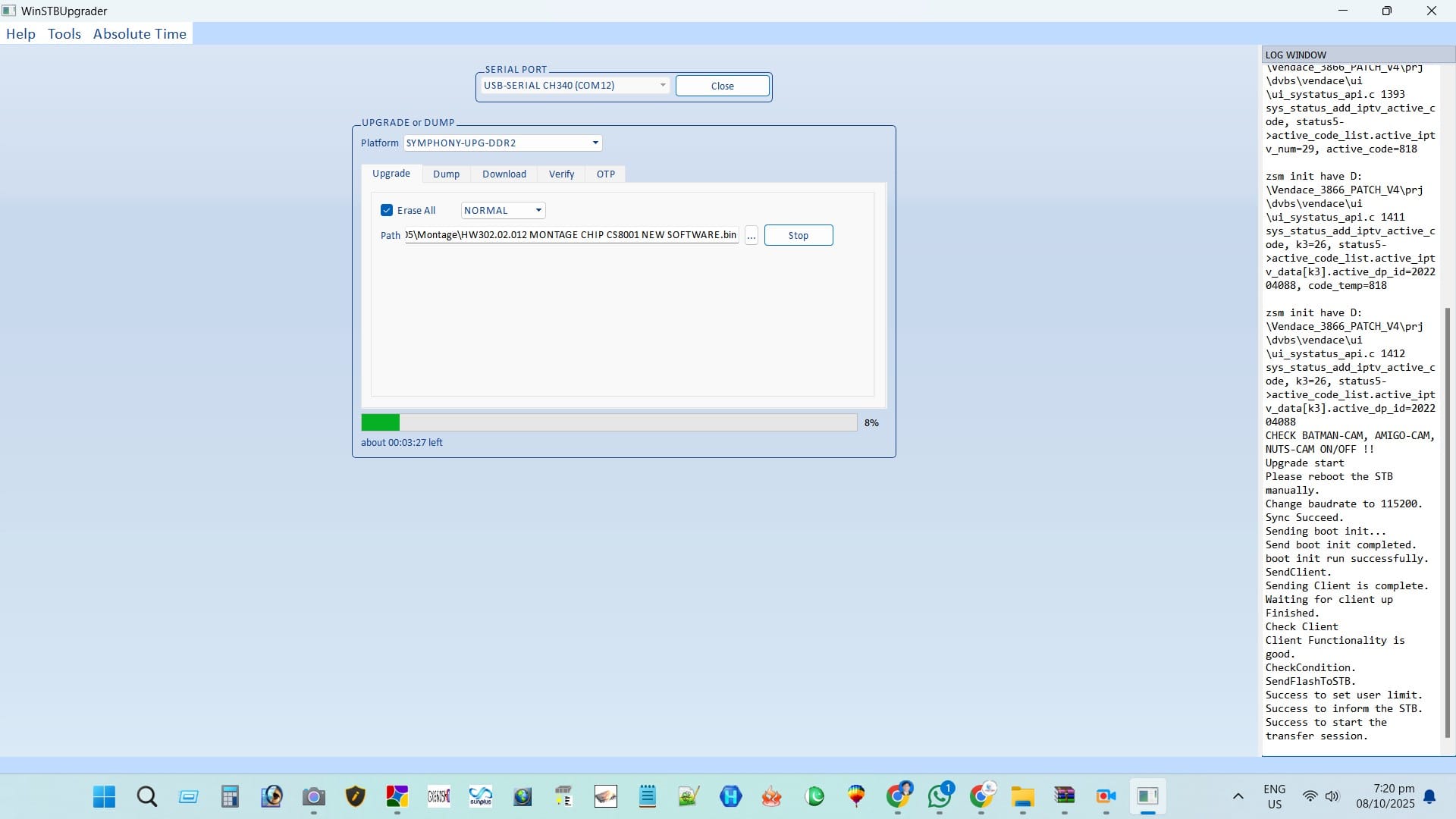
Wait for 100% completion and message “Upgrade Successful”.
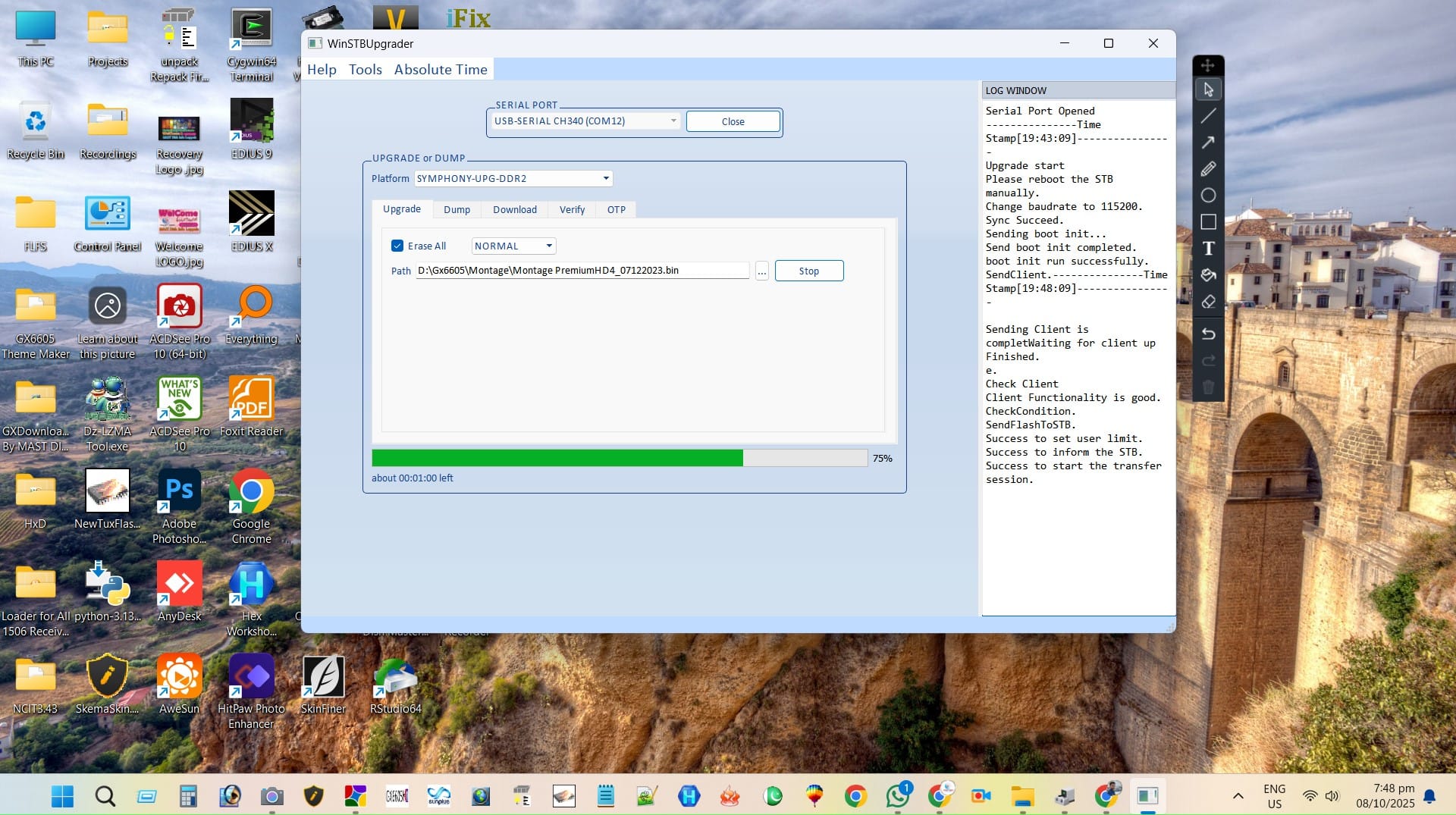
Remove cable and restart receiver normally.
🎥 Watch Video Tutorial

⚙️ Related RS232 Upgrade Guides
❓ Frequently Asked Questions
What is RS232 upgrade method?
RS232 is a serial cable method used to flash firmware when ordinary USB updates fail. It is reliable for unbricking receivers.
Do I need special drivers?
Yes. Install the correct RS232 (FTDI/CH340/Prolific) driver so Windows recognizes the USB-to-Serial adapter.
Which loader should I use?
Try Loader v1 first; if it doesn’t detect, try Loader v2. Use loader specific to your chipset and OS.
Is flashing risky?
If you use the correct .bin and do not interrupt power during flashing, it’s safe. Wrong firmware can brick the board — be careful.
Upgrade with RT809F Programmer
GX6605S software can also be upgraded using the RT809 programmer. Watch the tutorial below:

Note: Videos are embedded via YouTube LYTE for improved performance.