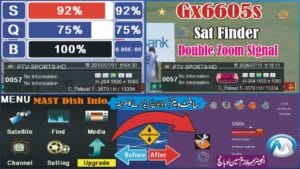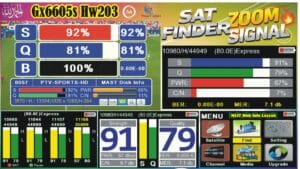
How to Add BISS Key in 1506C Protocol Black GOTO Receiver | OST S1506C 2018 D2 V1.1 4MB
If you are using the 1506C Protocol Black GOTO Receiver (OST S1506C 2018 D2 V1.1 4MB), this guide explains how to access the hidden BISS menu and configure your receiver using the built-in setup options.
This tutorial covers the secret menu codes, receiver information, PTV Sports HD channel parameters, and the complete receiver configuration process.
Receiver Information
- Receiver Model: OST S1506C
- Protocol: 1506C Protocol Black GOTO
- Software Version: 2018 D2 V1.1
- Flash Memory: 4MB
- Firmware Type: Black GOTO
Hidden Secret Codes
- Main Menu Code: 0000
- BISS Menu Code: 8888
- EMU & CCCAM Enable Code: 9999
PTV Sports HD Channel Information
- Satellite: Paksat MM1 (38.2°E)
- Frequency: 3870
- Polarization: Horizontal (H)
- Symbol Rate: 13333
- Service ID (SID): 0004
How to Open the Hidden BISS Menu
- Power on your receiver.
- Select the desired channel.
- Press the MENU button on your remote.
- Open the Installation menu.
- Enter the code 8888.
- The hidden BISS Menu will appear.
Receiver Configuration
After opening the BISS Menu, configure the receiver using the following settings:
- SID: 00004
- Frequency: 03870
- Satellite Position: 38.2°E
- Index: 01
If the selected index does not work on your receiver, try another available index supported by your firmware.
After completing the configuration, press the Blue button on the remote control to save the settings.
Firmware Features
- 1506C Protocol Black GOTO Firmware
- Hidden BISS Menu Support
- EMU Enable Option
- CCCAM Enable Option
- Stable System Performance
- User-Friendly Interface
- USB Software Upgrade Support
- Fast Receiver Navigation
- Compatible with OST S1506C 4MB Receivers
Benefits of This Firmware
The OST S1506C 2018 D2 V1.1 4MB Black GOTO firmware provides reliable performance, hidden setup options, and an easy-to-use interface. It is designed for compatible 1506C Protocol receivers and offers stable operation with convenient configuration features.
Important Information
Before installing or upgrading firmware, always verify that the software matches your exact receiver model and hardware version. Installing incompatible firmware may cause your receiver to stop working properly.
This guide is intended for educational purposes and receiver configuration. Ensure that any access to encrypted broadcasts complies with the broadcaster’s authorization requirements and applicable terms of use.
Conclusion
The 1506C Protocol Black GOTO OST S1506C 2018 D2 V1.1 4MB firmware provides an efficient way to access the hidden setup menu and configure your receiver. By following the steps in this guide, you can easily navigate the hidden menu and complete the receiver configuration.
For more satellite receiver software, firmware updates, installation guides, hidden menu codes, and technical tutorials, stay connected with MAST Dish Info Layyah.
“`🔥 What’s New in This Sat Finder Software?
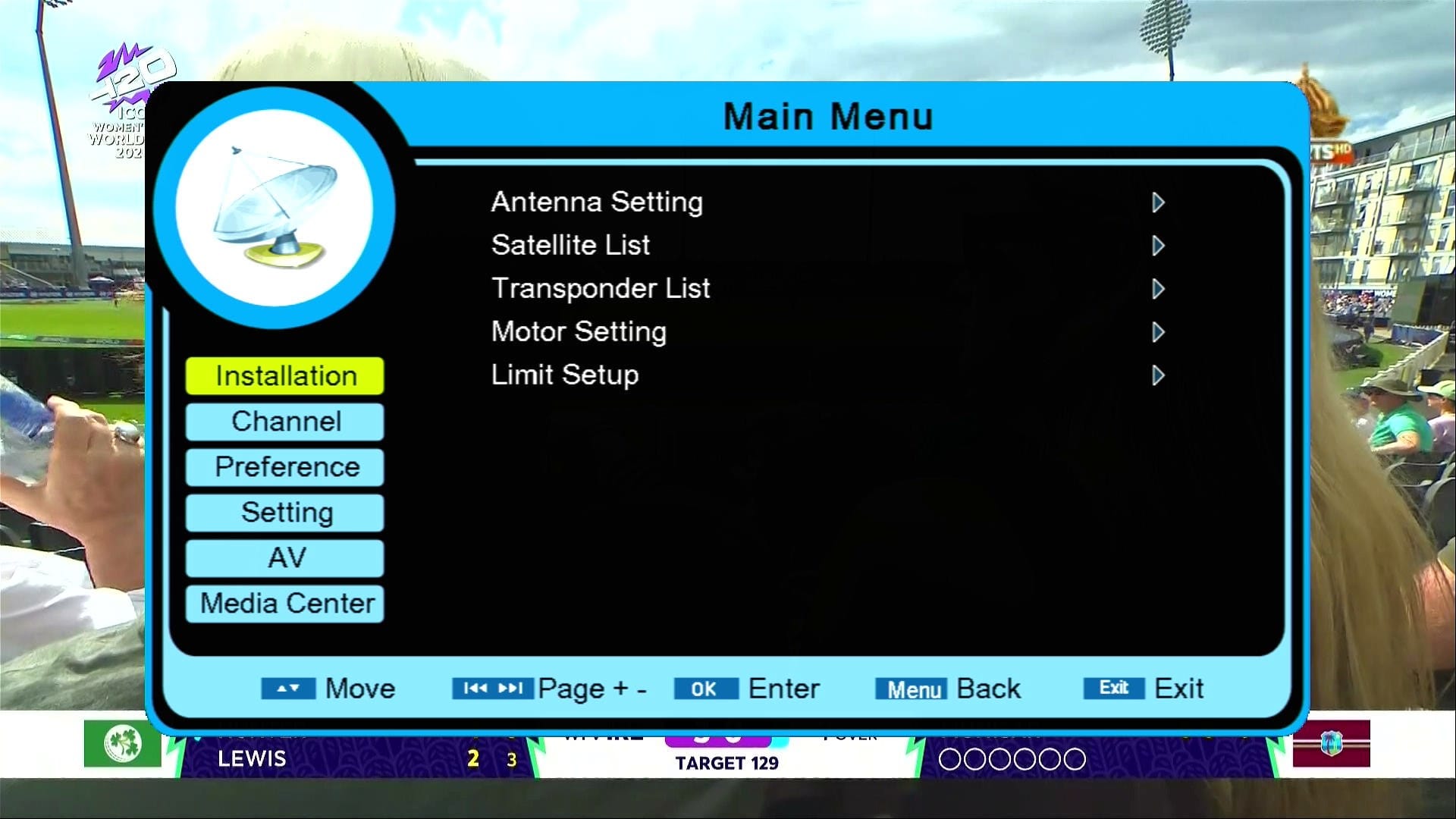
✅ Modern & Stylish Menu Design
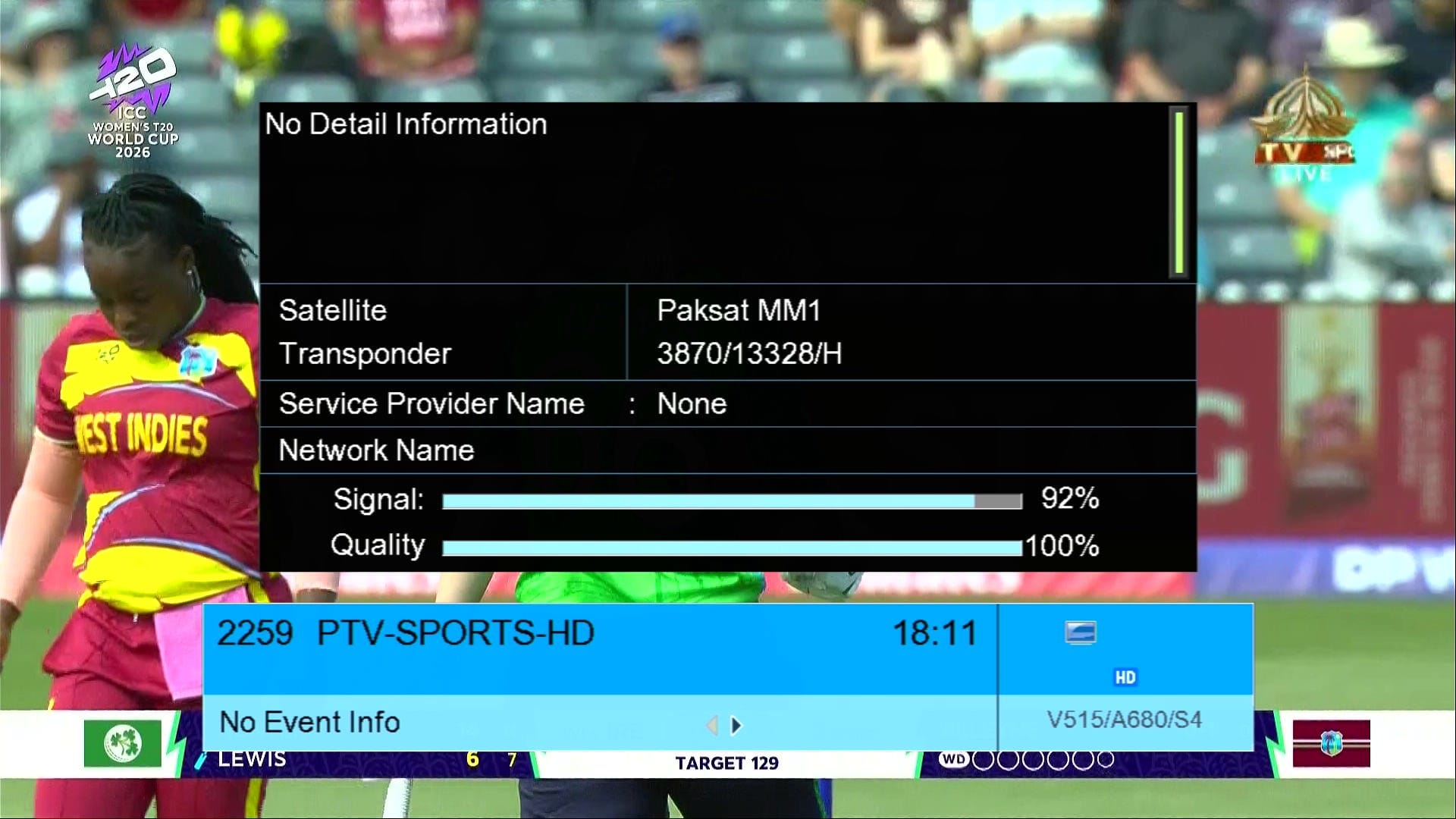
✅ Signal Indicator
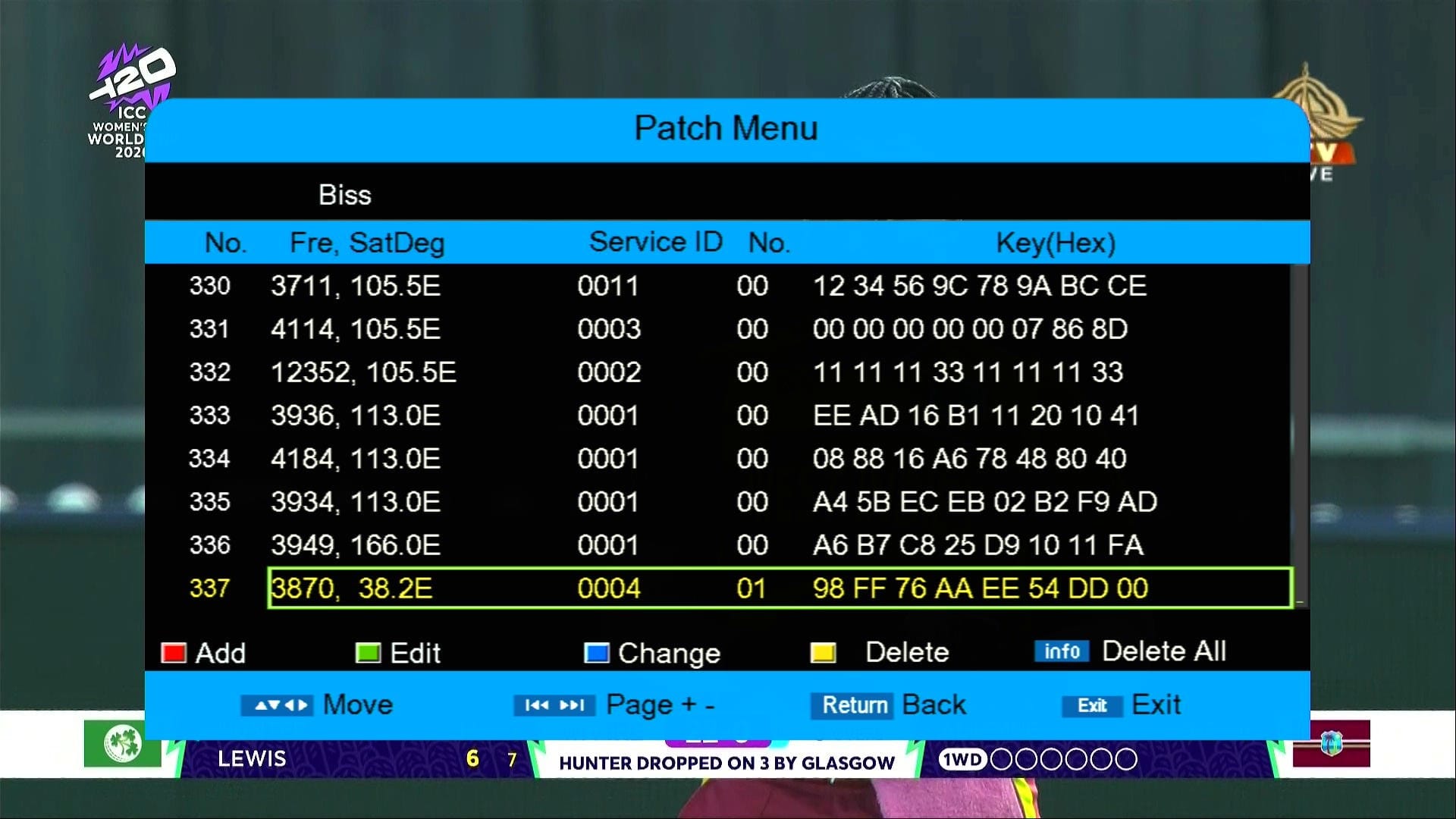
✅ Press 8888 in at Installation Biss Key
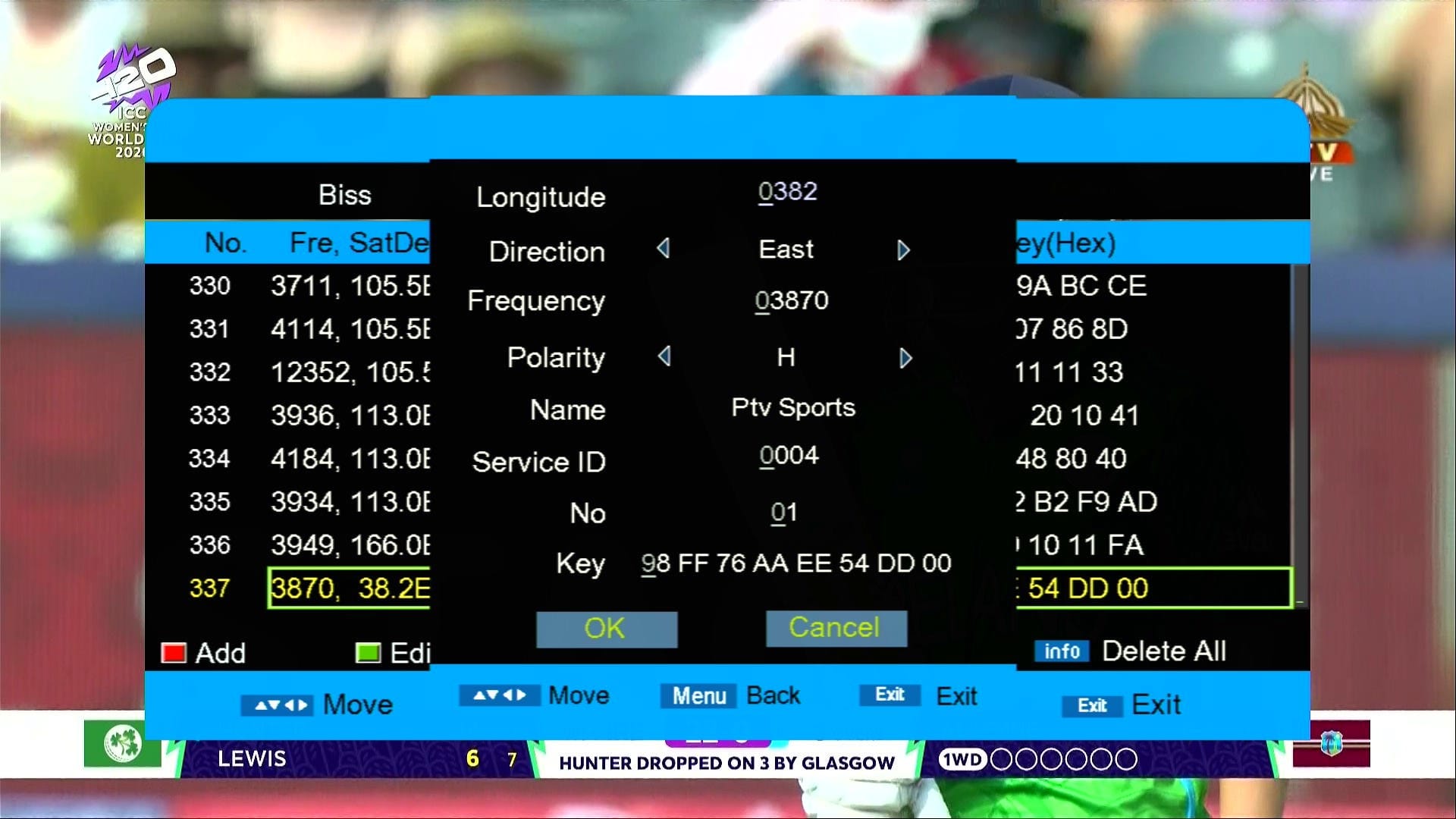
✅ Biss Key adding Method
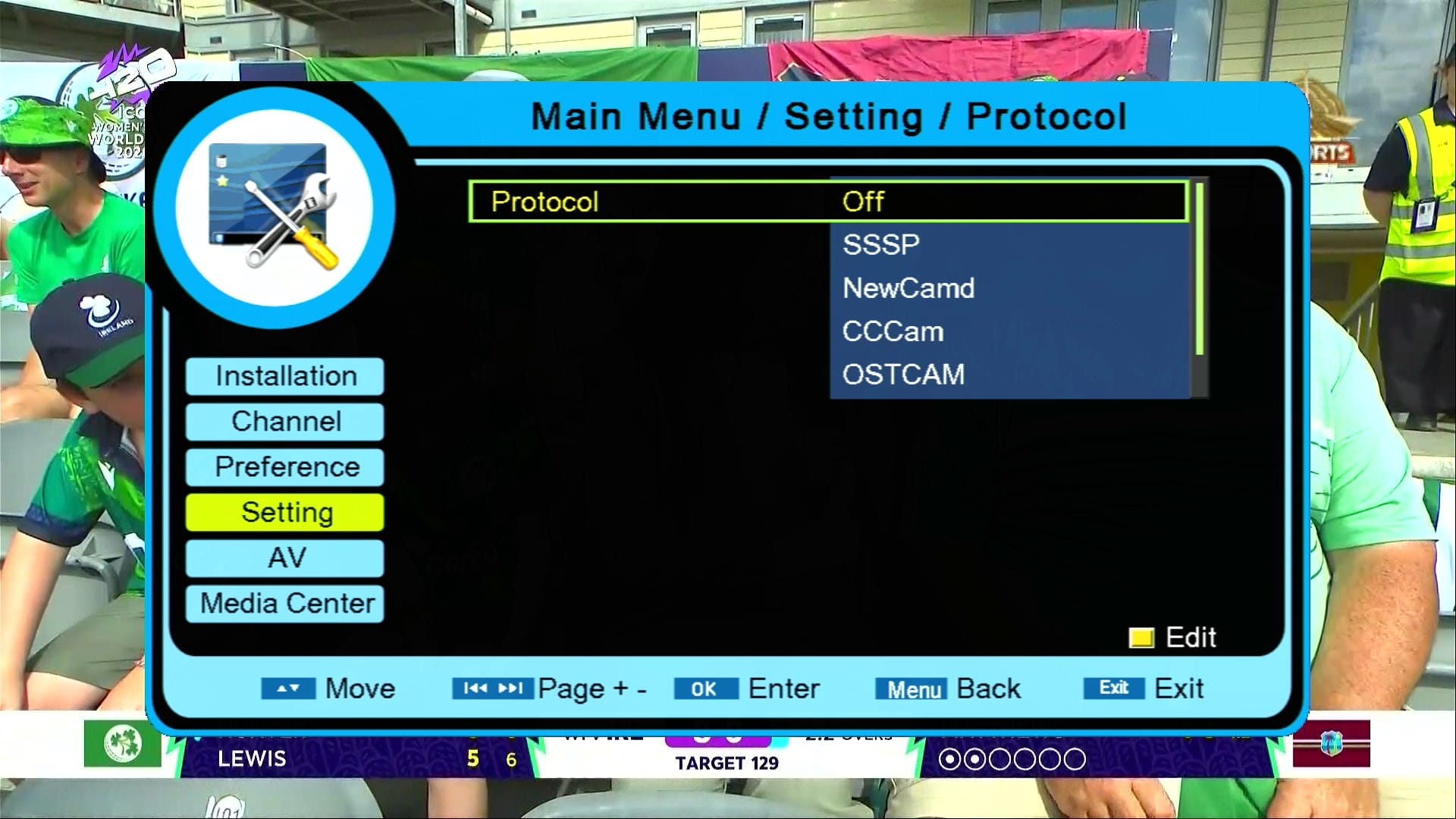
✅ For Server Press 9999
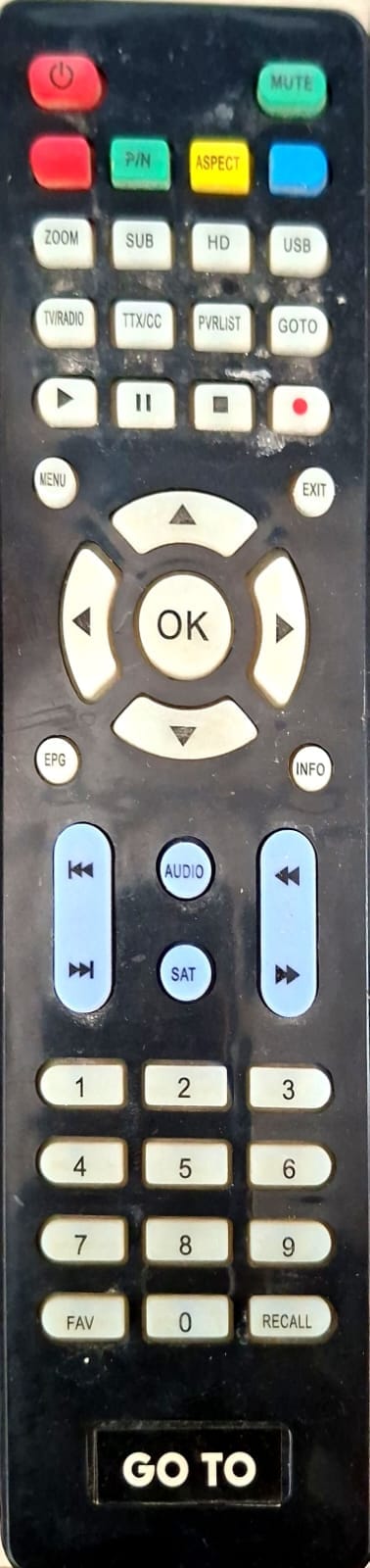
✅ GOTO Remote Supported
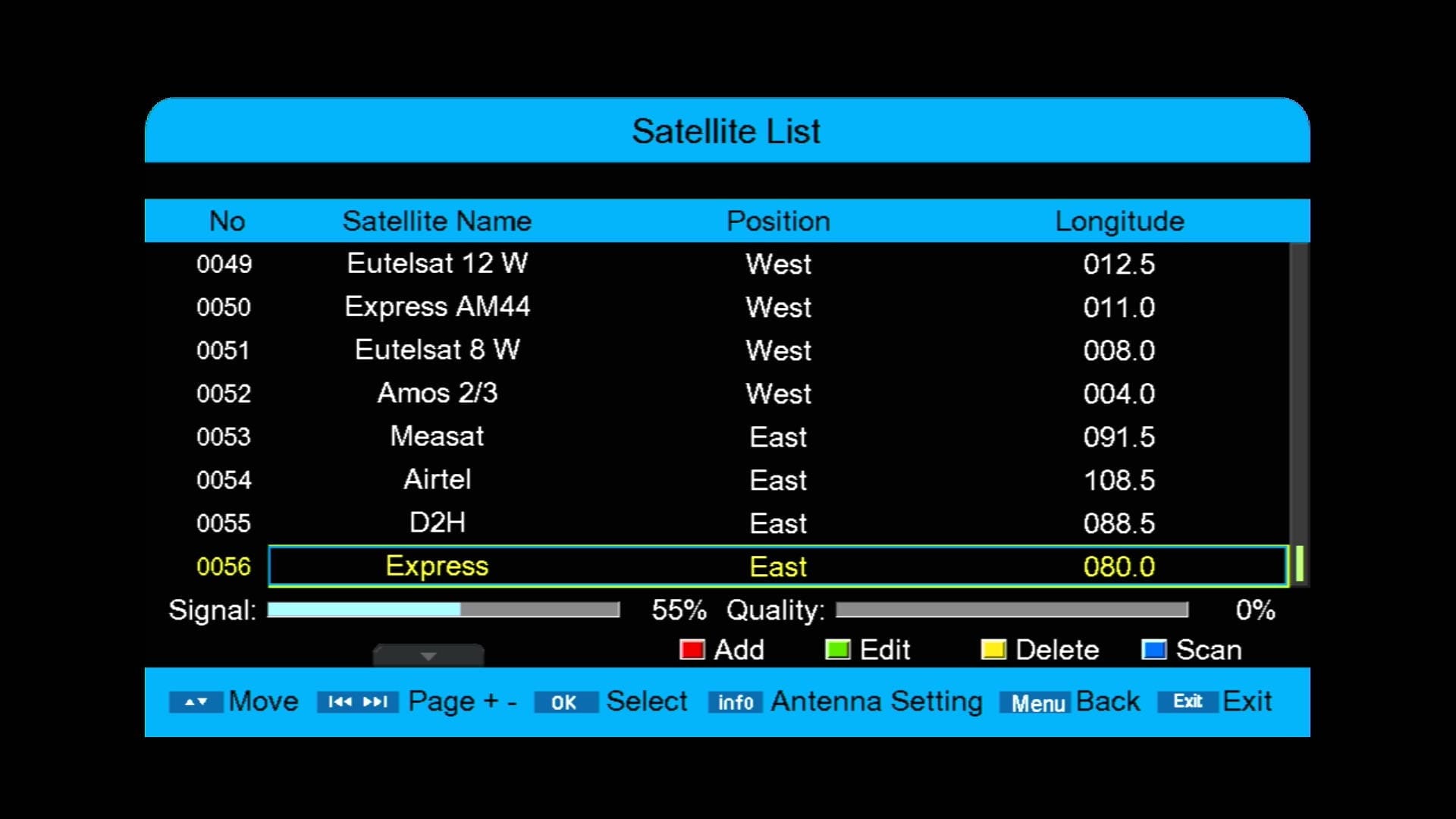
✅ 72 Satellites Added
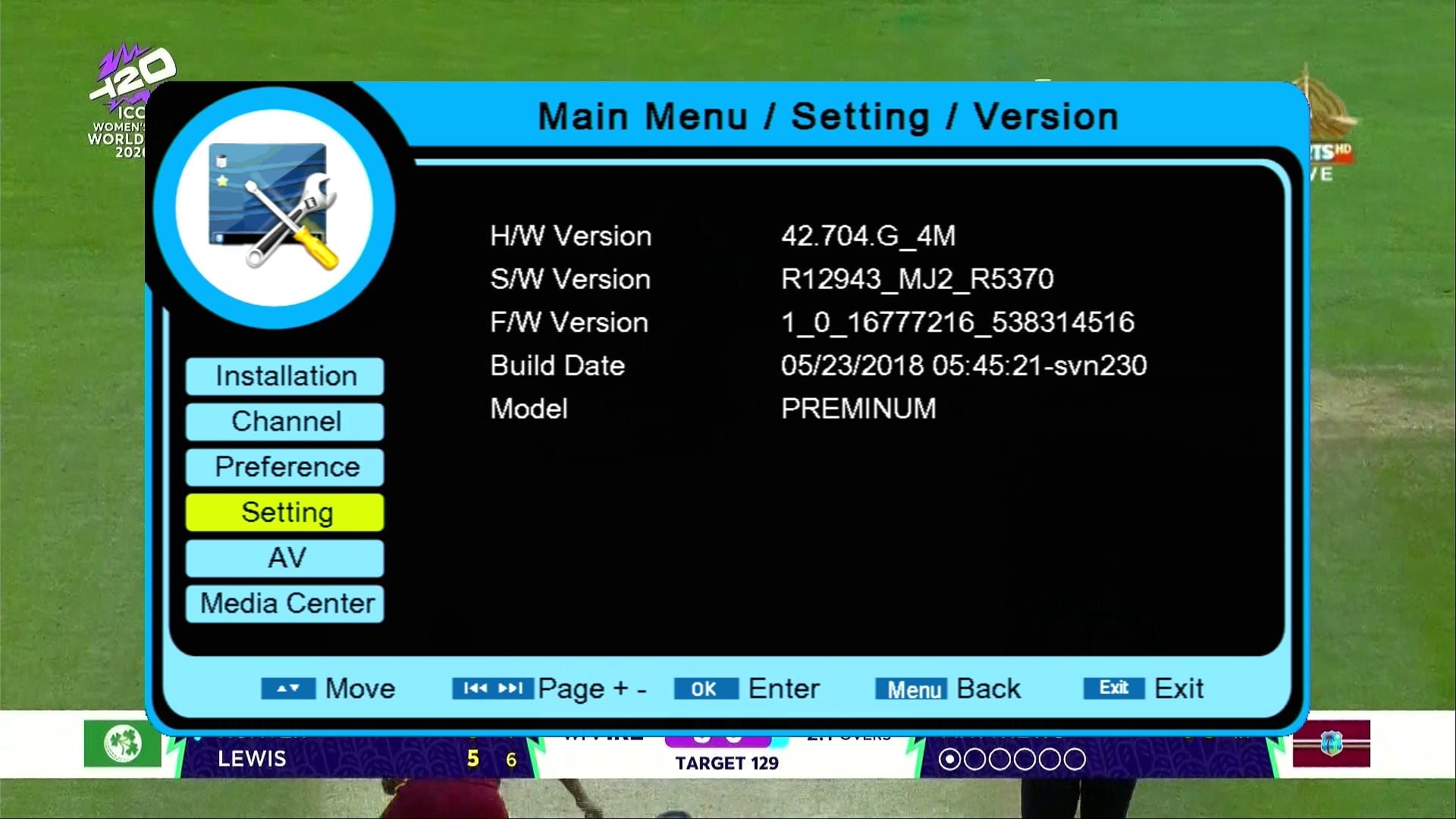
✅ Updated System Information
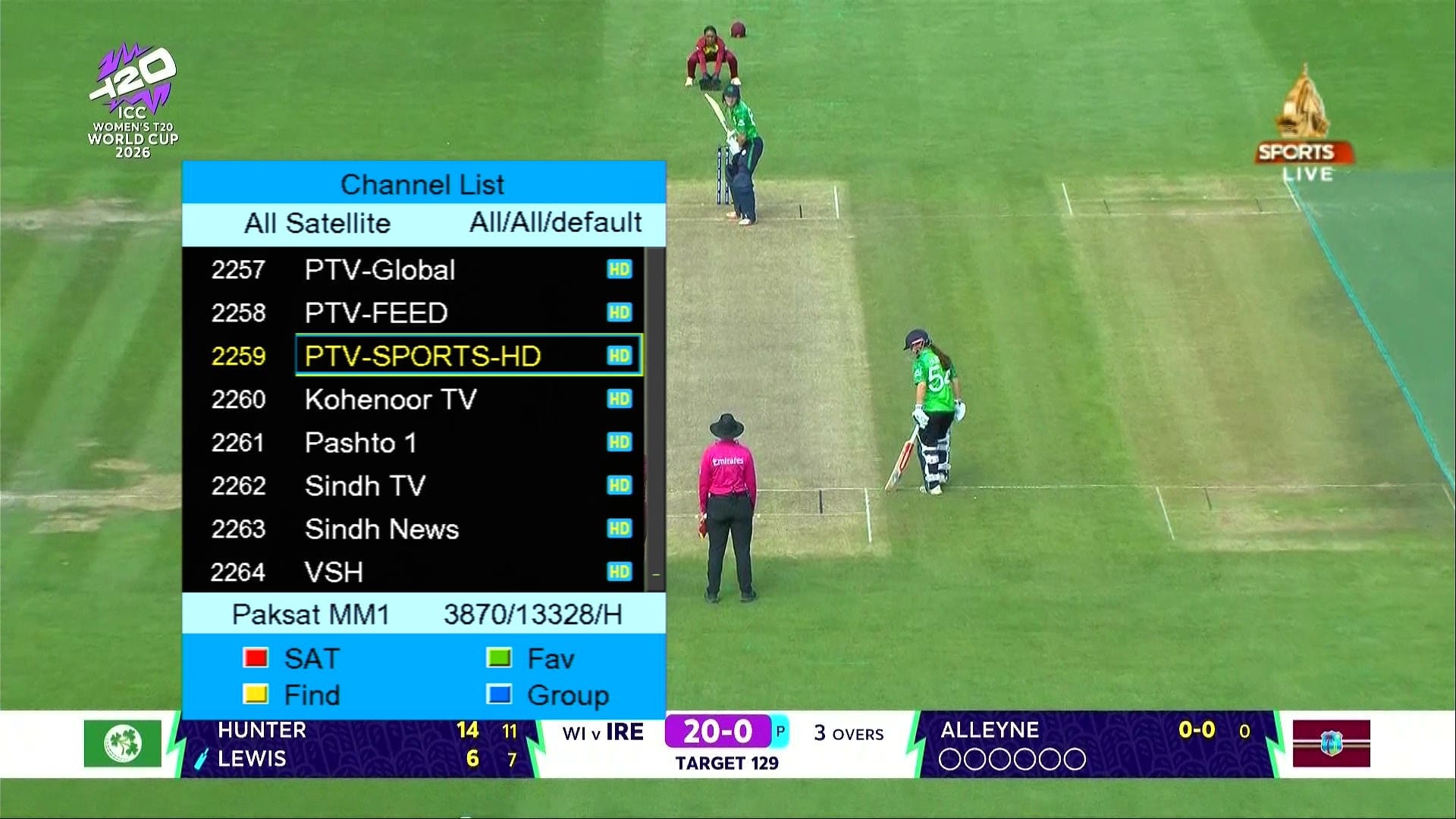
✅ Beautiful Channel Dialogue Box
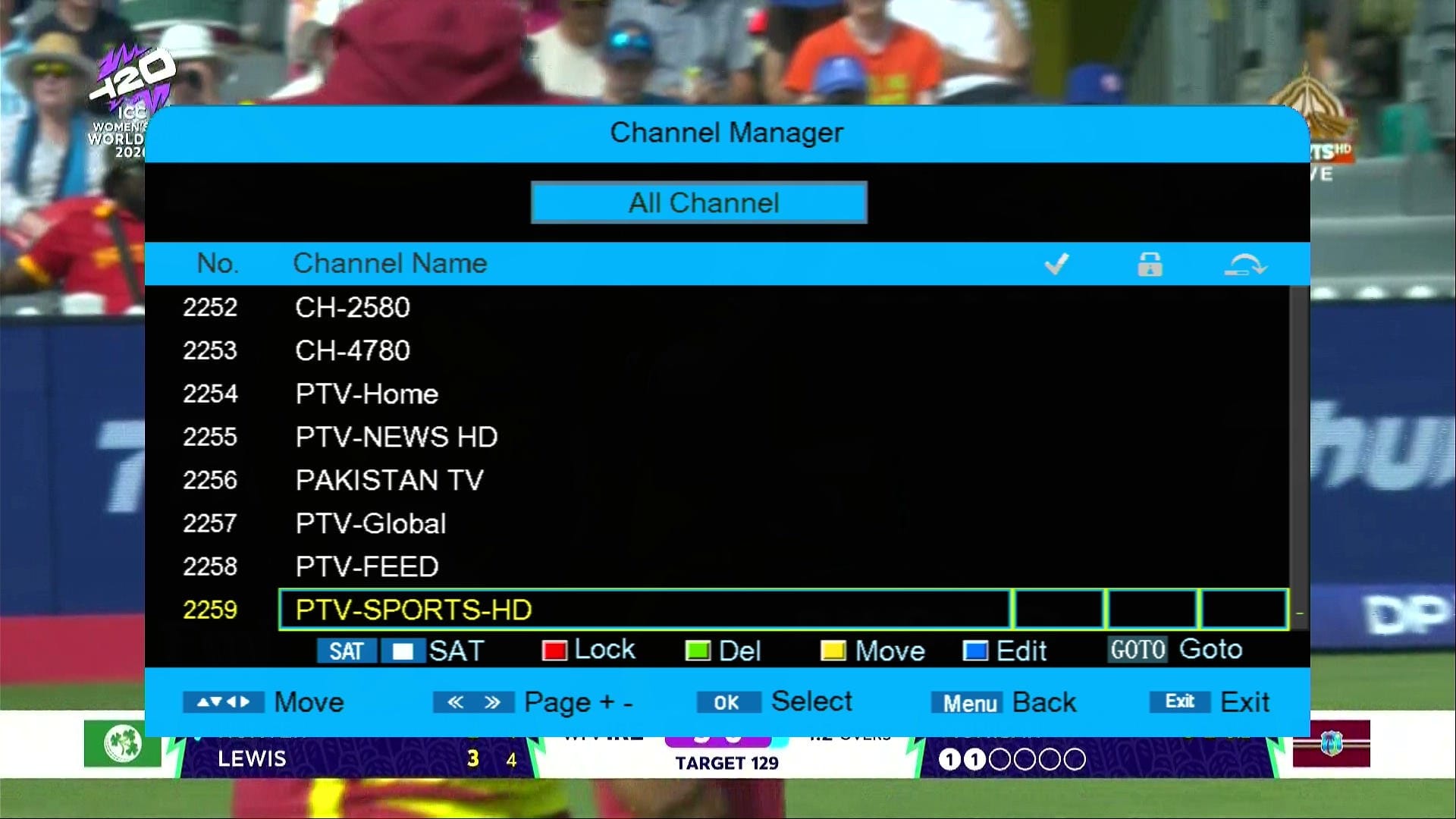
✅ Channel Manager
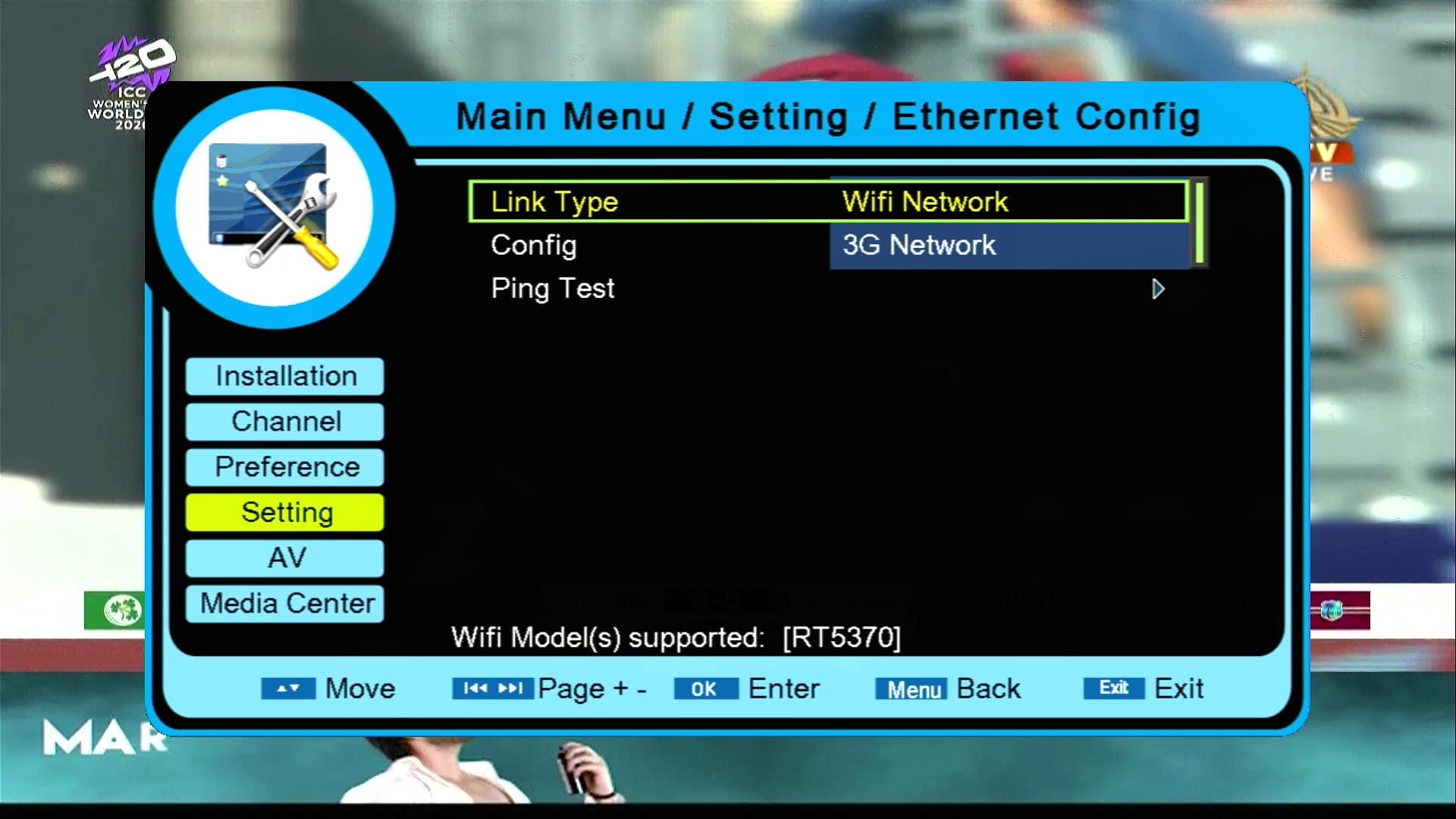
✅ CNetworking Option
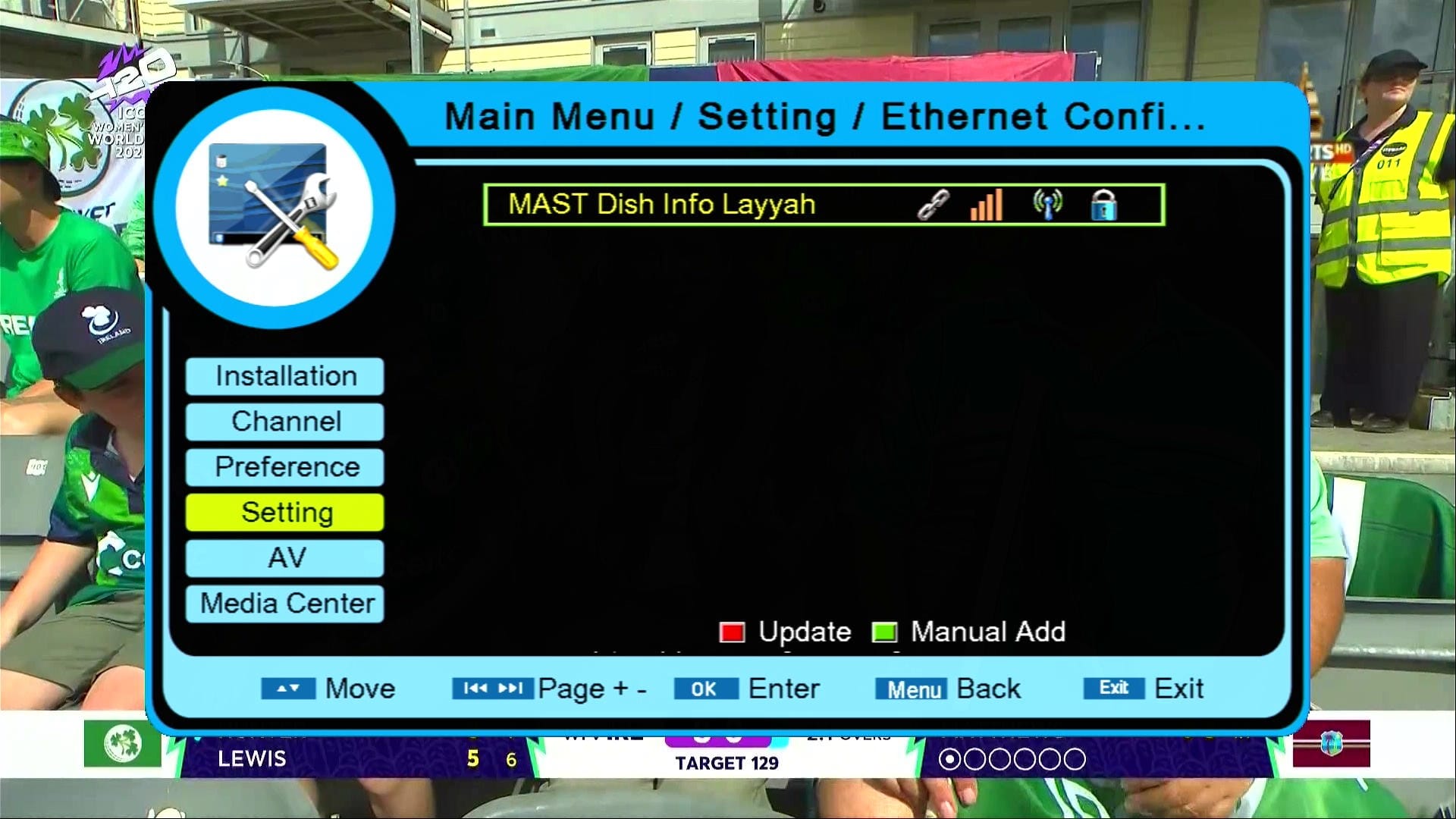
✅ Wifi Catcher RT-5370
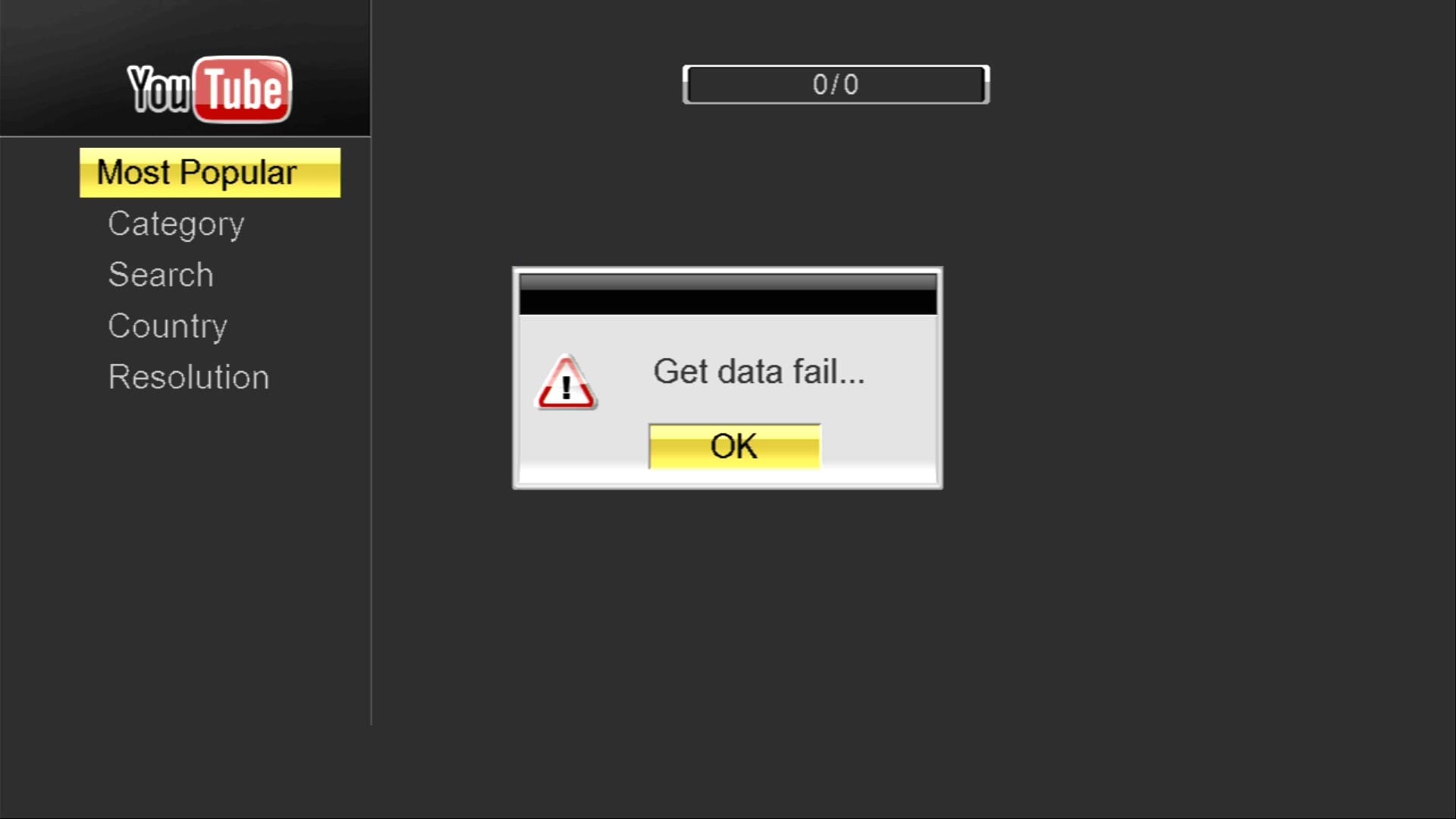
✅ YouTube Not Working
✅ Protocol Option
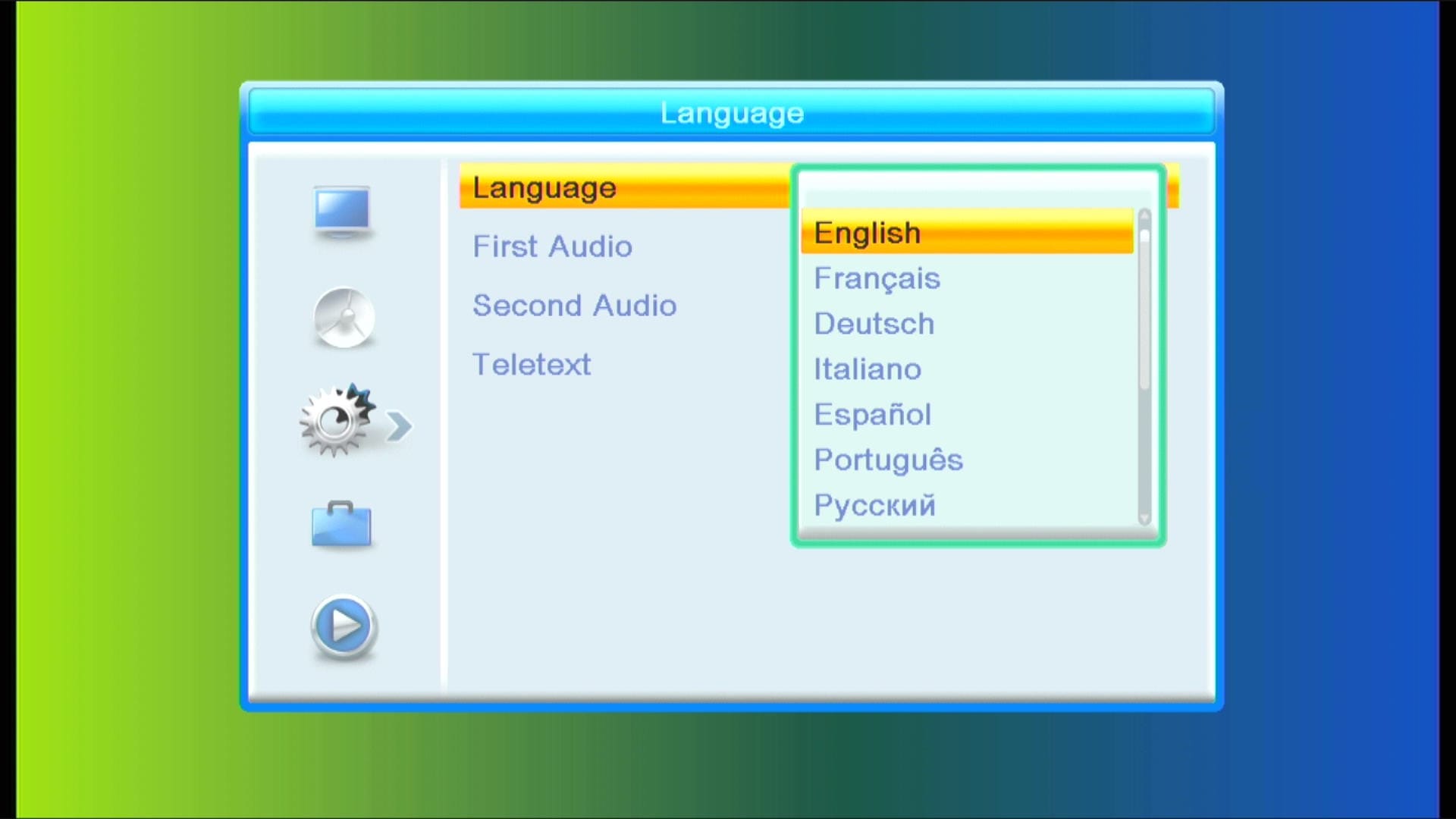
✅ Multi Languages Added
🎥 GX6605S New Software 2026 – Video Review

Note: Videos are embedded via YouTube LYTE for improved performance.
📥 1506C Black GOTO Ptv Sports New Software 2026
Click the button below to download the latest 1506C Black GOTO Ptv Sports New Software 2026 for free.
📁 File Details
⚙️ Processor:
🛠️ SW Version:
💾 File Size:
⬇️ Downloads:
👤 Uploader:
⚠️ Report: