1506HV New Software 2025 – Stylish Menu + YouTube + Nashare + Auto Biss Key
Upgrade your 1506HV receiver safely with the latest 1506HV New Software 2025. This update includes amazing features like YouTube + YouTube Kids, TikTok, IPTV apps, Nashare v2, Auto Biss Key, Channel Color Switch, and much more. Below are all features, video tutorial, and download links.
✅ Features of 1506HV New Software 2025
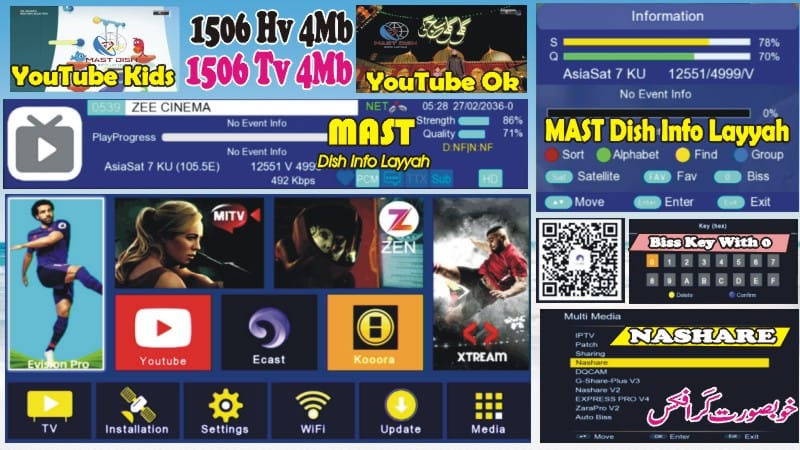
1. Stylish Main Menu Icons with Channel Logos
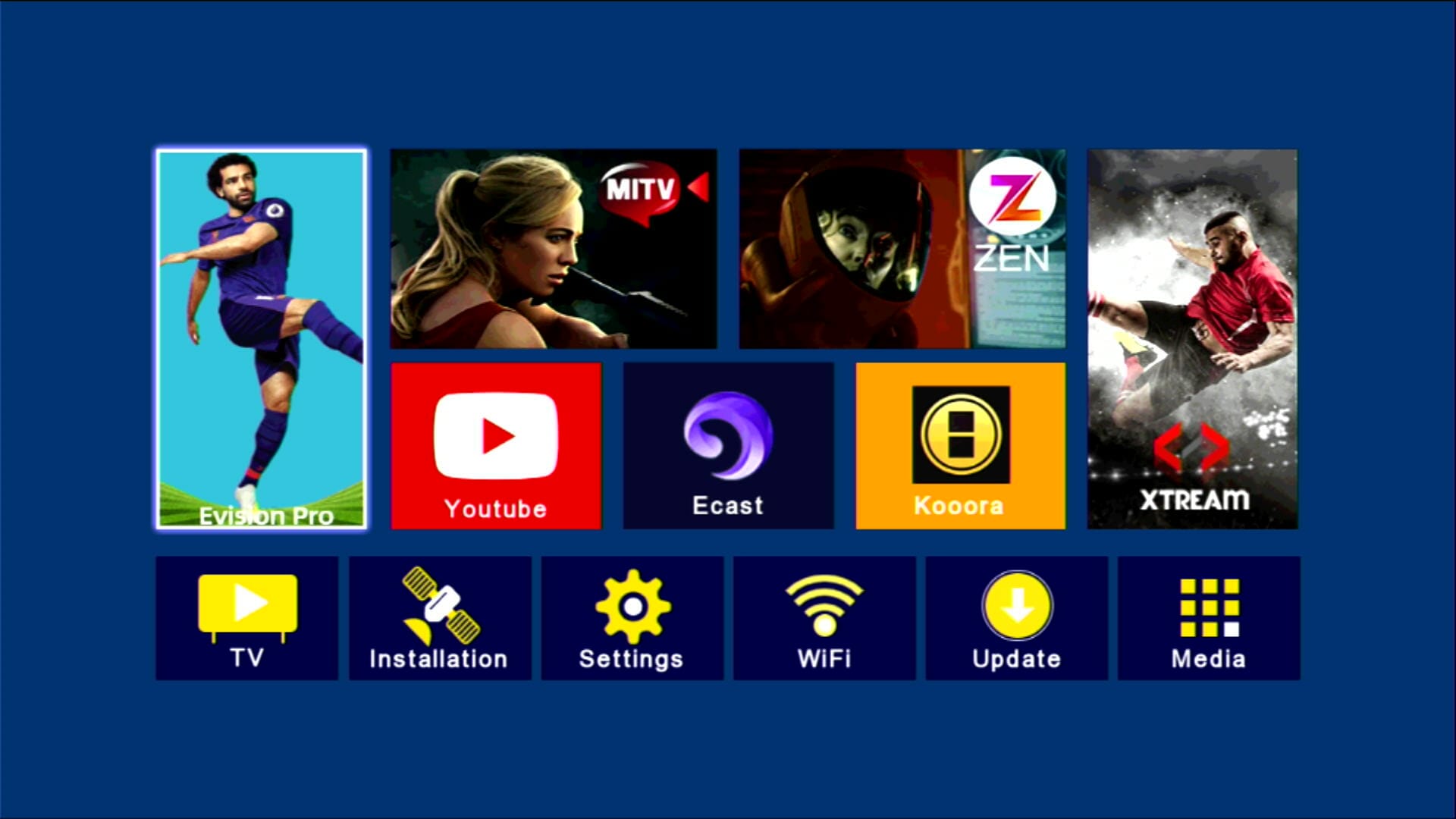
2. Hidden Menu (Press 1506 in Multimedia)
3. YouTube & YouTube Kids 100% Working

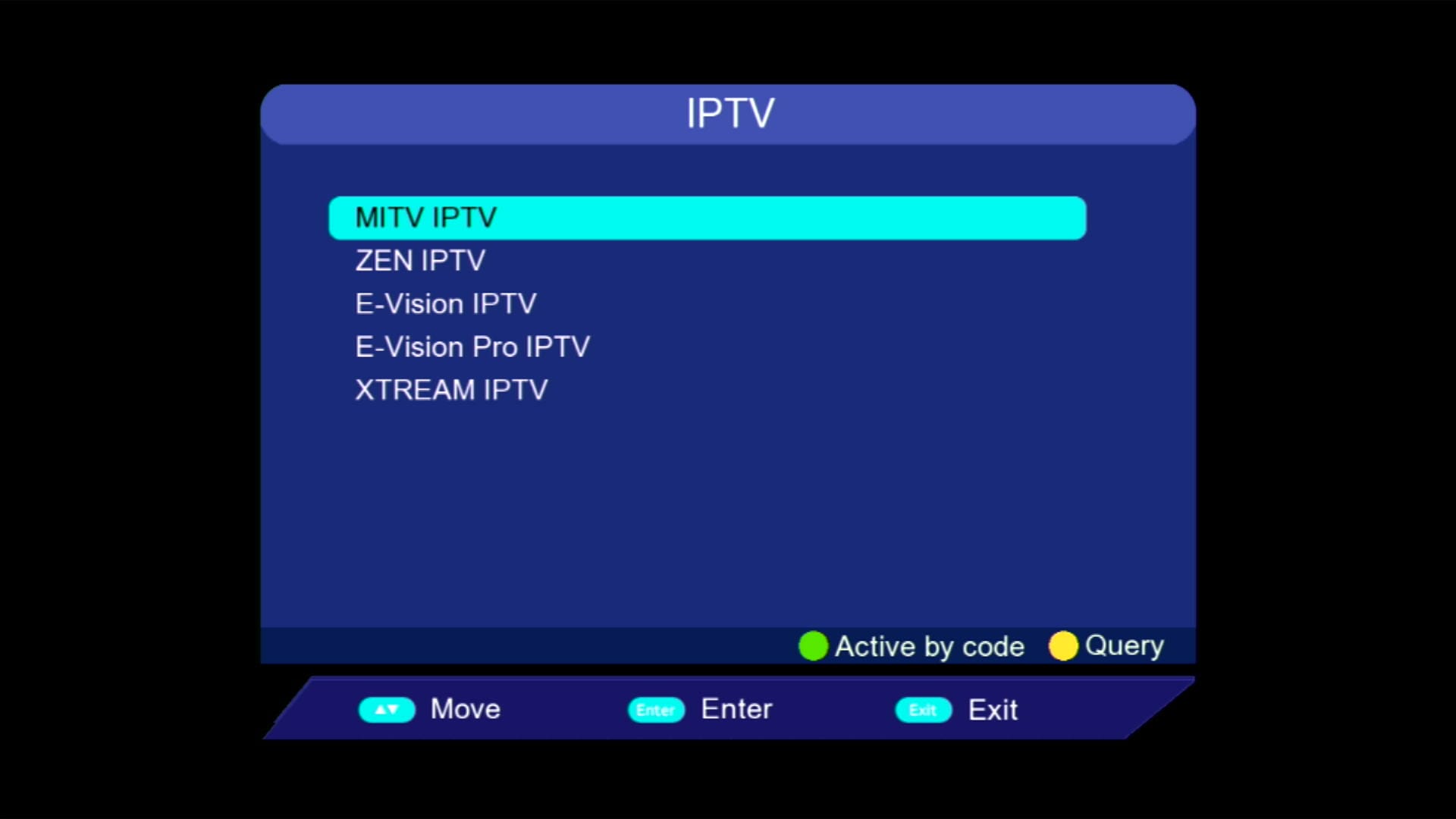
4. IPTV & Multiple Apps Added
5. WiFi MT7601 Supported
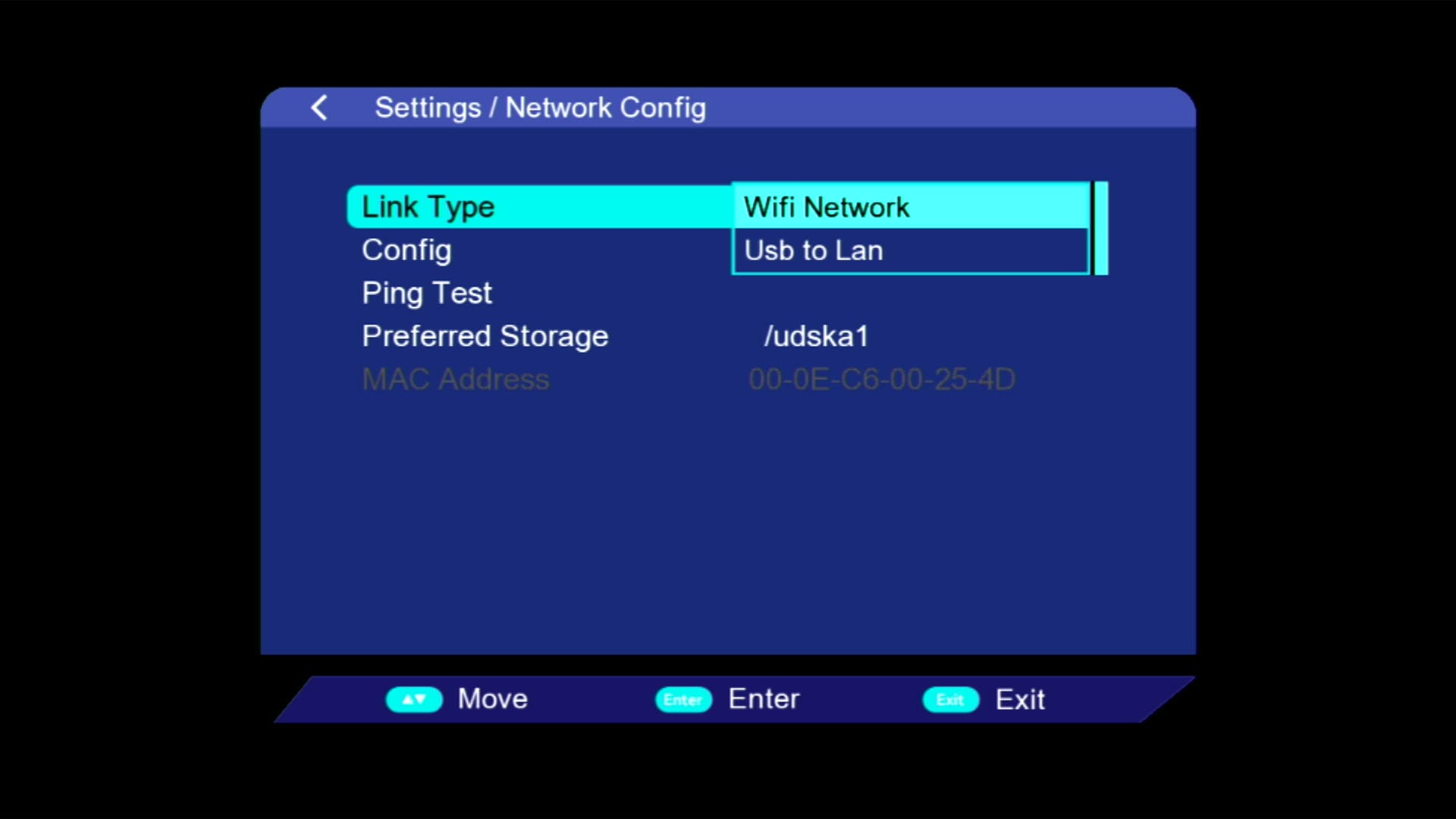
6. USB Cable Internet & Wire Network Option
7. E-Cast (Mobile to TV)
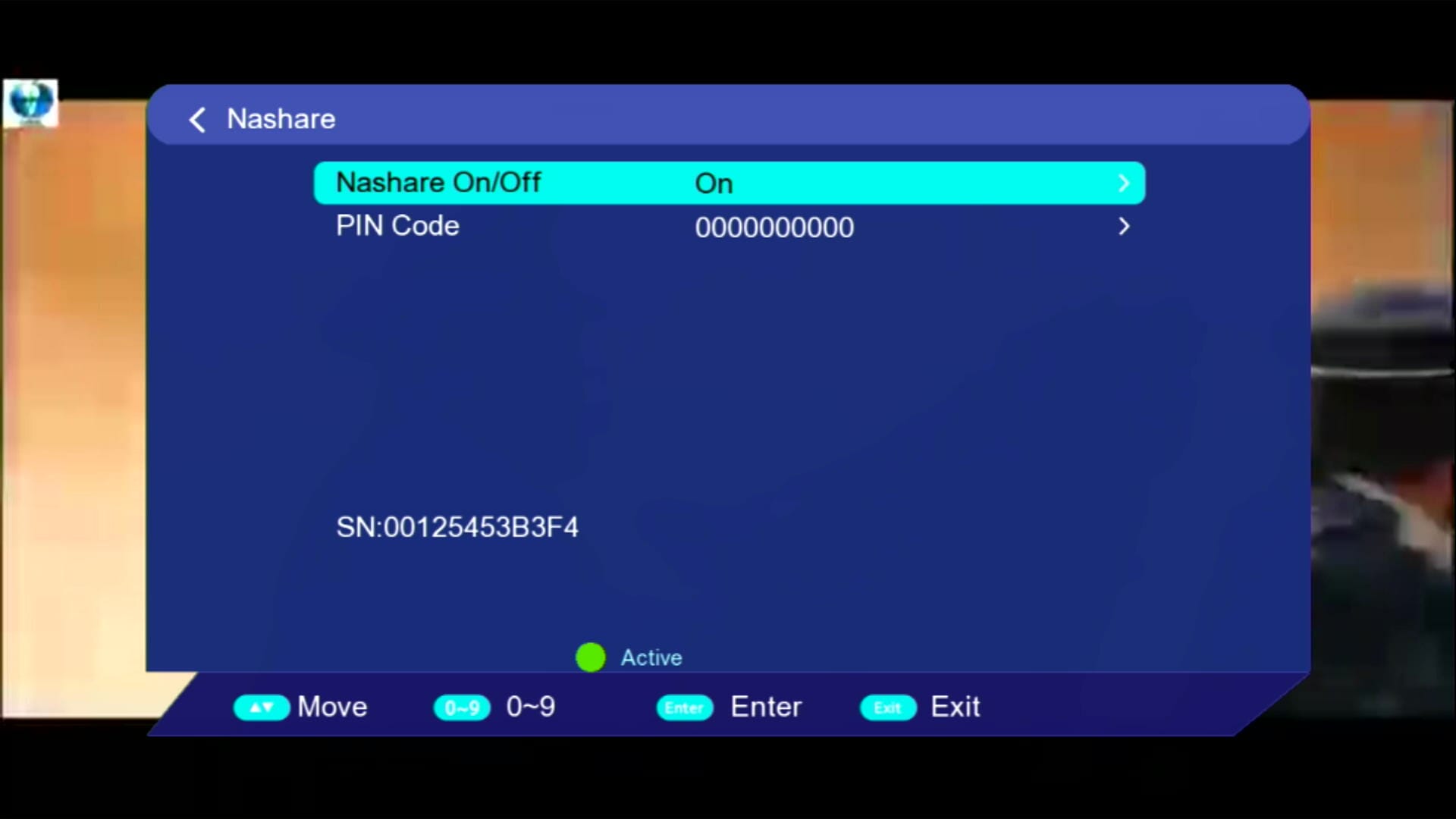
8. Nashare & Nashare v2 Added
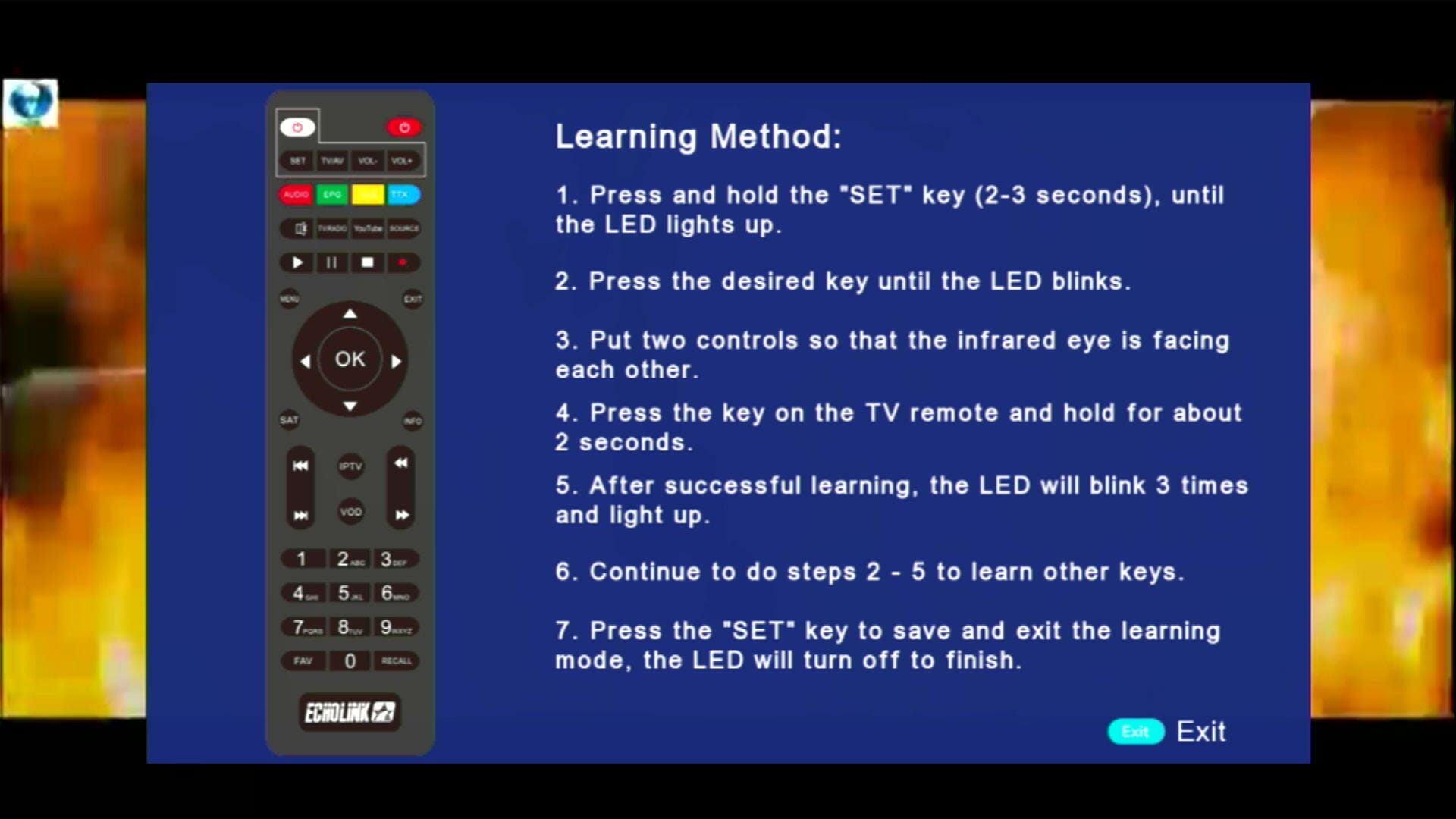
9. Remote 1506 & NK Supported
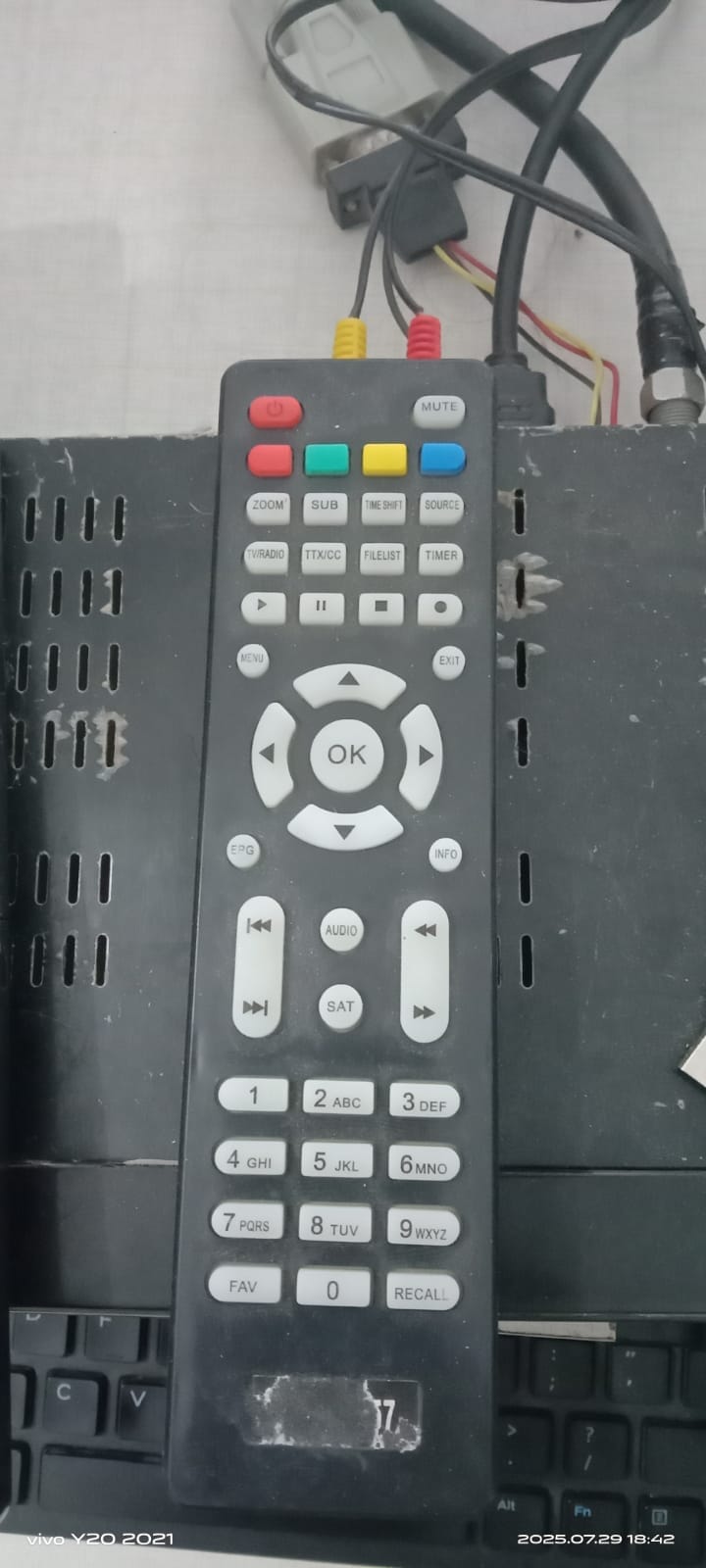
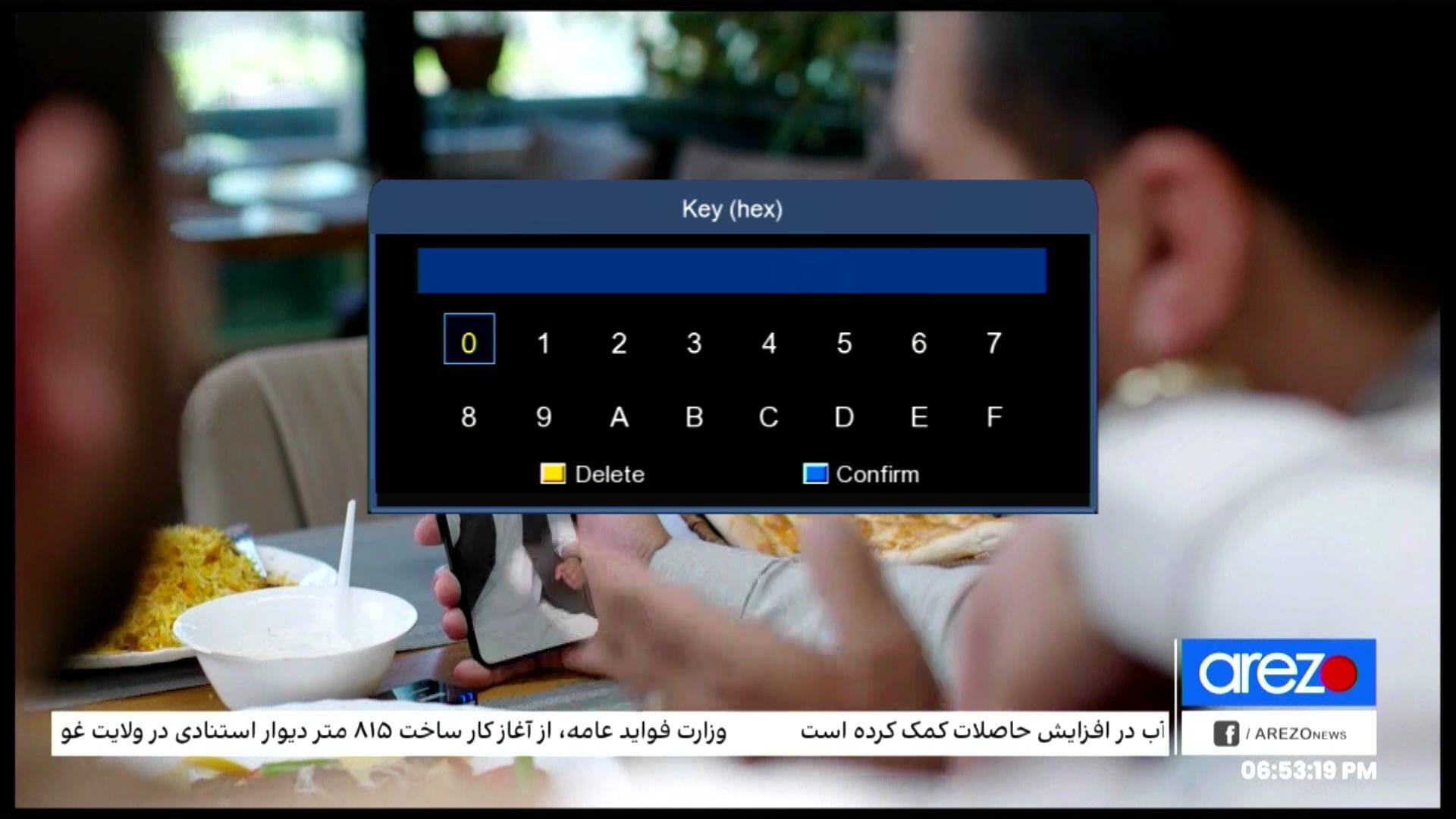
10. Biss Key Add with 0 Button
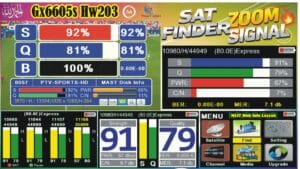
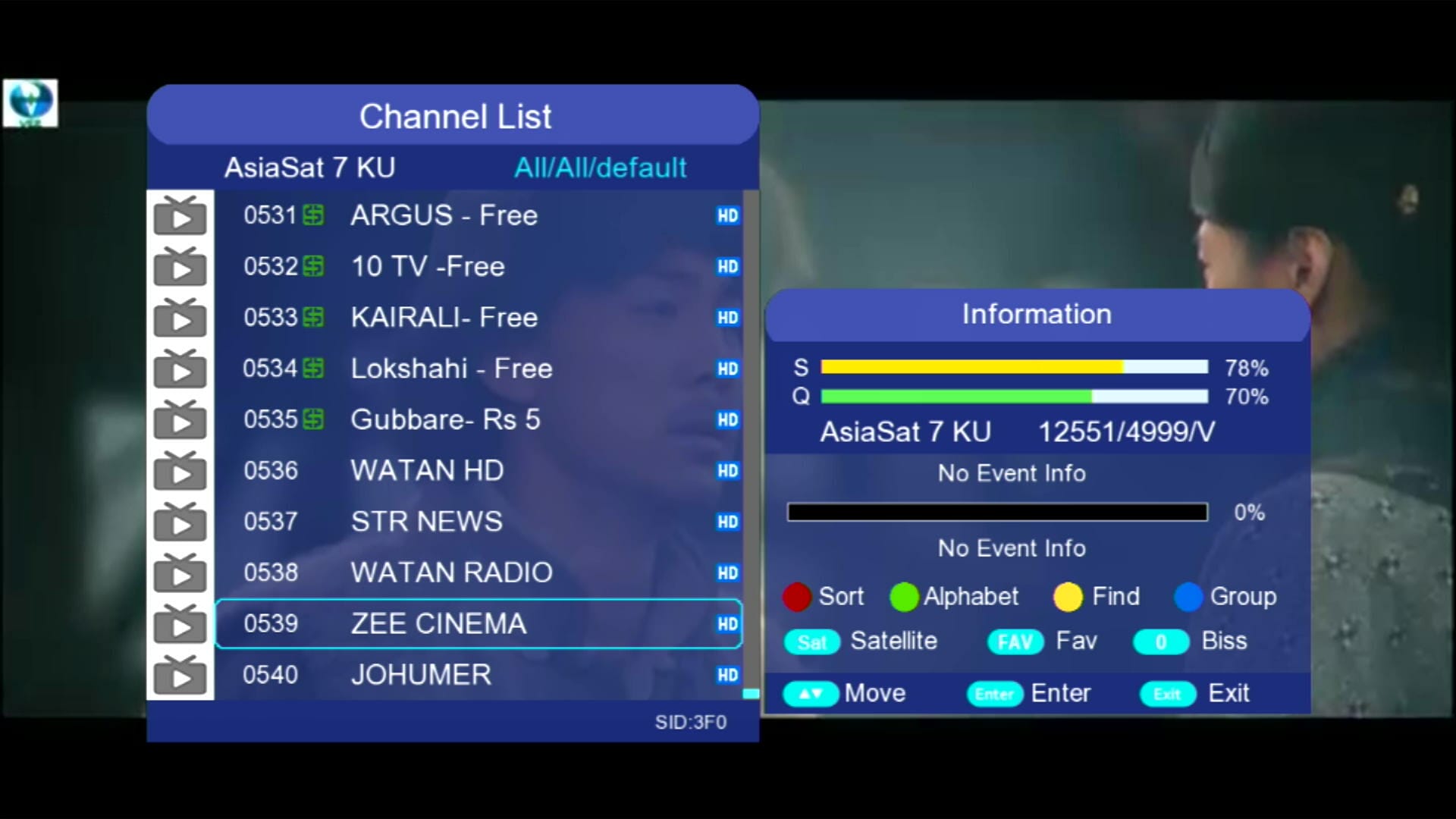
11. Beautiful Zoom Signal Indicator
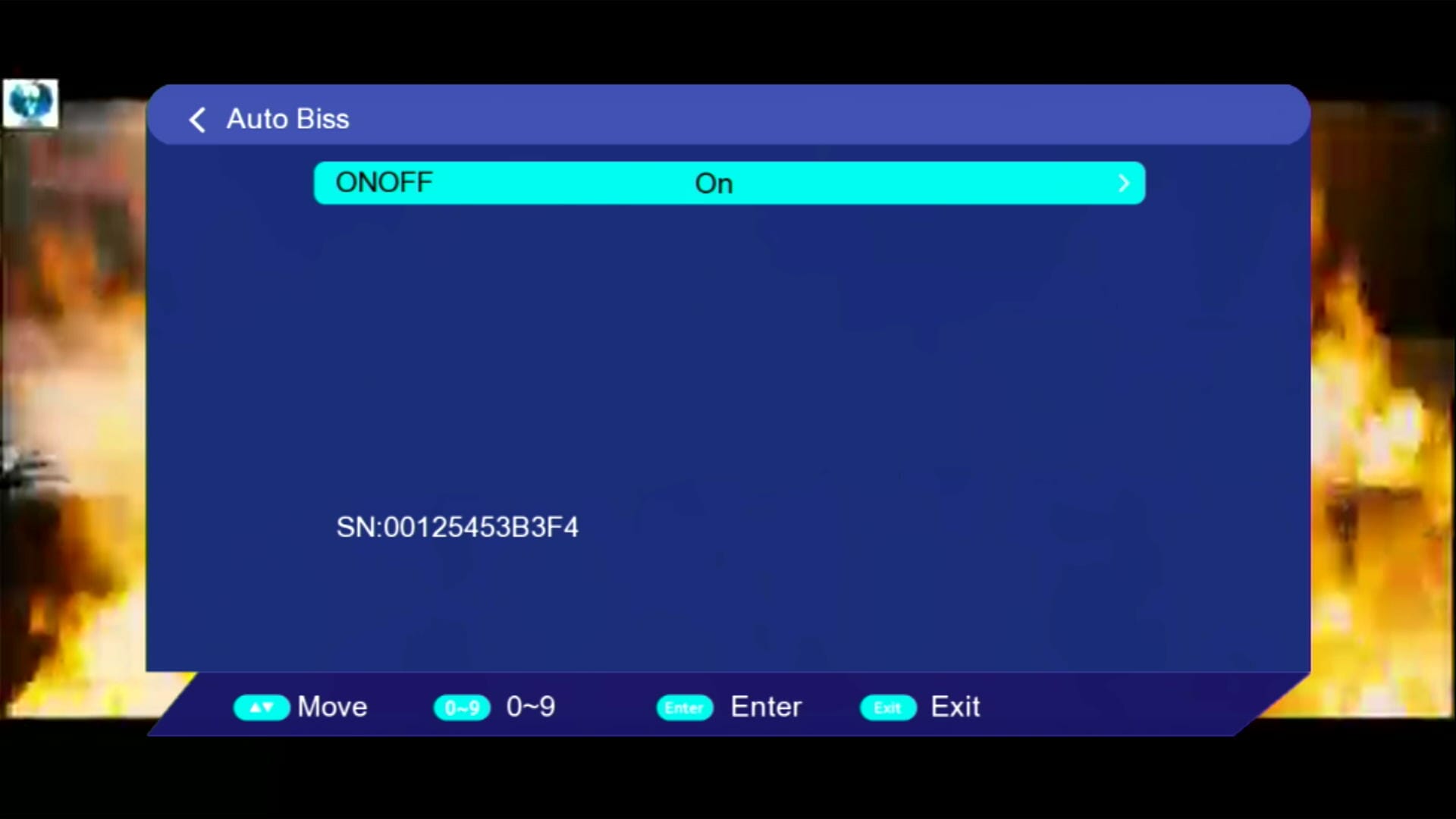
12. Auto Update Biss Key
13. Channel Color Switch

📹 YouTube Video – Software Features
💻 RS232 Upgrade Guide
- Connect your receiver to the PC using an RS232 cable.
- Open the loader software on your PC.
- Select the 1506HV New Software 2025 firmware file.
- Ensure receiver is in upgrade mode.
- Click “Start Upgrade” and wait until the process completes.
- Do not disconnect the cable until upgrade finishes.
📹 YouTube Video – RS232 Upgrade Tutorial
💾 Backup & Loader
Always create a backup before upgrading your firmware. Use the official loader tool for a smooth update process.
💾 Download Loader🔗 Other 1506HV Software Versions
❓ FAQ
Q1: Is this software free to download?
Yes, 1506HV New Software 2025 is completely free for all 1506HV users.
Q2: Can I update without losing settings?
Always take a backup before upgrading to avoid losing settings.
Q3: Which WiFi dongles are supported?
MT7601 WiFi dongles are fully supported.
Q4: Does YouTube Kids and TikTok work?
Yes, both are fully functional and optimized for smooth playback.
📥 Download 1506HV New Software 2025
💾 Download 1506HV New Software 2025💯🚀🎯 ONLINE TOOLS FOR RECEIVERS:
- GX6605S Boot Logo Online Changer Tool
- GX6605S HW203 Hardware Version Changing Online Tool
- GX6605S Remote Changer Online Tool
- GX6605S HW203 Boot.bin Online Changer & Hardware Version Changing Tool
- 1506 Receiver Boot Logo Online Changer Tool
- 1506 Receivers Customer ID Replacement Online Tool
- GX6605S 8MB to 4MB Converter
- GX6605S ROOT.bin Extractor