
How to Add PTV Sports HD BISS Key in Ali3510C | 0 Button Direct BISS Key Method
The latest Ali3510C software includes a convenient feature that allows users to add the PTV Sports HD BISS Key directly using the 0 (Zero) Button. This makes the process much faster and easier without navigating through complicated receiver menus.
Key Features
- Direct BISS Key entry using the 0 (Zero) Button.
- Supports PTV Sports HD BISS Key configuration.
- Simple and user-friendly interface.
- Quick access to the BISS Key menu.
- Easy setup for compatible Ali3510C receivers.
How to Add the PTV Sports HD BISS Key
- Open PTV Sports HD on your receiver.
- Press the 0 (Zero) Button on the remote control.
- The BISS Key entry window will open.
- Enter the required BISS Key carefully.
- Save the key and exit the menu.
- If needed, switch the channel once to apply the changes.
Software Highlights
This Ali3510C firmware is designed to make BISS Key management easier. Instead of using hidden menus or complicated settings, users can access the key entry screen directly with the 0 Button. This feature is especially useful during major live sports broadcasts when channels may temporarily use BISS encryption.
Conclusion
If you are using the latest Ali3510C software, the built-in 0 Button Direct BISS Key feature provides a simple way to configure PTV Sports HD. It is one of the most convenient software features for compatible Ali3510C receivers.
🔥 What’s New in This Sat Finder Software?
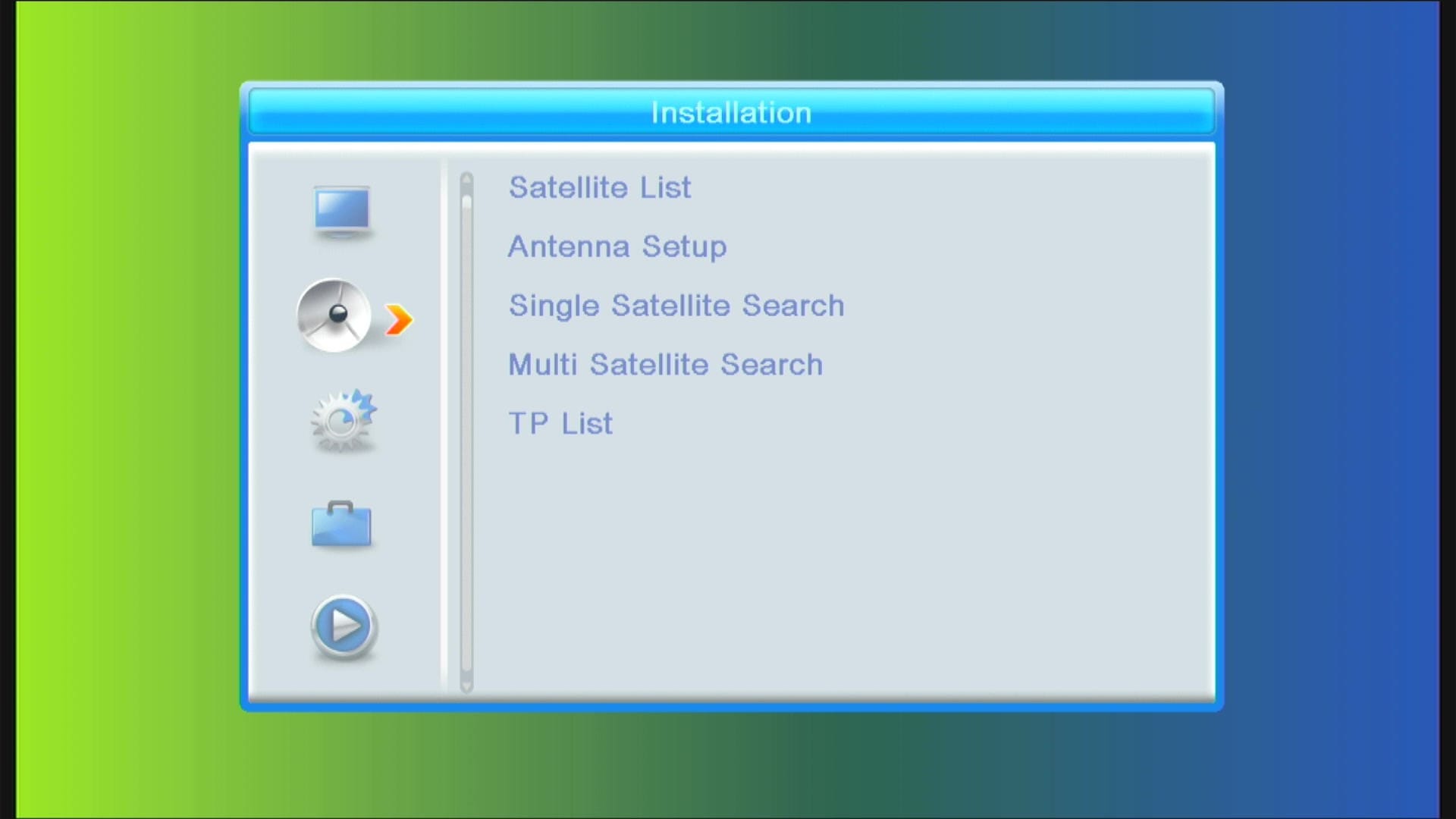
✅ Modern & Stylish Menu Design
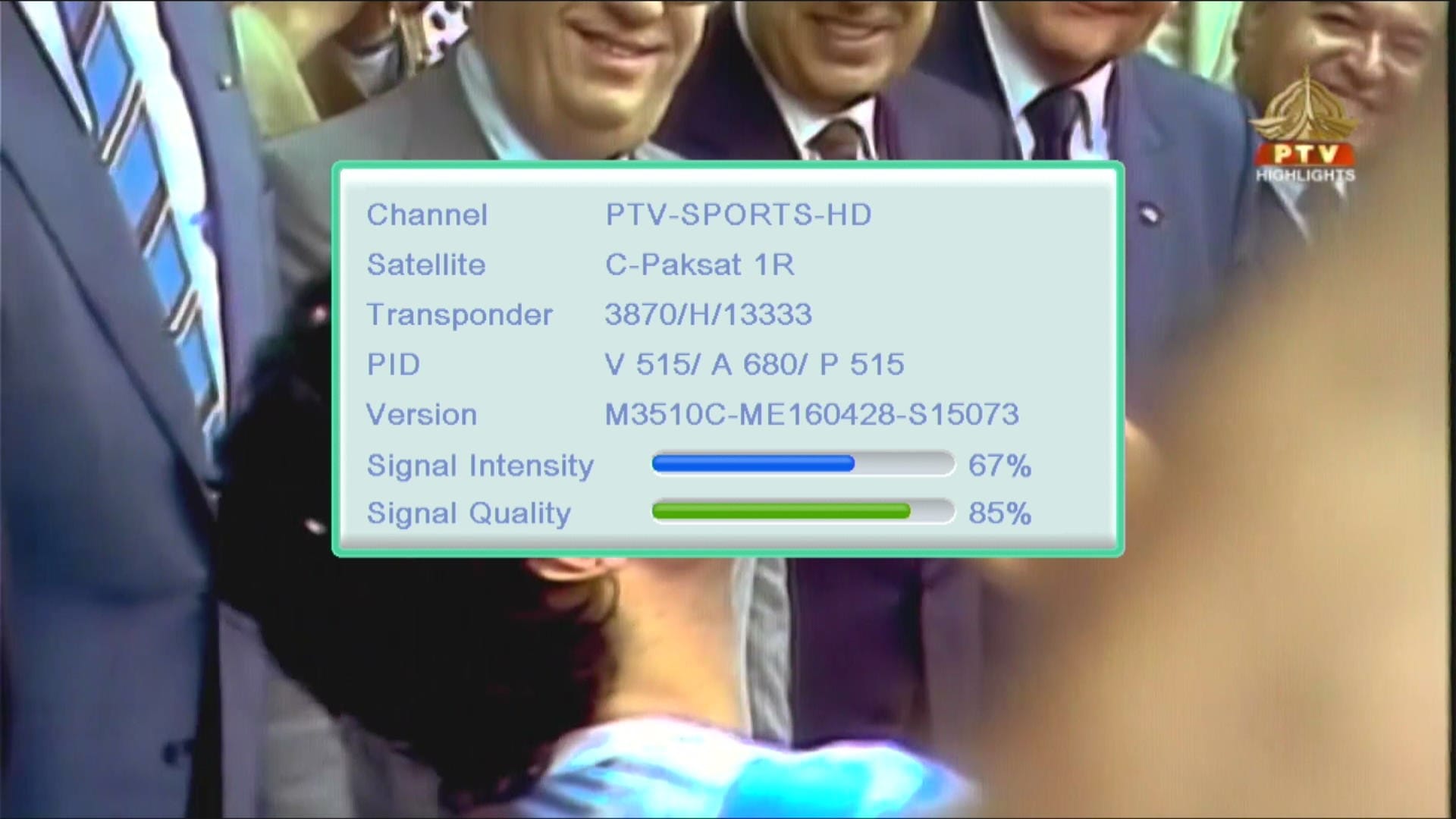
✅ Signal Indicator
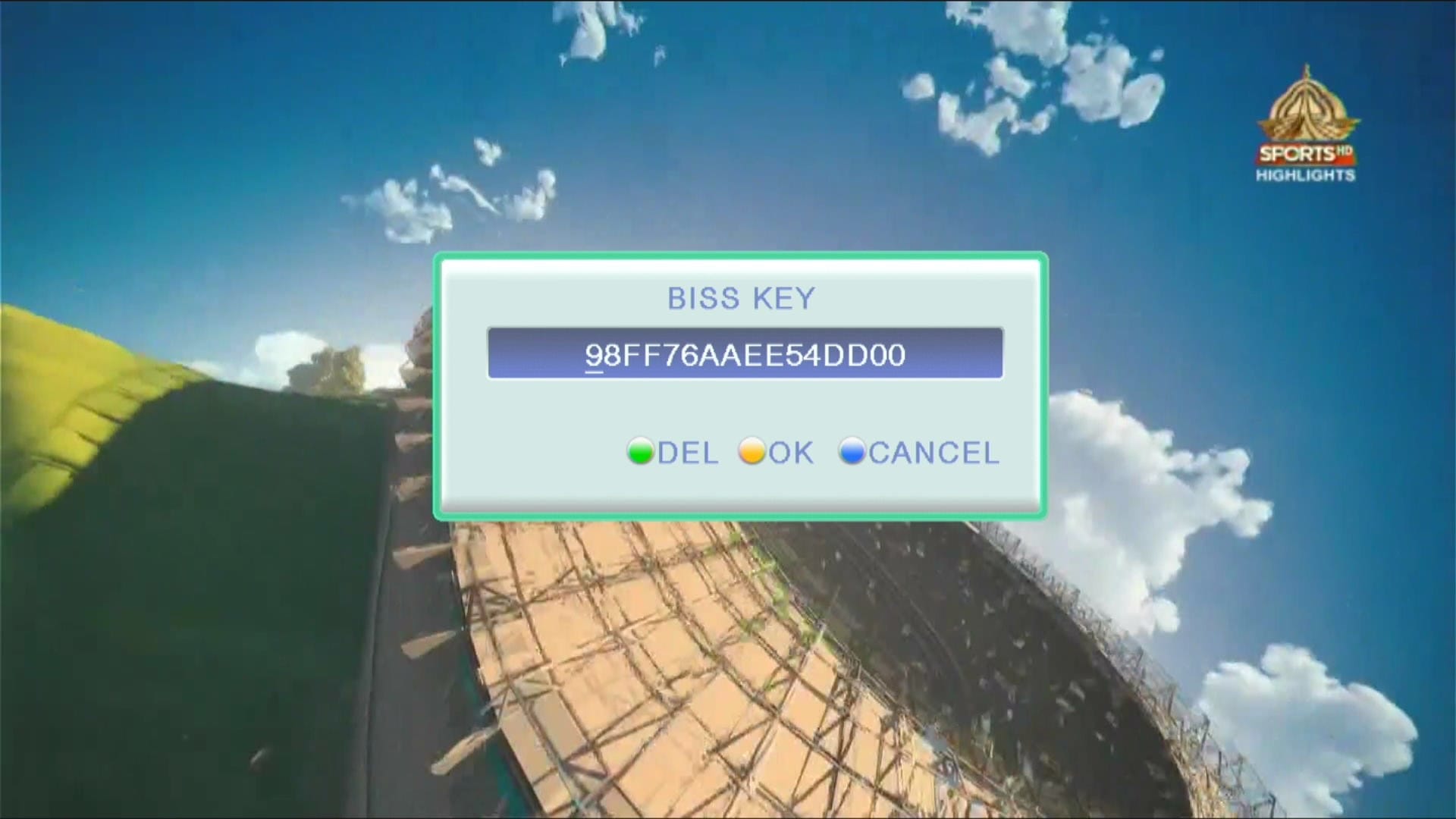
✅ Biss Key add with 0 Button

✅ F1F2 Remote Supported
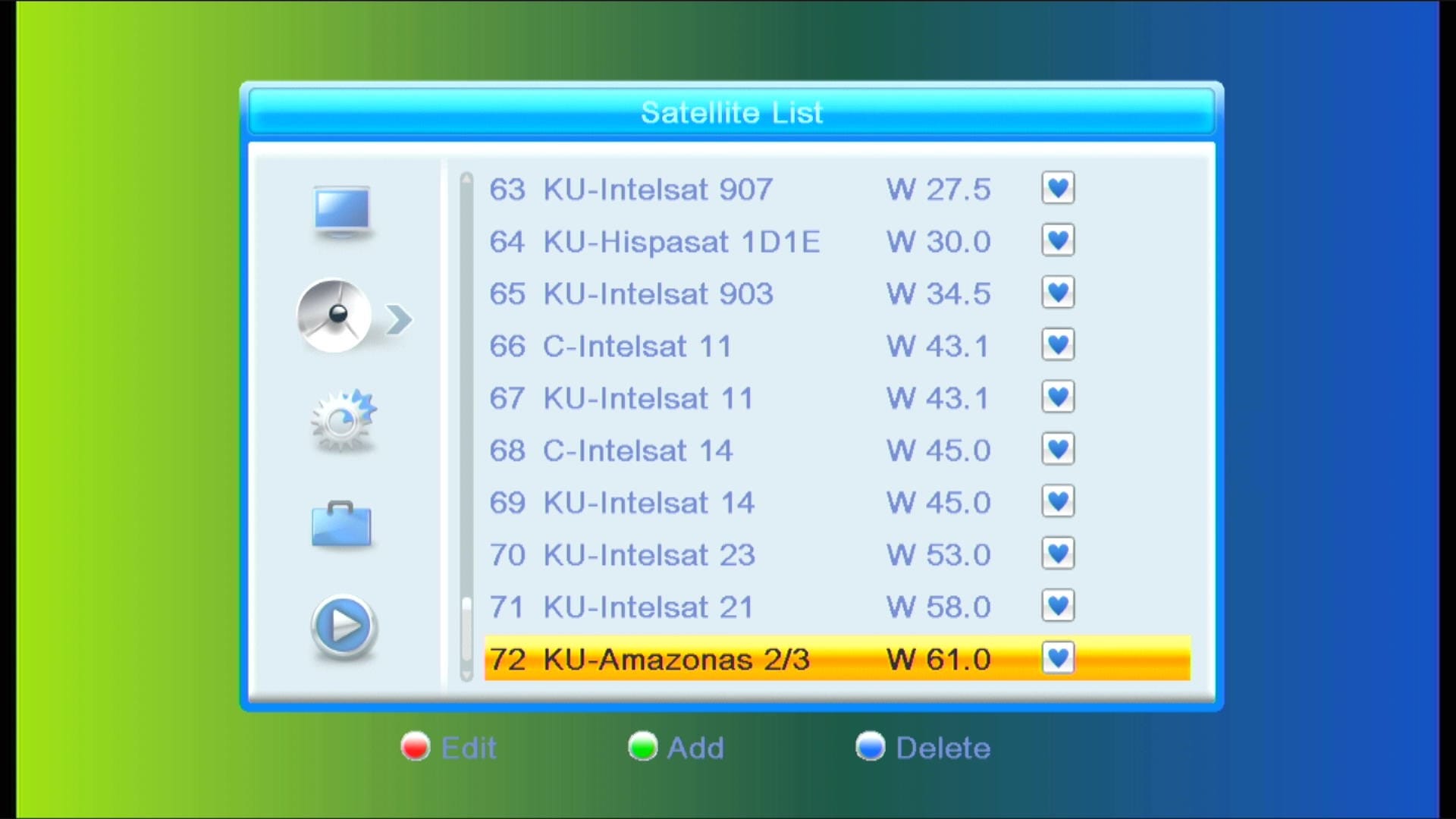
✅ 72 Satellites Added
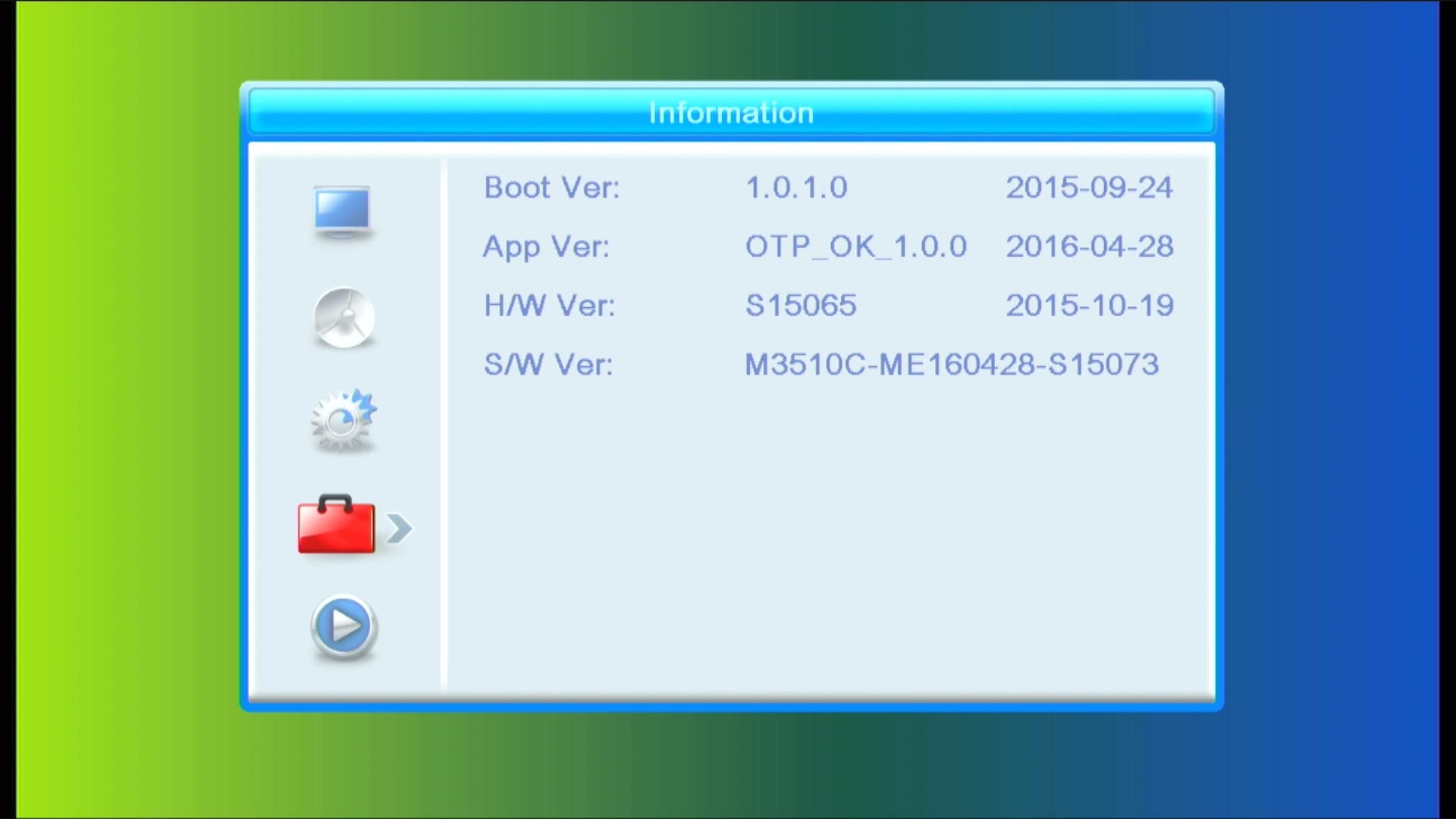
✅ Updated System Information

✅ Beautiful Channel Dialogue Box
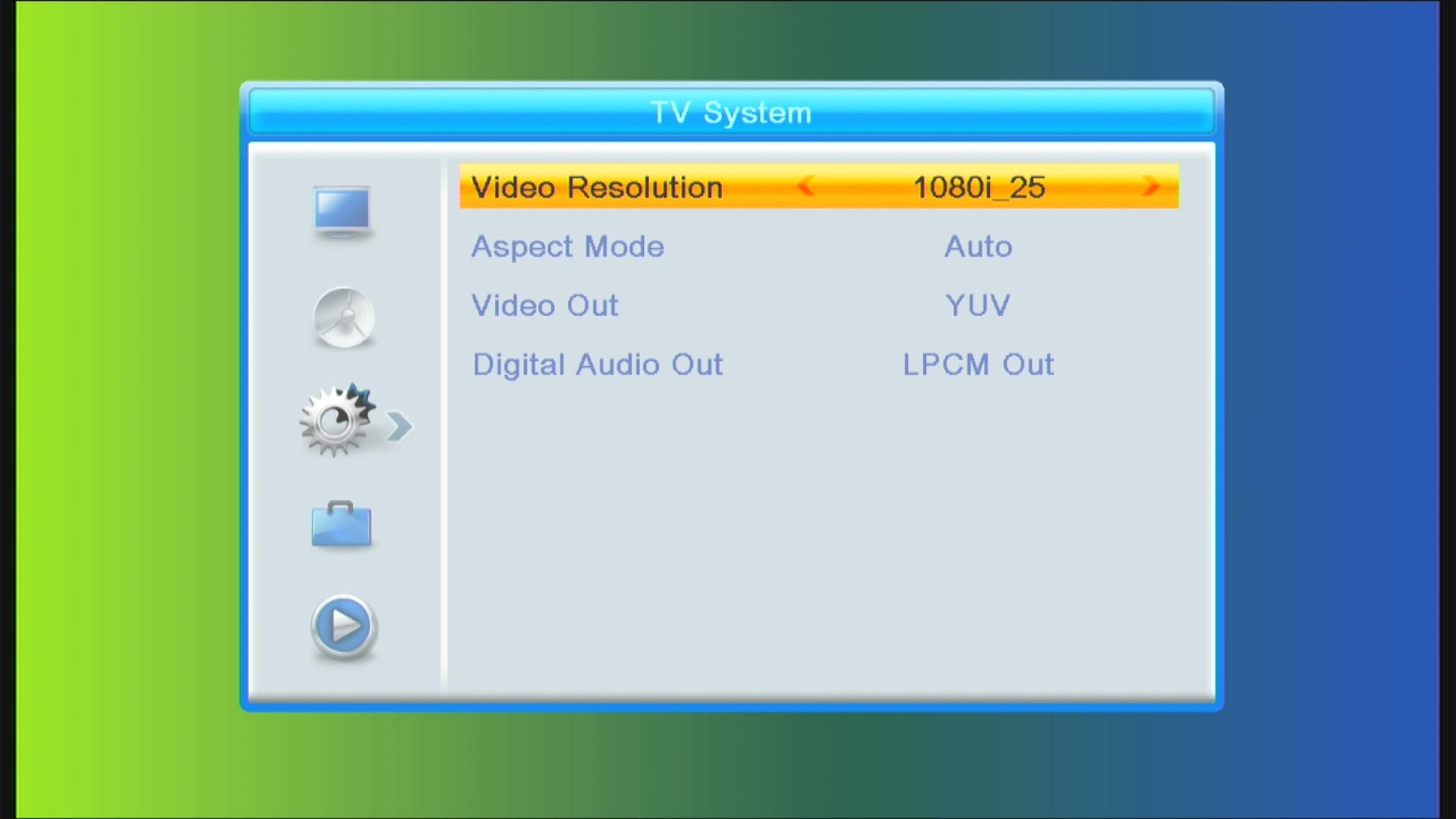
✅ Channel Manager
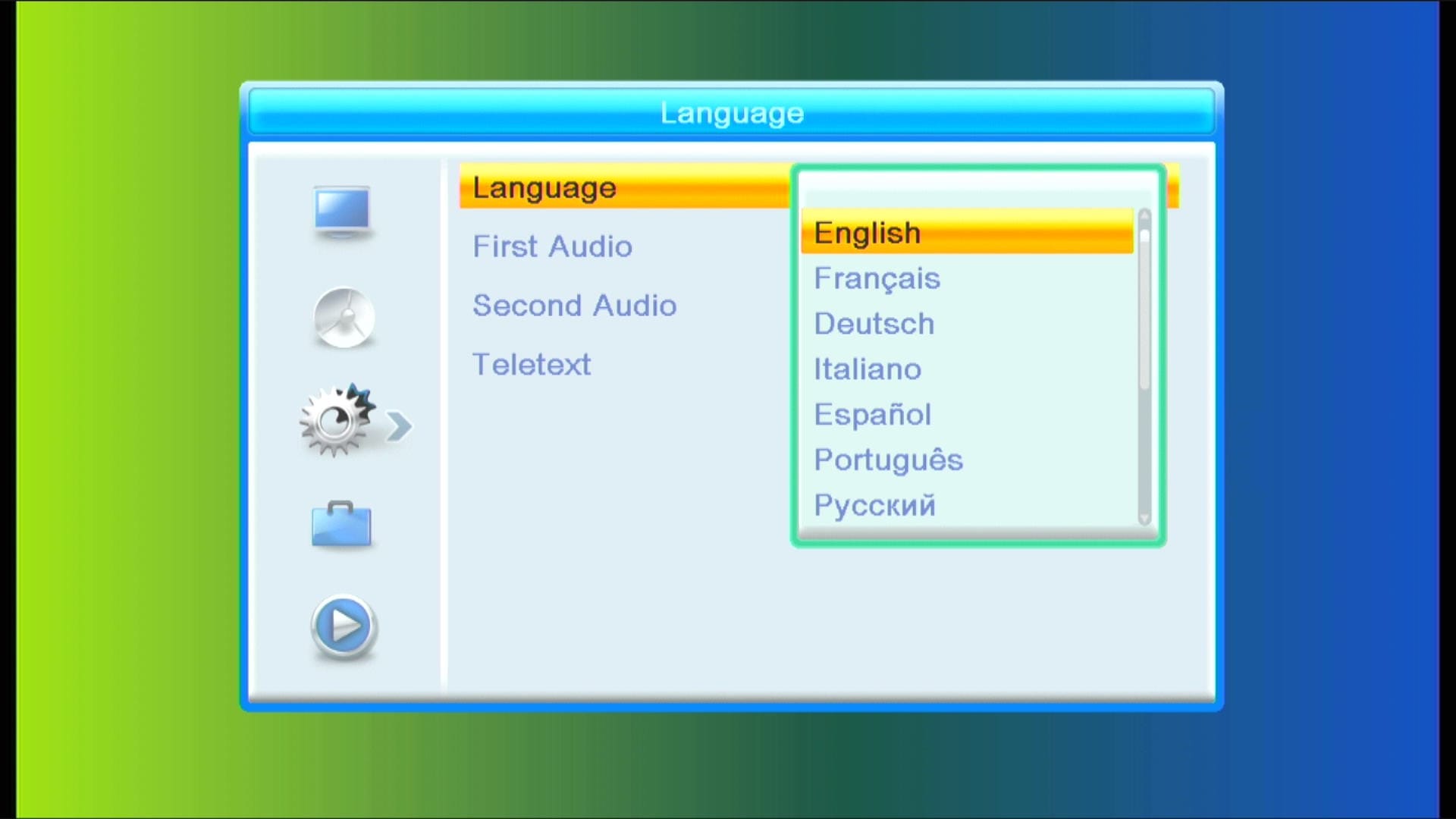
✅ Multi Languages Added
🎥 GX6605S New Software 2026 – Video Review

Note: Videos are embedded via YouTube LYTE for improved performance.
📥 Ali3510c New Software 2026
Click the button below to download the latest Ali3510c New Software 2025 for free.
📁 File Details
⚙️ Processor:
🛠️ SW Version:
💾 File Size:
⬇️ Downloads:
👤 Uploader:
⚠️ Report: