
Marvel 777 1506HV New Software 2026 – PTV Sports BISS Key, TikTok & YouTube Working
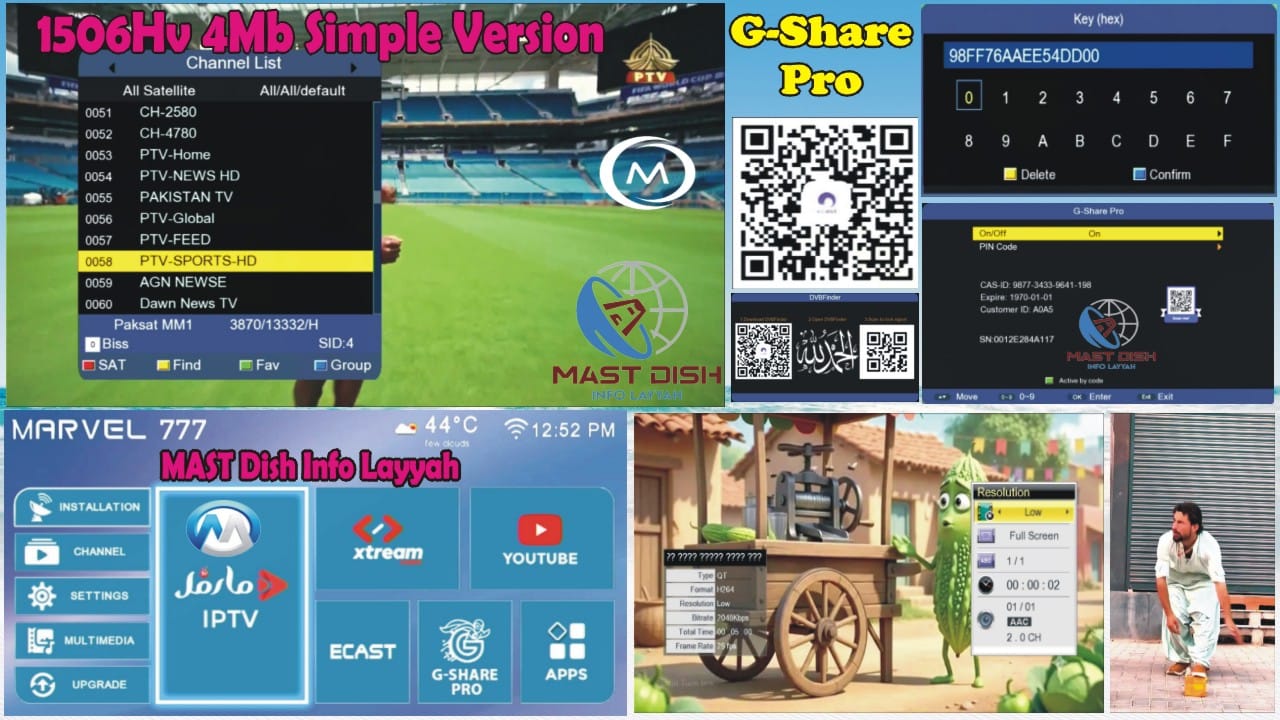
The latest Marvel 777 1506HV New Software 2026 is now available for 4MB receivers. This firmware delivers improved performance, better stability, and several new features, including PTV Sports BISS Key support, GShare Pro, TikTok Working, and YouTube Working.
Compatible Model
- Marvel 777 1506HV 4MB Receiver
Supported Remotes
- 1506 Remote
- NK Remote
Key Features
- ✅ PTV Sports BISS Key Support
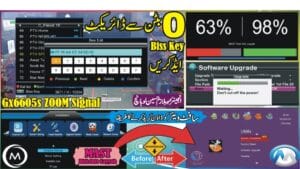
- 🔑 Direct BISS Key Entry with the 0 Button
- ✅ GShare Pro Added
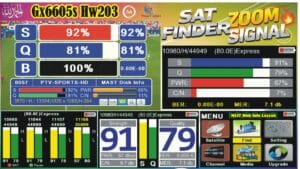
- 📶 Signal Indicator Added
- 📺 YouTube Working Perfectly
- 🎵 TikTok Working
- 🔗 Nashare Support
- 🔗 Nashare V2 Support
- 📡 Gosat Plus Added
- 📡 DVB Finder Option Added
- 📶 MT-7601 WiFi Catcher Support
- 📱 E-Cast Feature Added
- 🛠 Hidden Menu (Press 1506 in Multimedia)
- 🆔 Customer ID Check (Press 1502 in System Information)
PTV Sports BISS Key Support
This software includes direct BISS Key support for PTV Sports. Users can quickly enter or update the BISS key using the 0 Button, making it easier to configure supported broadcasts whenever required.
Software Information
- Customer ID: 13 52 FF 32 06 00
Installation Method
- DQcam Users: Install via USB Flash Drive.
- DScam Users: Install using a Loader Tool or Programmer.
Important Note
Before installing this firmware, verify that your receiver is a compatible Marvel 777 1506HV 4MB model. Installing firmware on an unsupported receiver may result in compatibility issues.
Conclusion
The Marvel 777 1506HV New Software 2026 is a feature-rich update offering PTV Sports BISS Key support, GShare Pro, TikTok Working, YouTube Working, Nashare V2, DVB Finder, and MT-7601 WiFi Catcher compatibility for an enhanced receiver experience.
“`🔥 What’s New in This 1506Hv New Software?
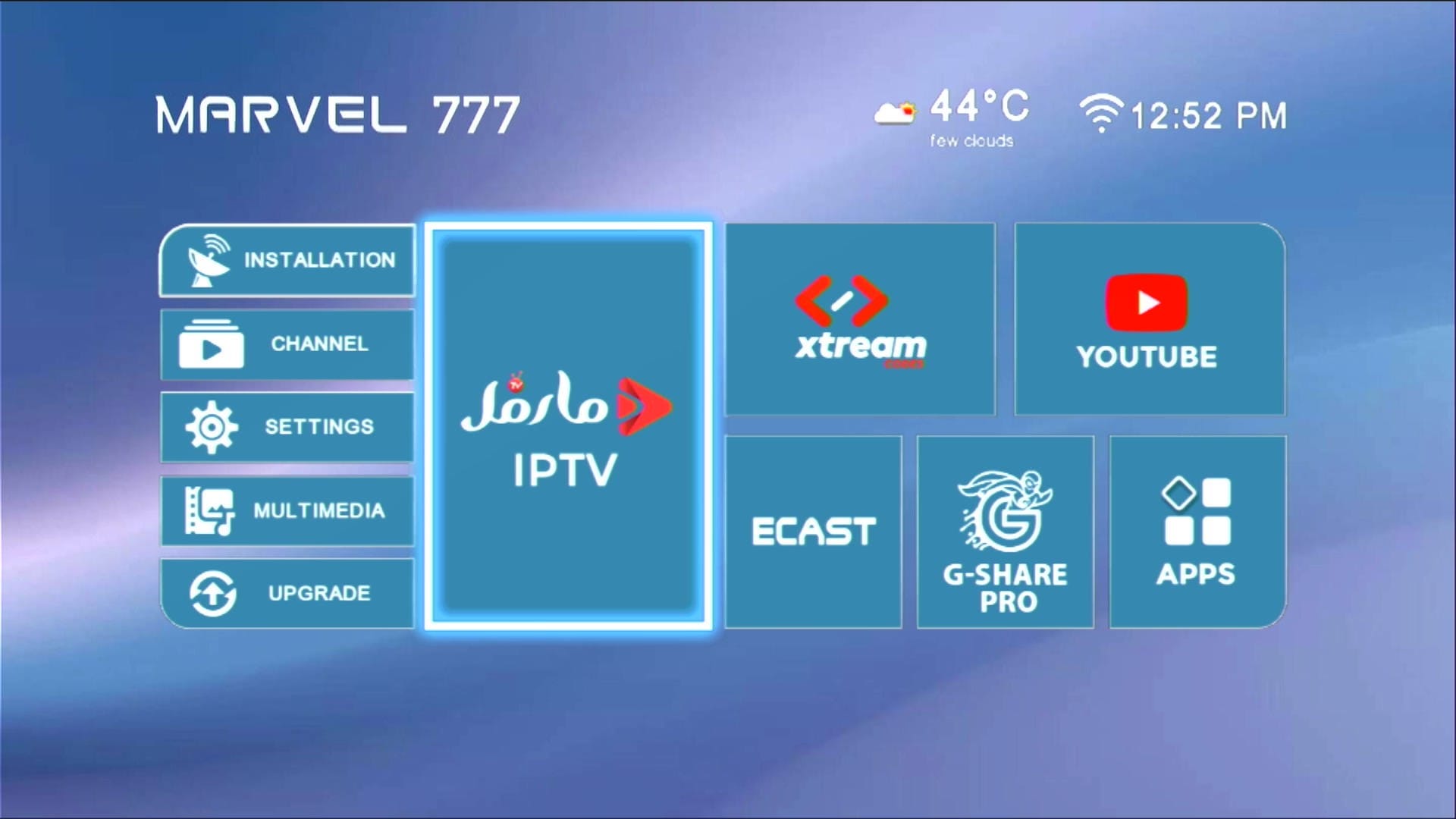
✅ Beautiful Theme & Modern UI
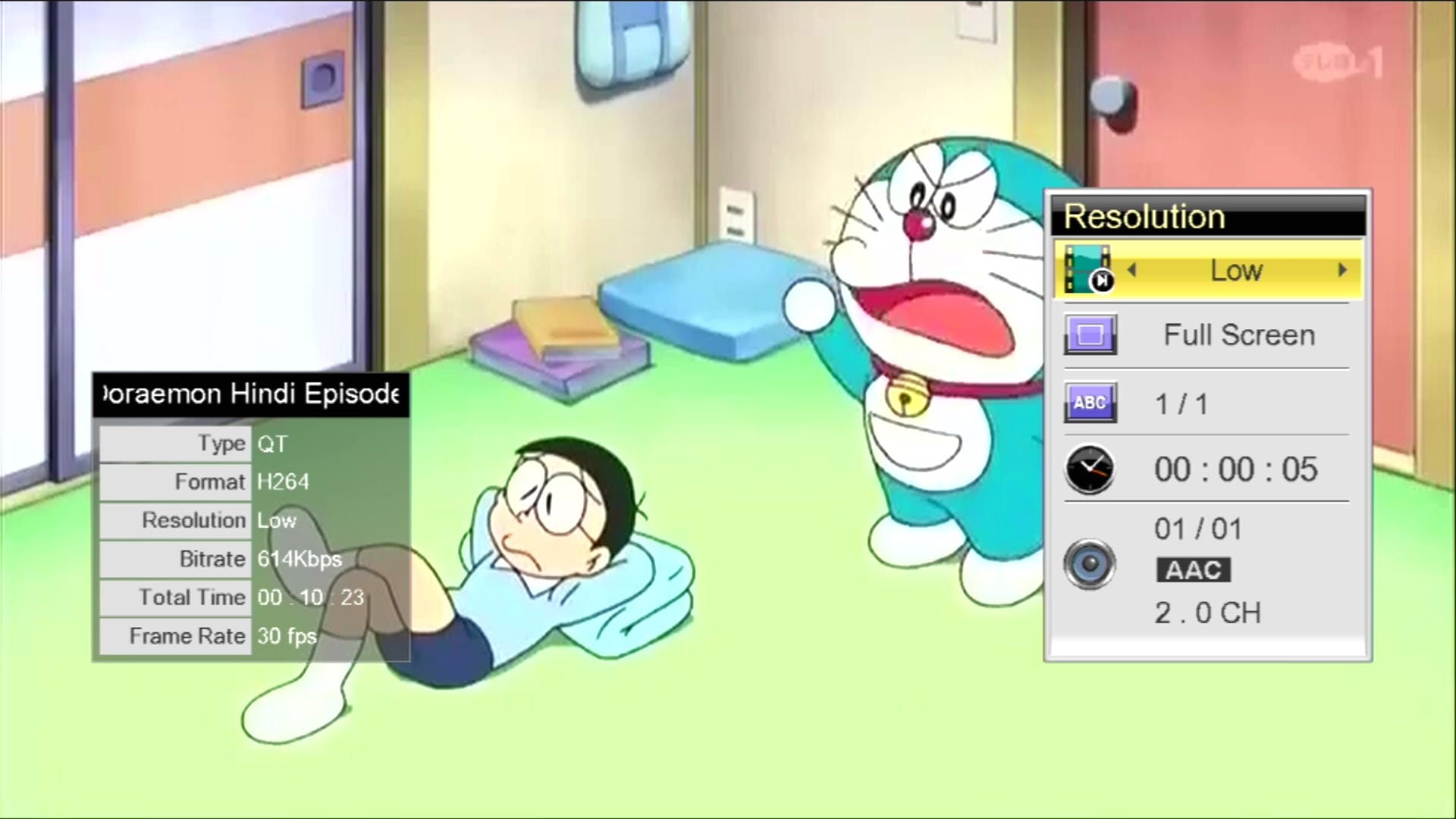
📺 YouTube Fully Working
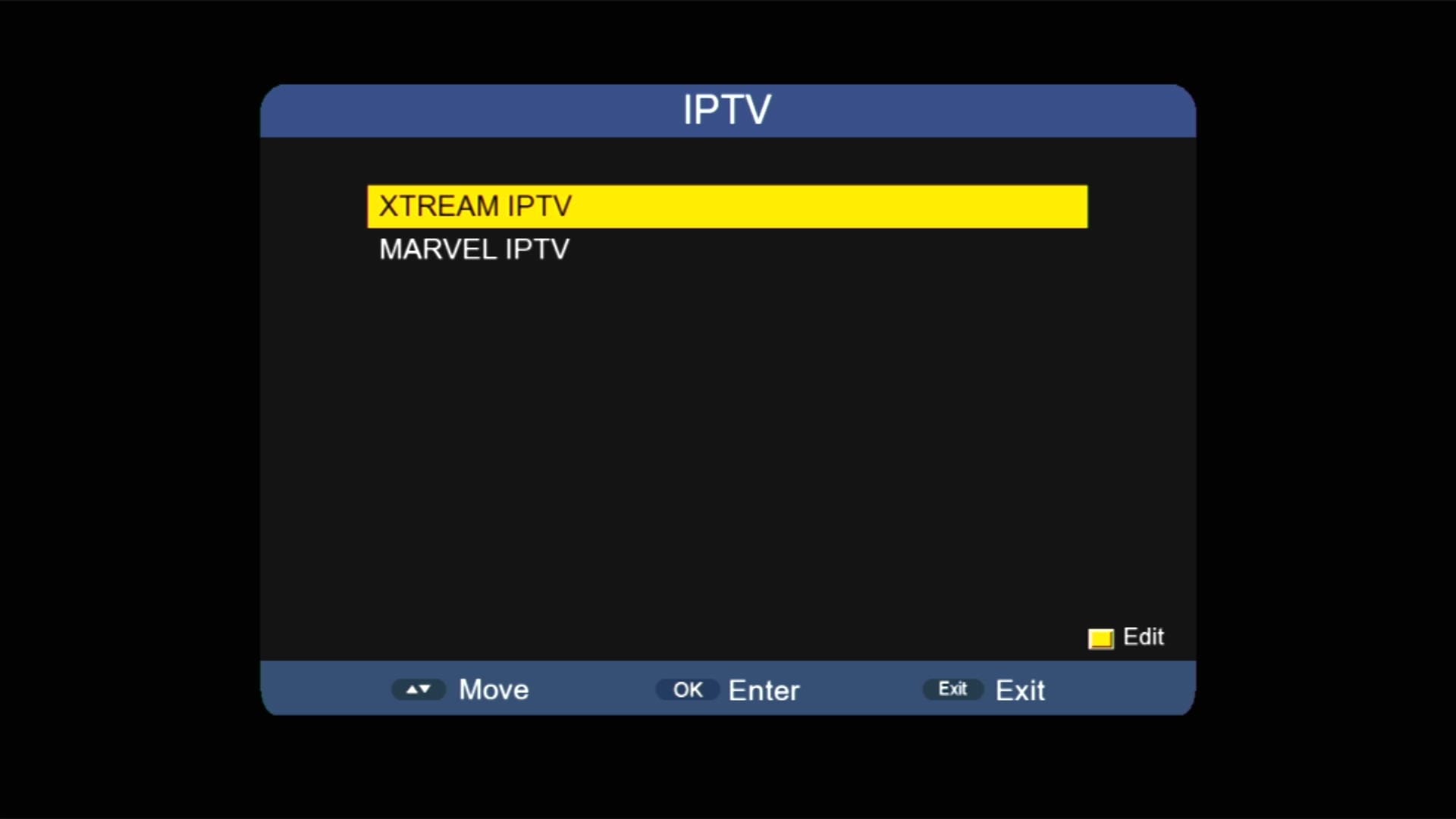
🌐 IPTV & Multiple Apps
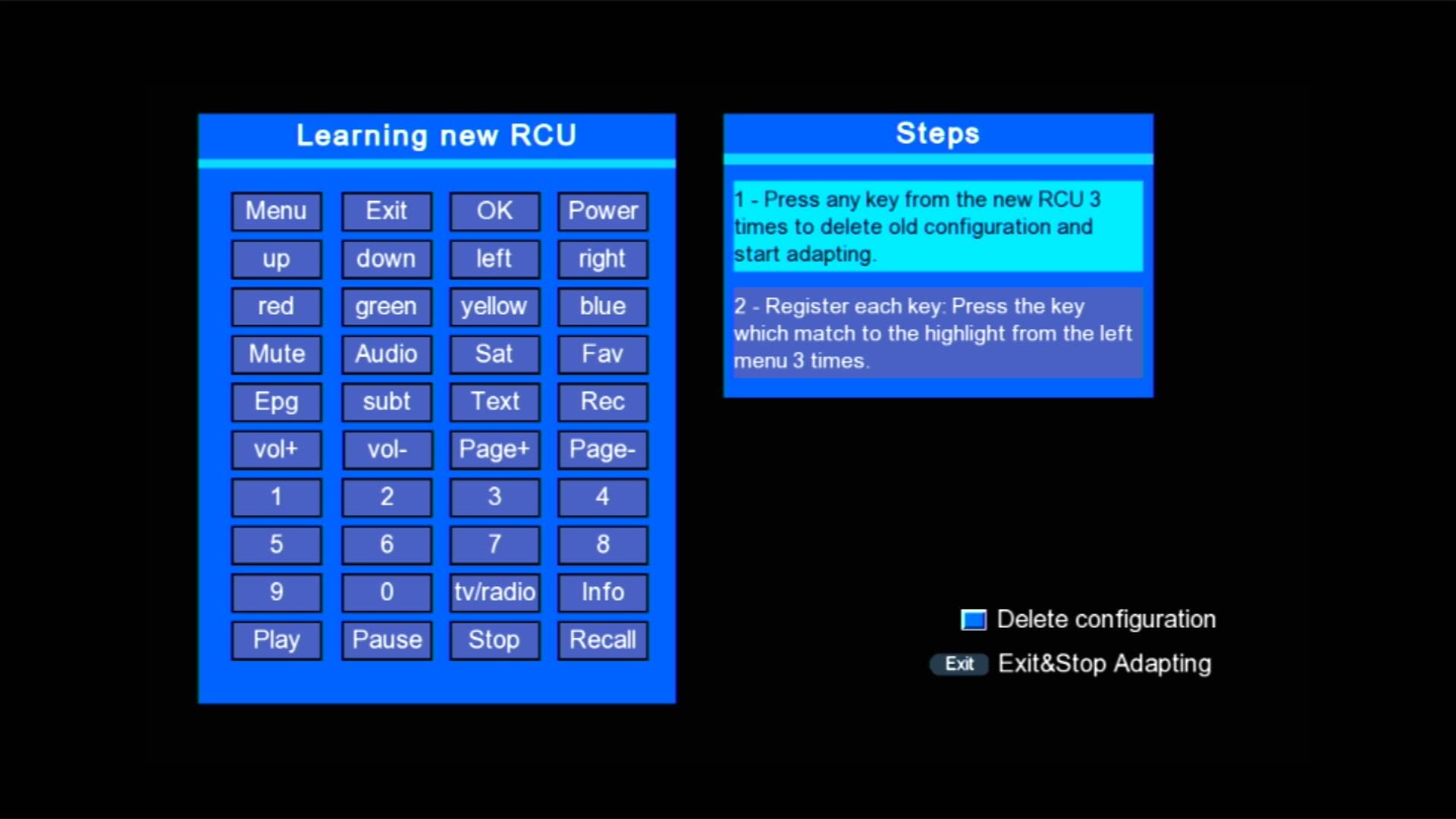
🌐 New RCU Added
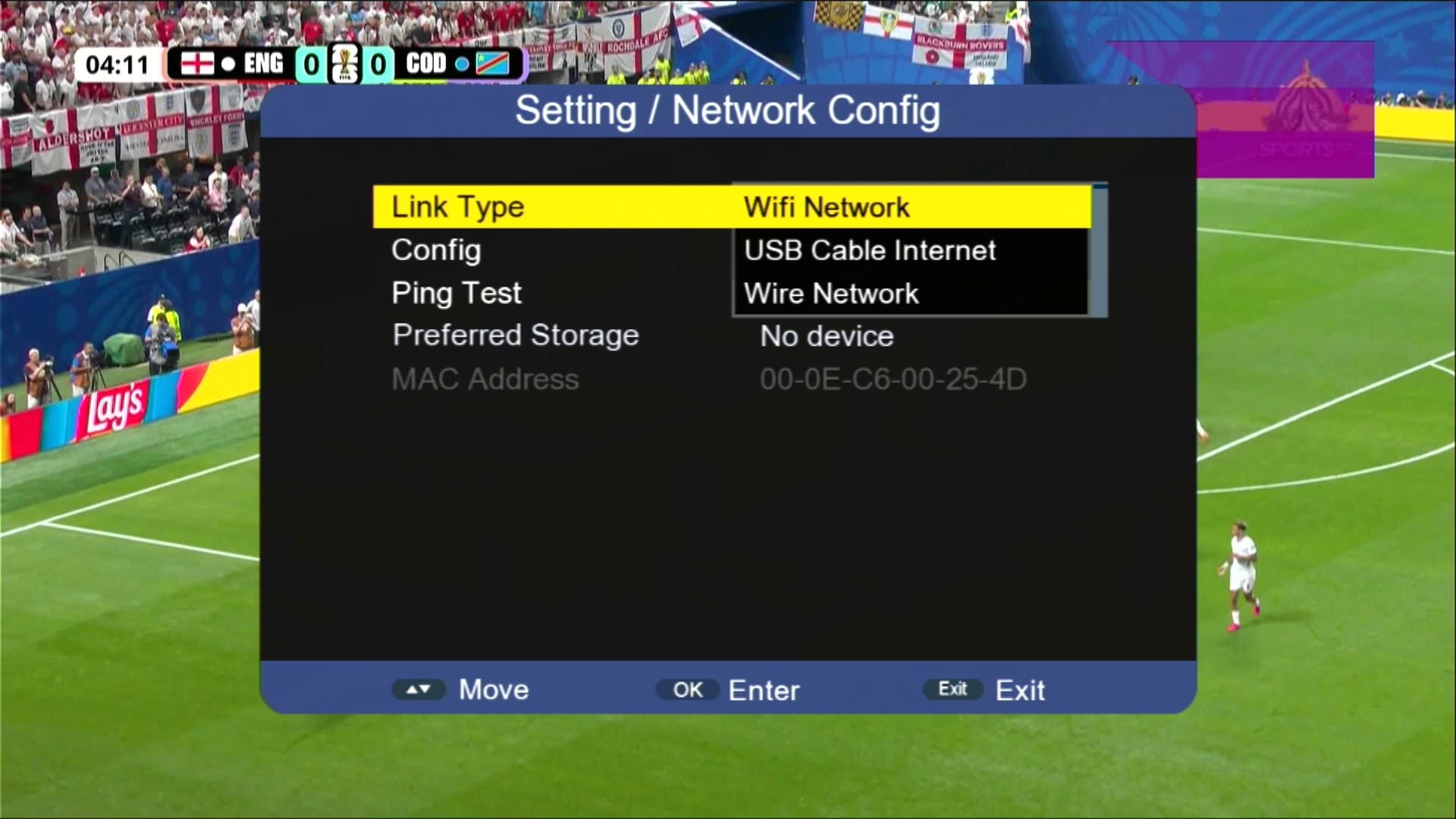
🎮 Networking Options
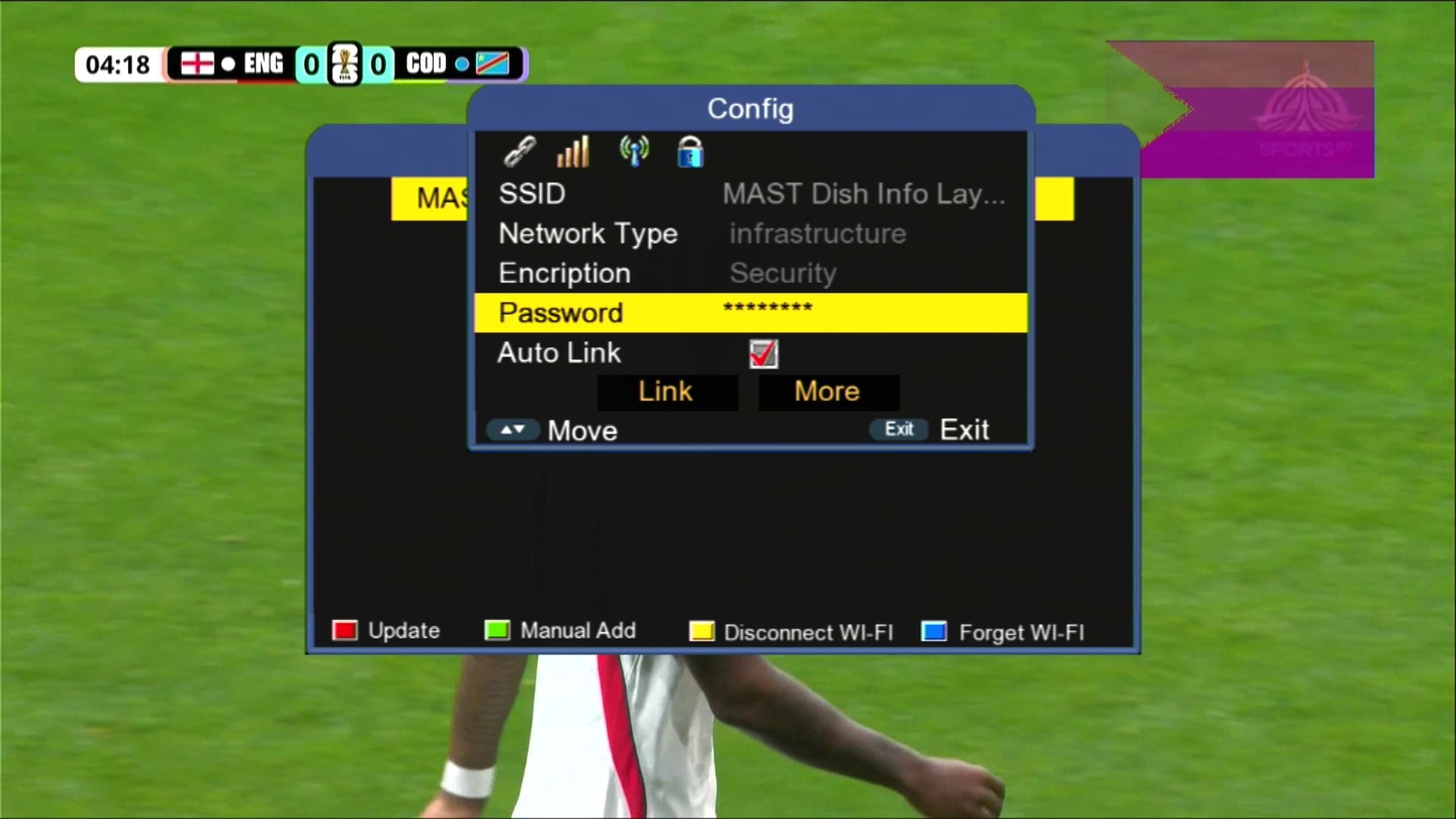
📡 Wi-Fi Catcher MT-7601 Working
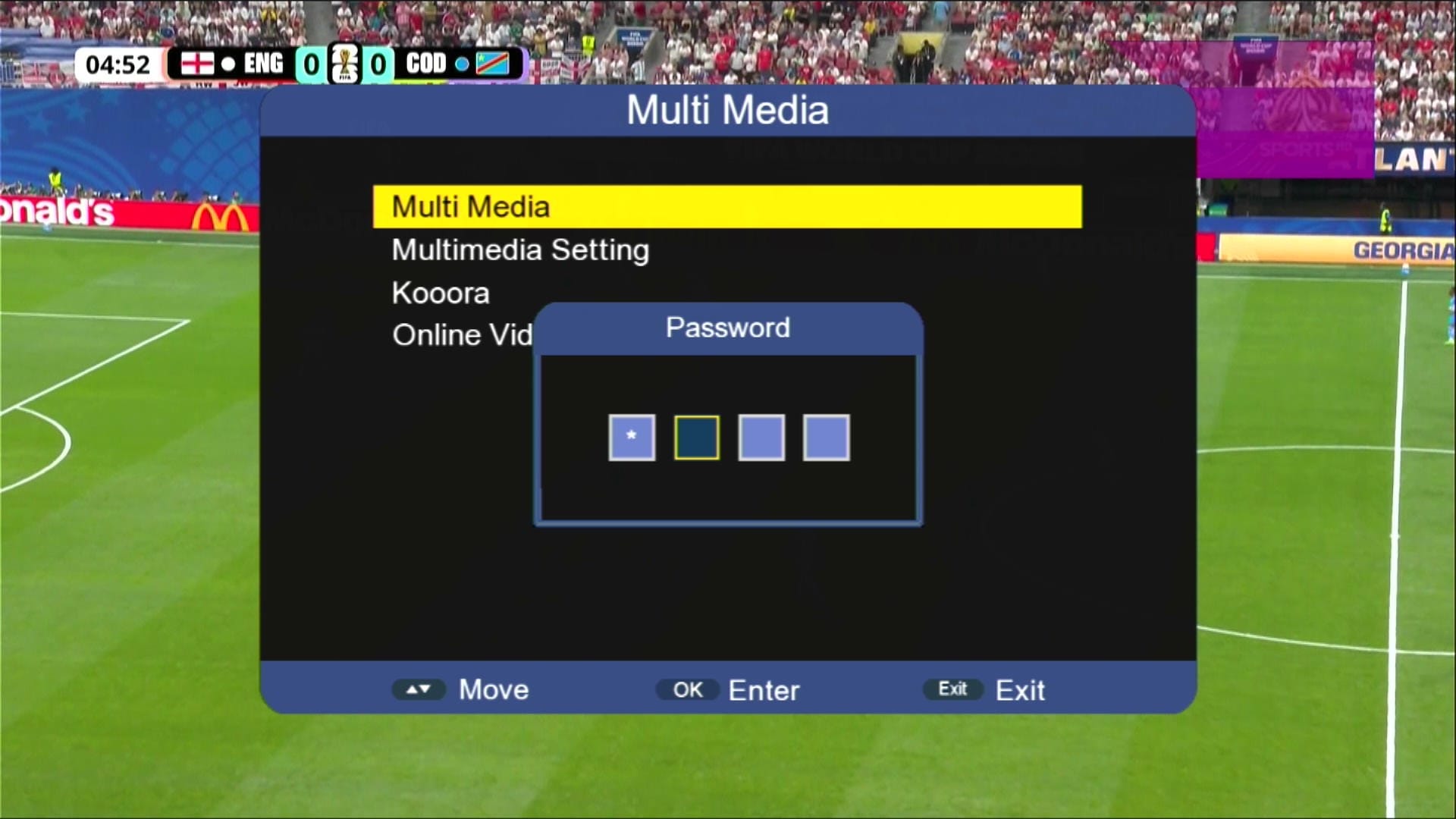
🔐 Press 1506 for Hidden Menu
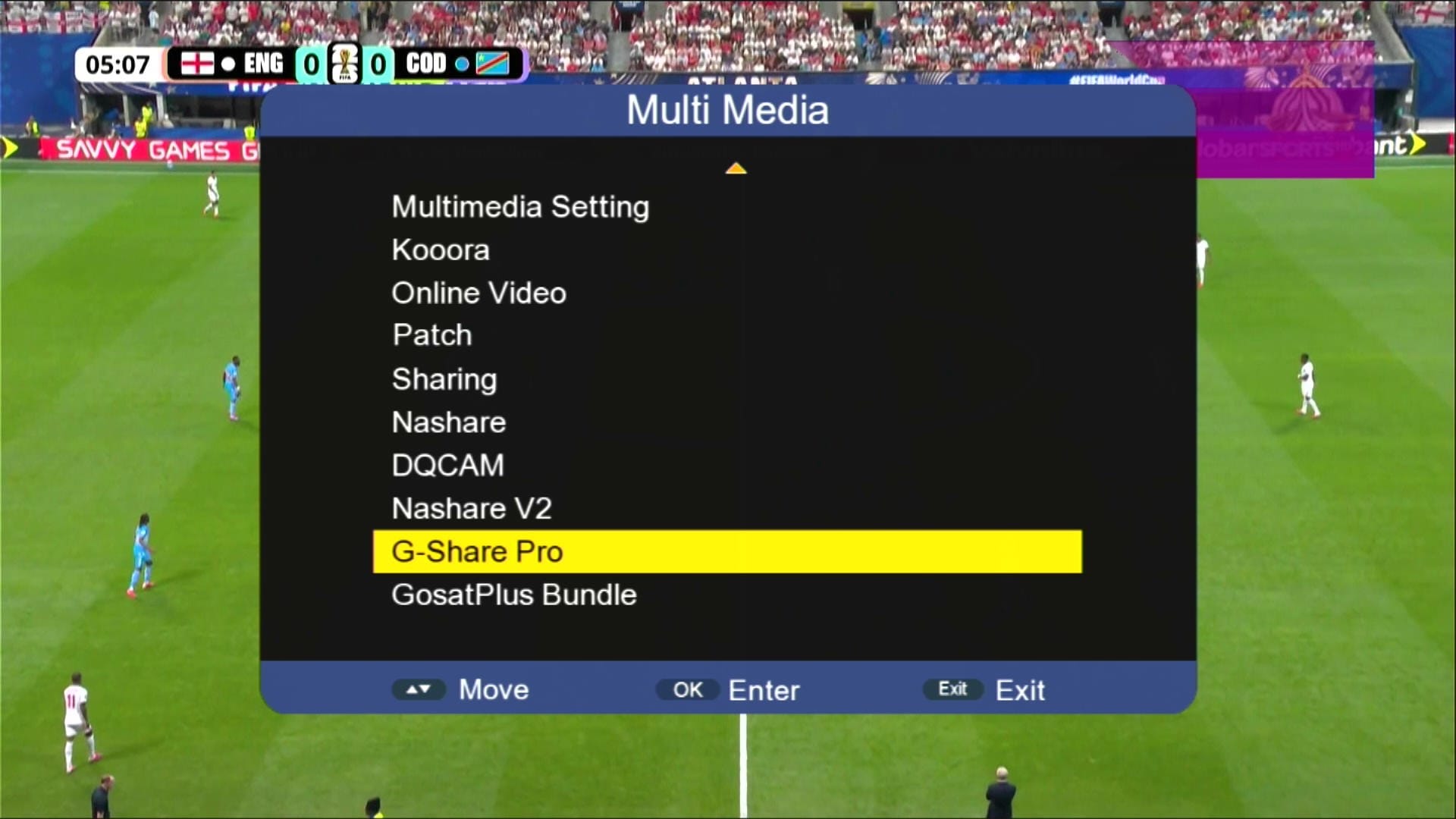
🎬 Multimedia Section
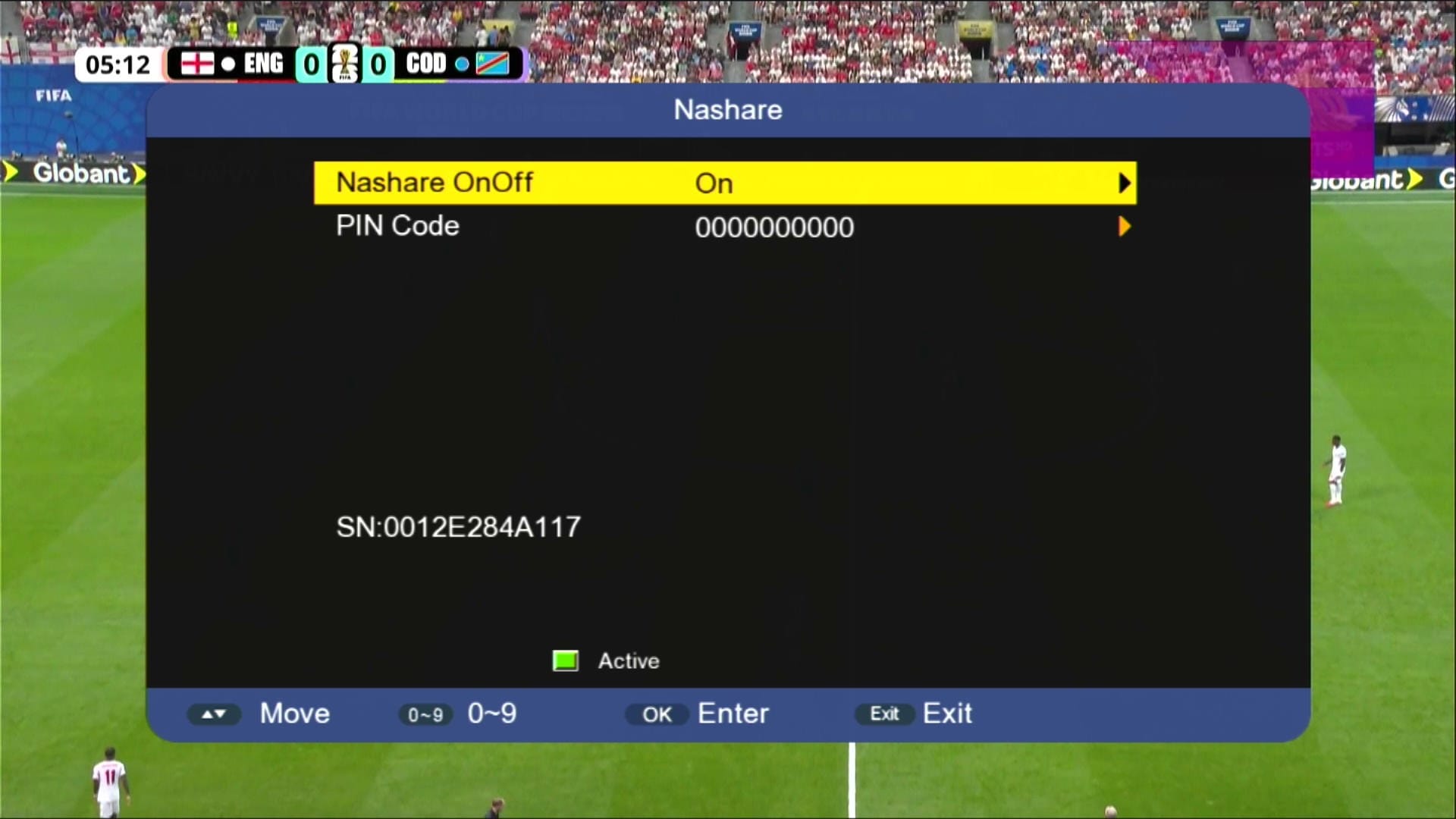
🎮 NASHARE Option
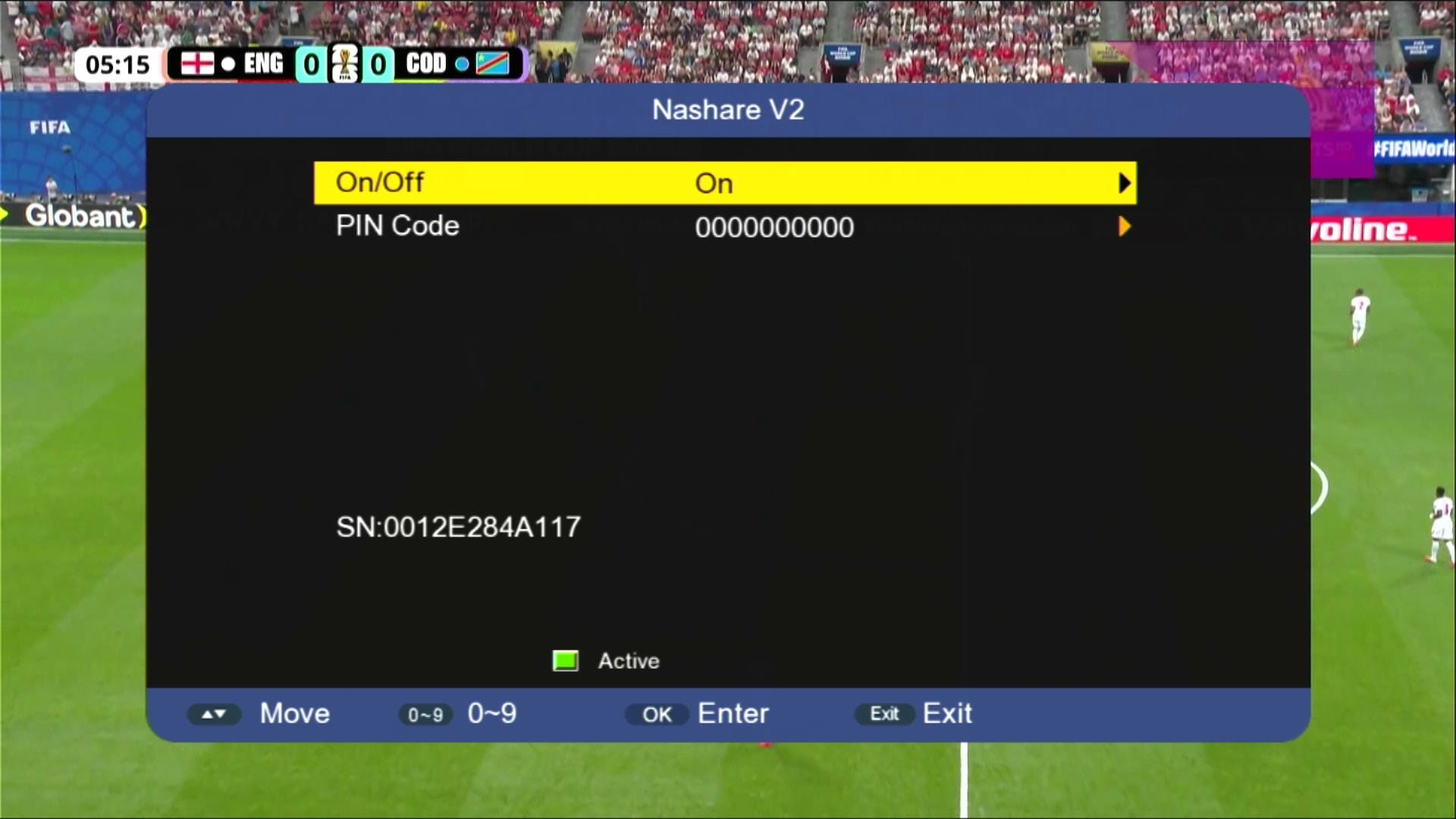
🎮 NASHARE V2 Option
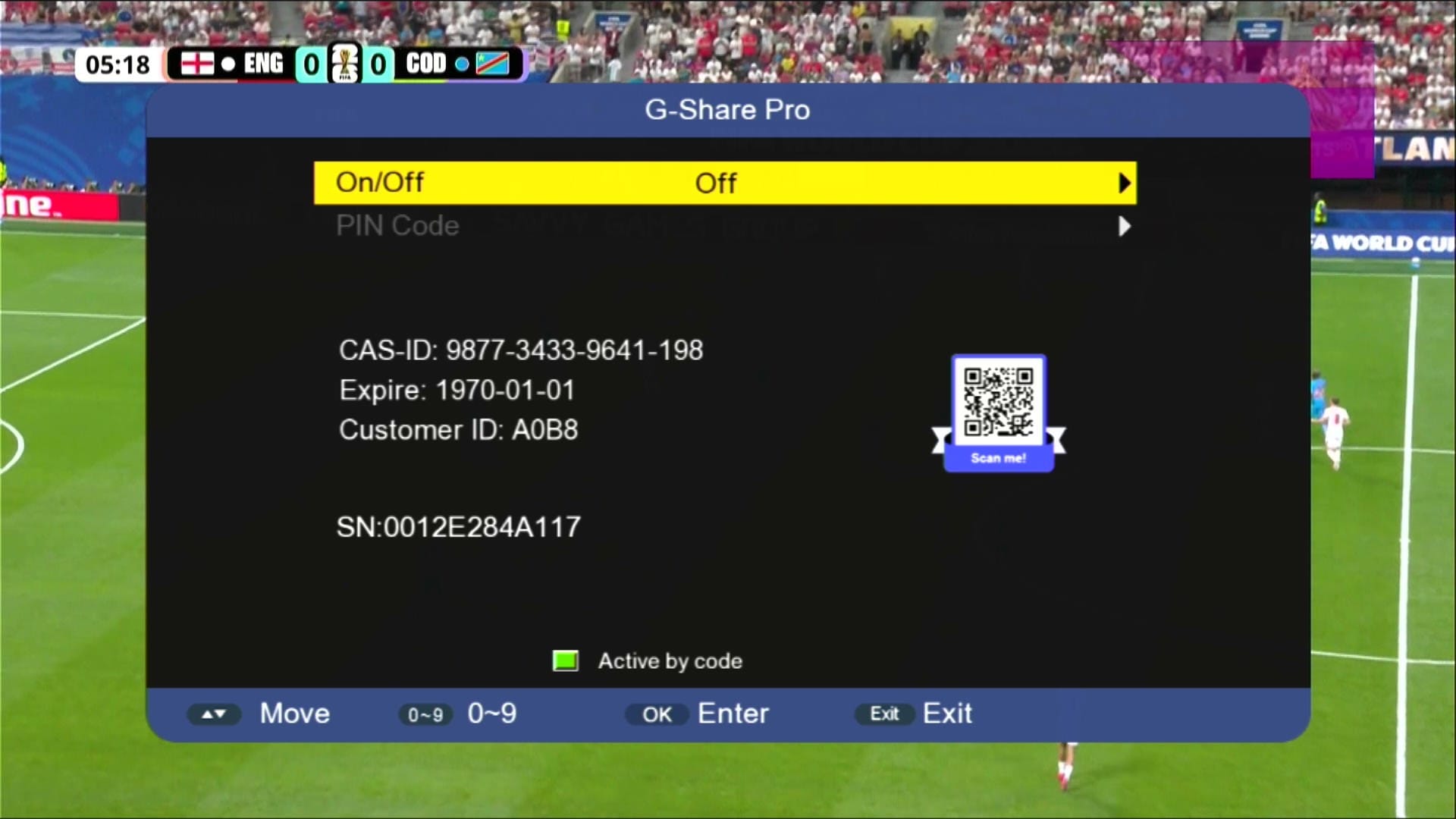
🎮 G Share Pro Option
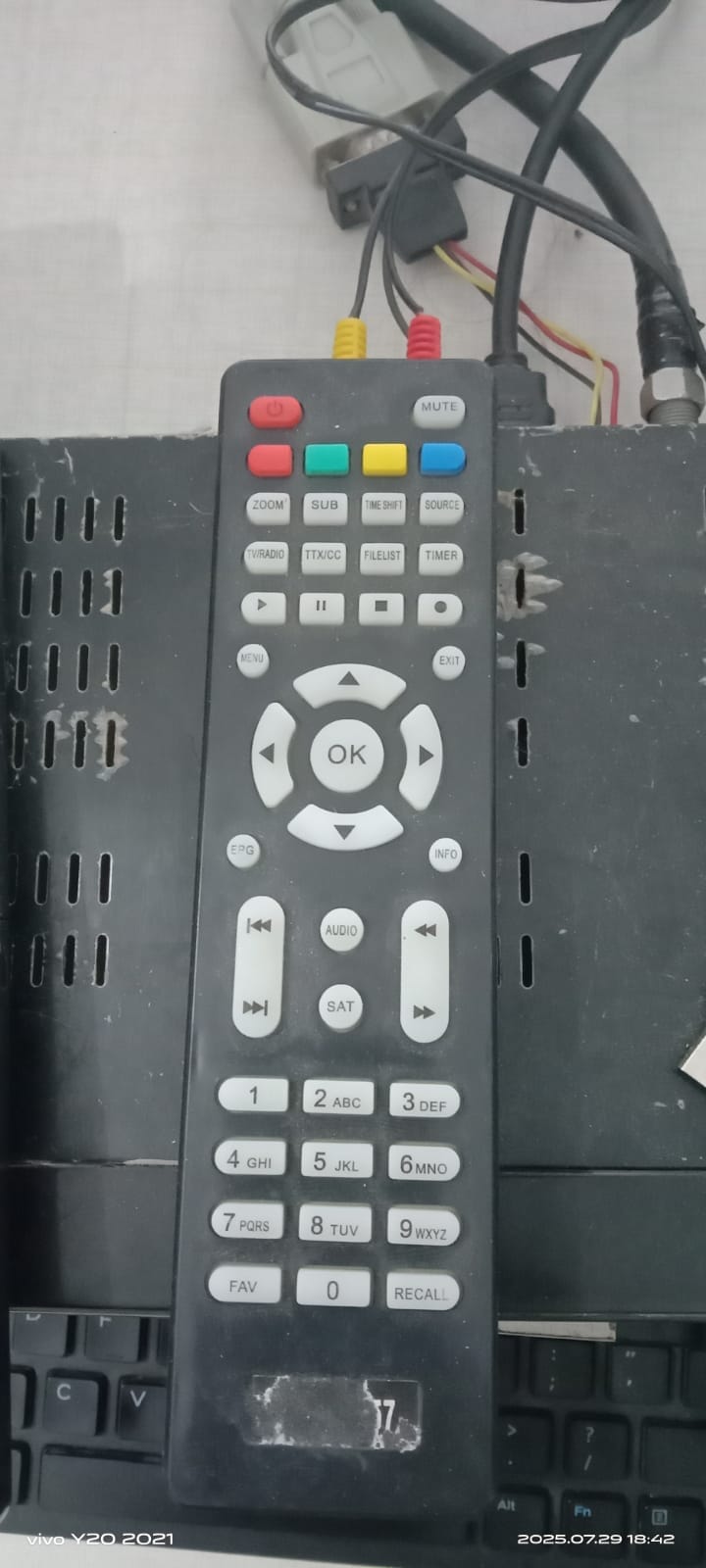
🎮 Remote Support (1506 & NK)
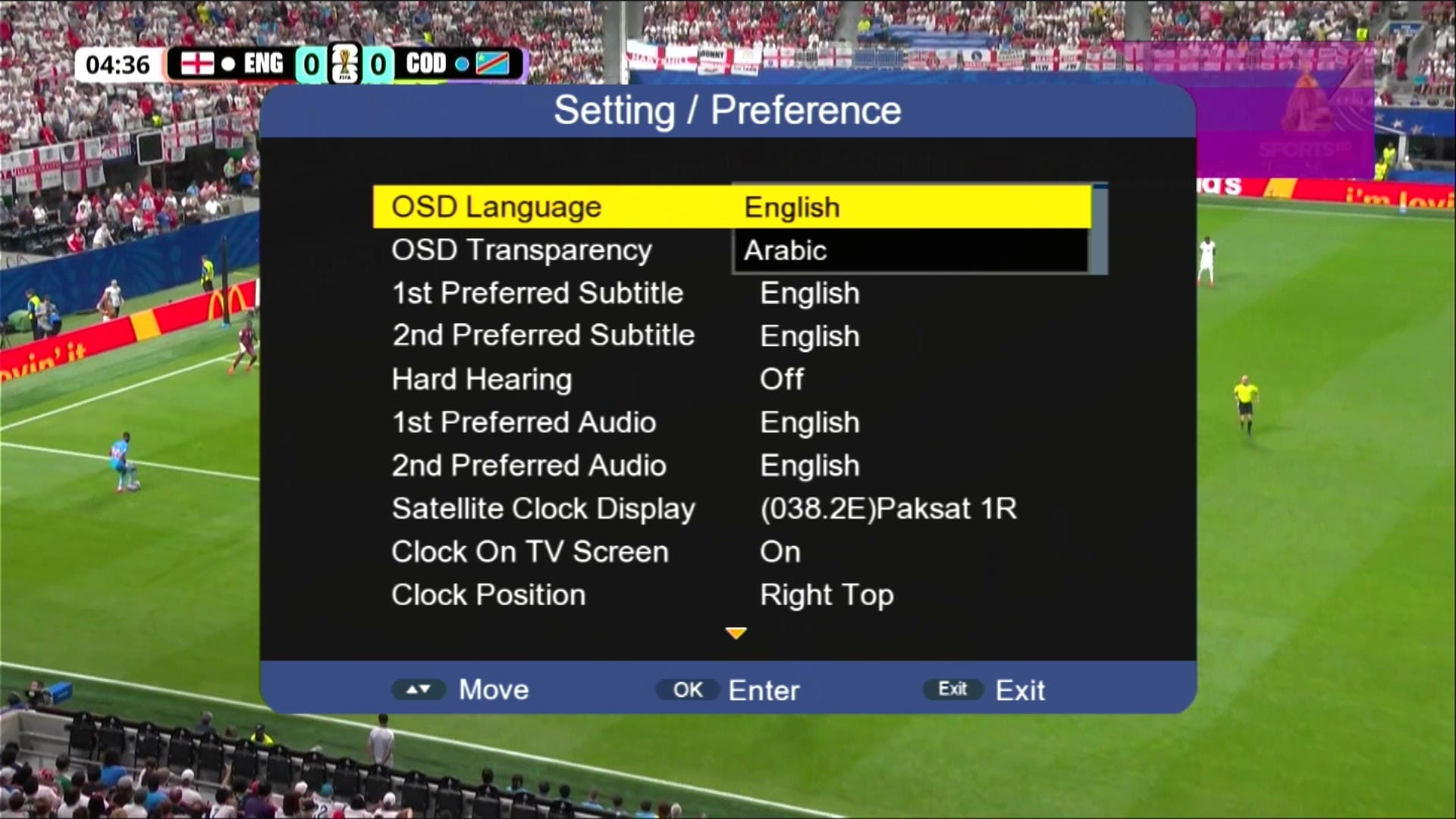
🖼 Multiple Languages Added
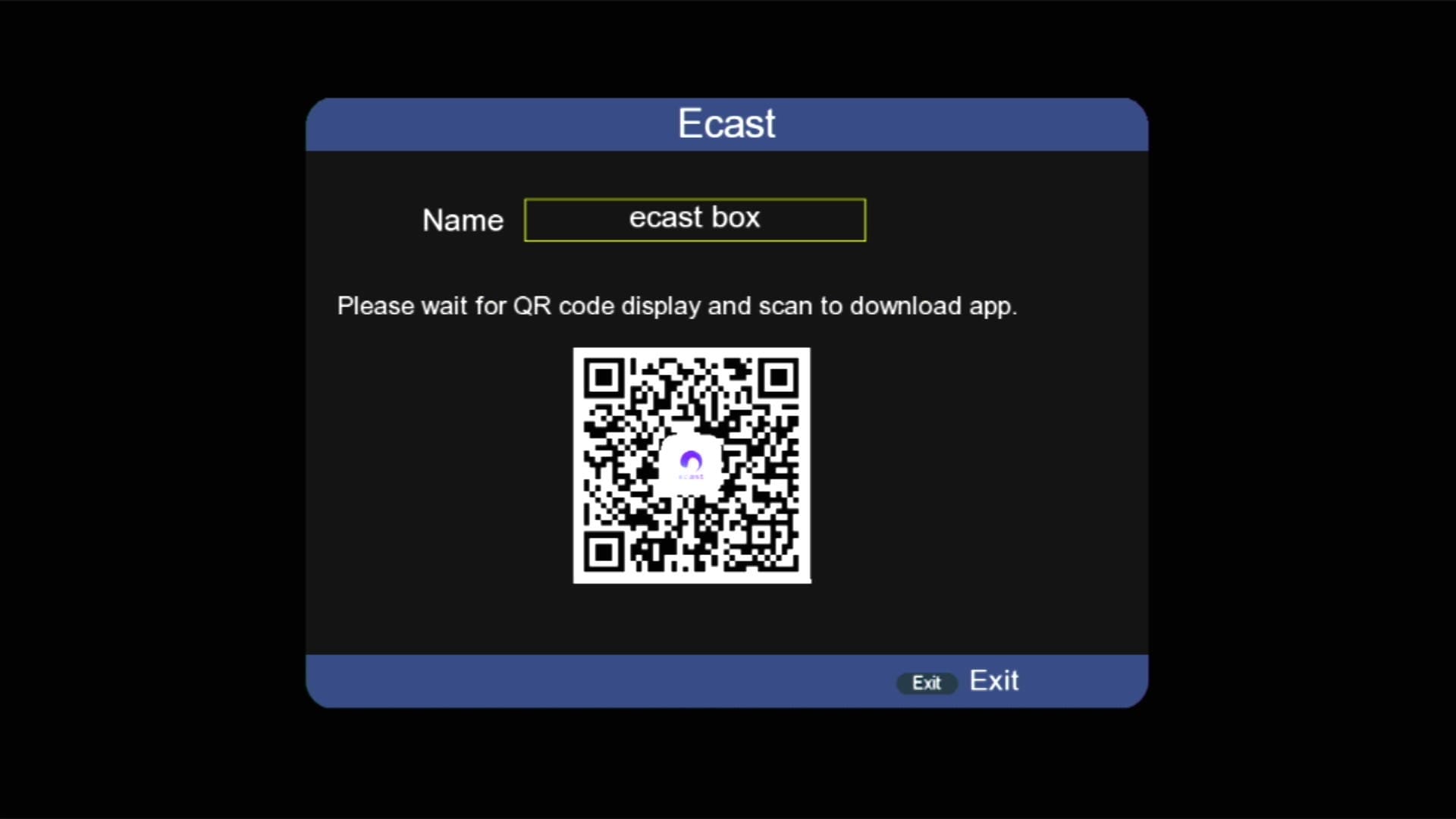
📱 E cast Option Added
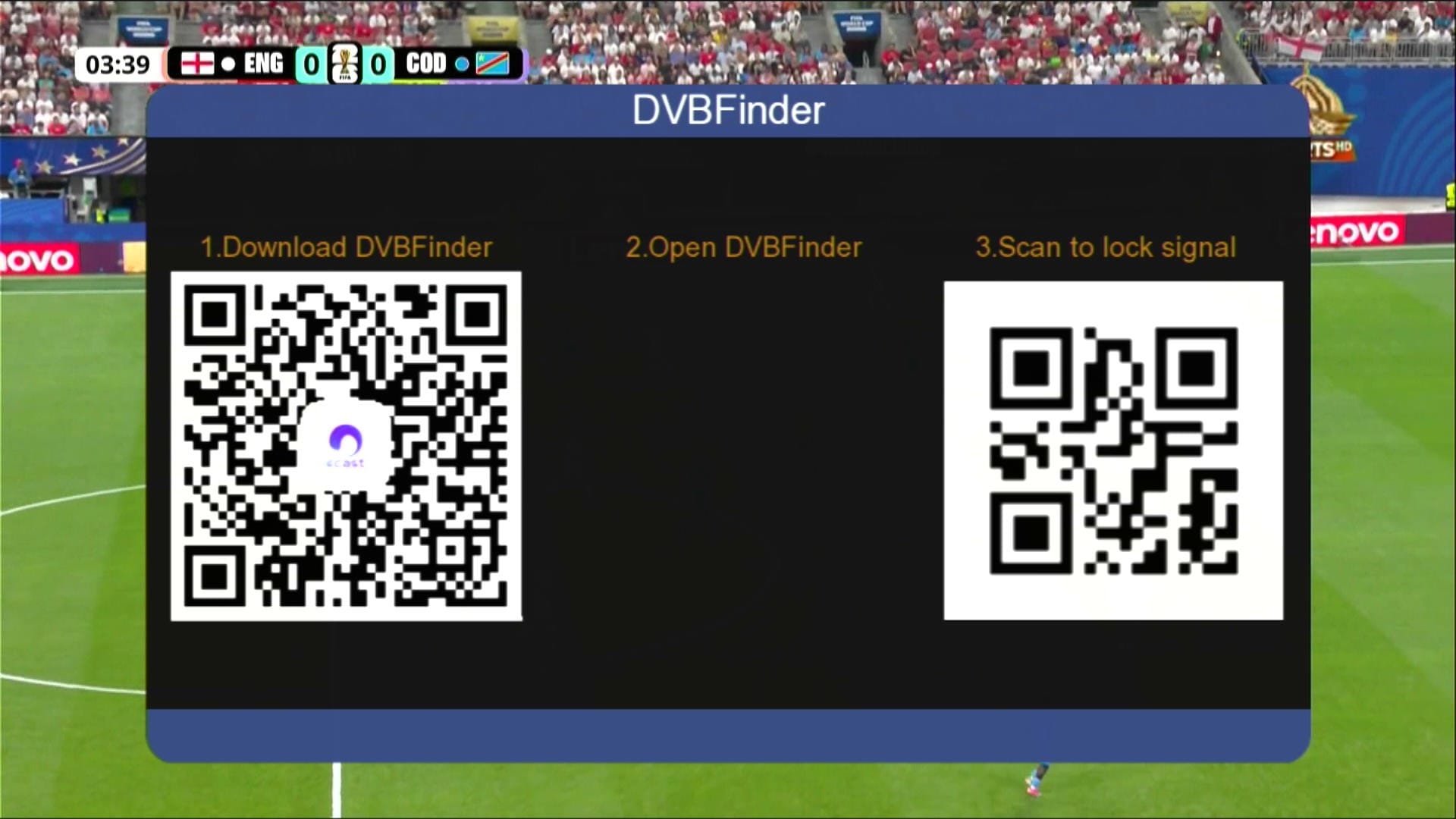
📱 DVB Finder Option Added
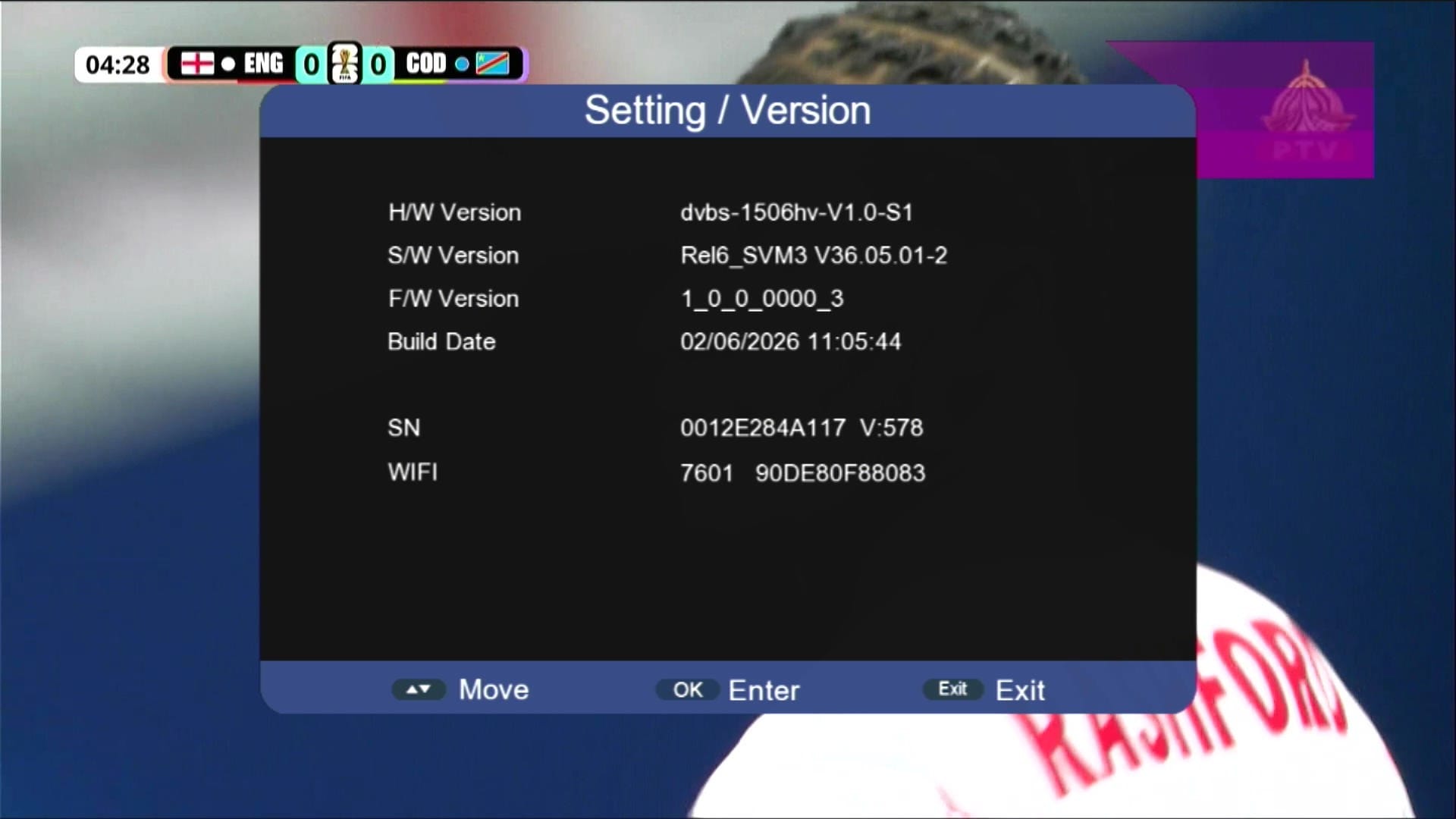
🛠 System Information
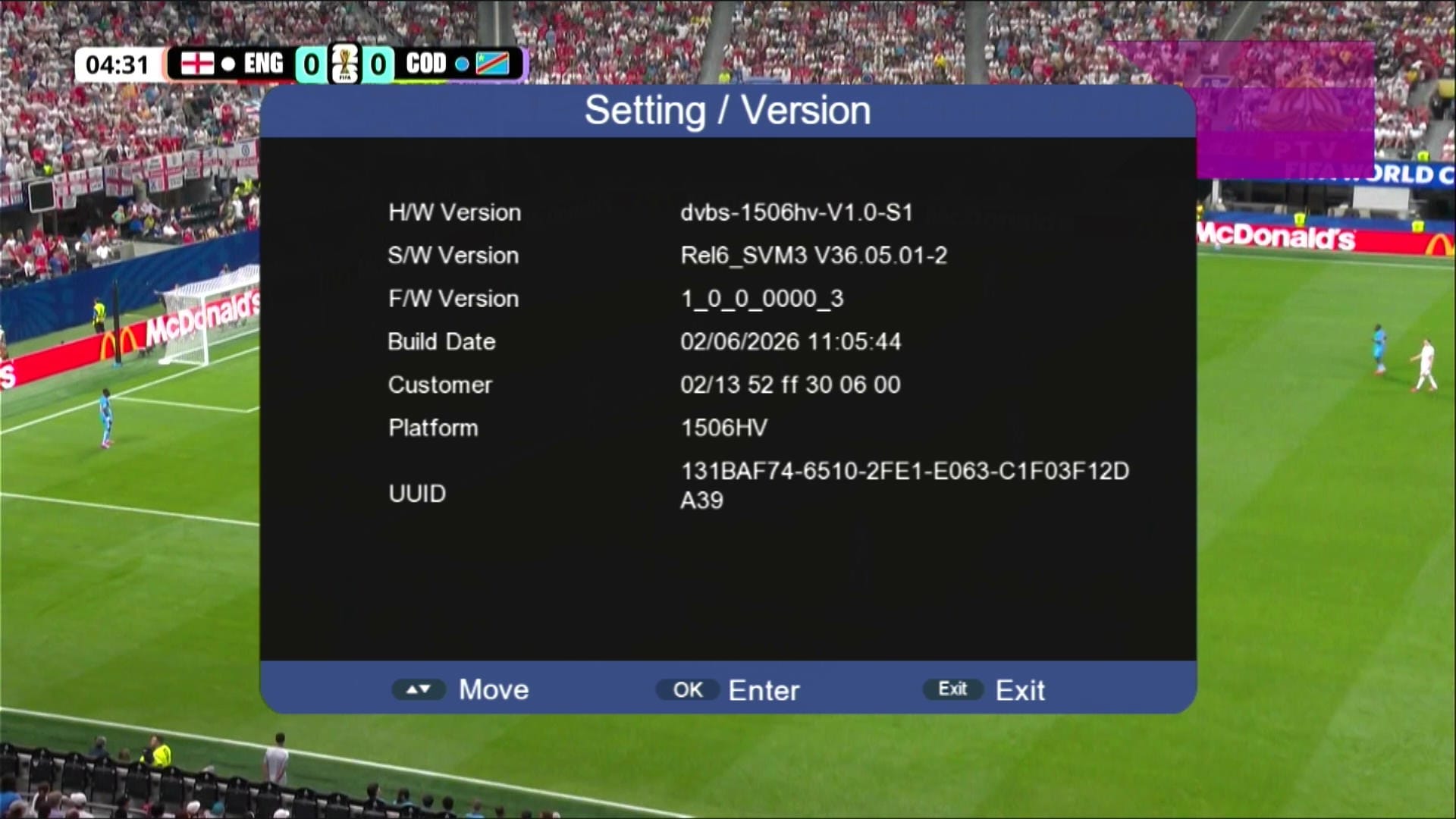
ℹ Customer ID → Press 1502
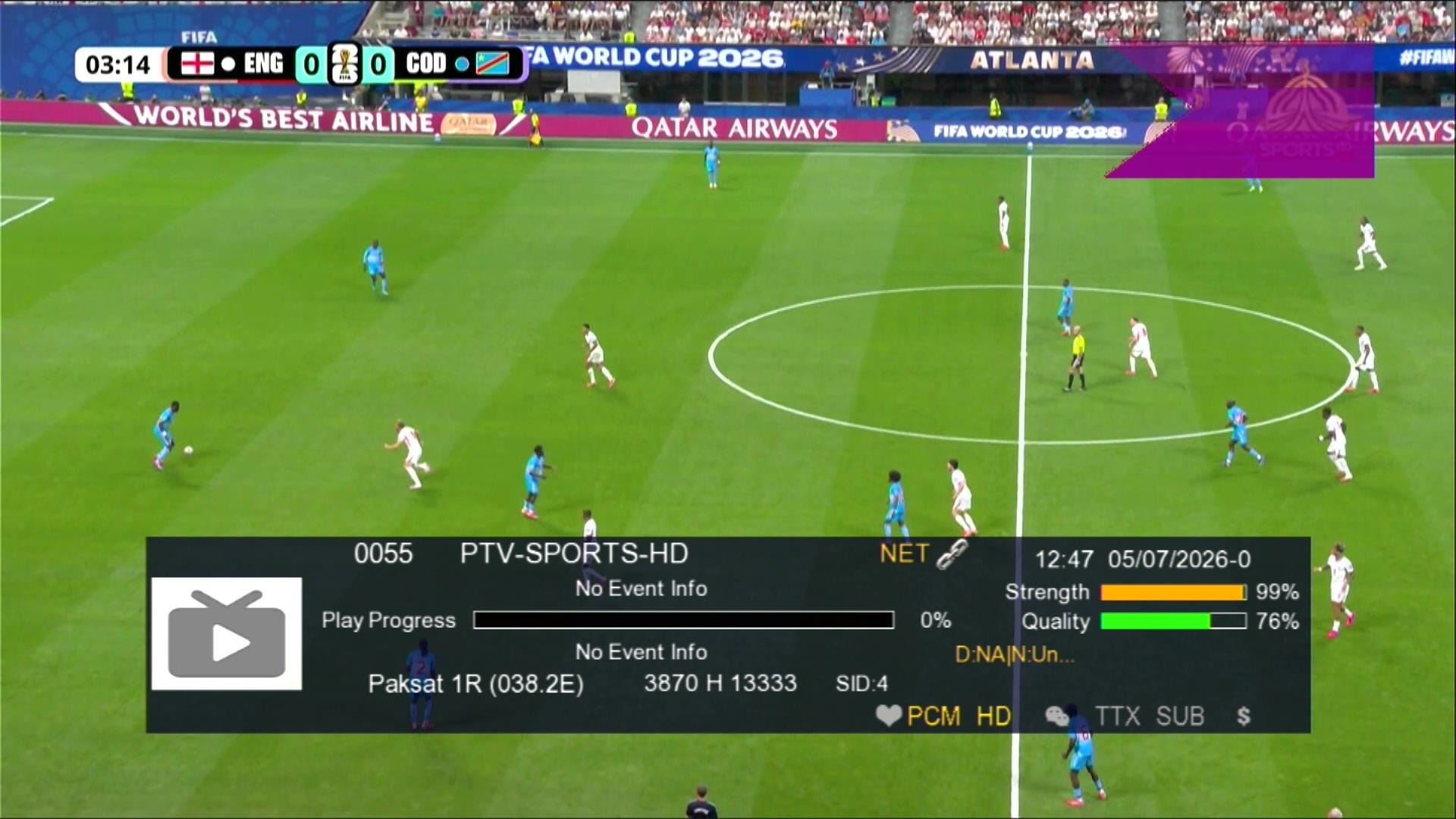
📶 Dual Signal Bars
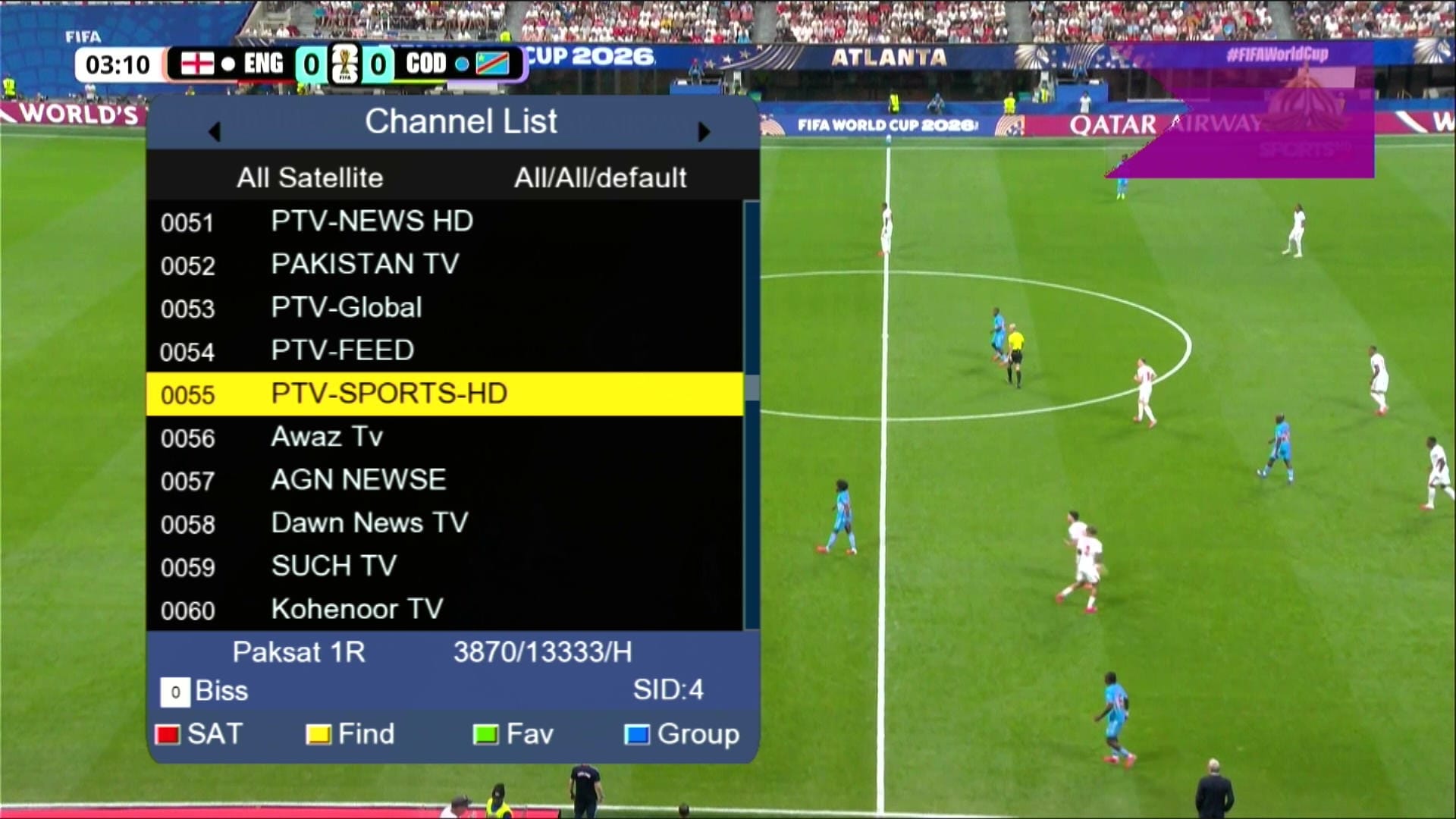
⏰ Beautiful Dialog Box
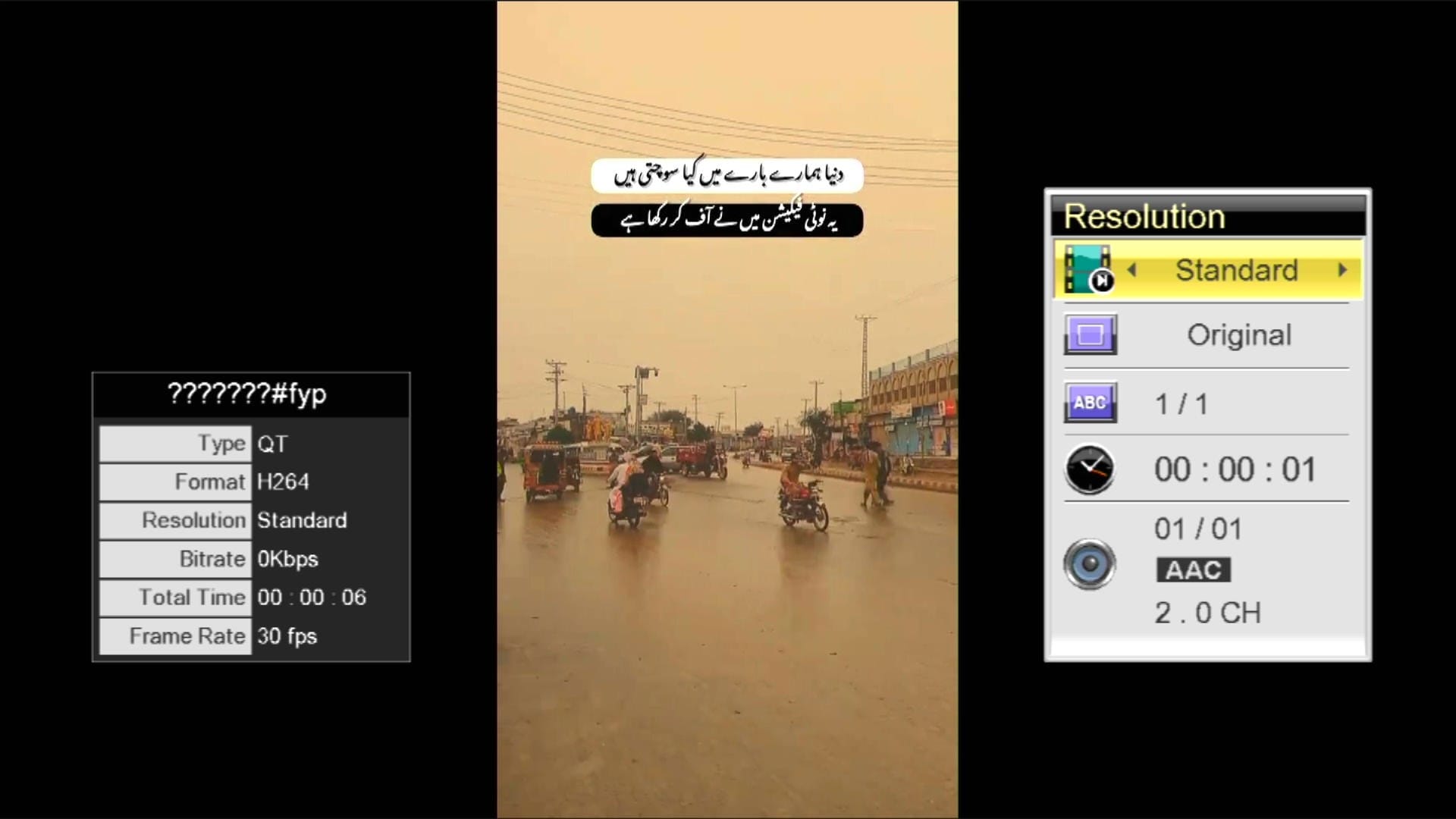
⏰ TikTok Working
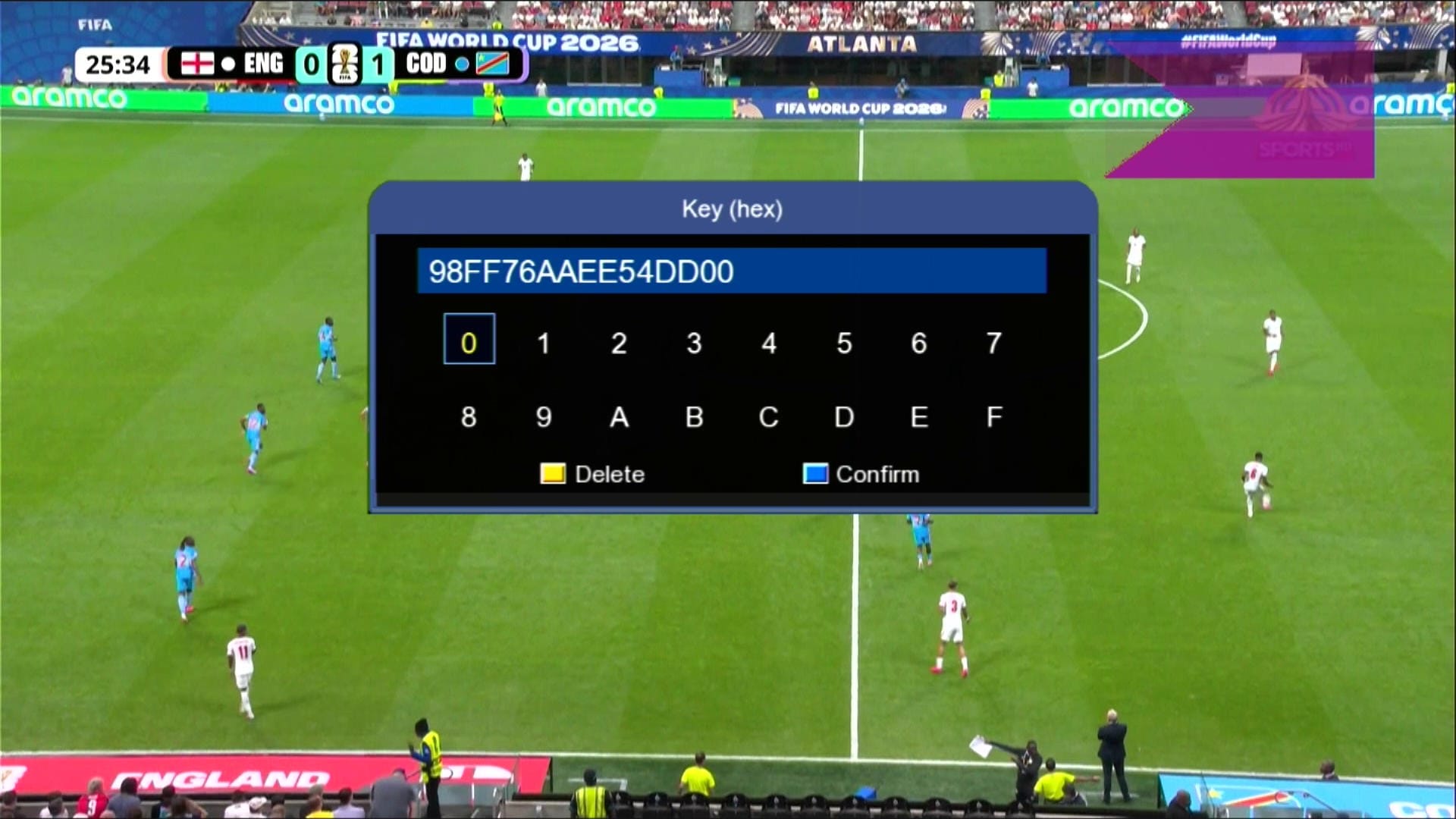
🔘 Direct BISS Key (0 Button)
⚠️ It is highly recommended to backup your current settings and channels before upgrading. Follow these steps:
- 📡 Go to the Receiver Menu > System Settings.
- 💾 Select Backup or Export Settings.
- 📂 Choose USB Drive as the backup location.
- ✅ Save the backup file safely; you can restore it if anything goes wrong during upgrade.
🎥 1506HV & 1506Tv New Software 2026 – Video Review
💻 Upgrade Instructions (RS232 / USB)
- 🔌 Connect your 1506HV receiver with RS232 cable or USB.
- 💻 Open Loader on your PC.
- 📂 Select 1506Hv & 1506Tv New Software 2026 file according to your receiver version.
- ⚡ Start the upgrade & wait until 100% completes.
- ❌ Do not disconnect during the process.
- ✅ After completion, receiver will reboot with new software.
🎥 RS232 Upgrade Video

Note: Videos are embedded via YouTube LYTE for improved performance.
1st Upgrade With Middle File
After Middle File Upgrade Software Latest
📥 1506Hv New Software 2026
Click the button below to download the latest 1506Hv New Software 2026 for free.
📁 File Details
⚙️ Processor:
🛠️ SW Version:
💾 File Size:
⬇️ Downloads:
👤 Uploader:
⚠️ Report:




altahmil bialludir w usb
eind aeta’ filash b usb yuetaa milafun ghayr munasiban