Marvel 999 Built-in WiFi New Software 2026 Download
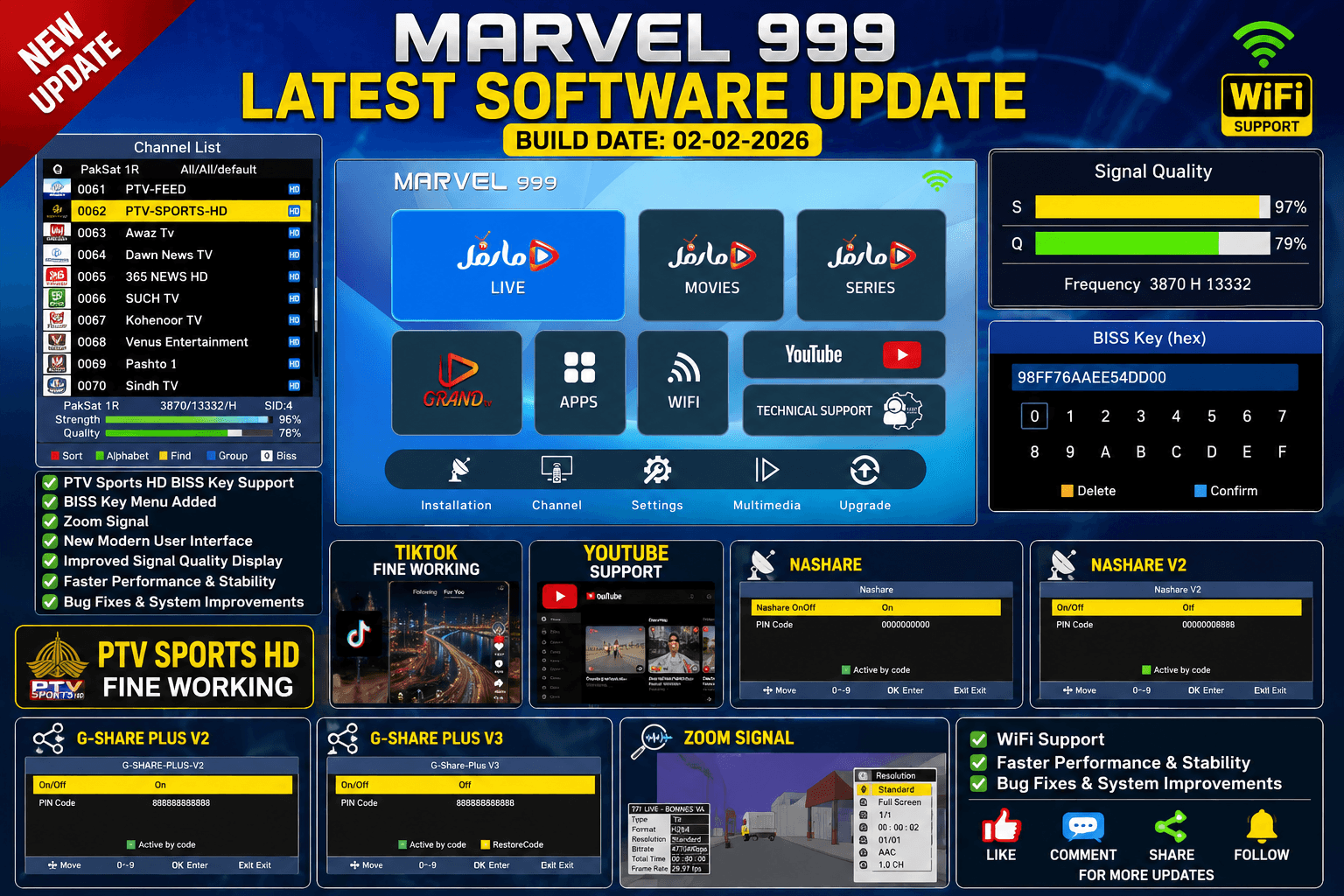
Looking for the latest Marvel 999 Built-in WiFi New Software 2026? You are in the right place. This firmware update introduces a modern user interface, improved receiver stability, Zoom Signal, Built-in WiFi support, BISS Key with the 0 button, and several performance enhancements for a better viewing experience.
Table of Contents
- Software Information
- New Features
- Main Improvements
- Installation Guide
- Download Information
- Frequently Asked Questions
Software Information
| Receiver | Marvel 999 |
|---|---|
| Hardware | 1506TV Built-in WiFi |
| Software Version | Latest 2026 |
| Build Date | 02-02-2026 |
New Features
- ✅ Built-in WiFi Support
- ✅ New Modern User Interface
- ✅ Zoom Signal
- ✅ BISS Key With 0 Button
- ✅ PTV Sports Fine Working
- ✅ BISS Key Menu Added
- ✅ Improved Signal Quality Display
- ✅ TikTok Fine Working
- ✅ YouTube Support
- ✅ Nashare
- ✅ Nashare V2
- ✅ G-Share Plus V2
- ✅ G-Share Plus V3
- ✅ Faster Performance & Stability
- ✅ Bug Fixes & System Improvements
Main Improvements
The latest Marvel 999 Built-in WiFi New Software 2026 offers better performance, smoother navigation, enhanced signal monitoring, and a redesigned interface. Users can quickly access the BISS Key menu using the 0 button. Built-in WiFi connectivity provides a more convenient setup without requiring an external WiFi adapter.
The receiver also includes support for YouTube, TikTok, Nashare, Nashare V2, G-Share Plus V2, and G-Share Plus V3. Overall system stability has been improved, making the receiver faster and more reliable for everyday use.
Installation Guide
- Download the software file.
- Copy it to a USB flash drive.
- Insert the USB into your receiver.
- Open Menu → Upgrade → USB Upgrade.
- Select the firmware file.
- Start the upgrade process.
- Wait until the receiver restarts automatically.
Frequently Asked Questions (FAQ)
Does this software support Built-in WiFi?
Yes. This version supports the Built-in WiFi hardware.
Is Zoom Signal available?
Yes. Zoom Signal has been added in this firmware.
How do I open the BISS Key menu?
Press the 0 Button on your remote control.
Is PTV Sports working?
This firmware includes support for PTV Sports functionality as shown in the software features.
Conclusion
If you own a Marvel 999 Built-in WiFi receiver, this firmware provides useful improvements including Zoom Signal, Built-in WiFi support, BISS Key with the 0 button, YouTube support, TikTok support, improved signal quality, and better overall system performance. Make sure your receiver hardware matches before upgrading.
🔥 What’s New in This 1506Hv New Software?
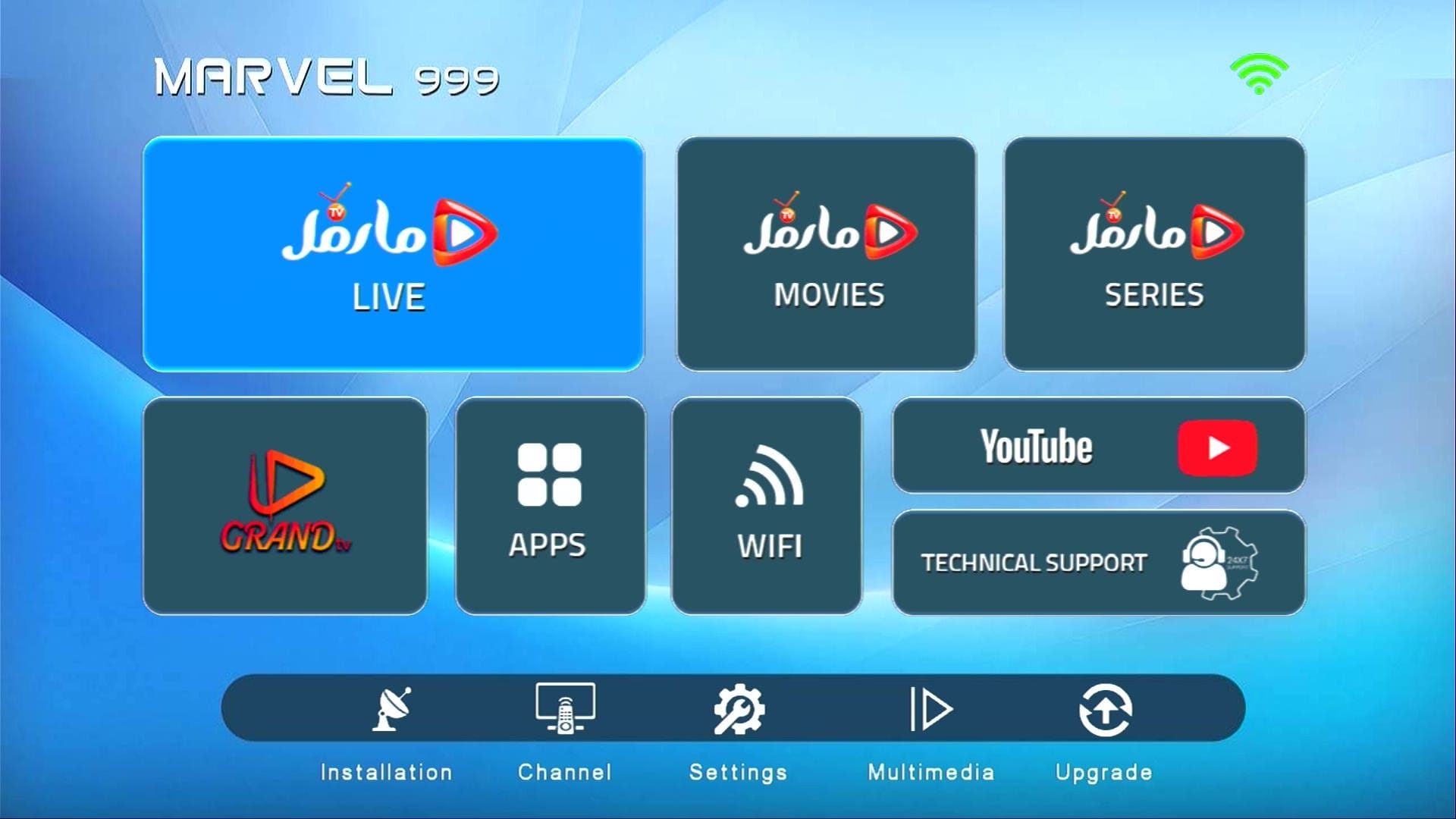
✅ Beautiful Theme & Modern UI
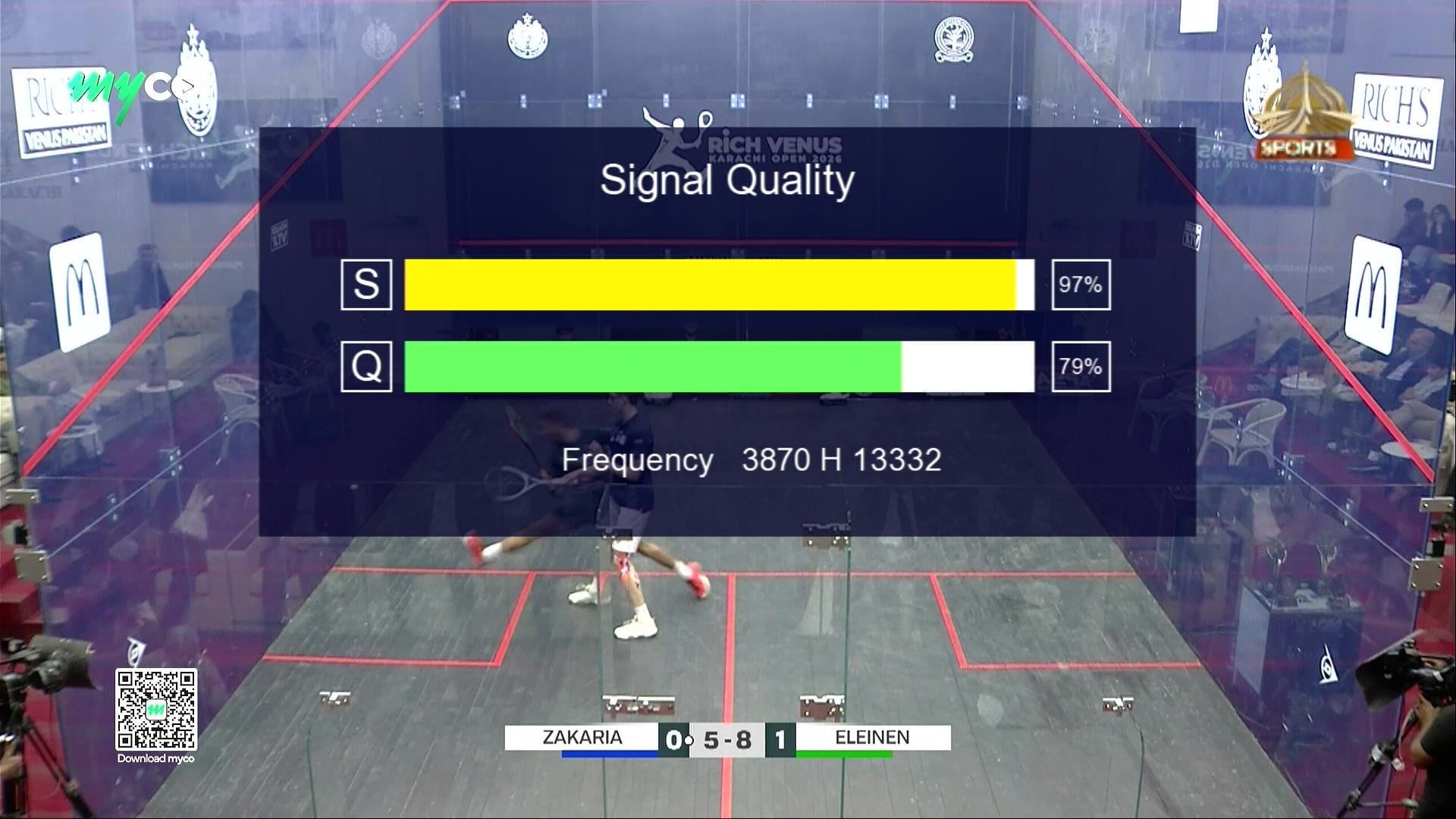
📶 ZOOM Signal Bars
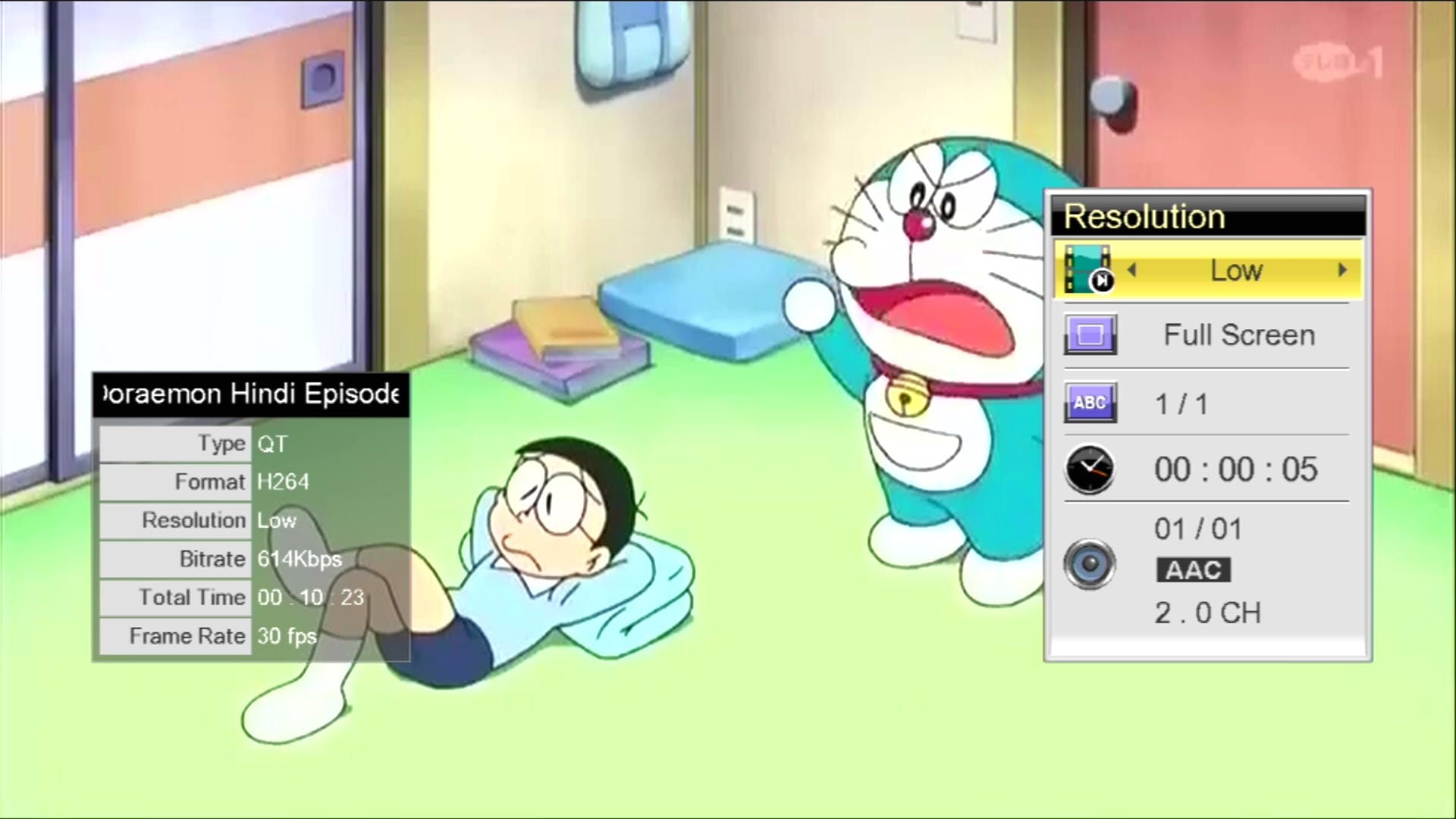
📺 YouTube Fully Working
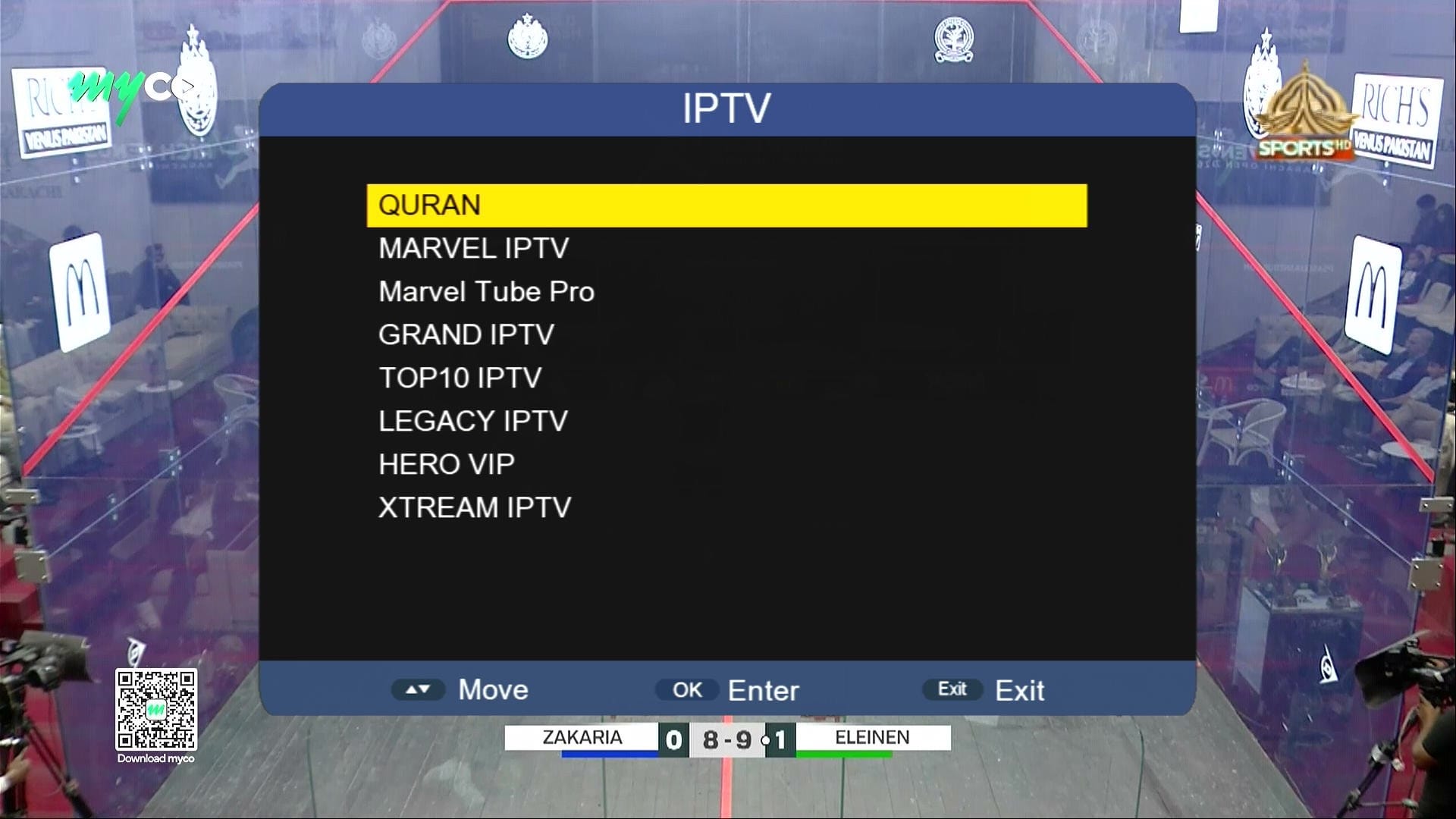
🌐 IPTV & Multiple Apps
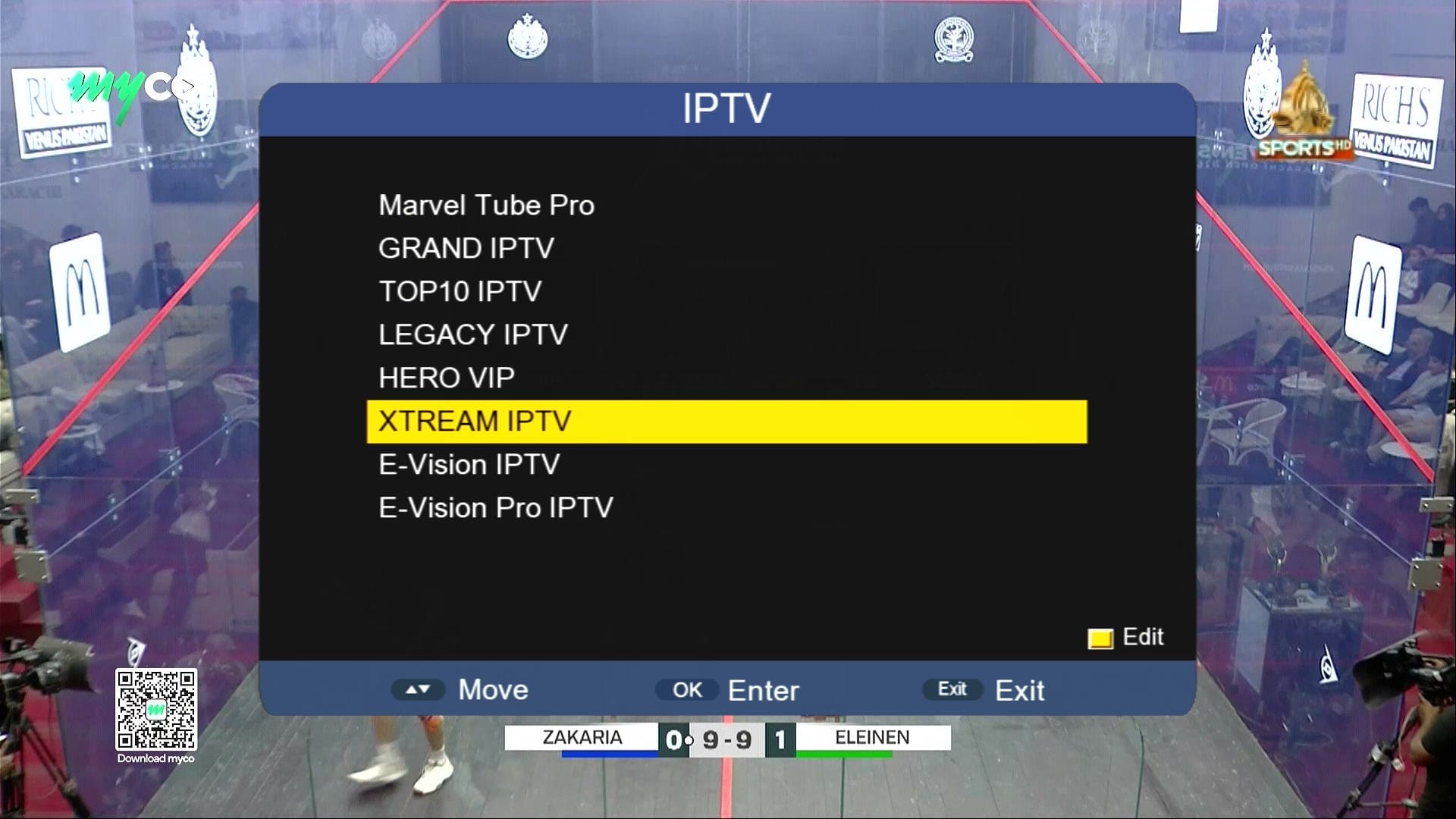
🌐 IPTV & Multiple Apps
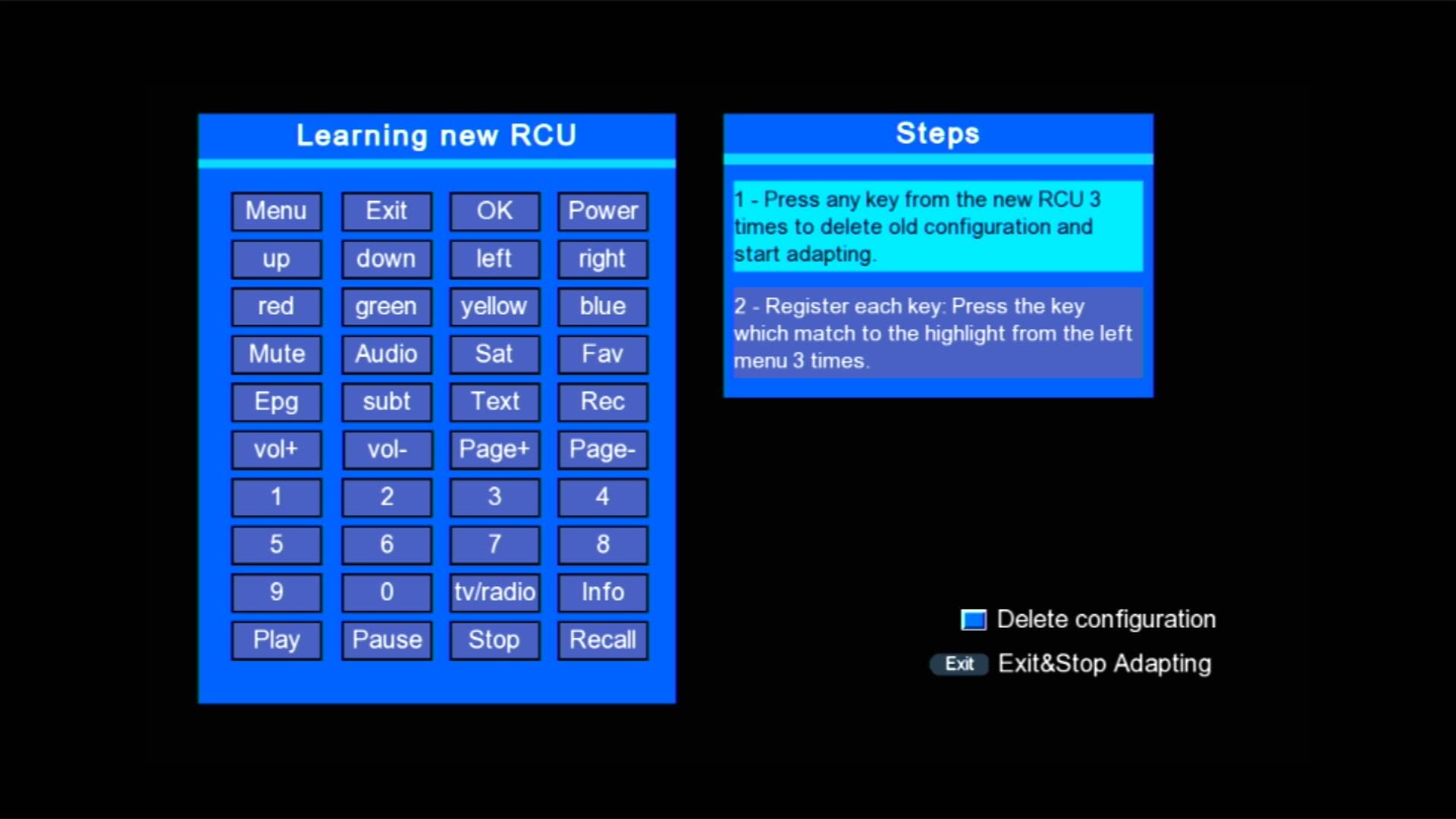
🌐 New RCU Added
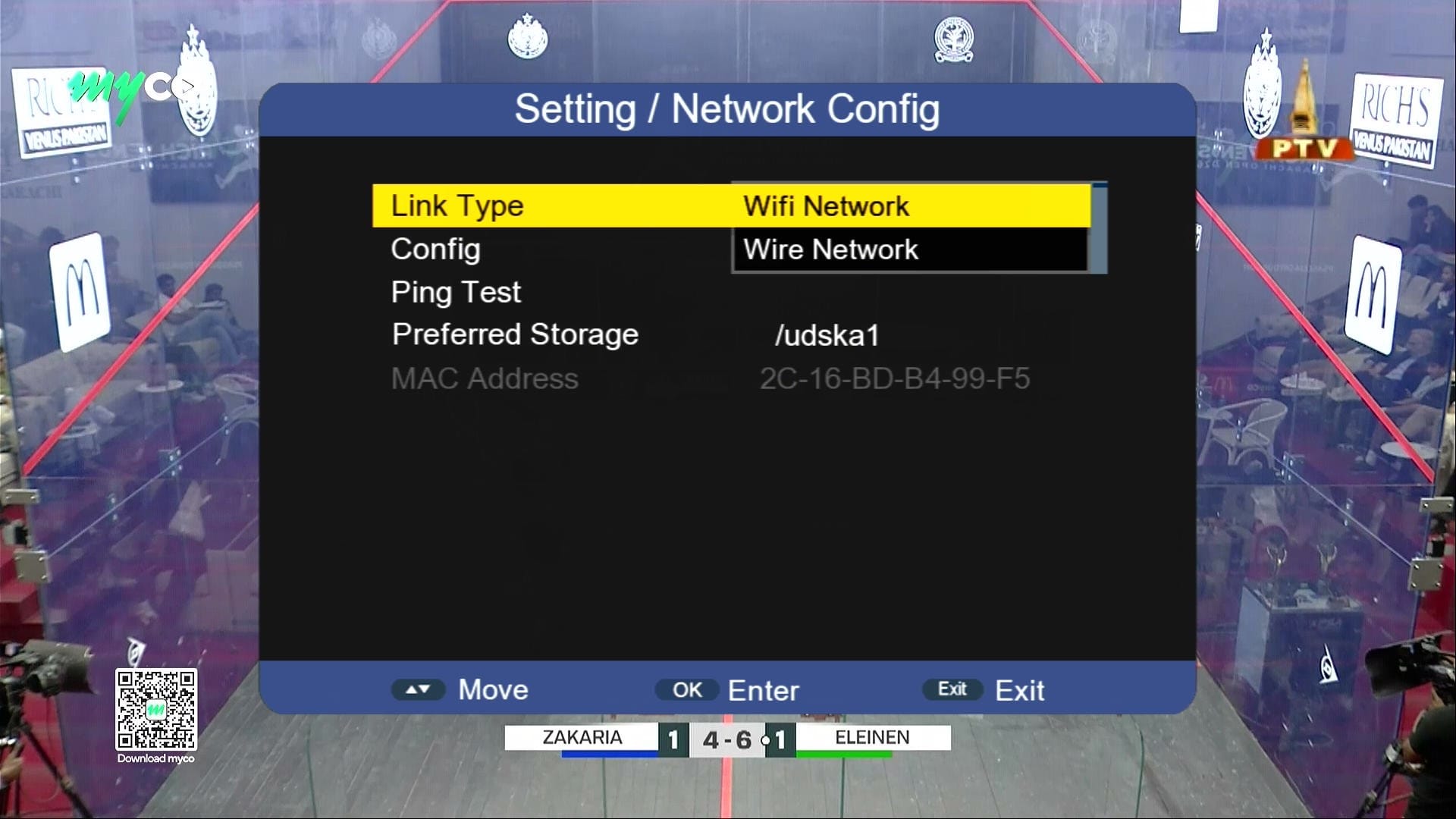
🎮 Networking Options
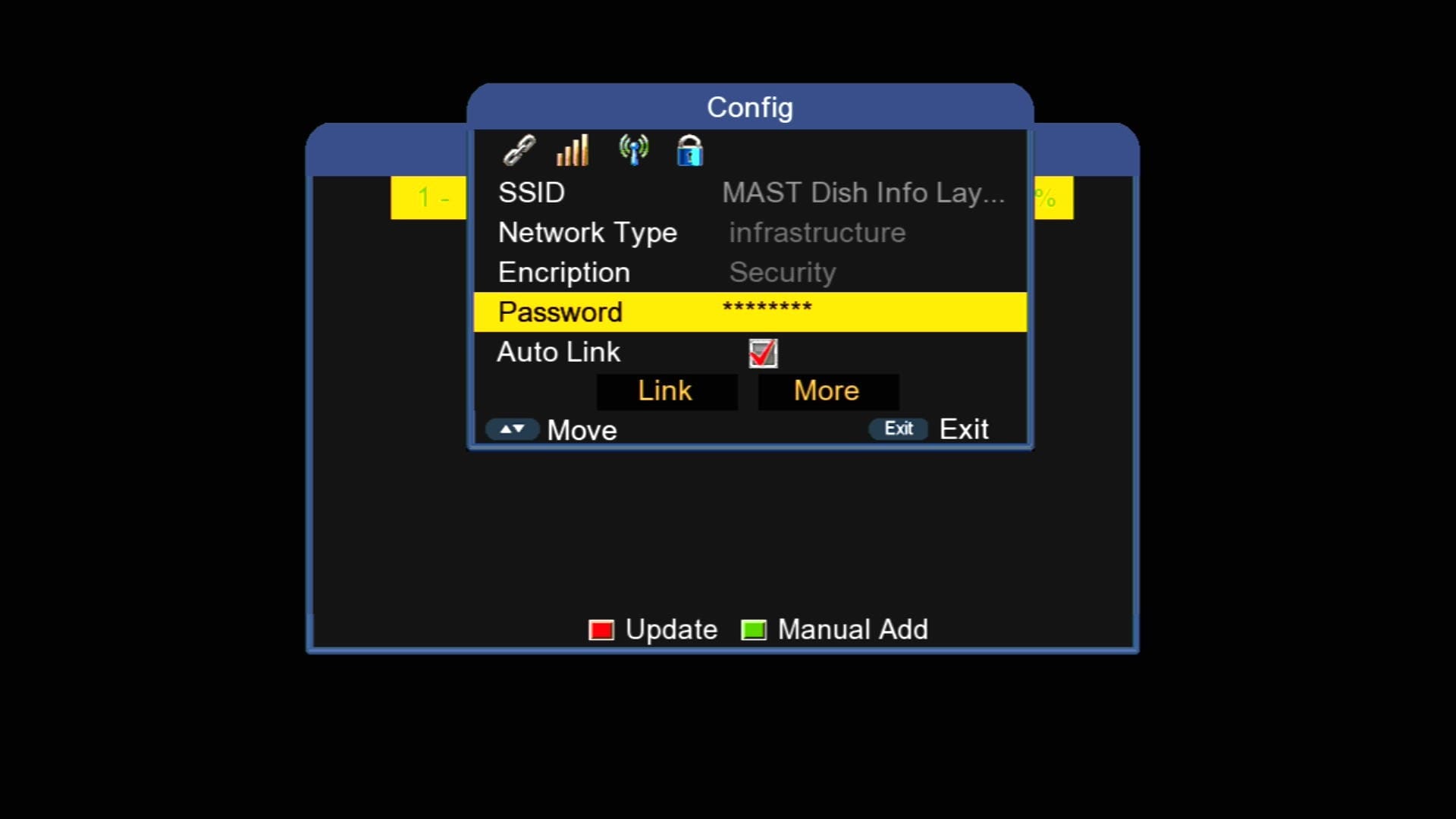
📡 Built in WiFi
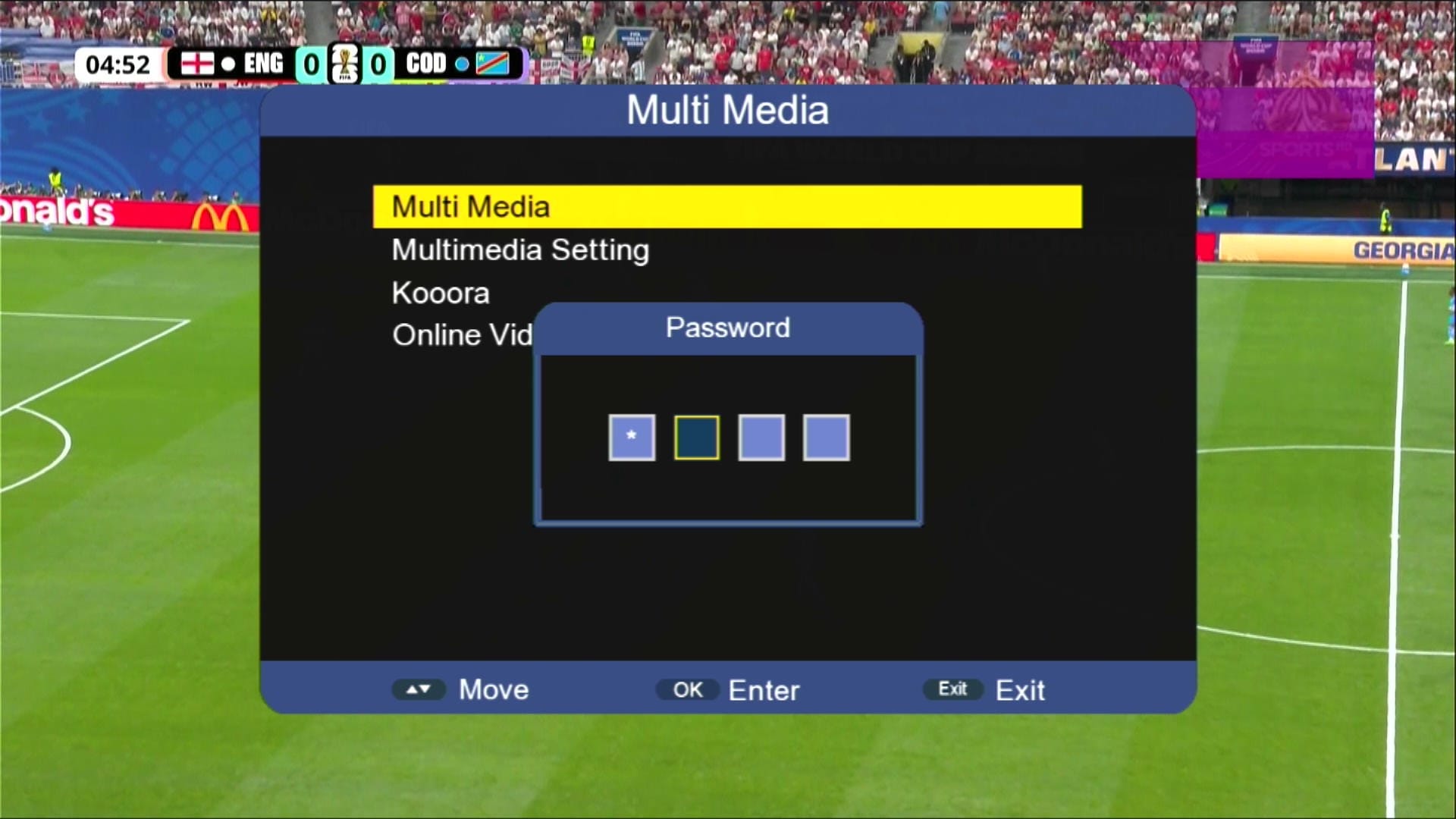
🔐 Press 1506 for Hidden Menu
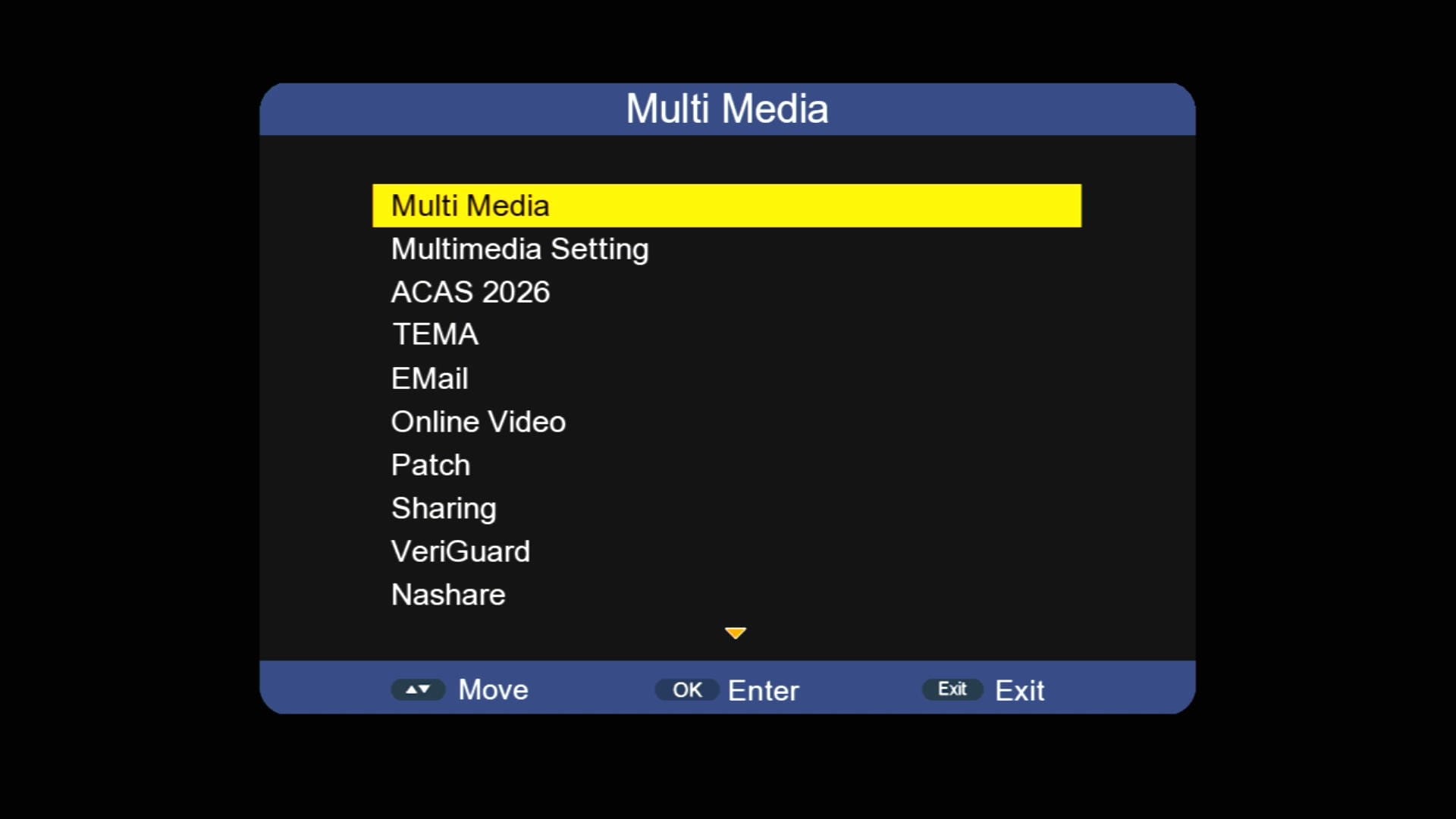
🎬 Multimedia Section
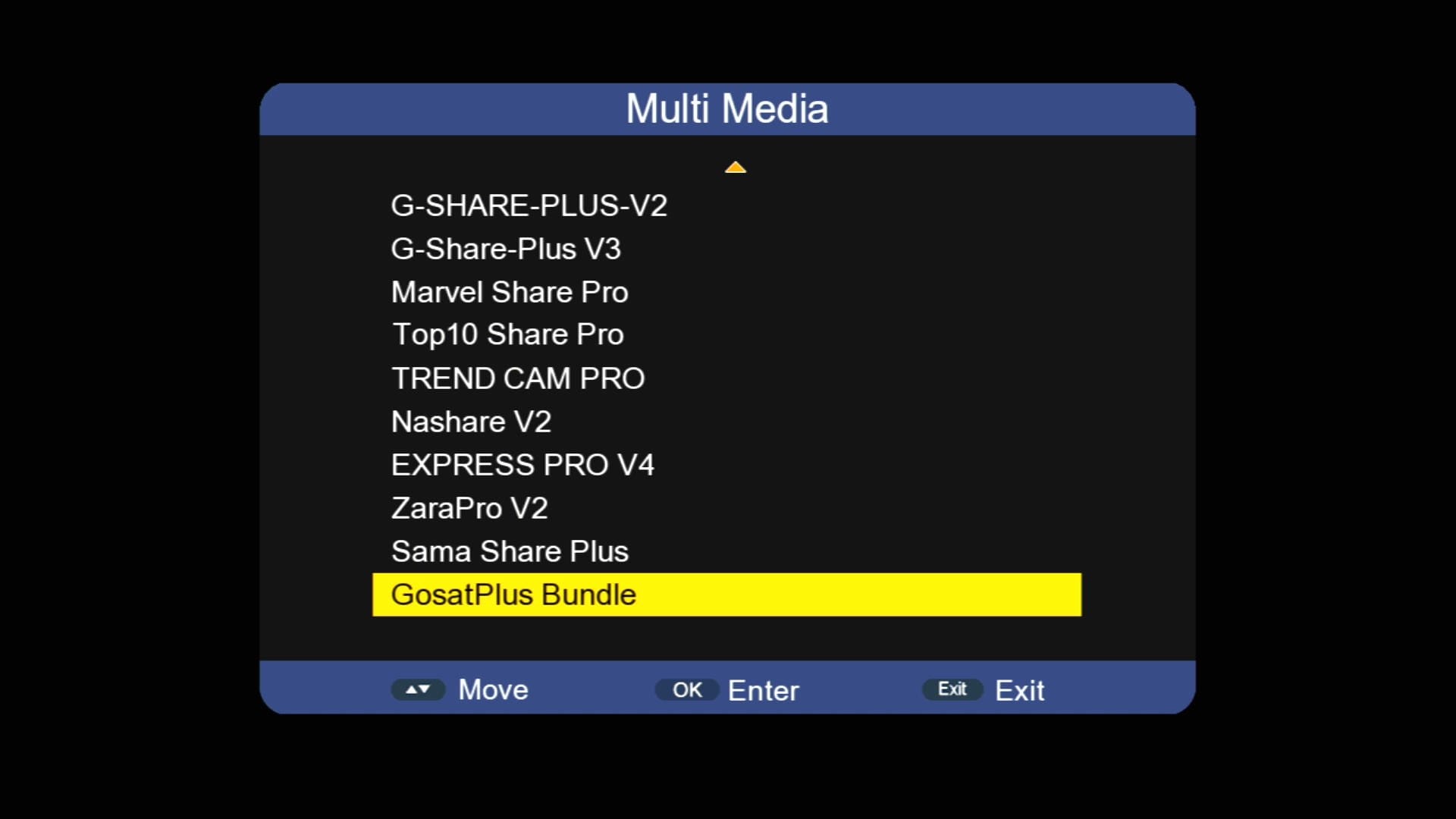
🎬 Multimedia Section
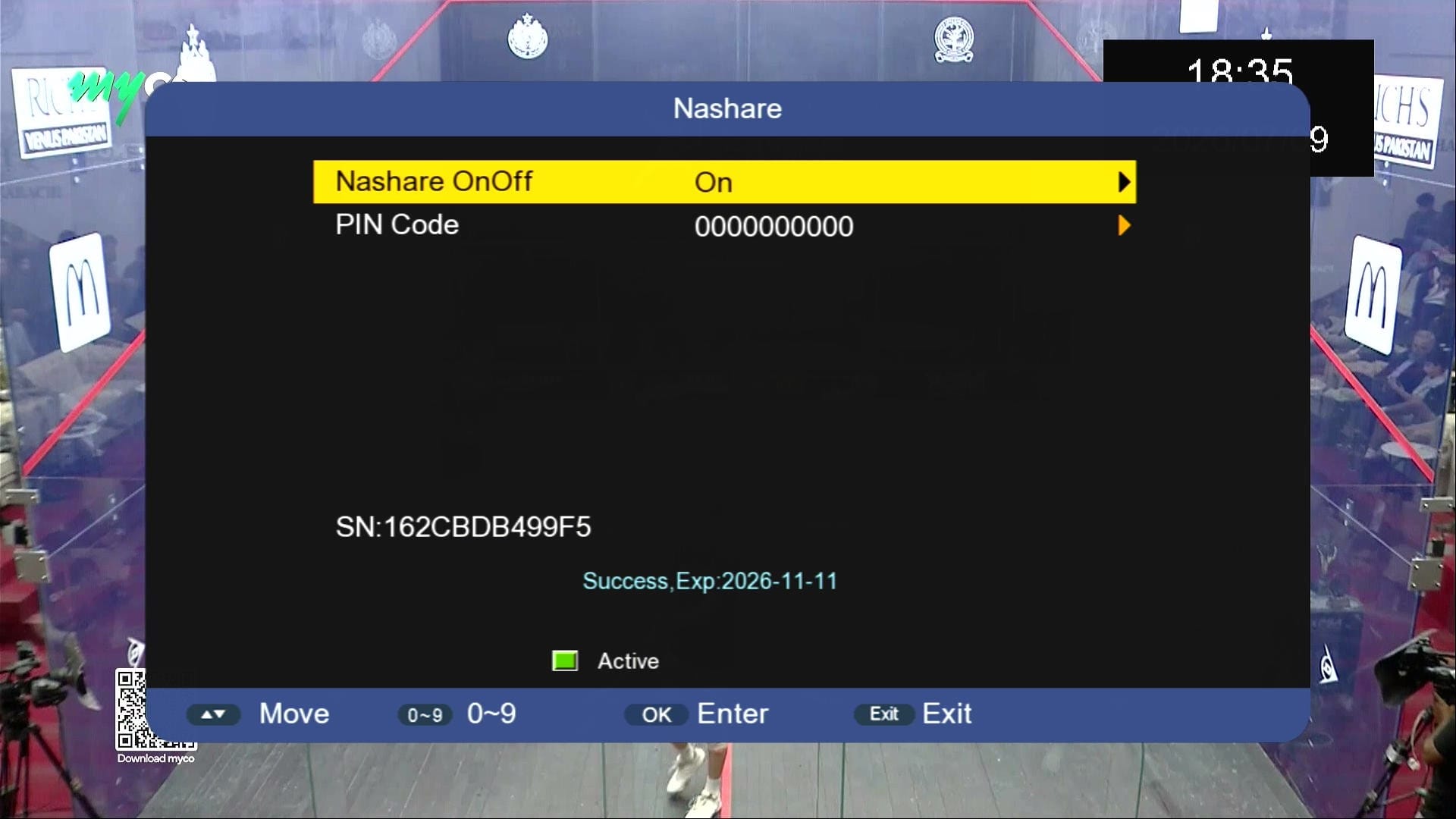
🎮 NASHARE Option
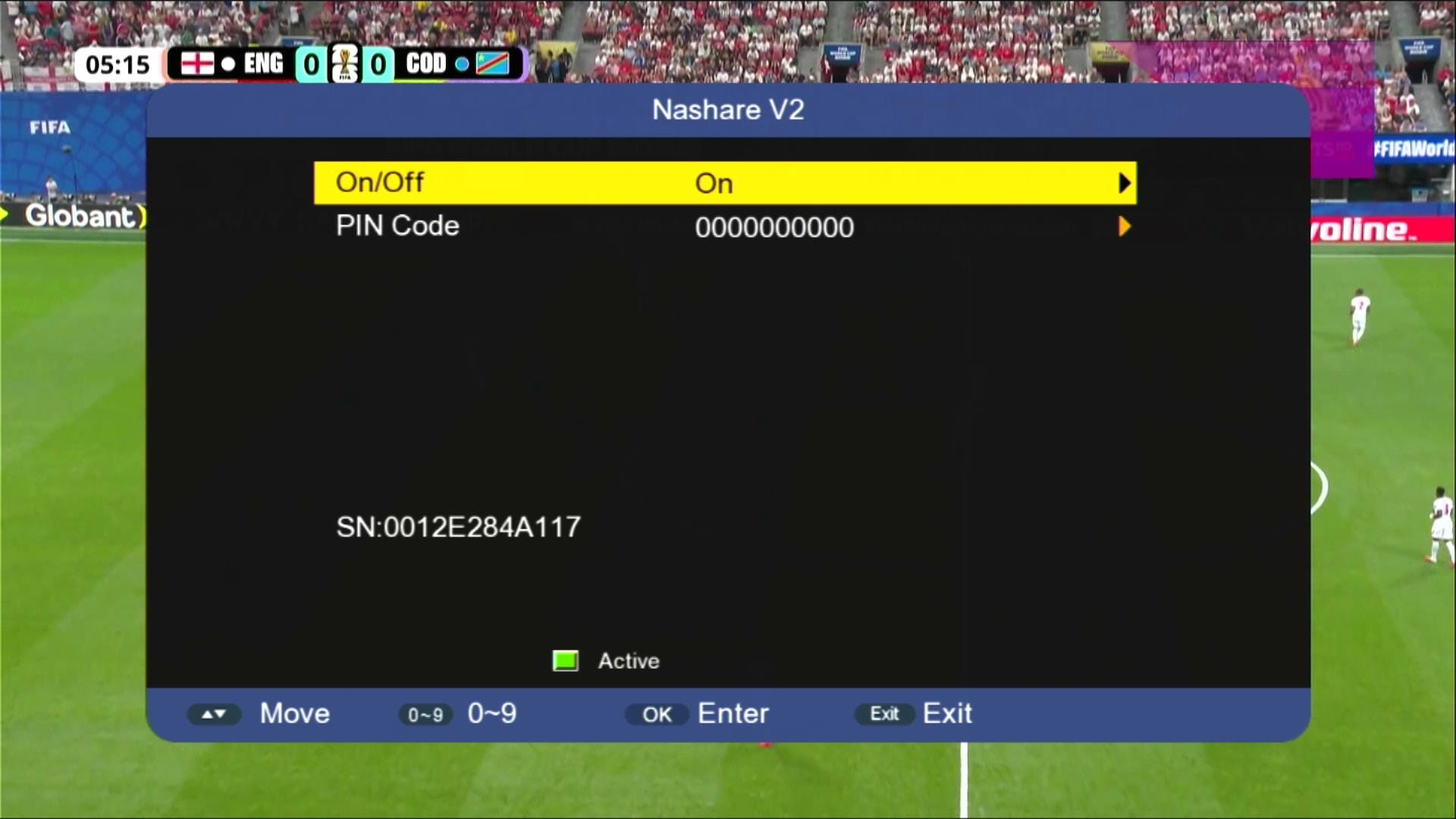
🎮 NASHARE V2 Option
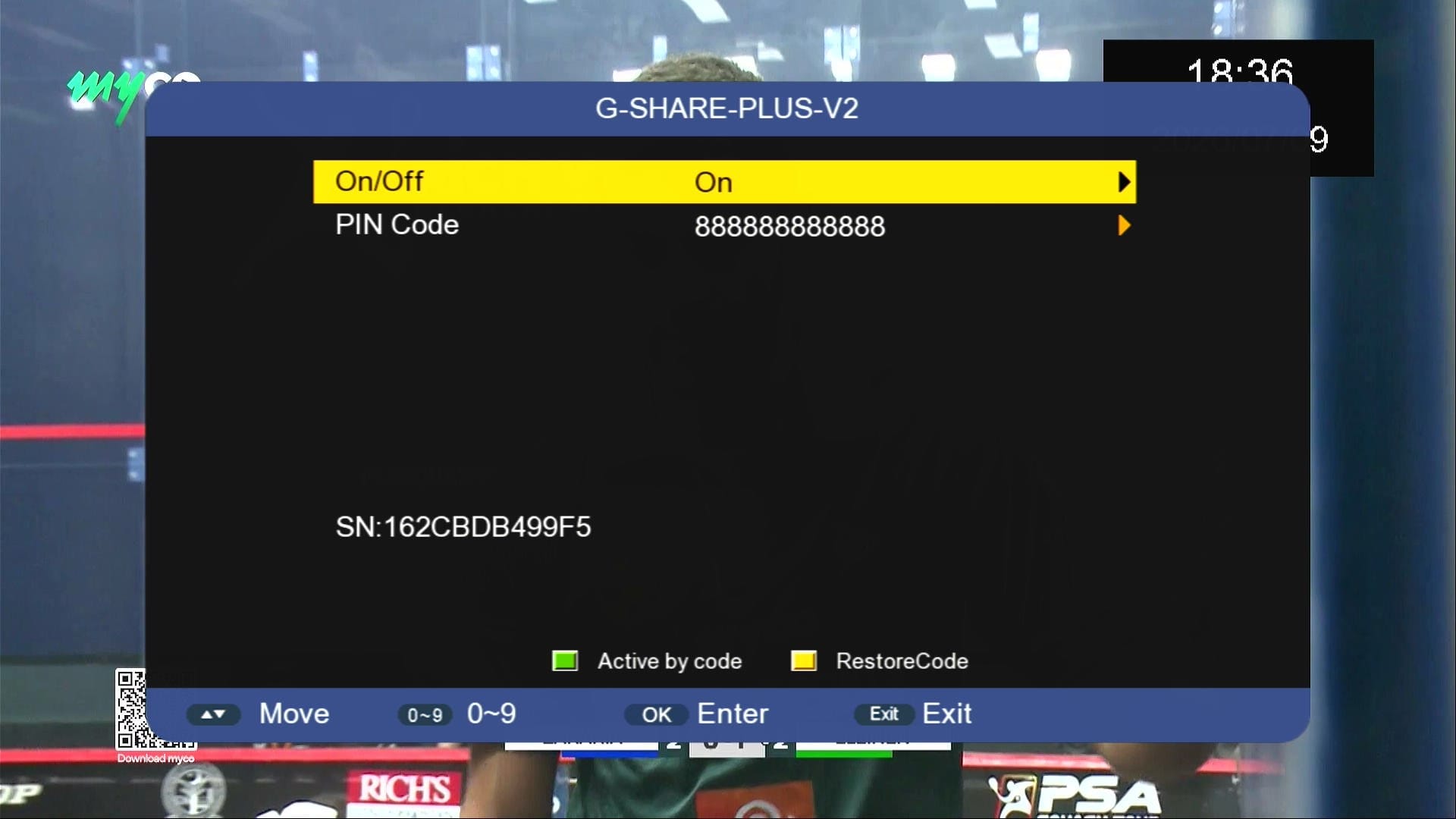
🎮 G Share PLus V2 Option
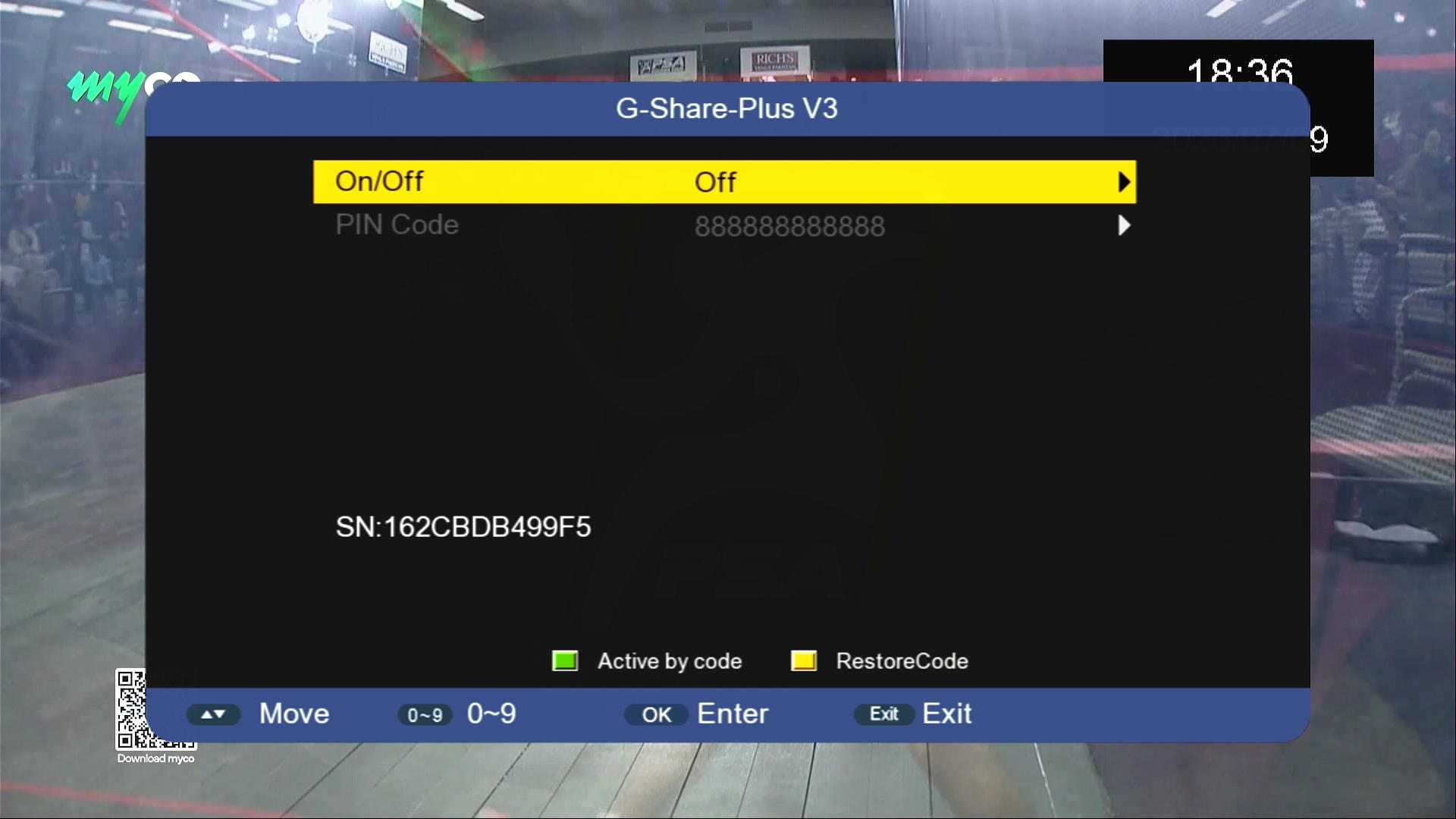
🎮 G Share PLus V3 Option
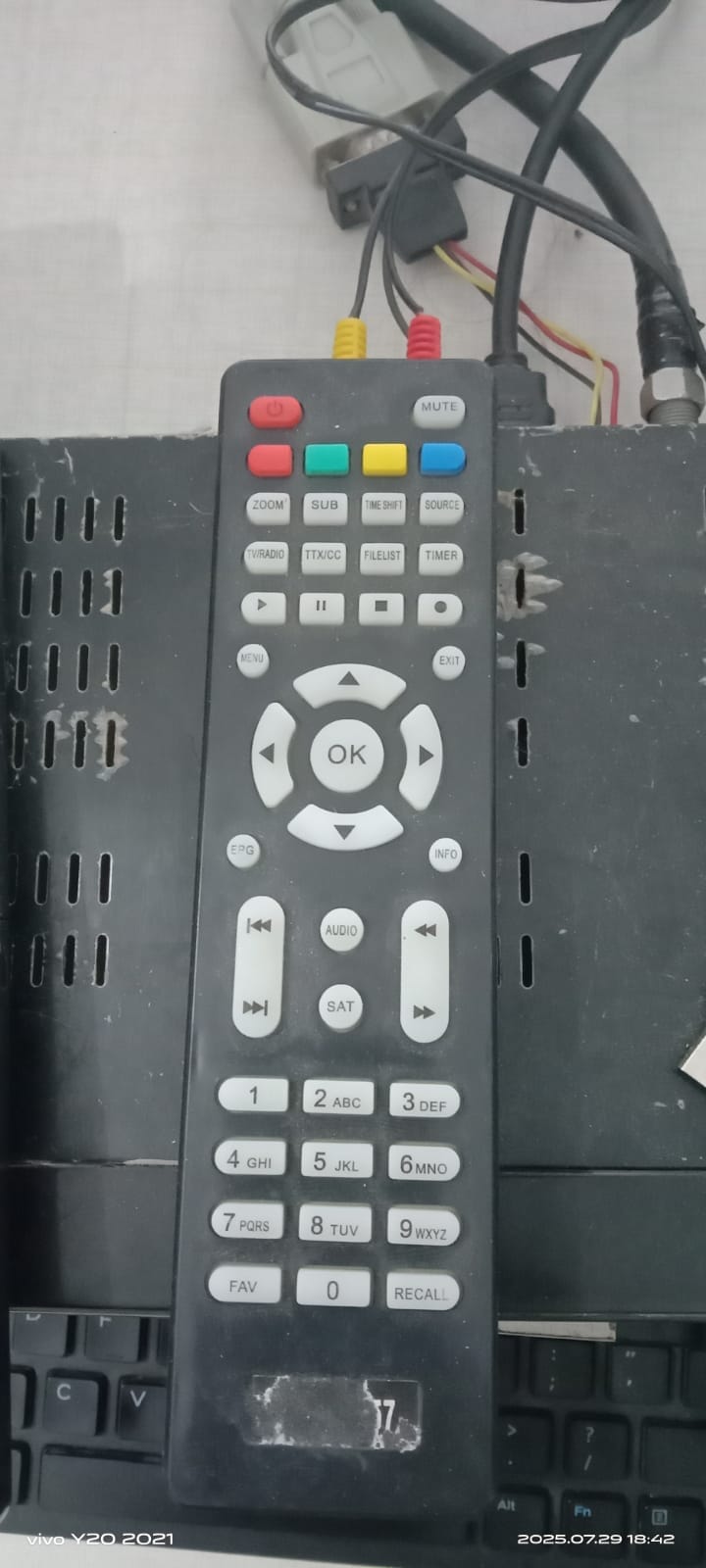
🎮 Remote Support (1506 & NK)
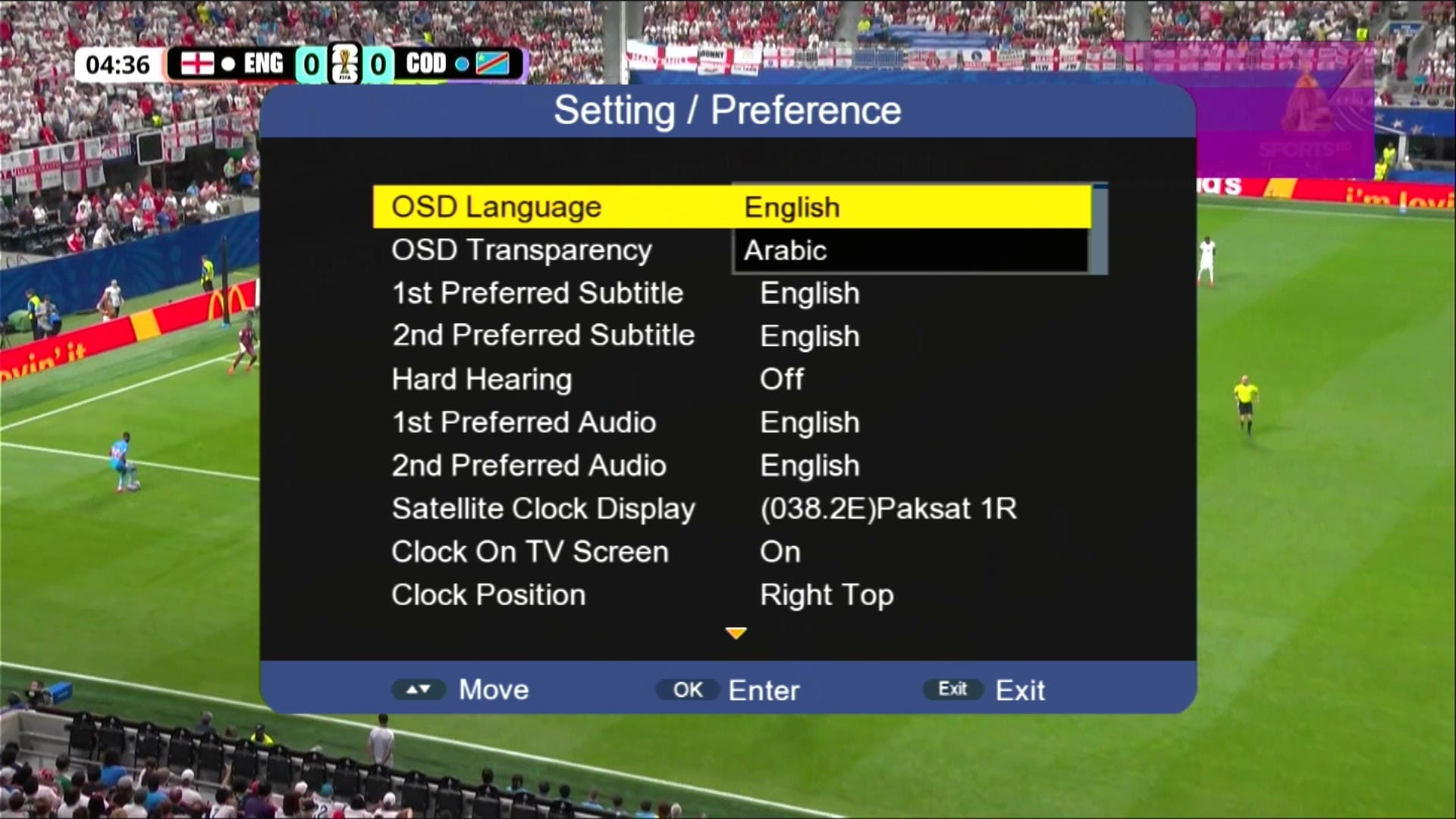
🖼 Multiple Languages Added
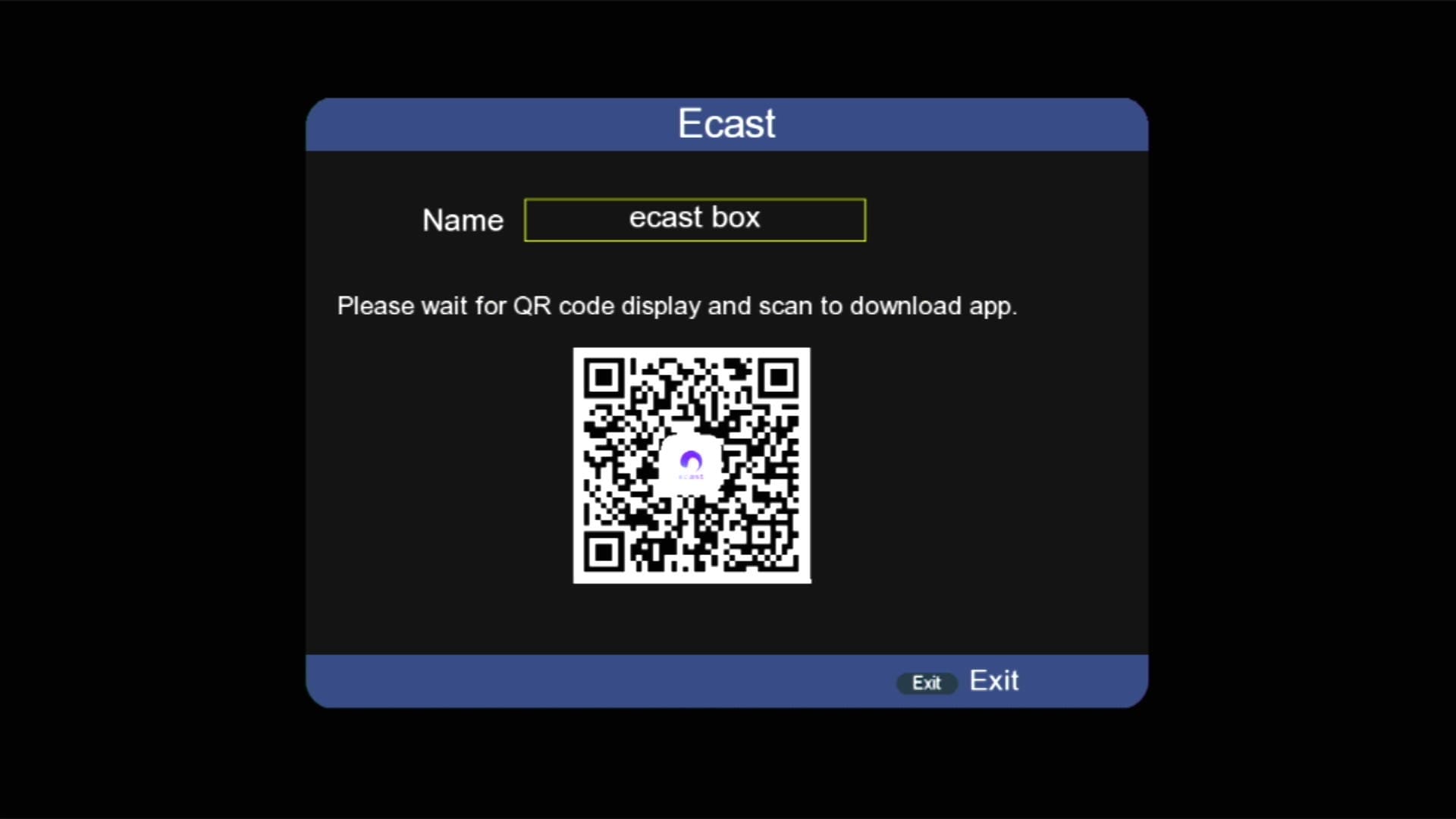
📱 E cast Option Added
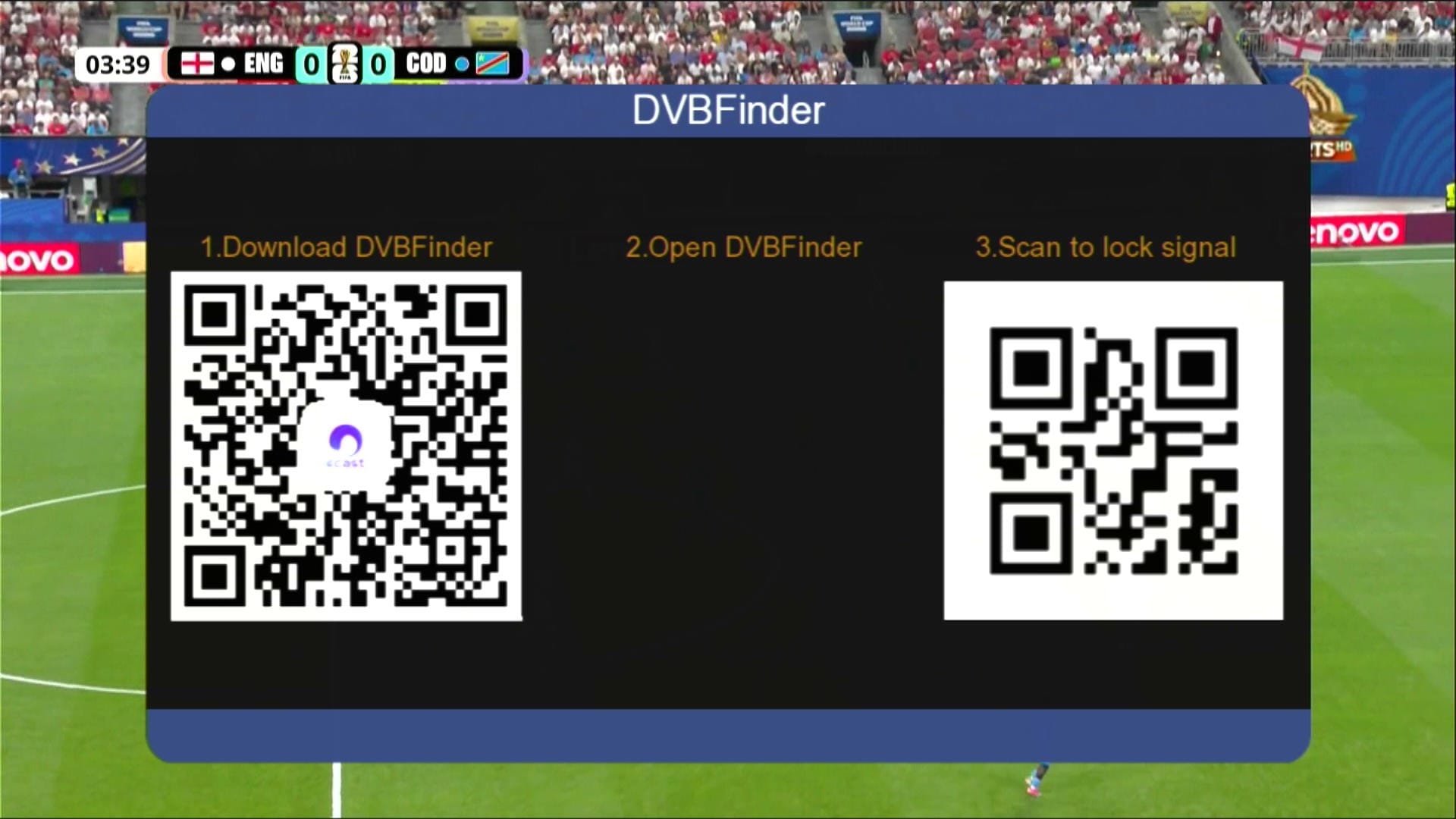
📱 DVB Finder Option Added
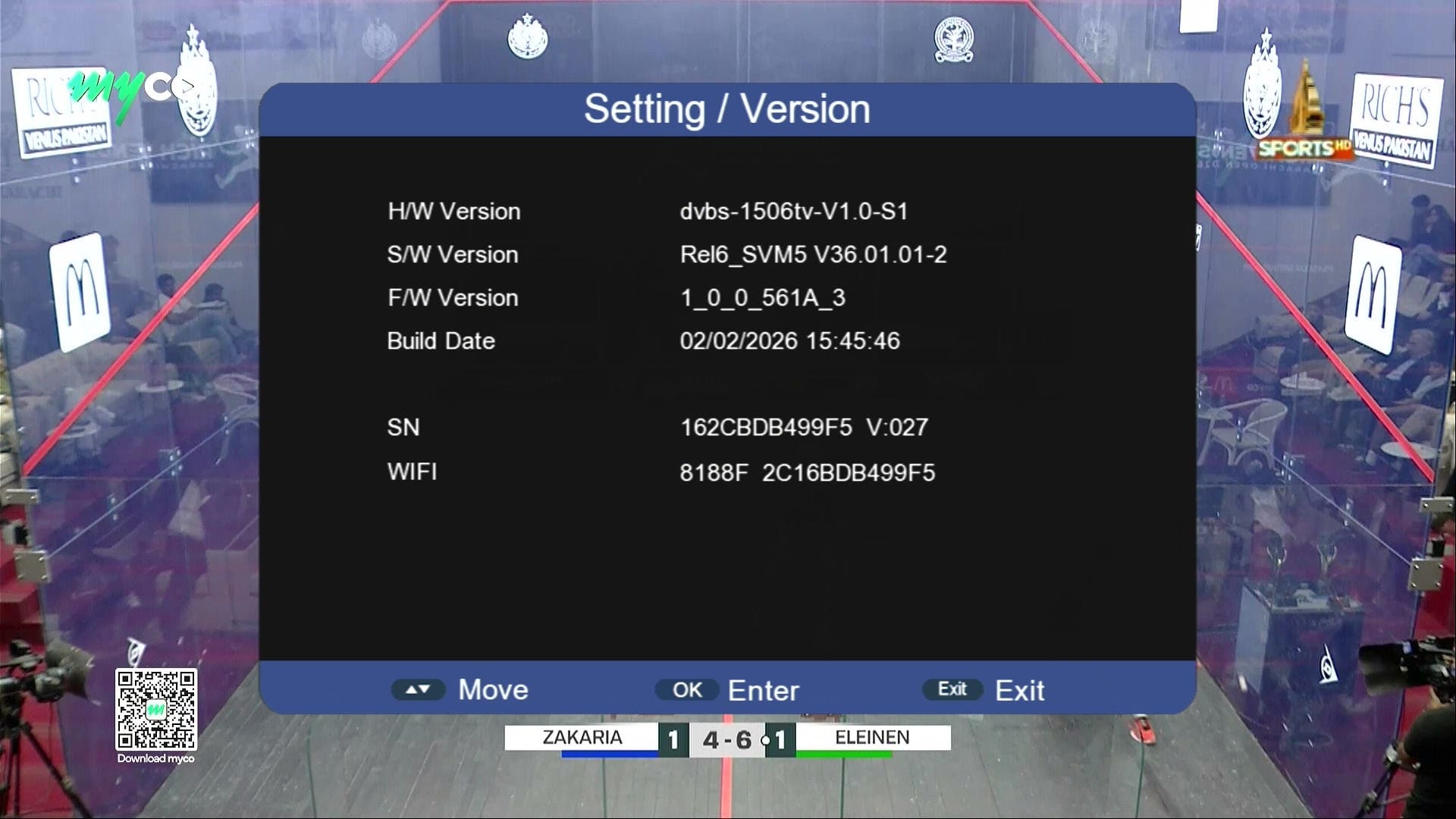
🛠 System Information
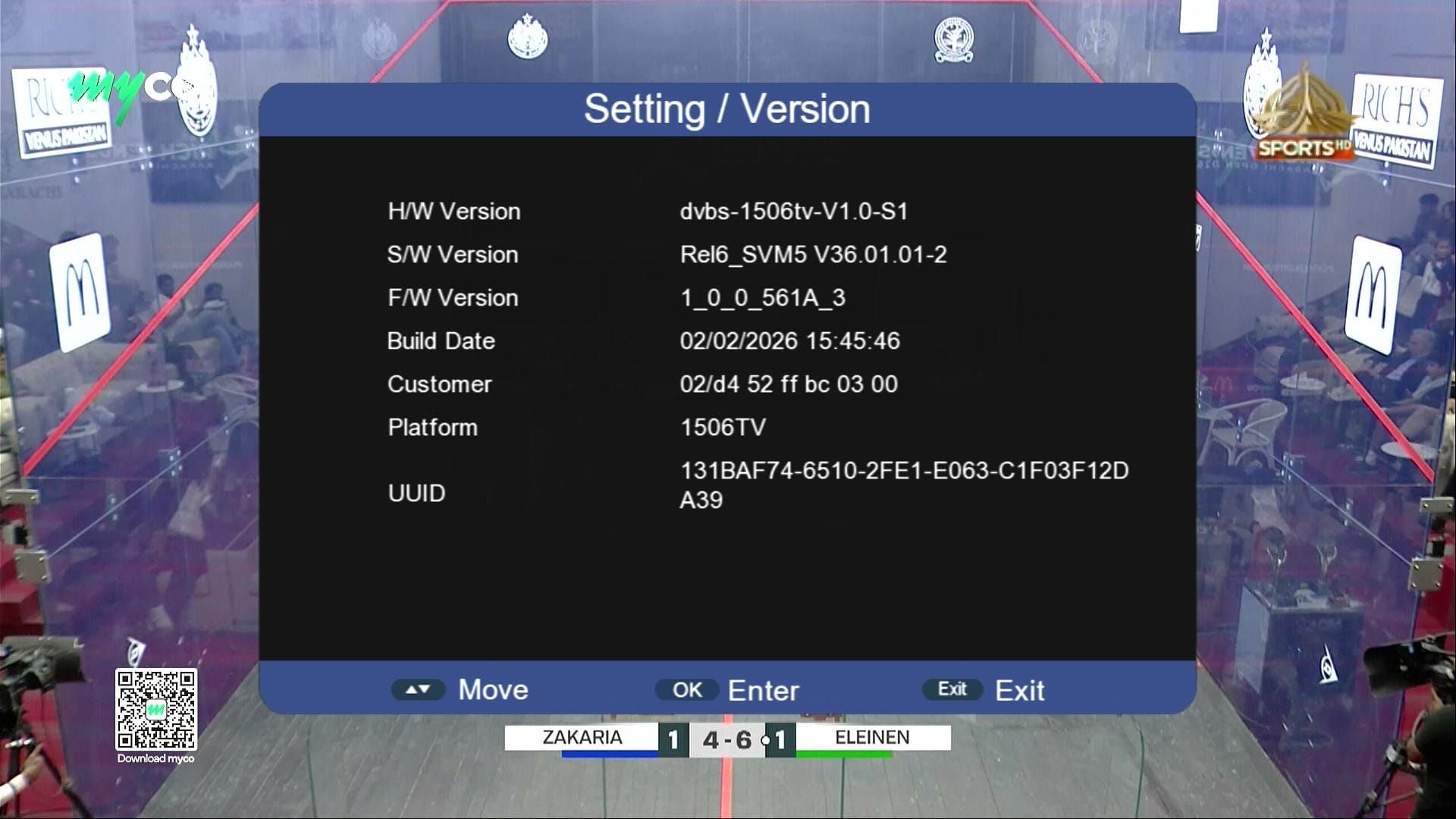
ℹ Customer ID → Press 1502
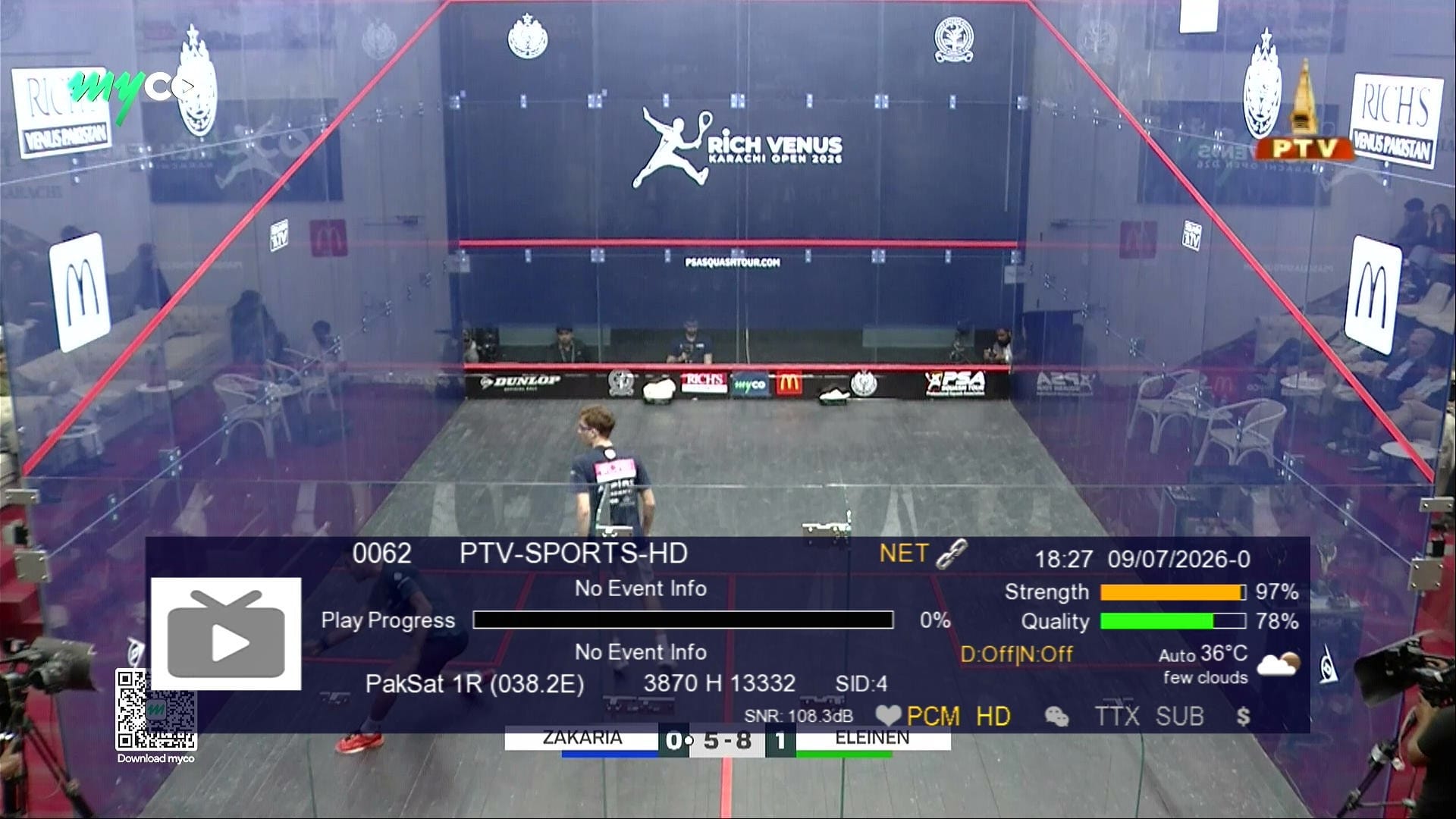
📶 Dual Signal Bars
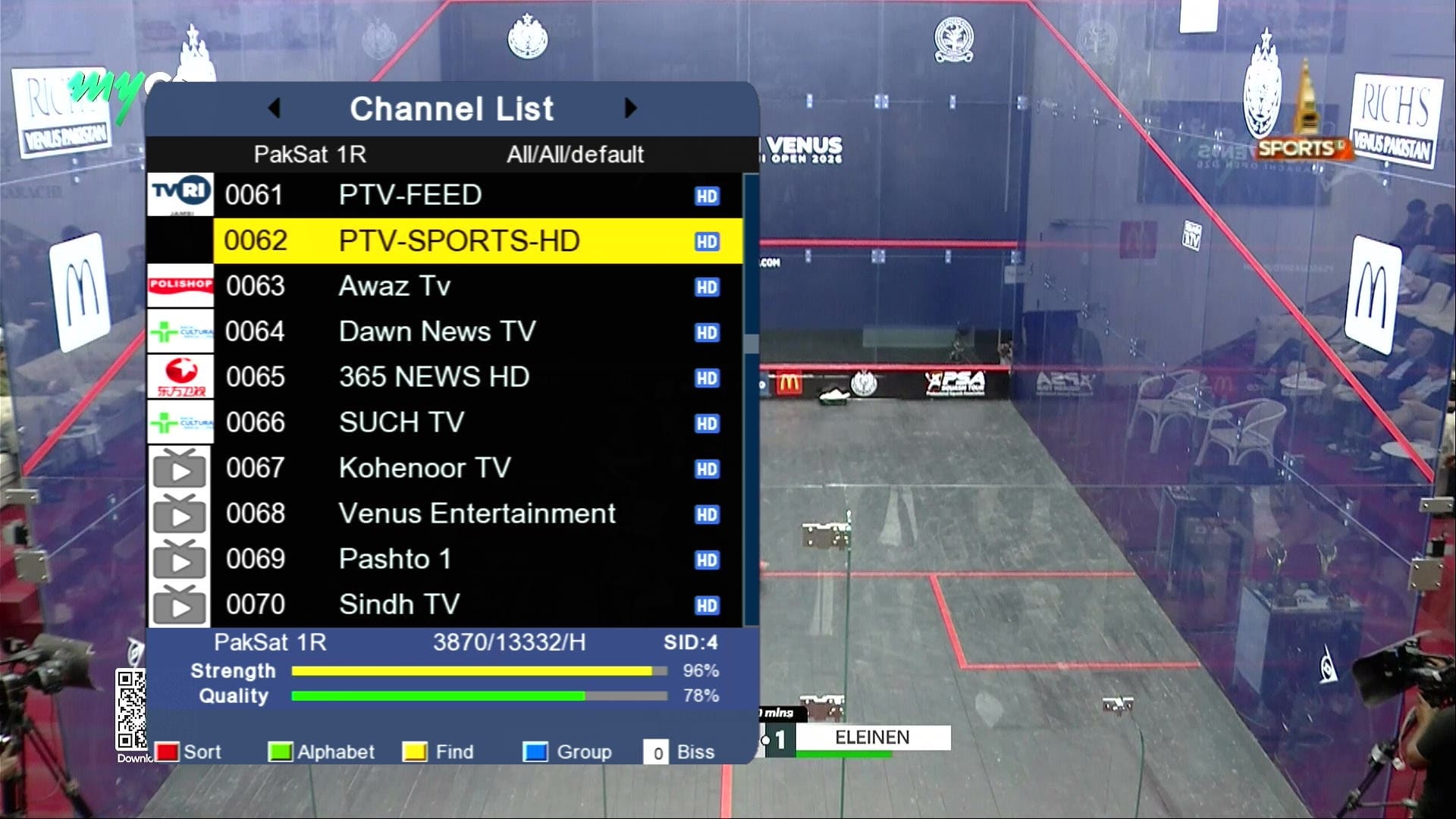
⏰ Beautiful Dialog Box

⏰ TikTok Working
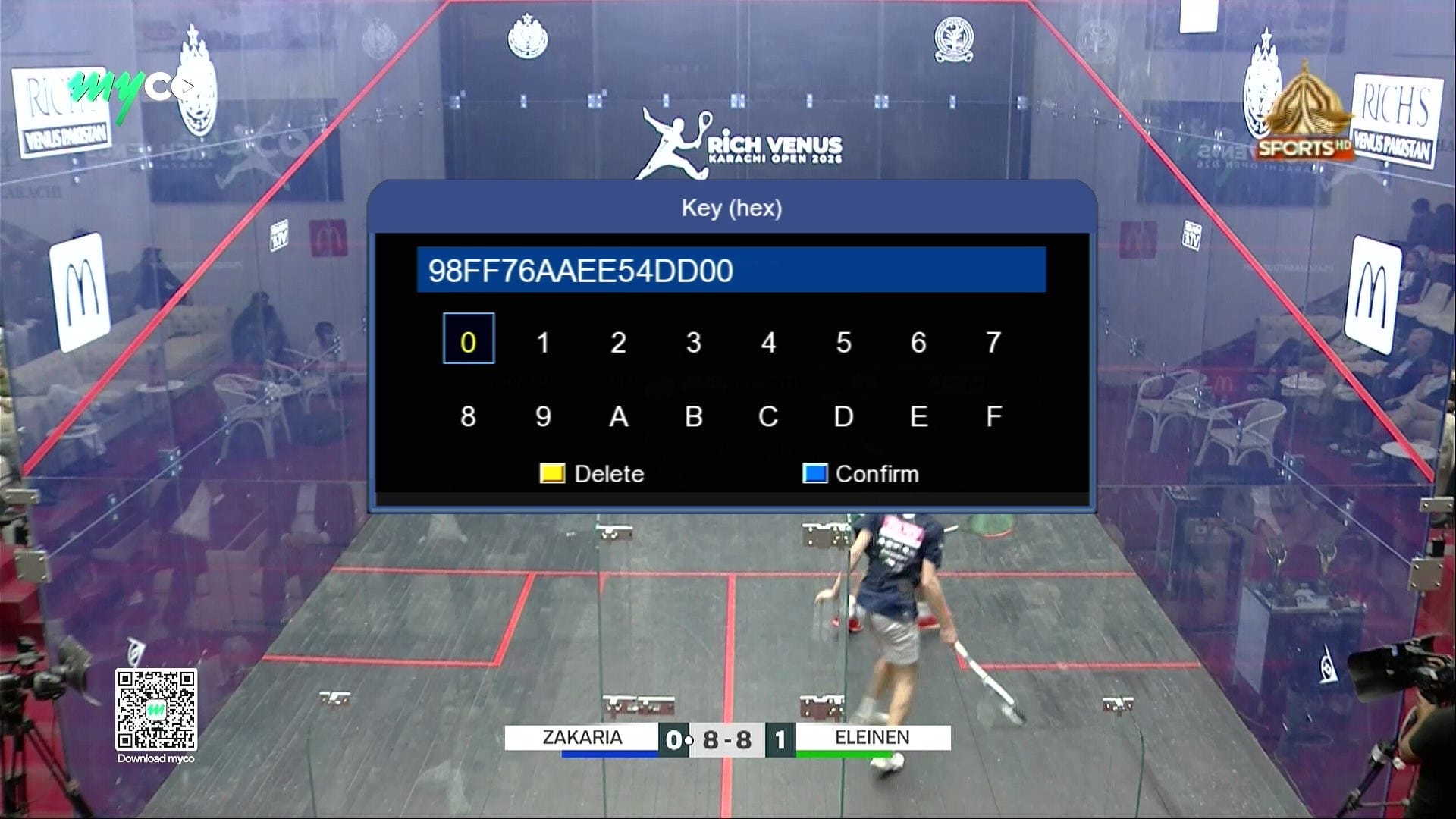
🔘 Direct BISS Key (0 Button)
⚠️ It is highly recommended to backup your current settings and channels before upgrading. Follow these steps:
- 📡 Go to the Receiver Menu > System Settings.
- 💾 Select Backup or Export Settings.
- 📂 Choose USB Drive as the backup location.
- ✅ Save the backup file safely; you can restore it if anything goes wrong during upgrade.
🎥 1506HV & 1506Tv New Software 2026 – Video Review

Note: Videos are embedded via YouTube LYTE for improved performance.
💻 Upgrade Instructions (RS232 / USB)
- 🔌 Connect your 1506HV receiver with RS232 cable or USB.
- 💻 Open Loader on your PC.
- 📂 Select 1506Hv & 1506Tv New Software 2026 file according to your receiver version.
- ⚡ Start the upgrade & wait until 100% completes.
- ❌ Do not disconnect during the process.
- ✅ After completion, receiver will reboot with new software.
🎥 RS232 Upgrade Video

Note: Videos are embedded via YouTube LYTE for improved performance.
1st Upgrade With Middle File
After Middle File Upgrade Software Latest
📥 1506Hv New Software 2026
Click the button below to download the latest 1506Hv New Software 2026 for free.
📁 File Details
⚙️ Processor:
🛠️ SW Version:
💾 File Size:
⬇️ Downloads:
👤 Uploader:
⚠️ Report: