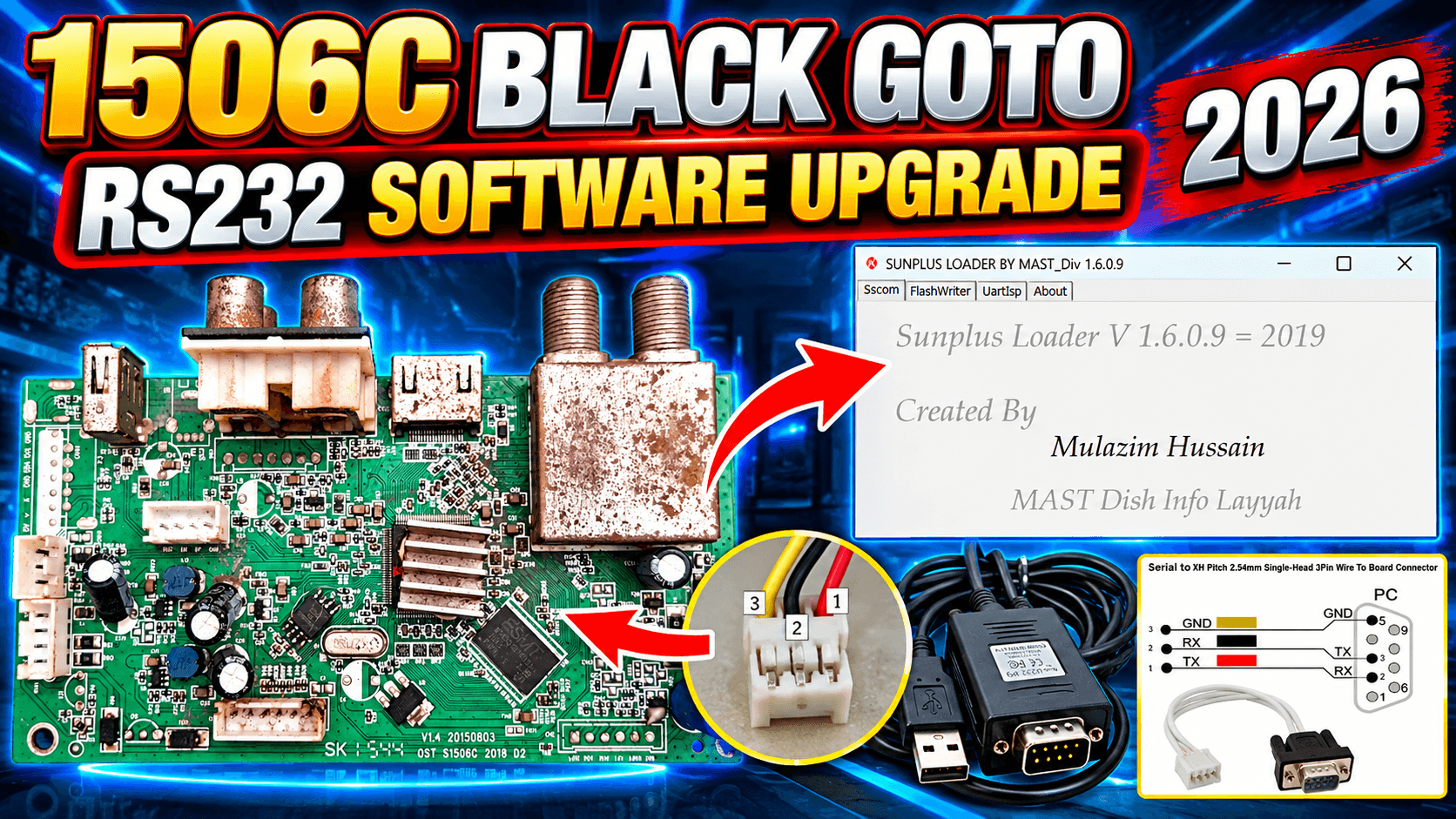
📡 1506C Black GOTO Protocol RS232 Upgrade Guide 2026
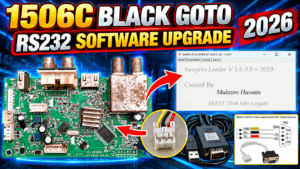
🔧 Complete 1506C RS232 Upgrade Guide: Learn how to upgrade the 1506C Black GOTO Protocol Receiver using the RS232 method.
This complete guide covers the required RS232 cable, Ground (GND), RS232 Connector, Loader Tool, COM Port, software file and the complete upgrade procedure.
If you have a 1506C Black GOTO Protocol Receiver and need to upgrade its software through RS232, this guide provides a complete step-by-step method for the upgrade process.
🧰 Required Items
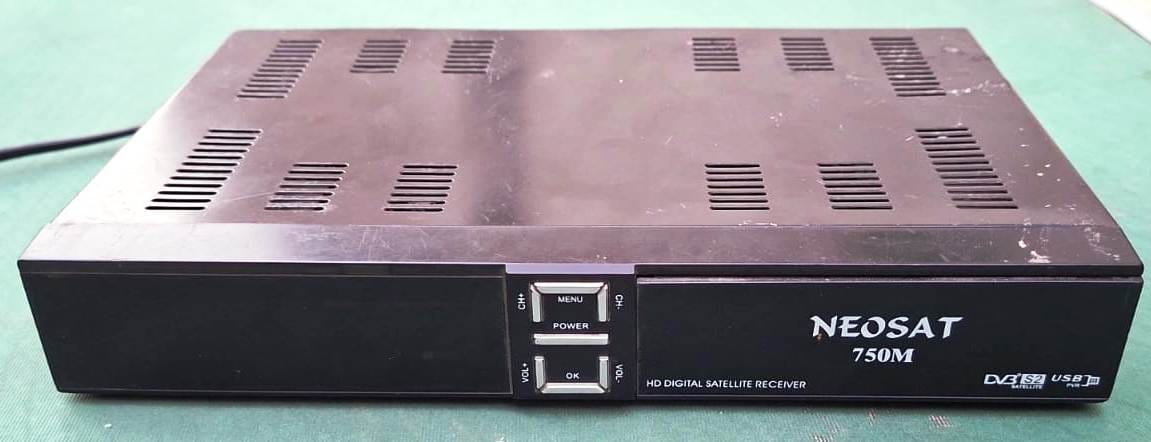
✅ 1506C Black GOTO Protocol Receiver
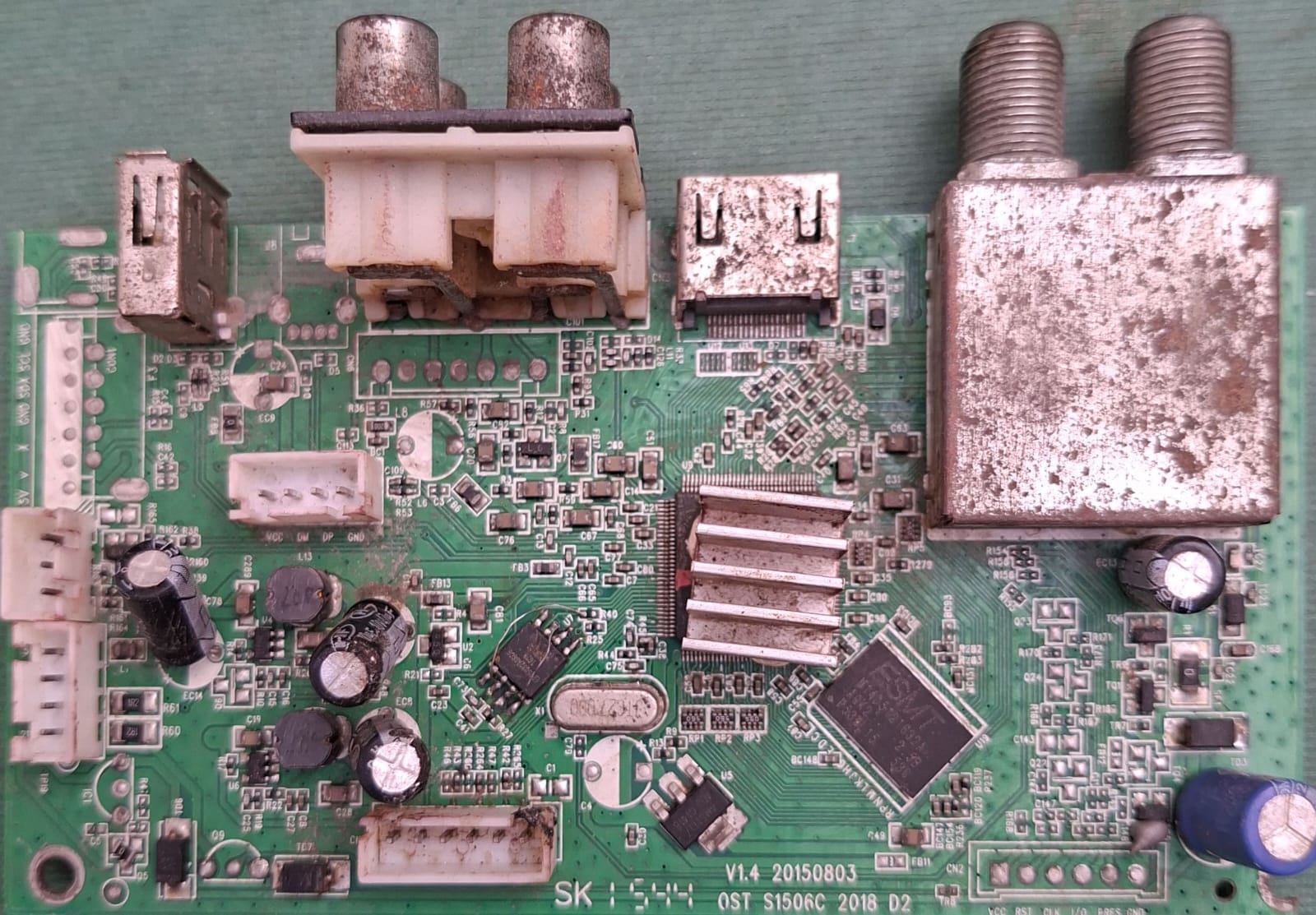
✅ 1506C Receiver Board
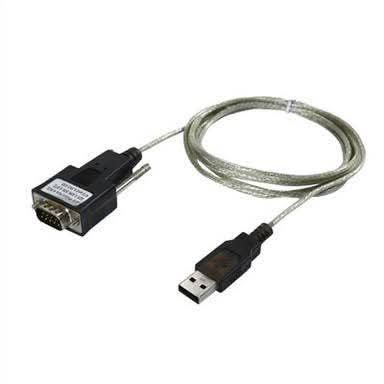
✅ RS232 Serial Cable (Null Modem)

✅ USB to RS232 Converter (if no COM port)

✅ RS232 Connector
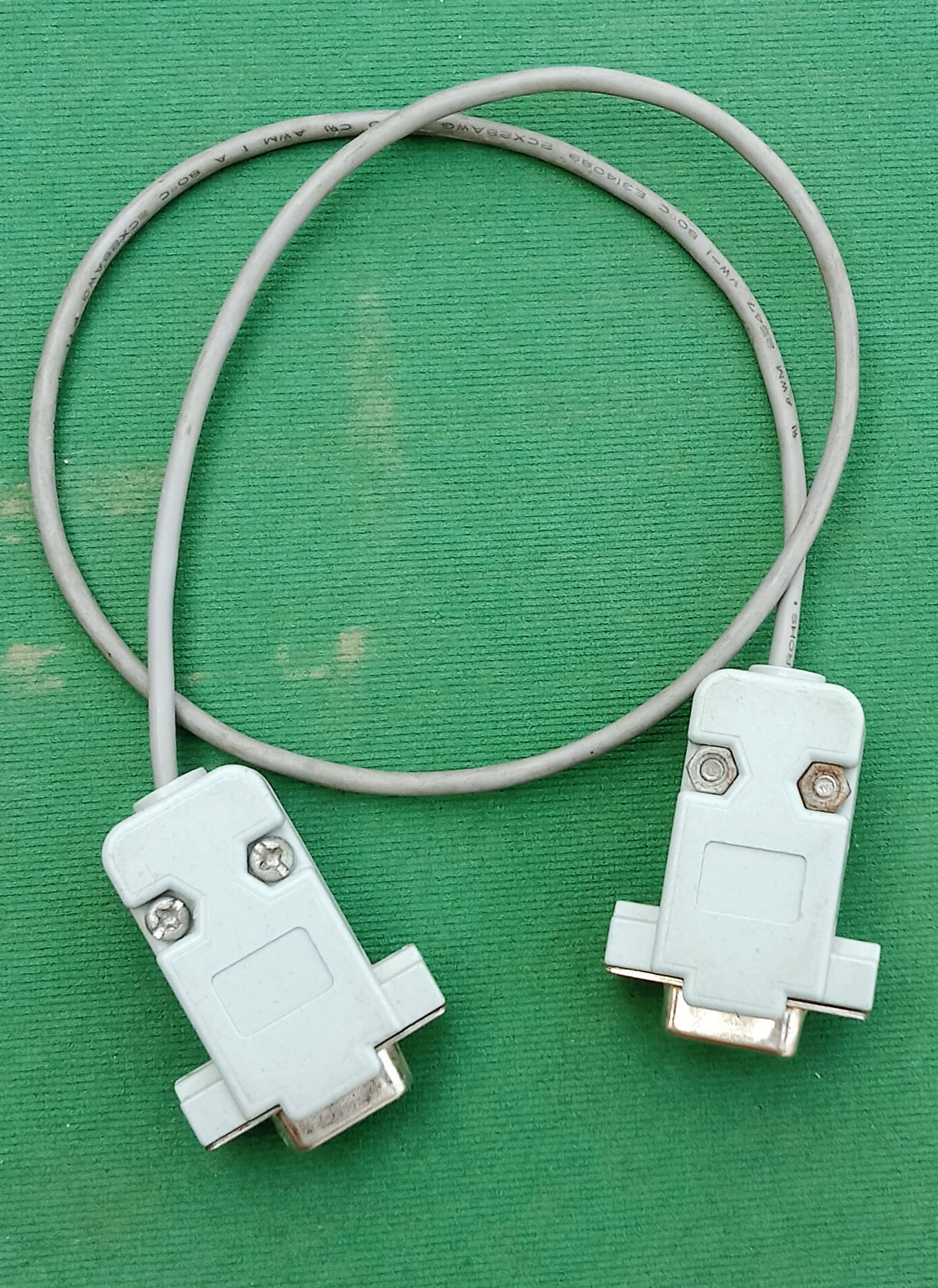
✅ PC or Laptop with COM Port / USB-to-COM Converter
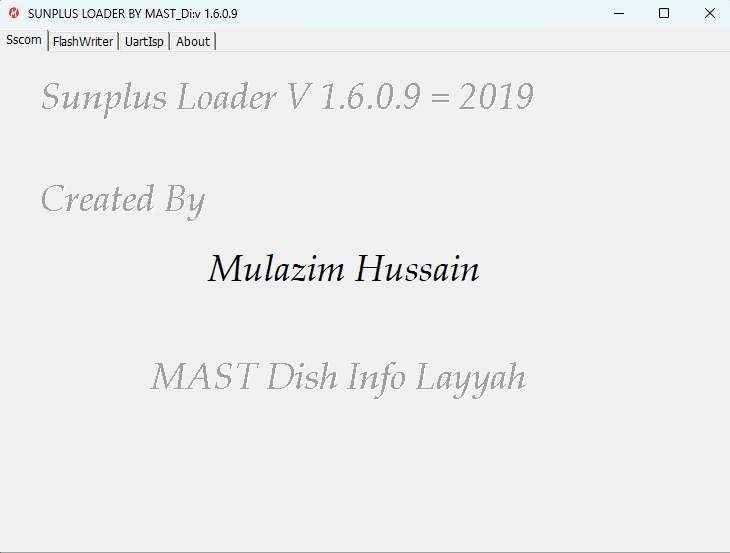
✅ 1506C RS232 Loader / Upgrade Tool
🪜 Step-by-Step RS232 Upgrade Process
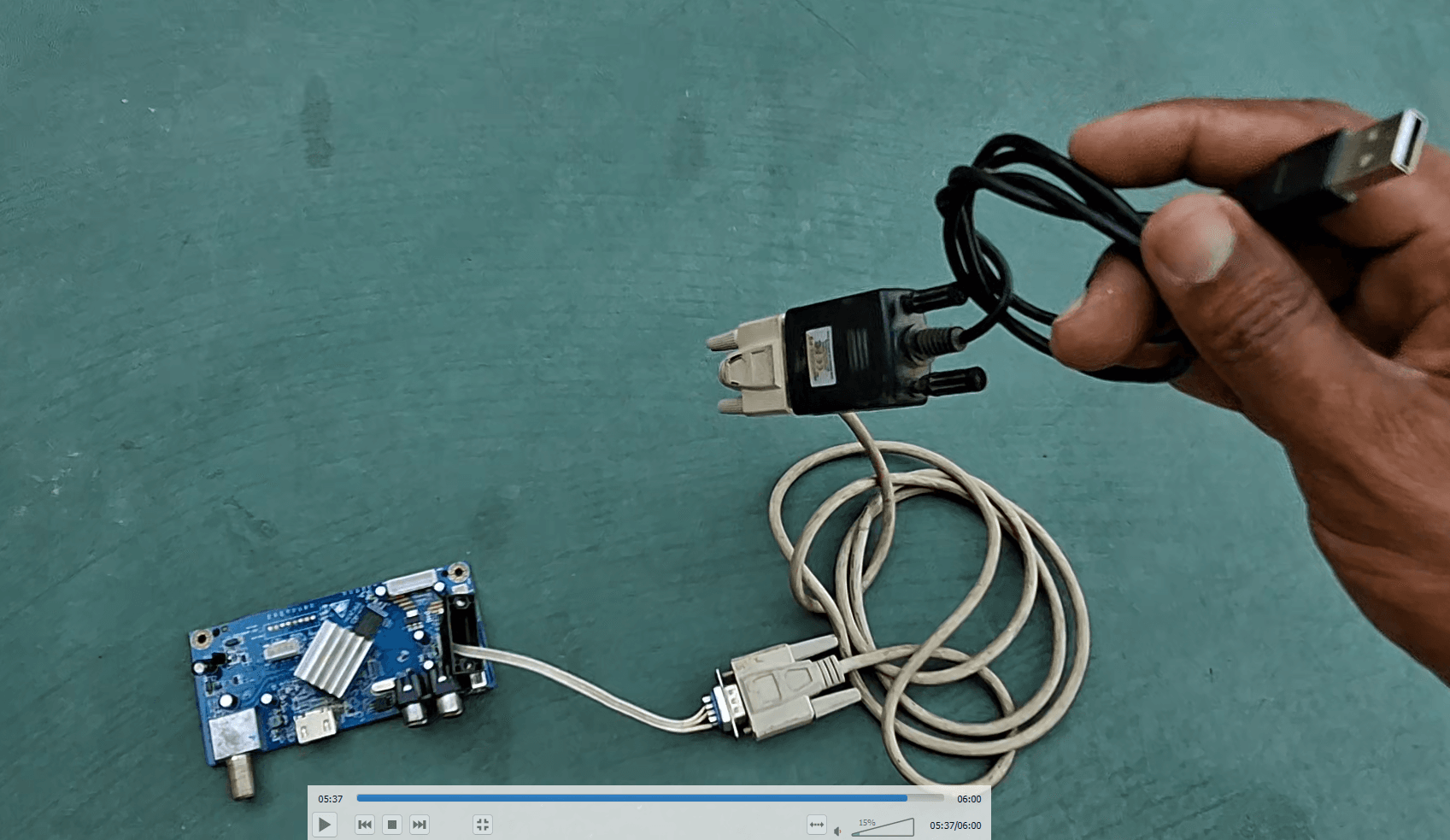
🔌 Connect RS232 Cable between PC and Receiver.
🛠️ Open the 1506C RS232 Loader Software on your PC.
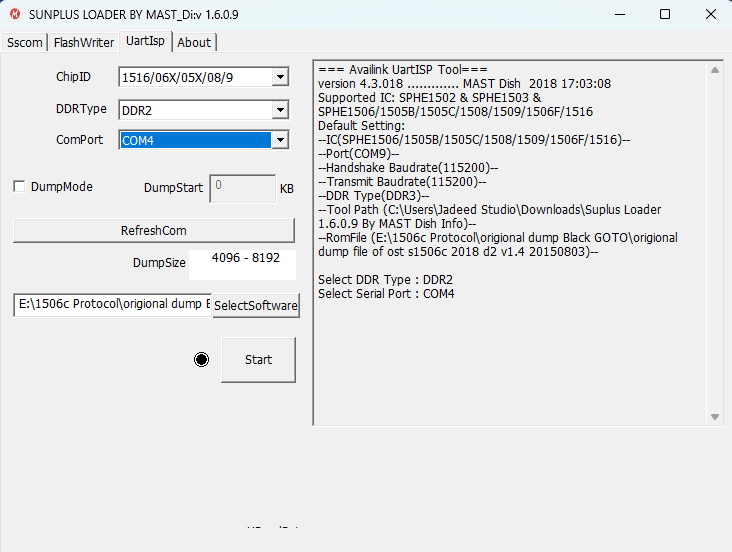
💻 Select the correct COM Port in the Loader.
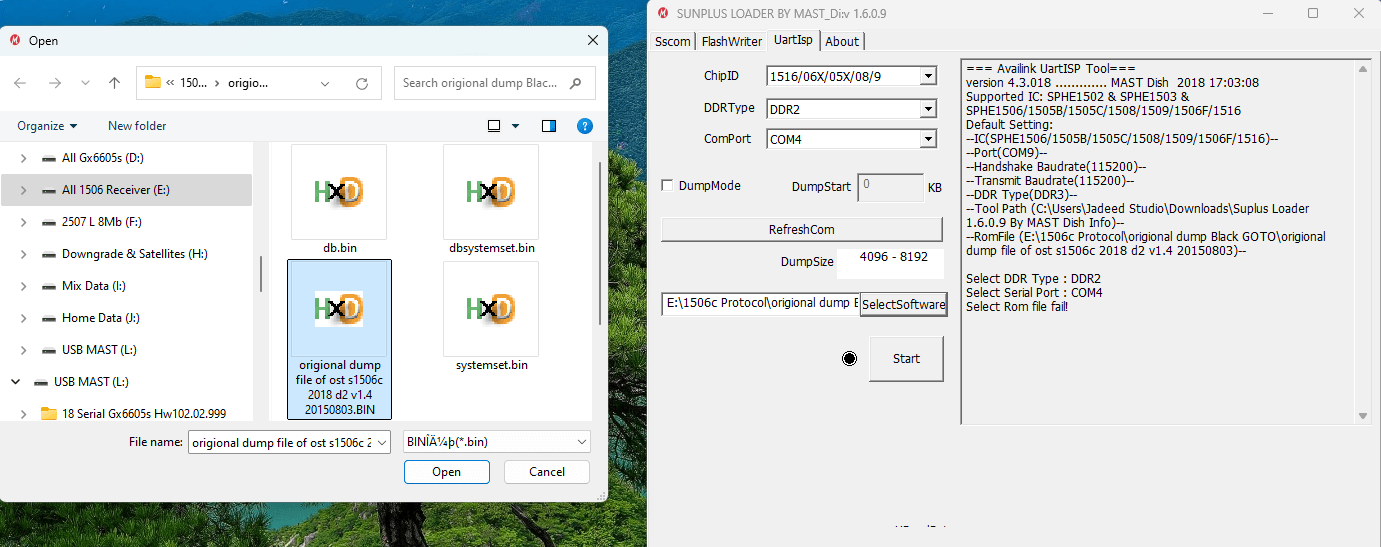
📂 Click Browse and select your 1506C Black GOTO Protocol software file.
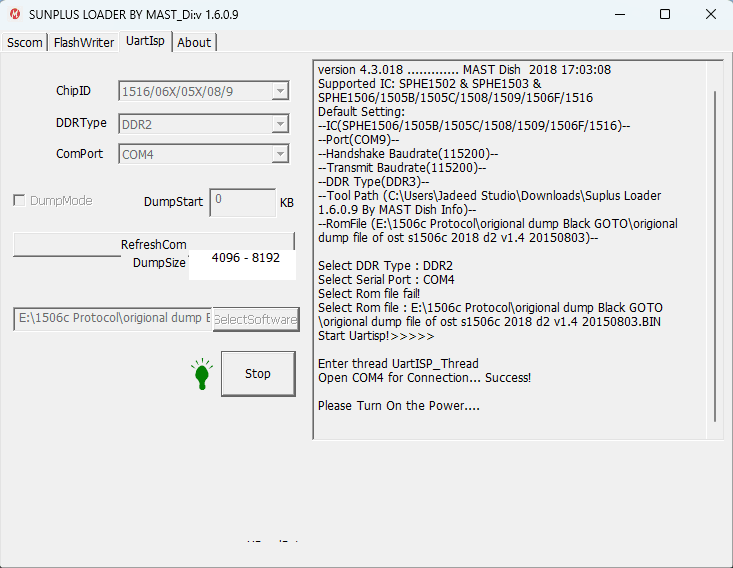
▶️ Click Start or Download button in the Loader.
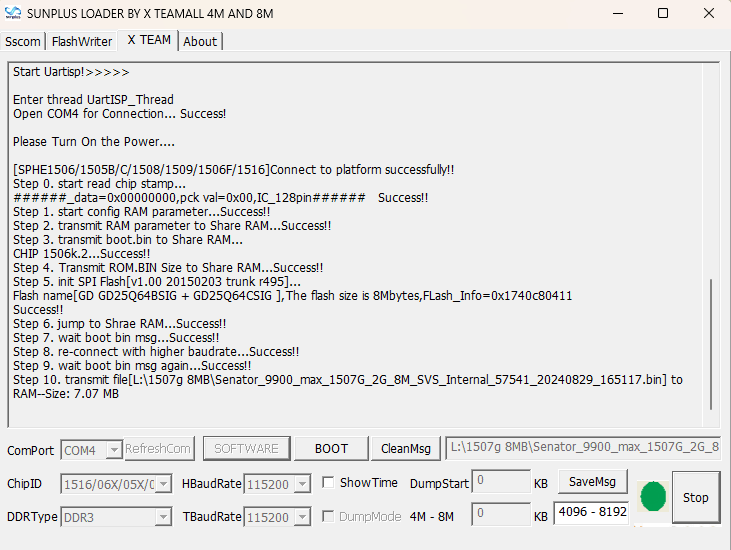
🔌 Power ON the receiver — the upgrade process will start.
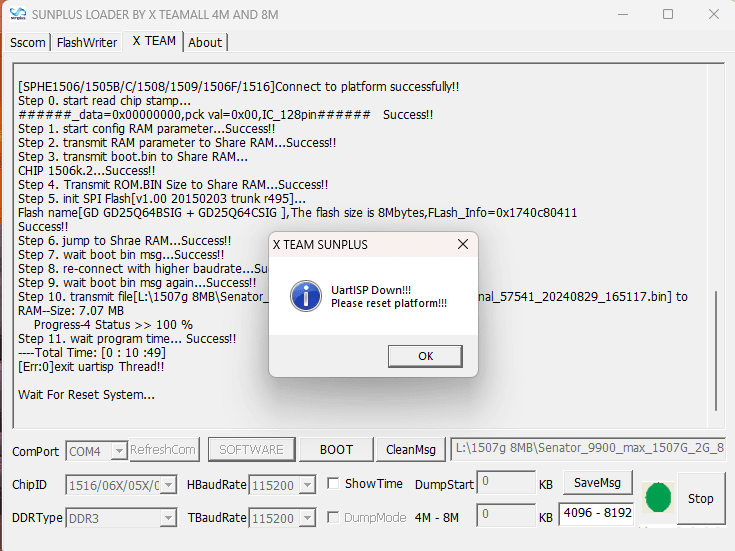
📊 Wait for the firmware transfer to complete.
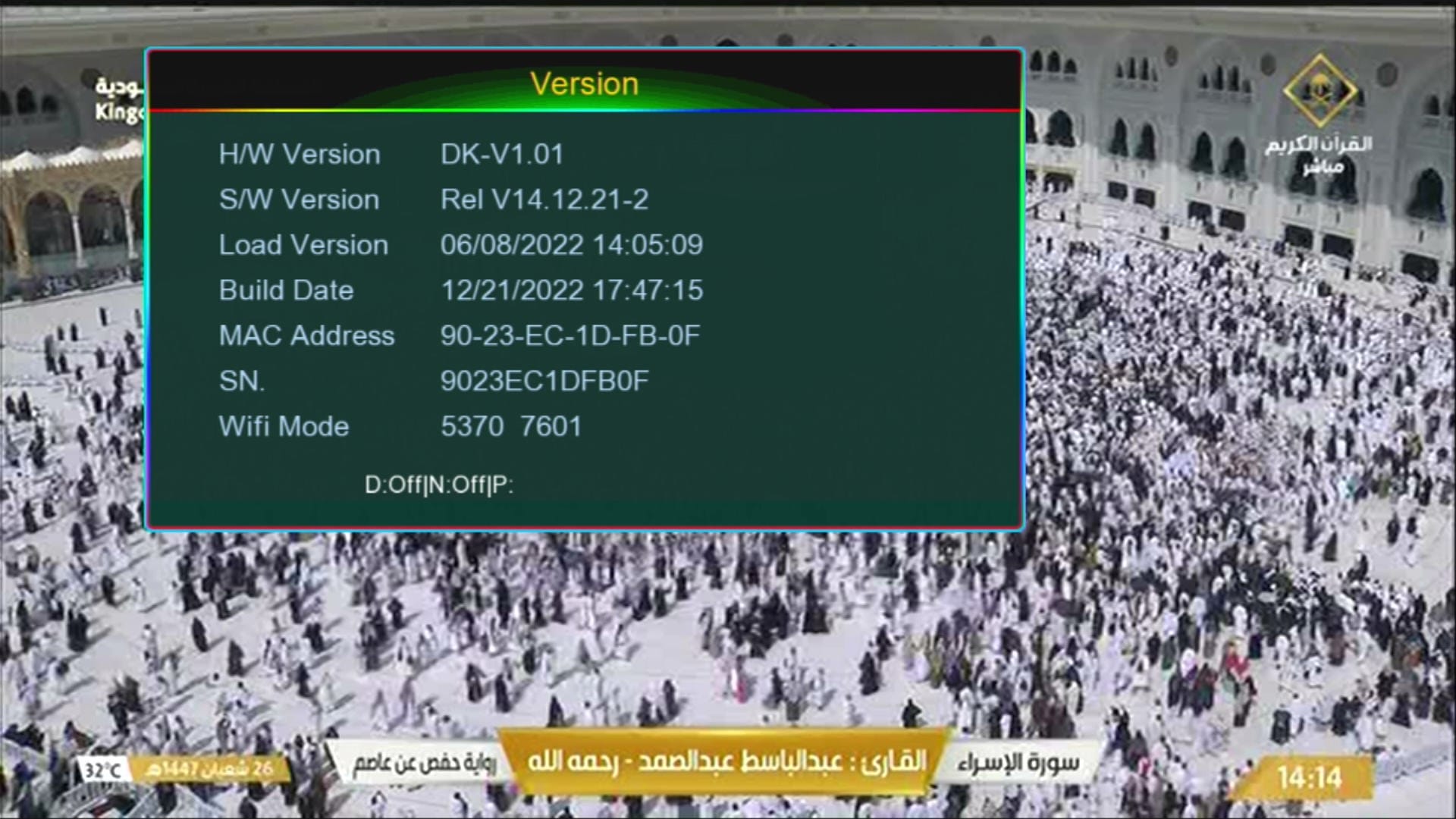
✅ After successful upgrade, remove the cable and restart the receiver.
🚀 Complete 1506C RS232 Upgrade Procedure
1️⃣ Turn OFF the Receiver: First, turn OFF the 1506C Black GOTO Protocol Receiver before connecting the RS232 cable.
2️⃣ Open the Receiver Board: Remove the receiver board carefully and identify the Ground (GND) point.
3️⃣ Identify the RS232 Connector: Locate the RS232 connector and check the required connection points on the receiver board.
4️⃣ Connect the RS232 Cable: Connect the RS232 cable between the receiver and your PC or laptop. Make sure the Ground (GND) connection is correct.
5️⃣ Check the COM Port: Open Windows Device Manager and check the COM Port assigned to your RS232 adapter.
6️⃣ Open the Loader Tool: Open the compatible 1506C RS232 Loader / Upgrade Tool and select the correct COM Port.
7️⃣ Check the Tool Settings: Review the available settings and options inside the RS232 Upgrade Tool.
8️⃣ Select the Software File: Click Browse and select the correct 1506C Black GOTO Protocol software file.
9️⃣ Start the Upgrade: Click the Start or Download button inside the Loader Tool.
🔟 Power ON the Receiver: When the Loader is ready, turn ON the receiver. The software transfer should begin.
1️⃣1️⃣ Wait for Completion: Wait until the software transfer has completely finished. Do not disconnect the RS232 cable and do not interrupt the power.
1️⃣2️⃣ Restart the Receiver: After the Loader reports that the upgrade is complete, remove the cable and restart the receiver normally.
⚠️ Important Warning: Always use software that matches the exact 1506C Black GOTO Protocol Receiver.
Incorrect firmware, incorrect RS232 wiring or power interruption during the upgrade process may cause upgrade failure or receiver problems.
⬇️ Download RS232 Tools & Software
🔐 Click the download button to start the 60-second countdown. After the countdown finishes, the download link will automatically open in a new tab.
🌐 1506C Black GOTO Protocol Software Page🎥 Watch 1506C Black GOTO Protocol RS232 Upgrade Tutorial

Note: Videos are embedded via YouTube LYTE for improved performance.
🎬 Watch the complete 1506C Black GOTO Protocol RS232 upgrade procedure in this video tutorial.
❓ Frequently Asked Questions
❓ What is required for the 1506C RS232 upgrade?
You need an RS232 cable, correct GND connection, PC or laptop, COM Port, compatible Loader Tool and the correct 1506C Black GOTO Protocol firmware file.
❓ What should I do if the Loader does not detect the receiver?
Check the COM Port, RS232 cable, GND connection, USB-to-RS232 driver and receiver power status.
❓ Can I use any 1506C software?
No. Always use software that matches the exact 1506C Black GOTO Protocol Receiver.
❓ Can I disconnect the RS232 cable during the upgrade?
No. Keep the RS232 connection stable until the firmware transfer has completely finished.
❓ Can I use a USB-to-RS232 converter?
Yes. If your PC or laptop does not have a built-in COM Port, a compatible USB-to-RS232 converter can be used with the required driver.
🎯 Conclusion
The 1506C Black GOTO Protocol RS232 Upgrade process requires the correct RS232 cable, GND connection, COM Port, compatible Loader Tool and correct firmware file.
📡 Follow the complete step-by-step guide and watch the video tutorial for the practical RS232 upgrade demonstration.
📡 MAST Dish Info Layyah
Satellite Receiver Software & RS232 Upgrade Guides